With Selzy omnichannel scenarios, you can use Telegram as one of your communication channels.
You can connect your Telegram bot directly from the omnichannel scenario. To do that, open your scenario and select any of the Telegram chatbot triggers that start the scenario or other Telegram block as a step in a scenario, depending on your needs.
Next click Select a bot under the block’s name.
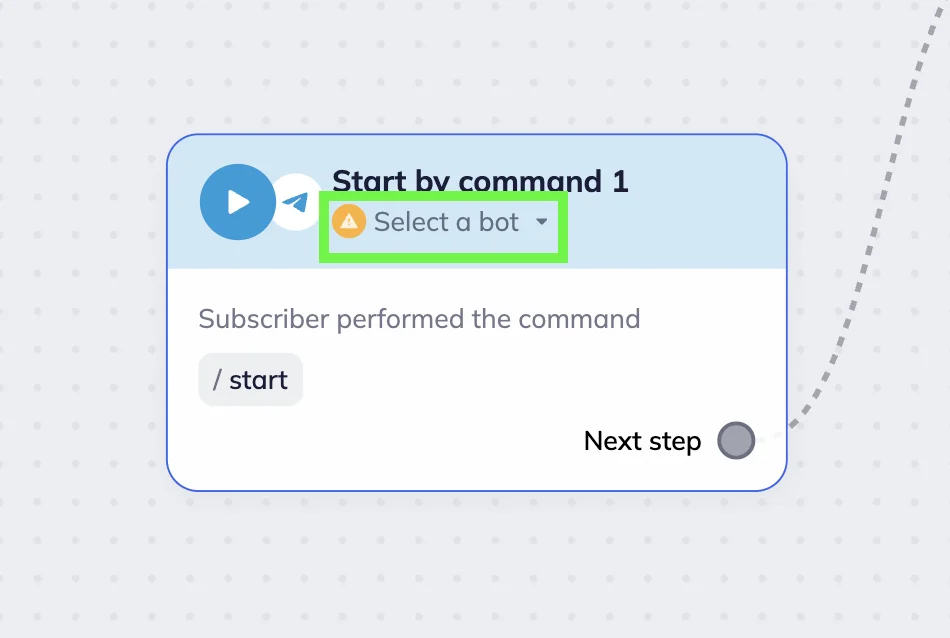
Select the bot from the dropdown list if it has already been added.
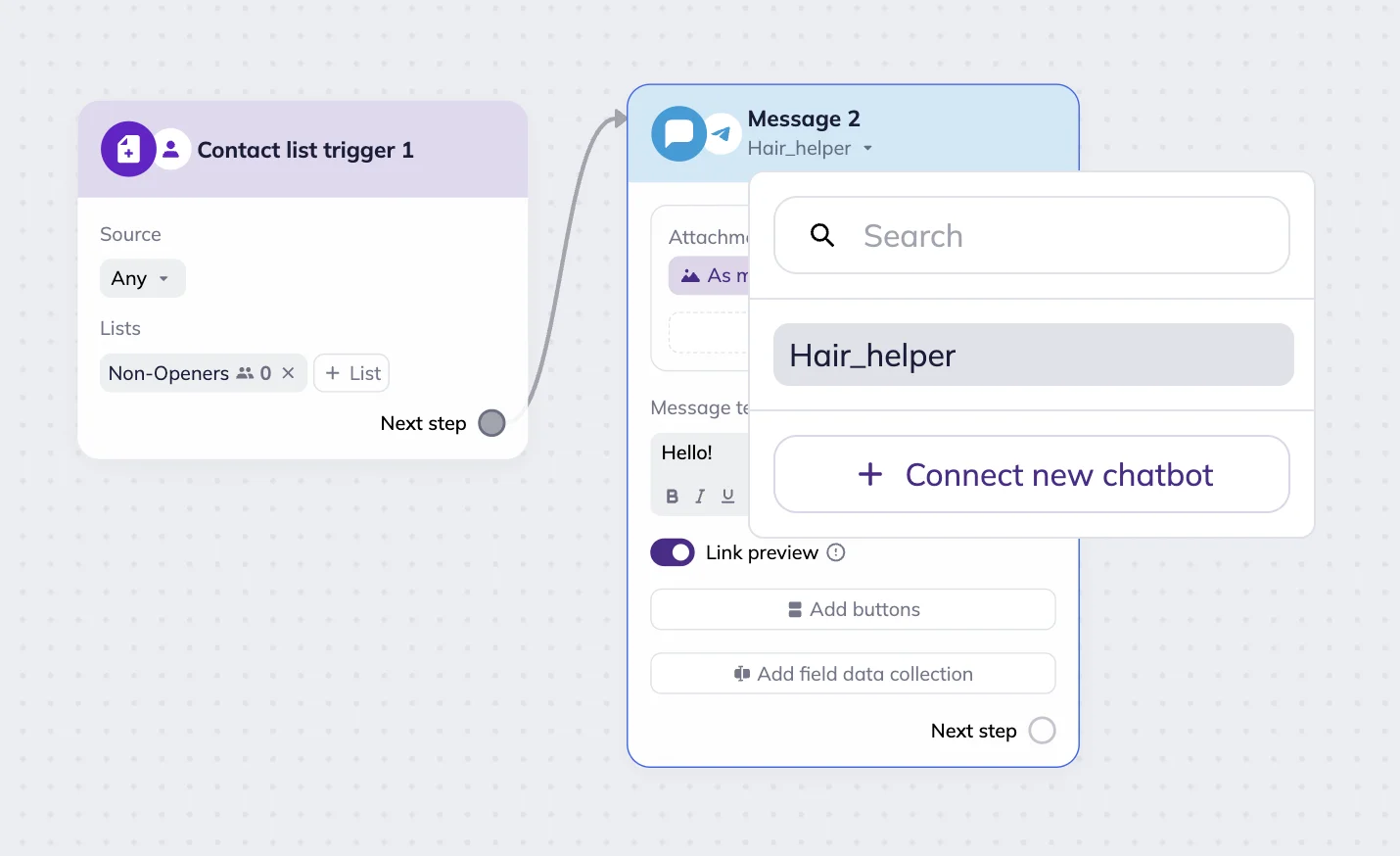
If the chatbot hasn’t been added yet, click Select bot and then +Connect new chatbot.
In the pop-up window, add a name for the bot that will be used in Selzy and enter the bot token.
Every Telegram chatbot receives a token via BotFather — Telegram’s official service for registering bots. You can register any number of bots under one account, as long as each has a unique name ending with “bot” (for example, @MyFirstBot).
Whoever creates a bot in Telegram is considered its owner. If you represent a company, we recommend creating bots using corporate accounts and phone numbers to avoid losing access. You can also transfer bot ownership via BotFather if needed.
To create and add the bot, follow four steps:
Step 1. Open BotFather. You’ll be prompted to open the Telegram Desktop app.
Step 2. Open the chat with the BotFather, send the /newbot command, and follow the instructions.
Give your bot a name as it will appear to users in Telegram, and add a description. Then set a username for the bot link. This username must end with “bot.” Click Create Bot.
A token will be generated. Copy it to your clipboard by clicking Copy.
Step 3. Paste the token into your Selzy scenario.
Step 4. Click Save and close. Your bot is now successfully connected. Now you can proceed with the next steps of building your scenario.
Learn more about omnichannel scenarios: