




No-Code WhatsApp Chatbot Builder
Who it's for
Built for teams that talk to customers on WhatsApp all day. A chatbot only earns its keep if it fits how your team actually works, and that looks different depending on who's running it.
Sales & Lead Gen Teams
Someone messages in from an ad or a landing page. The bot asks a couple of qualifying questions, tags the contact, and hands off only the leads worth a human’s time.
Qualification flows + CRM-ready contact tags
Customer Support Teams
Shipping status, return policy, opening hours, the same ten questions on repeat. Automate those, and route anything more complicated straight to an agent.
Instant answers + human handoff on request
eCommerce & Retail
Order confirmations, restock pings, a product recommendation based on what someone just asked about. All of it triggered by an actual event, not a schedule.
Post-purchase flows + guided product picks
Service & Booking Businesses
A booking inquiry rarely comes in during business hours. A bot that takes the details and confirms a slot doesn’t need to.
24/7 booking capture + reminder follow-ups
Lean SMB Teams
No dedicated support desk, no separate CRM to sync. One platform runs the conversation, the segmentation, and the follow-up email that comes after.
One tool instead of three
What's included
Everything you need to run a real conversation, not a canned reply
No-Code Visual Editor
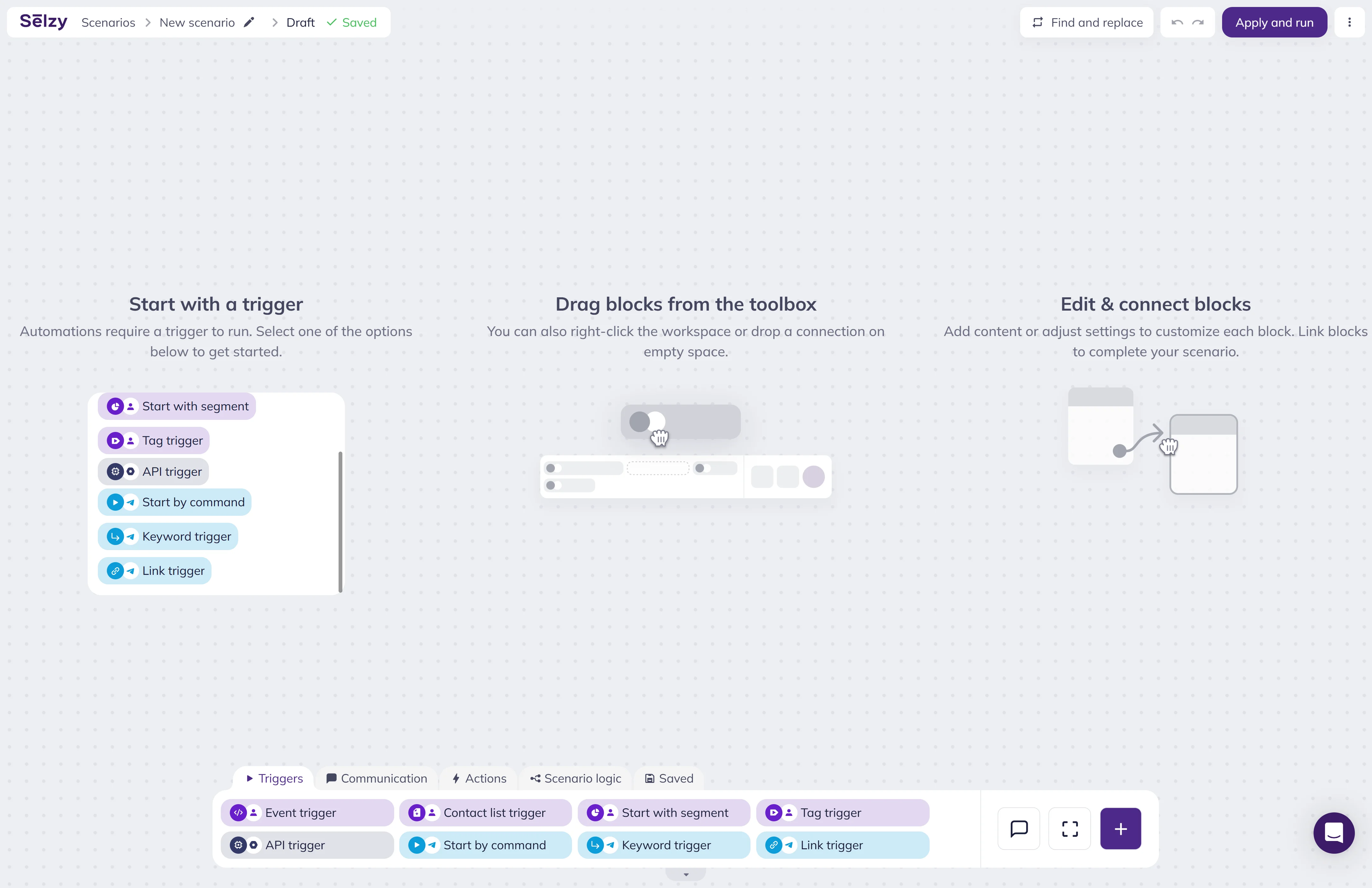
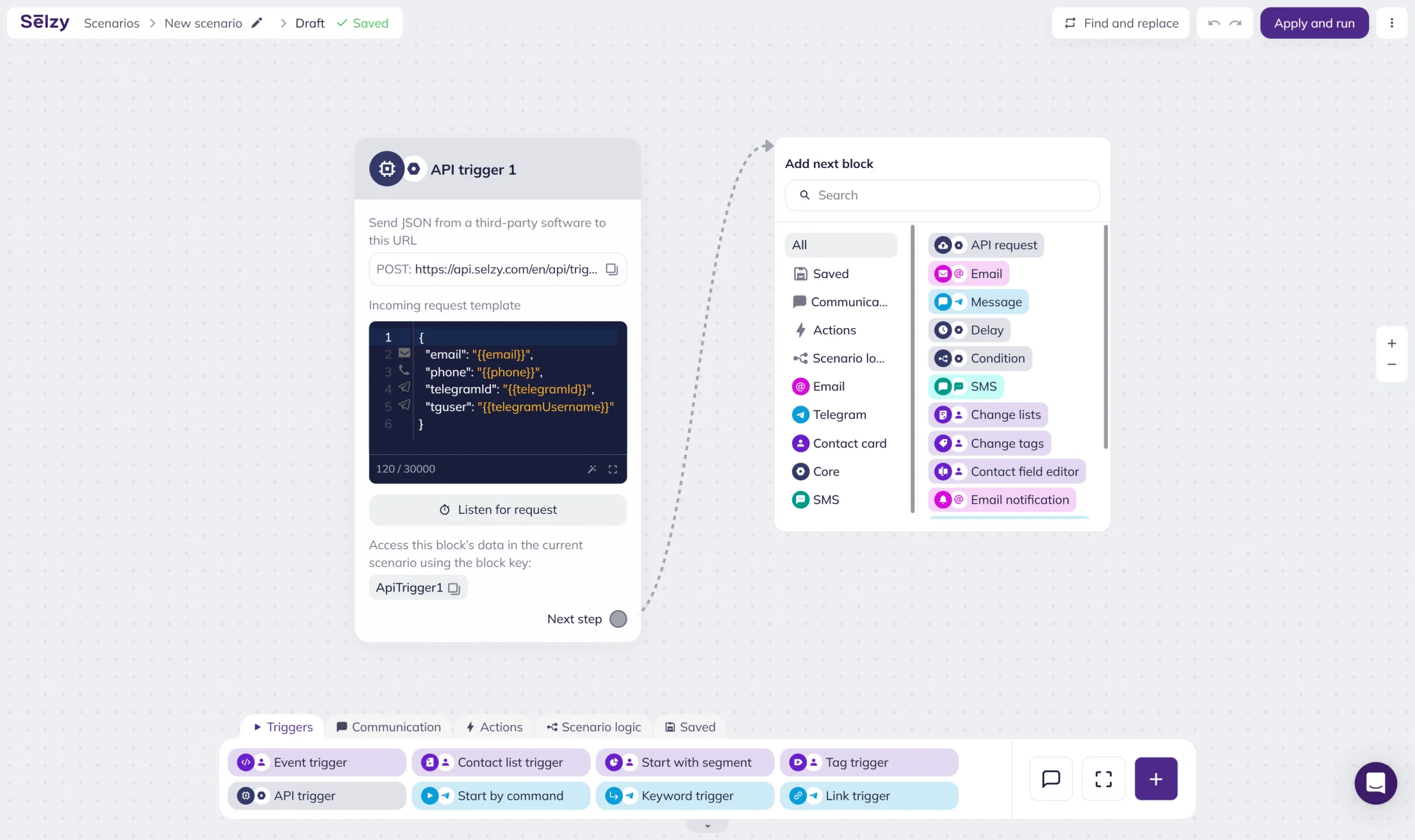
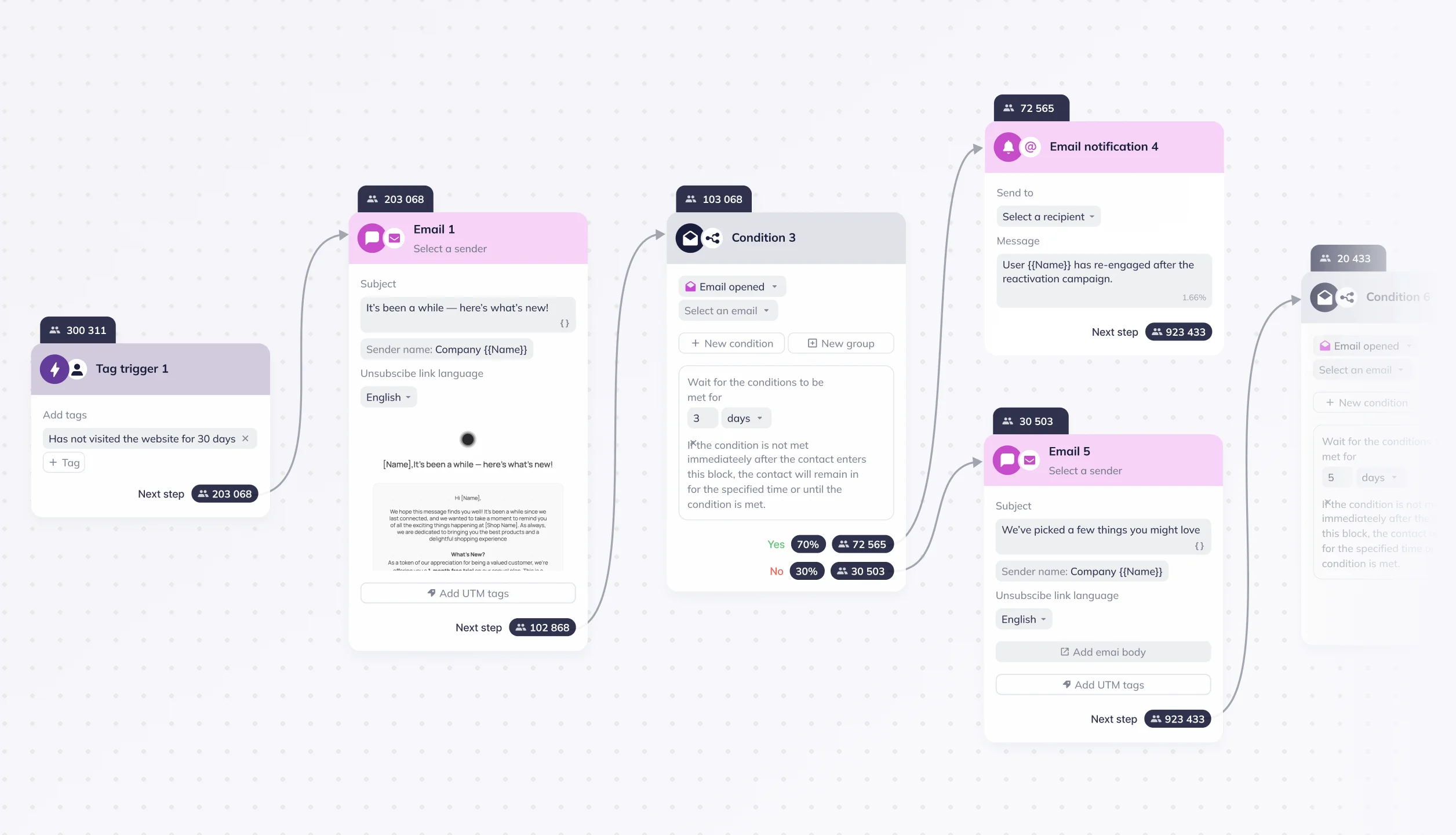
Drag in triggers, messages, and logic. See the whole conversation mapped out before it ever reaches a customer.
Triggers & Conditions
Start a flow from a keyword, a button tap, or a customer event, then branch based on how someone actually answers.
Branches & Delays
Send someone down a different path depending on their reply, and hold a follow-up until the right moment instead of firing it instantly.
Personalization & Segmentation
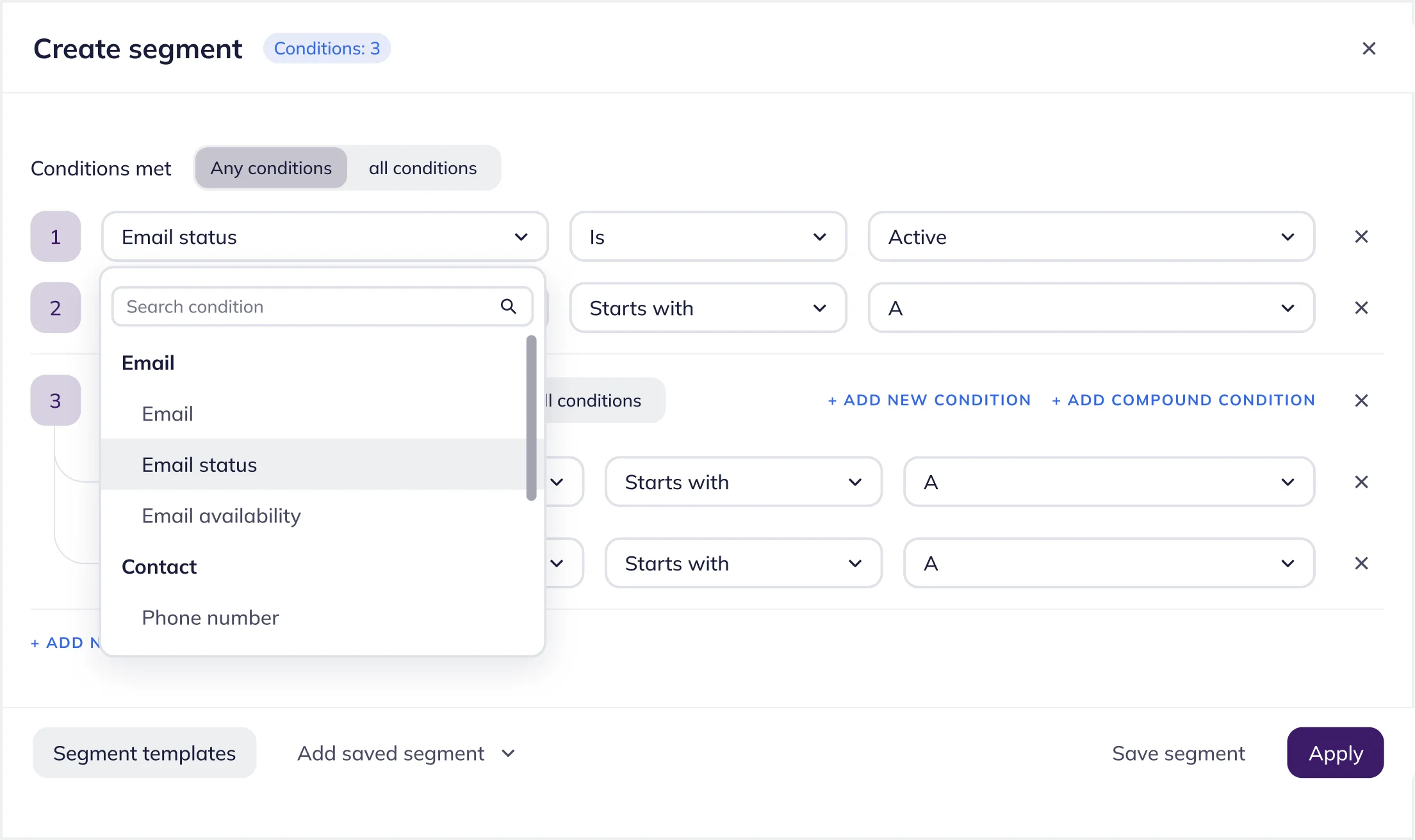
Pull in contact fields, past behavior, and lifecycle stage so replies sound like they were written for that one person.
Human Handoff
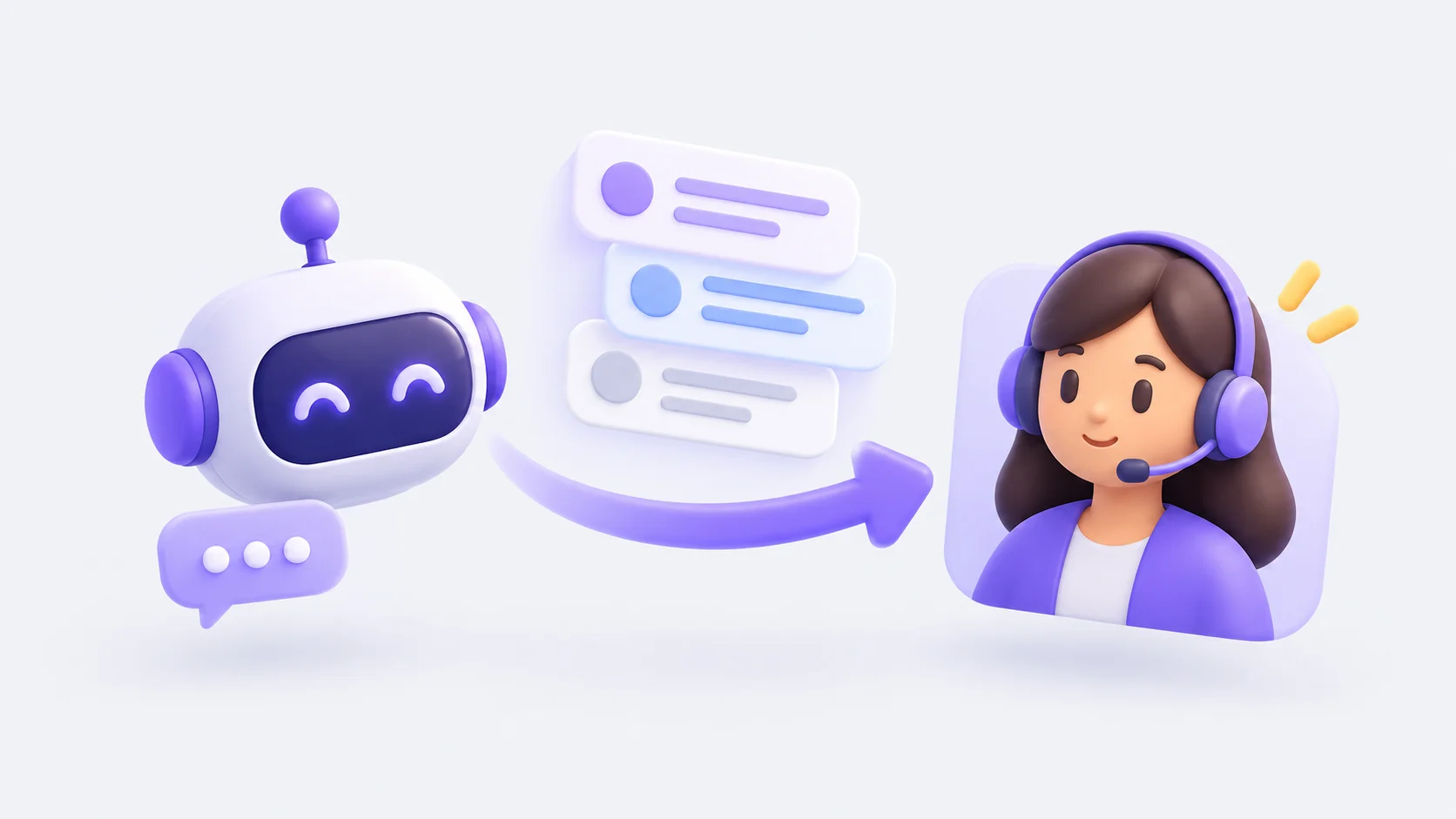
Pass a conversation to a team member the second it needs a human, with the full chat history already sitting there.
Analytics & Optimization
See where people drop off, which branch converts, and which questions the bot keeps getting stuck on.
Automate sales, lead capture, and support
Put the bot to work where it actually saves time
Qualify and route leads
Ask qualification questions, save the answers to the contact record, and route the lead to the right next step.
Automate support
Answer common support questions instantly, and transfer anything complex to a team member.
Recommend products and services
Recommend a product or service based on how someone answered a few questions.
Send timely follow-ups
Trigger order updates, appointment reminders, or a feedback request after the conversation ends.
How it works
From blank canvas to live chatbot in three steps
1. Build the flow
Add a trigger, drop in your messages, and connect the branches and delays that shape the conversation.
2. Test it yourself
Run through the flow as if you were the customer, catch anything that reads wrong, and fix it before it goes live.
3. Launch and watch it work
Turn it on. Delivery, drop-off, and conversion data start showing up by branch, not just as one flat number for the whole bot.
50,000+ customers can't be wrong...
Selzy is the easiest way to start selling with email — but don’t just take our word for it.
Read our customers’ success stories and see what they have to say 👉
Get round-the-clock support via chat, email, and phone
FAQ
What is a WhatsApp chatbot builder?
A tool for building automated WhatsApp conversations, usually with triggers, branching logic, and messages, without needing a developer to write custom code.
Can I build a WhatsApp chatbot in Selzy without coding?
Yes. The whole flow gets built by dragging blocks in a visual editor, triggers, messages, conditions, and all.
What can I automate with a WhatsApp chatbot?
Lead qualification, support answers, product recommendations, order updates, appointment reminders, and follow-ups after a conversation ends.
Can the chatbot personalize replies and qualify leads?
Yes, using contact fields, past behavior, and answers collected earlier in the same conversation.
How do I track WhatsApp chatbot performance?
Each flow reports drop-off and conversion by branch, so you can see exactly where a conversation loses people.
Start building your WhatsApp chatbot today
No code, no separate tool, no waiting on a developer's backlog.
Start for free