


Key takeaways
- An ask string is the row of suggested amounts on donation buttons. A personalized ask string builds those amounts from each donor's own giving history.
- In a summer 2026 appeal by a US nonprofit sending with Selzy, the button showing the donor's own gift from last year was the most-clicked element in every email that had it.
- It took 57% to 72% of clicks on amount buttons. Higher amounts took the other 28% to 43%.
- In Selzy you set this up with custom fields and merge tags in the button text and link. No code.
What is a personalized ask string?
An ask string, also called a gift array, is the set of suggested amounts a donor sees on donation buttons, for example $50, $100, $250. A personalized ask string uses each donor’s own data instead of one set for everyone. It is a form of email personalization. The usual base is the donor’s last or largest gift, with one or two higher amounts next to it.
Which donation amount do donors click most?
Their own amount from last year. Selzy looked at a US nonprofit’s annual appeal: a summer series of emails to past donors, 11,228 delivered. Each email had two or three donation buttons. The first showed the amount that donor gave last year. The others showed higher amounts picked for that donor.
| All clicks in the email | Clicks on last year’s amount | Share of amount-button clicks | |
| 1 | 268 | 89 | 57% |
| 2 | 231 | 43 | 58% |
| 3 | 161 | 49 | 72% |
In all three, the last-year button beat every other element in the email, including the header, the photos and the higher amounts.
The higher amounts still worked for part of the list: 28% to 43% of clicks on amount buttons went to them.
Across the series, open rates ran from 39.8% to 46.2%, against 14.3% in Selzy’s benchmark for nonprofits. CTR was 2.6% (unique clicks counted against every delivered email, not only opened ones). The spam complaint rate was 0.045%, where Gmail asks bulk senders to stay under 0.1%.
How do you put a donor’s last gift on an email button in Selzy?
- Export last year’s gifts from your donor database or giving platform: one row per donor, with email and amount.
- Add the higher amounts as extra columns.
- Import the file into Selzy and map each column to a custom field, for example LastGift, Ask2 and Ask3. You can add up to 200 custom fields.
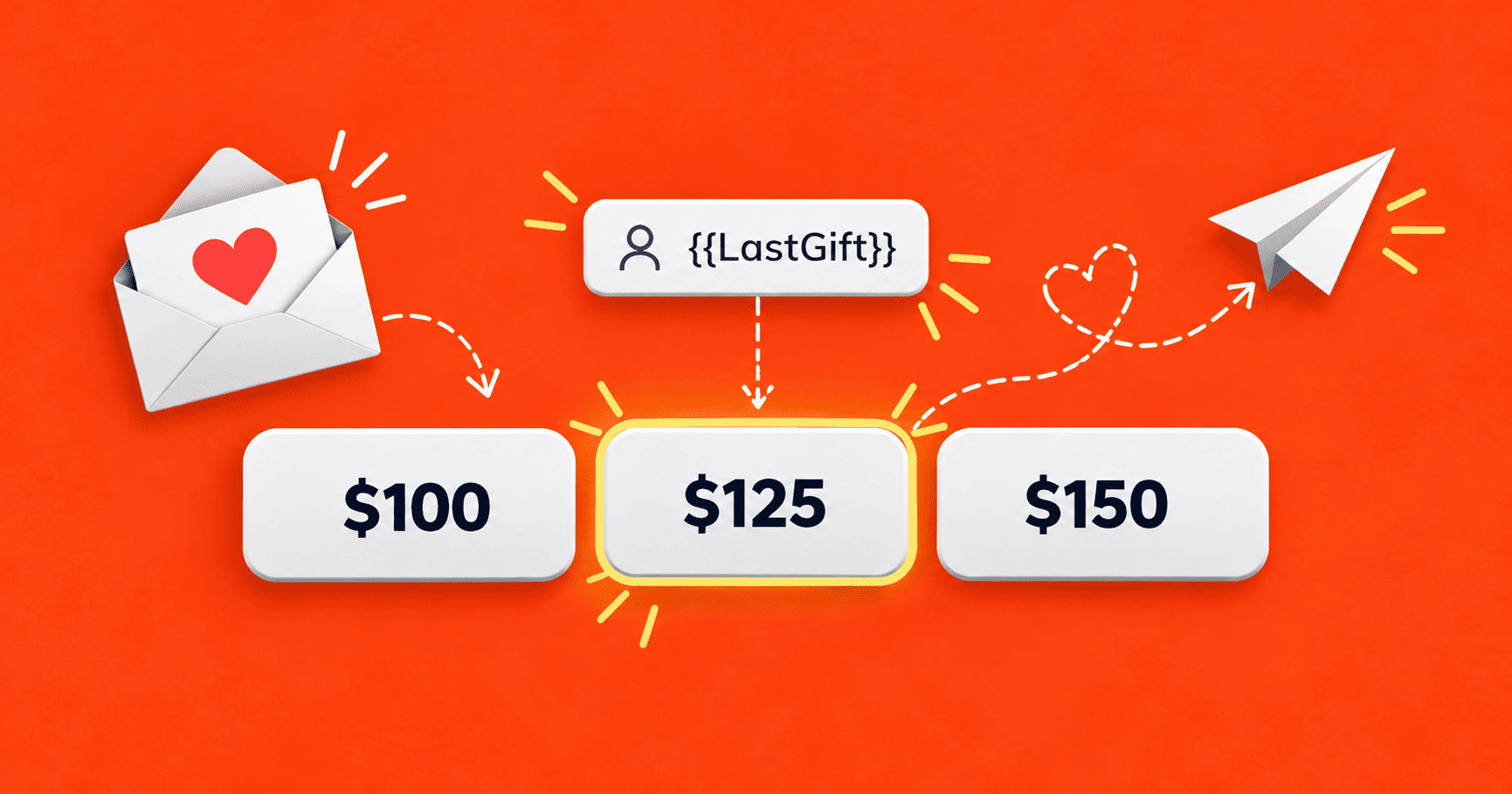
- Put the fields into the buttons. In the email editor, set the button text to $ {{LastGift}}. Selzy’s personalization replaces each merge tag with that contact’s value. If your giving page accepts a preset amount in its link, add the merge tag to the button link too.
- Resend to those who did not open. In Selzy a resend is its own campaign, so it can carry a new subject line. Our fundraising email subject lines give ideas for it.
What if a donor has no past gift?
Keep them out of this email. A merge tag only works when the field is filled, so an empty LastGift gives a button with just a dollar sign. Make a segment of contacts where the field is filled. Send everyone else a version with fixed amounts.
Asking past donors to give earlier
The first email in the series asked past donors to give earlier, online, before the printed appeal went out, so the nonprofit would not have to mail them a paper packet. It had the best click numbers of the series: a 3.49% CTR and a 7.91% CTOR (clicks counted against opened emails only).
How we counted
- One US nonprofit, one appeal, three emails with a last-year button. The client is not named.
- Clicks come from Selzy’s click maps. They count every click, not unique people.
- We saw clicks, not donations. The giving platform holds the gift data.
- Open, click and complaint rates are Selzy’s own campaign reports.
Try it with your next appeal
Custom fields, merge tags in buttons and subject lines, segments and resends all come with Selzy. Registered nonprofits get 50% off any plan. For more ideas, see our guide to nonprofit email marketing and our Giving Tuesday email examples.
FAQ
Do personalized amounts work in subject lines too?
Merge tags work in subject lines as well. This appeal used the donor's name in one subject line.
Can I personalize donation amounts without a developer?
In Selzy, yes. Custom fields hold the amounts and merge tags put them into the button text and link.
 New and noteworthy on our blog