


Key takeaways
- Email marketing is a cost-effective way to engage customers and boost sales for small businesses.
- Choosing the best email marketing software for small businesses can be challenging due to cluttered interfaces, pricing plans, and feature sets.
- The article narrows down the 11 best email marketing platforms for small businesses that save time and costs while aiding business growth.
Email marketing is one of the most affordable ways to engage customers and drive sales. But finding the best email marketing software for small businesses is where things get tricky. Many tools market themselves as “small business-friendly,” but their cluttered interfaces, bloated feature sets, and steep learning curves tell a different story. Worse, pricing plans often scale aggressively. They leave smaller teams stuck with essential features locked behind premium tiers or expensive subscriptions as their contacts increase.
In this article, we’ve narrowed these email marketing tools down to the 11 best email marketing platforms for small businesses that will actually save you time and costs while helping your business grow.
Quick answer: which tool fits your situation
- Beginner with no dedicated marketer: Selzy or MailerLite. Both keep core automation and segmentation on affordable entry plans.
- Local or service business (appointments, events, promotions): Constant Contact, for its event tools and SMS/social add-ons.
- Ecommerce needing abandoned-cart and product automations: Drip.
- Creator or newsletter business that cares about design: Flodesk, for its font rendering and creator-friendly checkout.
- B2B company that needs CRM and lead scoring: Zoho Campaigns if you’re already in the Zoho ecosystem, or ActiveCampaign if you need deeper CRM-style journeys.
- Automation-heavy lifecycle marketing: ActiveCampaign.
- Large list with infrequent sends: GetResponse or Campaigner, which price by contact count rather than penalizing low send frequency as heavily.
- Team that needs phone, chat, or migration support on a budget plan: Selzy (24/7 chat, email, and phone even on lower tiers) or Mailchimp (phone support on Premium only).
No single tool is the universal best. The right pick depends on your list size, your channel needs, and which plan tier actually contains the feature you’re buying the tool for.
How we compared these platforms
This is a source-led comparison, not a hands-on lab test. Here’s exactly what that means:
- Who checked the data: the Selzy content team, using each vendor’s public pricing and help-center pages.
- When: prices and plan gates were verified on September 3, 2026, using official US-dollar pricing.
- What was excluded: first-year discounts, regional pricing, and limited-time promotions, unless a figure is explicitly labeled as promotional.
- What wasn’t verified hands-on: support responsiveness, interface polish, and deliverability rates. We don’t make claims about these unless a vendor documents them or a claim is attributed to a named, checkable source.
- What’s still unverified: a few individual feature gates below are marked Unknown where the vendor’s documentation didn’t specify a plan tier. Unknown means unconfirmed, not absent.
Best email marketing platforms for small businesses: Choose by business job
Use this table to cut 11 tools down to two or three realistic candidates before reading the full reviews.
| Business job | Recommended shortlist | Why | Required plan | Decisive limitation |
| Beginner, no dedicated marketer | Selzy, MailerLite | Automation and segmentation included on low-cost plans | Selzy Lite ($7.50/mo) or MailerLite Comfort ($12/mo) | Neither includes a full CRM |
| Local/service business, events | Constant Contact | Event registration, SMS, social scheduling in one tool | Lite ($12/mo) for basics; Standard ($35/mo) for automation | Full HTML editing is limited |
| Ecommerce automation | Drip | Behavior-based triggers, 200+ ecommerce integrations | Single plan, from $39/mo | No landing pages, narrower non-ecommerce feature set |
| Design-led creators | Flodesk | Custom font rendering, native checkout, unlimited sends | Lite ($25/mo) | No standalone A/B testing; email-only channel |
| Zoho ecosystem / low-cost B2B | Zoho Campaigns | CRM tie-in, lowest entry price on this list | Standard (~$4/mo) | Interface and template library are thinner than standalone tools |
| Advanced automation / CRM-style journeys | ActiveCampaign | Branching automation, predictive sending, sales CRM | Starter ($15/mo) for basics; Plus ($49/mo) for full automation actions | Learning curve; Starter caps automations at 5 actions |
| Funnels, landing pages, webinars in one subscription | GetResponse | Email plus funnels and webinars under one account | Email Marketing ($19/mo); webinars require Marketing Automation ($59/mo) | Entry plan excludes automation and webinars |
| Higher-volume senders comfortable with a higher floor | Campaigner | Reusable content blocks, SMS + email combined workflows | Starter ($59/mo) | Automation gated behind the $649/mo Advanced plan |
| Familiar all-in-one marketing suite | Mailchimp | Largest integration and template library | Essentials ($13/mo) | Bills unsubscribed/inactive contacts; costs escalate fast |
| Automation on a tight budget | Moosend | Automation recipes, unlimited sends on paid plan | Pro ($9/mo) | Free trial is 30 days, not an ongoing free plan; restrictive form builder |
Real cost at different list sizes
Figures below are regular monthly, non-promotional US pricing at the entry paid tier, verified against each vendor’s official pricing page on September 3, 2026. Where a vendor bills by subscriber count and by send volume differently, both are noted. Confirm the exact number for your list size on the vendor’s own calculator before buying; thresholds often jump in steps rather than scaling smoothly.
| Tool | Billing unit | Entry paid price (500 contacts, or nearest published tier) | Free plan | Last verified |
| Selzy | Contacts, unlimited sends | $7.50/mo (Lite) | 100 contacts / 1,000 emails/mo | Sep 3, 2026 |
| Moosend | Contacts, unlimited sends | $9/mo (Pro) | 30-day trial, no ongoing free plan | Sep 3, 2026 |
| Zoho Campaigns | Contacts | ~$4/mo (Standard) | 2,000 contacts / 6,000 emails/mo | Sep 3, 2026 |
| MailerLite | Active subscribers | $12/mo (Comfort, 500 subs) | 250 subscribers / 2,500 emails/mo | Sep 3, 2026 |
| GetResponse | Contacts | $19/mo (Email Marketing, 1,000 contacts) | 500 contacts / 2,500 emails/mo | Sep 3, 2026 |
| Constant Contact | Contacts | $12/mo (Lite, 500 contacts) | No free plan | Sep 3, 2026 |
| Mailchimp | Contacts (incl. unsubscribed) | $13/mo (Essentials, 500 contacts) | 250 contacts / 500 emails/mo | Sep 3, 2026 |
| ActiveCampaign | Contacts | $15/mo (Starter, 1,000 contacts, annual billing) | No free plan (14-day trial) | Sep 3, 2026 |
| Flodesk | Subscribers, unlimited sends | $25/mo (Lite, up to 25,000 subscribers) | Forms/pages only, no free sending | Sep 3, 2026 |
| Drip | Contacts, unlimited sends | $39/mo (single plan, 2,500 contacts) | No free plan | Sep 3, 2026 |
| Campaigner | Contacts, sends capped at 6x contacts | $59/mo (Starter, 5,000 contacts) | Free trial only | Sep 3, 2026 |
Feature and plan-gate matrix
This table shows which entry-level paid plan (not the free plan) includes each capability, based on each vendor’s published plan comparison. Unknown means the vendor’s public documentation doesn’t state it clearly — treat it as a question to ask in a sales chat or trial, not as confirmation the feature is missing.
| Tool | Multi-step automation on entry paid plan | Ecommerce integration (Shopify/WooCommerce) | CRM / lead scoring | A/B testing | 24/7 support on entry plan |
| Selzy | Yes (visual builder) | Shopify, WordPress | No | Yes (Lite and above) | Yes, incl. phone |
| Moosend | Yes | Unknown | No | Yes | No |
| Zoho Campaigns | Basic only; advanced on Professional | Unknown | Via Zoho CRM tie-in | Yes | Unknown |
| MailerLite | Single-trigger on Comfort; multi-trigger on Power | Yes | No | Yes | Power plan only |
| GetResponse | No on Email Marketing; yes on Marketing Automation ($59/mo) | Shopify, WooCommerce | No | Yes | Yes (chat) |
| Constant Contact | Limited (1 automation template on Lite) | Unknown | No | Unknown | No |
| Mailchimp | Single-step on Essentials; multi-step on Standard | Yes | No | Yes | Phone on Premium only |
| ActiveCampaign | 5-action cap on Starter; unlimited on Plus | Yes | Yes (native) | Yes | Unknown |
| Flodesk | Yes, via split-path workflows | Yes (Shopify + native checkout) | No | No standalone A/B (split-path only) | No (email only) |
| Drip | Yes | 200+ integrations | No | Unknown | Email only |
| Campaigner | No; gated to $649/mo Advanced plan | WooCommerce | No | Unknown | Unknown |
Every “Yes” above reflects the vendor’s own plan-comparison page. If you’re evaluating a specific workflow (for example, a three-email welcome series with a branch), confirm the exact plan tier in a trial before buying — plan-gate details change more often than headline pricing.
Selzy
Best for: small businesses that want affordable campaigns, basic automation, an AI writing assistant, and support available on every plan including free.
Choose it if: you want an easy editor, automation, segmentation, and support without a steep learning curve or a big budget.
Skip it if: you need a full CRM suite or enterprise sales-pipeline management inside the same product.
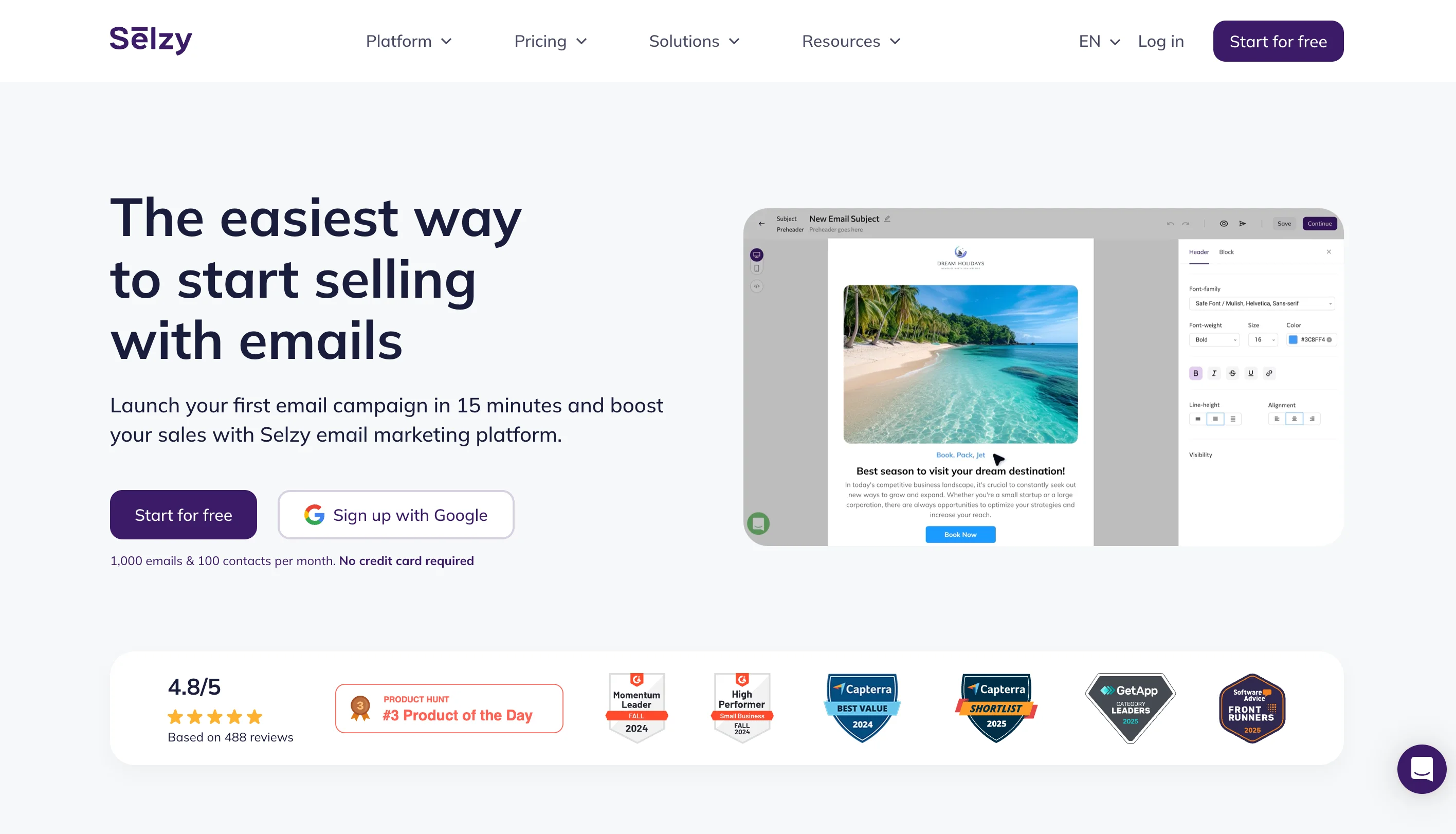
Selzy is an email marketing and automation platform built for small businesses, with a visual drag-and-drop editor, 200+ templates, and an AI assistant for subject lines, copy, and full campaigns. Personalization runs on merge tags that pull subscriber details into emails and subject lines. Selzy also scans campaigns for spam triggers, checks authentication settings, and flags invalid or inactive addresses before you send. Automated workflows trigger on list joins or tags, built through a drag-and-drop visual editor.
Pros:
- Support (chat, email, phone) is available in six languages 24/7, including on the free plan.
- The drag-and-drop editor and automation builder are both straightforward for first-time users.
- Free-plan users get automation and send-time optimization, which many competitors reserve for paid tiers.
- The AI assistant helps draft subject lines, translate content, and generate full campaigns.
Cons:
- Native integrations are limited to a shorter list than large incumbents like Mailchimp; Pabbly can bridge some gaps.
- No native CRM or lead-scoring features.
Pricing (verified against selzy.com/en/prices, Sep 3, 2026):
- Free: 100 contacts, 1,000 emails/month, core features.
- Lite: from $7.50/month for 500 contacts, unlimited emails, no Selzy branding, segmentation, A/B testing.
- Standard: from $15/month for 500 contacts, unlimited emails, plus anti-spam tips, email authentication checks, and Telegram chatbots.
- Enterprise: custom pricing for 500,000+ contacts.

Moosend
Best for: teams that want automation recipes, segmentation, and collaboration tools at a relatively low starting price.
Choose it if: you send often and want unlimited emails on a contact-based plan.
Skip it if: you need native transactional email or support outside business hours on a low tier.
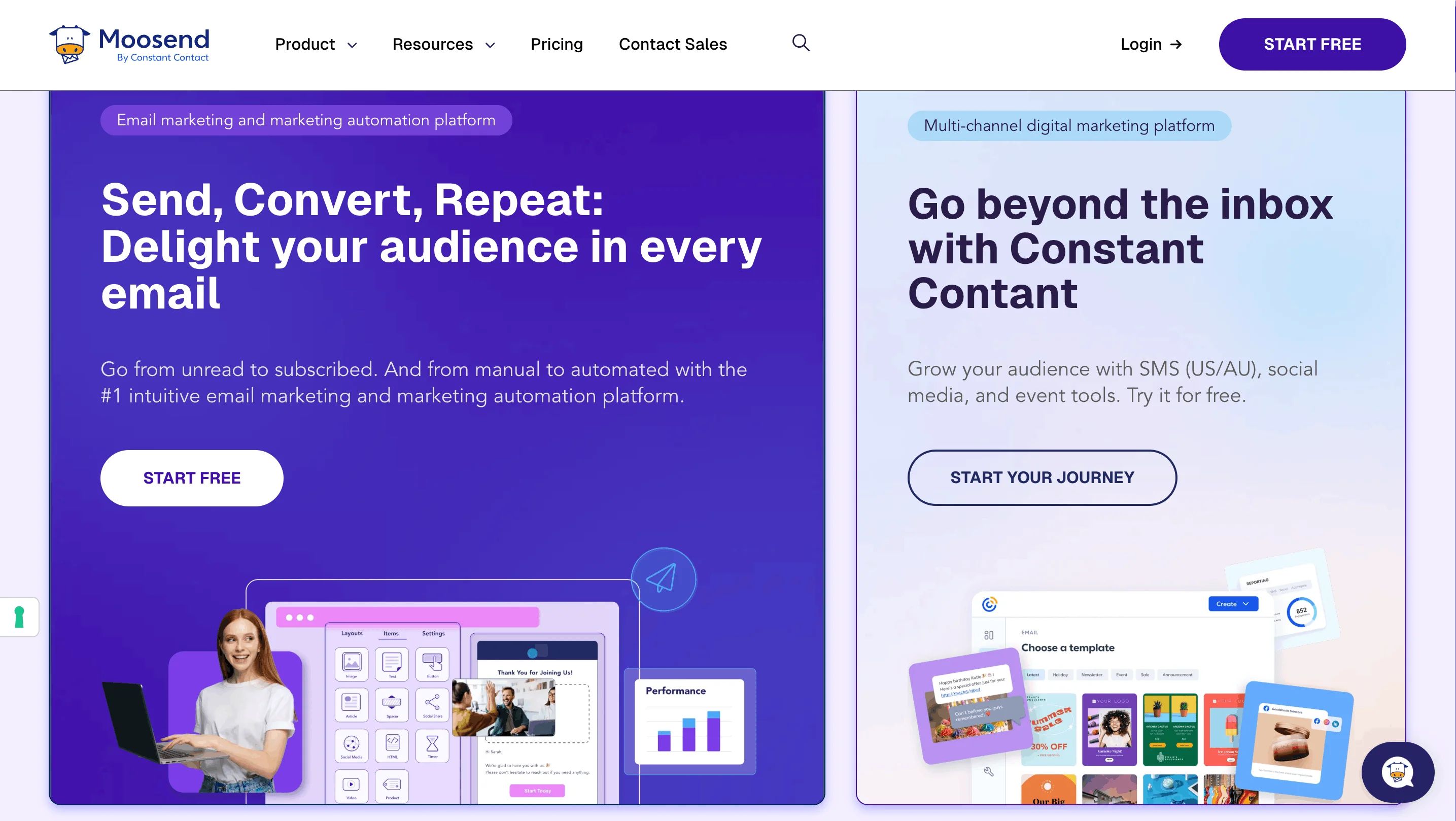
Moosend focuses on automation: 90+ templates, a drag-and-drop editor, and asynchronous collaboration with comments and version history. Custom fields go beyond name/date personalization into dropdowns, checkboxes, and numeric inputs for targeted campaigns. Preconfigured automation recipes cover welcome emails and cart abandonment; the visual editor also supports custom triggers, actions, and branching conditions.
Pros:
- Built-in commenting is useful for teams reviewing campaigns together.
- Custom fields support more granular segmentation than basic merge tags.
- Prebuilt automation recipes speed up setup.
Cons:
- Form design is template-bound; fully custom layouts aren’t supported.
- Pricing increases noticeably past 500 contacts.
- The unsubscribe link isn’t added by default in the editor — check this before sending.
Pricing:
- 30-day free trial: 1,000 subscribers, unlimited emails, automation and A/B testing included.
- Pro: $9/month for 500 subscribers, unlimited emails, landing pages, forms, automation.
- Moosend+: custom pricing, Pro features plus paid add-ons (transactional email, hosted files, custom reports).
- Enterprise: custom pricing, full feature and add-on access.
Flodesk
Best for: creators, solopreneurs, and design-led small brands that want polished, consistent-looking emails.
Choose it if: brand design matters more than deep CRM or multichannel automation.
Skip it if: you need SMS, WhatsApp, or phone/live-chat support.
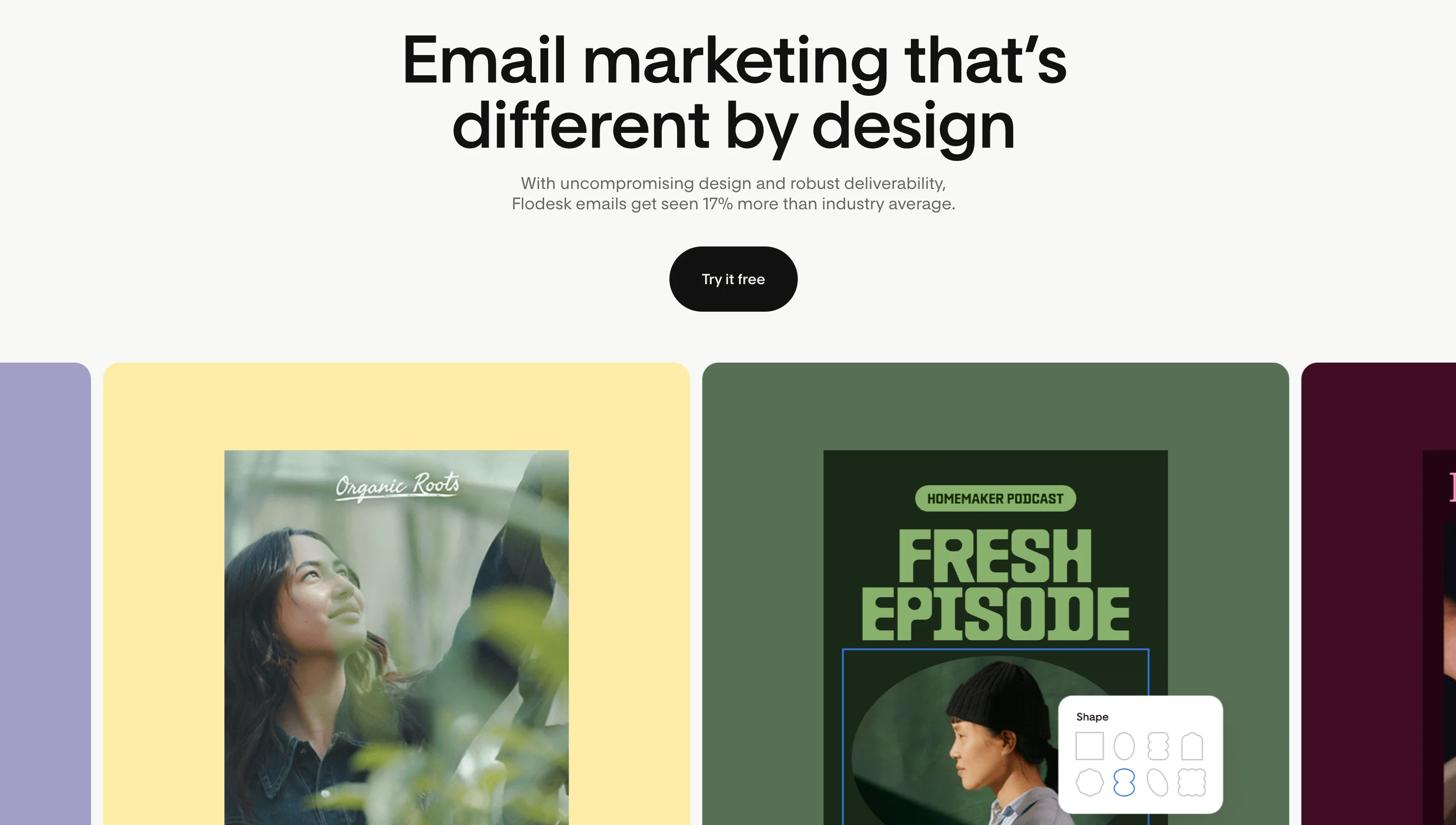
Flodesk renders custom fonts consistently across Gmail, Apple Mail, Outlook, and mobile through its own layout technology, and pairs that with a drag-and-drop editor, Canva integration, and eight form types including spin-the-wheel and countdown-timer forms. Automations support multi-trigger workflows and split-path branching. Flodesk Checkout lets you sell products or services directly with no platform fee, Buy Now Pay Later options, and automatic sales tax via Stripe Tax.
Pros:
- Unlimited email sends on every paid plan, so cost doesn’t scale with volume.
- Native checkout with no platform fee is unusual among email-first tools.
- Form types not natively available on most competing platforms.
Cons:
- No standalone A/B campaign testing — only split-path comparisons inside automations.
- Email-only channel: no SMS, WhatsApp, or push notifications.
- Support is email-only; no live chat or phone.
Pricing:
- Free: unlimited forms and landing pages; sending requires a paid plan.
- Lite: from $25/month for up to 25,000 subscribers, unlimited sends, 1 automation workflow, 1 team seat.
- Pro: from $35/month for up to 255,000 subscribers, unlimited automations, advanced segmentation, 2 seats.
- Everything: from $54/month for up to 255,000 subscribers, unlimited checkouts, subscriptions, BNPL, 3 seats.
Zoho Campaigns
Best for: small businesses already using Zoho apps, or anyone prioritizing the lowest entry price on this list.
Choose it if: you want Zoho CRM integration, topic-based preferences, and budget-friendly contact tiers.
Skip it if: you want the most polished standalone interface outside the Zoho ecosystem.
Zoho Campaigns is the email and SMS tool inside Zoho’s suite. Contacts can self-select topic preferences, or you can assign topics on import, feeding segmentation automatically. Pre-built automation templates cover onboarding through re-engagement, with reply tracking that can route responders into a follow-up sequence or flag them for sales. A/B testing covers subject lines, sender names, and content, with automatic or manual winner selection.
Pros:
- Lower list price than most competitors on this list.
- Automation templates cover common lifecycle sequences out of the box.
Cons:
- Customer reviews on third-party sites describe the interface as needing extra clicks to reach core features; independent hands-on testing wasn’t performed for this article, so treat this as reported rather than confirmed.
- Template library is smaller than dedicated email tools.
Pricing (figures vary by source; confirm at zoho.com/campaigns/pricing before buying):
- Forever Free: up to 2,000 contacts, 6,000 emails/month, 5 users.
- Standard: from roughly $4/month for 500 contacts, unlimited emails, A/B testing, basic segmentation and automation.
- Professional: from roughly $5/month for 500 contacts, adding advanced segmentation, contact scoring, dynamic content, and advanced automation.
GetResponse
Best for: small businesses that want email marketing bundled with landing pages, funnels, and webinars.
Choose it if: you need more than newsletters and want several marketing assets under one subscription.
Skip it if: you only need a lightweight, low-cost sender — automation isn’t included until the second tier.
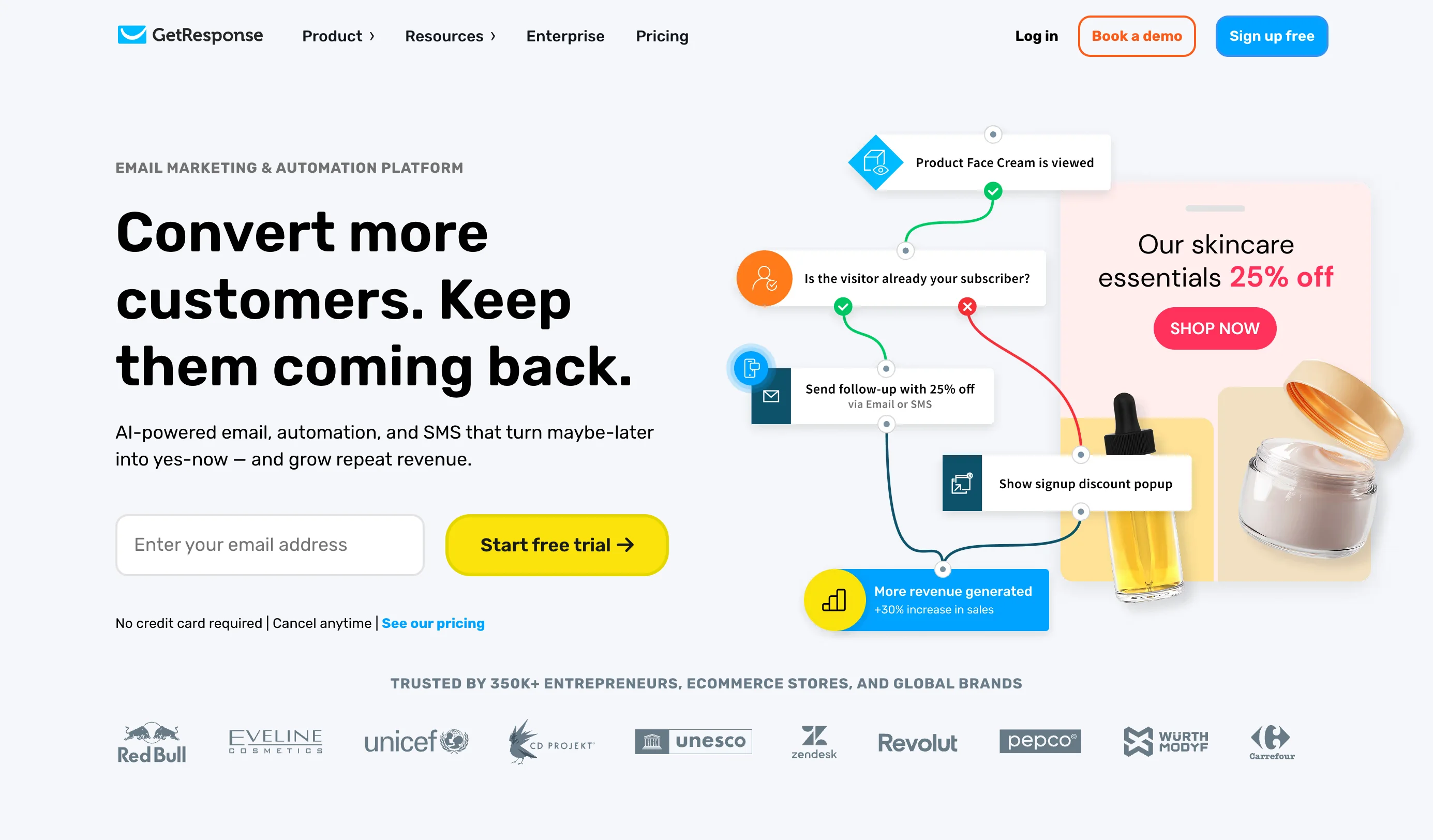
GetResponse pairs an AI-powered email generator with landing pages, sign-up forms, and conversion funnels that integrate with Facebook and Instagram ads. Ecommerce integration covers Shopify, WooCommerce, and Etsy, with abandoned-cart automation available once you’re on a plan that includes automation.
Pros:
- The free plan (500 contacts, 2,500 emails/month) is more generous than several competitors’ free tiers.
- Funnels, landing pages, and webinars reduce the need for separate tools.
Cons:
- The entry Email Marketing plan ($19/month) does not include marketing automation or webinars — both require the $59/month Marketing Automation plan.
- Overage billing applies once you exceed your contracted contact count, without an email warning ahead of the charge, per user reports; confirm current billing behavior with GetResponse support before relying on this.
Pricing:
- Free: 500 contacts, 2,500 emails/month, landing pages, forms.
- Email Marketing: from $19/month for 1,000 contacts — unlimited newsletters, basic segmentation, no automation.
- Marketing Automation: from $59/month for 1,000 contacts — adds automation workflows, webinars, behavioral segmentation.
- Ecommerce Marketing: from $119/month for 1,000 contacts — adds abandoned-cart recovery, product recommendations, ecommerce segmentation.
MailerLite
Best for: beginners and small teams that want a clean interface with newsletters, automation, landing pages, and forms.
Choose it if: simplicity and predictable setup matter more than deep CRM functionality.
Skip it if: you need multiple automation entry triggers on a low-cost plan, or complex enterprise ecommerce analytics.
MailerLite uses triggers like form completions, link clicks, and — for ecommerce — specific purchases or product categories to launch targeted sequences. An AI generator drafts full emails from keywords. A/B testing covers subject lines, content, and send times, with up to three workflow variations.
Pros:
- Clean, low-friction interface for first-time users.
- The free plan still includes automation and A/B testing, not just campaign sending.
Cons:
- No dedicated migration support team.
- Multiple automation entry triggers per workflow require the Power plan, not the entry Comfort plan.
- The free plan was reduced on June 16, 2026, from 500 subscribers/12,000 emails to 250 subscribers/2,500 emails.
Pricing (verified against mailerlite.com/pricing and MailerLite’s June 2026 update notice):
- Free: 250 subscribers, 2,500 emails/month, 1 user, automation, 1 landing page.
- Comfort (formerly Growing Business): from $12/month for 500 subscribers, 5,000 emails/month, 3 users, unlimited templates, no MailerLite branding.
- Power (formerly Advanced): from $25/month for 500 subscribers, unlimited emails, unlimited users, multiple automation triggers, live chat.
- Enterprise: custom pricing above 200,000 subscribers.
Campaigner
Best for: larger small businesses with high send volume that are comfortable with a higher entry price.
Choose it if: you value reusable content blocks and predictable, contact-based pricing.
Skip it if: you need affordable automation on an entry-level plan.
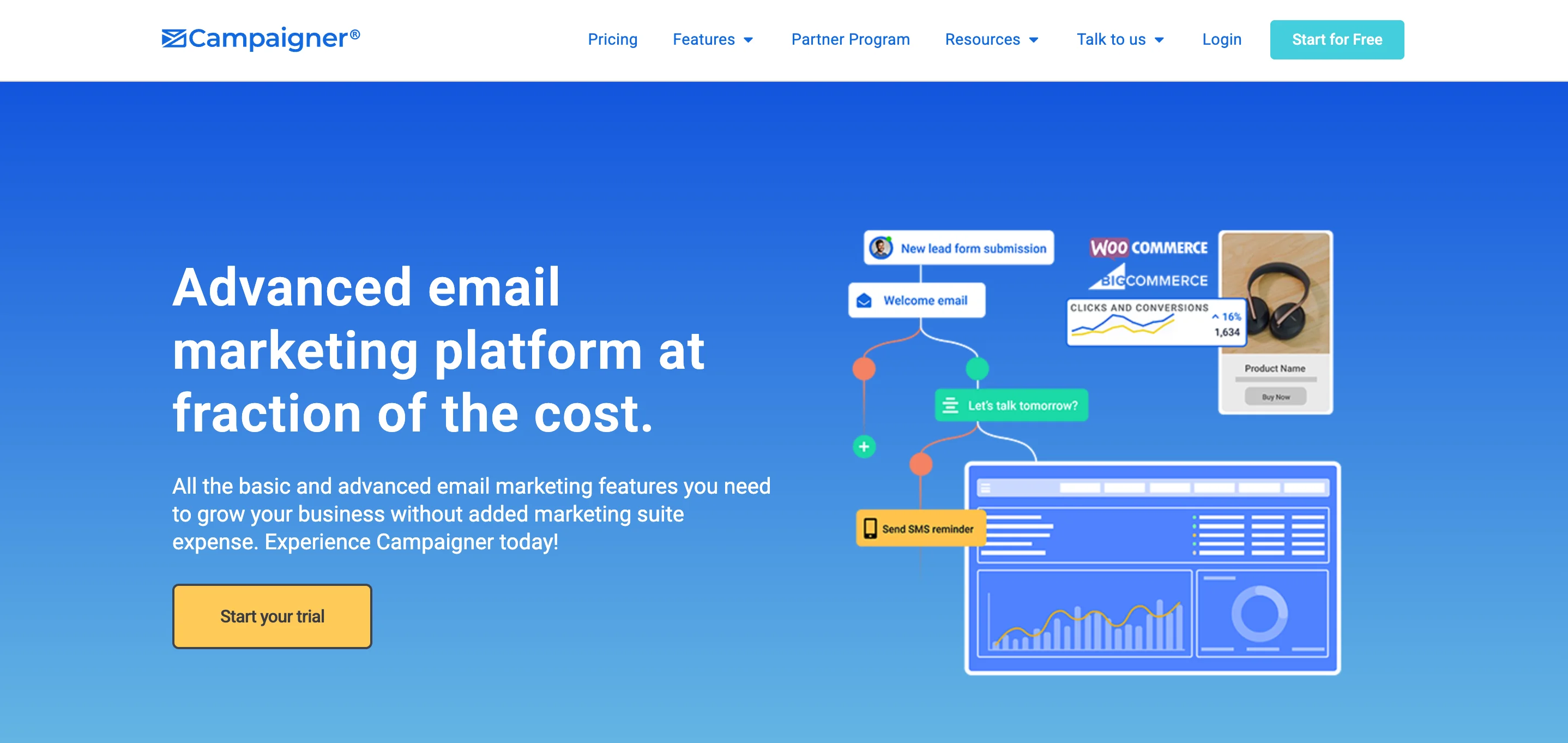
Campaigner combines SMS and email in one automation builder, with actions triggered by opens, clicks, or goal completions, and dynamic timing that sends follow-ups based on inaction or specific link clicks. Its AI currently writes subject lines only, not full campaigns.
Pros:
- SMS and email can be combined in a single workflow.
- Reusable content blocks speed up repeat campaign creation.
Cons:
- The Starter plan carries Campaigner branding at $59/month, a high floor for a branded plan.
- Automation isn’t available until the $649/month Advanced plan.
- No unlimited monthly emails even on the top plan.
Pricing: monthly sends are capped at 6x your contact count on every tier.
- Starter: $59/month for 5,000 contacts, A/B testing, autoresponders, basic segmentation.
- Essential: $179/month for 25,000 contacts, no branding, dynamic content.
- Advanced: $649/month for 100,000 contacts, automation workflows, API access.
Campaigner also offers separate ecommerce-tailored plans (from roughly $80/month) with abandoned-cart emails and a Magento integration; full feature details for these plans weren’t published on the vendor’s site at time of writing.
Mailchimp
Best for: teams that want a familiar, large-ecosystem marketing platform with extensive integrations and templates.
Choose it if: you value the biggest integration library on this list, AI content tools, and campaign features beyond basic email.
Skip it if: you want the cheapest option as your list grows, or you don’t want to pay for unsubscribed contacts.
Mailchimp centralizes marketing assets in a content studio, organizes contacts into audiences, and layers AI tools for content generation and product recommendations on top of landing pages, forms, and a website builder.
Pros:
- The largest third-party integration and template library on this list.
- Multi-step automation and dynamic content are available from the Standard plan up.
Cons:
- Mailchimp bills for unsubscribed and non-subscribed contacts in your audience unless you manually archive them — a meaningful difference from competitors that only count active subscribers.
- The free plan was cut in February 2026, from 500 contacts/1,000 emails to 250 contacts/500 emails per month, with a 250-per-day send cap.
- Phone support is available on the Premium plan only.
Pricing (verified against mailchimp.com/pricing, Sep 3, 2026):
- Free: 250 contacts, 500 emails/month (250/day cap), 1 user, 1 audience.
- Essentials: from $13/month for 500 contacts, 5,000 emails/month, 3 users, single-step automation, A/B testing.
- Standard: from $20/month for 500 contacts, 6,000 emails/month, 5 users, multi-step automation, dynamic content.
- Premium: from $350/month for 10,000 contacts, 150,000 emails/month, unlimited users, phone support.
Constant Contact
Best for: small businesses that want guided email marketing alongside events, SMS, and social posting.
Choose it if: you run local campaigns, events, or social promotions alongside email.
Skip it if: you need advanced custom automation on a low tier, or full HTML editing control.
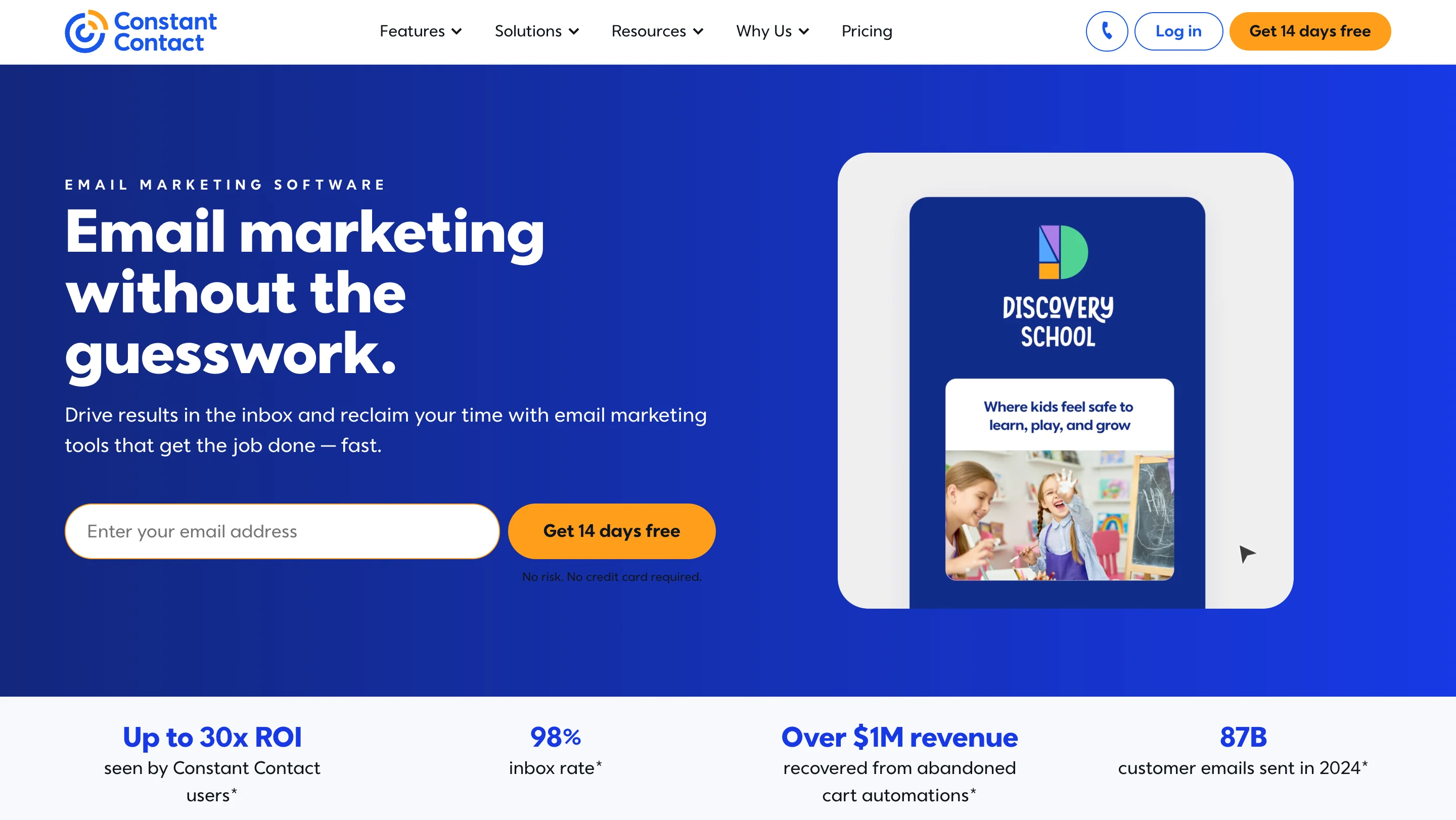
Constant Contact supports multi-channel campaigns from email to SMS and social. Its automation path builder triggers on calendar dates, contact activity, or shopping behavior. SMS tools include a live preview editor, a dedicated number, and consent-field sign-up forms. Event management adds registration forms and ticketing.
Pros:
- Event management and social scheduling are native, not third-party add-ons.
- Segmentation supports click-based auto-list-building.
Cons:
- No free plan.
- Full HTML editing is limited compared to code-first competitors.
- Advanced automation is gated to higher tiers.
Pricing:
- Lite: $12/month for 500 contacts, 5,000 emails/month, 1 user, 1 automation template.
- Standard: $35/month for 500 contacts, 6,000 emails/month, 3 users, social ads manager.
- Premium: $80/month for 500 contacts, 12,000 emails/month, unlimited users, dedicated support, unlimited automation templates.
ActiveCampaign
Best for: sales-led small businesses that need advanced automation and CRM-style journeys.
Choose it if: you need predictive sending, branching automation, and native CRM without a separate tool.
Skip it if: you only need simple newsletters, or the 5-action automation cap on Starter would limit your workflows.
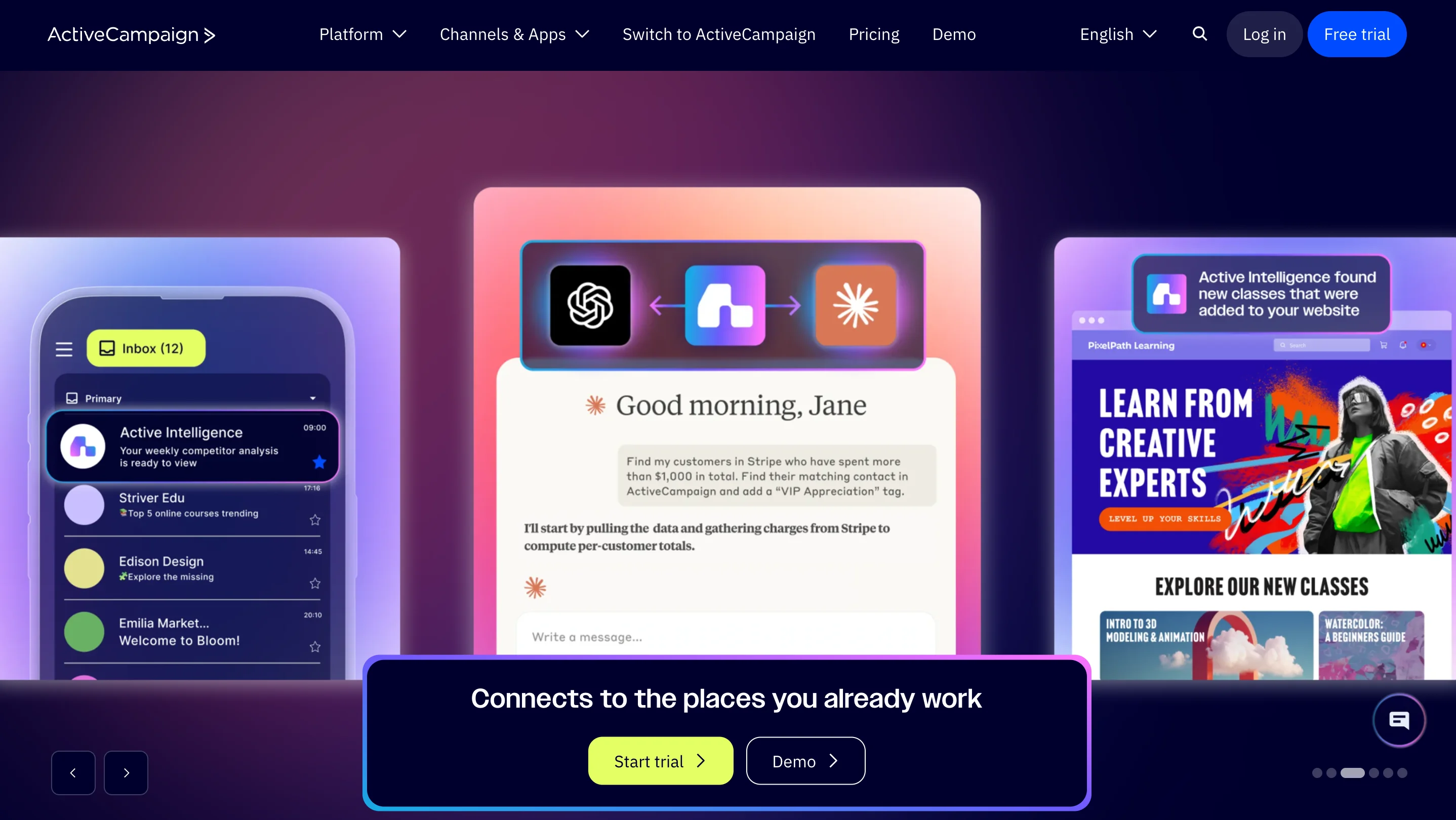
ActiveCampaign builds automation from a plain-language description of your goal, and includes predictive sending that learns the best time to reach each contact from past engagement. A win-probability score estimates how likely a lead is to convert based on their activity. Contacts sync with Facebook, Google Ads, and Instagram for targeted campaigns.
Pros:
- Native CRM and automation in one product, not a bolt-on.
- Branching, multi-condition workflows are more capable than most competitors at this price point.
Cons:
- No free plan — a 14-day trial is the only way to test it without paying.
- The Starter plan caps automations at 5 actions per workflow, which is restrictive for anything beyond a basic welcome sequence.
- Cost rises steeply with contact count; a Plus plan at 10,000 contacts can run several times the advertised entry price.
Pricing (annual billing, verified Sep 3, 2026):
- Starter: $15/month for 1,000 contacts, 1 user, 5-action automation cap, 10x contact send limit.
- Plus: $49/month for 1,000 contacts, unlimited automation actions, landing pages, standard segmentation.
- Pro: $79/month for 1,000 contacts, 3 users, 12x send limit, predictive sending, advanced reporting.
- Enterprise: $145/month for 1,000 contacts, 5 users, 15x send limit, custom objects, dedicated account team.
Drip
Best for: ecommerce brands that need behavior-based campaigns and customer journeys.
Choose it if: your priority is online-store automation rather than general small-business email.
Skip it if: you need landing pages or the lowest starting price on this list.
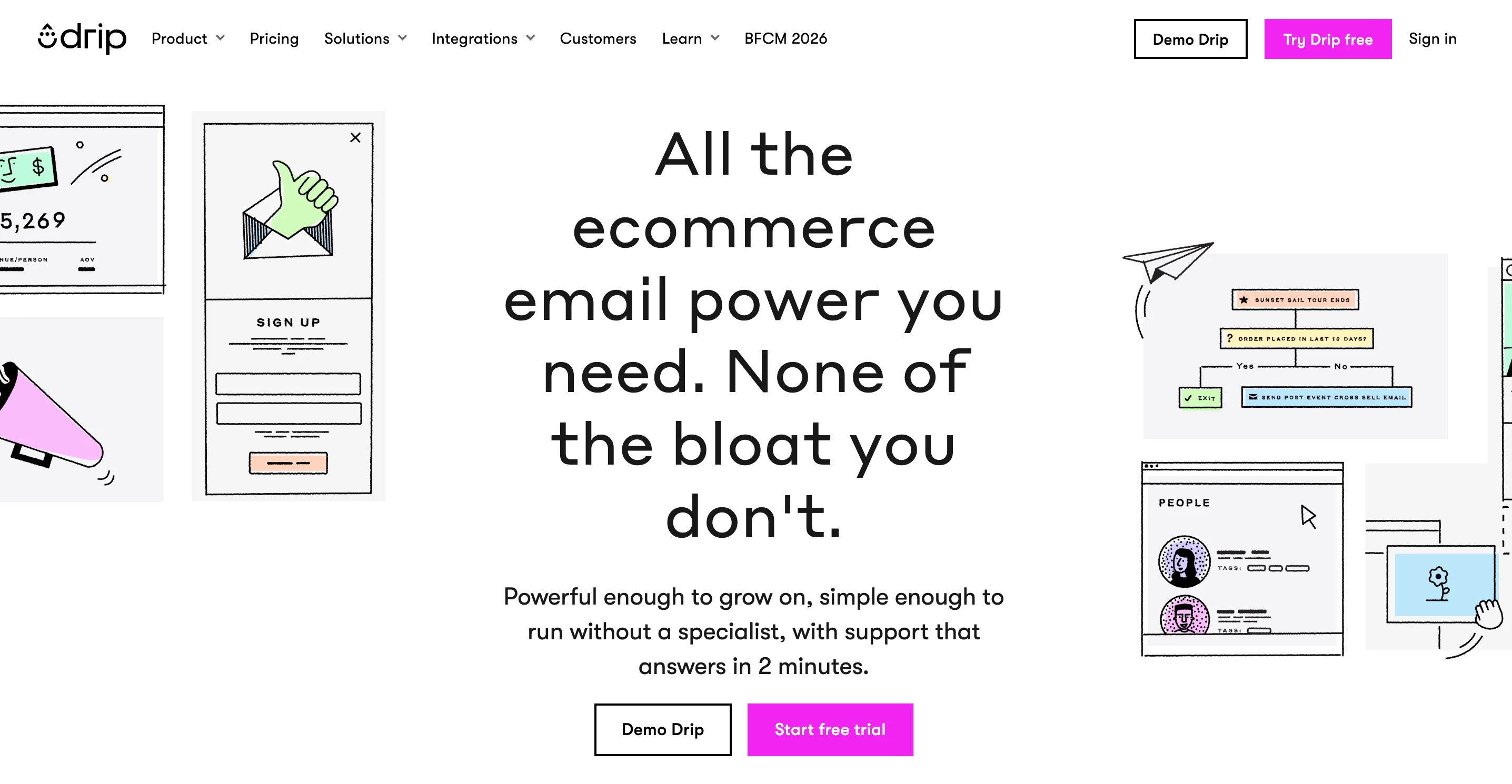
Drip uses trigger filters to control which subscribers enter a workflow — for example, excluding someone already in a welcome sequence from also entering a post-purchase sequence. Subscription topics let contacts opt in or out of specific content categories.
Pros:
- Over 200 ecommerce integrations and automatic social retargeting.
- A narrow, email-only feature set that keeps the tool simple to learn.
Cons:
- No landing pages or broader multichannel tools.
- Starting price is high relative to its feature set if you don’t need ecommerce automation specifically.
Pricing: single plan starting at $39/month for 2,500 contacts, unlimited emails, dynamic segments, forms, and automation. Price scales with contact count.
Setup and migration checklist
Before committing to a plan, run this checklist during your trial:
- Import contacts and confirm field mapping works correctly.
- Set up domain authentication (SPF/DKIM/DMARC) and confirm it passes.
- Build one newsletter and preview it on mobile.
- Build a three-email welcome flow with at least one conditional branch.
- Test one behavioral segment (e.g., “opened last email but didn’t click”).
- Connect your store or CRM and confirm data flows both ways.
- Check reporting — does it show what you’ll actually act on, like revenue attribution or click-through by segment?
- Send one support question and time the response.
- Confirm what you can export (contacts, templates, automations) if you switch tools later.
Final recommendation
Don’t pick from the full list of 11. Instead:
- Use the “Choose by business job” table to get to two candidates.
- Confirm the plan tier that actually unlocks the workflow you need — not just the cheapest listed price.
- Run the setup checklist above on both finalists during a trial.
- Choose Selzy when its pricing, support model, and feature set fit your stated scenario.
Conclusion
There is no single best email marketing tool for every small business. What decides it is your list size, the one workflow you cannot launch without, and which plan tier actually includes that workflow.
If budget is the binding constraint, compare Zoho Campaigns, Selzy, and Moosend first. Their entry plans start at roughly $4, $7.50, and $9 per month respectively, but the included features differ. If you need branching automation or a CRM, ActiveCampaign’s Plus plan is the more realistic entry point. If brand design matters most, consider Flodesk. If you sell online, Drip is the more specialized option.
For most small businesses without a dedicated marketer, Selzy is where we would start: automation and segmentation from $7.50 a month, and 24/7 chat, email, and phone support on every plan including the free one. Run the checklist above during the trial and you will know within an hour whether it fits.
Frequently asked questions about the best email marketing software in 2026
What is the best value email marketing software for a small business?
Zoho Campaigns has the lowest sticker price at roughly $4/month, but the cheapest plan and the best value are rarely the same thing. Selzy Lite at $7.50/month includes unlimited sends, segmentation, A/B testing, and 24/7 chat, email, and phone support, which most competitors gate behind higher tiers or don’t offer at all. Compare what each entry plan actually contains before comparing the numbers: GetResponse starts at $19/month with no automation until $59, and Campaigner starts at $59 with no automation until $649.
Which email marketing platform has the best free plan?
It depends whether you want the biggest list or the most features. Zoho Campaigns allows the most contacts at 2,000, but Selzy’s free plan is the most capable: it includes automation, send-time optimization, and full 24/7 support by chat, email, and phone, none of which competitors normally offer without payment. Several free plans also shrank in 2026, with MailerLite cutting from 500 subscribers to 250 in June and Mailchimp from 500 contacts to 250 in February. Constant Contact, ActiveCampaign, and Drip have no free plan at all.
Do entry-level plans include automation?
Often not, or not the kind you need. Selzy includes its full visual automation builder on every plan, including the free one. Moosend includes automation on its $9 Pro plan. MailerLite’s Comfort plan allows one trigger per workflow, with multiple triggers requiring Power. ActiveCampaign’s Starter plan caps workflows at five actions. GetResponse and Campaigner exclude automation from their entry plans entirely. Decide which specific workflow you need first, then find the cheapest plan that actually includes it.
Which email marketing tool has the best customer support for small teams?
Selzy, and it isn’t close on entry plans. Selzy offers 24/7 chat, email, and phone support in six languages on every plan, free included. Mailchimp reserves phone support for its Premium tier. MailerLite puts live chat on the Power plan. Flodesk and Drip are email-only with no chat or phone at all. If you have no dedicated marketer and a campaign can’t wait until tomorrow, this matters more than a few dollars of monthly price difference.
How much does email marketing software cost as your list grows?
It depends on how the vendor bills, not just on your contact count. Selzy, Moosend, Flodesk, and Drip charge by contact with unlimited sending, so cost tracks list size alone. Campaigner caps monthly sends at six times your contact count. Mailchimp bills for unsubscribed and non-subscribed contacts unless you archive them manually, which means an aging list costs more than an active list of the same size. Pricing also jumps in steps rather than scaling smoothly, so run your projected number through each vendor’s calculator rather than estimating from the entry price.
What should you check before switching email marketing platforms?
Confirm what the new platform lets you export if you ever leave: contacts, templates, automations, and historical performance data. Contacts are nearly always portable, while templates and workflows usually are not. During the trial, import your list and check field mapping, set up SPF, DKIM, and DMARC and confirm they pass, rebuild one automation, and send a small test campaign before moving your full list. Migration is also where support access shows its value, since Selzy’s 24/7 phone and chat is available while you’re still on the free plan, before you’ve committed any budget.
 New and noteworthy on our blog
