



Key takeaways
- Integration and API are key factors when choosing a transactional email service, ensuring seamless tech stack integration.
- Deliverability rates are crucial, with a 5% difference affecting inbox placement; look for rates of 95% or higher.
- Pricing models vary, with considerations beyond base price like dedicated IPs, advanced analytics, and premium support.
- Selzy offers an all-in-one solution with a 99.8% delivery rate, AI assistant, and various pricing plans.
- UniOne provides cost-effective transactional and marketing email delivery with clear documentation and APIs.
To send transactional messages, you can use both an email marketing service that provides this feature and a dedicated transactional email platform. But with so many tools, different pricing models, and distinct features, you might get buried in research. You’ll lose hours comparing lists and still worry that you picked the wrong tool.
In this article, we’ll explain what factors really matter when choosing a transactional email service and go into details on each of the top options on the market.
Key factors to consider when choosing a transactional email service
Several factors can make a big difference when choosing a transactional email provider. Here are some of those:
Integration and API
A transactional email platform can be well-priced and have high deliverability rates, but it should also be able to integrate with your tech stack. Ideally, your development team should spend only a small amount of time and resources on this.
So check whether your transactional email service of choice has a good API and SMTP documentation, whether it supports your programming languages, and whether it also includes SDKs or libraries to help you with the integration. Good documentation means less troubleshooting on your end and easier management of templates and personalization.
Deliverability
This is the big one — and probably the reason why you’re reading this article in the first place. Even a 5% difference in deliverability rate between two platforms affects whether your emails land in the inbox or the spam folder. So, look for providers that consistently maintain deliverability rates of 95% or higher.
To be sure, you can sign up for the free trials or free tiers to experiment with this. Most platforms offer a free tier for developmental purposes, so you can use this to test the deliverability rate.
The best software earns good deliverability with proper IP reputation management, authentication protocols like SPF, DKIM, and DMARC, and strong relationships with major email clients, like Gmail.
Also, consider transactional email platforms that offer dedicated IPs once you’re sending more than 50,000 emails monthly. This gives you complete control over your sending reputation instead of sharing IPs with other senders who could damage your deliverability.
Pricing
Most software providers offer a tiered pricing plan where the more emails you need, the higher the price, plus you get more features. But some offer a pay-as-you-go plan.
When comparing costs, look beyond the price on the pricing page to understand what you are actually paying for. Are you charged for both successful and failed delivery attempts? Are features like dedicated IPs, advanced analytics, or premium support included or priced as add-ons? Consider whether you will be comfortable paying a premium for a service that delivers better inbox placement rates, as this could often save you money in the long run thanks to low complaint rates.
Which transactional email platform is best for your business?
The process of choosing the right service might be quite overwhelming, so we made an overview for you to quickly see all the platforms side-by-side before going into the details. Find the one you find the most appealing and read more about it below!
| Platform | Best for | Free option | Pricing starts at | Top features |
| Selzy | All-in-one transactional, marketing, and omnichannel automation | Free plan with limited features for up to 1,000 monthly emails and 100 subscribers | $7.5 a month (billed monthly) for 500 subscribers and unlimited emails | API, personalization with Liquid, comprehensive dashboard, 24/7 human support |
| UniOne | Cost-effective transactional and marketing email delivery via API and SMTP | Four-month free trial with 6,000 monthly emails | $6/month for 50,000 emails/month | Web API, SMTP API, templates, event webhooks, 24/7 support |
| SendGrid | Managing several products or clients at once | Free 60-day trial for 100 emails per day | $19.95/month for 50,000-100,000 emails per month | API, SMTP, dynamic templates, sub-accounts |
| Postmark | Maintaining high deliverability and quickly troubleshooting issues | Free developer tier for 100 emails/month | $15/month for 10,000 emails/month | Separate message streams for transactional and marketing communications, detailed email logs |
| Brevo | Combining email messaging with SMS and WhatsApp | Free plan for 300 emails/day | $9/month (billed monthly) for 5,000 emails/month | Transactional SMS and WhatsApp messages, dynamic content, suppression lists |
| Mailgun | Experienced developers | Free plan for 100 emails/day | $15/month for 10,000 emails/month | Automatic prevention of sending, IP warm-up tools, replies through webhooks |
| Amazon SES | Amazon Web Services customers | — | Pay-as-you-go: $0.10 per 1,000 emails sent or received | Automatic sending optimization, deliverability insights dashboard, mailbox simulator |
| SMTP.com | High-volume senders | — | $25/month for 50,000 emails/month | Help with migration to the service, branded email templates, comprehensive reporting |
| Mailtrap | Combining transactional and email marketing | Free plan for 3,500 emails/month and 100 contacts | $15/month for 10,000 emails/month and 5,000 contacts | Separate streams for transactional and bulk emails |
| Elastic Email | Segmented, targeted sending | Free plan for testing features with limited sending | $19/month for 50,000 emails/month | Automatic IP warm-up, adjusted sending speed for different customer segments, real-time monitoring |
| ZeptoMail | Zoho products’ users | First credit for free | Pay-as-you-go: $2.50 per 10,000 emails | Different streams for different types of transactional messages, comprehensive analytics, suppression lists |
| MailerSend | Coordinating both transactional emails and SMS | Trial plan for 100 emails/month; free plan for 500 emails/month | $35/month for 50,000 emails/month and 100 SMS/month | Inbound email routing, split testing, transactional SMS |
Use this comparison as a shortlist, then narrow it down by your sending volume, developer resources, required channels, and support needs. If your team needs fast setup and marketing automation in the same place, an all-in-one service may be more practical. If developers need deeper API control, logs, routing, and custom sending infrastructure, a dedicated transactional email API may fit better.
12 best transactional email services in 2026
Without further ado, let’s take a look at the best transactional email platforms you can use.
Selzy
Selzy is an affordable email marketing and automation platform that also offers a transactional email service. It is a strong fit when you want transactional emails, triggered messages, and marketing automation in one workspace instead of stitching together separate tools. What immediately stands out is its impressive 99.8% delivery rate and visual automation builder.
On top of that, you can choose from a variety of pre-built templates to make your messages visually distinct and on brand. The email builder allows you to use a cutting-edge AI assistant for analyzing content and generating copy, visuals, and even entire email layouts.
As for integration, you can choose between standard SMTP relay or their API. The API helps to connect the rest of your tech stack with the email service provider, so that the platforms can exchange customer data and make your messaging even more targeted. Selzy uses the Liquid templating language that allows adding customers’ profile information to personalize the email messages.
With the help of a comprehensive dashboard, you can monitor delivery rates, track opens and clicks, and quickly identify bounce issues in real-time. Thanks to that, you can spot problems immediately when they appear.
Selzy also offers stellar data protection and 24/7 human support, even on the free plan.
Pricing
A free plan with limited features for up to 1,000 monthly emails and 100 subscribers.
All paid plans have unlimited emails:
- Lite plan starting at $7.5 a month (billed monthly) for 500 subscribers with segmentation, personalization, analytics, and more features.
- Standard plan starting at $15 a month (billed monthly) for 500 subscribers with additional deliverability features and access to an Email Marketing 101 course.
- Enterprise plan for 500k+ contacts at a custom price with a dedicated manager, performance boost, and more.

UniOne
UniOne is an email delivery system for transactional and marketing emails. It is a good fit for teams that want a cost-effective email API and SMTP relay with clear documentation, quick setup, and support that is available around the clock.
For developers, UniOne offers a Web API and SMTP API, plus integration libraries for Ruby, PHP, and C#. You can use it for common transactional messages like password recovery emails, order confirmations, receipts, security alerts, and system notifications. The platform also supports SPF, DKIM, and DMARC authentication for sender domains, along with tracking domain authentication.
UniOne includes features that are useful beyond basic sending: ready-made email templates, a drag-and-drop email builder, an AI-powered HTML editor, event webhooks, click and unsubscribe tracking, suppression management, real-time event tracking, and analytics data export. Independent projects with individual API keys can help separate products, clients, or message streams inside one account.
The service also emphasizes deliverability and support. According to UniOne, it offers a 99.88% delivery rate, 24/7 live chat and email support, GDPR compliance, and optional dedicated IPs for senders that want more control over reputation.
Pricing
UniOne has three pricing options:
- Free Trial — $0/month for 4 months with 6,000 monthly emails and 100 email address validations included.
- Standard — starting at $6/month for 10,000 emails/month, with API and SMTP sending, 24/7 support, templates, webhooks, authentication, suppression management, and analytics.
- Individual — custom pricing for custom email volume, onboarding, prioritized support, a dedicated account manager, and deliverability consultations.
After the free trial, the 6,000-email plan costs $4/month. Extra messages beyond the included volume cost up to $0.75 per 1,000 emails. A dedicated IP is available as an add-on for $40/month plus a $20 one-time setup fee.
SendGrid (Twilio SendGrid)
SendGrid is an email marketing platform, but you can also send transactional emails with it. If you have legacy applications running on SMTP, they’ll integrate well with SendGrid. For newer applications, the RESTful API supports all major programming languages, and the integration process is well documented.
When you send an email through SendGrid, it doesn’t just go through a single server. Its mail transfer agent chooses the optimal path to reach different providers like Gmail, Yahoo, or Outlook, and that’s why they boast a high 99% deliverability rate. But you can’t just take their word for it. So, sign up for their free trial and test this out; no credit card is required to do so.
The Dynamic Templates feature lets you design once (using either their visual editor or direct HTML editing) and then reference templates by ID in your API calls. This separation means your marketing team can update email designs without any developers or writing code. You can even include personalization variables, so each recipient sees customized information like their name or order details.
For analytics, their event webhook sends real-time notifications to your applications whenever emails are delivered, opened, clicked, or encounter issues. You’ll also benefit from SendGrid’s sub-account feature if you’re managing email for multiple products or clients. This lets you create separate environments with isolated statistics and API keys, perfect for agencies or companies with multiple product lines.
Pricing
SendGrid has four pricing plans:
- Free trial for 60 days, send 100 emails per day
- Essentials — starting $19.95/month, send 50,000-100,000 emails per month
- Pro plan — starting $89.95/month, send 100,000-2,500,000 emails per month, dedicated IPs included
- Premier — custom pricing
Postmark

Postmark is one of the most well-known email delivery services because of its high deliverability rate and focus on transactional emails. One of its standout features we loved is the separate message streams. When you set up your Postmark account, you can create separate streams — one for transactional messages like password resets and another for broadcast messages like product updates and newsletters.
This won’t affect your deliverability rate for transactional emails because each stream has its own different sending infrastructure and IPs. For example, if you send out a large newsletter that triggers some spam complaints, your password reset emails remain unaffected because they travel through an entirely different system.
It’s also easier to troubleshoot email issues with Postmark. Their detailed email logs track every message for at least 45 days on paid plans, showing exact timestamps for sending, delivery, opens, clicks, and any issues encountered. So when a customer says they never got an email, you can quickly see whether an email bounced due to a typo, was delivered but not opened, or encountered some other specific issue that can be addressed.
Much like most transactional email services, you can also create and edit email templates without requiring code. Now, in cases where customers might need to reply to your transactional emails, Postmark allows them to do so through webhook delivery.
Pricing
Postmark has three pricing tiers, but the rates change depending on how many emails you send per month:
- Free developer tier — 100 emails/month
- Basic — $15/month, starts at 10,000 emails/month
- Pro — $60.50/month, starts at 50,000 emails/month
- Platform — $138/month, starts at 125,000 emails/month
Optional add-ons:
- Dedicated IPs — starts at $50/month per IP
- Custom activity retention — starts at $5/month
- DMARC monitoring — starts at $14/month per domain
Brevo (Formerly Sendinblue)
Brevo is an all-in-one marketing and transactional email platform. It is a convenient combination, although using the same infrastructure to send transactional email services might negatively affect your deliverability rates.
Brevo allows you to manage transactional SMS and even WhatsApp messages from the same platform as your emails. Imagine sending an immediate order confirmation by email, followed by a shipping notification via SMS when the package is on its way.
You also get to benefit from its email editor. Its dynamic content block lets you include different information based on customer attributes or purchase history. Maybe your frequent customers see a special support contact method, while first-time buyers receive setup guides relevant to their purchase.
Also, like in any other transactional email tool, you can maintain suppression lists to avoid sending to unsubscribed or bounced addresses.
Pricing
Brevo includes transactional emails in its marketing platform pricing plans:
- Free plan — 300 emails/day
- Starter plan — starting from $9/month (billed monthly), includes 5,000 emails/month
- Business plan — starting from $18/month (billed monthly), includes 5,000 emails/month
- Enterprise — custom price
Mailgun
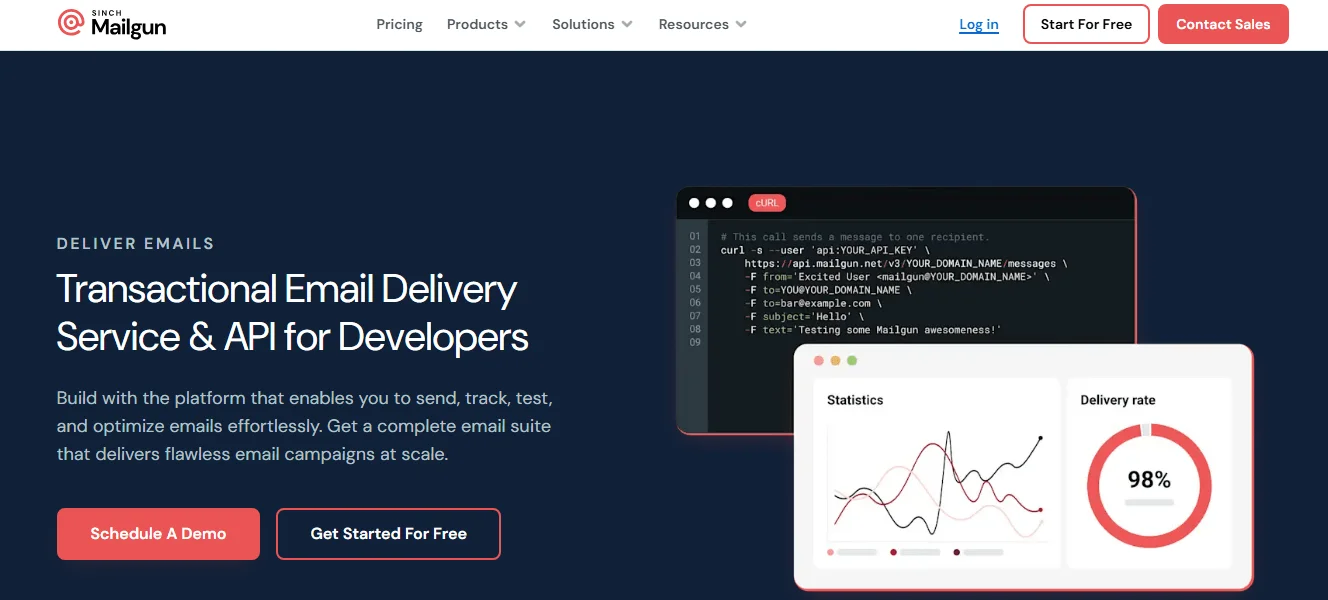
Mailgun is a developer-centric transactional email service with a focus on APIs and analytics. When a customer’s email address changes or has a typo or an email just bounces, Mailgun automatically prevents future sending attempts to that address without requiring you to write custom tracking code through suppression lists.
Their IP warm-up tools help you gradually establish a positive reputation with mailbox providers. They also have built-in email validation. This tool flags invalid addresses before you waste resources attempting delivery, and this means fewer bounces, better deliverability, and a cleaner contact database.
Just like with Postmark, you can configure your account to capture replies to your transactional emails and forward them to webhooks for processing by your application. This might let a customer reply directly to an order confirmation with a question, and that response automatically be routed to your support system.
Pricing
Mailgun has four pricing plans:
- Free plan — 100 emails/day
- Basic plan — $15/month, includes 10,000 emails/month
- Foundation plan — $35/month, includes 50,000 emails/month
- Scale plan — $90/month, includes 100,000 emails/month
Amazon Simple Email Service (SES)
Amazon SES is one of the most cost-effective platforms for sending transactional emails, but its downside is that it’s complex. One of its standout features is the Virtual Deliverability Manager. It continuously analyzes your sending patterns and delivery results across different inbox providers like Gmail, Yahoo, and Outlook. When it detects potential issues that might affect your deliverability, perhaps an uptick in bounces to a particular provider or a configuration issue with your authentication, it does more than just alert you to the problem. The system actually provides specific, actionable recommendations to address the root cause.
Even better, if you choose to enable automatic implementation, SES can apply many of these optimizations without your intervention. For example, if it detects that sending patterns to a particular email provider are triggering throttling, SES can automatically adjust delivery timing to improve acceptance rates.
You can also quickly see open rates, click rates, and bounce rates broken down by email provider, sending identity, or configuration set in the deliverability insights dashboard. The mailbox simulator is another useful feature. It lets you test your application’s handling of various email scenarios without risking your actual sending reputation. If you want to make sure your app processes bounce notifications correctly, you simply send a test email to the bounce simulator address.
Amazon SES is perfect for large-scale senders and Amazon Web Services customers, and it’s also ideal for you if cost is the primary concern.
Pricing
Amazon SES has a pay-as-you-go pricing plan, which is based on the number of emails you send and receive. They charge $0.10 per 1,000 emails sent or received. You also get to add the features you need, as each has its own pricing.
For example, you pay $0.12 per GB of attachments you send, a standard dedicated IP address goes for $24.95 per month, and the Virtual Deliverability Manager costs $0.07 per 1,000 messages you send. Check out their pricing calculator to get a clear cost breakdown depending on your needs.
SMTP.com
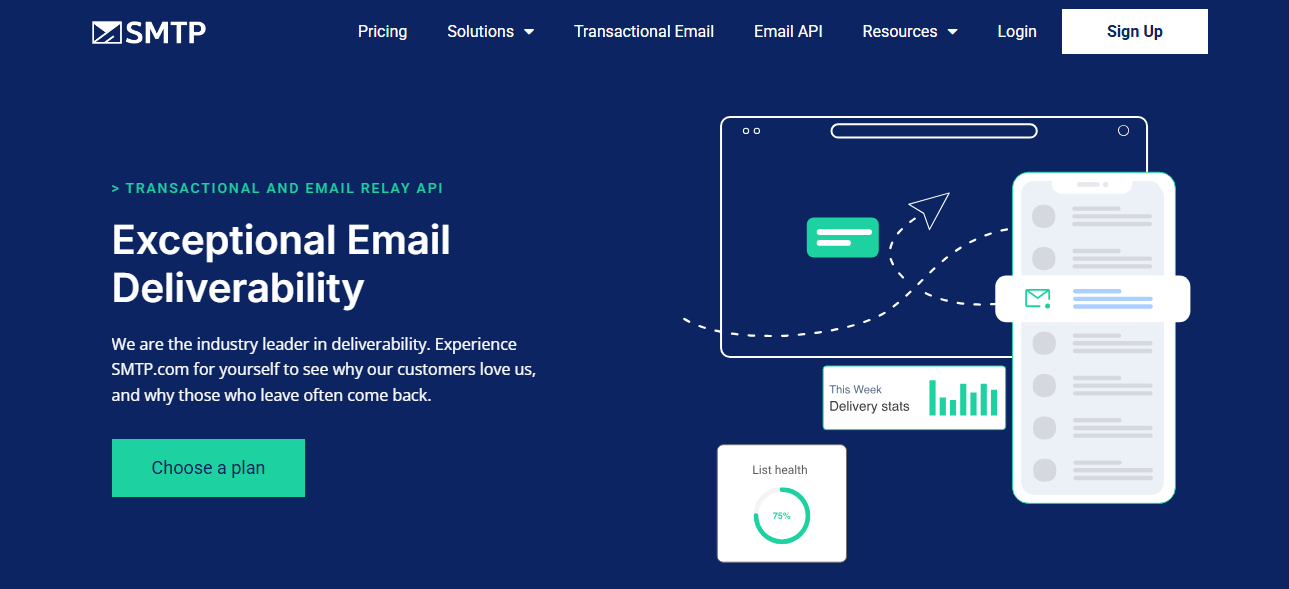
SMTP.com boasts a high deliverability rate of 98% with over 22 years in the email deliverability industry. That’s why they’ve maintained relationships with major inbox service providers (ISPs) and keep their servers whitelisted, which reduces the chances of your emails getting caught in spam filters.
While their name highlights their focus on SMTP, they also offer a RESTful API that will integrate with your application. When you make the switch to SMTP.com, their team even helps with the migration process to minimize disruption.
What we particularly appreciate is that they include branded email templates and comprehensive reporting in all their plans. You can store your common email designs in their system and track performance through their dashboard, where you can access opens, clicks, and unsubscribes without additional tools or costs.
Pricing
SMTP.com has five pricing plans:
- Essential plan — $25/month, 50,000 emails/month, shared IP
- Starter plan — $80/month, 100,000 emails/month, dedicated IP
- Growth plan — $300/month, 500,000 emails/month, dedicated IP
- Business plan — $500/month, 1,000,000 emails/month, dedicated IP
- High volume senders — custom pricing, minimum of 250 million emails/month, dedicated API, webhooks, IP
Mailtrap
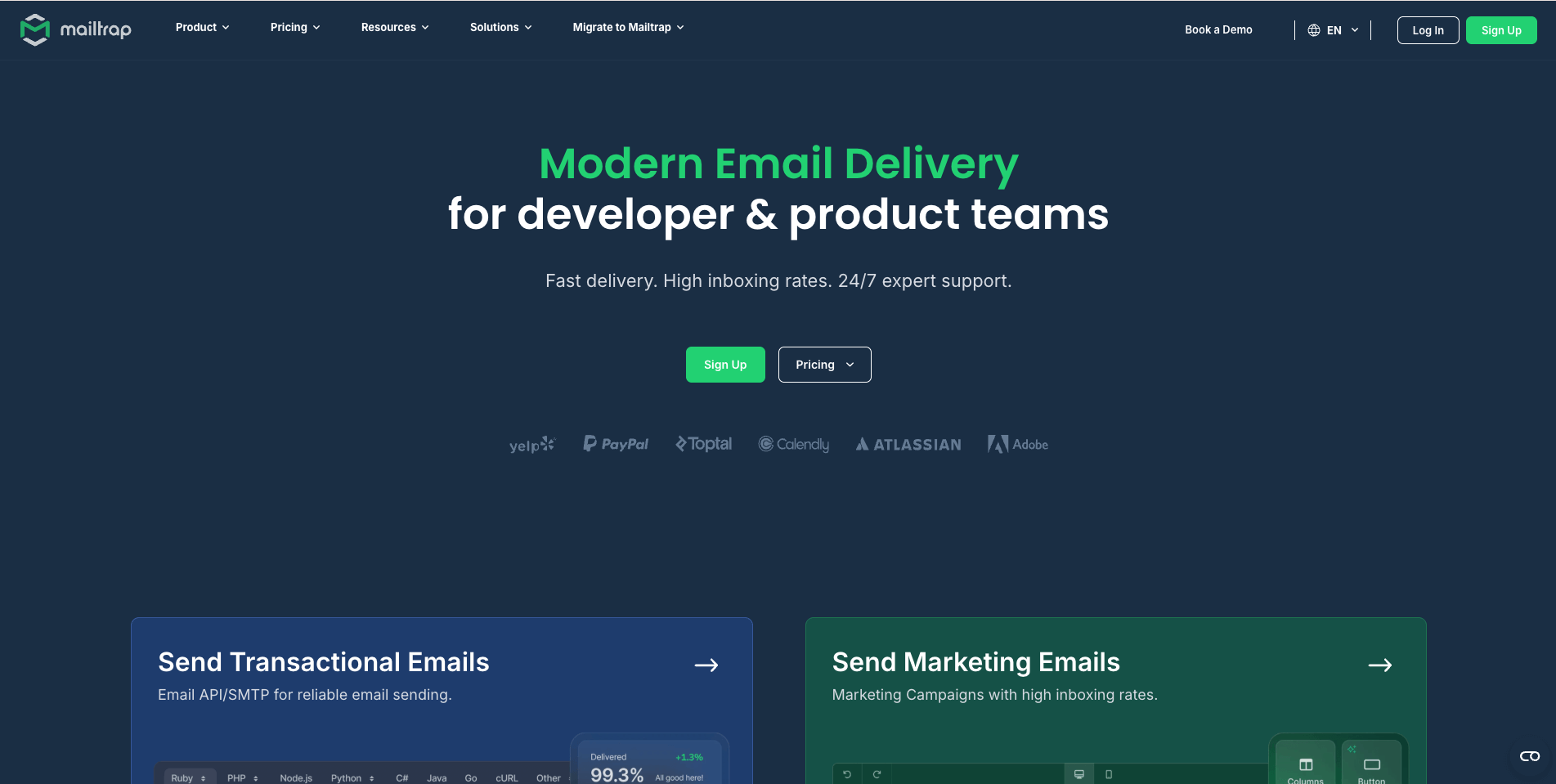
Mailtrap is an email delivery platform built for high-volume senders who prioritize deliverability and detailed analytics. It supports transactional, bulk, and marketing emails, making it ideal for product teams and developers.
Like Postmark, Mailtrap lets you create separate mail agents for different email streams. This keeps critical transactional messages like password resets completely isolated from marketing or bulk communications, which is important for maintaining high deliverability.
You’ll also have access to detailed dashboards that let you monitor performance across different email streams, domains, and mailbox providers. You can quickly identify if Gmail users are experiencing delays or if a particular type of notification is seeing unusual bounce rates.
Templates are built with the flexible Handlebars engine, which allows you to create dynamic emails with loops, conditionals, and variables. What’s particularly helpful is that these templates are managed through Mailtrap’s interface, so your marketing team can update messaging or design elements without developer intervention for every small change.
Pricing
Mailtrap has five pricing plans:
- Free plan — 3,500 emails/month, 100 contacts
- Basic 10K — $15/month, 10,000 emails/month, up to 50,000 contacts
- Business 100K — $85/month, 100,000 emails/month, up to 100,000 contacts
- Enterprise 1.5M — $750/month, 1,500,000 emails/month, up to 2,500,000 contacts
- Custom pricing for high-volume senders with over 1.5 million emails per month
Elastic Email
Elastic Email is both an email marketing platform and a transactional email service. It offers various features that’ll help you with deliverability. You can purchase dedicated IP addresses when your volume justifies it, and Elastic Email handles the IP warming process automatically, gradually increasing sending volume to establish a positive reputation with email providers.
If you are sending emails to diverse audiences, the Contact Delivery Optimization feature allows you to adjust sending speeds for different recipient groups based on their engagement patterns. For example, you might send more rapidly to highly engaged users while slowing delivery to less responsive segments.
Real-time monitoring through webhooks gives you immediate notification when emails bounce, so you don’t have to discover delivery problems days later through customer complaints. You can now address issues as they occur before they affect your customers’ experience.
You also get access to features you expect, like an analytics dashboard, drag-and-drop editor, dynamic content and scripting, and compliance with privacy regulations.
Pricing
Elastic Email has three pricing plans:
- Free plan for testing features with limited sending
- Starter plan — $19/month, 50,000 emails/month
- Pro plan — $49/month, 50,000 emails/month, webhooks, inbound email processing
ZeptoMail (by Zoho)

ZeptoMail is a transactional email service from Zoho, and it’s one of the most affordable platforms. What we found really useful is its mail agents. While other platforms use mail agents to separate marketing from transactional emails, ZeptoMail uses them as separate streams for different types of transactional emails. Each mail agent operates with its own domain or API key and maintains separate analytics.
For example, you might create one mail agent for account-related notifications (password resets, security alerts), another for order processing (confirmations, shipping updates), and a third for system notifications. If deliverability issues arise with any particular category, you can address them without affecting your other transactional emails.
As for analytics, it logs every significant event in an email’s lifecycle — from the moment it’s sent through to delivery, opening, and any subsequent clicks. It also offers expected features like email templates and suppression lists.
Pricing
ZeptoMail uses a credit-based pay-as-you-go model where 1 credit = 10,000 emails. And 1 credit costs $2.50. The credits are valid for 6 months, and new accounts get their first credit free. So the first 10,000 emails are free.
A dedicated IP is available as an add-on for $30/month, billed annually.
MailerSend
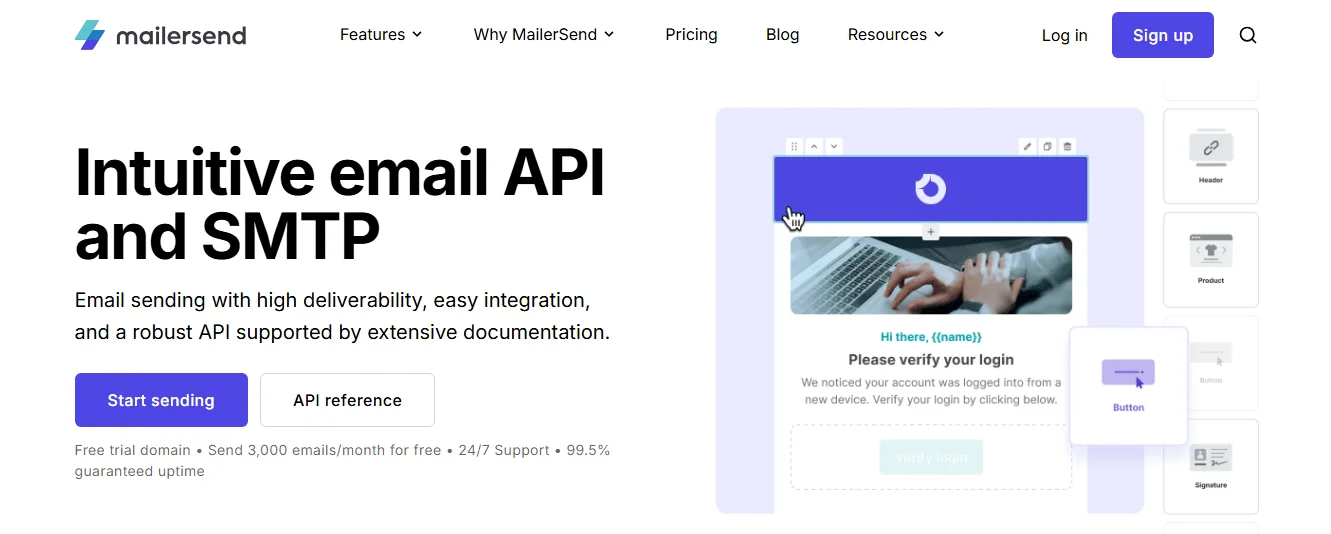
MailerSend is no different from other platforms on this list that offer common features like API and SMTP integration, suppression list, inbound email routing, dedicated IPs, and email templates.
What sets it apart from the others is its split testing. You can experiment with different subject lines, content layouts, or messaging styles, then compare performance metrics like open rates, click-through rates, and unsubscribe rates directly in the dashboard.
Starting with their Starter plan, you can also send transactional SMS alongside emails using the same platform and API. This multichannel approach is valuable for time-sensitive communications like two-factor authentication codes or shipping updates. You can then coordinate both channels from a single dashboard with consistent analytics rather than managing separate systems for email and SMS notifications.
Pricing
MailerSend has four pricing plans:
- Trial — 100 emails/month for testing; Free — 500 emails/month
- Starter — $35/month, 50,000 emails/month, 100 SMS/month, 100 email verification credits
- Professional — $110/month, 50,000 emails/month, 150 SMS/month, 400 email verification credits
- Enterprise — custom pricing
Add-ons include:
- Email verification — $0.01 per credit
- Domain spaces — $4 for 1 domain space
- Phone numbers — $2 for 1 phone number
FAQ about transactional email services
What is a transactional email service?
A transactional email service is a platform used to send transactional messages. It can be a dedicated transactional email platform or an email marketing service that offers transactional sending as a feature.
How do I choose the right transactional email provider?
Focus on the factors that most affect day-to-day use: integration, deliverability, and pricing. The best provider should fit your tech stack, reliably land emails in inboxes, and offer pricing that matches your sending volume and needed features.
Why are API, SMTP, and documentation important?
A good transactional email platform should integrate easily with your stack and not consume too much development time. Check whether it has strong API and SMTP documentation, supports your programming languages, and offers SDKs or libraries to simplify integration and template management.
What should I look for in deliverability?
Deliverability is crucial because even a small difference can affect whether emails reach the inbox or spam folder. Look for providers that maintain 95% or higher deliverability, use SPF, DKIM, and DMARC, and have strong IP reputation management and relationships with major email clients.
How should I evaluate pricing and free tiers?
Don’t compare only the headline price; look at what is included and what is charged separately. Check whether failed delivery attempts are billed, and whether features like dedicated IPs, advanced analytics, or premium support cost extra. Free tiers or trials are useful for testing deliverability and fit before committing.
When should I consider a dedicated IP?
A dedicated IP is worth considering once you send more than 50,000 emails per month. It gives you control over your sending reputation instead of sharing it with other senders who could hurt deliverability.
Conclusion
When it comes down to selecting the best transactional email service, there’s no one-size-fits-all solution. If you’re just starting out, a service with a generous free tier or affordable plans like Selzy, SendGrid, Amazon SES, or ZeptoMail might be ideal to get you going.
Development teams looking for advanced testing capabilities alongside production sending should consider Mailtrap, Postmark, or Mailgun. But remember, the platform with the prettiest interface or lowest price won’t serve you well if your critical messages end up in spam folders. Take advantage of free trials to test actual performance with your specific use cases before committing.

 New and noteworthy on our blog
