


Key takeaways
- Email marketing is crucial for restaurants to attract and retain customers even when they are not dining in.
- The content provides a list of the best email marketing software for restaurants in 2026, detailing their features, pricing, pros, and cons.
- Key factors to consider when choosing email marketing software for restaurants include POS integration, segmentation capabilities, automation workflows, easy-to-use editor, and pricing.
As a restaurant owner, you know your business depends on loyal customers — the ones who keep coming back and tell their friends about you. Great service and food matter, but there’s plenty you can do even when guests aren’t in the dining room. With the right email marketing strategy, you can fill slow Tuesdays, recover no-shows, and promote seasonal menus that bring guests back. To save you time, we’ve gathered the best email marketing software for restaurants — with pricing, features, pros, and cons — to make your choice easier.
At-a-glance: 11 Best Email Marketing Software for Restaurants in 2026
| Tool | Starting Price | Free Plan | Restaurant Integrations | SMS | Best For |
| Selzy | $7,5/mo | Yes (100 contacts, 1,000 emails/mo) | Shopify, WooCommerce, HubSpot via Albato | Add-on | Independent restaurants wanting affordable AI-powered email + automation |
| Mailchimp | $13/mo | Yes (250 contacts, 500 emails/month) | Most POS via Zapier | Add-on | Small restaurants |
| MailerLite | $10/mo | Yes (500 contacts, 12,000 emails/month) | Most POS via Zapier | Add-on | Budget-conscious independents |
| Klaviyo | $20/mo | Yes (250 contacts) | Native (Toast, Square, Resy, Lightspeed, OpenTable) | Native | Online ordering, data-driven concepts |
| Brevo | $9/mo | Yes (unlimited contacts, 300 emails/day) | Via Zapier | Native | High-volume senders, SMS-heavy concepts |
| ActiveCampaign | $19/mo | No (14-day trial) | Native + Zapier | Native | Restaurant groups with marketing staff |
| Constant Contact | $12/mo | No (30-day trial) | Via Zapier | Add-on | Event-driven restaurants (wine dinners, classes) |
| Moosend | $9/mo | No (30-day trial) | Via Zapier | Add-on | Restaurants on a tight budget wanting full automation |
| GetResponse | $19/mo | Yes (500 contacts, 2500 emails/month) | Via Zapier; native Shopify, WooCommerce | Add-on | Restaurants running paid workshops, wine-tasting webinars, online classes |
| HubSpot | $20/mo (Marketing Starter) | Yes (limited) | Native + Zapier | Add-on | Multi-location groups needing full CRM + marketing in one place |
| Omnisend | $16/mo | Yes (250 contacts) | Native (Shopify, WooCommerce); other POS via Zapier | Native | Restaurants with significant online ordering / delivery revenue |
What restaurants should actually look for in email marketing software
Before the list, here’s what matters for restaurants specifically and why they need email marketing.
- POS or reservation system integration. This is one of the most important factors. If your software can’t pull guest data from Toast, Square, Resy, OpenTable, Lightspeed, or Clover — natively or via a stable Zapier connection — it is almost useless. Birthday emails, lapsed-guest win-backs, and visit-frequency segments all require this data.
- Restaurant-friendly segmentation. Look for the ability to segment by visit frequency (1x, 2–5x, 6+), last-visit date (haven’t been in 30/60/90 days), average spend, item history, dietary preferences (vegan, gluten-free), reservation patterns (brunch regulars vs Friday-night drinkers), and special dates (birthdays, anniversaries). Generic “customer segmentation” doesn’t work.
- Automation workflows that match your operations. The best tools come with ready-made automations — welcome emails, birthday offers, review requests, reservation reminders, and win-back campaigns — so you don’t have to build them yourself.
- Easy drag-and-drop editor. Yummy photos of the dishes are a must in restaurant emails. Make sure the tool has a drag-and-drop editor that lets a manager crop a phone snap of tonight’s special, brighten it, and ship the email in 15 minutes.
- Reasonable pricing. It is worth it to pay $499/month for an email marketing tool if it makes you $5,000 — and a waste of money if no one has time to use it. Always check the price at your actual list size.
11 Best Email Marketing Software for Restaurants in 2026
1. Selzy — Best for affordable email marketing for small restaurants
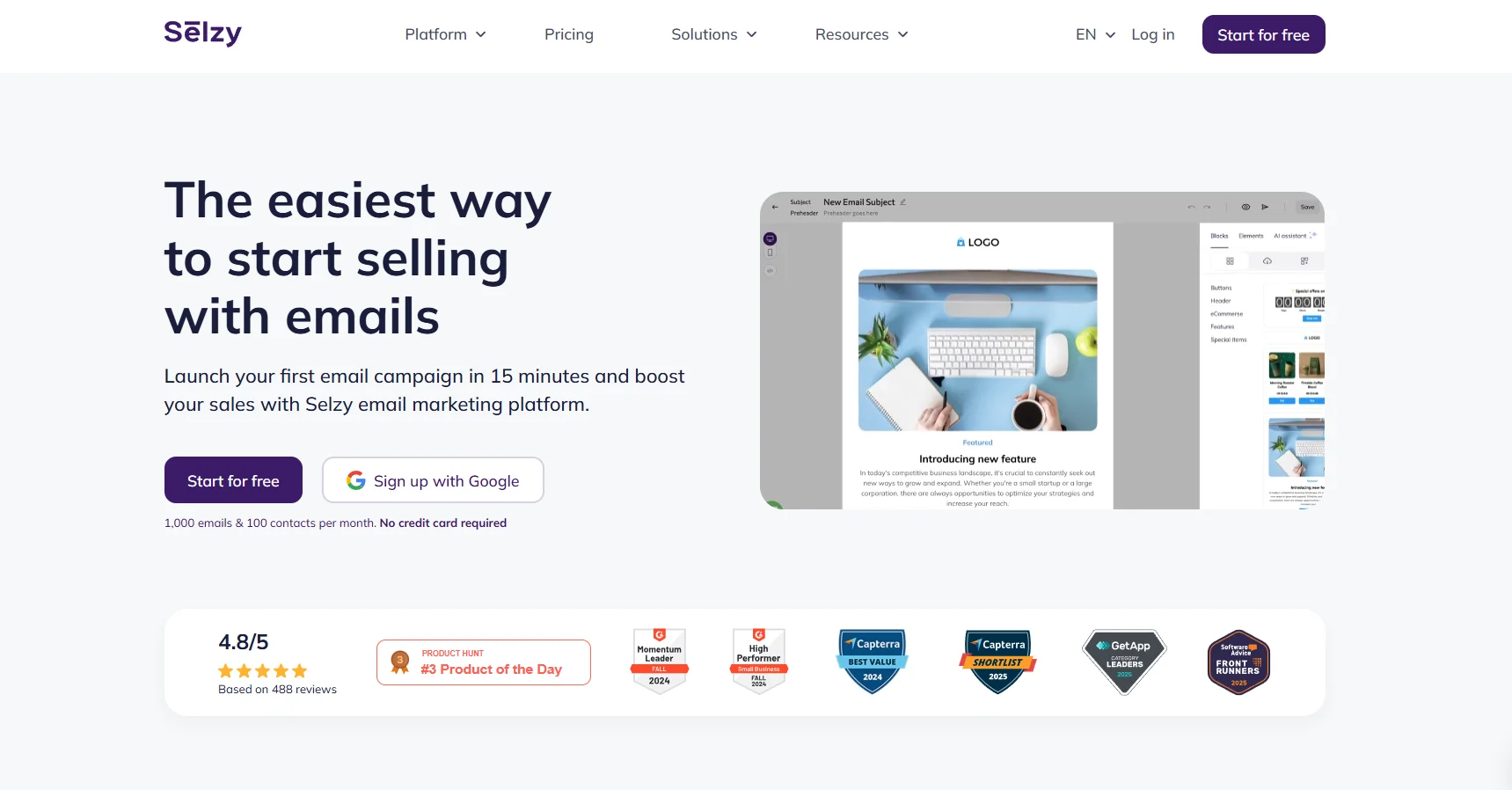
If you want a tool that does 90% of what Mailchimp does at a fraction of the price, Selzy is the answer. Built specifically for small and medium-sized businesses, it has a drag-and-drop editor that lets you build a campaign in under 15 minutes. Selzy offers 1,000+ goal-oriented templates, and a library of stock images and GIFs — which matters when you need a hero shot for tonight’s special and your phone photo isn’t great.
The standout feature for restaurants is 70+ segmentation criteria, which lets you divide your guest list by visit pattern, source (QR code, WiFi, reservation form), location, and engagement level — all from one dashboard. Automation includes pre-built sequences for welcome series, birthday campaigns, abandoned-cart flows, and re-engagement, with AI-generated subject lines and copy suggestions baked in.
The downside is that Selzy doesn’t have native restaurant POS integrations the way Klaviyo does — you’ll connect via Albato or Zapier. Some users also report occasional deliverability dips, which is a tradeoff for the price point.
Best for: Independent restaurants and cafés wanting an affordable email tool — especially those who value 24/7 support even on the free plan.
Key features:
- Drag-and-drop editor with 1000+ templates and 800,000+ stock images/GIFs
- 70+ segmentation criteria for granular guest targeting
- AI-powered subject line and copy suggestions
- Native SMS, Viber, and Telegram campaigns
- 24/7 live support on every plan, including free
- tutorials and how-to guides for non-marketers
Pros:
- One of the most affordable tools on this list (paid plans from $7.5/mo)
- Free plan includes all features — no feature gating
- Excellent customer support, available even on free tier
- AI features genuinely save time on copy and design
Cons:
- Smaller user community than Mailchimp or Klaviyo
- Reporting less sophisticated than ActiveCampaign or HubSpot
- Occasional deliverability issues reported by some users

2. Mailchimp — Best for first-time email marketers
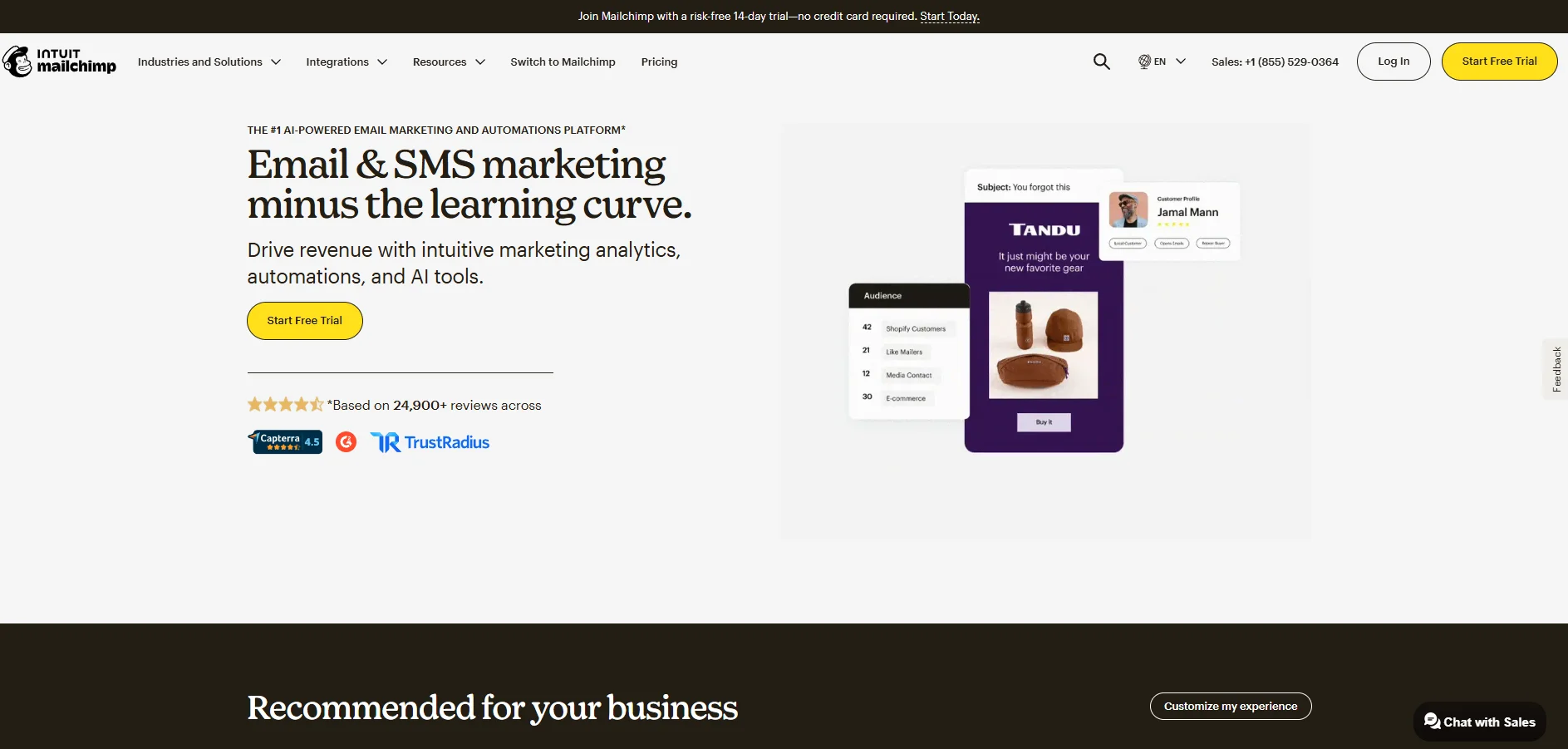
Mailchimp is still the tool most restaurant owners reach for first, usually because they used it once at a previous job or their freelance designer knows it. For a single-location restaurant doing a weekly newsletter, monthly events, and a basic birthday automation, it works. The template library includes layouts built specifically for food businesses — weekly specials, grand openings, holiday prix fixe menus — and the image editor lets you crop, brighten, and overlay text on a dish photo without leaving the app.
But Mailchimp reduced its free plan to 500 emails/month in early 2026, so most restaurants outgrow it within a month or two.
Best for: Single-location independents who want a recognizable, low-learning-curve tool to start sending campaigns within an afternoon.
Key features:
- Restaurant-ready templates (specials, events, grand openings)
- Built-in photo editor for food images
- Basic automation (welcome series, birthdays, re-engagement)
- Integrations including most POS and reservation systems via Zapier
- A/B testing on subject lines and send times
Pros:
- Easiest learning curve of any tool on this list
- Strong template library for food businesses
- Wide ecosystem of plugins and tutorials
Cons:
- Pricing scales steeply past 1,000 contacts
- No native POS integration
- Free plan is barely useful after 2026 reductions
3. MailerLite — Best for budget-conscious independents
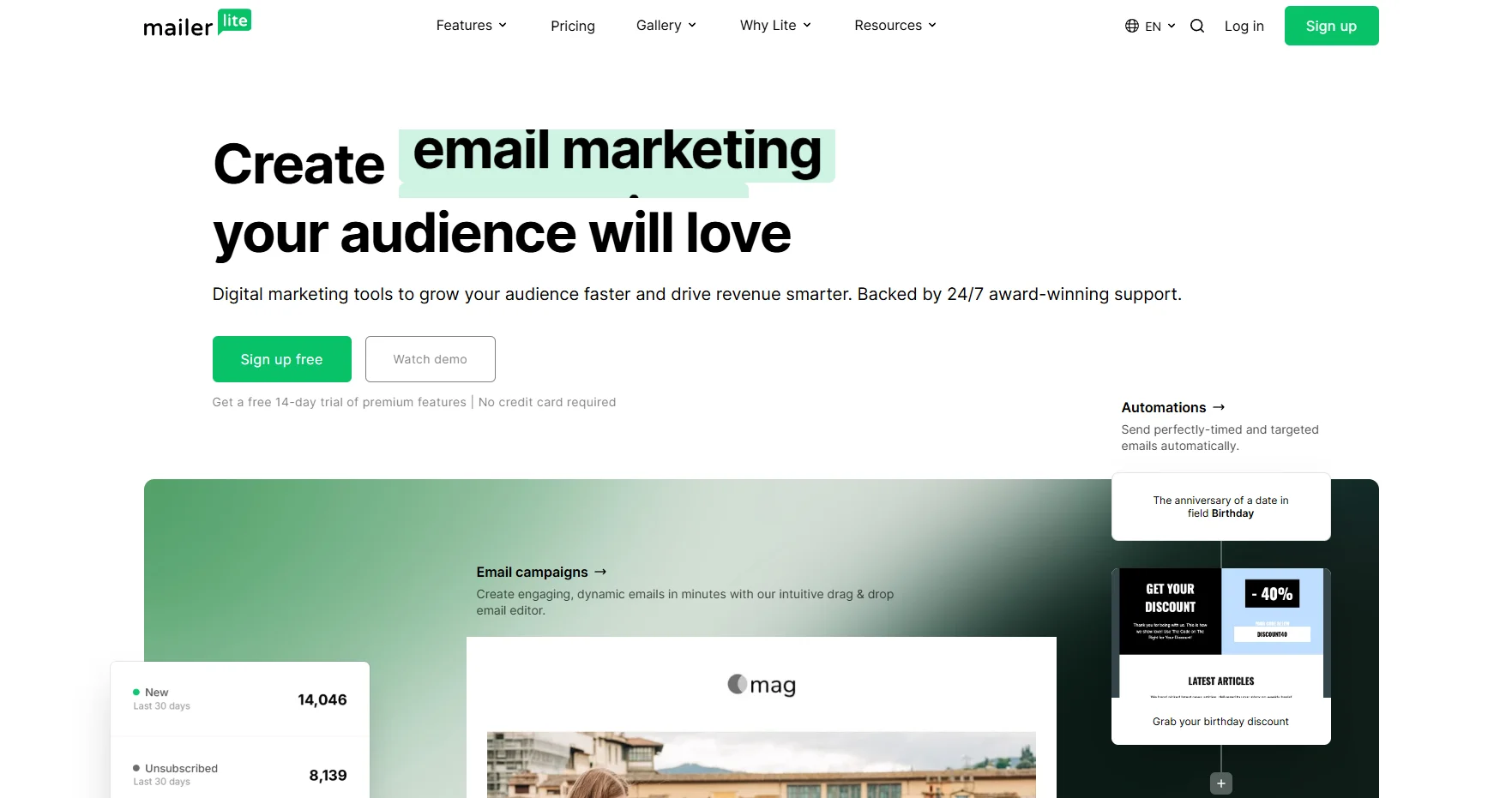
If Mailchimp’s pricing makes you wince, MailerLite can be a good alternative. The free tier is useful: 500 subscribers and 12,000 emails/month, with automation included. Most single-location restaurants can run their entire email program without paying a cent for the first 12–18 months.
The drag-and-drop editor is fast and produces clean emails that look good on mobile (where 70%+ of restaurant emails get opened). Building a weekly specials email takes 10 minutes: drop in a hero image, add a menu block, paste in a reservation button, and schedule for 4 PM Thursday. Done.
The trade-off is template variety. MailerLite doesn’t have food-industry layouts the way Mailchimp does. You’ll build a template once, save it, and reuse it. That’s a one-time hour-long task that saves you $150+/month forever.
Best for: Independent cafés, bistros, and single-location restaurants up to ~1,500 contacts, especially those just getting started.
Key features:
- Generous free plan (500 contacts, 12,000 emails/month)
- Drag-and-drop editor with mobile preview
- Automation workflows on free plan
- Built-in landing pages and signup forms (for QR-code WiFi capture)
- Free email verification
Pros:
- Most generous free tier on the market
- Fast, clean editor
- Excellent deliverability rates (industry benchmarks above average)
Cons:
- No food-specific templates out of the box
- No native POS integration (Zapier required)
- Reporting is basic — no revenue attribution
4. Klaviyo — Best for online ordering and data-driven concepts
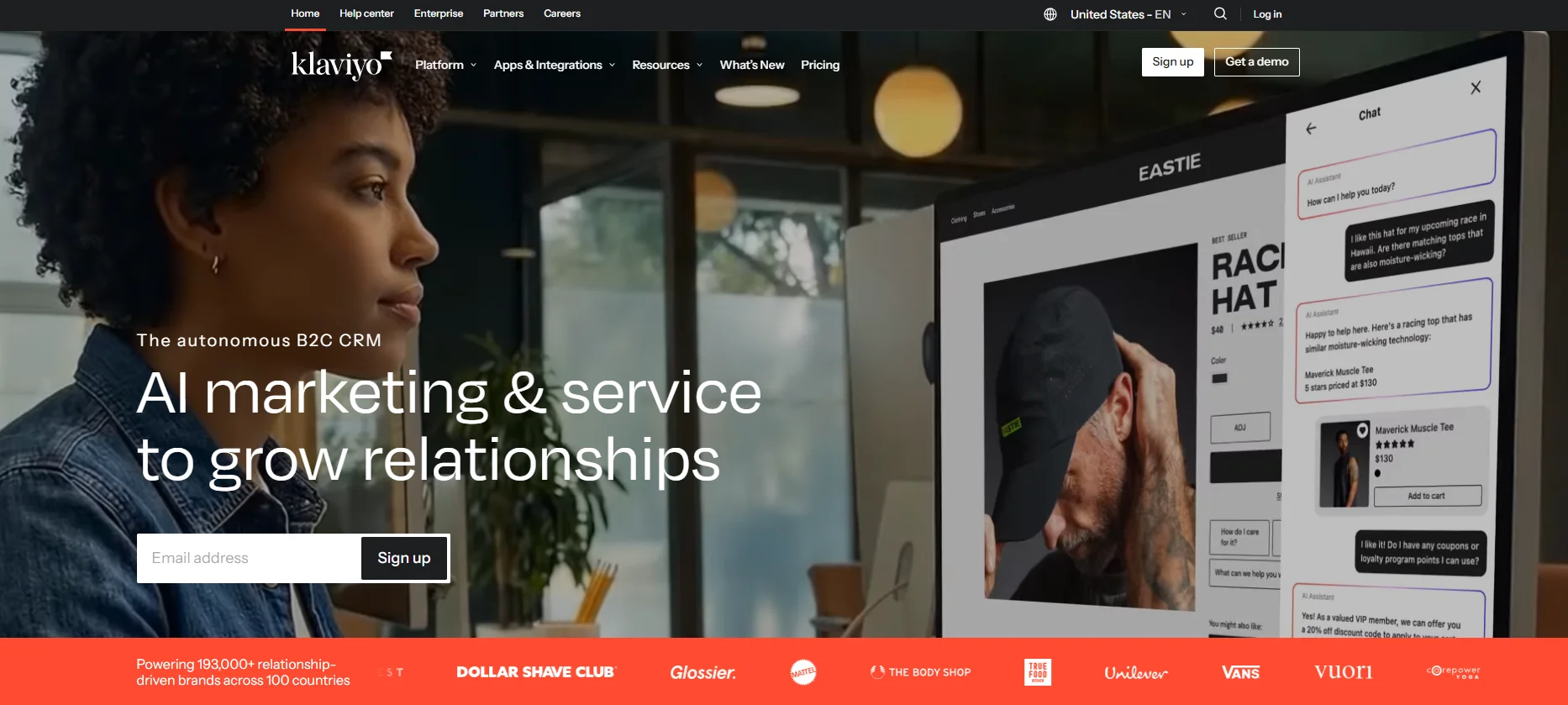
Klaviyo built its name in e-commerce, and it’s pulled that DNA into restaurants with native integrations for Toast, Square, Resy, OpenTable, Lightspeed, and most major online ordering platforms. If a meaningful part of your revenue comes through delivery, pickup, or third-party apps, Klaviyo will use that order data to drive segmentation in ways most tools can’t touch.
Example: a Klaviyo flow can trigger an automatic “we miss you — here’s $10 off your next pickup” email when a guest hasn’t ordered in 21 days, then send a follow-up SMS three days later if the email isn’t opened, then auto-suppress the campaign once they place an order. That’s not theoretical — it’s the kind of multi-channel flow Klaviyo was built for.
The trade-off is complexity. Klaviyo is more of a tool than most single-location restaurants need, and the pricing scales with active profiles, not list size, which can surprise you.
Best for: Restaurants with significant online ordering or delivery volume, ghost kitchens, multi-location groups with marketing staff.
Key features:
- Native integrations with Toast, Square, Resy, OpenTable, Lightspeed
- Combined email + SMS in one platform
- Behavioral segmentation by order frequency, items, spend tier
- Revenue attribution per campaign and flow
- AI-powered send-time and subject-line optimization
Pros:
- Best-in-class data integration for restaurants doing digital orders
- Combined email + SMS keeps everything in one place
- Tracks actual revenue per campaign, not just opens
Cons:
- Steep learning curve
- Pricing scales with active profiles (can get expensive fast)
- Overkill for a 60-seat single-location bistro
5. Brevo — Best for SMS-heavy and high-volume senders
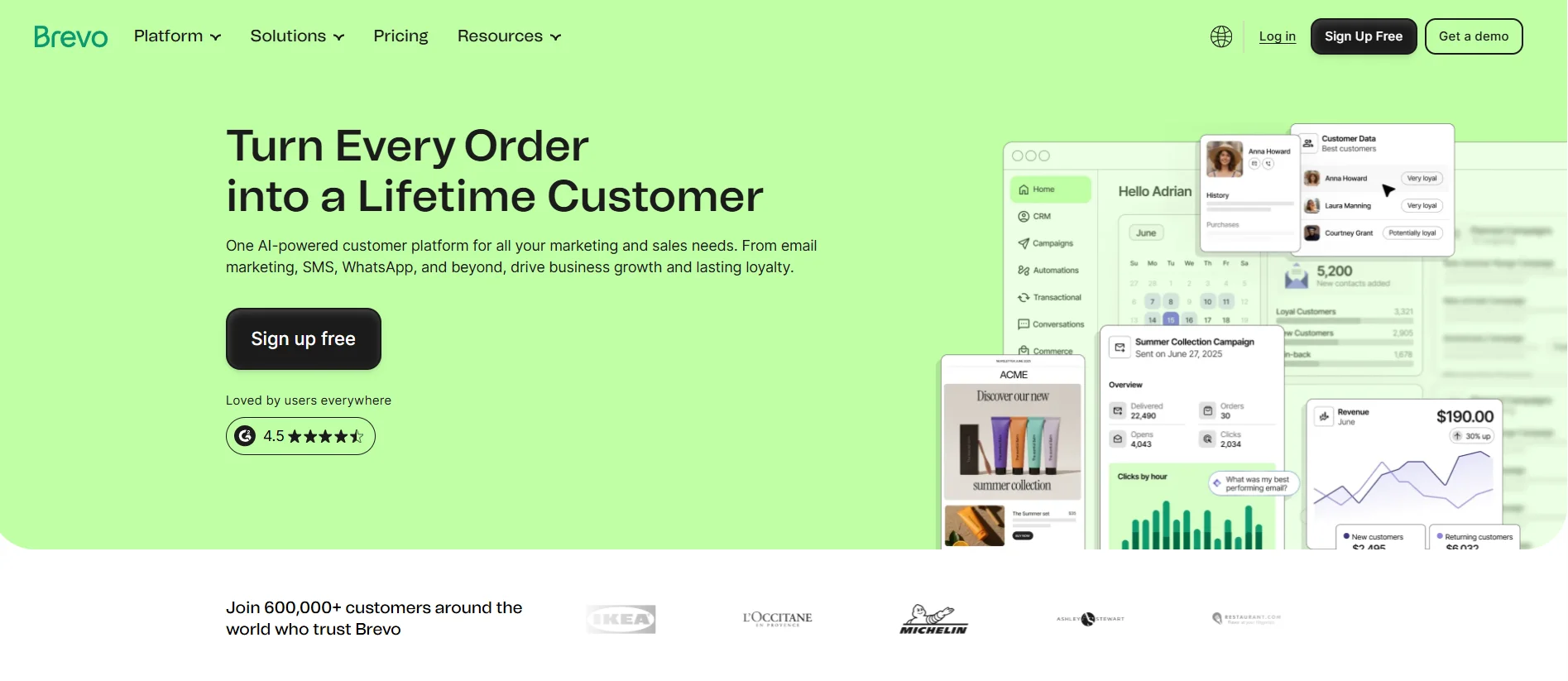
Brevo is the only tool on this list with unlimited contacts on the free plan — you only pay for emails sent, not contacts stored. That structure is unusually friendly for restaurants with big legacy guest lists who don’t send every week. If you have 8,000 contacts but only run two campaigns a month, Brevo will charge you less than Mailchimp does.
The SMS engine is also native (not bolted on), which makes it strong for time-sensitive restaurant campaigns: last-minute table releases, day-of brunch reminders, two-hour flash promotions to fill an empty patio on a sunny Sunday. SMS open rates in food service approach 98%, and Brevo lets you orchestrate email + SMS in a single workflow without a separate tool.
Best for: Restaurants with large guest databases who send less frequently, or any concept where SMS is central (delivery-focused, late-night, club-restaurant hybrids).
Key features:
- Unlimited contacts on free plan (300 emails/day)
- Native SMS and WhatsApp campaigns
- Visual automation builder
- Transactional email (order confirmations, reservation confirmations)
- Built-in CRM with sales pipeline
Pros:
- Pay-per-send pricing rewards big-list, low-frequency senders
- Native multi-channel (email + SMS + WhatsApp)
- Strong deliverability for transactional emails
Cons:
- Free plan caps at 300 emails per day (not enough for active senders)
- Template library is generic, not restaurant-focused
- No native POS integration
6. ActiveCampaign — Best for restaurant groups with marketing staff
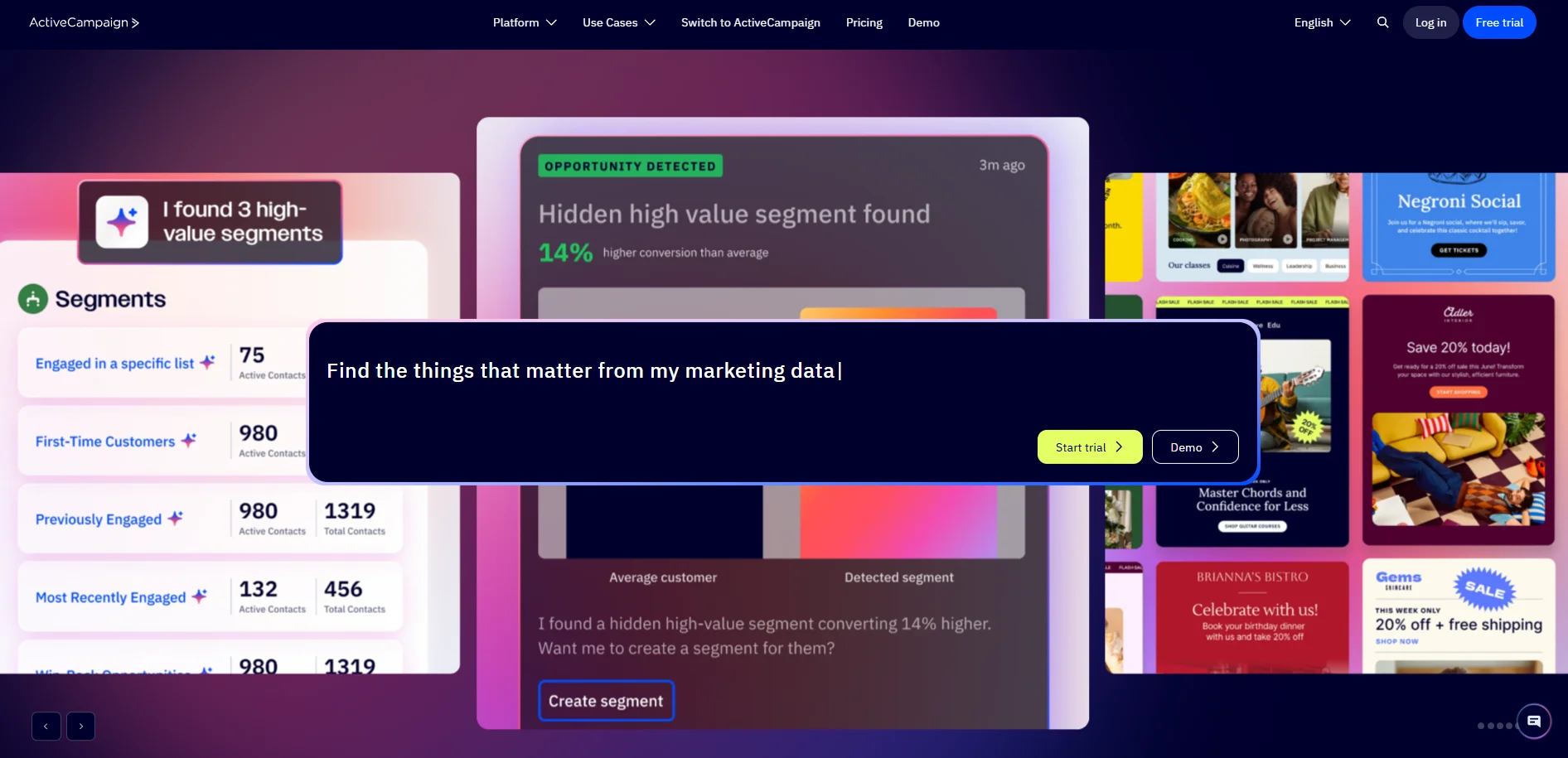
ActiveCampaign is the most powerful automation builder on this list. If you have a restaurant group, an internal marketing person, and a clear vision for what you want to automate — “send a champagne offer to top 10% spenders 14 days before their anniversary” — ActiveCampaign can build it.
The visual automation builder handles conditional logic that simpler tools choke on: if guest opens email + clicks reservation link + makes a booking → tag VIP; if doesn’t open → send SMS 24 hours later; if SMS doesn’t get a response → flag for manual host-stand outreach. Multi-step, multi-channel, multi-condition.
The catch is that this power is wasted on a single-location restaurant doing one weekly newsletter. You’ll spend $79/month and use 5% of the tool. ActiveCampaign earns its price tag at 2+ locations or when a dedicated marketing person owns the program.
Best for: Multi-location restaurant groups (3+ venues), concept-driven brands, or any operator with a marketing person who can build flows.
Key features:
- Industry-leading visual automation builder
- Combined CRM, email, SMS, and landing pages
- 900+ native integrations (including most restaurant POS systems)
- Predictive sending and AI-suggested content
- Lead scoring and behavior tracking
Pros:
- Most powerful automation depth at this price point
- Strong native integrations with POS and reservation systems
- Excellent reporting and revenue attribution
Cons:
- Steep learning curve — requires dedicated owner
- UI feels dated compared to newer tools
- Overkill for single-location restaurants
7. Constant Contact — Best for event-driven restaurants
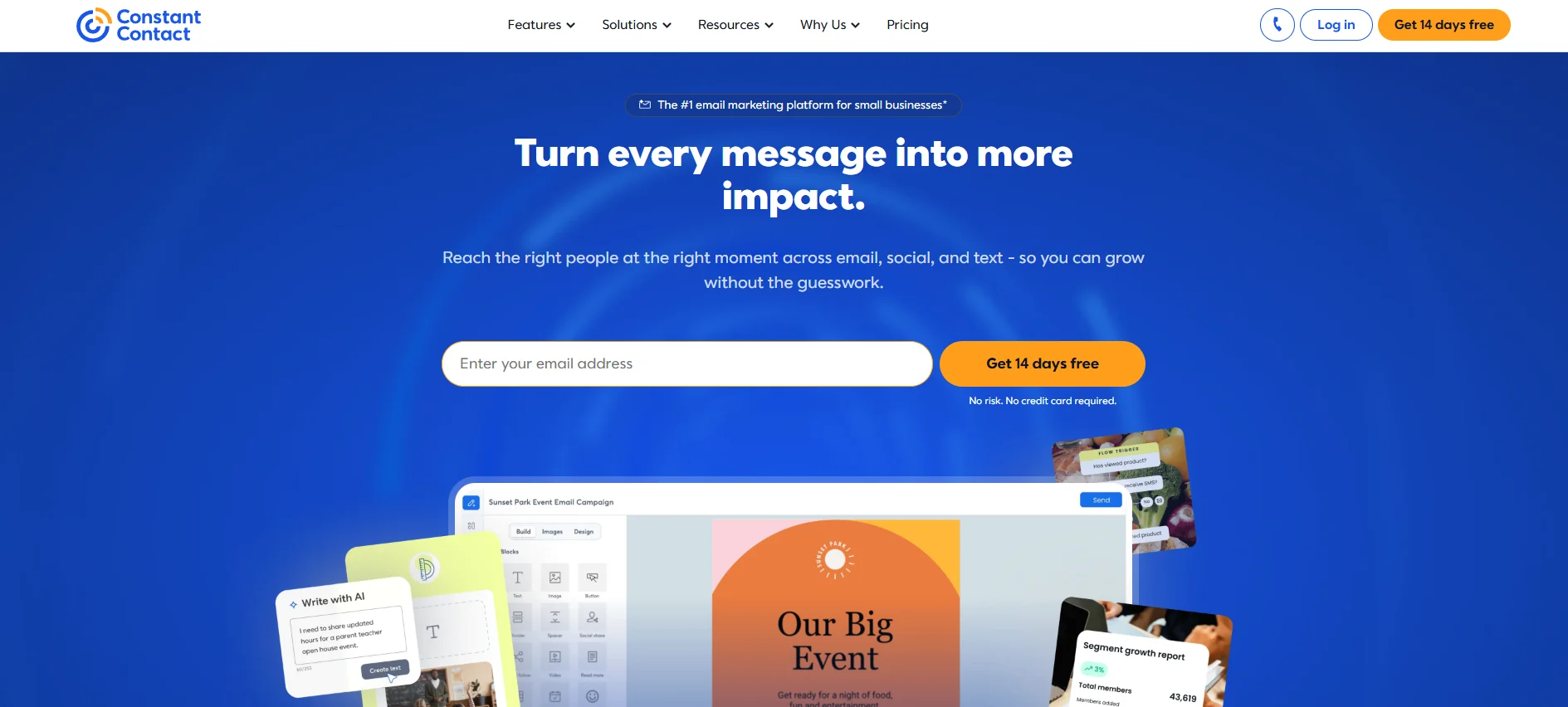
Constant Contact’s hidden superpower is event management. The built-in EventSpot tool handles ticketed events end-to-end: invitations, RSVP collection, payment processing, automatic confirmation emails, and post-event follow-ups — all without leaving the platform.
For restaurants that run wine dinners, cooking classes, chef’s table tastings, beer pairings, or holiday prix fixe nights, this is the cleanest workflow on the market. You build the event page in Constant Contact, embed the registration form on your website, and the platform handles everything from “I’m interested” to “thanks for coming, please review us on Google” automatically.
For everything else, Constant Contact is a competent mid-tier email tool. Templates are dated, the automation builder is weaker than ActiveCampaign or Klaviyo, and there’s no native POS integration. But if events are core to your concept, none of that matters — the events workflow is worth the cost on its own.
Best for: Restaurants running ticketed events (wine dinners, cooking classes, supper clubs, holiday menus).
Key features:
- EventSpot — full event management built in
- Drag-and-drop editor with industry templates
- Basic automation (welcome, birthday, re-engagement)
- Social media posting in the same dashboard
- Survey and review request tools
Pros:
- Best-in-class event management workflow
- Reliable deliverability
- Easy enough for non-marketers to operate
Cons:
- Email features are middle-of-the-pack
- Templates feel dated
- No native POS integration
8. Moosend — Best for tight budgets without sacrificing automation
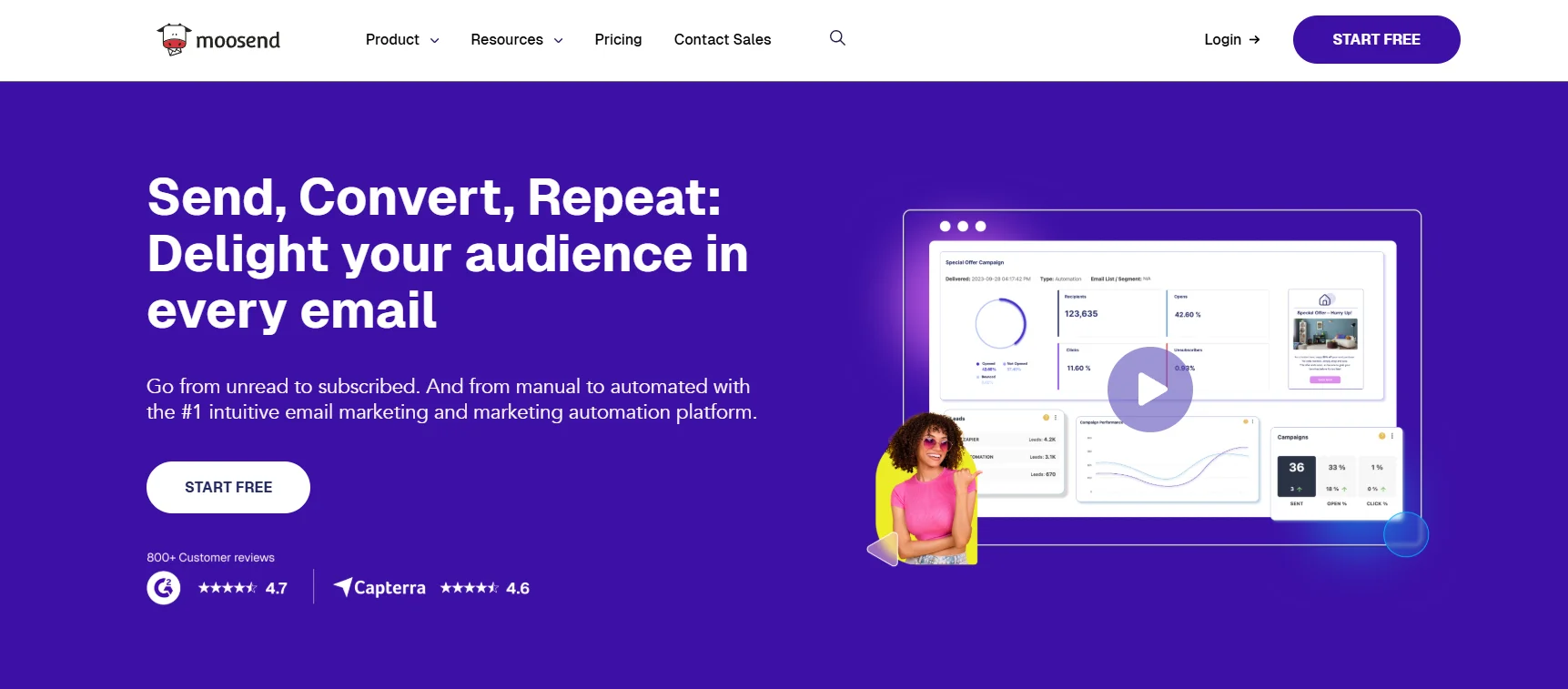
When your profit margin on a plate of pasta is a few dollars, spending $50/month on email marketing feels unreasonable. Moosend respects that reality. At $9/month for up to 500 subscribers with unlimited emails and full automation, it’s the most affordable paid option that doesn’t cut corners on features.
The automation recipes are particularly useful for restaurants that want to set up campaigns quickly. Moosend suggests pre-built workflows for welcome series, abandoned-cart sequences for online orders, post-visit review requests, and re-engagement campaigns — you customize the templates rather than building from scratch. The visual automation builder uses simple if/then/else logic that a manager can learn quickly.
Reporting includes a less-common feature for the price: heatmaps that show which parts of your email guests actually clicked. Useful for understanding whether the menu link, the reservation button, or the seasonal cocktail image is doing the work.
Best for: Independent restaurants and cafés that want full automation features at the lowest sustainable price point.
Key features:
- $9/mo for unlimited emails
- Visual automation builder with pre-built workflow recipes
- Email heatmaps for engagement analysis
- Drag-and-drop landing page builder included
- Pay-as-you-go option for seasonal restaurants
Pros:
- Lowest entry price for full automation
- Unlimited emails on every paid plan
- Heatmap analytics included
- Pay-as-you-go fits seasonal businesses
Cons:
- No free plan (only 30-day trial)
- No native POS integrations
- Template library less restaurant-focused
- Smaller integration ecosystem than top-tier tools
9. GetResponse — Best for restaurants running workshops, classes, and webinars
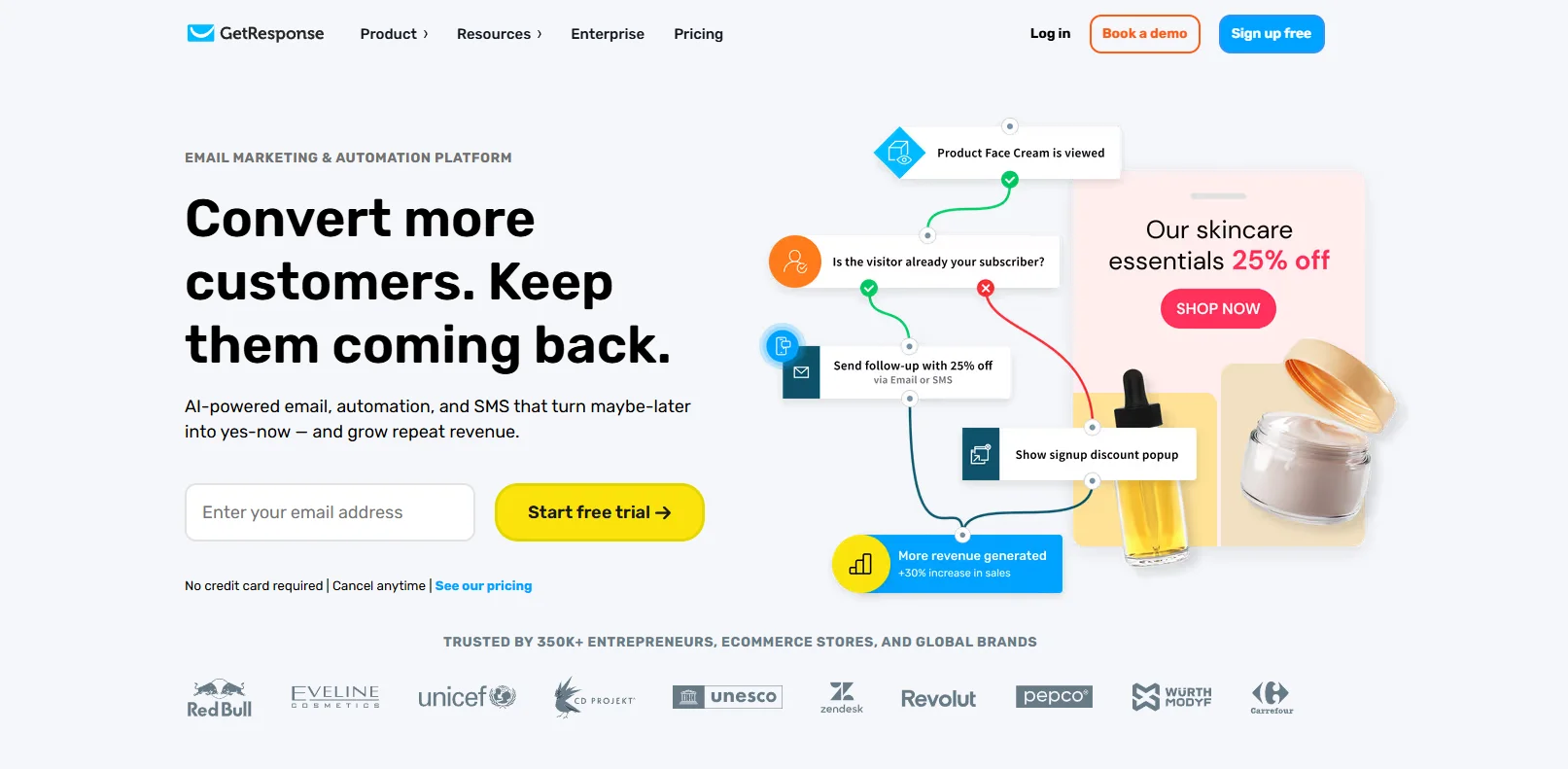
GetResponse is the only tool on this list with built-in webinar functionality, which sounds irrelevant for restaurants — until you realize how many concepts now run virtual wine tastings, online cooking classes, chef’s table livestreams, and paid masterclass workshops. If those are part of your revenue, GetResponse handles email promotion, webinar hosting, payment collection, and post-event follow-up in one place.
Beyond webinars, it’s a competent all-around email platform with automation, landing pages, signup forms, and a respectable template library. The AI email generator can produce a campaign copy from a short prompt, useful when you need a “Friday brunch reminder” without staring at a blank screen.
The free plan covers up to 500 contacts with unlimited emails and basic automation, which is generous for the category. Paid plans start at $19/month and scale with list size.
Best for: Restaurants running paid virtual events — wine tastings, cooking classes, sommelier sessions, chef interviews, or branded workshops.
Key features:
- Built-in webinar platform (rare for an email tool)
- AI email generator for fast copy creation
- Free plan up to 500 contacts with unlimited emails
- Drag-and-drop builder with mobile preview
- Native Shopify and WooCommerce integrations for online ordering
Pros:
- Unique webinar capability built in
- Generous free tier with unlimited emails
- Reliable deliverability and sender reputation
- AI features included on lower-tier plans
Cons:
- Webinar features are wasted if you don’t run virtual events
- Template designs feel slightly dated
- No native POS integration (Zapier required)
- SMS is an add-on, not native
10. HubSpot — Best for multi-location groups wanting CRM + marketing together
HubSpot isn’t just an email tool — it’s a full CRM that includes email marketing, plus sales tools, customer service workflows, and analytics. For a single-location bistro, it’s overkill. For a 3+ location restaurant group with corporate marketing, private events sales, catering, and a loyalty program to manage, it’s the only tool on this list that holds everything in one database.
The strength is unified guest profiles: every interaction — emails opened, reservations booked, private events inquired about, gift cards purchased, complaints filed — lives in one record. That feeds segmentation and automation that no standalone email tool can match. A campaign can target “guests who attended a private event in 2025, opened the holiday email, but haven’t booked yet” — that’s the kind of cross-channel logic HubSpot was built for.
The free Marketing Hub plan is very useful (up to 2,000 emails/month, basic forms, simple automation), but real value kicks in at Marketing Starter ($20/mo) or Professional ($800/mo). The Pro tier is expensive, but that’s the price for a single source of guest truth across a restaurant group.
Best for: Multi-location restaurant groups, catering operations, private event venues, and concepts where guest data lives across multiple systems.
Key features:
- Full CRM with unified guest profiles
- Email + landing pages + forms + automation
- Sales pipeline for private events and catering inquiries
- Detailed reporting with custom dashboards
- 1,500+ native integrations
Pros:
- Most comprehensive guest data platform on this list
- Generous free plan for getting started
- Unified marketing + sales + service in one tool
- Strong reporting and attribution
Cons:
- Pricing scales steeply at Professional tier ($800+/mo)
- Overkill for single-location restaurants
- Requires dedicated owner to extract value
- Implementation can take weeks for full setup
11. Omnisend — Best for restaurants with heavy online ordering
Omnisend started in e-commerce and still focuses on that industry, which makes it strong for restaurants doing online ordering, delivery, or pickup revenue. Native integrations with Shopify, WooCommerce, and BigCommerce mean every online order automatically becomes a data point for campaigns — order frequency, item history, abandoned carts, average ticket size.
With Omnisend, you can enjoy multichannel marketing: combined email + SMS + push notifications in one workflow. A typical Omnisend automation: guest abandons their online order → email reminder 1 hour later → SMS 6 hours later if email isn’t opened → push notification next day with a small discount. That kind of cross-channel sequence is what recovers 10–15% of abandoned restaurant orders.
The free plan covers 250 contacts and 500 emails/month with full automation included — unusual generosity for a tool with this much depth.
Best for: Restaurants where online ordering, delivery, and digital revenue make up a meaningful share of the business — especially those running their own ordering platform.
Key features:
- Native Shopify, WooCommerce, BigCommerce integrations
- Combined email + SMS + push notifications in one workflow
- Pre-built abandoned cart and order follow-up flows
- Product picker that pulls menu items automatically
- Free plan with full automation
Pros:
- Strongest combined email + SMS + push of any tool on this list
- Native e-commerce/online ordering integrations
- Free plan includes automation (rare)
- Excellent abandoned-cart recovery workflows
Cons:
- Less useful for dine-in-only restaurants
- Templates more e-commerce-styled than restaurant-styled
- No native POS integrations (Toast, Square)
- SMS pricing on top of subscription
Pick by use case: which tool fits your restaurant
If you got this far and still don’t know which one to pick, here’s the cheat sheet:
- Single-location café, bistro, or restaurant, just getting started: MailerLite (free, then $10/mo)
- Restaurant on Toast POS: Toast Marketing — the native integration is worth the premium
- Restaurant on Square POS: Square Marketing — same logic
- Heavy online ordering or delivery focus: Klaviyo
- Fine dining or reservation-driven concept: SevenRooms
- Multi-location group with a marketing person: ActiveCampaign or Klaviyo
- Restaurant running real ticketed events: Constant Contact
- Big legacy guest list, low send frequency: Brevo
- No marketing staff, want one tool for everything: Popmenu
- Just want a recognizable, easy starting point: Mailchimp
Restaurant campaign examples
Picking the right tool is the easy part. Using it consistently is what actually drives revenue.
Here are five proven automations and campaigns that drive measurable revenue — set these up first, in order of ROI:
- The post-visit review request. Sent 24 hours after a visit. Happy guests get directed to Google or Yelp; concerned guests will receive a private feedback form. This single workflow protects your online reputation and surfaces problems before they hit public review sites. Subject line example: “How was dinner last night, [first name]?”
- The birthday offer. Send 5 days before the birthday with a redemption window of 14 days. Birthday emails routinely hit 50%+ open rates in restaurants — among the highest-performing emails in any industry. Make the offer simple: a free dessert, a glass of sparkling on arrival, a personalized note from the chef.
- The 30-60-90 day win-back. Three emails to guests who haven’t visited in 30, 60, and 90 days. The 30-day note is a friendly “we miss you.” The 60-day adds a soft incentive. The 90-day is a final, more compelling offer (15% off, free appetizer). According to Toast’s 2025 Industry Report, restaurants running automated win-back campaigns recover 15–25% of lapsed guests within 60 days.
- The slow-period filler. A targeted SMS or email sent Tuesday morning to local guests offering a small incentive (“$10 off a $40+ tab tonight only”). This is one of the best ways to turn a slow Tuesday into a profitable one.
- The event lead-up series. For wine dinners, holiday menus, or special tastings — three emails: announcement 3 weeks out, reminder 1 week out, final push 2 days before. This is the sweet spot for ticketed events. More than three becomes annoying; fewer leaves seats empty.
Final thoughts
Still unsure which tool to choose? Here is a short breakdown:
Best overall — Selzy. For most independent restaurants, Selzy is the strongest choice: easy enough for a manager between dinner services, affordable enough for any budget, and powerful enough to run a full annual campaign calendar.
Best budget alternative — MailerLite. The most polished free plan on this list — 1,000 contacts with full automation, no card required.
Best for first-timers — Mailchimp. The most recognizable name with the gentlest learning curve and food-business templates built in.
Best for online ordering — Omnisend. Native Shopify and WooCommerce integrations plus combined email + SMS + push workflows recover 10–15% of abandoned online orders.
Best for data-driven concepts — Klaviyo. Deepest order-history segmentation and revenue attribution of any tool here, ideal for restaurant groups with marketing staff.
Best for events — Constant Contact. Built-in EventSpot handles invitations, RSVPs, payments, and follow-up in one workflow — perfect for wine dinners and ticketed tastings.
Best for paid virtual events — GetResponse. The only platform with built-in webinar functionality for online cooking classes and sommelier livestreams.
Best for restaurant groups — HubSpot. The only tool that unifies email, catering inquiries, private events, and guest data in a single CRM.
Best for advanced automation — ActiveCampaign. Unmatched visual automation builder for complex, multi-condition workflows like VIP tagging and behavioral triggers.
Best for multi-channel (email + SMS) — Brevo. Email, SMS, and WhatsApp in one platform at the lowest combined cost, with unlimited contacts on the free plan.
Best for full automation on a tight budget — Moosend. $9/month for 500 subscribers with unlimited emails, pre-built workflows, and heatmap analytics.
Frequently asked questions
How can restaurants grow their email list?
The fastest way is to put QR codes on tables and menus that link to a signup form with a small incentive — a free coffee, 10% off, something simple. Also, you can set your guest WiFi to require an email address before connecting. Your reservation system (Resy, OpenTable, SevenRooms) captures emails automatically, so make sure that’s turned on. And at checkout, Square, Toast, and most POS systems can offer guests an emailed receipt — that’s another easy opt-in. The loyalty program is another option: guests will hand over their email for a free dessert or 10% off their next visit far more readily than for a vague “join our newsletter.”
Which automations should restaurants set up first?
Post-visit review request, birthday automation, (welcome series for new subscribers, lapsed-guest win-back.
How often should restaurants send marketing emails?
For most independent restaurants, once a week is a fair frequency. Twice a week starts to feel pushy; less than every two weeks and guests forget you. Mix it up: one week is a menu update, the next is an event, the next is a behind-the-scenes story about a new dish. The fastest way to lose subscribers is sending the same promotional offer every week.
Can restaurants combine email with SMS effectively?
Yes — and they should. SMS open rates hit 98% in food service compared to ~25% for email. Use email for the storytelling (“our chef just got back from Tuscany with a new pasta menu”) and SMS for the time-sensitive nudge (“two seats left for tonight’s wine dinner — reply YES to reserve”).
Which integrations matter most for restaurants?
POS (Toast, Square, Clover, Lightspeed), reservation system (Resy, OpenTable, SevenRooms), online ordering (Olo, ChowNow, Square Online), and loyalty platform (whichever you use). If a tool doesn’t integrate with your POS or reservation system natively, you’ll either pay for Zapier ($20–$50/mo) or do manual list imports, both of which kill the value of automation.
What email metrics should restaurants track?
Four numbers: open rate (restaurants average 25–43%), click-through rate (target 1.5%+), revenue per email sent (the only number that actually matters), and unsubscribe rate (keep under 0.5%).
 New and noteworthy on our blog
