


Key takeaways
- Mailgun is a well-established tool for automated emails, but there are alternatives available.
- Transactional emails are automated personalized messages, and APIs allow software to communicate automatically.
- SMTP is the standard way computers send emails, and webhooks provide automatic notifications.
- Dedicated IPs are used solely by a business for email sending to protect sender reputation.
- Selzy is recommended for marketer-led teams needing marketing and transactional email in one platform.
If you’re sending automated emails, especially a lot of them, you’ve likely heard of Mailgun. After all, it’s one of the most established tools in that department. But it’s not the only one.
In this article, we’ll discuss what Mailgun is, what features it offers, and its pros and cons. We’ll also examine and compare the best Mailgun alternatives available in 2026.
We’ll cover both developer-focused transactional email services and marketer-friendly platforms that combine transactional and marketing emails, so you can pick the best Mailgun alternative for your stack and your team.
This article contains a lot of technical terms, so we thought we’d define them all before diving in.
Transactional emails are automated personalized messages sent to a user in response to something they did. Usually, a password reset, receipt, verification code, etc.
API is a way for one piece of software to talk to another automatically. In email, APIs let ESPs send things like password resets or order confirmations without anyone manually clicking “send.” Most email APIs today use a REST format.
SMTP is the standard way computers send email. Most apps (like Shopify or SaaS tools) can connect to it instantly, so it’s the quickest way to send transactional emails. An SMTP relay means your ESP sends the email for you using its own SMTP server.
A webhook is an automatic notification from your email provider to your website, store, or app when something happens, like a transactional email being delivered. This helps your system react instantly.
Dedicated IP is an IP address used only by your business when sending email. It protects your sender reputation because you’re not sharing behavior with other senders.
Quick answer
For most marketer-led teams, the best Mailgun alternative is a platform that combines transactional sending with campaign tools, automation, templates, segmentation, and support. Selzy is the best fit when you want marketing and transactional email in one simpler interface. Developer-led teams that mainly need API reliability should compare SendGrid, Postmark, Mailtrap, and Mailgun directly.
A quick overview of Mailgun
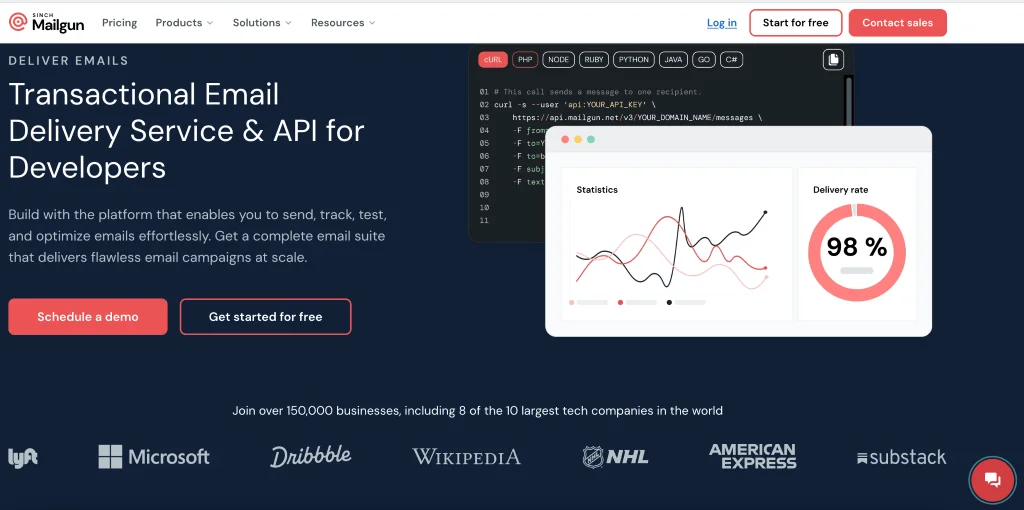
Mailgun (G2 rating: 4.2/5) is an API-first email delivery platform. It’s built to send emails automatically, plugging into your app or website to trigger messages without manual work. Originally created by developers for developers, it’s widely used for transactional emails such as sign-ups, receipts, and password resets. Mailgun also includes tools for deliverability, email validation, and email previews.
Pricing and features
Mailgun offers two separate products with different pricing plans:
- Mailgun Send is the tool we described above. Pricing is volume-based. There’s a 30-day free trial, a free plan with 100 emails per day, and the Basic plan starts at $15/month with 10,000 emails per month included.
- Mailgun Optimize is not the focus of this article, but it’s worth mentioning. It provides deliverability tools, optimization features, validation, and email previews. Mailgun Optimize has a 30-day free trial, no free plan, and the Pilot plan starts at $49/month, with the Starter plan at $99/month after the first free month.
Pros
- Deliverability reliability. Mailgun is known for consistently landing transactional emails in the inbox.
- API performance. Its API and SMTP are fast, stable, and built specifically for automated sending.
- Validation accuracy. The email validation tools catch bad emails quickly and help keep email lists clean.
- Preview tools. Built-in inbox previews and testing make it easier to spot issues before sending.
- Easy scaling. The system handles huge sending volumes without slowing down.
Cons
- Developer focus. Mailgun is designed mainly for developers, so marketers may find it quite tricky to use.
- Split features. Key tools are divided between Mailgun Send and Mailgun Optimize.
- Limited marketing tools. It isn’t built for designing or running email campaigns.
Why look for Mailgun alternatives
Mailgun is a great tool, but it’s mainly built for developers, and it’s not the best fit for marketers who need visual editors or ready-made automations. If you want to access all Mailgun’s features, you often need both Mailgun Send and Mailgun Optimize, which can make things more complicated and also expensive.
If your team doesn’t have backend support, setting up and maintaining Mailgun might be difficult.
Lastly, many businesses prefer one platform that can handle both transactional and marketing email in one place.
7 best Mailgun alternatives
| Tool | Best for | Free options | G2 rating |
| Selzy | Small businesses & e-commerce that want marketing + transactional in one simple tool | Free plan, free trial | 4.7 |
| Brevo | Teams that want multichannel marketing plus basic transactional | Free plan, free trial | 4.5 |
| Mailjet | Marketers who want an easy drag-and-drop builder and team collaboration | Free plan, free trial | 4 |
| Mailtrap | Developer teams that need strong debugging, logs, and monitoring | Free plan | 4.8 |
| Mailchimp | Creators & small businesses needing strong marketing tools with optional transactional | Free plan, free trial | 4.4 |
| SendGrid | SaaS & apps needing scalable API email plus built-in marketing campaigns | Free trial | 4 |
| Postmark | Companies that need reliable transactional emails only | Free trial | 4.6 |
Selzy — Best for marketers who want campaigns and transactional in one simple tool
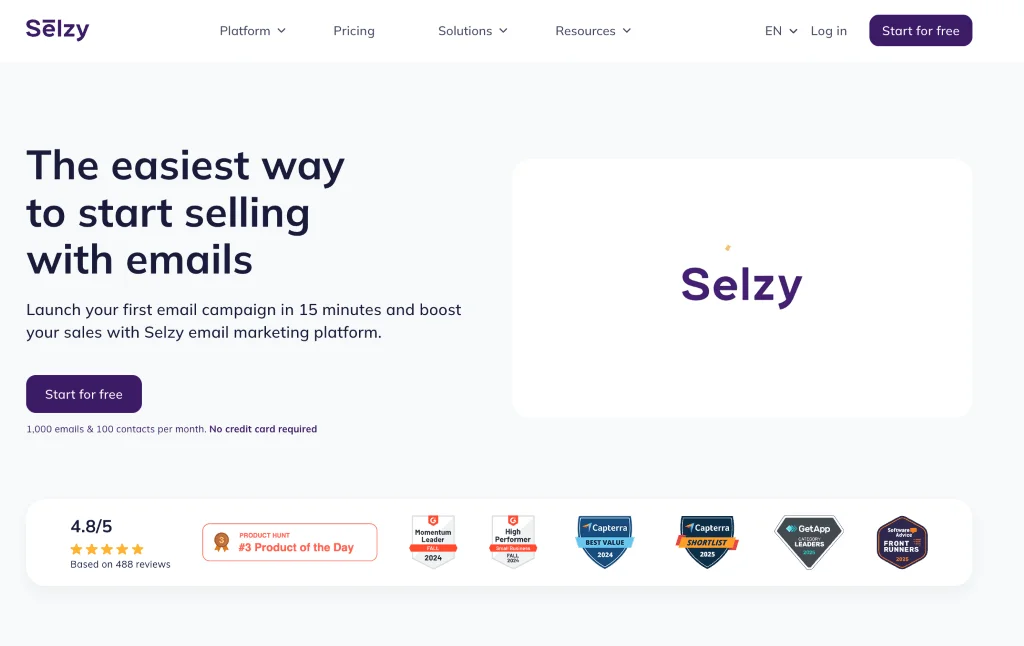
Best for: small businesses, startups, SaaS, e-commerce companies that want both marketing campaigns and transactional delivery in one tool, without developer complexity
G2 rating: 4.7/5
Selzy is originally a marketing-first ESP that now also supports transactional campaigns. With Selzy, you’re getting strong support for email marketing campaigns, segmentation, personalization, A/B testing, and analytics.
You get a drag-and-drop email template builder (plus HTML and AI features), behavior-based automation workflows, affordable pricing compared to big all-in-one suites, and 24/7 human support on every plan.
On the transactional side, Selzy fully supports API-triggered messaging with a simple setup. Most cases don’t require heavy development, but you may still need a developer to connect the trigger the first time. You can send transactional emails for a variety of events, including signups, password resets, purchases, shipping, and account events. The delivery itself is fast, and the delivery rate is high (99.8%). You can even build transactional workflows through the same visual automation builder used for marketing campaigns. Dedicated IP options are also available.
Overall, Selzy is a simpler, marketer-friendly alternative to Mailgun. It combines email marketing and transactional sending in a single platform without requiring developer setup.
The price depends on the size of your contact list (plans go up as contacts scale).
For 100 contacts: free plan up to 1,000 emails per month.
The next paid tier: Lite starts at $5.25/month (if billed yearly), and includes more features.
There’s also a free trial that lets you test out all the features before you commit financially.
Selzy vs Mailgun
Choose Selzy if: you’re marketing-led and want campaigns + automations + transactional email in one visual, no-code tool.
Choose Mailgun if: you’re developer-led and just need a powerful email API/SMTP with deep control from your backend.

Brevo — Best for teams that need email, SMS, and CRM in one platform
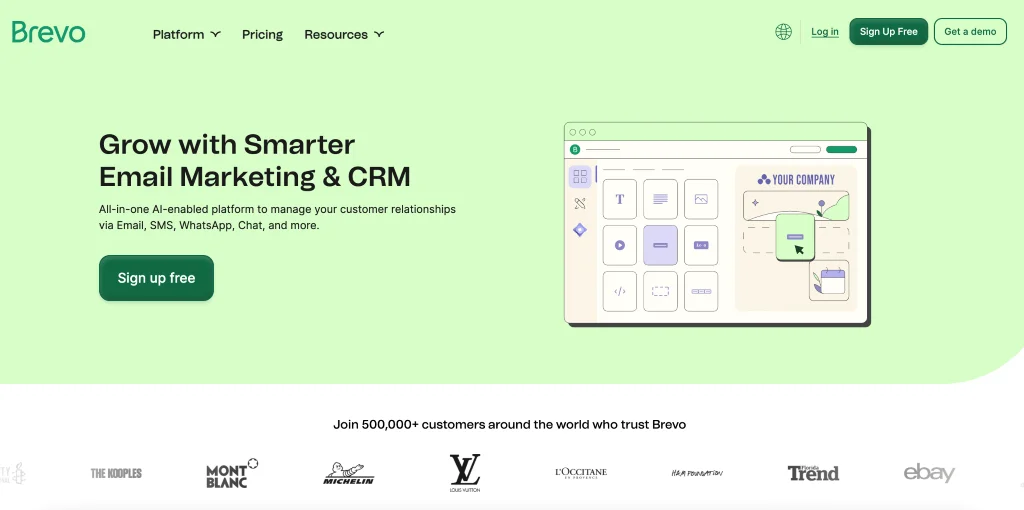
Best for: businesses that want an all-in-one multichannel marketing and CRM platform with built-in transactional email, SMS, automation, and sales tools.
G2 rating: 4.5/5
Brevo is also a marketer-first platform, but it focuses heavily on multichannel features that cover email marketing, SMS, WhatsApp, push notifications, and live chat. It also includes a basic CRM for managing contacts and tracking interactions. There are email tools like an easy drag-and-drop email editor, a visual automation builder available on all plans, and strong tools for segmentation and personalization.
Brevo also supports transactional sending. You can send them via API, SMTP relay, or webhooks, using templates and dynamic data to personalize messages like order confirmations, password resets, and account alerts.
Now, how does Brevo compare to Mailgun? Like Selzy, it’s more accessible and marketer-friendly. Mailgun, by contrast, is infrastructure-first and built primarily for developers, without marketing features.
The great news about Brevo is that all transactional features, including sending email via API, SMTP, or webhooks, are included in all plans, including the free one (up to 300 emails a day). Paid plans start at $10.17/month with pricing based on monthly email volume. There’s also a free trial.
Brevo vs Mailgun
Choose Brevo if: you need email + SMS/WhatsApp + basic CRM and automations under one roof.
Choose Mailgun if: you only care about email delivery and developer tools, not multichannel campaigns.
Mailjet — Best for marketers who prioritize an easy editor and team collaboration
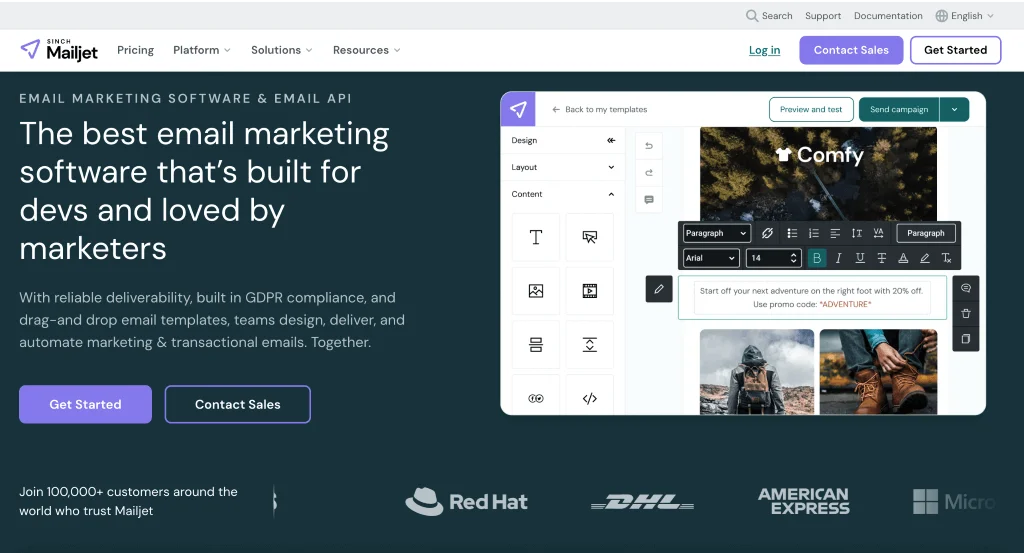
Best for: marketers and small businesses who want an easy email builder and strong collaboration features with built-in transactional sending.
G2 rating: 4/5
Mailjet is a marketer-friendly ESP, originally from Europe and now owned by Mailgun. It’s best known for its user-friendly drag-and-drop email builder, and also strong collaboration features that let teams design emails together in real time.
Mailjet has a large template library, dynamic content personalization, automation workflows, real-time campaign analytics, and A/B testing. The editor is the standout feature.
As far as transactional sending is concerned, Mailjet supports transactional sending through both API and SMTP. It’s developer-friendly, with libraries for all major programming languages, and offers webhooks. You can also create a single transactional template and reuse it with dynamic data for each user.
Mailgun owns Mailjet, but they target different users: Mailgun for backend engineers, Mailjet for marketers.
Now, on to pricing.
A free trial is available. The free plan includes up to 1,000 contacts and 6,000 emails per month, plus API, SMTP, and webhook access.
Paid plans scale by monthly email volume, the Essentials plan starts at $15.30 per month for 15,000 emails.
Mailjet vs Mailgun
Choose Mailjet if: marketers need an easy drag-and-drop editor, templates, and collaboration, plus transactional support.
Choose Mailgun if: APIs, deliverability controls, and developer-centric workflows matter more than the email builder UI.
Mailtrap — Best for product teams that need sending plus deep logs and diagnostics
Best for: Developer-led teams that need sending, diagnostics, and marketing features in one place.
G2 rating: 4.8/5
Mailtrap is yet another email marketing platform on our list, but this one is actually developer-focused. It’s built around diagnostics and troubleshooting: detailed logs, message history, spam-score previews, mailbox-provider stats, and category-level analytics (password resets, receipts, confirmations). Aside from this, it also has standard marketing-oriented features like a drag-and-drop builder, templates, scheduling, segmentation, and AI-assisted content.
In terms of transactional sending, what makes Mailtrap special is its focus on analytics, like delivery events, bounces, opens, and provider-level performance. It also supports webhooks and domain authentication (DKIM/SPF/DMARC).
Unlike Mailgun, Mailtrap combines both marketing and transactional sending in one unified system. Its core strength is observability: developers get a far more detailed view of how emails behave after sending.
Let’s talk about Mailtrap’s pricing plans. Mailtrap uses a single combined pricing model (no separate add-ons).
A free plan includes 4,000 emails/month.
Paid plans start at $15/month for 10,000 emails, covering marketing and transactional email together.
Mailtrap vs Mailgun
Choose Mailtrap if: you need sending + advanced testing, logs, and deliverability analytics in one platform.
Choose Mailgun if: you just want reliable production sending and are okay with more limited diagnostics.
Mailchimp — Best for brands that want strong marketing tools with optional transactional add-on
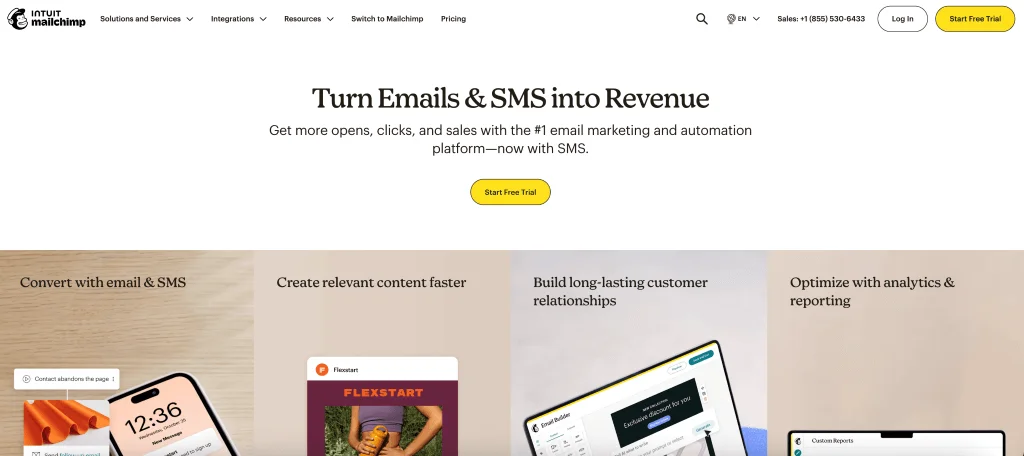
Best for: marketers and small businesses who prioritize visual campaigns, CRM, and automations and only need transactional email as an add-on.
G2 rating: 4.4/5
Mailchimp is one of the most well-known email marketing platforms, especially popular with beginners and small businesses. It includes a drag-and-drop email builder, basic CRM features, automations, audience tools, and AI writing. It’s easy to start with, but the interface can feel crowded. Another common complaint is Mailchimp’s strict billing.
Mailchimp Transactional is a separate add-on product for sending one-to-one, API-based emails like receipts and password resets. It supports both API and SMTP sending, transactional SMS. You also get real-time webhooks, inbound email processing, and an event-rules engine.
Compared to Mailgun, Mailchimp is a marketing-first platform with a heavy focus on UI, templates, and campaigns. Its transactional product is a completely separate add-on.
The main Mailchimp platform uses contact-based pricing.
A free plan exists, but it is very limited. Paid plans start with Essentials at about $13/month for 500 contacts, and Standard at around $20/month.
Transactional email is sold separately as Mailchimp Transactional. It can only be added if you’re on the Standard plan or higher, and it’s billed by sending blocks, roughly $20 per 25,000 emails, with lower rates when buying larger volumes.
SendGrid — Best for SaaS and apps that need a scalable email API plus marketing suite
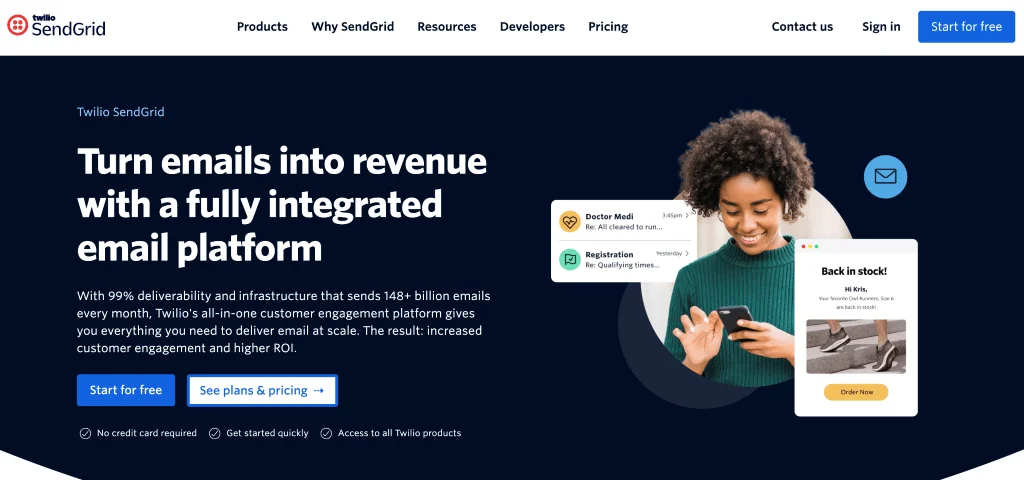
Best for: growing SaaS companies, marketplaces, and apps that need a scalable API email provider plus built-in marketing tools
G2 rating: 4/5
Twilio SendGrid is a high-deliverability email platform used by large SaaS, marketplaces and apps. Its marketing features include drag-and-drop and HTML editors, a strong template library, simple trigger-based automations, signup forms, list management, segmentation, built-in testing, campaign analytics, and performance dashboards.
For transactional emails, SendGrid offers both a REST Email API and SMTP relay, so developers can integrate it with almost any app or backend. There are also dynamic templates that allow you to personalize transactional messages without coding and real-time validation. There’s also support for dedicated IP addresses, domain authentication, and ISP monitoring.
Both SendGrid and Mailgun are strong in API-based transactional sending, but SendGrid is a more comprehensive platform. It combines infrastructure with built-in marketing tools, automations, templates, and forms.
With SendGrid, marketing and transactional features are separated into two pricing plans.
For email API, there’s a free trial that allows you to send 100 emails a day for 60 days. There is no free plan, and for the cheapest plan, Essentials, prices start at $19.95/month for 50,000–100,000 emails.
SendGrid’s marketing suite doesn’t have a free plan either. There’s a free trial, however, where you can send up to 100 contacts and 100 emails/day for two months. The Basic plan starts at $15/month for up to 100,000 contacts and 300,000 emails monthly.
SendGrid vs Mailgun
Choose SendGrid if: you want both a robust email API and a built-in marketing suite (templates, forms, campaigns).
Choose Mailgun if: you prefer a more focused email API with fewer marketing features to manage.
Postmark — Best for companies that need fast, ultra-reliable transactional email only
Best for: Companies that want strict separation between transactional and marketing traffic
G2 rating: 4.6/5
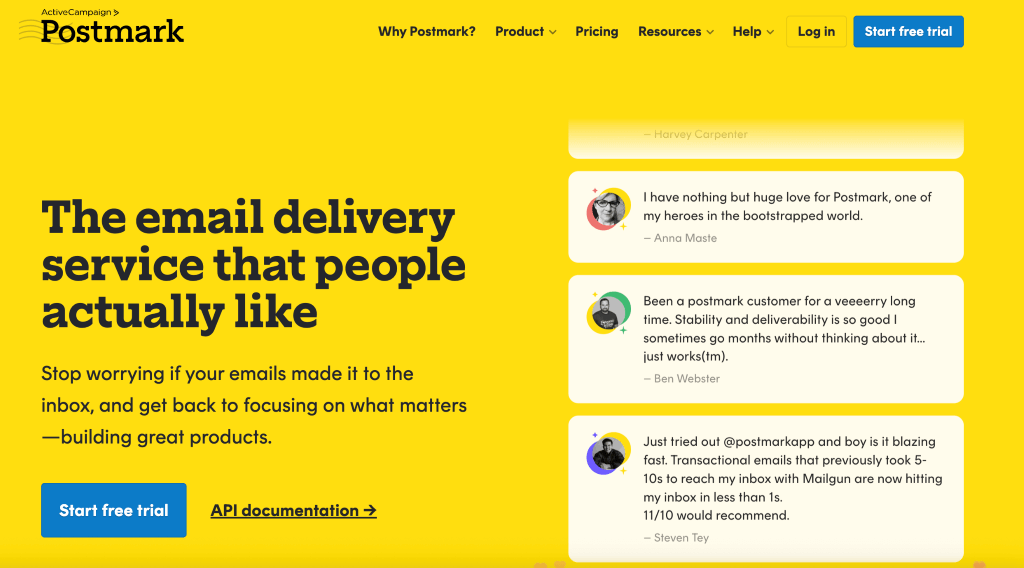
Postmark is different from the other entries on this list. It’s a transactional-only email delivery platform.
Instead of a big marketing builder, Postmark gives you polished, ready-made templates for common transactional emails. You can reuse layouts, keep everything consistent, and make sure your messages display correctly everywhere.
Postmark is known for being very fast. It keeps transactional and marketing traffic completely separate through “Message Streams,” which helps inbox placement. You get detailed logs and analytics, strong domain authentication setup, and an API and SMTP relay. They also publish real-time Time-to-Inbox numbers so you can see actual delivery performance.
How does it compare to Mailgun? Mailgun offers a wider set of tools. Postmark, on the other hand, is excellent for when your main priority is getting transactional emails delivered quickly and reliably.
On to pricing:
There’s a free trial.
Paid plans start at $15/month for 10,000 emails, and pricing is based on total email volume (sending as well as receiving), which is different from many platforms that charge only for outbound sends.
Postmark vs Mailgun
Choose Postmark if: fast, ultra-reliable transactional email and strict separation from marketing traffic is your top priority.
Choose Mailgun if: you want a broader feature set and are comfortable managing deliverability and traffic separation yourself.
How to choose the right platform for you?
There’s no right answer to this question. Think about what your team actually needs.
- Choose Selzy, Brevo, or Mailjet if you want marketing campaigns, templates, automation, and transactional sending in one more accessible workspace.
- Choose Mailtrap if your product team needs logs, testing, monitoring, and diagnostics around every message.
- Choose SendGrid if you need scalable API email and also want access to built-in marketing campaign tools.
- Choose Postmark if transactional speed and strict separation between transactional and broadcast traffic matter most.
- Stay with Mailgun if your developers already rely on its API-first workflow and your marketing tools live somewhere else.
FAQ
What is the best Mailgun alternative for marketing teams?
For most marketer-led teams, Selzy is the best Mailgun alternative. It combines transactional sending with campaign tools, automation, templates, segmentation, and support in a simpler interface. That makes it a better fit if you want one platform for both marketing and transactional email.
What is the best Mailgun alternative for developers?
Developer-led teams that mainly need API reliability should compare SendGrid, Postmark, Mailtrap, and Mailgun directly. These tools are better suited for teams focused on transactional delivery, API performance, and SMTP-based sending. If your main priority is reliable automated email from your app, these are the strongest options to evaluate.
Which Mailgun alternatives have free options?
Selzy, Brevo, Mailjet, Mailchimp, and Mailtrap have free options. SendGrid and Postmark are listed with free trials. If you want to test before committing, those trial or free tiers can help you compare deliverability and usability first.
Is Mailgun better than SendGrid?
It depends on your needs. SendGrid combines scalable API email with built-in marketing tools, while Mailgun is more focused on API and SMTP delivery. If you want a broader platform with marketing features, SendGrid may be the better fit; if you want a more developer-focused delivery tool, Mailgun is a strong choice.
Can I use one platform for marketing and transactional emails?
Yes. The article recommends choosing a platform that combines transactional sending with campaign tools, automation, templates, segmentation, and support if you want both in one place. Selzy is highlighted as a strong option for teams that want marketing and transactional email together.
What should I compare before switching from Mailgun?
Compare the sending method you need, deliverability reliability, API and SMTP performance, and whether you want marketing tools in the same platform. Also look at validation, previews, webhooks, dedicated IP options, pricing, and support. The right choice depends on whether your team is developer-led or marketer-led.
 New and noteworthy on our blog