


Key takeaways
- A webinar follow-up email is crucial to keep the conversation moving after hosting a successful webinar.
- The follow-up email should be timely, provide useful resources, and guide interested leads further down the marketing funnel.
- Different types of follow-up emails include thank-you emails, recording follow-ups, resource emails, and next-step emails.
- The sequence of follow-up emails should be structured to engage attendees and registrants effectively.
- Key elements to include in webinar follow-up emails are audience segmentation, context, resources, personalization, and clear CTAs.
Imagine that you hosted a great webinar that brought the right people into the room. The next step is not to wait for them to remember you on their own. A webinar follow-up email helps you keep the conversation moving, send useful resources, and guide interested leads further down the marketing funnel.
In this guide, you will find timing advice, sequence ideas, examples, subject lines, CTAs, and practical tips for writing follow-up emails for attendees and for people who registered but did not attend.
Quick answer: A webinar follow-up email is a post-event message or sequence sent to attendees, no-shows, and registrants after a webinar. The strongest follow-ups thank people, share the recording or promised resources, segment the next step by behavior, and make one clear offer or CTA.
Why write a webinar follow-up email
A webinar is usually only one touchpoint in a longer customer journey. People may attend because they are curious, because they are researching a problem, or because they already compare solutions. A follow-up email gives you a structured way to continue the conversation while the event is still fresh.
- Increase engagement after the live session.
- Help leads move from interest to action.
- Share recordings, slides, and resources people expected to receive.
- Collect feedback and learn which topics matter to your audience.
- Improve your CTR by sending more relevant next steps.
The goal is not to send more email for its own sake. The goal is to match each contact with the most useful next step: a replay, a resource, another event, a trial, a demo, or a simple reply.
Types of follow-up webinar emails
A single email can work for a small informational webinar, but most marketing webinars perform better as a short sequence. That does not mean every contact should receive the same messages. Attendees, no-shows, and highly engaged leads should see different emphasis and CTAs.
Recommended webinar follow-up sequence
| When to send | Main goal | Best CTA | |
| Thank-you email | Right after the webinar or within a few hours | Confirm attendance, keep momentum, and set expectations | View the recording or download the resource |
| Recording follow-up | Next day | Help attendees revisit the content and reach people who left early | Watch the replay, book a demo, or read the summary |
| Resource email | 2-3 days later | Educate leads and connect the webinar topic with your solution | Download a checklist, guide, or case study |
| Next-step email | Within a week | Move qualified leads toward a consultation, trial, offer, or next event | Start a trial, register for another webinar, or schedule a call |
“Thank you for attending” emails
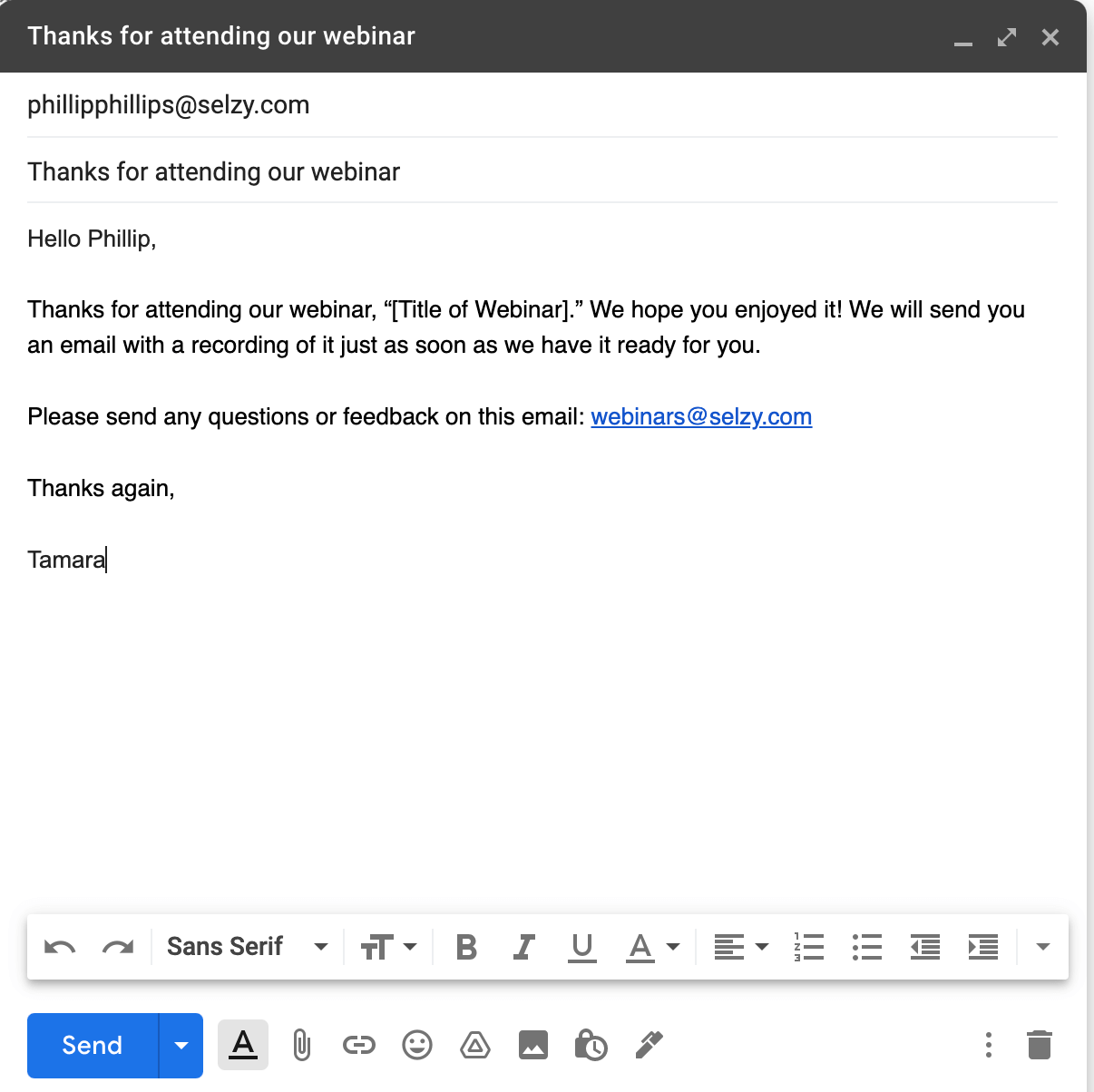
The first email should thank attendees and confirm that their time was valuable. Send it right after the webinar or within a few hours while the event is still easy to remember. Mention the topic, include a short recap, and tell people what they can expect next.
Template idea: Thank you for joining [webinar name]. Here is a quick recap of what we covered, plus the promised resource. If you want to go deeper, use the link below to watch the replay or book a follow-up conversation.
First follow-up with the recording
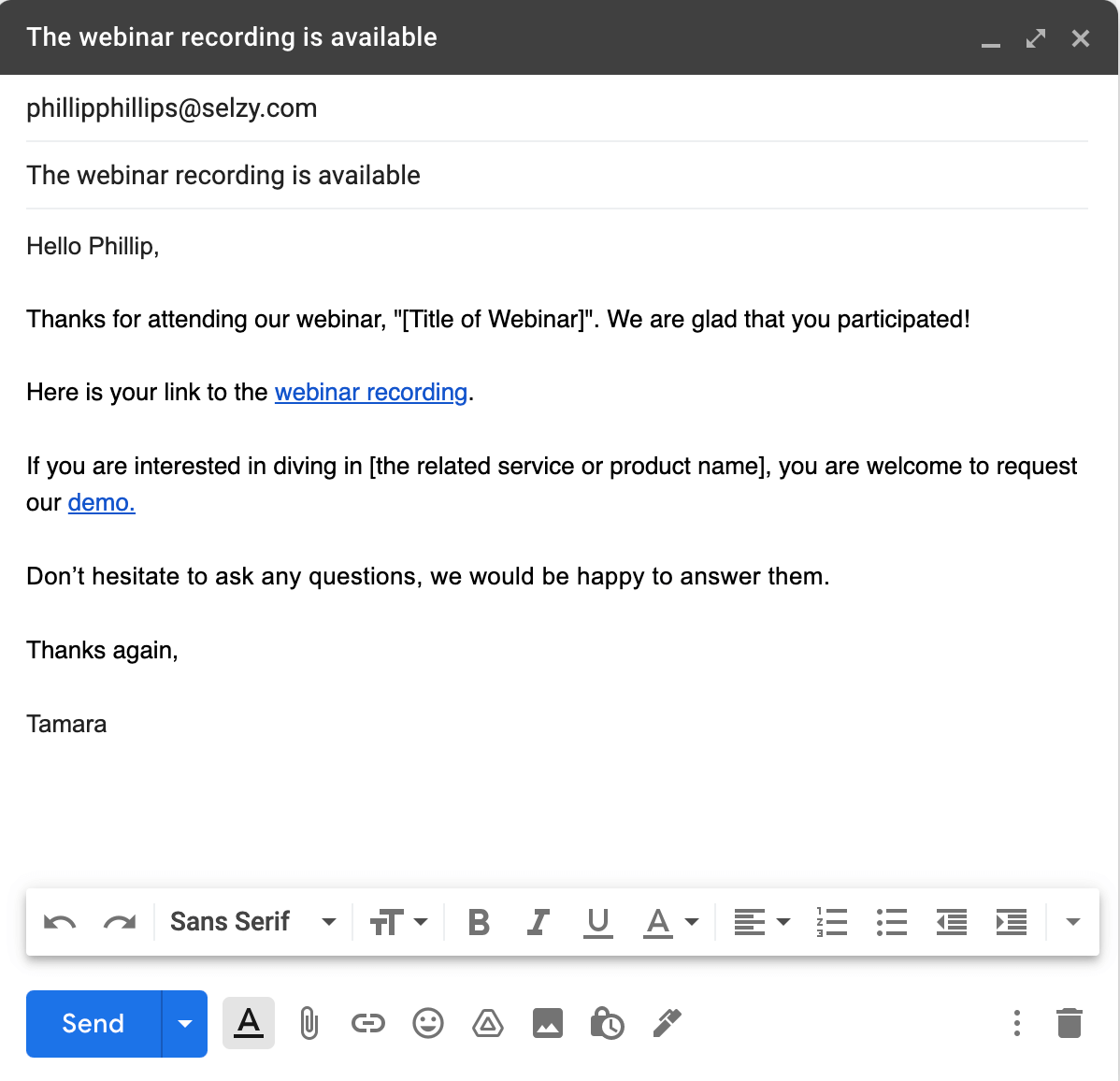
The day after the webinar, send the recording to attendees and to people who registered but could not stay until the end. Keep the email practical: one or two takeaway bullets, a replay link, and one CTA connected to the webinar goal.
If the webinar was product-led, this CTA can be a demo, trial, or consultation. If the webinar was educational, the CTA can point to a guide, checklist, or article that helps people continue learning.
Second follow-up with additional resources
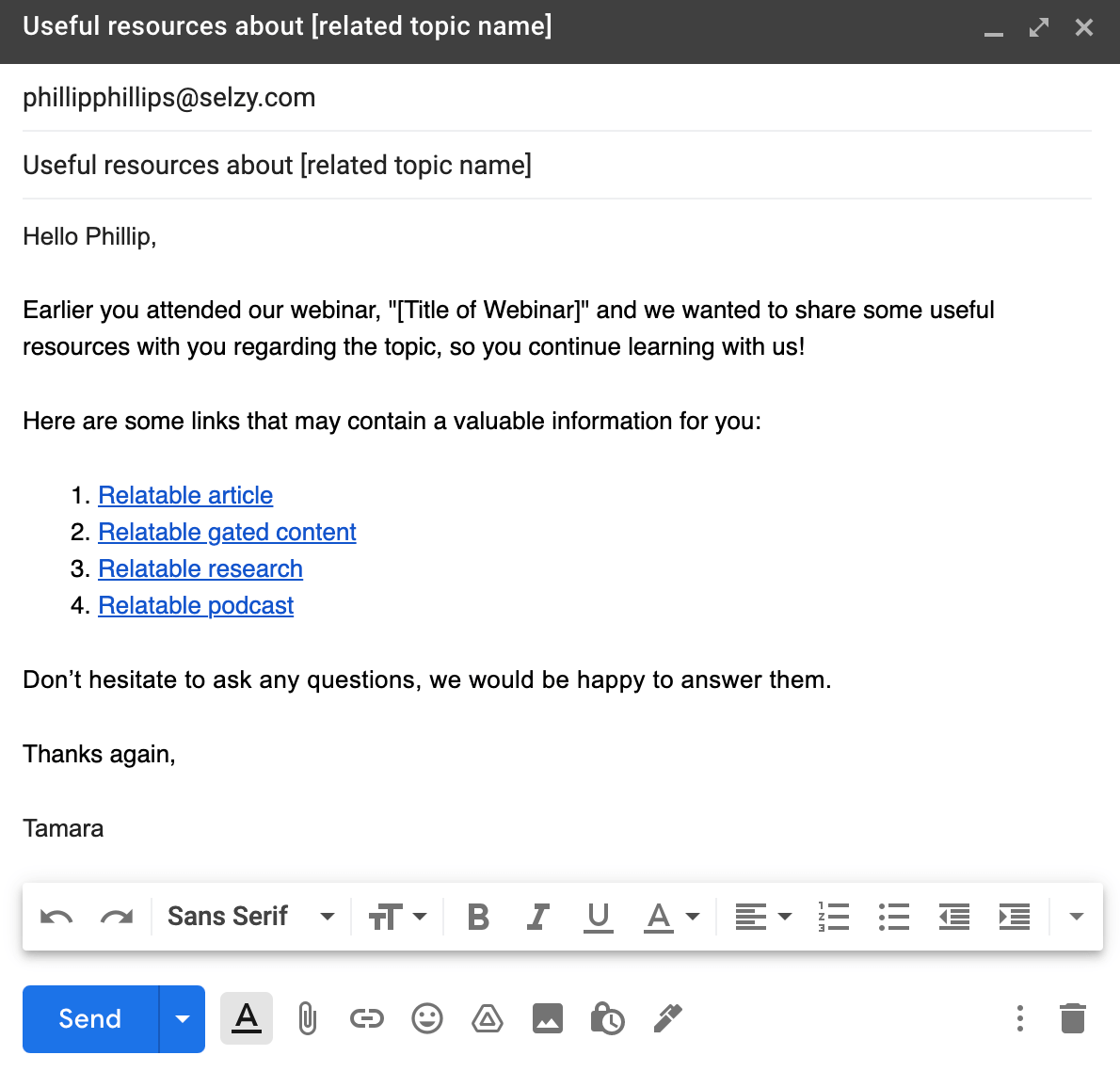
About 2-3 days after the webinar, send an email with useful materials related to the topic: ebooks, best practices, online courses, articles, tools, or slides. This email should deepen trust rather than repeat the same replay link.
Template idea: A few people asked for more detail on [topic]. Here are the resources we recommend next. Start with [resource name], then reply if you want help applying it to your own situation.
Third follow-up regarding future events
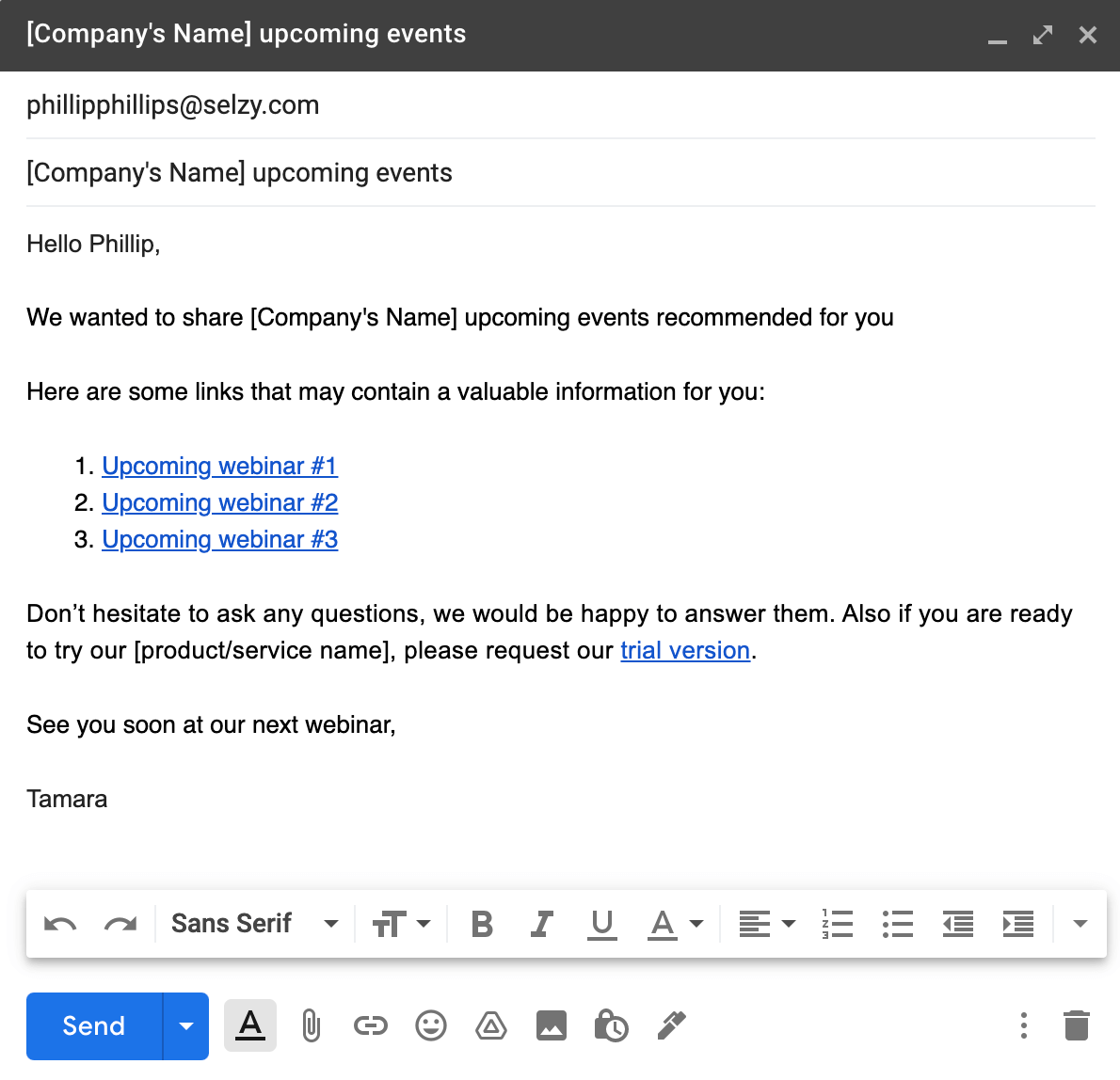
Within a week, send a final next-step email. This can promote future events, invite people to a product demo, or offer a consultation. If you are promoting another event, use a clear event email subject line and make the value different from the webinar they just attended.
The CTA is especially important here. Tell readers exactly what to do next: register, start a trial, book a call, reply with a question, or share the resource with a teammate.
Things to include in your webinar follow-up emails
A good webinar follow-up email does not need to be long. It needs to be useful, timely, and easy to act on. Use the checklist below before you send your sequence.
Webinar follow-up email checklist
| Element | What to include | Why it matters |
| Audience segment | Attendee, no-show, replay viewer, highly engaged lead, or existing customer | Different behavior deserves different copy and CTAs. |
| Context | Webinar topic, speaker, promise, or question people came for | It reminds readers why they signed up and why the message is relevant. |
| Resource | Recording, slides, summary, transcript, checklist, or related article | Useful content gives the email a reason to exist beyond selling. |
| Personalization | Name, company, attended/not attended status, question asked, or topic interest | Personalization makes the follow-up feel intentional instead of automated. |
| CTA | One clear next step such as watching, booking, registering, or replying | A focused CTA helps leads act without guessing what to do next. |
Thanking the participants
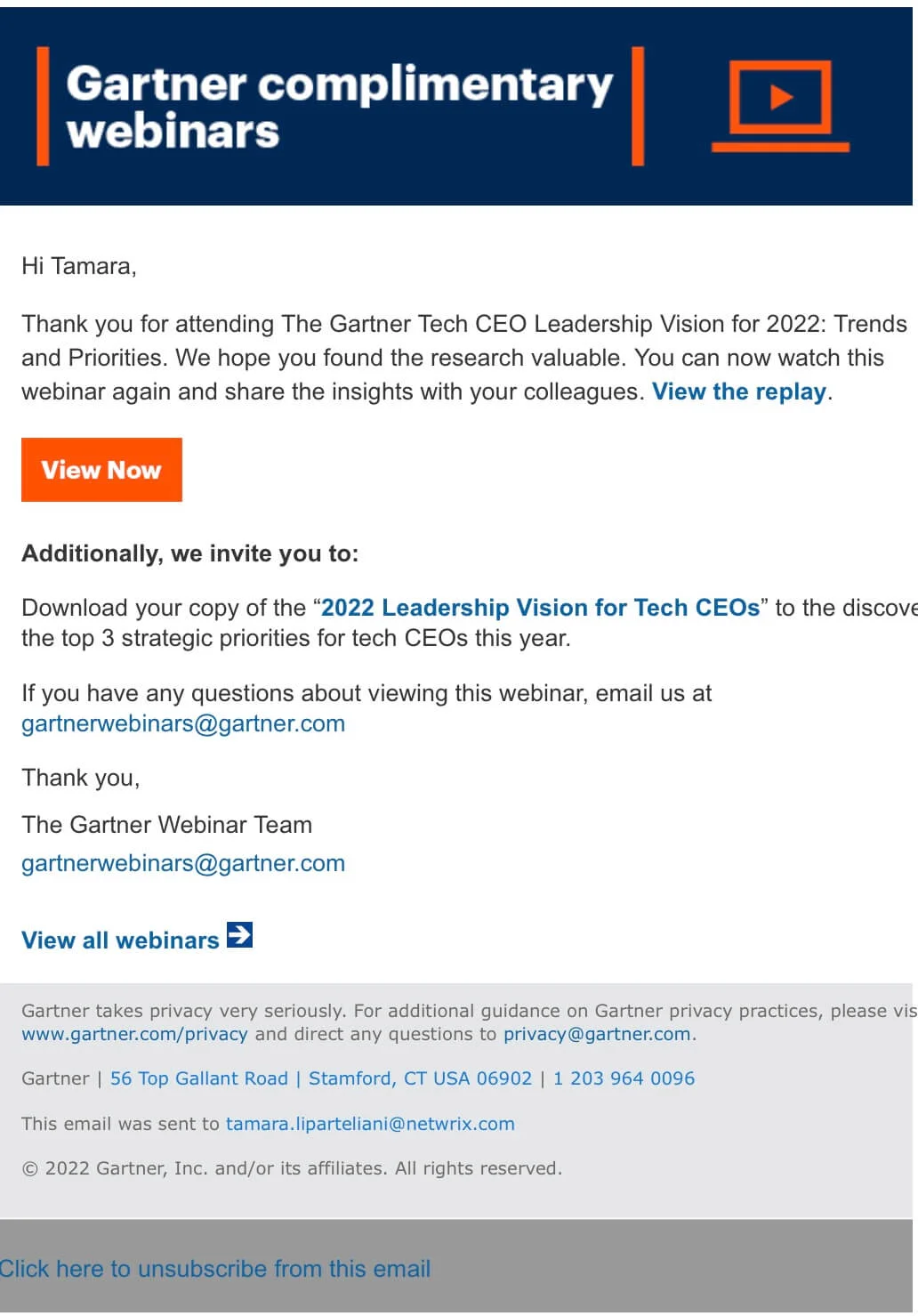
Start by thanking your audience for attending. Briefly remind them what the webinar was about and what value they received. This is also a natural place to mention the recording, slides, or promised bonus.
Webinar recording link and presentation slides
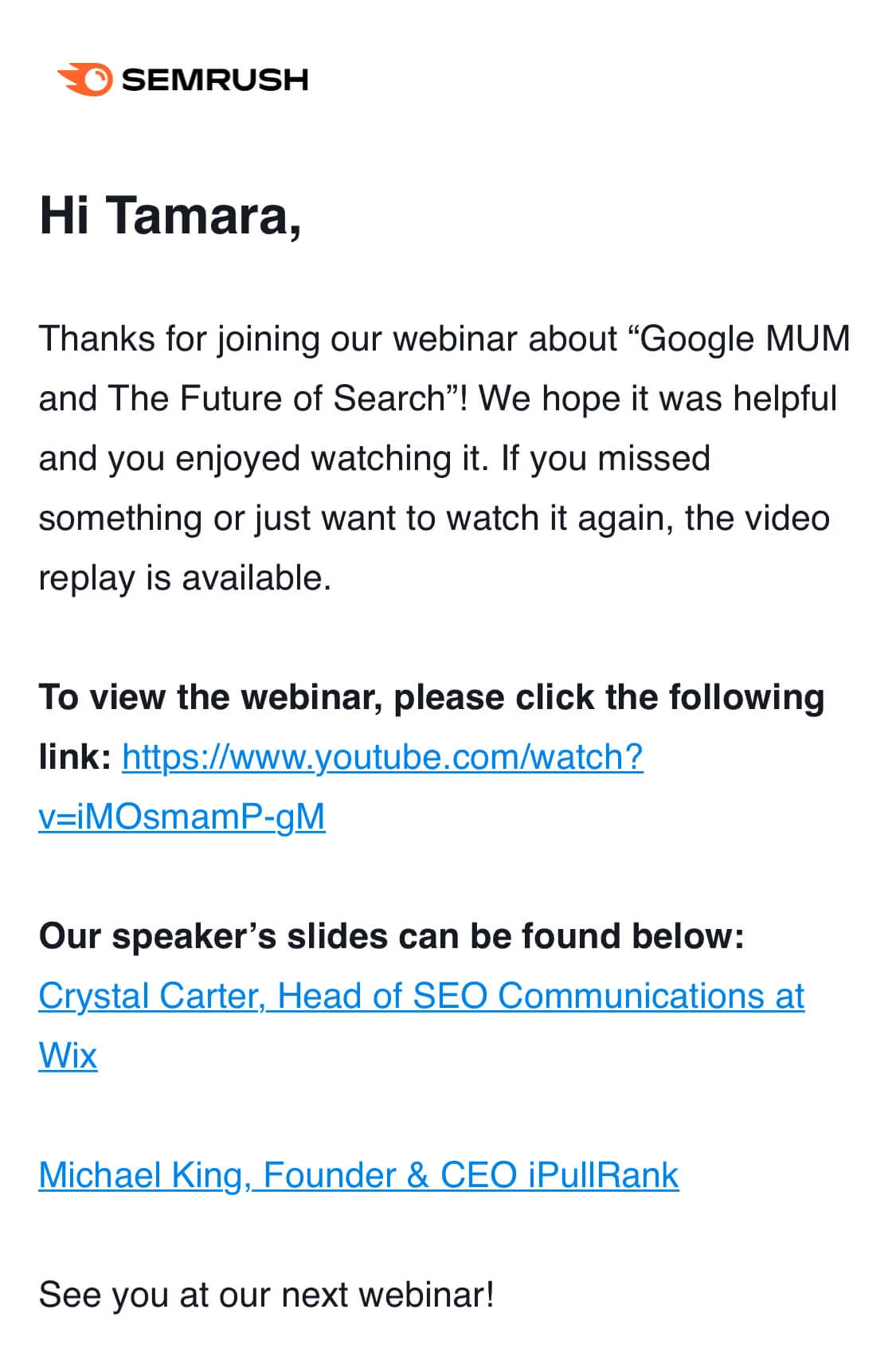
Include useful resources such as the recording, slides, key takeaways, or a transcript. You can also create a blog post summarizing the highlights of the event and link to any relevant content attendees can use after the webinar.
Webinar takeaways
Summarize the most important points from the session. This helps busy readers get value even if they cannot watch the full replay immediately. It can also encourage people to register for future webinars if the summary proves the content was useful.

Feedback request
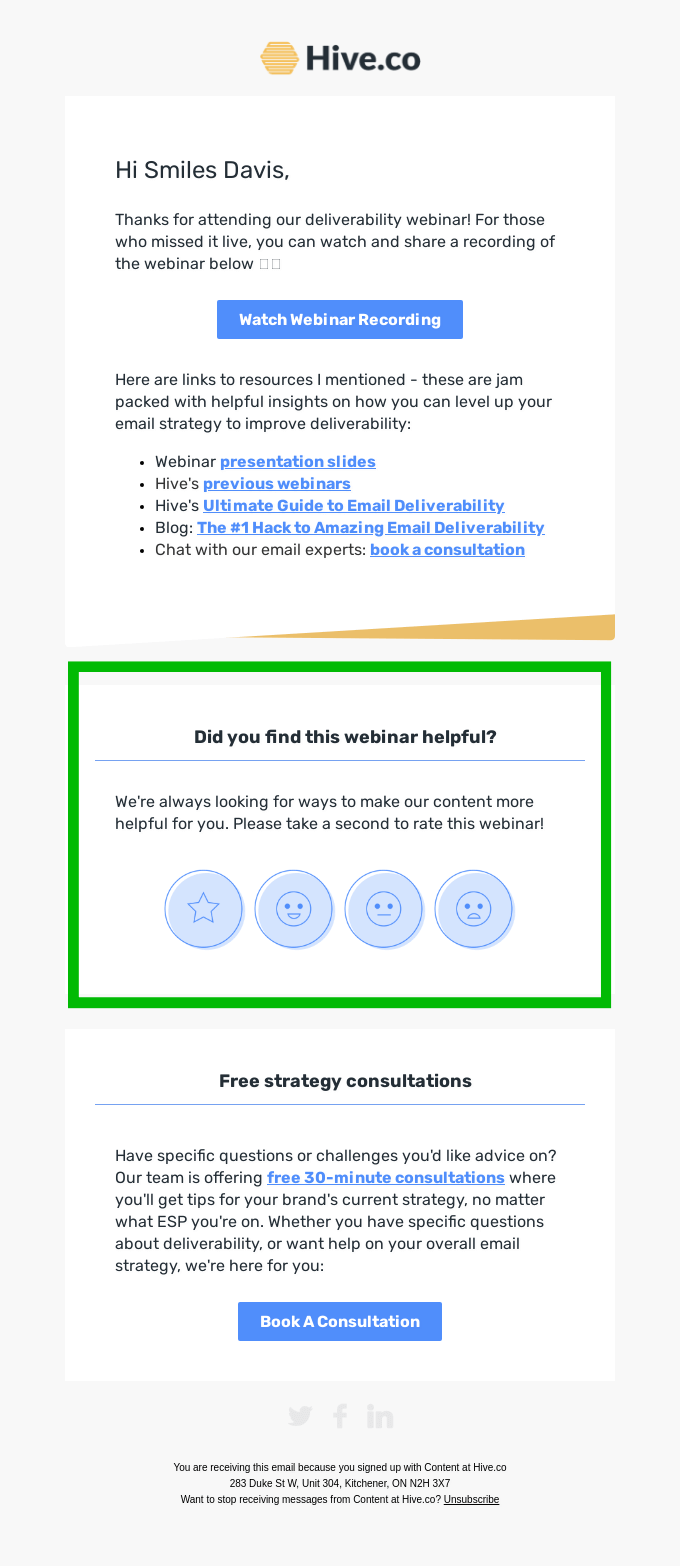
Asking for feedback can re-engage attendees and give you better insight into future topics. Keep the request simple: one question in the email, a short survey, or a direct reply. Avoid sending people to a long form unless the audience is highly engaged.
Other educational opportunities or items
Use follow-ups to recommend the next helpful resource: upcoming webinars, research papers, tutorials, ebooks, slides, or related guides. This builds credibility and keeps leads active even if they are not ready for a sales conversation yet.
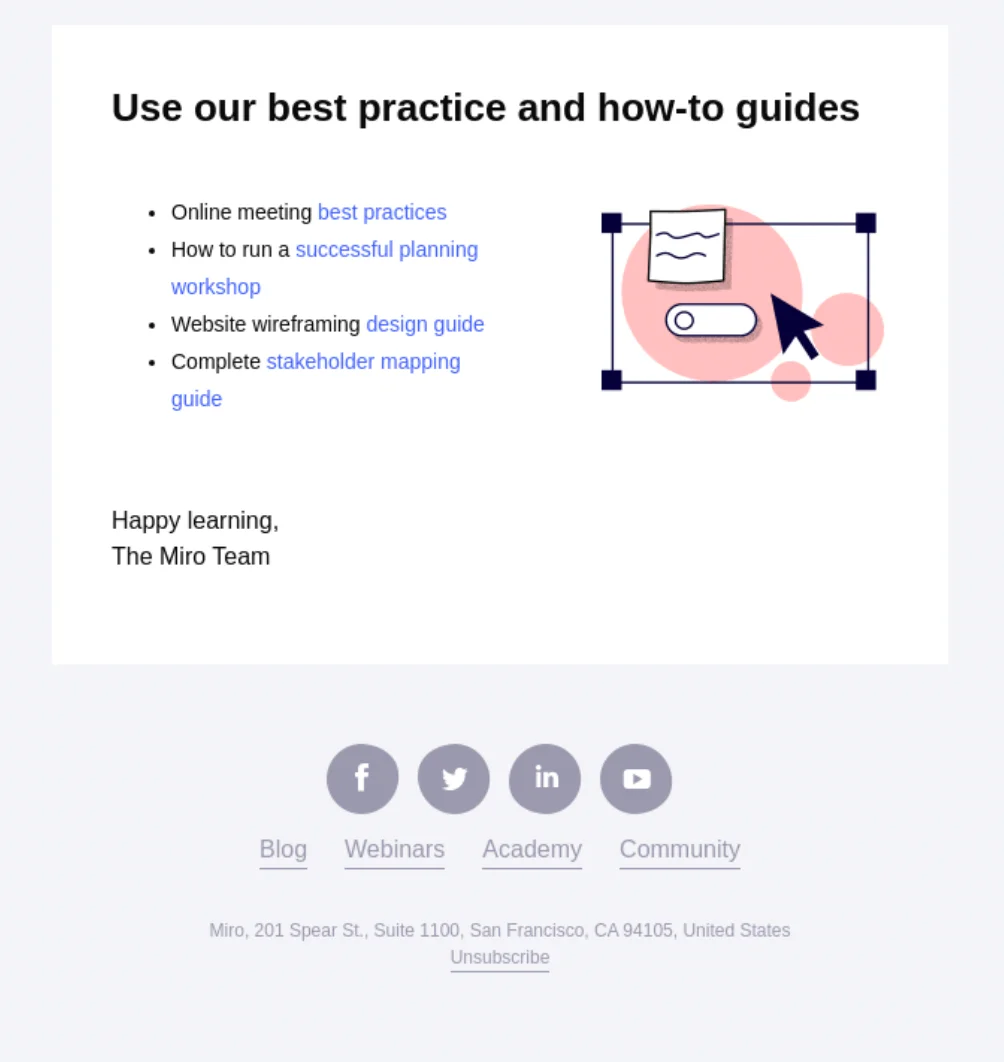
CTAs
Any marketing message should make the next step obvious. Even with the best subject line and a relevant offer, the email can underperform if readers do not know what you want them to do.
Effective CTA examples:
- Watch the webinar recording
- Download the slides
- Book a 15-minute consultation
- Start a free trial
- Reply with your biggest question about [topic]
Webinar follow-up subject line ideas
- Thanks for joining: here is the webinar recording
- Your webinar replay and extra resources
- Missed the webinar? Watch the recording here
- The next step after today’s webinar
- Slides, replay, and answers from our webinar
- Still interested in [topic]? Here is what to do next
Keep the subject line specific. If the webinar promised a checklist, template, demo, or recording, name that asset directly so people understand the value before opening.
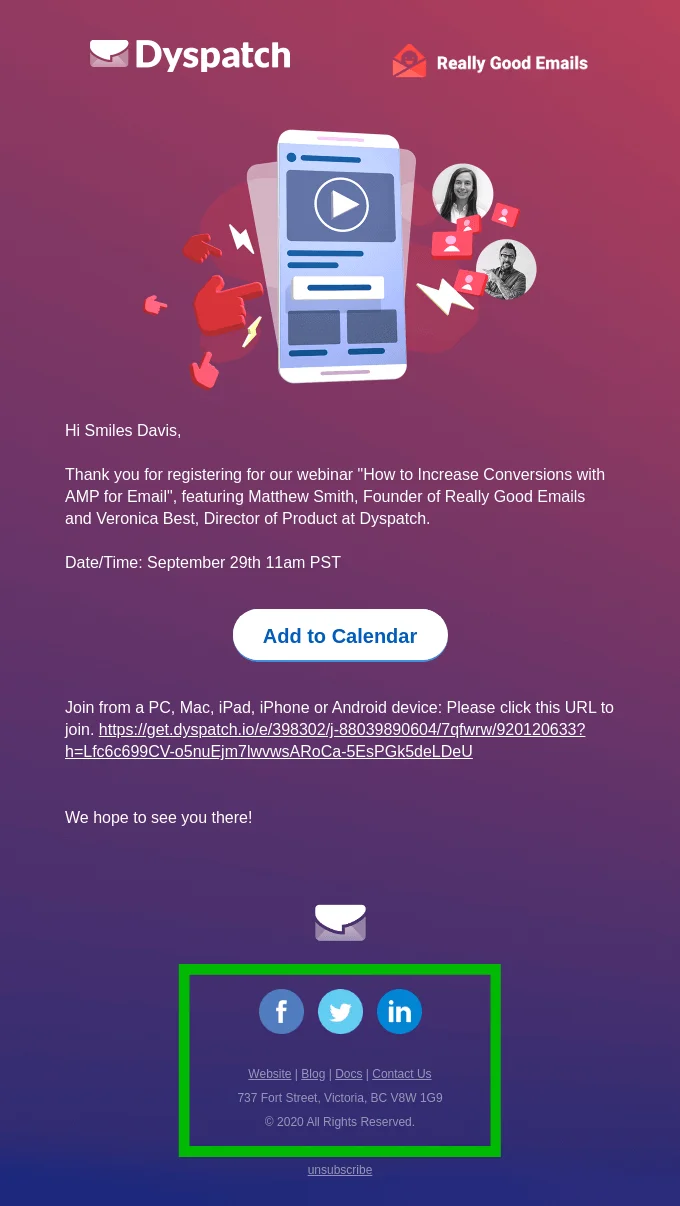
Company contact information
Include the information people need to reach you: company name, email address, phone number, office location when relevant, and the sender’s role. This is especially useful for sales-led webinars where a lead may want to continue the conversation directly.
How do you reach out to those who did not attend
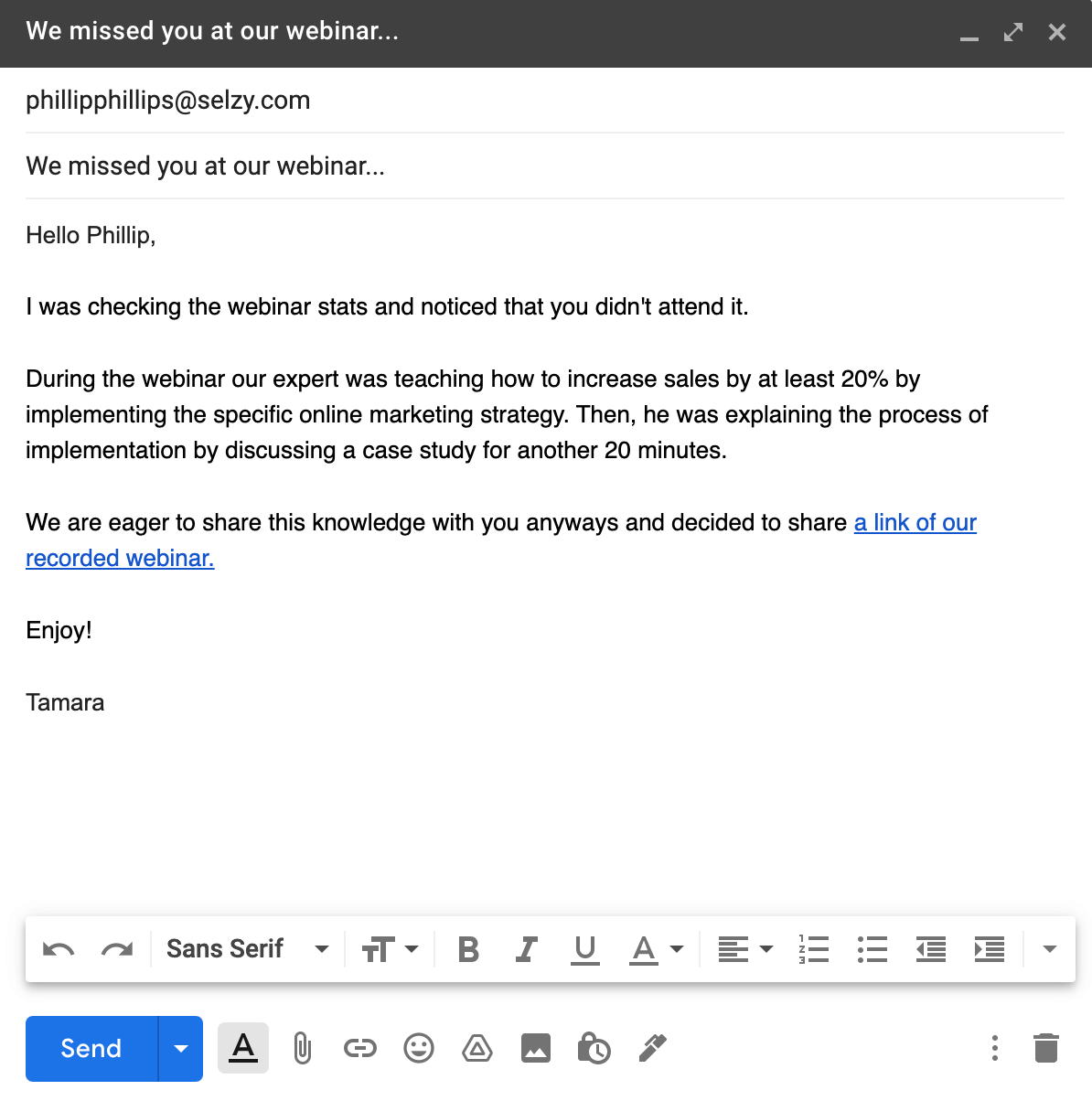
It is common to have more registrants than attendees. Do not treat no-shows as a lost audience. If they appeared in your email lists, they already showed interest in the topic and may still be marketing-qualified leads.
Write to no-shows differently from attendees. Do not say “sorry you missed it” and stop there. Give them the recording, summarize the most useful part of the session, and offer a low-pressure way to catch up.
- No-show recording email: send the replay and one sentence on why it is worth watching.
- Topic-interest email: share a related resource for people who registered because of the topic.
- Sales-ready email: offer a demo or call only when the webinar intent was clearly commercial.
Personalization helps here. Mention that they registered, not that they failed to attend. Add a snapshot of the topics discussed and make the next step feel useful.
Best time to send the post-webinar follow-up email
For most webinars, send the first follow-up within a few hours after the event and the replay email within 24 hours. Then send one or two additional emails over the next week. This keeps the sequence timely without overwhelming the audience.
The exact schedule depends on your goal. If the webinar supports a time-sensitive launch, send follow-ups faster. If it is educational lead nurturing, a slower 5-7 day sequence can work better. Consider A/B testing subject lines, CTAs, and timing to find the best approach for your audience.
- 0-3 hours: thank attendees and confirm the replay is coming.
- 24 hours: send the recording, slides, or promised resource.
- 2-3 days: share additional resources or answer common questions.
- 5-7 days: invite qualified leads to the next action.

FAQ
What is a webinar follow-up email?
A webinar follow-up email is a post-event message or sequence sent to attendees, no-shows, and registrants after a webinar. It usually thanks people, shares the recording or promised resources, and points them to one clear next step.
Why should you send webinar follow-up emails?
Follow-up emails help keep the conversation moving while the event is still fresh. They can increase engagement, move leads from interest to action, share expected resources, collect feedback, and improve click-through rates by making the next step more relevant.
When should the first webinar follow-up email be sent?
Send the first thank-you email right after the webinar or within a few hours. The recording follow-up should go out the next day, with additional resource and next-step emails over the following days.
Should attendees and no-shows receive the same follow-up email?
No. Attendees, no-shows, and highly engaged leads should get different emphasis and calls to action. For example, attendees may get a thank-you and replay, while registrants who missed the session may need the recording and a practical summary.
What should a good webinar follow-up email include?
A strong follow-up should thank people, include a short recap, and share the recording or promised resource. It should also segment the next step by behavior and focus on one clear CTA such as watching the replay, downloading a resource, booking a demo, or starting a trial.
How long should a webinar follow-up sequence be?
Most marketing webinars perform better as a short sequence rather than a single email. The article recommends a thank-you email, a recording follow-up, a resource email, and a next-step email within about a week.
 New and noteworthy on our blog