


Key takeaways
- A true omnichannel marketing platform should recognize customer activity, coordinate the next message across channels, and connect the journey to a measurable outcome.
- Match the platform to the journey: Selzy fits SMB email and Telegram scenarios with API-based SMS options, Omnisend and Klaviyo suit ecommerce, HubSpot centers marketing on CRM data, and enterprise tools support broader orchestration.
- Compare the complete cost and operating requirements, including contact growth, add-ons, integration work, data quality, exit rules, reporting, and ongoing campaign maintenance.
A customer abandons a cart, buys after an email reminder, and then receives a text offering a discount on the same order. Could it be done better? Yes, but this time the omnichannel experience was poor.
Choosing among the best omnichannel marketing platforms starts with that coordination problem. Your software needs to recognize what happened and change the next action across channels.
For an initial shortlist, consider Selzy for SMB email and Telegram scenarios with SMS API options, Omnisend or Klaviyo for ecommerce, HubSpot for CRM-centered marketing, and Customer.io for product-event messaging. Braze, Bloomreach, and Maestra help teams connect customer data and personalize marketing across channels.
The right choice depends on your customer journey, existing systems, and operating budget. This guide compares eleven options and explains what to validate before committing.
What makes a platform omnichannel?
An omnichannel marketing platform connects customer information and campaign decisions across touchpoints. An interaction in one channel influences what happens in another.
A useful qualification test has three parts:
- Recognition: Can the system connect relevant actions to the correct customer?
- Coordination: Can those actions change the next message across channels?
- Measurement: Can your team connect the journey to a meaningful outcome?
Mailchimp and Maestra both emphasize shared customer context when distinguishing omnichannel from multichannel marketing. Maestra also explains that cart reminder messages should stop once a customer completes a purchase.
For example, your desired cart-recovery journey might send an email, check whether an order followed, and send an eligible customer an SMS only if the cart remains abandoned. If an order arrives, the recovery messages stop.
Use that complete sequence during vendor evaluation. A demonstration of an email editor alone cannot establish whether the platform supports your journey.
Best platforms at a glance
These are suggested fits for shortlisting. Starting prices cover different audience sizes and feature sets; they are not equivalent quotes for an entire omnichannel deployment.
|
Platform |
Suggested fit |
Channels, customer data and automation |
Published pricing reference |
Main buying constraint |
|
Selzy |
Email-led SMB marketing |
Email + Telegram scenarios; contact cards, fields and tags; SMS triggers via API |
Lite $7.50/month and Standard $15/month for 500 contacts, billed monthly. |
Lite: four-block email automation; Standard: unlimited; SMS costs extra |
|
Mailchimp |
General marketing teams |
Email, SMS add-on, landing pages, social; audience-based journeys; advanced automation tier-dependent |
Essentials from $13/month for 500 contacts, billed monthly; regular rate before promotions |
Advanced features and SMS cost more |
|
Brevo |
Budget-conscious SMBs |
Email, SMS, WhatsApp, chat; CRM context; automation and channel access depend on package |
Starter from $9/month and Standard from $18/month. Entry tiers include 5,000 emails/month and up to 500 stored contacts with monthly billing. |
Channel access and automation limits |
|
HubSpot |
CRM-centered marketing |
Email, forms, ads; CRM contact records; advanced workflows on Professional |
Starter from $20/month per Core Seat. Professional from $890/month, paid monthly with an annual commitment. |
Professional adds a one-time $3,000 onboarding fee. |
|
ActiveCampaign |
SMB automation |
Email; contact actions drive branching; Starter: five actions, email-only; cross-channel from Plus |
Third-party monthly-billing estimates for 1,000 contacts: Starter $19/month and Plus $59/month. |
Starter excludes cross-channel marketing |
|
Omnisend |
Ecommerce lifecycle campaigns |
Email, web push, eligible SMS; store lifecycle data; welcome, cart and post-purchase workflows |
Standard from $16/month; Pro from $59/month billed monthly |
New paid accounts need Pro for SMS subscriptions |
|
Klaviyo |
Commerce customer data |
Email and text products; active profiles and predictive segments drive lifecycle messaging |
Email $20/month for 500 active profiles and 5,000 emails |
Additional channels and products affect cost |
|
Customer.io |
Event-driven product messaging |
Events, profiles, cross-channel workflows |
Essentials from $100/month, billed monthly, for 5,000 profiles |
Reliable event data is essential |
|
Braze |
Consumer and app engagement |
Push, in-app and messaging; customer context drives cross-channel orchestration |
Quote required; monthly billing terms not published |
Scope and commercial terms need agreement |
|
Bloomre ach |
Commerce personalization |
Email, messaging, web and app; customer data supports marketing automation and personalization |
Quote required; but starting $60K for smaller brands, public starting reference is annual, not month-to-month |
No published monthly subscription price |
|
Maestra |
Retail and DTC consolidation |
Email, SMS, onsite, loyalty; CDP-centered orchestration; modules determine configuration |
Displayed configuration $2,650/month; modules and activity affect total |
Price the complete selected configuration |
Use regular monthly prices where available, rather than annual-payment equivalents or introductory discounts. HubSpot Professional is a monthly-payment example with an annual commitment. Braze and Bloomreach require a commercial proposal.
Selzy’s official pricing calculator showed Lite at $7.50/month and Standard at $15/month for 500 contacts with monthly billing selected on November 16, 2026. HubSpot’s starting prices and onboarding fee were checked against its Product & Services Catalog on the same date. Brevo pricing and the Brevo Help Center list the entry tiers. The ActiveCampaign pricing page displays annual billing for the same contact tier. Sources reviewed November 16, 2026.
How we compare platforms
This is an editorial comparison of documented capabilities and buying considerations, prepared for Selzy, one of the platforms featured. The suggested fits are judgments about likely use cases, rather than results from hands-on performance testing.
Apply the same criteria to every candidate:
- Journey fit. Can it execute your actual acquisition, activation, retention, or recovery process?
- Channel access. Which touchpoints are included, sold separately, or dependent on another service?
- Customer context. What data can trigger a decision, and how does it reach the platform?
- Automation control. Can you define branching, timing, eligibility, and exit conditions?
- Operational fit. Who will implement integrations, maintain campaigns, and resolve failures?
- Cost at your scale. What will the required configuration cost now and after growth?
Pricing and feature references were reviewed on November 10, 2026. HubSpot and Selzy prices were rechecked on November 16, 2026. Prices are in US dollars before applicable taxes. Monthly payment and monthly commitment are identified separately; regional pricing, add-ons, and usage can change the payable amount.
Platform comparisons
Selzy
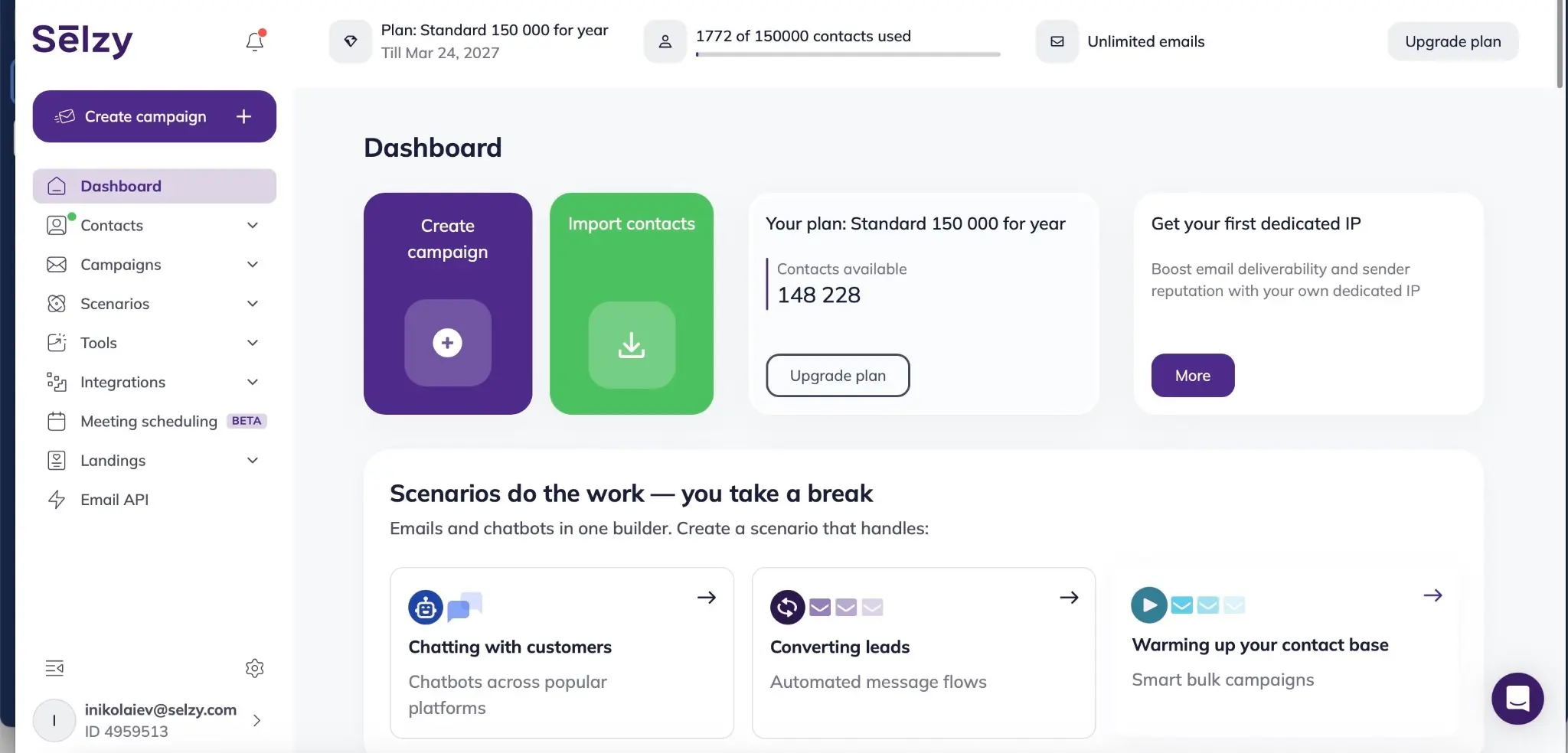
Best for: small businesses coordinating email and Telegram, with API-based SMS options.
Selzy supports email and Telegram within the same omnichannel scenario. Contact cards hold fields and tags for segmentation; triggers and conditions determine subsequent actions. For example, a welcome scenario can collect subscriber details through a Telegram bot and use that context in email follow-up.
Selzy’s SMS API can trigger messages from CRM, website, or app events, including order confirmations and OTPs. This provides an integration route for behavior-based SMS; budget messaging usage and the work needed to connect your systems separately.
Pros: Email and Telegram scenario coordination, contact segmentation, scenario statistics, and 24/7 support.
Cons: Lite limits email automation to four blocks and one user. More complex automation requires Standard; SMS usage and integration work add to the email subscription.
Pricing: With monthly billing selected for 500 contacts, Selzy’s official calculator shows Lite at $7.50 per month and Standard at $15 per month. Standard includes unlimited email automation, users, and bulk sending, plus Telegram and Instagram chatbots. Lite’s email automation is limited to four blocks. Free covers 100 contacts and 1,000 emails monthly.
Before choosing: Test your email–Telegram sequence with real contact data, then validate SMS triggers and conversion-based exit rules in the connected systems. Chatbot inclusion alone does not establish every channel’s behavior in your chosen scenario.

Mailchimp
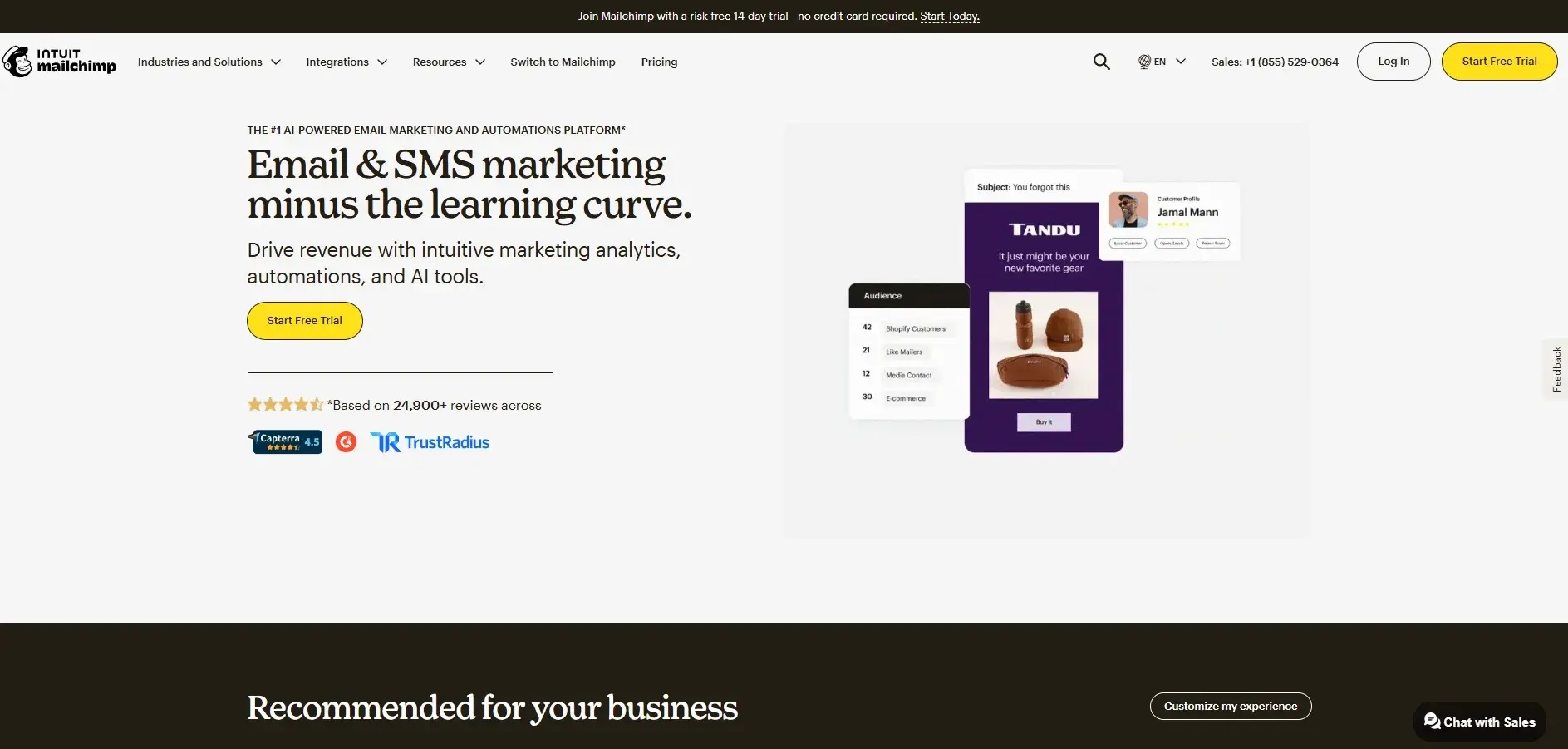
Best for: growing teams coordinating everyday marketing activity.
Mailchimp is worth evaluating when email remains central and the team also wants SMS, landing pages, and social publishing in its marketing workspace. Its comparison article describes SMS as an add-on and highlights higher-tier automation restrictions.
The buying decision is whether the plan you can afford supports the coordination you need. Start with one audience and one workflow. Ask the vendor to show how an action changes a customer’s eligibility for subsequent messages.
Pros: Email, landing pages, and social publishing in one marketing workspace, with SMS available as an add-on.
Cons: Entry pricing should not be treated as the cost of every automation and channel combination.
Pricing: Essentials starts at $13 per month for 500 contacts and 5,000 monthly emails; automation flows are limited to four steps. Standard starts at $20 for 500 contacts. SMS is an add-on. Use regular rates and recalculate for your audience.
Before choosing: Check the required automation tier, separate SMS budget, and what happens when either contacts or sends exceed the allowance.
Brevo
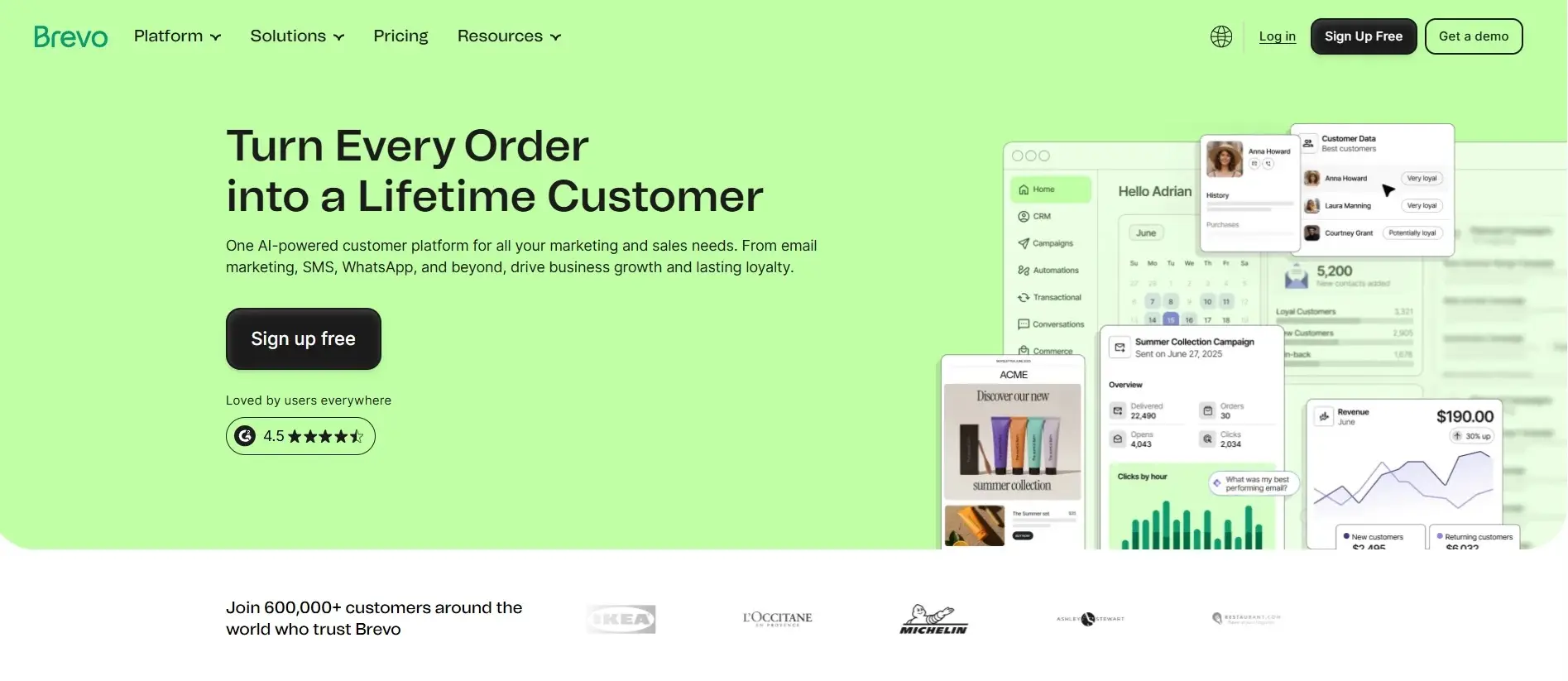
Best for: smaller businesses balancing messaging needs with budget.
Brevo is an option for businesses that need email alongside SMS, WhatsApp, chat, and CRM-related functionality. Channel access and automation allowances depend on the selected package, so compare the configuration required for your complete journey.
For a service business, the useful demonstration might begin with an inquiry, continue with a follow-up, and end when the customer books. Evaluate that sequence rather than comparing newsletter editors alone.
Pros: A relevant candidate for SMBs seeking accessible messaging and automation.
Cons: A low email entry price does not establish the cost of WhatsApp, SMS, or advanced workflows.
Pricing: Starter from $9/month and Standard from $18/month with monthly billing. Both starting tiers include 5,000 email sends per month and storage for up to 500 contacts. Free and Starter allow up to 2,000 unique contacts in active automations. Standard removes that automation-contact limit. Contact-storage limits still apply. Budget SMS and WhatsApp separately.
Before choosing: Ask which plan unlocks each step, how message usage is charged, and whether your expected volume changes the recommended package.
HubSpot Marketing Hub
Best for businesses where marketing needs to share context with sales.
HubSpot is particularly relevant when campaign activity needs to connect to CRM records and the sales process. Its official pricing page positions Professional around omnichannel campaigns, automation, and reporting.
Consider a demo-request journey. Your evaluation should follow the contact from submission through qualification and assignment. Check whether the salesperson can understand the previous interaction without asking marketing to reconstruct it.
Pros: A logical option when CRM alignment is central to the buying decision.
Cons: Advanced automation requirements can put the relevant package far above entry-level pricing.
Pricing: Starter starts at $20 per month per Core Seat. Professional starts at $890 per month, paid monthly with an annual commitment. It includes three Core Seats and 2,000 marketing contacts and requires a one-time $3,000 onboarding fee.
Before choosing: Ask for the full first-year cost of your required configuration. Compare that with the systems and work it would replace, rather than with a standalone email subscription.
ActiveCampaign
Best for: SMB and mid-market teams prioritizing workflow flexibility.
ActiveCampaign suits teams that need branching workflows — for example, sending different follow-ups based on which link a contact clicks, then creating a task for sales. Its official plan comparison includes multistep marketing automation across tiers, while cross-channel marketing is excluded from Starter. It also lists SMS, WhatsApp, CRM, and other options across its platform.
That tier distinction deserves attention. A team may be able to build an email sequence in an entry plan while needing another package for the broader customer journey.
Pros: A useful option to investigate for branching automations and coordinated follow-up.
Cons: Contact levels, packages, and separately sold capabilities complicate a simple starting-price comparison.
Pricing: For 1,000 contacts, Newsletter Pricing and GoodPostal report monthly-billing estimates of $19 per month for Starter and $59 per month for Plus. ActiveCampaign’s public pricing page shows starting rates of $15 per month for Starter and $49 per month for Plus at the same contact tier, billed yearly. Starter allows five actions per automation and email-only marketing. Cross-channel marketing starts on Plus, with channel costs requiring separate review.
Before choosing: Bring your most complicated routine workflow to the demonstration. Check both whether the platform can execute it and whether your team can maintain it after the initial setup.
Omnisend
Best for: ecommerce teams launching email, SMS, and web-push journeys.
Omnisend is a good fit for online stores that want to set up welcome emails, abandoned-cart reminders, and post-purchase follow-ups using ready-made workflows.
For example, a returning shopper adds a product to their cart and leaves before starting checkout. Omnisend’s Added Products to Cart trigger starts the workflow for the identified shopper. You can send an email reminder after an hour and schedule a second for the next day. If the shopper orders after the first email, the Placed Order exit condition removes them from the workflow and cancels the second reminder. If they start checkout, they also exit the cart workflow and can enter a separate checkout recovery flow if you’ve enabled it.
Pros: A focused starting point for common ecommerce messaging needs.
Cons: Teams with extensive app, B2B, or custom-data requirements should validate those separately before committing.
Pricing: Standard starts at $16 per month and Pro at $59, before temporary discounts. Current SMS access requires Pro and a separate SMS Credits Subscription; credits are not included. Legacy Free/Standard users retain SMS only while their qualifying setup and pre-May 4, 2026 SMS subscription remain active. Free covers 250 reachable contacts and 500 monthly emails.
Before choosing: Compare the cost of your full welcome, cart-recovery, and post-purchase schedule. Include SMS destination countries and expected sending volume, rather than assuming channel availability means unlimited sending.
Klaviyo
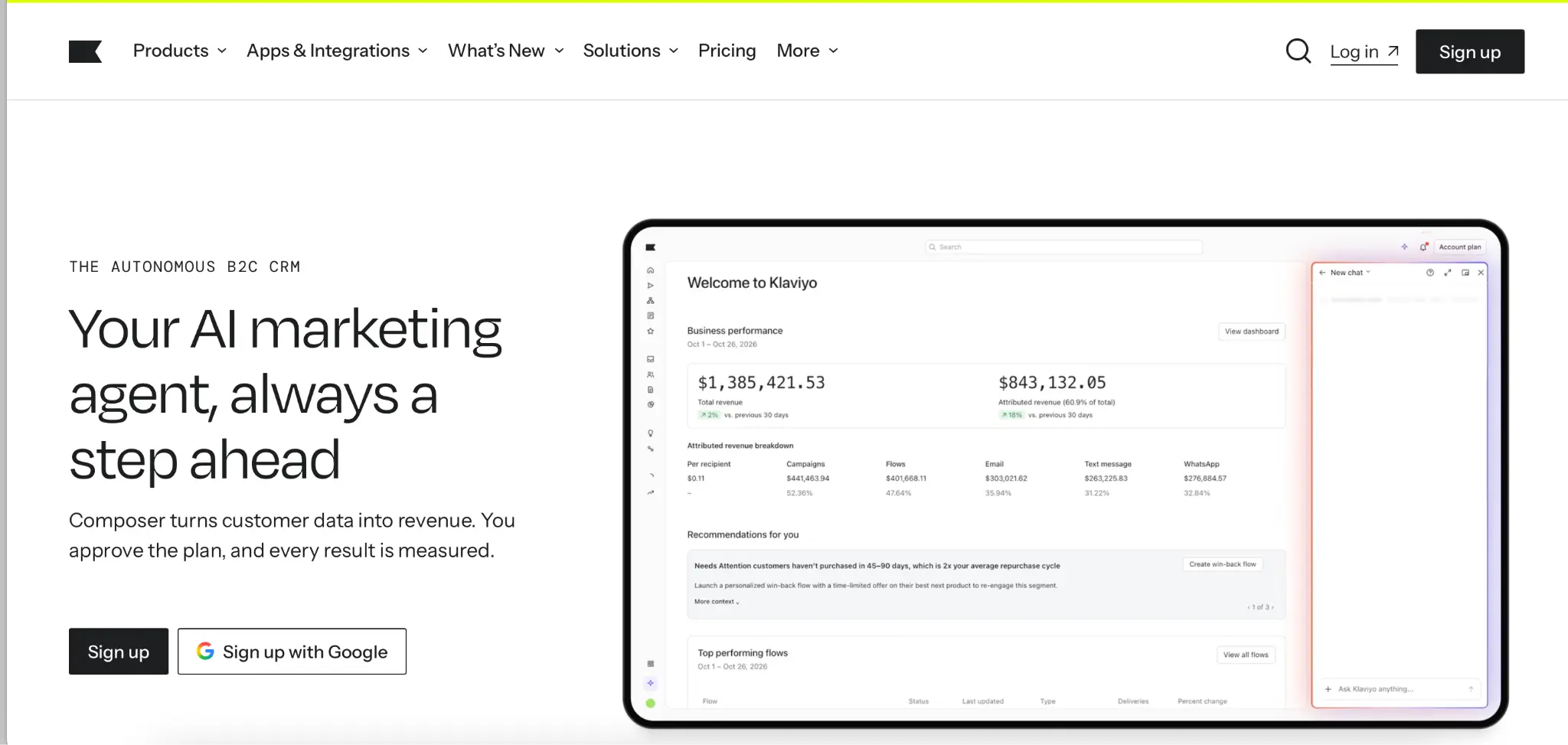
Best for: ecommerce teams building marketing around customer profiles.
Klaviyo offers predictions of customer lifetime value, churn risk, and next order date for segmentation. Predictive analytics requires sufficient purchase data, including at least 500 purchasing customers and 180 days of order history, plus order-data integration, recent orders, and repeat purchasers. Its pricing selector uses active profiles.
During evaluation, create a small set of representative customer situations: a first-time buyer, a repeat buyer, and a customer eligible for reactivation. Ask how each becomes eligible for a different journey.
Pros: A strong candidate for commerce teams seeking profile-based segmentation and lifecycle execution.
Cons: An email-plan quote should not be treated as an estimate for every messaging and personalization product.
Pricing: The official selector displays an Email plan at $20 per month for 500 active profiles and 5,000 monthly emails. Text messaging and other products have their own packaging or add-on conditions.
Before choosing: Model profile growth alongside channel expansion. Confirm which profiles are billable, how sending allowances change, and what additional products your intended journey requires.
Customer.io
Best for: product-led teams using customer events to trigger communication.
Customer.io focuses on messages triggered by activity inside an app, making it a useful option for SaaS onboarding, free trials, and bringing inactive users back.
Imagine a trial user who creates an account but never completes the activation step. Your evaluation should establish whether the necessary event arrives, identifies the right user, and changes the workflow when activation eventually happens.
Pros: A logical candidate for event-driven lifecycle programs.
Cons: Your team needs dependable event definitions and someone responsible for their maintenance.
Pricing: Essentials starts at $100 per month, billed monthly, with 5,000 profiles and one million emails. SMS volume and additional requirements need configuration. Premium’s advertised $1,000 monthly equivalent is billed yearly, so it should not be presented as a month-to-month alternative.
Before choosing: Test real product events during the pilot. A successful workflow demonstration using manually added sample data does not establish that your production instrumentation is ready.
Braze
Best for: consumer businesses managing coordinated app and digital engagement.
Braze brings data, journey orchestration, analytics, and engagement channels into its platform. Its product offering emphasizes cross-channel experiences and personalization at scale.
Assess Braze when push and in-app interactions are central to the customer experience. During evaluation, test how an app event changes subsequent communication in another channel.
Pros: A relevant enterprise candidate when app engagement and coordinated lifecycle decisions are major requirements.
Cons: Buyers should plan for implementation and ongoing campaign operations rather than evaluating software access alone.
Pricing: Braze publishes editions but requires buyers to request pricing. Obtain the subscription amount, billing schedule, contract length, channel allowances, and overage rules together; no verified month-to-month starting rate is published.
Before choosing: Ask the vendor to map your data sources, channels, ownership responsibilities, and launch sequence. Then test a journey that crosses the app boundary. Your team should understand how an app event changes an email or message, and how an external conversion changes the next app interaction.
Bloomreach
Best for: commerce teams connecting personalization with marketing execution.
Bloomreach’s marketing automation offering includes email, messaging, web personalization, mobile-app touchpoints, and ads. Its broader product set also includes product recommendations and testing capabilities. Consider it when your requirements extend beyond sending campaigns into deciding what a shopper sees across different experiences.
Pros: A candidate for businesses that want to connect commerce personalization and customer engagement.
Cons: A broad platform requires a clearly scoped deployment. Buying capabilities across several areas does not determine who will configure and operate them.
Pricing: Bloomreach provides custom quotes. Its current pricing page does not state a month-to-month subscription rate, but states an initial reference price as $60K a year for smaller brands.
Before choosing: Define the first personalization decision you want to improve. Ask which data supports it, where it can be activated, and how the result will be evaluated. That creates a more useful purchasing test than a tour of every available module.
Maestra
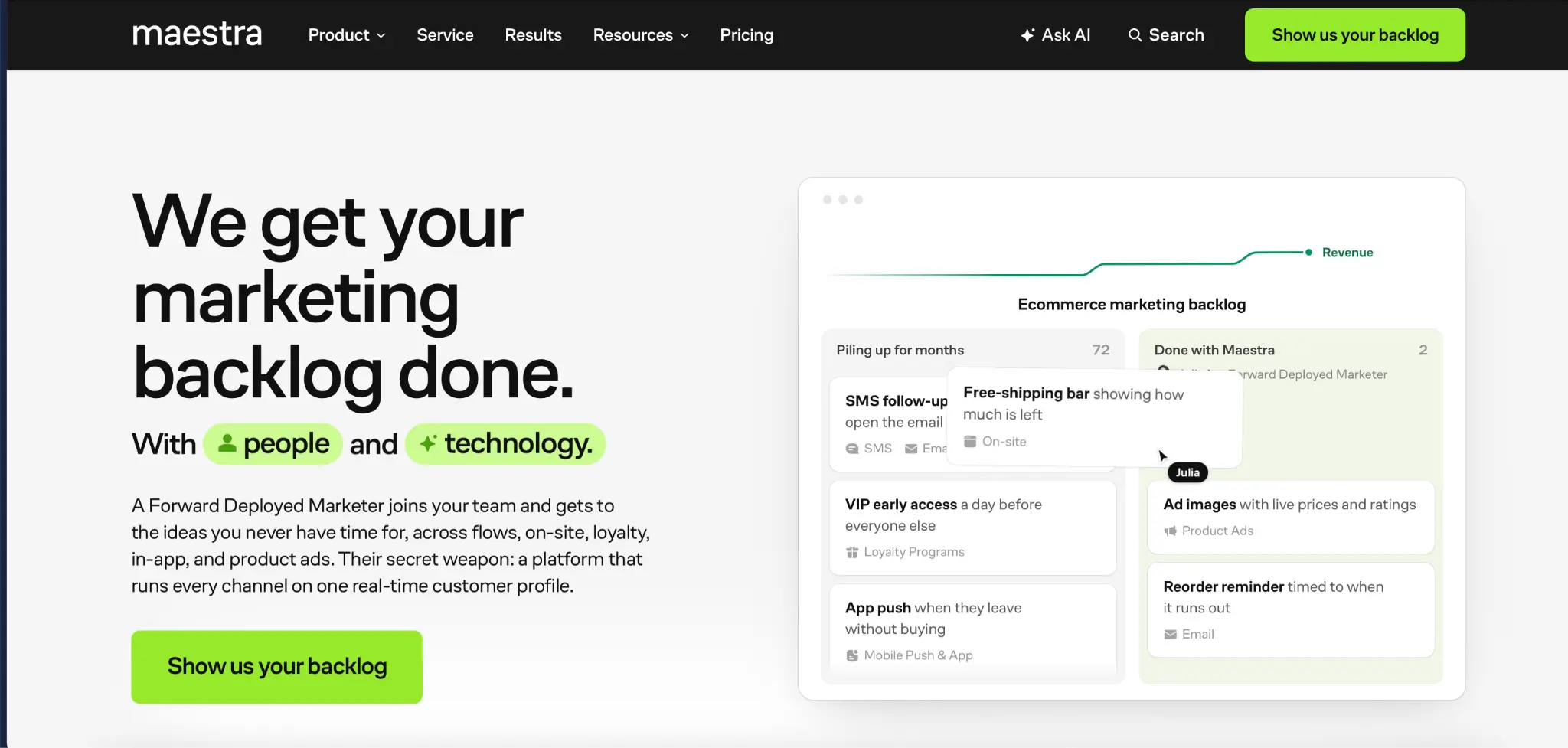
Best for: retail and DTC businesses consolidating marketing around a CDP.
Maestra’s offering combines a customer data platform with configurable channel and personalization modules. Its pricing page also describes a Forward Deployed Marketer supporting migration, journey setup, and ongoing optimization.
The buying case is strongest when you can identify both the capabilities needed and the existing tools or services they could replace.
Pros: A relevant option for CDP-centered consolidation with implementation and campaign support.
Cons: A module price cannot stand in for the cost of the complete deployment.
Pricing: The current calculator shows a $1,950 CDP component and a displayed estimate of $2,650 per month for its selected configuration. It includes the first 100,000 active profiles, with pricing affected by modules and activity. The page describes month-to-month terms. Use the configured total, rather than the CDP component alone, as the budget reference.
Before choosing: Request an itemized estimate and the definition of an active profile. Compare the configured total with the subscriptions and operational work that would actually be replaced.
How to choose for your business
Start with one revenue journey
Write down the journey that justifies the purchase before scheduling demonstrations. For an ecommerce brand, it might be cart recovery across email and SMS. For a SaaS company, it might be activation based on product events. For B2B, it might be lead qualification and sales handoff.
Specify the trigger, required data, customer eligibility, next action, and exit condition. This makes different demonstrations comparable and reveals where a vendor is showing capabilities outside your immediate needs.
Separate channel access from journey execution
Ask the vendor to classify each required touchpoint as included, an add-on, an integration, or custom work.
Then ask what can happen across those touchpoints. Sending an SMS and sending an email are separate requirements from automatically deciding which should happen next.
Include an exception in the demonstration: a purchase, cancellation, missing phone number, or delayed event. Observe whether the workflow handles it correctly and whether the marketer can understand what happened.
Compare the complete cost
Build two estimates: your current workload and a plausible growth scenario.
Include:
- Required subscription tier and paid modules.
- Billable contacts or profiles.
- Email allowances and messaging usage.
- User seats and support requirements.
- Migration, integration, and onboarding work.
- Internal time spent operating the platform.
Ask vendors to document assumptions behind their quotes. Two identical monthly totals can represent very different contact allowances, billing commitments, and implementation responsibilities.
Match the platform to your team
A platform is easier to justify when someone owns its operation. Identify who maintains integrations, approves journeys, monitors performance, and responds to failures. Ask which tasks require a developer and which a marketer can complete independently.
If your team cannot support the proposed setup, compare a smaller initial deployment with a service-supported option. Evaluate the work included in that support as carefully as the software features.
Plan your rollout
Begin with a small pilot that tests the complete journey. Kard’s buyer’s guide recommends validating technical fit and piloting a few high-impact campaigns before expanding.
For the pilot, define success before launch. For example: the correct customer enters the sequence, a purchase ends recovery messages, and the reporting reconciles with the underlying transaction record.
Use these checks:
- Data: Do identities, required fields, and events arrive correctly?
- Timing: Does the workflow respond within the window your use case requires?
- Eligibility: Are messages restricted to customers who meet your sending conditions?
- Exit logic: Do conversions and other disqualifying events stop the sequence?
- Reporting: Can the team explain the reported result and trace it to underlying activity?
- Ownership: Is someone responsible for investigating each type of failure?
FAQ
Which platforms suit small businesses with limited budgets?
Selzy, Brevo, and Mailchimp are useful SMB candidates, while Omnisend is worth considering for ecommerce. Compare the least expensive plan that supports your complete workflow. A free plan can help with evaluation, but its limits may make it unsuitable for the ongoing campaign schedule.
Which platforms best support ecommerce lifecycle marketing?
Start by comparing Omnisend and Klaviyo for store-driven lifecycle messaging. Add Bloomreach or Maestra when personalization, customer-data consolidation, or broader orchestration becomes central to the business case. The choice should follow the journey and operating requirements.
How do add-ons and contact growth affect total cost?
A higher audience count can change the base subscription, while SMS, WhatsApp, seats, or additional products can create separate charges. Ask for a growth estimate using the same sending schedule as your current estimate, then a second scenario with increased channel usage.
When is a unified platform preferable to separate channel tools?
Consider consolidation when maintaining shared context, suppression rules, integrations, and reporting consumes substantial effort. Keeping separate tools can still be reasonable when your existing journey works reliably. Compare the cost and disruption of migration with the coordination problems the new platform would solve.
What should teams validate before an omnichannel rollout?
Validate identity matching, event delivery, message eligibility, cross-channel decisions, exit conditions, and reporting. Also confirm who handles maintenance after launch. A successful rollout requires both a working customer journey and a team capable of keeping it working.
 New and noteworthy on our blog

