



Key takeaways
- Choosing the right startup marketing tools involves considering business needs, mapping goals, and auditing the current tech stack to avoid overlapping features and unnecessary costs.
- Start with essential workflows like CRM, email marketing, social media scheduling, SEO, analytics, PPC, marketing automation, and project management.
- When selecting tools, compare prices beyond initial discounts, look out for migration and setup fees, and consider scalability costs.
The right startup marketing tools help you capture leads, launch campaigns, track performance, and automate routine work without hiring a large team. The wrong stack creates duplicate costs, scattered data, and reporting gaps.
There are over 14,000 marketing tools, and many platforms position themselves as the “one and only” solution your startup needs. This guide groups 22 startup marketing tools by workflow so you can choose what you need now and what can wait.
How to choose the right marketing tools for your startup
You could just subscribe to the most popular platforms and get on with your marketing campaigns. They are popular for a reason – they are tried and tested, right?
Well, yes, they get the job done but choosing the best marketing tools depends on several factors. Many of these platforms bundle features to appear “all-in-one” and if you’re not careful you might pay for the same functionality across different platforms. That’s why we’ll look at factors to consider when choosing the right startup marketing tools:
Business needs
If you are looking for a tool, start by defining the exact job it needs to do. Otherwise, you may end up focusing on shiny features like “AI-powered analytics” or “automated omnichannel campaigns” instead of outcomes. Map your goals first so you can compare tools by the results they support, not by features alone.
For example, if your goal is to increase newsletter subscribers by 40%, you might need a landing page builder with A/B testing functionality and analytics. You can then quantify your needs:
- Do you need basic landing pages or advanced ones with dynamic content?
- Will your team need 1 user seat or 10?
Current tech stack
Mapping your goals will help you focus more on marketing tools you actually need, not flashy features. But within those tools you’ve narrowed down to, some features might overlap with your current tech stack.
Let’s say you have a subscription with HubSpot and it also offers a social media suite. However, you are about to buy a separate social media tool, Hootsuite to fill a need. So if your HubSpot plan includes a social media management feature and you end up buying Hootsuite, you’d be paying twice for the same feature.
One way to avoid it is to audit your current tech stack. List all marketing tools you use and pay for. Then compare and flag any feature that overlaps with the tool you are about to buy.
When you are comparing the tools you’ve narrowed down to, compare the cost too. Look beyond the price on their pricing page. In most cases, they offer discounts on your first purchase but after that, you’ll pay for the actual price which is higher.
Other costs to look out for are migration and setup fees, and scalability costs. Compare how the price of each tool will increase as you use the products and add more users. Also, beware of platforms that lock you in on an annual plan because you wouldn’t want to pay for a product you won’t find useful. Before subscribing to a plan, you can sign up for free trials or freemiums to compare the tools.
22 best marketing tools for startups
These are some of the best tools in the market and we’ve organized them into categories. If you find a tool that fits your need, audit your current tech stack, compare prices with other tools, read reviews and get first-hand experience through free trials.
For a lean startup marketing stack, start with the workflows that create and measure demand: CRM, email marketing, social media scheduling, SEO, analytics, PPC, marketing automation, and project management. Add one tool per workflow before paying for overlapping platforms.
Pricing changes often. Use the prices below as starting points based on publicly listed monthly prices, and check whether the price is monthly, annual, per seat, per channel, per contact, or usage-based before subscribing.
CRM software
-
HubSpot
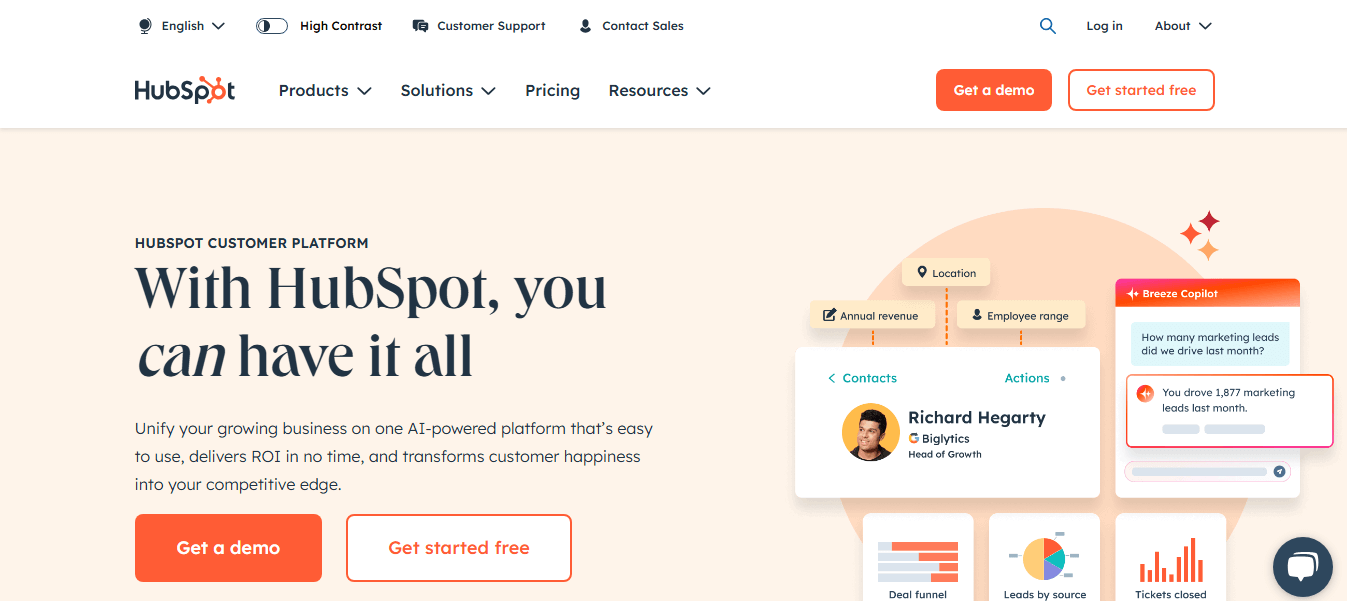
HubSpot is one of the best SaaS tools for startups because of its favorable pricing plan, ease of use, and features. It’s best for you if you are looking for a CRM that can handle both sales and marketing functions. You can run sales automation and manage your leads. It also integrates with its native marketing software which you can use to run marketing campaigns powered by your CRM data.
Pricing:
- Free: $0/month
- Starter: $20/month/seat
- Professional: $100/month/seat
- Enterprise: $150/month/seat
-
Salesforce
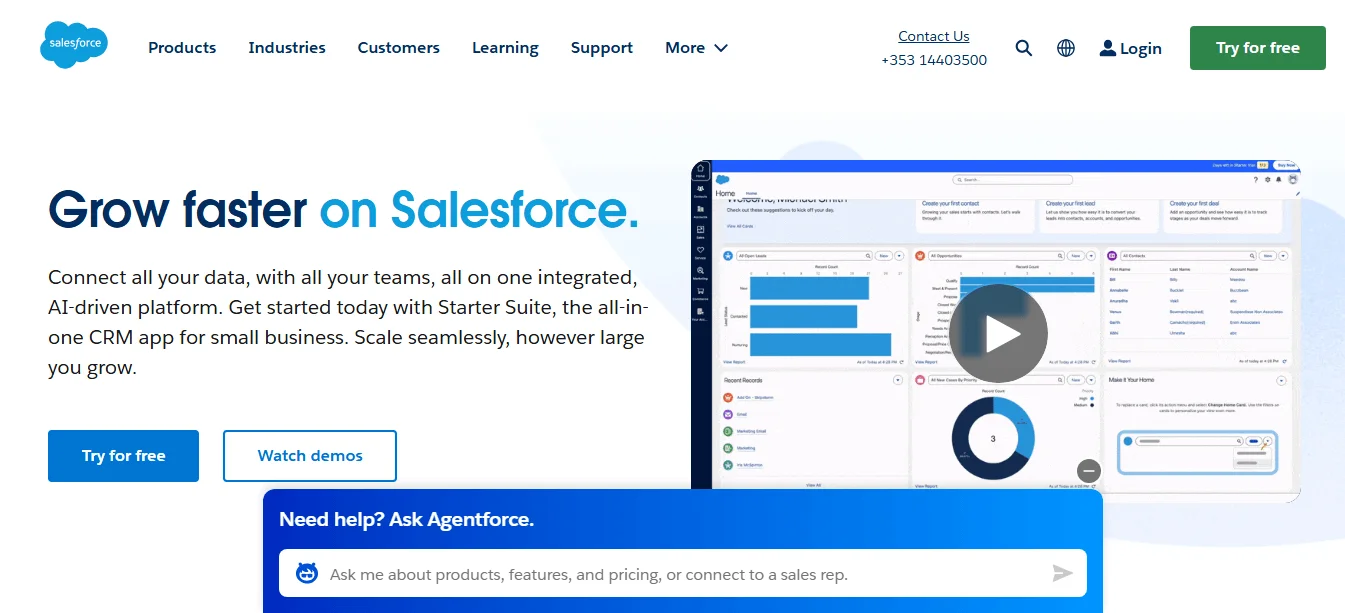
Salesforce is a CRM designed for enterprises and large organizations. Its Sales Cloud lets you track, assign and route leads, run campaigns to your leads, and manage your forecast. It’s packed with features but it comes at a cost – complexity. It’s best for you if you have an IT department or the budget to hire a Salesforce expert if you need a CRM that can scale. Unlike HubSpot, it requires technical expertise to set up and is more expensive.
Pricing:
- Starter: $25/month/user
- Pro: $100/month/user
- Enterprise: $165/month/user
-
Pipedrive
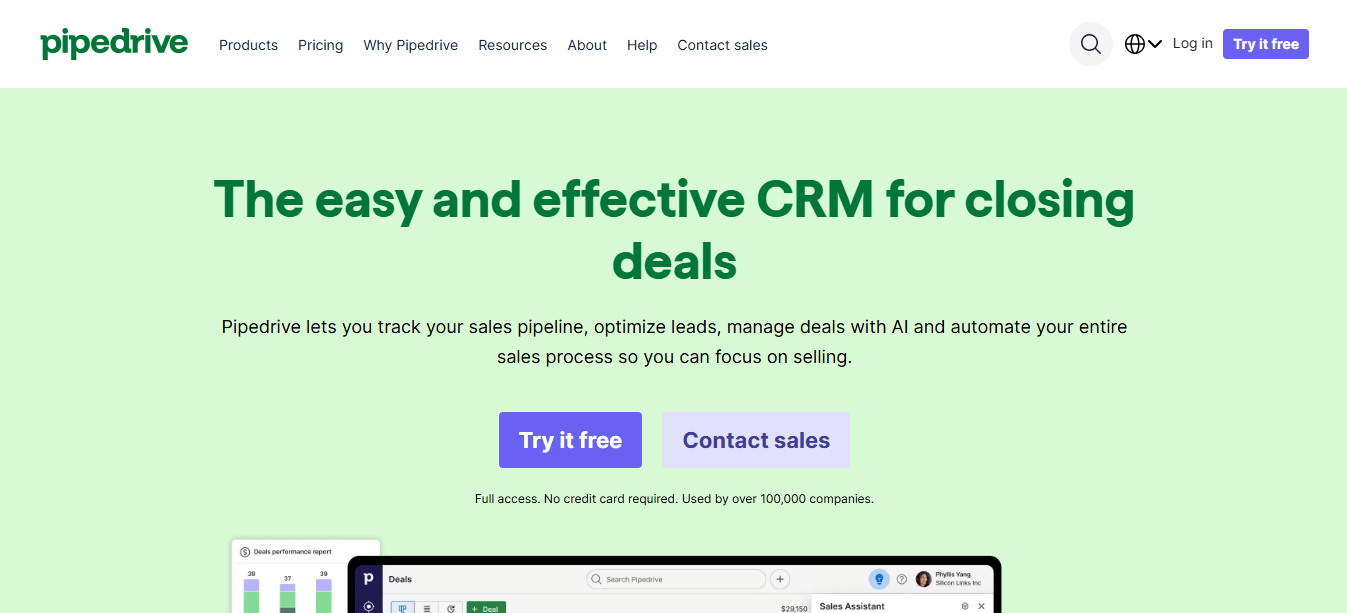
Pipedrive is a sales-focused CRM for SMBs and startups. It does everything you expect from a CRM. It lets you manage your pipeline, track sales conversations, automate your sales process, forecast your revenue, and integrate with over 500 apps.
Pipedrive is best for you if you are only looking for a CRM and not an all-in-one tool. Compared to HubSpot and Salesforce, Pipedrive is easier to use and learn since it’s only focused on being a CRM. It’s also cheaper compared to both tools.
Pricing:
- Essential: $24/month/seat
- Advanced: $49/month/seat
- Professional: $69/month/seat
- Power: $79/month/seat
- Enterprise: $129/month/seat
Email marketing platforms
-
Selzy
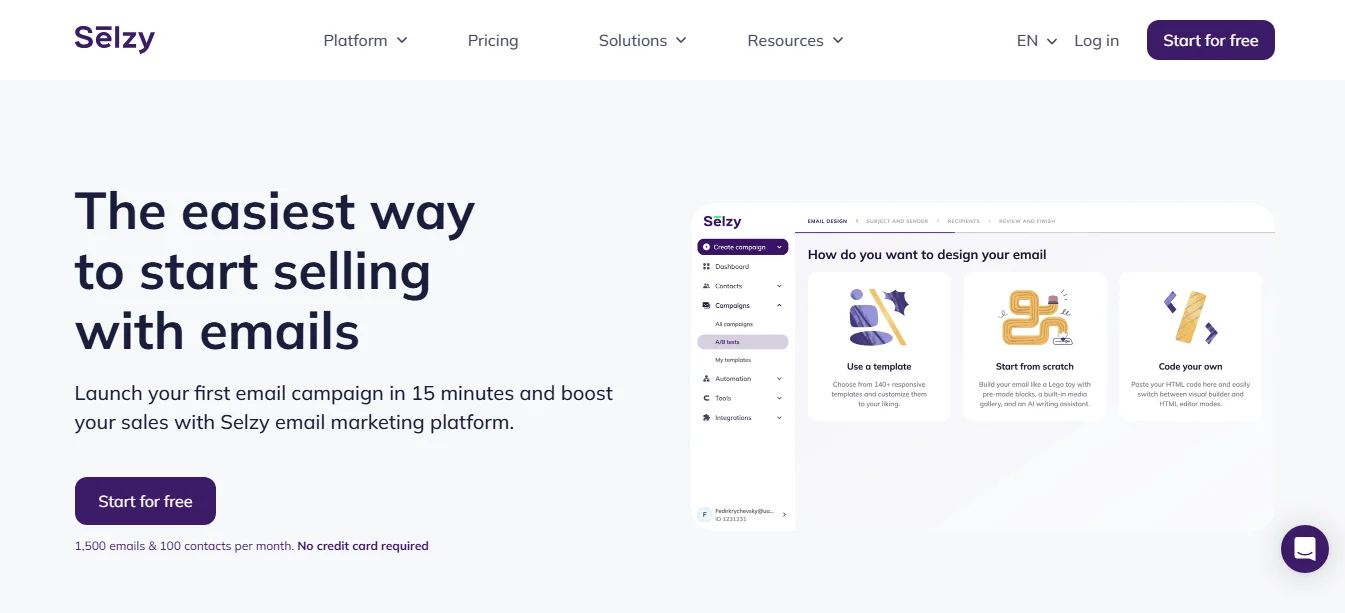
Selzy is an affordable email marketing platform designed for SMBs and startups. Its free plan includes up to 1,000 emails a month for 100 contacts, and new users can start with a 14-day trial that allows up to 10,000 emails to 2,000 contacts. You can gradually scale without being forced into an enterprise-level platform before your list grows, which makes Selzy a practical option for startups with limited budgets.
While it’s affordable, you still get all the features you need in an email marketing tool. You can personalize your emails, run email automations, edit email templates to your liking, A/B test campaigns, and use its AI assistant to write or even create whole email templates. Selzy is for you if you need a standalone email platform that does the job and is on budget.
Pricing:
- Free: $0/month for up to 1,000 emails/month to 100 contacts
- Lite: from $7.5/month
- Standard: from $15/month
- Enterprise: Custom pricing for 500K+ contacts

-
Constant Contact
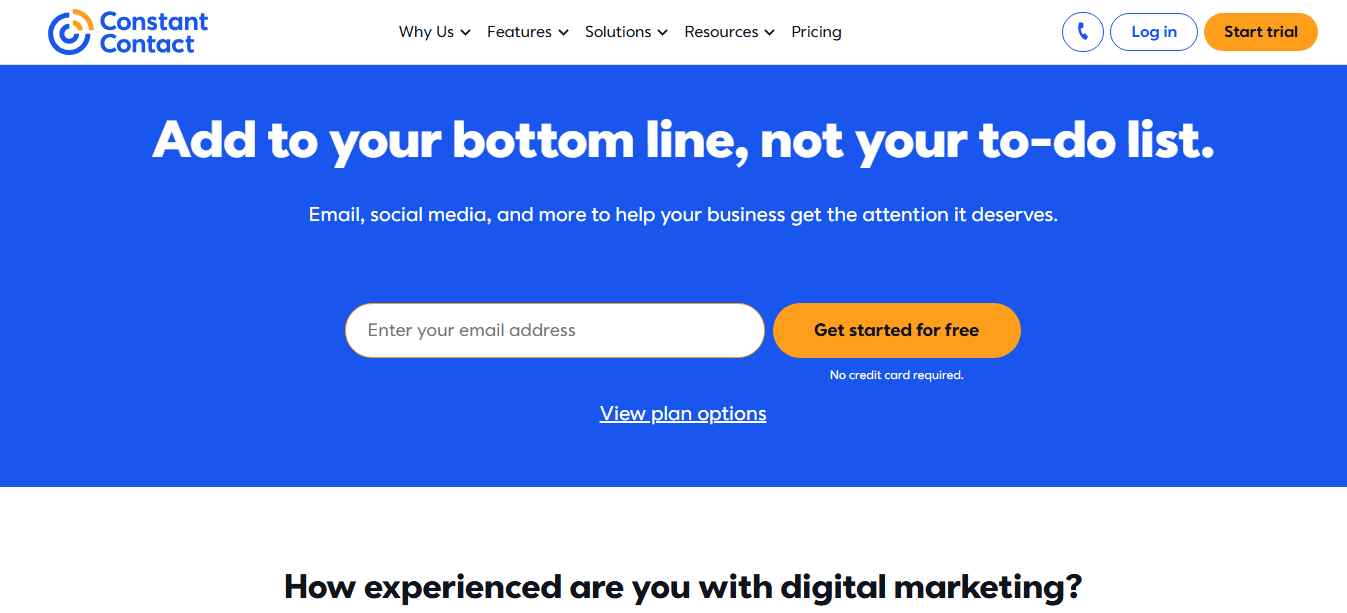
Constant Contact is an all-in-one digital marketing tool with features that will help you engage with your audience. It started out as an email platform so you can be sure to have all the key features at your disposal. You’ll be able to A/B test email content, see your email engagement heatmap, send newsletters, access automation templates, and email reports.
But what sets this tool apart from the rest is that you can use it to run SMS campaigns, manage ads, and manage events where you can sell products and services. This is the best tool for you if you’d find these additional features useful because otherwise, it makes Constant Contact expensive compared to Selzy.
Pricing:
- Lite: $12/month
- Standard: $35/month
- Premium: $80/month
-
SendGrid
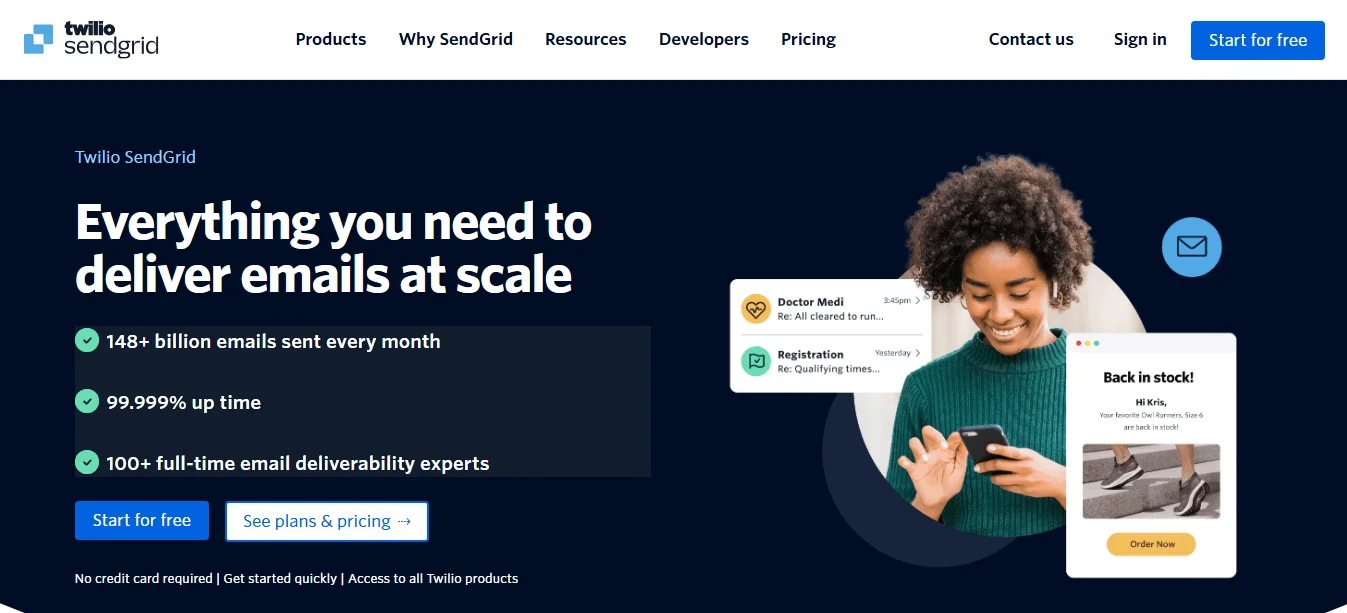
SendGrid is an email deliverability and marketing platform built to send transactional emails and email campaigns. It does the basics well. You can run automation campaigns, segment your audience, send newsletters, and track your analytics. However, the main selling point is its high email deliverability rate and email API.
Its email API lets you send transactional emails at scale and will use its advanced infrastructure and reputation to improve your deliverability rates. As you can imagine, this is different compared to both Selzy and Constant Contact. SendGrid is geared toward developers and enterprises that send high-volume transactional emails.
Pricing:
- Free plan
- Basic: $15/month
- Advanced: $60/month
As for its email API, pricing is as follows:
- Free plan
- Essentials: starting from $19.95/month
- Pro plan: starting from $89.95/month
- Premier: Custom pricing
Social media management tools
-
Hootsuite
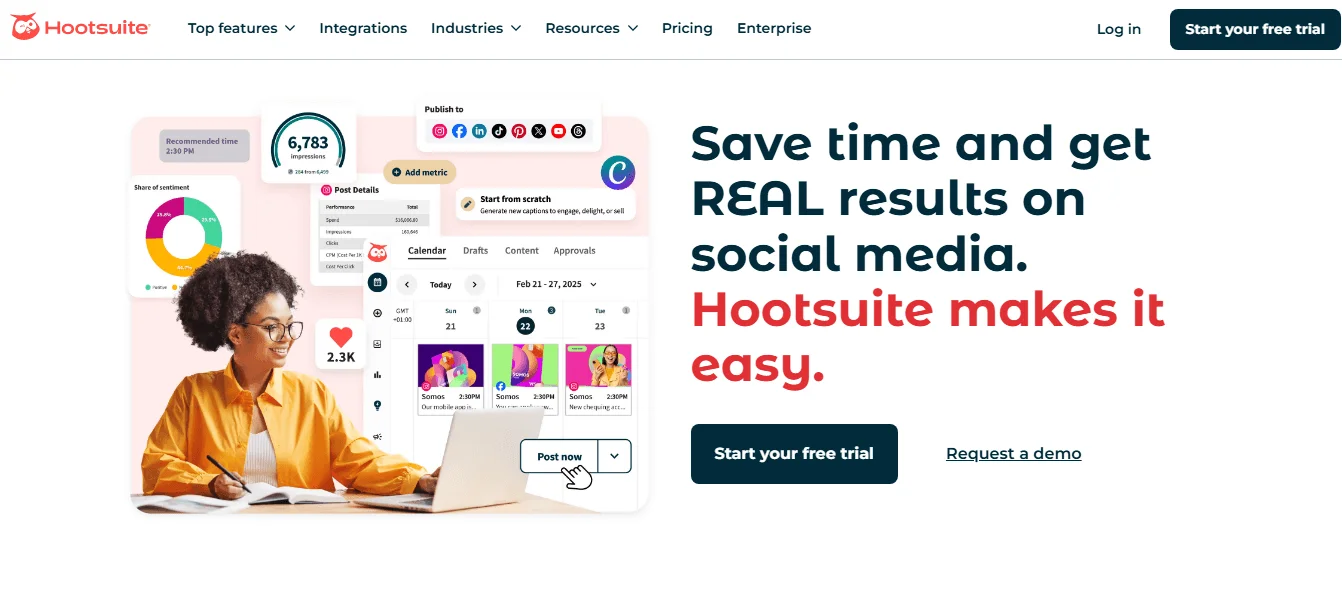
Hootsuite is a comprehensive social media management platform designed for startups that are scaling. While it does the basics like scheduling posts, its main selling point is its social listening tools, engagement tools, employee advocacy platform, and advanced reporting. This is the best choice for you if you need to go beyond the basics of social media marketing. Social media can be useful when your audience is active on those channels, and it remains one of the top marketing trends to watch.
Pricing:
- Professional: $99/month
- Team: $249/month
- Enterprise: Custom pricing
-
Buffer
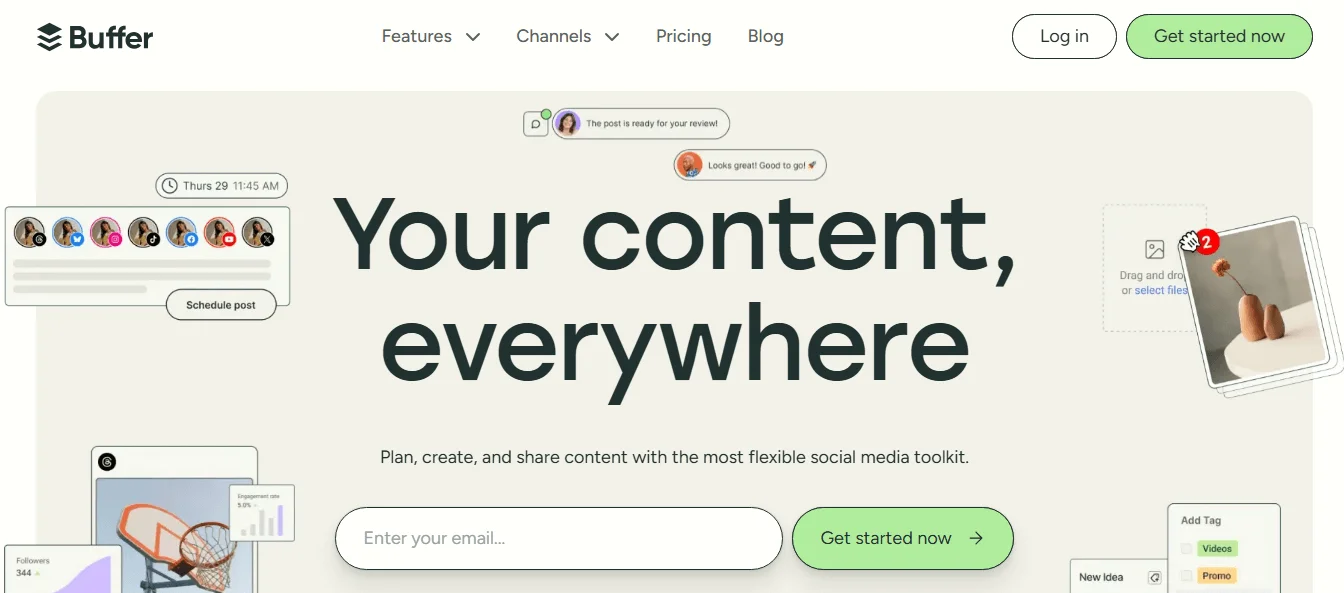
Buffer focuses on content creation, scheduling, and publishing content on all socials. You can use its AI to write social content, schedule posts per channel, visualize content calendar, schedule the first comment, and access basic engagement metrics.
If you are just starting out with social media marketing, this is the tool for you. And since it’s not as comprehensive as Hootsuite, it’s the easiest to use and its UI is easy to navigate. Compared to other similar tools in this list, Buffer is the most affordable and it even charges based on the number of connected social accounts. So the pricing varies based on your needs.
Pricing:
- Free forever: connect up to 3 channels
- Essentials: $6/month, 1 channel
- Team: $12/month, 1 channel
-
Sprout Social
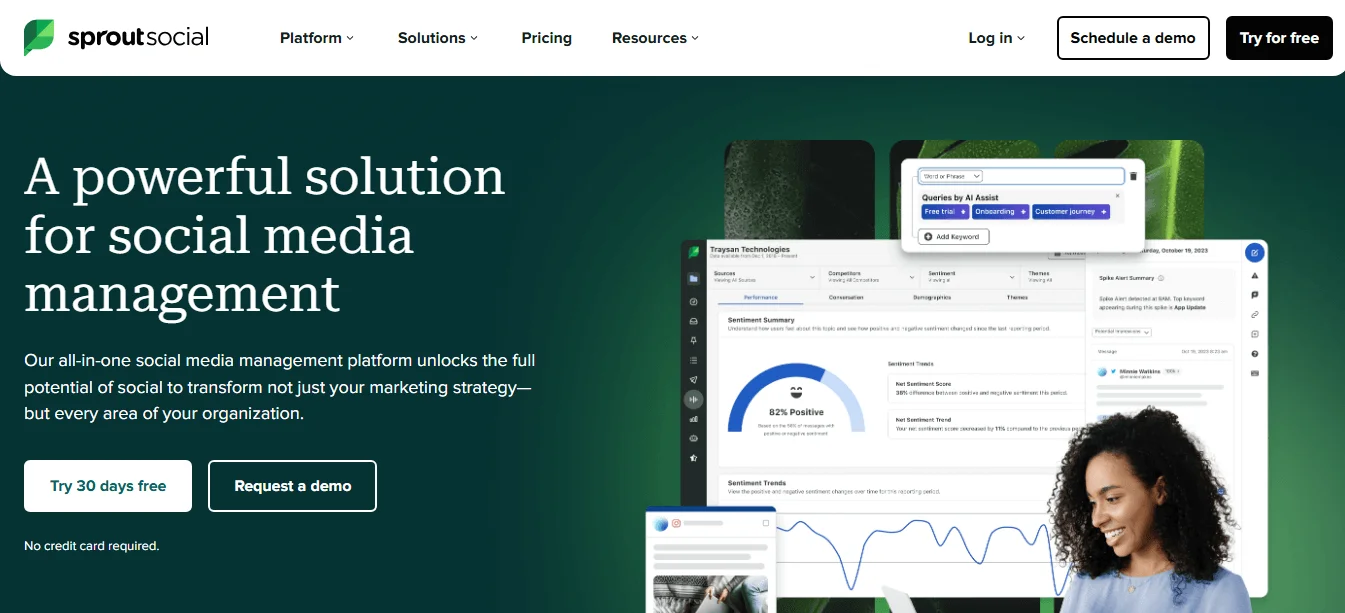
Sprout Social is the most comprehensive social media management tool on the list. For example, its engagement tools go beyond having a shared inbox. You can monitor and manage reviews from Trustpilot, Glassdoor, Tripadvisor, Google My Business, and many other review sites. It also helps your team manage customers by alerting you when there’s a sudden spike in mentions or prioritizing urgent cases.
It even packs social listening tools and an employee advocacy platform just like Hootsuite. But what really sets it apart from both Hootsuite and Buffer is its advanced analytics and reports. You can even build custom reports and share them with specific stakeholders without sharing an entire report. This eliminates combing through data and compiling a report manually. Sprout Social is the right tool for you if you are already running social campaigns but need a platform with comprehensive reports.
Pricing:
- Standard: $249/seat/month
- Professional: $399/seat/month
- Advanced: $499/seat/month
SEO tools
-
Ahrefs
Ahrefs is your classic SEO tool. You can use it to see the organic traffic performance and backlink profile of your website (or any other website), come up with thousands of keywords, or even run an SEO audit of your website. But what sets it apart is its backlink analysis as it has the most trusted data among SEO professionals and is the most feature-rich SEO tool.
If you need an SEO tool to do all kinds of tasks like keyword research, track rankings, or audit your website, this is the tool for you.
Pricing:
- Lite: $129/month
- Standard: $249/month
- Advanced: $449/month
-
Semrush
Semrush is one of those all-in-one marketing tools. You can use it for SEO, paid advertising, content marketing, and social media marketing. It started out as an SEO tool so expect it to do all the SEO functions like keyword research, competitor analysis, backlink analysis, and tracking keywords well.
What makes it different from other tools is its suite of tools. But be wary of this look through its pricing page and check the features you’d need. Then compare its pricing and value with Ahrefs.
Pricing:
- Pro: $139.95/month
- Guru: $249.95/month
- Business: $499.95/month
-
KWFinder
KWFinder is the cheaper version of Ahrefs but stripped down in terms of advanced features like site audits or estimated clicks for keywords. This is the best SEO tool for you if you are just getting started. You can run keyword research, backlink analysis, analyze competitor websites, and track the rankings of your site.
Pricing:
- Basic: $49/month
- Premium: $69/month
- Agency: $129/month
Analytics tools
-
Google Analytics (GA)
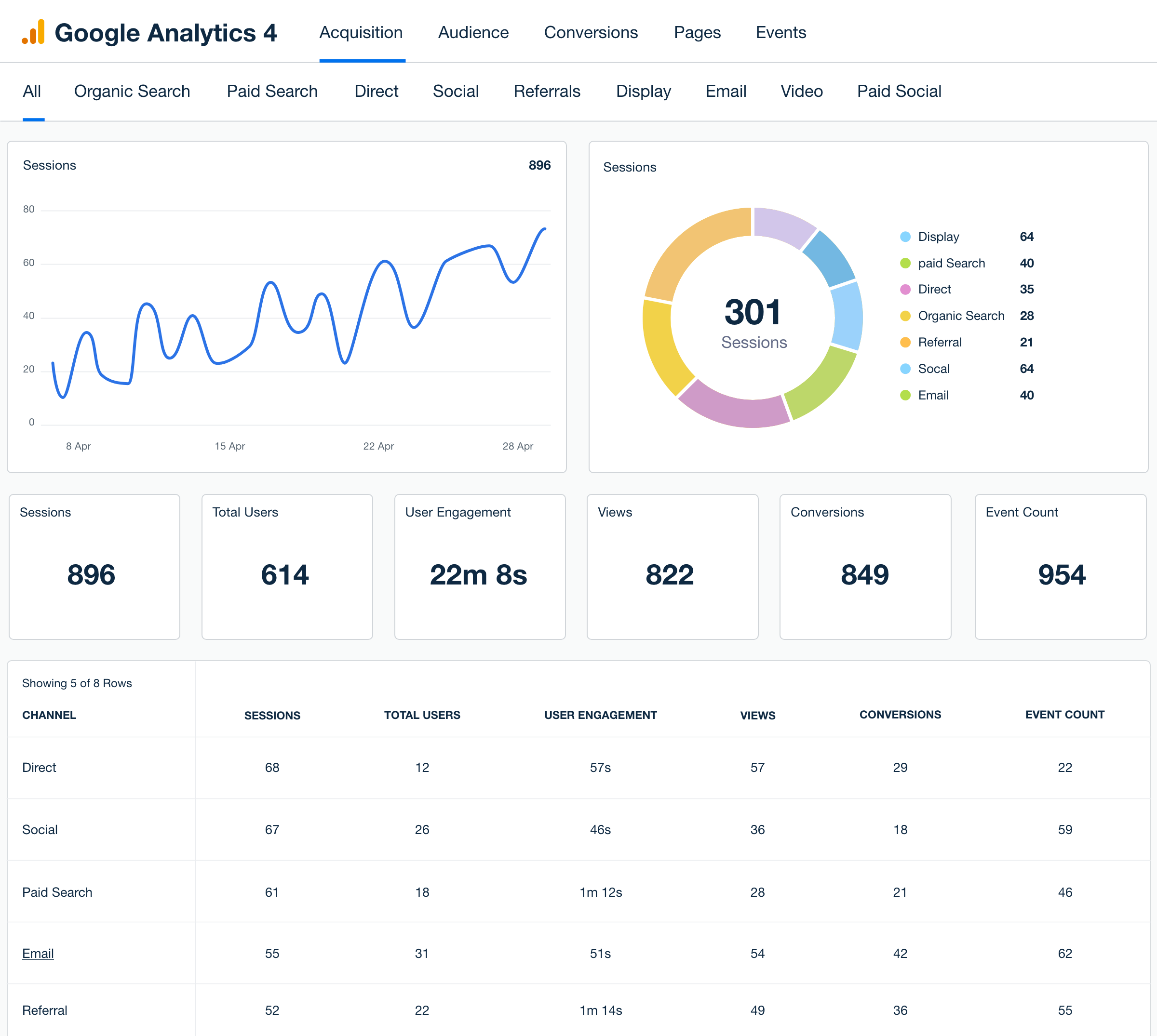
Google Analytics (GA) is the most widely used analytics tool. You can identify how users reach your site, and monitor the number of visitors, page views, and conversion rate. You can then use this data to improve your marketing campaigns. This tool is a must for any startup since it tracks your website performance and it’s free to use.
Pricing:
free.
-
Mixpanel
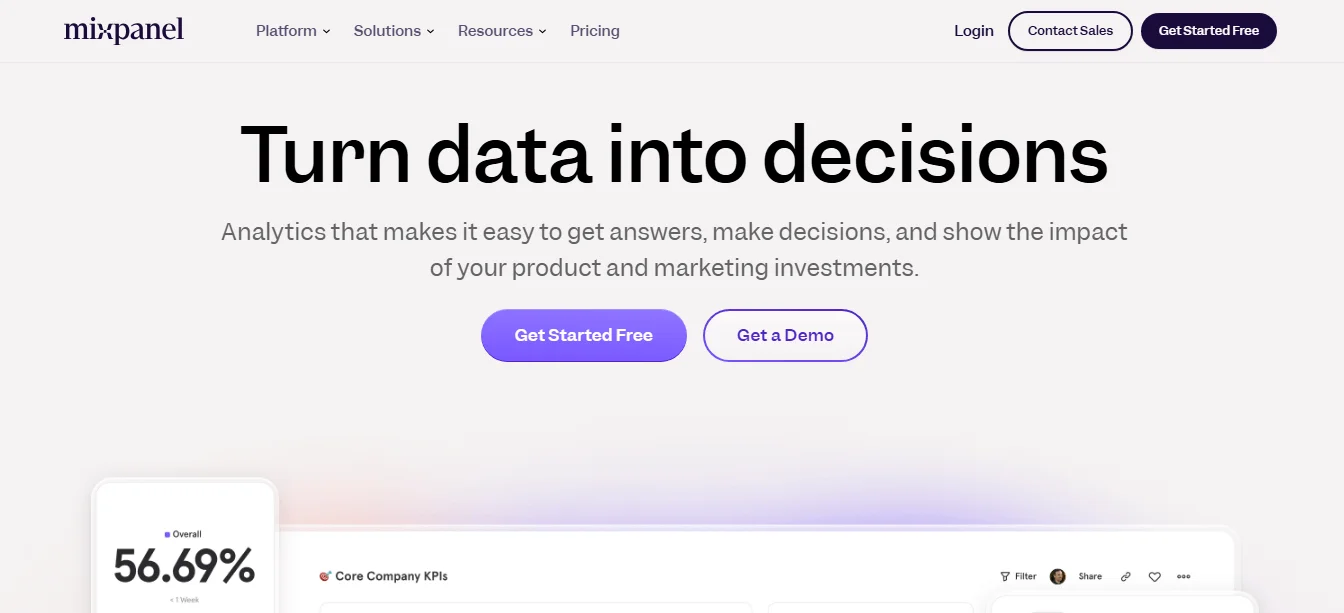
Mixpanel is designed to track interactions within apps and products. Unlike GA that only focuses on web traffic, Mixpanel monitors specific actions taken by users such as clicks and the features they use. You can also review the steps customers took with session replays and find pain points in their customer journey. This tool is best for you if you have a SaaS product or mobile app.
Pricing:
Mixpanel charges according to the number of events. 1 million monthly events are free, after the limit is reached you’ll be charged $0.00028 per event.
-
Hotjar
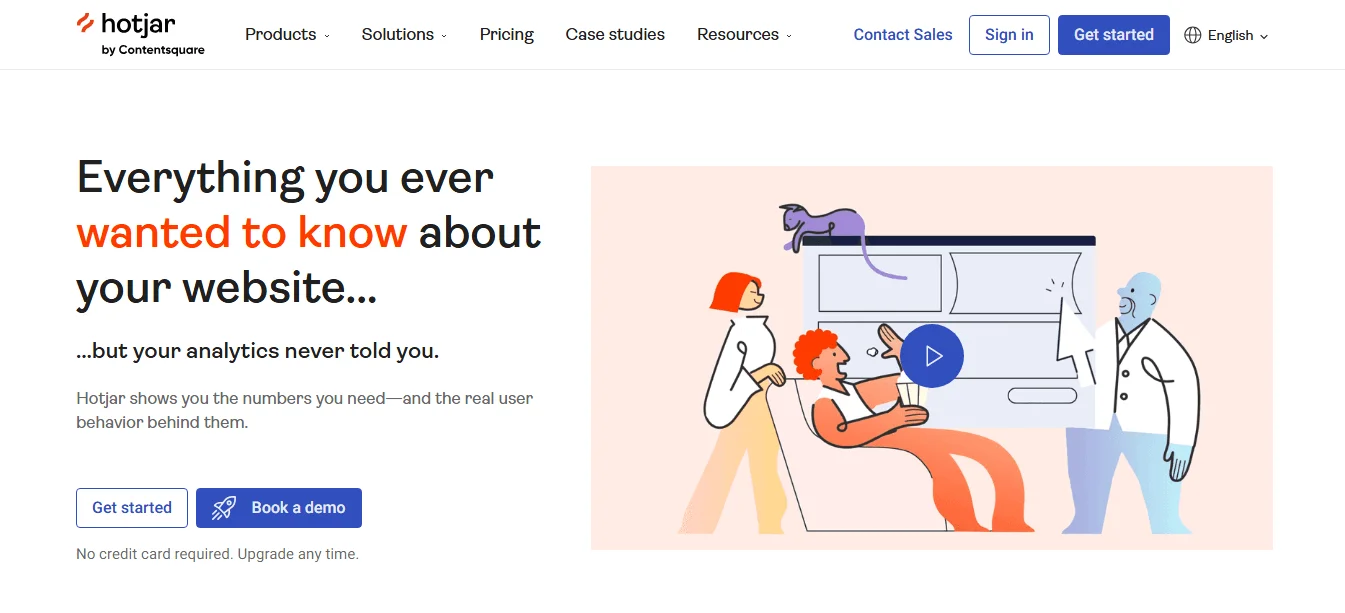
Hotjar is a website heatmap and analytics tool. It will help you identify where users drop off, see what gets their attention, or identify patterns, helping you improve your website for better conversion rates. You can even run surveys to get real-time feedback on your website so that you can improve the user experience. Hotjar is suitable for you if you have an existing website traffic to your site.
Pricing:
- Basic: Free forever
- Plus: $39/month
- Business: $99/month
- Scale: $213/month
PPC advertising platforms
As we look at three of the most popular PPC platforms, it’s worth noting that the pricing of your ad campaigns will depend on your keyword competition, budget, and bidding strategy.
-
Google Ads
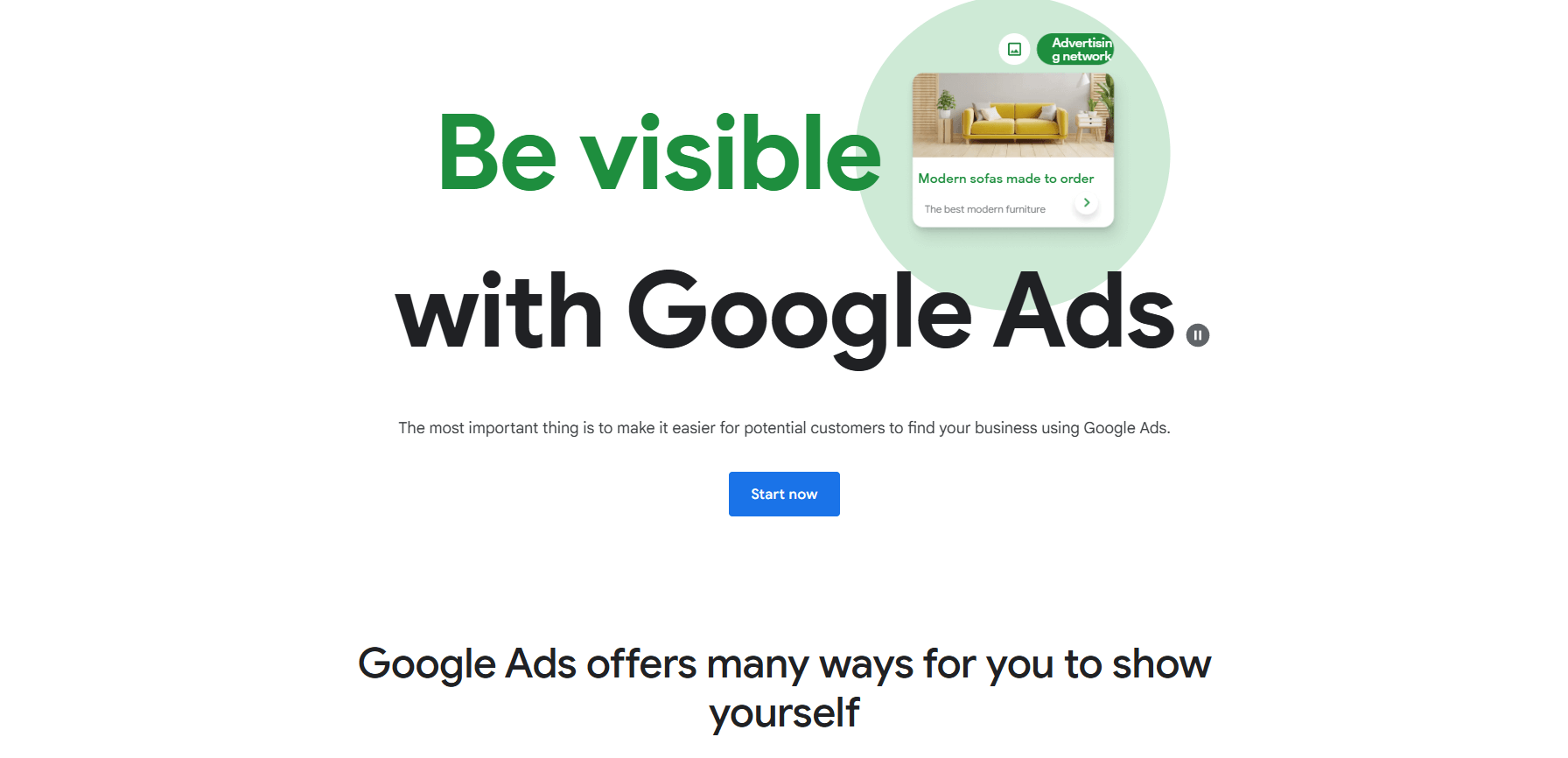
Google Ads lets you create ad campaigns across Google’s network. You can run ads on the SERP results, on YouTube videos, and show visual ads on other websites. This type of campaign is best if you want to capture demand fast because your ads will appear immediately for keywords relevant to your business without waiting for organic rankings like SEO. Choosing which ad platform to use really depends on your budget and where your audience is.
-
Facebook ads
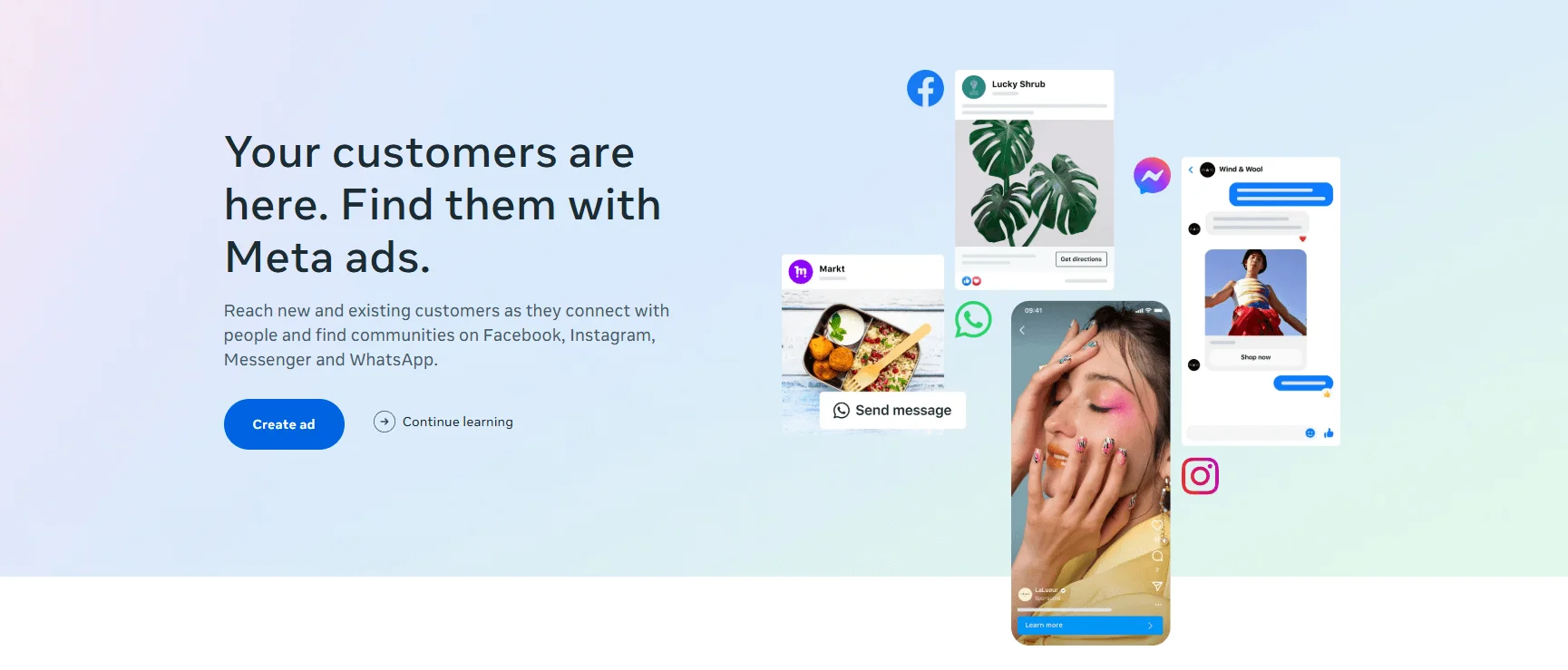
Facebook ads work well if you already have your social profiles in place. You’ll then use the Meta Ads Manager to create campaigns across Facebook, Instagram, and Messenger. Since Facebook has extensive data on people, you can use it to target users based on demographics and most importantly their interests. These ads are the best for you if you want to run retargeting campaigns or brand awareness campaigns.
-
LinkedIn Ads
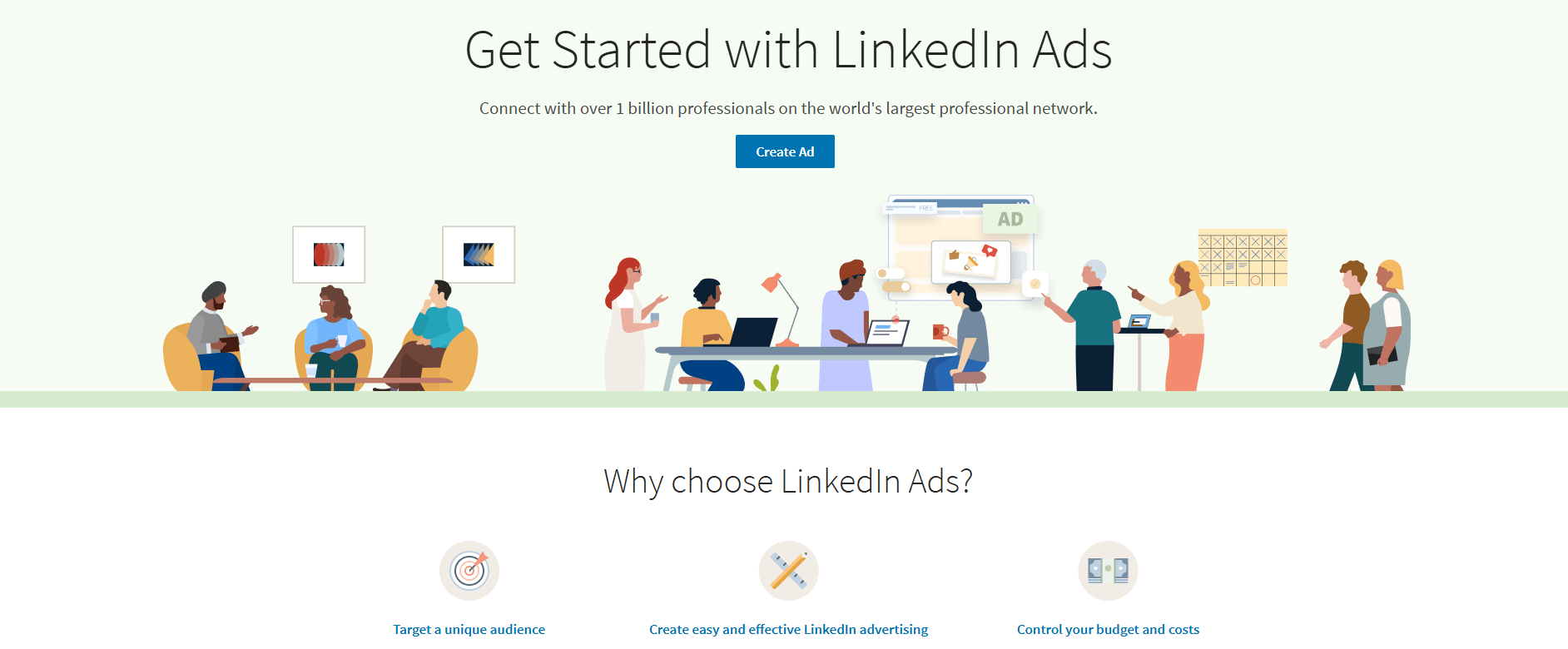
LinkedIn Ads lets you run ads on LinkedIn targeting mostly a B2B audience. You’ll be able to reach decision-makers way easier on LinkedIn than on any other platform. These ads will be based on job title, company size, industry, and many more variables. You can also run different kinds of ad formats such as sponsored content, sponsored messaging, and video ads.
Marketing automation tools
-
ActiveCampaign
ActiveCampaign is not only an automation platform but also an email marketing, CRM, and SMS marketing platform. While it’s an all-in-one tool, its main feature is the automation builder. You can automate the entire customer journey whether you are a B2B, small business, e-commerce, or an enterprise. You can also use it to track what users are doing on your website and use that information to improve automation campaigns. This is the best platform for you if you need an automation builder that will scale with your needs.
Pricing:
- Starter: $15/month
- Plus: $49/month
- Pro: $79/month
- Enterprise: $145/month
-
Klaviyo
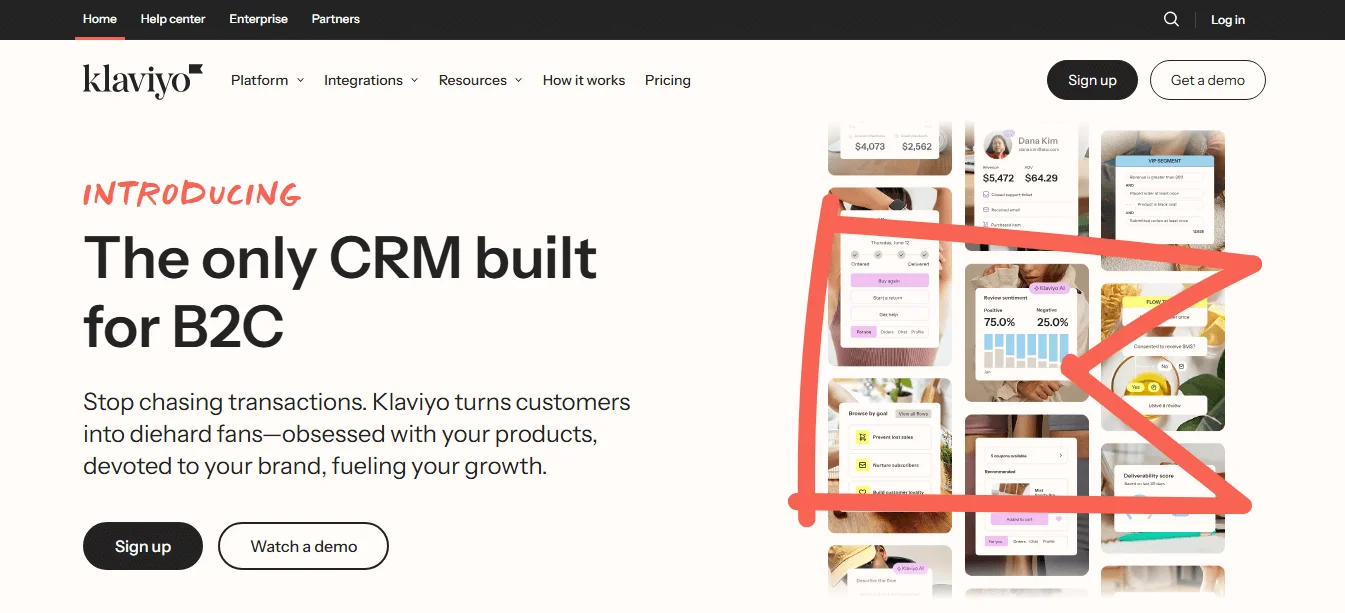
While with ActiveCampaign you can run all types of automation even for e-commerce brands, Klaviyo is built specifically for e-commerce. This is evident even in its automation builder. For example, behaviors that trigger automation are all e-commerce related such as viewing a product, starting checkout, price drop, predicting the next order, placing an order, and many more. Its automation templates are also e-commerce-related.
Pricing:
- Free plan
- Email: $30/month
- Email + SMS: $45/month
Project management tools
-
Trello
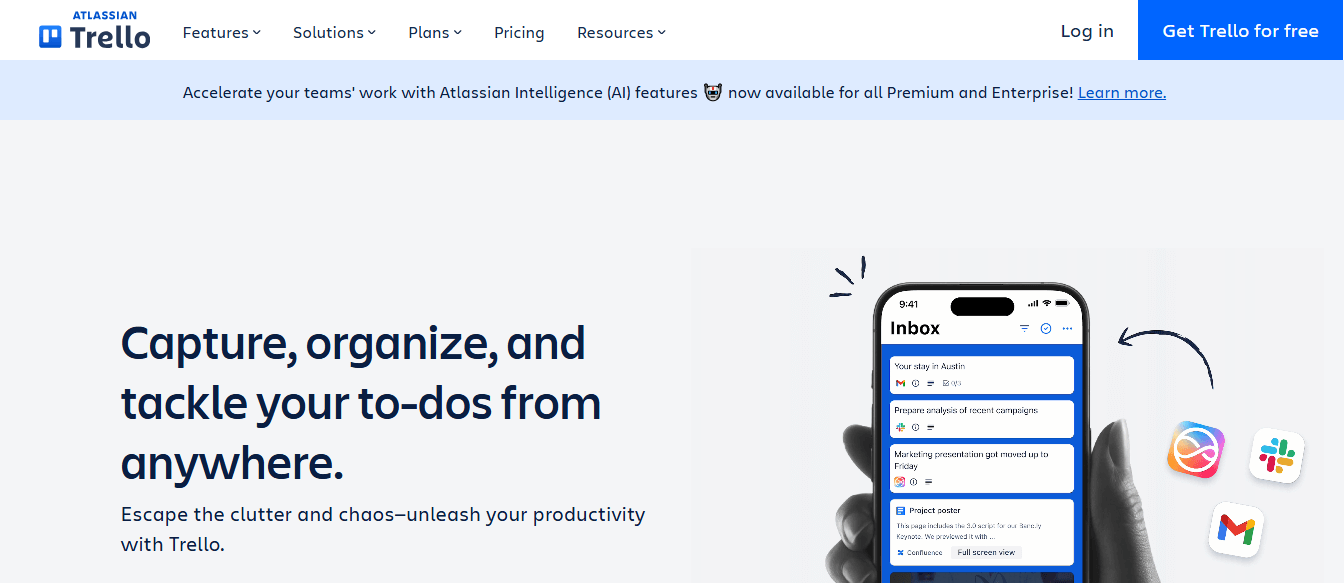
Trello uses a kanban-style approach which includes boards, lists, and cards to help you visualize and manage your tasks. It’s designed for both individuals and small businesses. But you can also use it too as a startup if you have a small team, however, if you have a large team and complex projects, check out the next tool on the list — Asana.
Pricing:
- Free plan
- Standard: $6/month/user
- Premium: $12.50/month/user
- Enterprise: $17.50/month/user
-
Asana
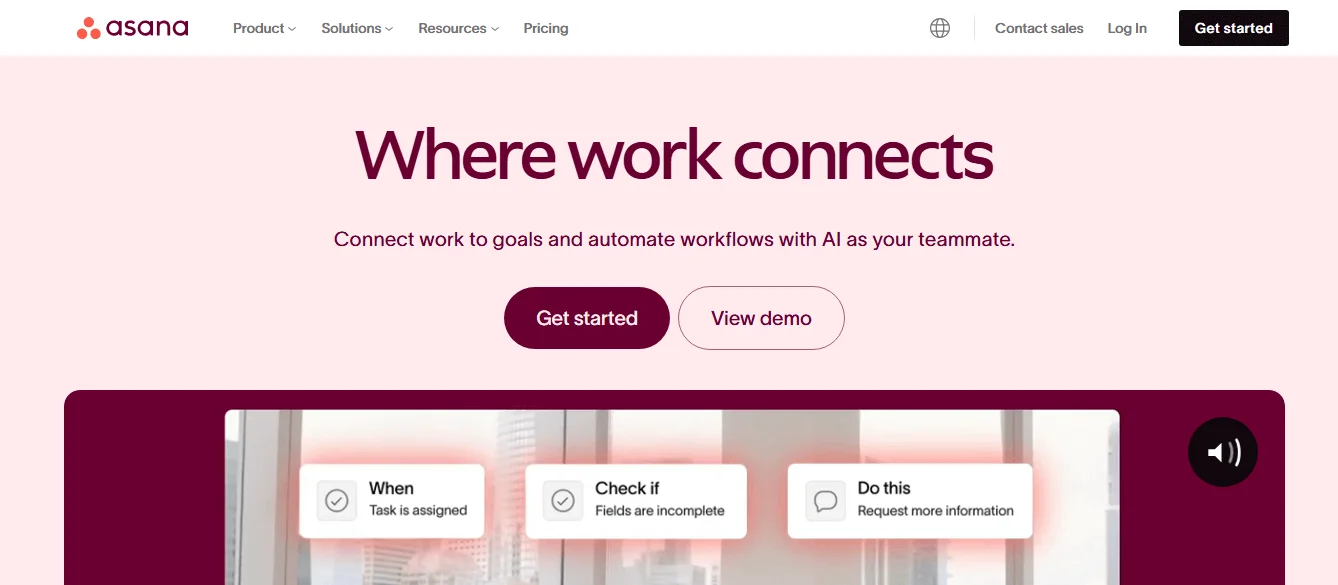
Asana not only lets you view your projects as a kanban board, you can also view them as lists, calendars, and Gantt charts. This lets you manage each project individually and also gives you a bird’s eye view of the progress of each project. And for each project, you can then tie it to a company-wide goal and the entire team will see how each project contributes to the progress of your goals. This is the best project management tool for you if you need to collaborate with teammates and manage multiple complex projects.
Pricing:
- Personal: free forever
- Starter: $13.49/month/user
- Advanced: $30.49/month/user
FAQ
What marketing tools does a startup need first?
Start with tools that support the core workflows that create and measure demand: CRM, email marketing, social media scheduling, SEO, analytics, PPC, marketing automation, and project management. Choose based on the exact job you need done, such as capturing leads, launching campaigns, or tracking performance, rather than buying tools for features you may not use yet.
How many marketing tools should a startup use?
Use as few as possible while covering the workflows you need. A lean startup stack should add one tool per workflow first, then expand only when there is a clear gap. This helps avoid duplicate costs, scattered data, and reporting issues caused by overlapping platforms.
What is the best free marketing tool for startups?
The content does not name one single best free tool. It recommends using free trials or freemiums to compare options before subscribing. The best free choice is the one that fits your current goal, overlaps least with your existing stack, and lets you test the workflow without paying upfront.
How should startups choose between all-in-one and specialized marketing tools?
Choose based on business needs and your current tech stack. All-in-one tools can be convenient, but they may bundle features you already pay for elsewhere. Specialized tools make sense when you need a specific outcome and want to avoid paying twice for the same functionality. Audit overlaps before buying.
Which startup marketing tools are worth paying for first?
Pay first for tools that directly support revenue and measurement. The post suggests starting with CRM, email marketing, social media scheduling, SEO, analytics, PPC, marketing automation, and project management. Prioritize the tools that help you capture leads, run campaigns, track results, and automate routine work.
Conclusion
Each of these tools does its job well, but the best choice depends on your startup’s stage, budget, and current stack. Pick the tool that solves a clear workflow problem first; that’s when you’ll fully realize its value.
It isn’t about choosing the “best” one, it’s about finding the one that works for you. And it’s not about choosing one tool over the other in some instances. Take, for example, Google Analytics and Hotjar. You can have both tools in your tech stack and each would serve a different purpose but still work towards your goals. And remember, you can always sign up for free trials to get first-hand experience of these platforms.
 New and noteworthy on our blog
