Google Search Console is a free SEO tool that shows how Google crawls and displays your landing page in search results.
With this tool, you can collect user data, analyze keywords, identify mobile usability issues, and track your website’s position in Google Search.
Google Search Console can be easily connected to a landing page created in Selzy.
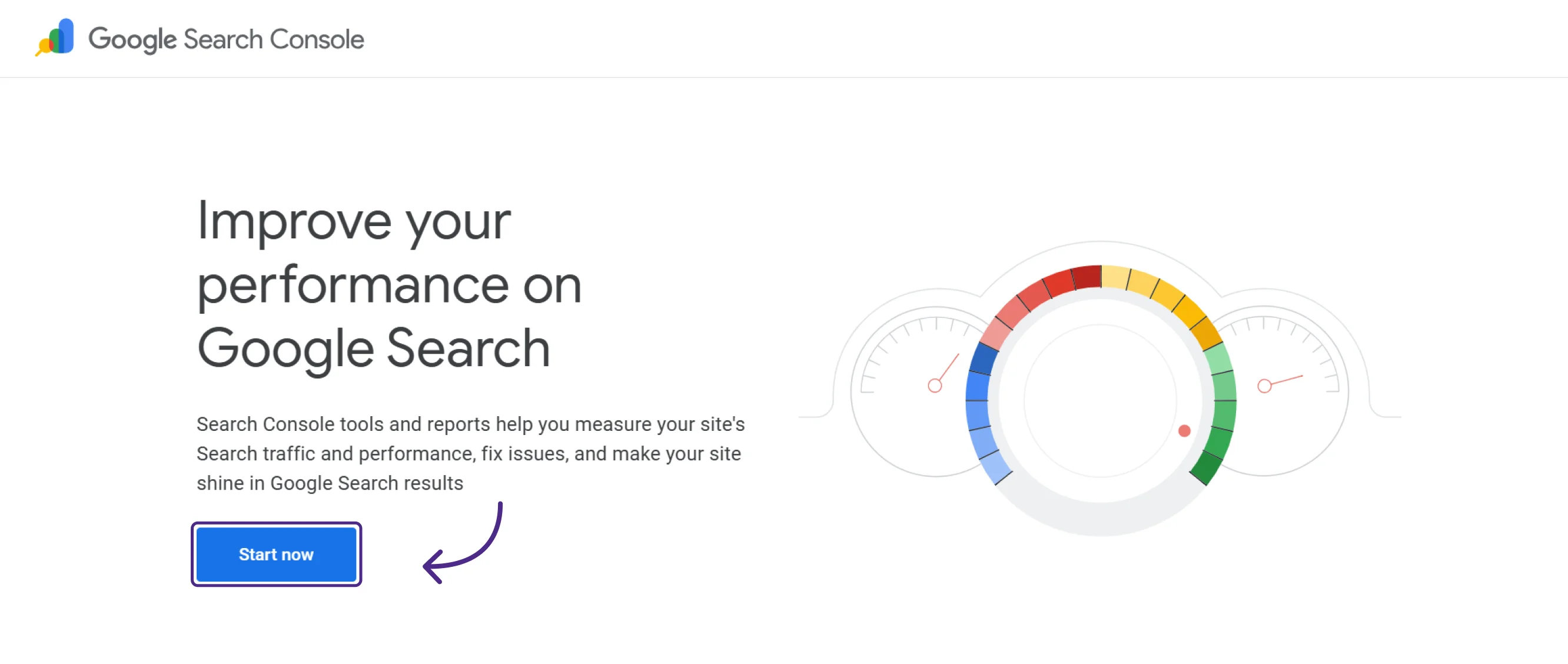
Go to the Google Search Console homepage. You will need a Google account to sign in. Create one or use an existing account. Click the “Start now” button.
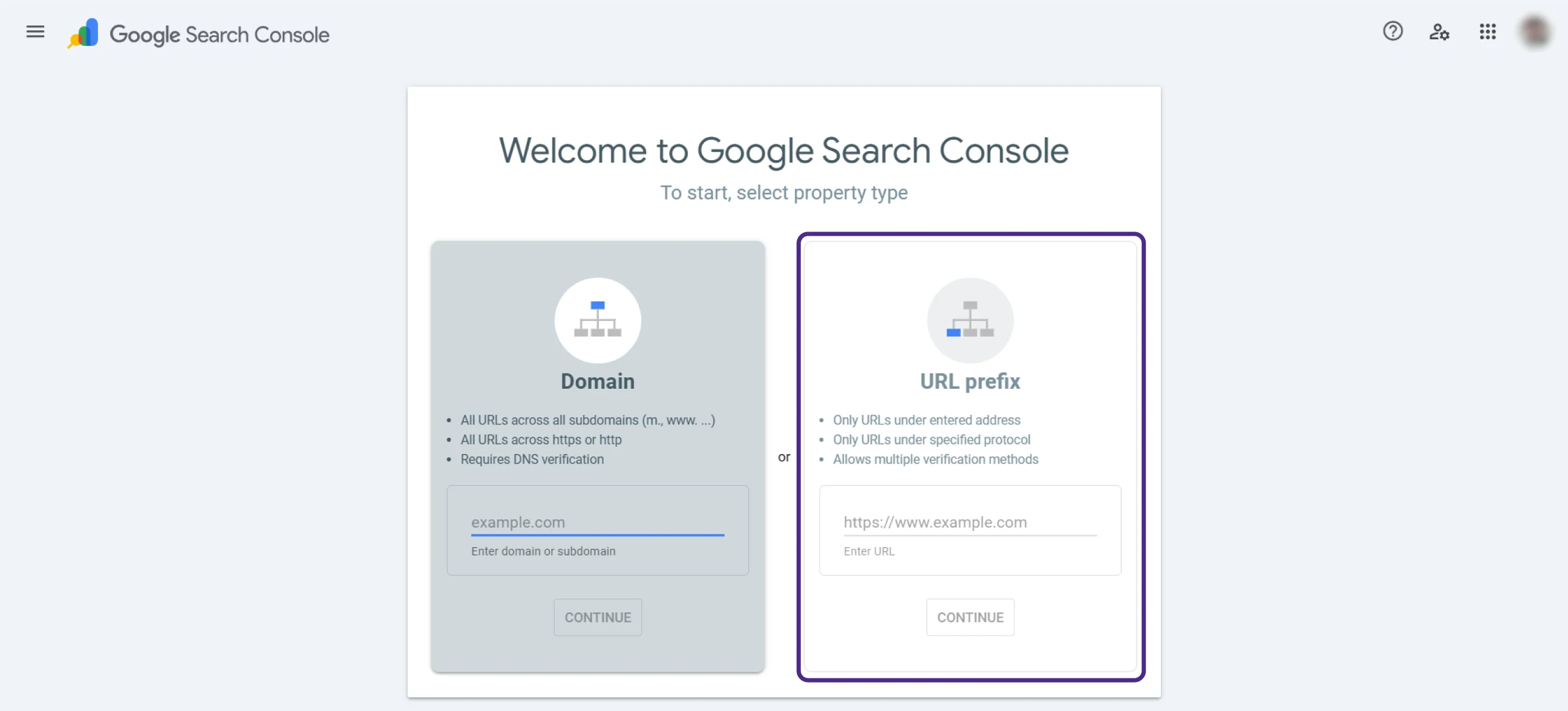
On the next screen, choose the “URL prefix” property type. Copy your landing page URL and paste it into the field exactly as it appears. Click Continue.
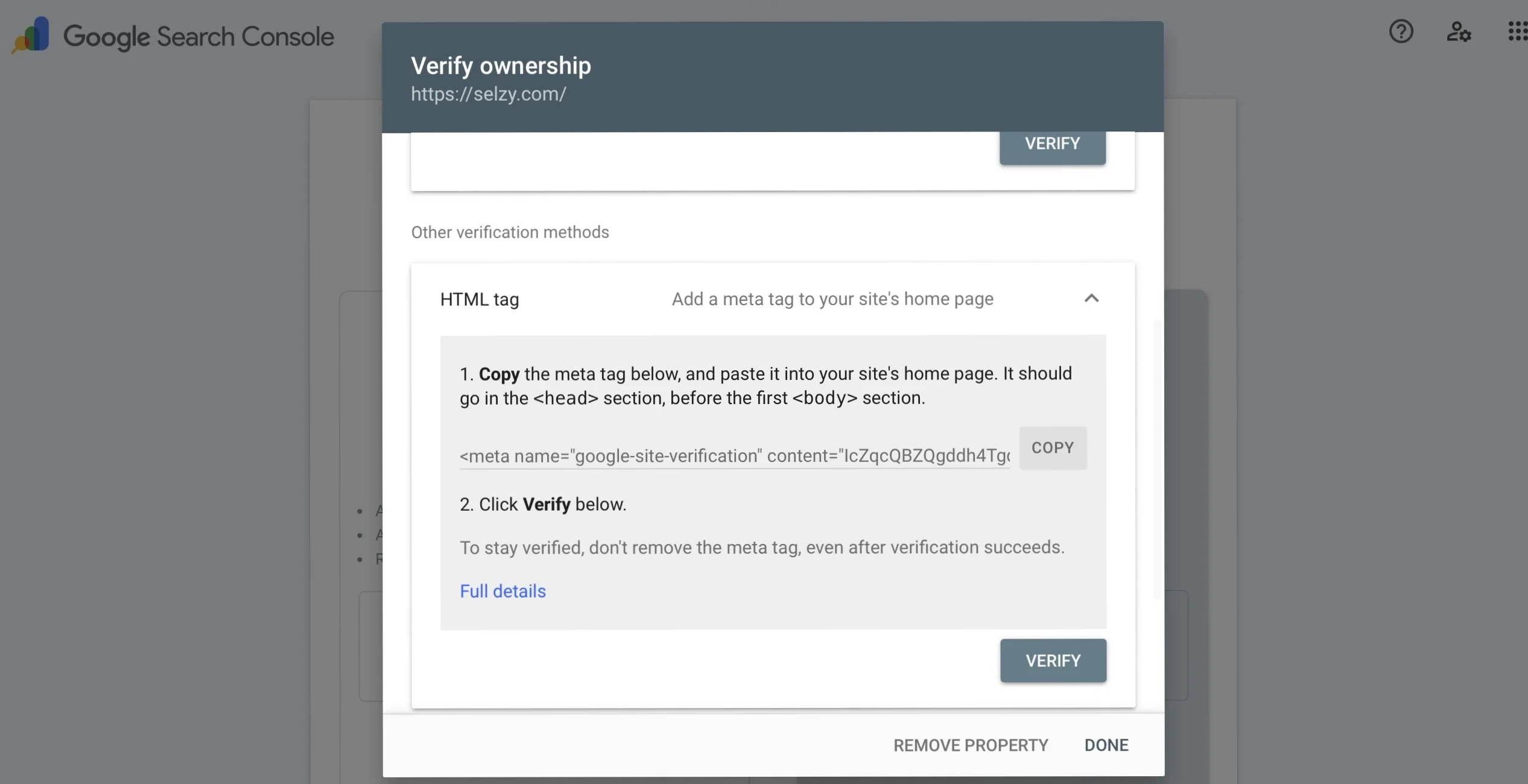
In the verification window that opens, scroll down and as a verification method select the HTML tag. Copy the meta tag provided.
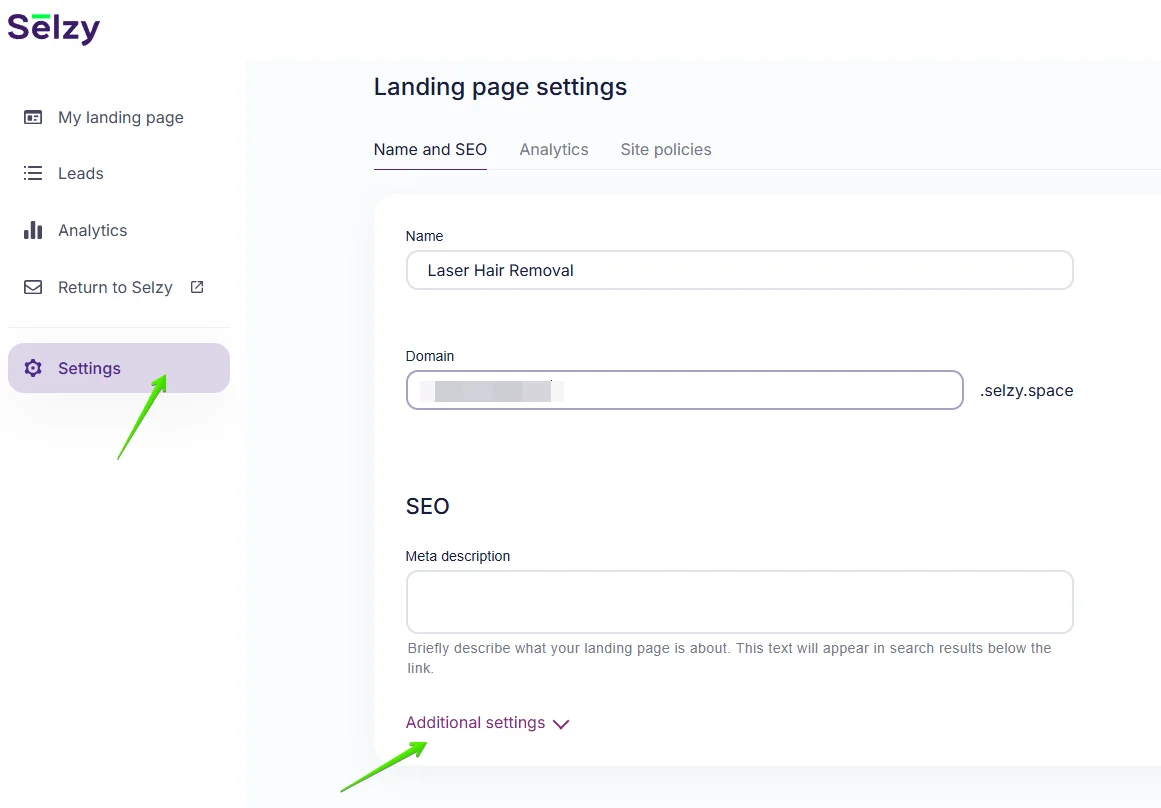
Next, in your Selzy account go to your Landing page and click Settings. Once the “Name & SEO” tab opens, scroll down, and click Additional settings.
Find the section called Google Search Console. Paste the copied meta tag into the “Site verification tag” field.
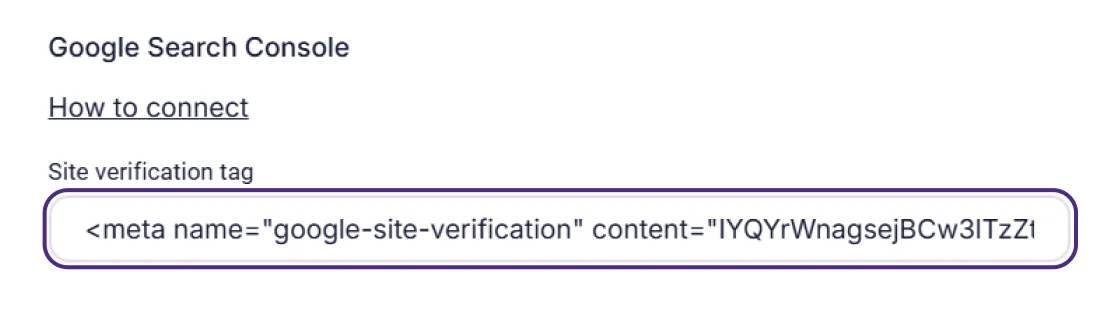
Click Save changes, then republish your landing page to make the updates live.
Now, return to Google Search Console and complete the setup by clicking the “Verify” button in your Google Search Console account.
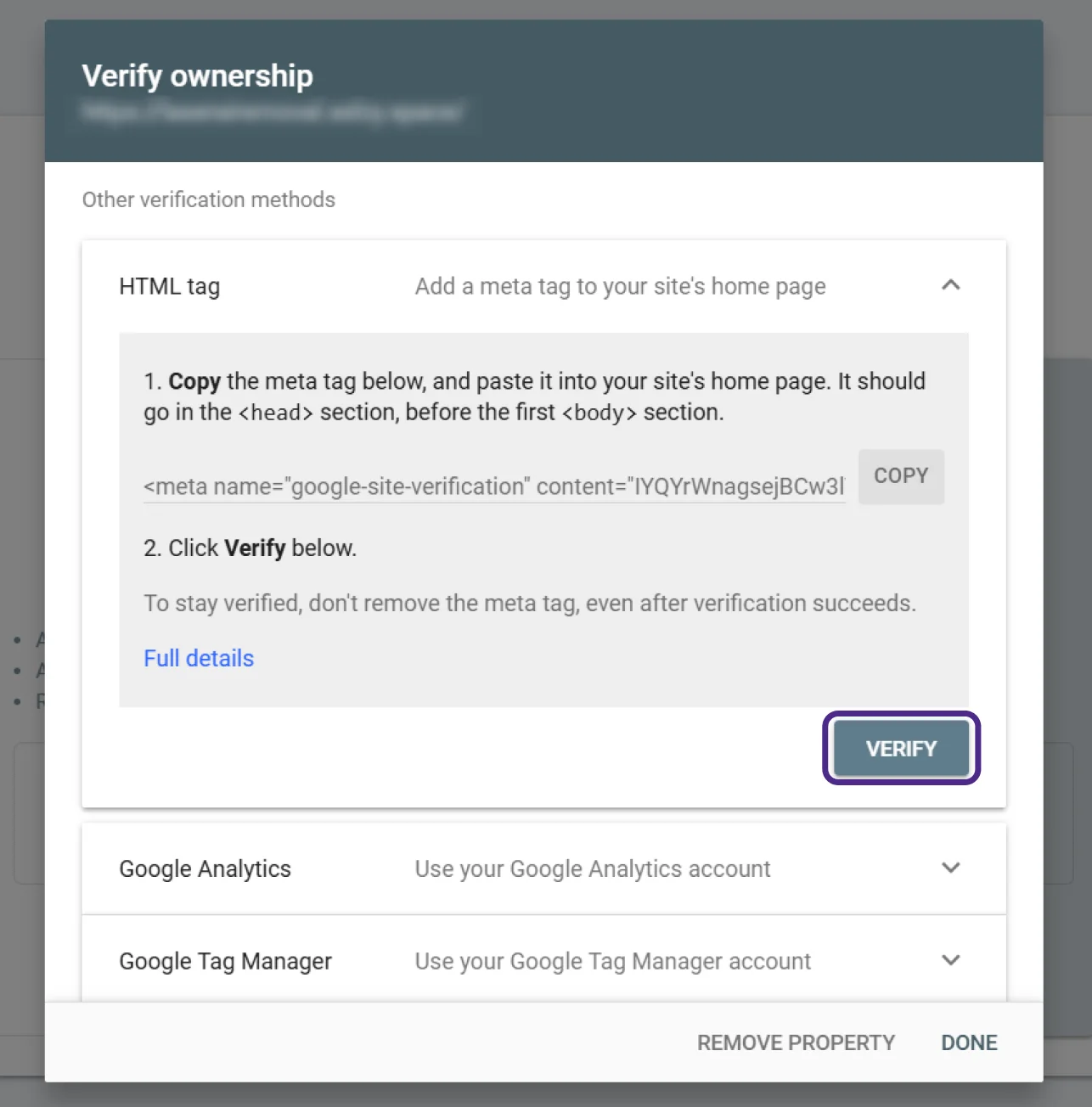
If Google Search Console confirms ownership, the setup was successful.
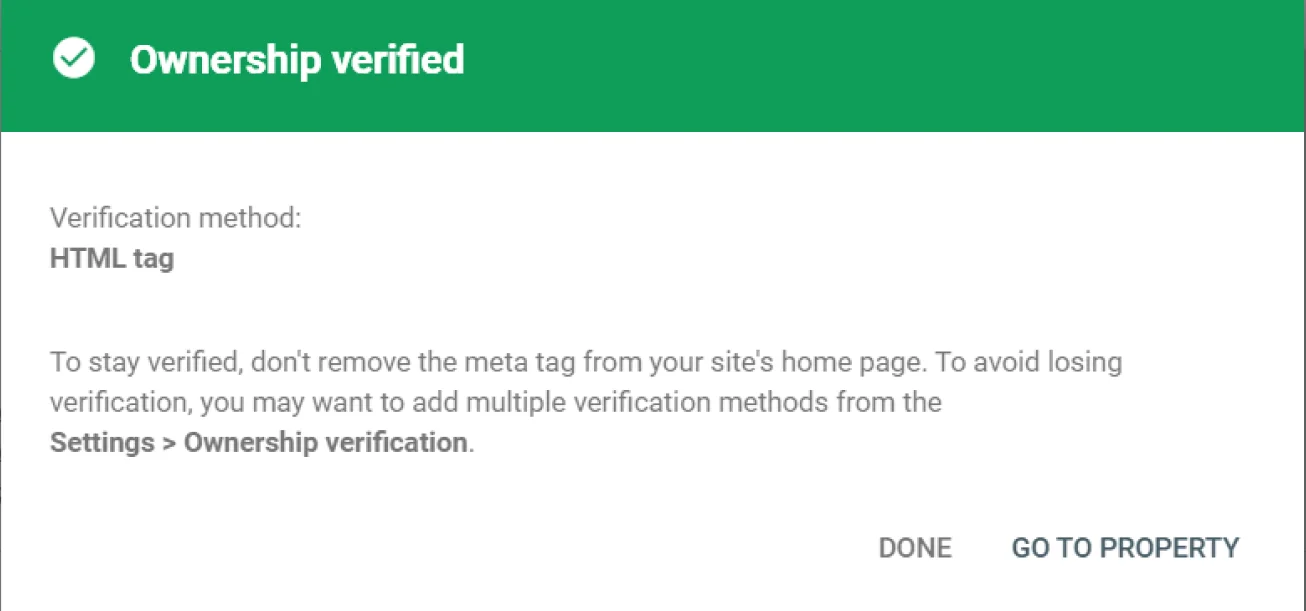
The added meta tag will remain saved in your Selzy account settings. Do not remove it while you are using Google Search Console.