



Email marketing in real estate helps address the challenges of a long buying cycle. It includes personalized property recommendations based on clients’ preferences (location, budget, and square footage), price drop alerts, invitations to property viewings, neighborhood guides highlighting local amenities and infrastructure, mortgage calculators and updates on mortgage programs, and real estate market reports.
Why should you use email marketing as a real estate agent?
Here are the main benefits of email marketing in real estate:
- Increase brand awareness and build loyalty among potential buyers.
- Address customer concerns and overcome objections.
- Encourage engagement and start conversations with potential clients.
- Keep clients and real estate agents informed about relevant news and updates.
- Streamline agents’ workflows by reducing repetitive tasks.
Quick comparison of the best email marketing software for realtors
Choosing the right email marketing platform depends on your business size, budget, and marketing goals. Some tools are better for sending attractive property newsletters, while others specialize in automated follow-ups or managing relationships through a CRM.
Here’s a quick comparison of nine platforms worth considering.
|
Software |
Best for |
Starting price/per month billed yearly |
Automation |
Templates |
CRM connection |
|
Selzy |
Affordable newsletters and follow-ups |
Free; Lite $5.25/month (500 contacts) |
Visual automation |
Drag-and-drop templates |
Integrations, API |
|
Constant Contact |
Simple newsletters |
Lite for $10.20/month per 500 contacts |
Automated series on Standard ($29.75) |
Built-in templates |
Third-party apps |
|
Mailchimp |
Branded campaigns |
Free; Essentials for $6.50/month for the first year billed yearly. Then $13/month (500 contacts) |
Up to 4 automation steps on Essentials; branching on Standard ($10/month for the first year, $20/month thereafter, billed annually) |
Customizable templates |
Apps, API |
|
ActiveCampaign |
Advanced lead nurturing |
$15/month, 1000 contacts |
Up to 5 actions per automation on Starter; unlimited actions on Plus; advanced testing on Pro |
Built-in editor |
Integrations, CRM options |
|
Brevo |
Budget-conscious campaigns |
Free; $8.08/month billed yearly |
Advanced on Standard |
Drag-and-drop templates |
Integrations, API |
|
Sequenzy |
Developer-led automation |
2,500 emails/month; paid from approximately $17.08/month, billed annually ($205/year), for 15,000 emails/month |
Event-based workflows |
Email builder |
API |
|
Follow Up Boss |
Real estate teams |
$58/user/month billed annually |
CRM Action Plans |
Follow-up templates |
Built-in real estate CRM |
|
HubSpot |
Sales and marketing teams |
Starter $7/seat/month (1,000 marketing contacts) billed annually |
Advanced workflows on Professional (from $800/month billed annually) |
Email templates |
Built-in CRM |
|
RISE by MoxiWorks |
Brokerages |
Custom pricing |
Real estate workflows |
Ready-to-use content |
Built-in real estate CRM |
Prices are advertised entry points in USD, not equivalent packages. They vary by contact count, sending volume, billing period, and additional features. Research date: October 19, 2026.
Best email marketing software for realtors: 9 platforms reviewed
We compared the tools based on email creation, automation, segmentation, CRM connectivity, reporting, pricing, and ease of use. The list includes both dedicated email marketing platforms and real estate-oriented CRM solutions.
Dedicated email marketing platforms
1. Selzy
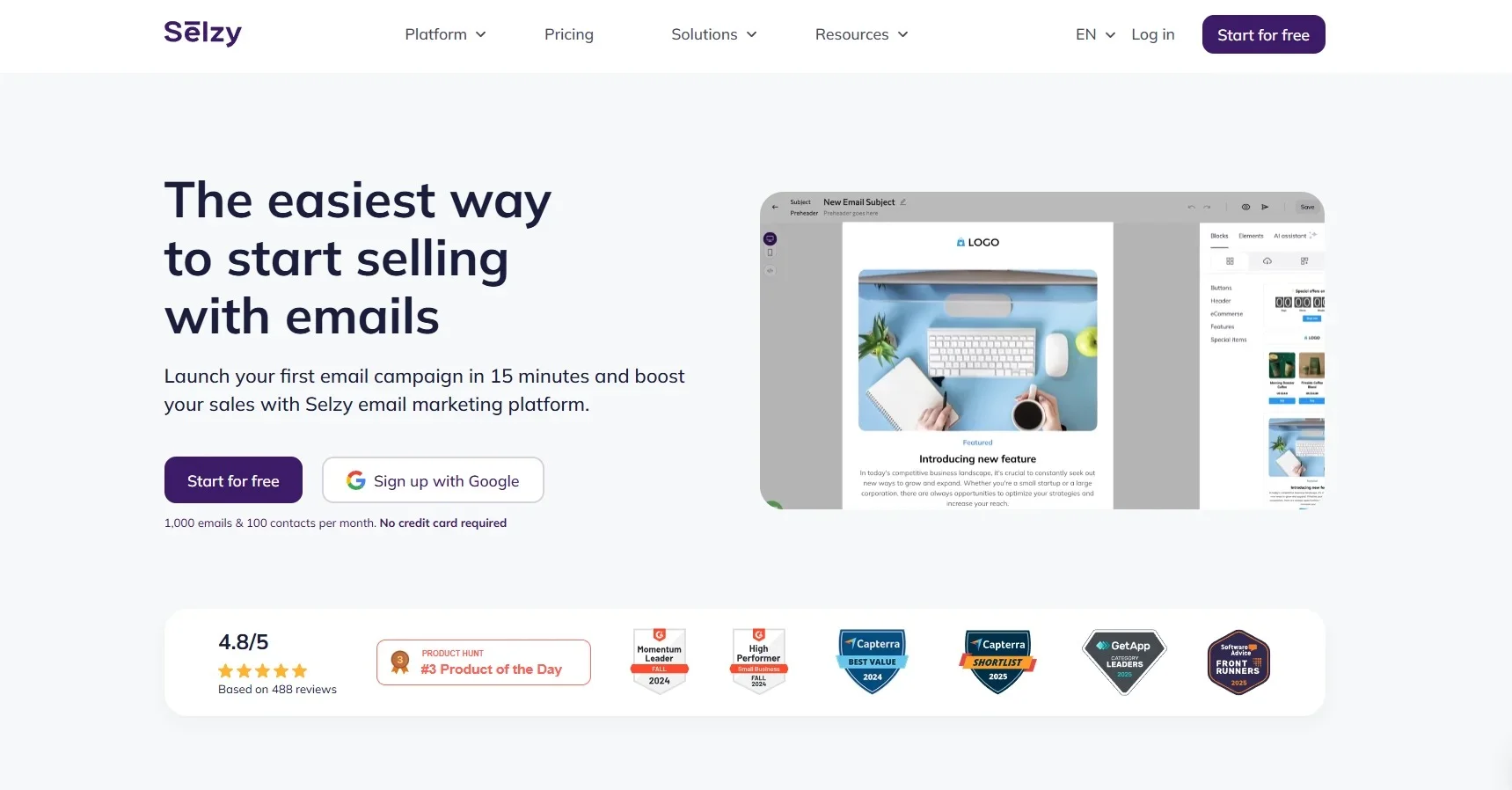
Best for: Solo realtors and small agencies looking for affordable email marketing and automation.
Selzy is an email marketing platform that targets small and medium-sized businesses. With Selzy you can create email campaigns in a matter of minutes, import existing contacts and collect new ones, automate tasks to save time, improve, test and track marketing campaigns.
For real estate agents, it can be used to send property newsletters, promote open houses, share neighborhood guides, and follow up with potential buyers.
The drag-and-drop editor allows you to customize email layouts with property images, descriptions, and call-to-action buttons. You can also segment your audience to send different messages to buyers, sellers, and past clients.
Selzy’s automation tools help maintain regular communication. For example, after an open house, you can create a sequence that thanks visitors, shares additional property details, and invites them to schedule a call or see one more property.
Key features:
- Drag-and-drop email editor and customizable templates.
- AI-assisted email creation.
- Contact segmentation and personalization.
- Automated email sequences.
- A/B testing and campaign analytics.
- Integrations and API access.
Pros:
- Beginner-friendly interface.
- Free plan for testing campaigns.
- Email creation and automation in one platform.
- Can work alongside an existing CRM.
Cons:
- No dedicated real estate CRM.
- No built-in MLS/IDX listing alerts.
- Specialized property integrations may require additional setup.
Pricing: The Free plan allows 1,000 emails per month to 100 contacts. Lite and Standard use contact-based pricing, while prepaid email packages are also available. Lite plan starts with $5.25/month for 500 contacts billed yearly. Check the Selzy pricing page for your contact count and billing period.
Who should avoid it? Brokerages that need built-in transaction management, agent lead routing, or native MLS-powered listing recommendations rather than a dedicated email marketing tool.

2. Constant Contact
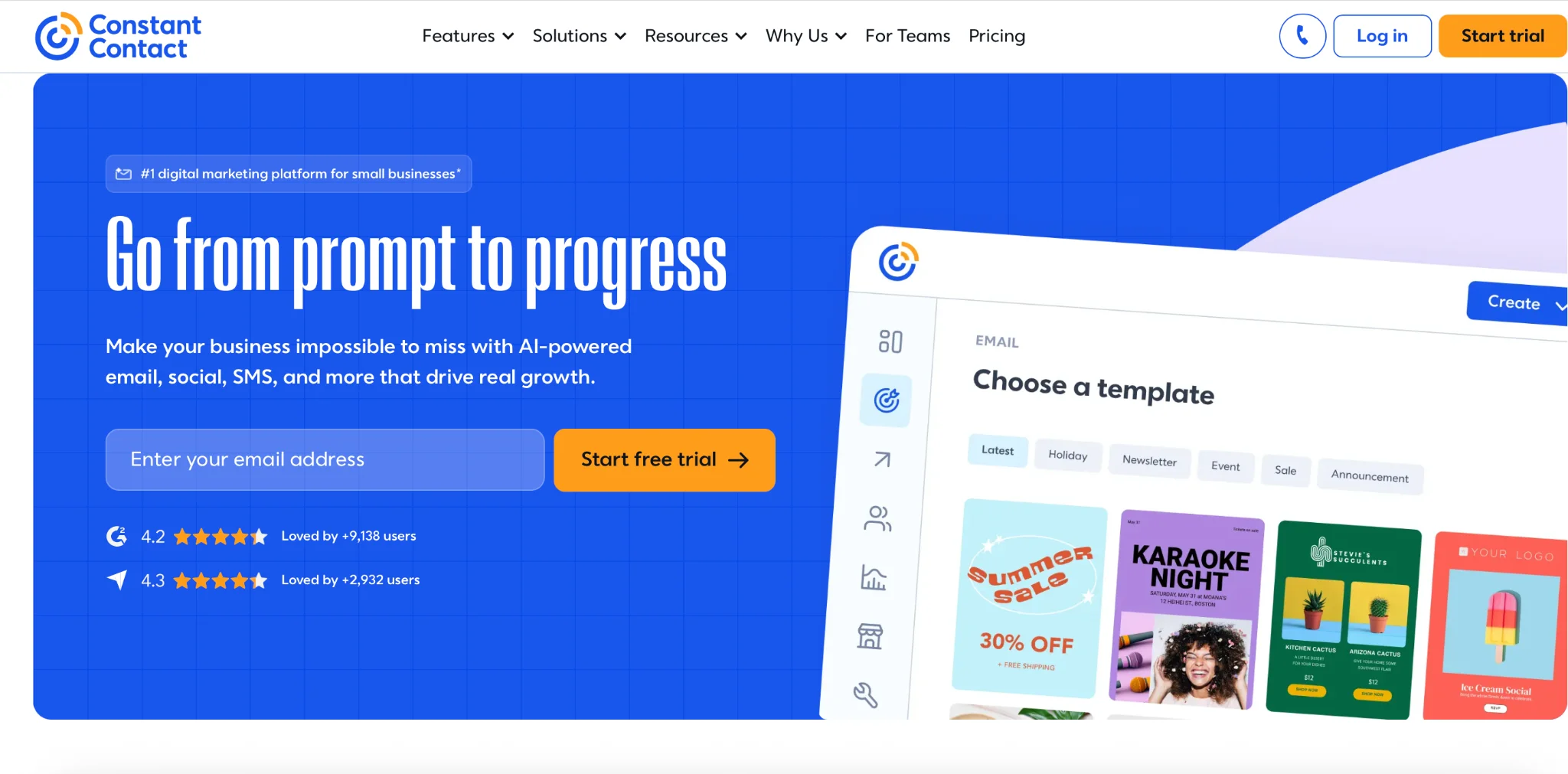
Best for: Realtors who mainly send newsletters and event invitations.
Constant Contact offers easy email creation tools for small businesses. Its drag-and-drop editor helps agents design newsletters featuring property photos, market updates, and invitations to open houses. The platform also provides signup forms, segmentation, and campaign reporting. For example, an independent realtor could create a monthly local market newsletter and send it to past clients and interested buyers.
Key features:
- Email templates and visual editor.
- Contact management and segmentation.
- Signup forms.
- Email scheduling.
- Automated campaigns on eligible plans.
Pros:
- Accessible campaign creation.
- Customer support.
- Reusable newsletter designs.
Cons:
- Advanced automation, including multi-step email sequences, requires the Standard plan, starting at $29.75/month for 500 contacts with yearly billing.
- Monthly sending allowances apply.
- No built-in real estate CRM.
Pricing: Lite starts at $10.20/month, Standard at $29.75/month, and Premium at $68/month with yearly billing for 500 contacts. Annual prepayment reduces these starting rates.
Who should avoid it? Agents who need complex conditional automation without paying for a higher subscription tier.
3. Mailchimp
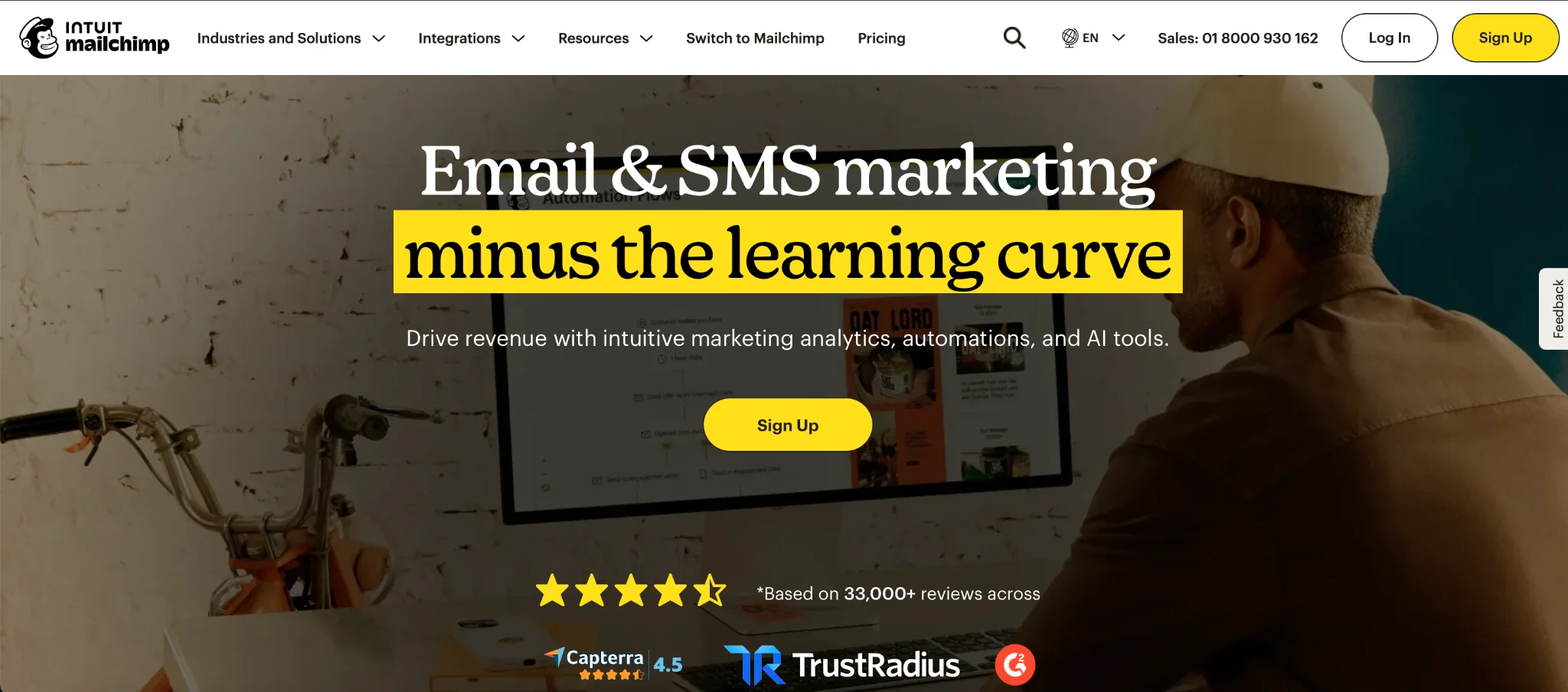
Best for: Realtors who prioritize branded property newsletters.
Mailchimp is one of the most popular email delivery tools out there, due to its powerful feature set and long-standing presence in the email marketing universe. Apart from email marketing, the platform offers automation builders, landing page builders, good integration options (over 250), and thorough analytics.
Its editor is useful for creating visually appealing property announcements that combine photography, descriptions, and calls to action. Agents can organize subscribers by preferences and send targeted newsletters featuring new listings, neighborhood updates, or homebuying tips. Mailchimp also supports automated journeys and A/B testing, although availability depends on the plan.
Key features:
- Drag-and-drop email builder.
- Customizable email templates.
- Audience segmentation.
- Automated marketing journeys.
- Campaign analytics and A/B testing.
Pros:
- Flexible branded email designs.
- Broad integration ecosystem.
- Free entry plan.
Cons:
- Pricing increases with audience size.
- Maybe difficult to use for not tech-savvy agents
- Essentials supports limited automation with up to four steps. More advanced customer journeys with branching logic require the Standard plan
- MLS data requires external integrations.
The Free plan supports up to 250 contacts. Essentials starts at $6.50/month for the first year ($13/month thereafter), while Standard starts at $10/month for the first year ($20/month thereafter), both for up to 500 contacts billed annually. Essentials includes a monthly sending allowance based on contact count.
Who should avoid it? Agents with large databases who send infrequent newsletters and want to avoid contact-based billing. People with no experience in email marketing.
4. ActiveCampaign
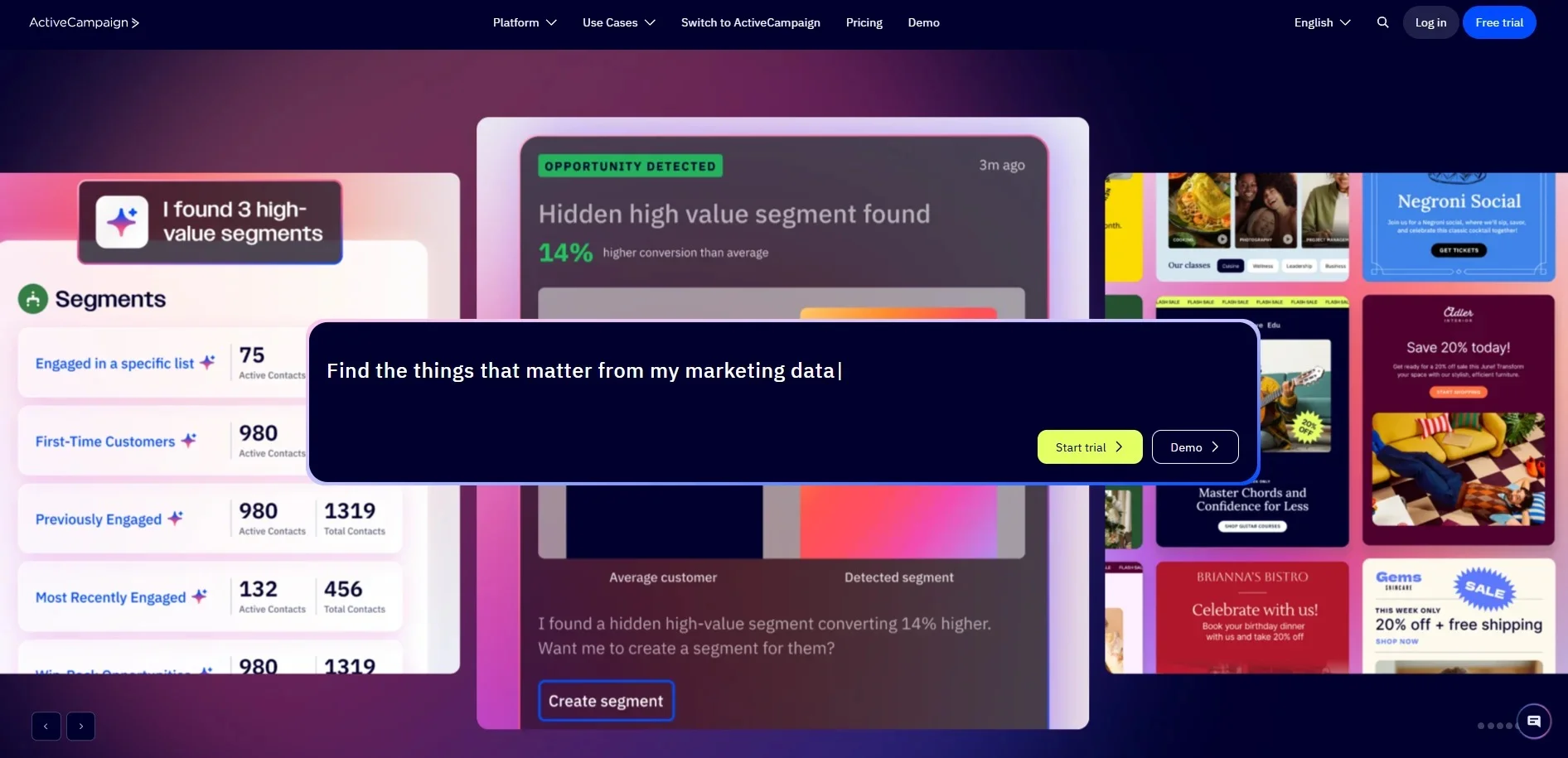
Best for: Realtors who need advanced buyer and seller nurturing.
ActiveCampaign focuses on marketing automation and personalized customer journeys. This software alternative might be difficult for beginners as well, but it is very good for experienced marketers. You can use it when someone interested in buying an apartment could receive neighborhood recommendations, while a prospective seller receives advice about preparing a property for sale. You can also create follow-up paths for people who click links or complete forms.
Key features:
- Advanced automation builder.
- Conditional workflows.
- Segmentation and personalization.
- Email templates.
- A/B testing and analytics.
- CRM integrations and optional sales features.
Pros:
- Flexible lead-nurturing sequences.
- Detailed segmentation.
- Supports complex marketing workflows.
Cons:
- Requires more setup and maintenance.
- Starter limits automation to five actions per workflow. More complex automation requires Plus, starting at $49/month for 1,000 contacts billed annually. Advanced testing features require Pro, starting at $79/month under the same conditions.
- No native MLS listing-alert system.
Pricing: ActiveCampaign uses contact-based and feature-tier pricing. Starter, Plus, Pro, and Enterprise plans are available. Check the official pricing calculator for a quote based on the number of contacts and required features.
Who should avoid it? Solo agents who only want to send occasional newsletters and don’t need advanced automation.
5. Brevo
Best for: Realtors who want flexible sending-volume pricing.
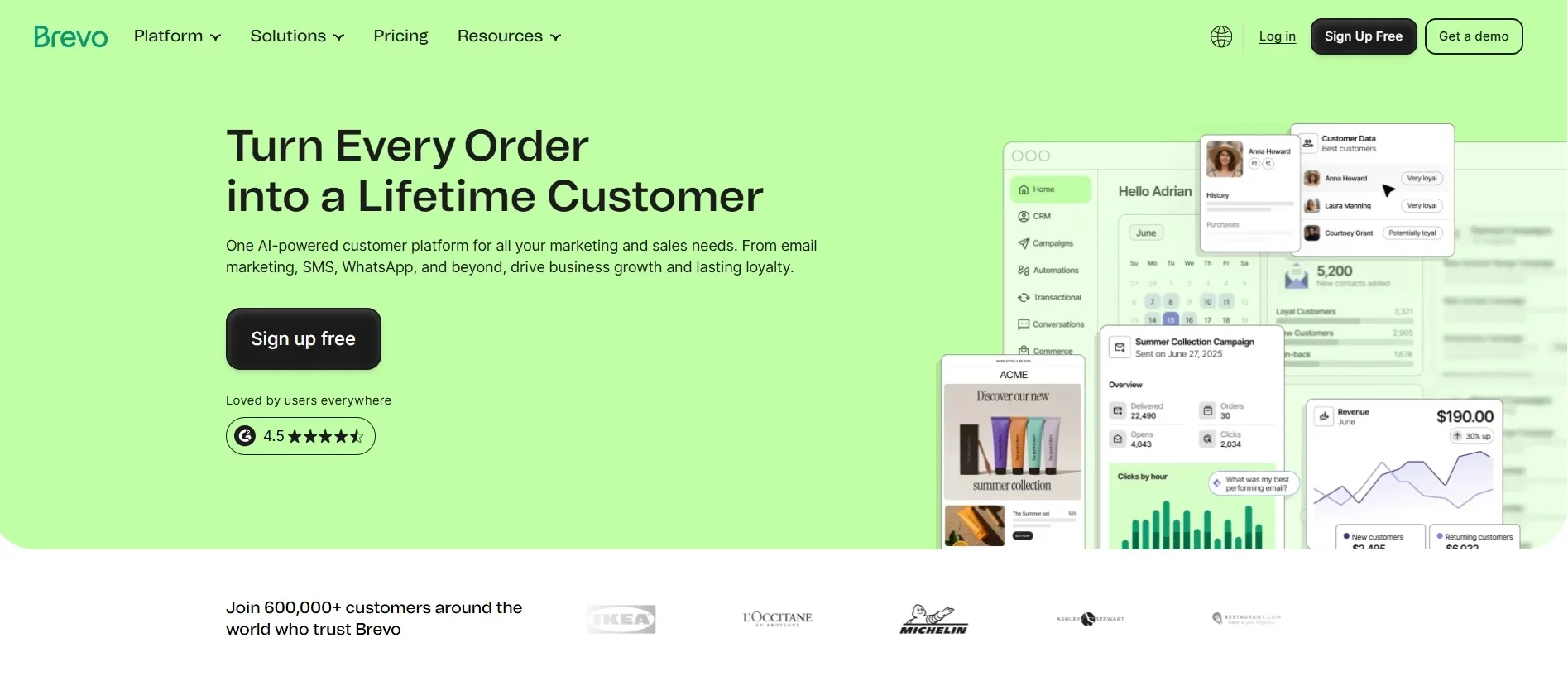
Brevo combines email marketing, automation, and customer communication tools. It is famous for its free forever plan, allowing users to send 300 emails a day
Its pricing structure emphasizes monthly email volume, which may appeal to agents with large contact databases who send newsletters infrequently. The platform provides an email editor, templates, segmentation, and marketing automation. It also supports communication through additional channels.
For example, an agent could send a newsletter containing recent listings and use automation to follow up with contacts who submit an inquiry.
Key features:
- Drag-and-drop email editor.
- Segmentation and personalization.
- Marketing automation.
- Email and SMS communication.
- Campaign analytics.
Pros:
- Free entry plan.
- Flexible sending-volume tiers.
- Multiple communication tools.
Cons:
- Free plan has a daily sending limit.
- Advanced automation requires Standard.
- Some features and additional seats cost extra.
Pricing: The Free plan allows 300 email sends per day. Starter begins at $8.08/month, while Standard starts at $16.16/month, both billed annually. The starting Standard tier includes 5,000 monthly email sends and storage for up to 500 contacts.
Who should avoid it? Agents who need all advanced automation and optimization features within the lowest-priced plan.
6. Sequenzy
Best for: Real estate businesses with developers or custom websites.
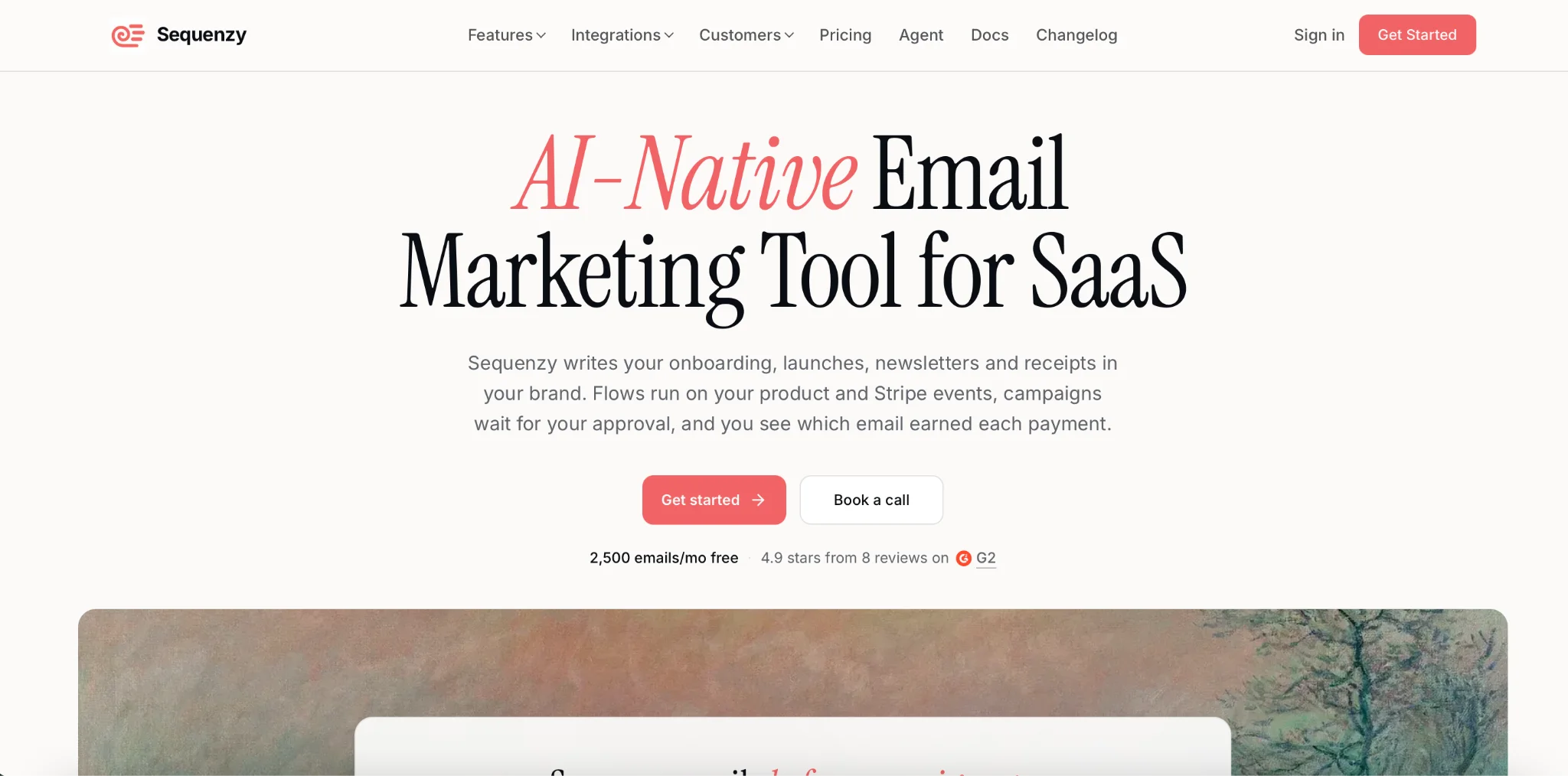
Sequenzy is an email marketing platform primarily designed for SaaS businesses and developers. It supports marketing campaigns, transactional emails, event-based automation, and API connections. Although it isn’t built specifically for real estate, it could work for a company with a custom property website and technical resources. For example, a website could trigger an email sequence when a visitor requests information about a listing, provided the necessary integration is configured.
Key features:
- Email campaign builder.
- Visual automation.
- Event-based triggers.
- API and transactional emails.
- Segmentation and A/B testing.
- Campaign reporting.
Pros:
- Unlimited stored contacts.
- Pricing based on email volume.
- Automation features included across plans.
Cons:
- Not designed for real estate workflows.
- May require technical integration work.
- No established native MLS functionality.
Pricing: Free includes up to 2,500 emails per month. With annual billing, paid plans cost $205/year for 15,000 emails per month, $313/year for 30,000, and $529/year for 60,000—equivalent to approximately $17.08/month, $26.08/month, and $44.08/month, respectively.
Who should avoid it? Agents looking for a ready-to-use real estate CRM or property marketing system.
CRM and real estate platforms
7. Follow Up Boss
Best for: Real estate teams managing leads from multiple sources.
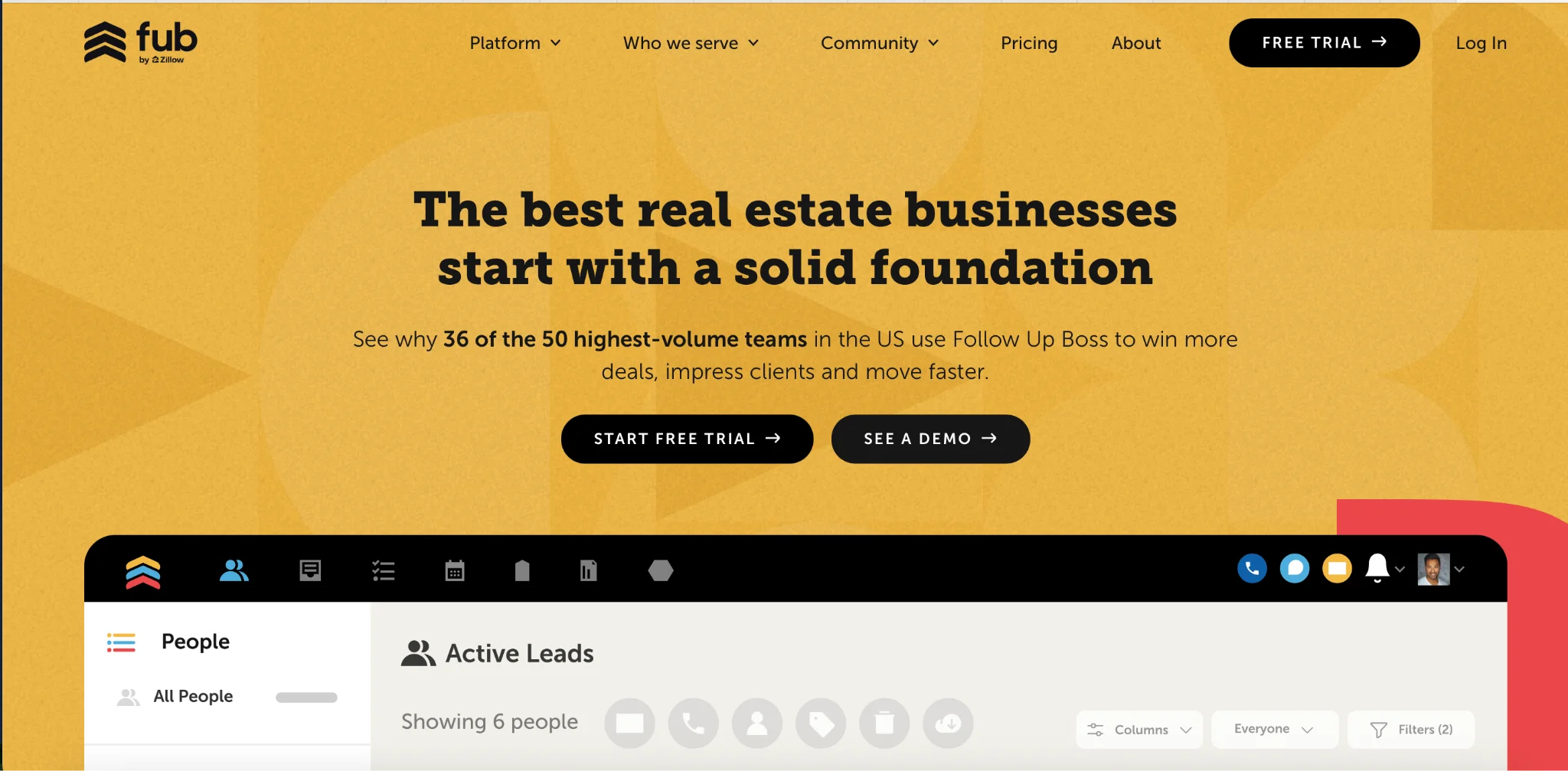
Follow Up Boss is a real estate CRM focused on managing leads, agent communication, and follow-up activities. Unlike traditional newsletter platforms, it prioritizes contact ownership and sales processes. Agents can collect leads from connected sources, organize contacts using Smart Lists, and automate tasks through Action Plans. For example, when a new buyer inquiry arrives, a team can assign the contact to an agent and initiate follow-up activities.
Key features:
- Lead capture and distribution.
- Smart Lists.
- Automated Action Plans.
- Email, calling, and texting.
- Agent activity tracking.
- Lead-source reporting.
Pros:
- Built for real estate workflows.
- Helps organize team follow-up.
- Supports agent accountability.
Cons:
- Less focused on visually rich newsletters.
- Per-user pricing increases with team size.
- Calling costs extra on Grow.
Pricing: Grow costs $58/user/month with yearly billing. Pro costs $416/month for 10 users, and Platform costs $833/month for 30 users billed annually.
Who should avoid it? Solo agents who only need an affordable newsletter builder.
8. HubSpot
Best for: Growing real estate teams needing connected CRM and marketing tools.
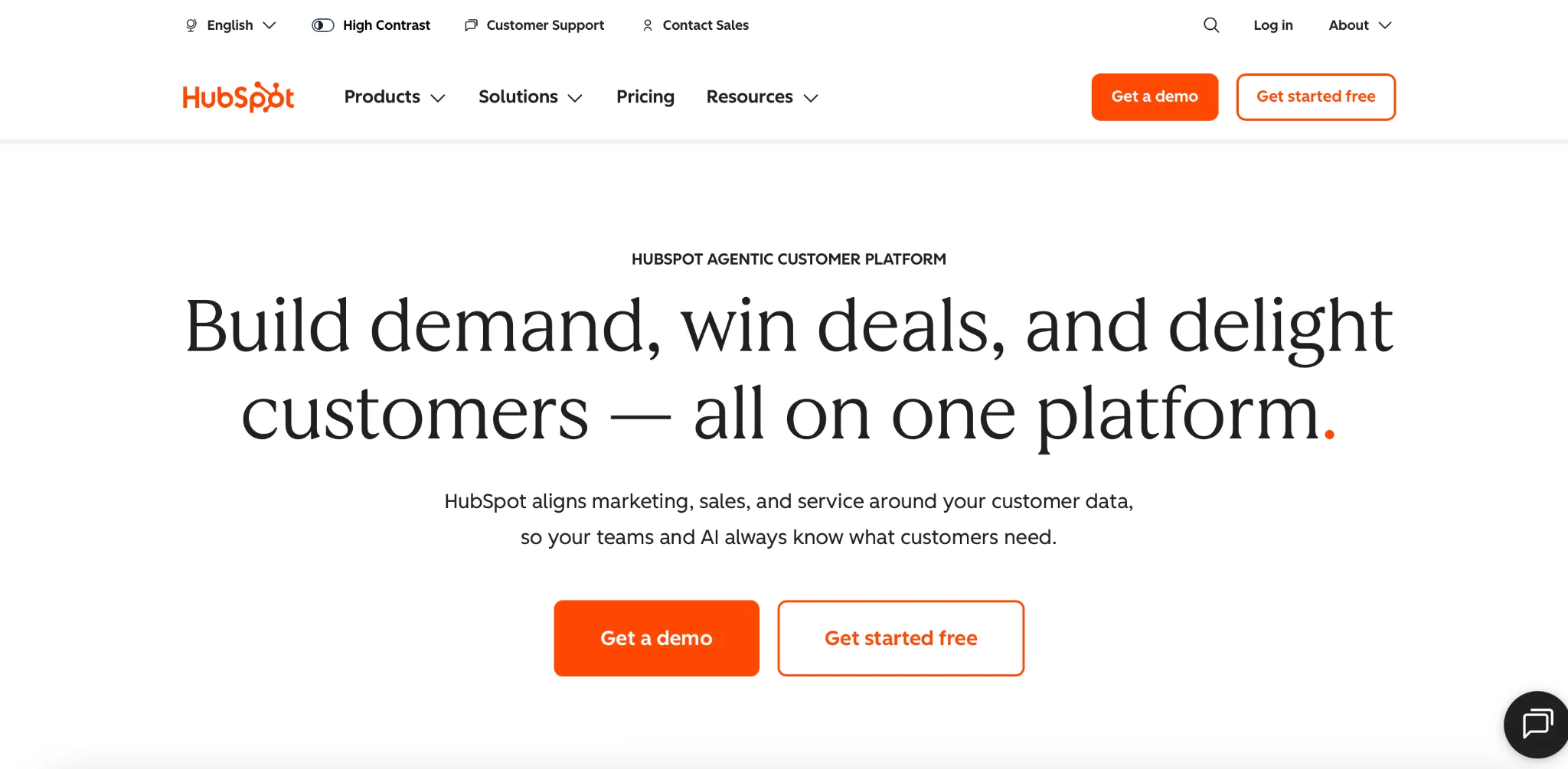
HubSpot combines CRM, email marketing, lead generation, automation, and reporting. For real estate teams, a connected system can help marketers and agents work with the same customer information. For instance, a brokerage could collect consultation requests through forms, segment contacts by their interests, and track how those leads progress through the sales process.
Key features:
- Built-in CRM.
- Email marketing and templates.
- Lead capture forms.
- Contact segmentation.
- Workflow automation.
- Marketing and sales reporting.
Pros:
- Connected marketing and CRM data.
- Extensive integrations.
- Suitable for growing teams.
Cons:
- Advanced automation is available on Professional tier
- Setup can be time-consuming.
- Real estate-specific listing features require integration.
Pricing: HubSpot offers free tools. Marketing Hub Starter starts at $7/seat/month for 1,000 marketing contacts, billed annually. Professional starts at $800/month, billed annually, and includes a required one-time $3,000 onboarding fee. Marketing contact allowances also affect pricing.
Who should avoid it? Independent realtors who don’t need a complete sales and marketing ecosystem.
9. RISE by MoxiWorks

Best for: Brokerages seeking integrated real estate marketing and CRM workflows.
RISE by MoxiWorks is designed specifically for real estate brokerages. It combines relationship management, AI-assisted recommendations, marketing content, and automated follow-up. The system can highlight contacts who may need attention and suggest relevant actions. It also includes tools for creating comparative market analyses and property presentations with MLS data. For brokerages, this approach connects email communication with broader real estate activities.
Key features:
- Real estate CRM.
- Automated nurturing workflows.
- AI-assisted contact prioritization.
- Email and marketing content.
- Listing presentations and CMAs.
- Campaign reporting.
Pros:
- Designed for real estate.
- Supports brokerage-wide workflows.
- Includes MLS-connected presentation features.
Cons:
- Purchased at the brokerage level.
- Not a simple standalone email subscription.
- Public fixed pricing is unavailable.
Pricing: Custom quote. Brokers must contact MoxiWorks to discuss licensing and implementation.
Who should avoid it? Independent agents who only need email newsletters and cannot purchase through a brokerage.
Features that matter when choosing email marketing software for realtors
Not every platform needs to have a dozen bells and whistles. The right platform suits how you communicate with your buyers, sellers, and past clients.
Here are the capabilities we should be prioritizing.
1. Easy-to-use email editor and real estate templates
Property emails are very image-heavy. You’ll typically have a photo, a floor plan, some detail on the neighborhood, and a clear call to action. Look for a drag-and-drop editor, mobile-responsive templates and reusable layouts. A standard property email includes an image, location, asking price, property details, and a button to book a viewing.
2. Contact segmentation and personalization
A buyer looking for an apartment in the city shouldn’t get the same emails as someone looking to sell a house in the suburbs.
Segmentation helps organize your contacts into meaningful groups based on:
- Buyer or seller status.
- Preferred location and property type.
- Budget.
- Stage of the buying journey.
- Earlier interactions.
You can then send more relevant recommendations and educational content.
3. Automated follow-up sequences
Automation lets agents stay connected without scheduling every email individually.
For example, after an open house, you could send:
- Immediately: A thank-you email with the property details.
- Two days later: An invitation to ask questions or book another viewing.
- One week later: A neighborhood guide or alternative listing suggestions.
For long-term nurturing you could create separate sequences for buyers and sellers. A past client campaign could also use the closing date to trigger an anniversary email (if that data is in the system).
4. CRM integrations and MLS/IDX compatibility
A CRM will hold your contacts, your lead status and your interaction history. Your email platform should ideally be connected to the CRM that you’re already using. Some tools will have a CRM as part of the offering, others will connect via a native integration, Zapier or an API. The level of effort required to set up the connection and the amount of data that’s available will vary from one to the next. MLS and IDX connections in particular will need to be looked at carefully. A generic email platform won’t automatically pull in your property listings. If you’re looking for automated listing alerts or price change alerts then you need to make sure that your chosen solution is going to be able to pull the data from the appropriate source.
5. Reporting and analytics
Campaign reporting will tell you what your email activity is. The metrics you’ll want to look at are delivery rates, clicks, unsubs and replies (where available). Email engagement is not the same as sales attribution though. If you’re a brokerage and you want to be able to link your campaigns to consultations and closed deals then you need good CRM data and good attribution processes.
FAQ
Can a general email platform replace a real estate CRM?
Not always.
Email marketing software focuses on campaigns, audience management, and automated communication. A real estate CRM usually provides additional functionality for tracking leads, managing sales activity, and coordinating agents. Some platforms combine both, but a standalone email marketing tool can also work alongside an existing CRM.
Which features require a higher-priced plan?
Depending on the provider, advanced automation, conditional workflows, A/B testing, additional users, and sophisticated reporting may require upgrades. Check the exact features included in the subscription you're considering rather than relying only on the advertised starting price.
Can email marketing software send automated listing alerts?
Yes, but the platform needs access to updated property information. General-purpose email marketing tools usually require an external MLS/IDX-connected system, CRM integration, or custom data connection.
Always verify integration availability and relevant MLS data-use requirements.
Do realtors need separate CRM and email marketing tools?
Not necessarily.
Some CRM platforms include email marketing capabilities. However, a dedicated email platform may offer a more flexible editor, reusable templates, segmentation, and campaign management features.
The right arrangement depends on your existing software and how reliably contact information can be synchronized.
What should realtors know about email marketing compliance?
Use appropriate permission practices, keep your mailing lists up to date, and make it easy for recipients to unsubscribe from promotional emails. In the United States, commercial email must comply with applicable CAN-SPAM requirements. Other jurisdictions may have additional privacy and consent rules. Avoid sending unsolicited campaigns to purchased or scraped contact lists without verifying legal requirements and platform policies.
 New and noteworthy on our blog

