


Key takeaways
- Campaign Monitor is a popular email marketing platform, but marketers seek alternatives due to scalability issues with plan prices increasing as contact lists grow.
- The article provides a detailed breakdown of ten Campaign Monitor alternatives, highlighting features, pros and cons, and pricing.
- Quick recommendations: Selzy for easy and affordable use, ActiveCampaign for advanced automation, Klaviyo or Omnisend for e-commerce, Mailchimp for all-in-one platform, Kit for creators, and Moosend for budget-friendly options.
Campaign Monitor is one of the most popular email marketing platforms. While it has all the essential features, a number of marketers seek out Campaign Monitor alternatives. One of the main reasons for this is scalability. Plan prices go up dramatically as your contact list grows.
If you’re looking for a high-quality Campaign Monitor alternative for your email marketing campaign, this article offers a detailed breakdown of ten competing platforms for your consideration. Here, you’ll find lists of features, pros and cons, and pricing information.
The best alternatives to Campaign Monitor at a glance
| Platform | Free options | Best for | Unique features | Starting price |
| Selzy | Free plan: up to 100 contacts, 1,000 emails/month | Startups, small and medium-sized businesses | Affordable prices, analytics, easy campaign setup, AI email editor | $7.5/month: access to 500 contacts and unlimited emails |
| Mailchimp | Free plan: up to 250 contacts and 500 emails/month | E-commerce, small and medium-sized businesses | CRM integration, email automation, automated customer journeys | $13/month: up to 500 contacts and a monthly email limit of 10x your contacts |
| ActiveCampaign | Free 14-day trial | E-commerce, medium-sized businesses | 900+ integrations, AI capabilities, dynamic content | $15/month: access to 1,000 contacts and a monthly email limit of 10x your contacts |
| Constant Contact | Free 30-day trial: 100 total email sends | Non-profits, small businesses | Drag-and-drop email templates, customer survey feature, social media integration | $12/month: access to 500 contacts and a monthly email limit of 10x your contact list |
| GetResponse | Free plan: up to 500 contacts and 2,500 emails/month | E-commerce, solopreneurs, small to medium-sized businesses | Automated workflows, autoresponders, landing page builder | $19/month: access to 1,000 contacts and unlimited monthly emails |
| Kit | Free plan: up to 10,000 subscribers, unlimited emails | Bloggers, creators, marketers | Landing page builder, segmentation and tagging tools, visual automation builder | $33/month: up to 1,000 subscribers, unlimited emails |
| Moosend | Free 30-day trial: up to 1,000 subscribers and unlimited emails | Marketers, small to medium-sized businesses | AI-powered marketing automation, drag-and-drop tool, automated email sequences | $9/month: up to 500 subscribers and unlimited emails |
| EngageBay | Free plan: up to 250 contacts and 1,000 emails/month | Small to medium-sized businesses | An all-inclusive CRM program, email templates, social media integration | Starting from around $11–$13 per user/month, depending on the selected product and billing cycle |
| Omnisend | Free plan: up to 250 contacts and 500 emails/month | E-commerce, small to medium-sized businesses | 130+ integrations, A/B testing, ready-made email templates | $16/month: up to 500 contacts and 6,000 emails/month |
| Klaviyo | Free plan: up to 250 active profiles and 500 emails/month; email support for 60 days | Experienced marketers, startups, small businesses | Built-in forms and pop-ups, customer profiles, precise segmentation | $20/month: 251–500 active profiles and 5,000 emails/month |
Quick recommendations
- If you want an easy-to-use and affordable alternative → choose Selzy
- If you need advanced automation → choose ActiveCampaign
- If you run an e-commerce business → choose Klaviyo or Omnisend
- If you want an all-in-one platform → choose Mailchimp
- If you’re a creator → choose Kit
- If you’re on a budget → choose Moosend
Campaign Monitor review
Campaign Monitor boasts a variety of features useful to many marketers. Through the platform’s intuitive user interface, you can build and manage mailing lists and automate newsletters. Users also benefit from a library of responsive templates and can make their own with a drag-and-drop builder, allowing greater personalization.
Pricing
- 30-day free trial: up to 500 contacts and 500 total email sends (with daily sending limits).
- Lite: from $12/month for 500 contacts. The plan includes 2,500 emails/month, unlimited users, limited access to automated emails, and other more advanced features.
- Essentials: from $29/month for 500 contacts, unlimited emails (and unlimited automated emails), unlimited users, plus countdown timers and time zone sending.
- Premier: from $159/month for 500 contacts, unlimited emails, unlimited users, send time optimization, and advanced link tracking.
Pros and cons
Pros:
- Access to modern email templates
- Integrations with most third-party apps
- Helpful customer support service available by email/phone
Cons:
- Customer service can only be reached by email on the Lite and Essential tiers
- Smaller mailing lists at the Lite subscription level
- Several useful tools are only available with Premier plans
Why use Campaign Monitor alternatives?
As we’ve shown above, this platform has a lot going for it. Nonetheless, you may want to consider other services similar to Campaign Monitor for email marketing, particularly if you’re looking for a platform that has good scalability. At the Lite subscription tier, there’s quite a severe limit placed on the number of emails you can send per month. This might not be an issue for startups with small contact lists, but the larger your company grows, the more restrictive this limitation will feel.
Additionally, many of Campaign Monitor’s best features are locked behind the Essentials and Premier paywalls. If you want complete access to everything the platform has to offer, you’ll have to pay $159 a month or more, which is a drastic increase from the $12 per month charge of the Lite subscription tier. You may wish to look into other email services like Campaign Monitor if you want to enjoy advanced features without paying Premier prices.
How to choose a Campaign Monitor alternative
Choosing the right Campaign Monitor alternative depends on your business size, goals, and budget. While many platforms offer similar core features, the differences often come down to pricing models, automation capabilities, and scalability.
Here are the key factors to consider:
Pricing structure and scalability
Some platforms charge based on the number of contacts, while others limit the number of emails you can send. If your list is growing quickly, look for tools that scale affordably and don’t penalize you for expansion.
Automation capabilities
If you plan to run advanced campaigns, prioritize platforms with visual automation builders, behavioral triggers, and segmentation tools. Simpler tools may be enough for basic newsletters but can become limiting over time.
A steep learning curve can slow down your marketing efforts. If you’re a beginner or small team, look for platforms with intuitive interfaces and ready-made templates.
Multichannel marketing
Some tools go beyond email and include SMS, push notifications, or CRM features. These can be valuable if you want to manage all communication in one place.
AI and optimization tools
Modern platforms increasingly include AI features for writing emails, optimizing send times, and improving performance. These can save time and improve results.
Support and onboarding
Reliable customer support and educational resources can make a big difference, especially when switching platforms.
By identifying your priorities in these areas, you can quickly narrow down the best Campaign Monitor alternatives for your needs.
10 best Campaign Monitor Alternatives to consider
After a breakdown of our top ten picks for the best Campaign Monitor alternatives, we’ll share a more detailed overview of each option. Below, you can find information on features and pricing, pros and cons, and advice to help you determine which platform is best suited for you. Most of these tools are great for both small and medium-sized companies, but some are aimed at creatives, others are great for e-commerce, and so on.
So, here is our curated list of Campaign Monitor-type services!
Selzy — Best for email marketing
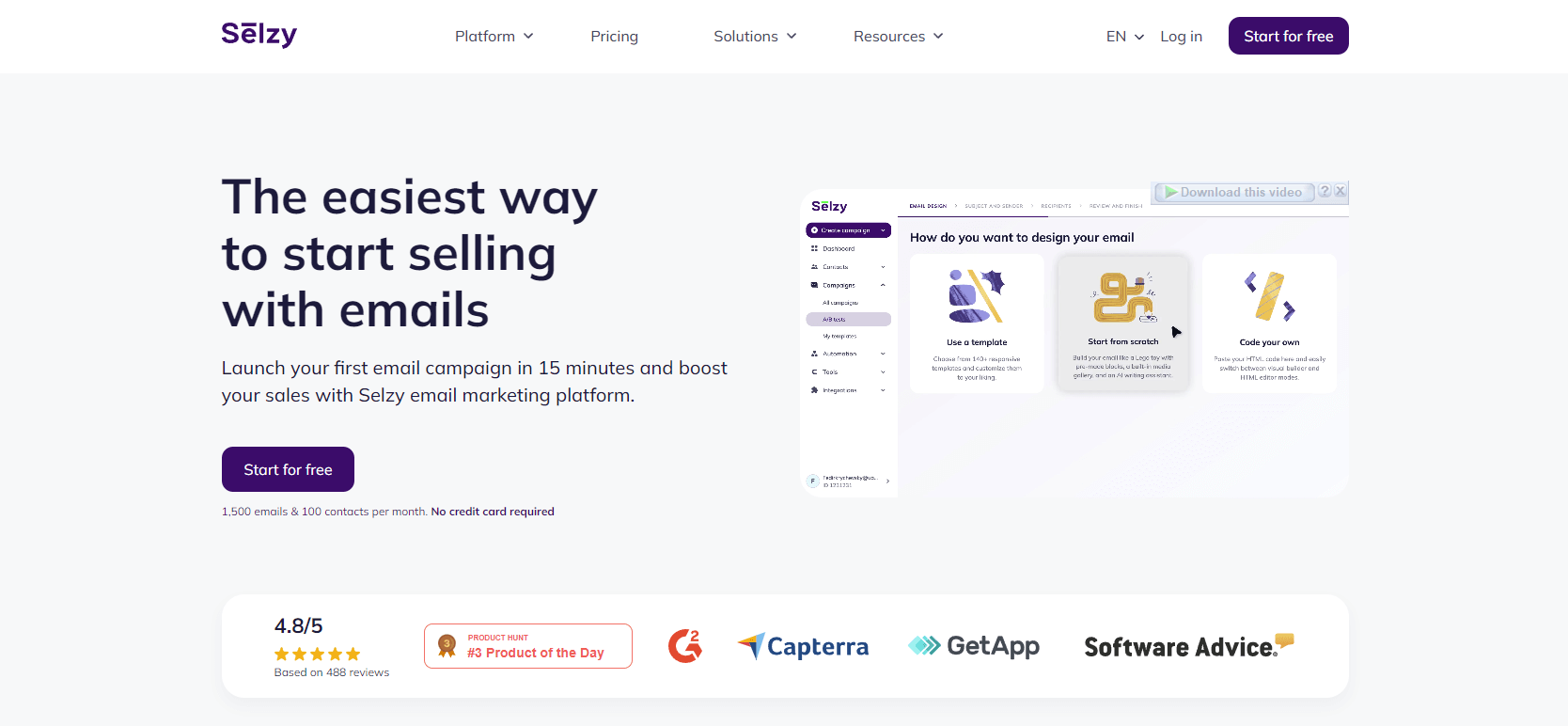
The best alternative to Campaign Monitor for email marketers, Selzy offers an easy, affordable way to craft, launch, and manage effective email campaigns.
Thanks to advanced AI technologies, Selzy’s intuitive email builder helps you craft impactful, personalized messages for your customers. The platform includes a handy template builder, enabling you to bring your marketing vision to life precisely as you imagine it. Users will also benefit from access to powerful analytic tools to measure performance, allowing for data-driven decisions about their campaigns.
Finally, Selzy offers email marketing courses (some of which are free!), allowing users to develop their skills so they can make the most of the platform’s various features. So, whether you’re using the free plan or their economically priced Standard option, you can expect real results.
Pros
- One of the cheaper alternatives to Campaign Monitor. Selzy allows you to scale your business with ease and enjoy premium service without paying premium prices.
- Easy to use and quick to set up. Newcomers to Selzy will only need to set aside 15 minutes of their day to get started. What’s more, using the drag-and-drop template creator is a breeze.
- Access email marketing courses. Users can maximize the efficacy of their advertising campaigns and maximize ROI.
- Around-the-clock support. Selzy’s helpful 24/7 customer service team is always there to give you a hand and is reachable by phone, email, or live chat.
Cons
- Limited integration options. Rest assured, though, that lots of CRM, CMS, and other tools can integrate with the platform, including Hubspot, Shopify, Typeform, and WordPress.
Pricing
Please note that Selzy’s paid plans are priced according to the number of contacts:
- Free plan: 100 contacts, 1,000 emails/month.
- Lite plan: $7.5/month, 500 contacts, unlimited emails.
- Standard plan: $15/month, 500 contacts, unlimited emails, plus anti-spam tips, subject line assistance, and Telegram chatbots.
- Enterprise plan: custom price, 500,000+ contacts, unlimited emails, plus access to Selzy’s complete list of benefits.
Selzy also offers full email marketing management services including visual design and branding (from $100), comprehensive campaign management (from $600), and more.

Mailchimp — Best for email marketing optimization
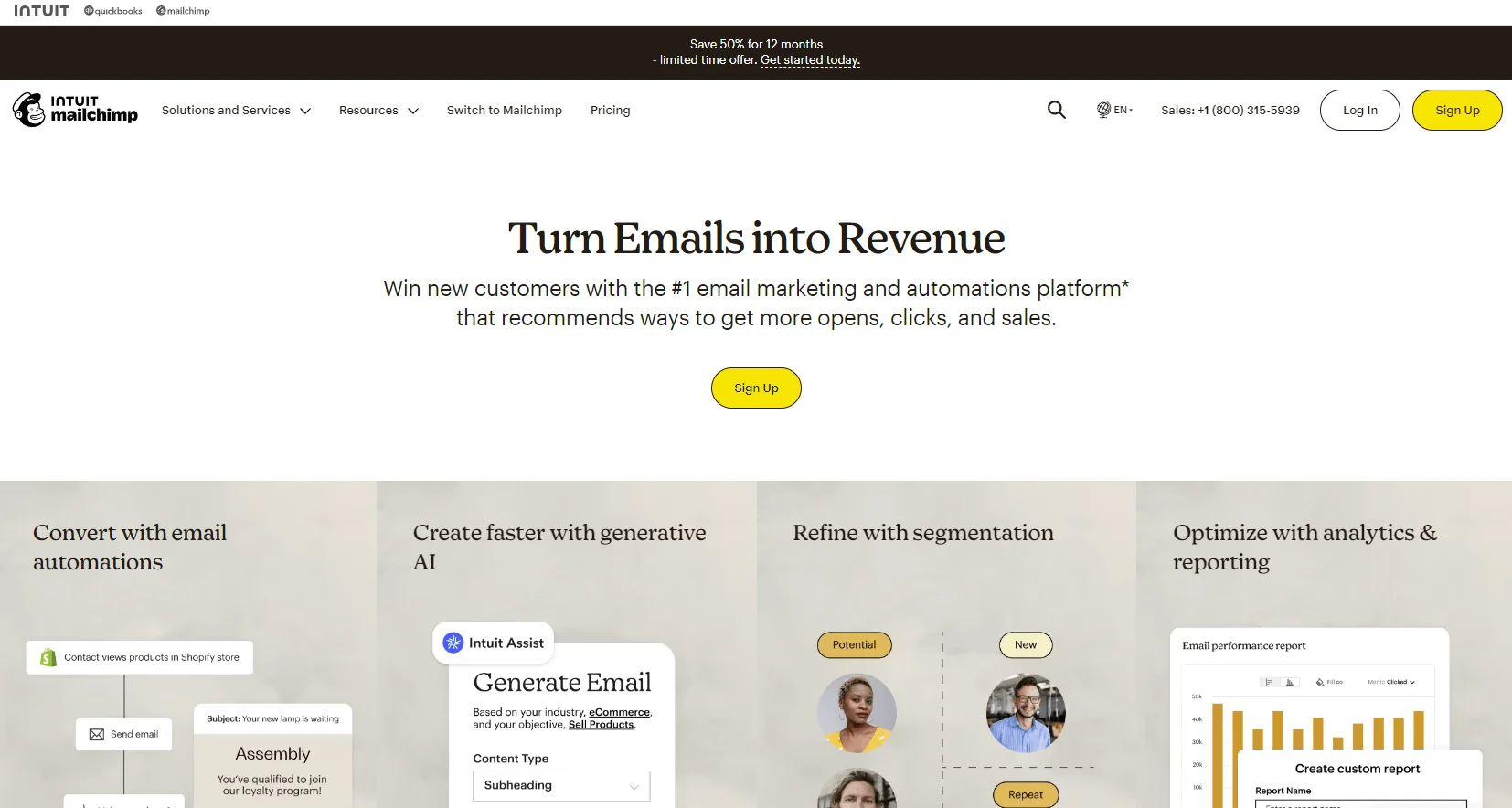
If you’re looking for free Campaign Monitor alternatives for your small business, Mailchimp might be a good option for you. This platform’s free plan allows you to have a very respectable 500 contacts and send up to 1,000 emails per month.
Mailchimp helps companies put together compelling email campaigns and increase revenue. To help users achieve this, the platform’s paid subscriptions provide access to a range of useful tools, including automated customer journeys, generative AI, and powerful integrations.
Analytics are an essential part of any marketing endeavor, and you can access those with Mailchimp, too. With that, the platform’s Free and Essentials subscription tiers only provide limited access to such tools, so you’ll need to pay for the Standard or Premium package to benefit fully.
Pros
- Easy-to-use integrated CRM
- Access to analytics and reports
- Second-to-none customer service
Cons
- Poor variety of template options and little customization
- No email scheduling in Mailchimp’s Free plan
Pricing
- Free plan: up to 250 contacts and 500 emails/month (with limited automation and features).
- Essentials: from $13/month for 500 contacts.
- Standard: from $20/month with advanced automation and AI tools.
- Premium: $350/month for 10,000 contacts, a monthly email limit of 15x contacts, plus priority access to customer service and four onboarding sessions.
ActiveCampaign — Best for experienced marketers and corporations
While it may not be the best alternative to Campaign Monitor for creating simple newsletters, ActiveCampaign is great for specialists looking to craft comprehensive promotional experiences. Some of its perks include access to over 750 ready-made automation recipes, straightforward contact list management, audience segmentation tools, and detailed analytics and reporting.
Additionally, ActiveCampaign boasts over 940 integrations, including Stripe, Slack, Google Sheets, and Typeform, just to name a few. Finally, despite being purpose-built for advanced marketers, the platform is easy to navigate and use.
Pros
- Extremely detailed campaign analytics and reporting
- AI capabilities (suggested segments, reporting co-pilot, and more)
- Excellent customer support staff, backed by comprehensive training and experience
Cons
- Not suitable for new marketers looking to send out simple newsletters
- Less affordable than some alternative options on this list
Pricing
- Free trial: 14 days with access to platform features (specific limits not specified on the official site).
- Starter plan: $15/month for 1,000 contacts, a monthly email limit of 10x contacts, 1 user, 5-action automation, A/B testing for emails.
- Plus plan: $49/month for 1,000 contacts, a monthly email limit of 10x contacts, 1 user, unlimited-action automation.
- Pro plan: $79/month for 1,000 contacts, a monthly email limit of 12x contacts, 3 users, A/B testing for emails and automation, advanced tools for segmentation.
- Enterprise plan: $145/month for 1,000 contacts, a monthly email limit of 15x contacts, custom objects, premium CRM integrations.
Constant Contact — Best for nonprofits
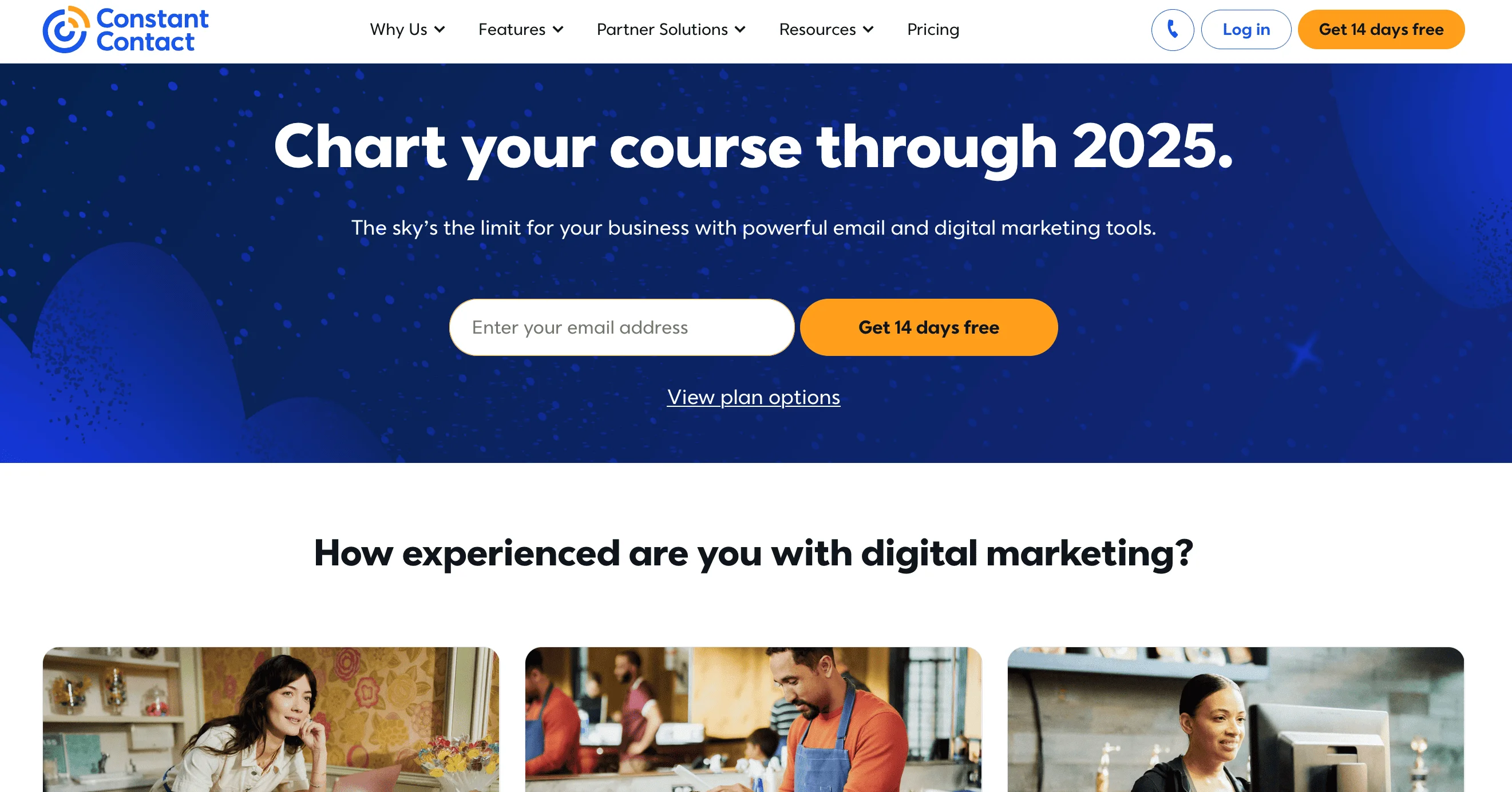
Perfect for non-profits and small businesses searching for companies like Campaign Monitor, Constant Contact has all the necessary tools for putting together compelling campaigns — and a dash extra. This platform boasts a number of niche tools some marketers may find of use, including a customer survey feature and the ability to promote and sell event tickets.
Businesses looking to promote campaigns will also benefit from Constant Contact’s social media integration and unrivaled multichannel marketing features. These features allow you to make ads for Google, Facebook, and Instagram and even send SMS to US customers.
Pros
- Generative AI to craft compelling emails and social media posts
- Social media platforms integrations for reaching new audiences
- Benefits of social media reporting
Cons
- No advanced automation functions
- High price considering the limited features on offer
Pricing
- Free trial: 30 days, 100 total email sends, access to email templates, and the ability to make social media posts and create contact segments.
- Lite plan: $12/month for 500 contacts, a monthly email limit of 10x contacts, 1 user, drag-and-drop email templates, polls, and surveys.
- Standard plan: $35/month for 500 contacts, a monthly email limit of 12x contacts, 3 users, scheduled emails, A/B testing for subject lines.
- Premium plan: $80/month for 500 contacts, a monthly email limit of 24x contacts, unlimited users, reach and engagement reporting, engagement heat map.
GetResponse — Best for creating sales funnels
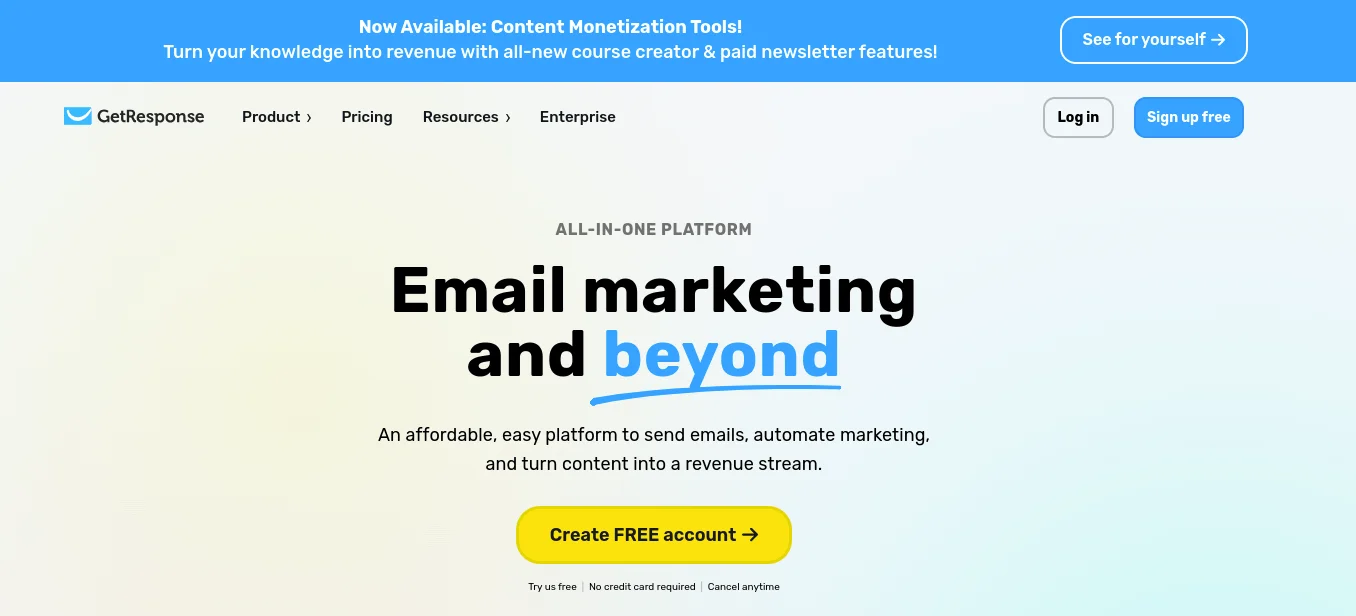
On the list of Campaign Monitor competitors, this platform is well-suited to both advertisers and creators thanks to its plans for email marketing and content monetization. For this review, however, we’ll stick to discussing the former.
With a good selection of core features — such as newsletter templates, an in-built autoresponder, a landing page builder, and leads funnels — GetResponse is a solid option for email marketers. For advertisers working on a budget, there is also a free-forever plan, though users who go for this option will not have access to automation features.
Pros
- Sales funnels and landing pages available with GetResponse’s Conversion Funnel feature
- Live chat and mobile app features helping you never miss a lead
Cons
- Recent tests indicate that GetResponse’s deliverability rates need some improvement.
- Many game-changing features are only available at prohibitive prices.
Pricing
- Free trial: 30 days, up to 500 contacts, 2,500 emails/month. Free plan limitations: emails include GetResponse branding, landing pages are limited to 1,000 unique visits per month, premium features are available only for the first 14 days.
- Email Marketing plan: $19/month for 1,000 contacts and unlimited newsletters, plus autoresponders, websites and landing pages, signup forms, and pop-ups.
- Marketing Automation plan: $59/month for 1,000 contacts and unlimited newsletters, plus event-based workflows, newsletter revenue data, and advanced segmentation.
- E-commerce Marketing plan: $119/month for 1,000 contacts and unlimited newsletters, plus abandoned cart recovery, e-commerce tracking, and dedicated reporting.
- GetReponse MAX: $1,099/month with custom features.
Kit — Best for content creators
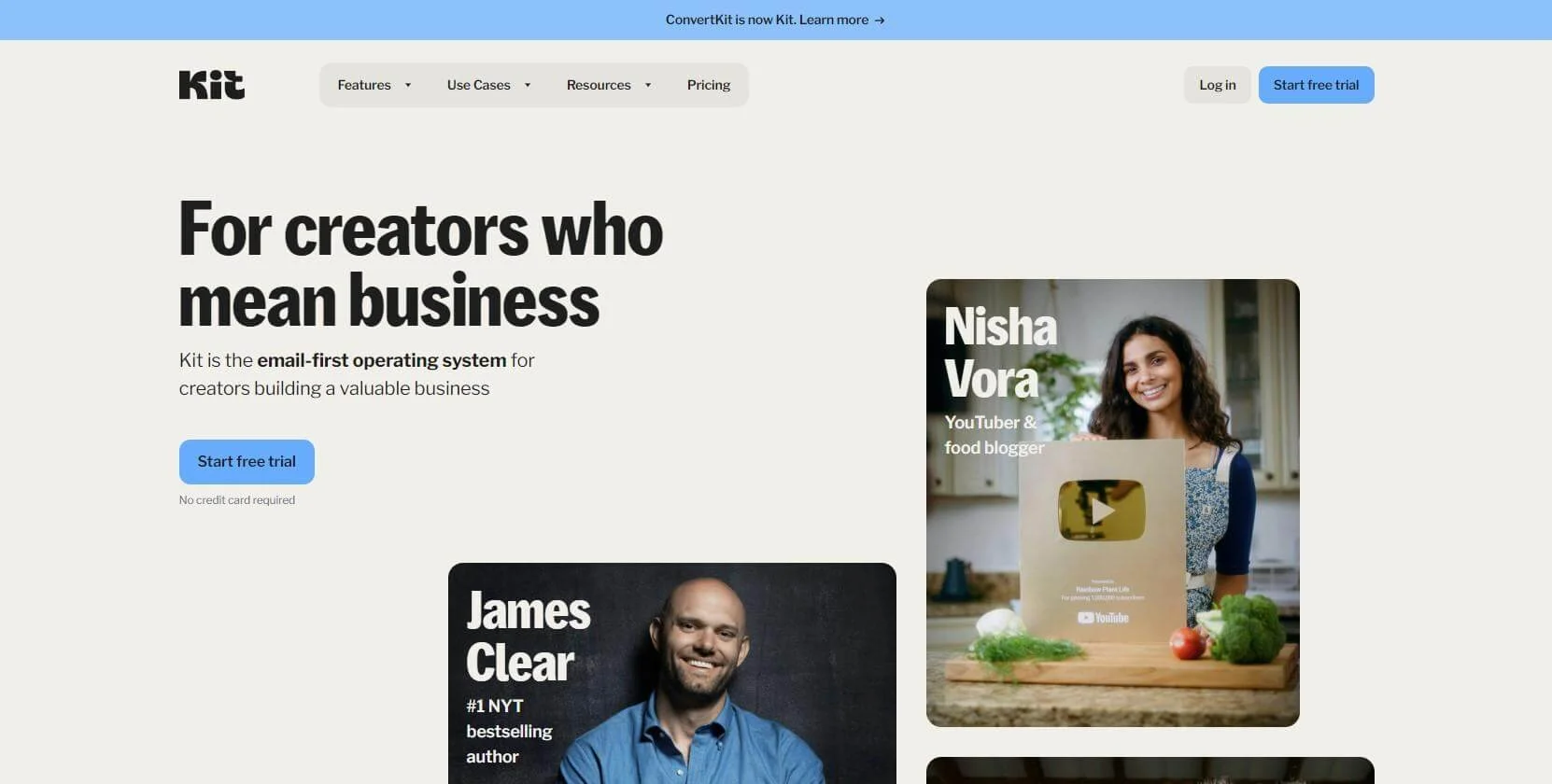
Previously known as ConvertKit, Kit is a good fit for bloggers, creators, and marketers looking for an email service like Campaign Monitor. One of its best features is its scalability. The free plan allows up to 10,000 subscribers, while the platform’s flexible paid plans scale from 300 to over 500,000 subscribers.
Kit has a variety of features that make it easier for users to monetize their content. These include a visual automation builder for creating email sequences and funnels, tagging and segmentation tools, and email marketing automation. However, if all you want to do is distribute your newsletter, the platform’s streamlined free plan may be perfectly suitable.
Pros
- Highly flexible payment plans and contact list management.
- Content monetization, which is great for online creators.
- Visual automation builder for creating email sequences and workflows.
Cons
- No drag-and-drop builder, meaning fewer customization options.
- Paid plan prices increase dramatically when you have 1,000+ subscribers.
Pricing
- Newsletter plan: $0/month, 10,000 subscribers, unlimited email broadcasts and landing pages, 1 user, plus 1 basic visual automation and 1 email sequence.
- Creator plan: $33/month for 1,000 subscribers, unlimited email broadcasts and landing pages, 2 users, plus unlimited visual automation and unlimited email sequences.
- Creator Pro plan: $66/month for 1,000 subscribers, unlimited email broadcasts and landing pages, unlimited users, plus Facebook custom audiences, insights dashboard, and priority support.
Moosend — Best for e-commerce
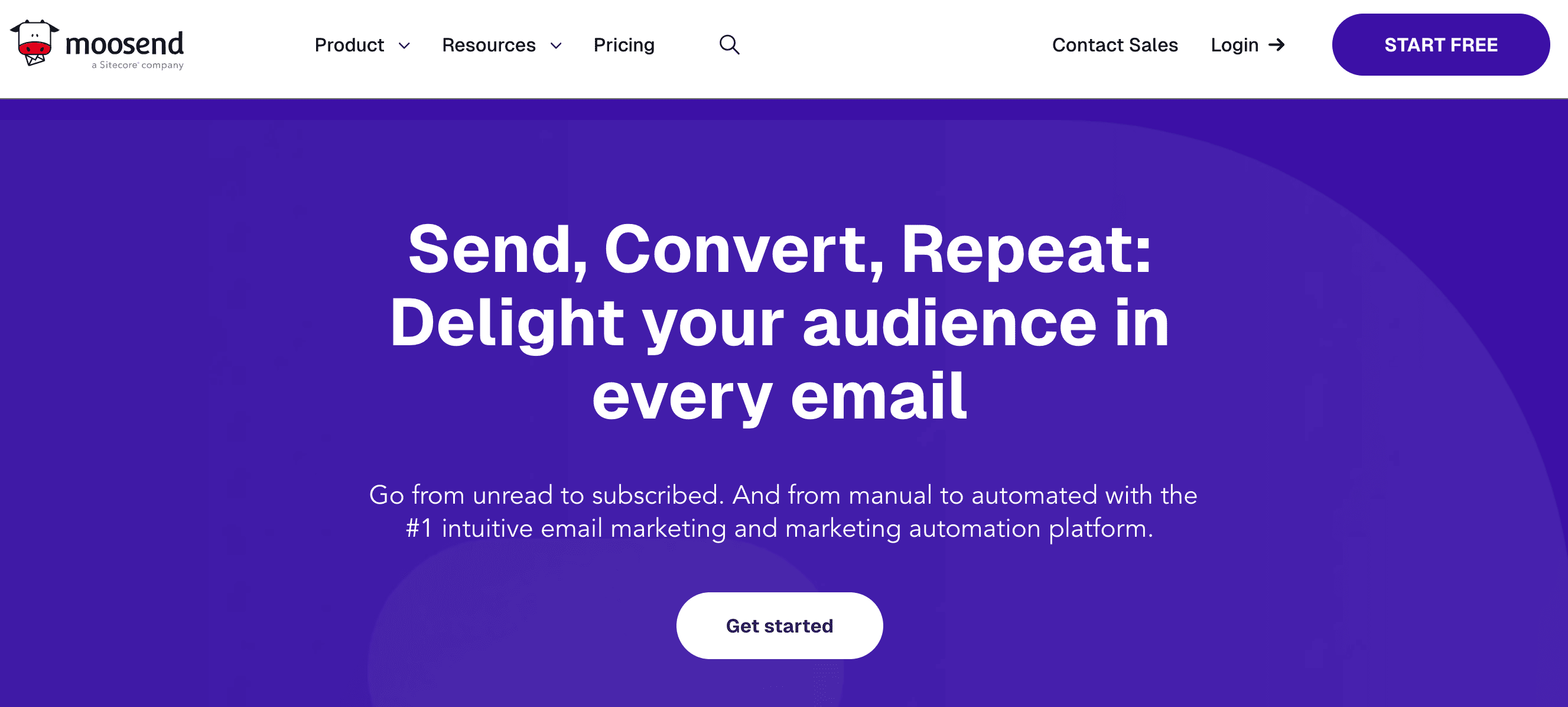
Those looking for a free Campaign Monitor alternative may want to consider Moosend. This advertising tool aims to streamline the email marketing process with the help of impactful, professional-looking templates. Thanks to this platform’s drag-and-drop tool, these templates can be personalized to maximize impact and to better reflect your brand.
Another perk of Moosend is that marketers can use automated email sequences to remarket abandoned carts and strengthen existing client relationships. This allows users to optimize the marketing funnel by nurturing and engaging in meaningful communication with customers, driving conversion rates and revenue.
Pros
- Automated email sequences to reduce cart abandonment and build strong customer relations
- Professional, fully customizable templates at your disposal
Cons
- No free plan
- Some reviews mention that live chat customer support is quite slow
Pricing
- 30-day Free Trial: 1,000 subscribers, unlimited emails, 1 automation workflow, 1 landing page, 1 subscription form.
- Pro plan: $9/month for 500 subscribers, unlimited emails, automation workflows, landing pages, subscription forms.
- Moosend+ plan: custom price and subscribers, all Pro features plus add-ons, including transactional emails, audience discovery, and dedicated IPs.
- Enterprise plan: custom price and subscribers, all features, plus account manager, additional team members, and priority support.
EngageBay — Best for built-in CRM
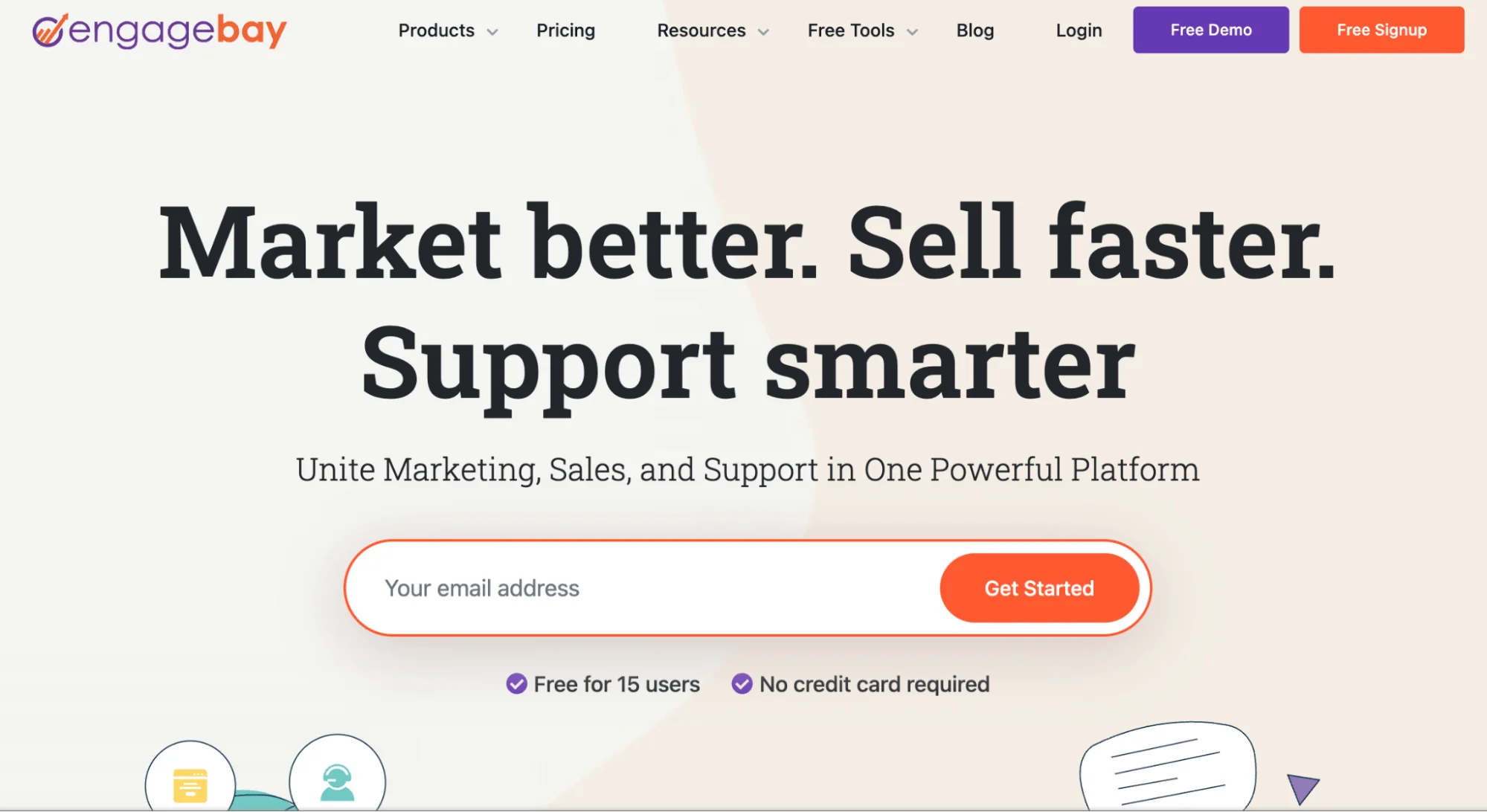
Marketers looking for an alternative to Campaign Monitor with an all-inclusive CRM experience can consider EngageBay a valid option. Touted by some as an affordable alternative, this platform offers useful automation and workflows, allowing you to create automation patterns for different tracks, triggering actions, and filters.
EngageBay’s email marketing features stand out from those of any of its competitors. Users have a range of templates to choose from, which they can customize using the platform’s drag-and-drop feature. Just as you can automate marketing and sales tasks, you can automate email sequences, too, increasing customer engagement and boosting conversion rates.
Pros
- An all-inclusive CRM program at an affordable price
- Reliable email marketing features to create strong customer relationships
Cons
- Email limit dependent on email reputation
- Only a limited number of integrations
Pricing
EngageBay has pricing information listed for Marketing, CRM & Sales Bay, and All-in-One packages. Below, we have focused on the Marketing package:
- Free plan: 250 contacts and 1,000 emails/month, email broadcast, sequences, landing pages, email templates.
- Basic plan: from ~$11/month per user, including email broadcasts, landing pages, lead scoring, and basic automation features.
- Growth plan: from ~$49/month per user, including A/B testing, custom domains, advanced automation, and expanded contact limits.
- Pro plan: from ~$79/month per user, including advanced reporting, custom integrations, SSO, and enhanced automation capabilities
Omnisend — Best for omnichannel marketing
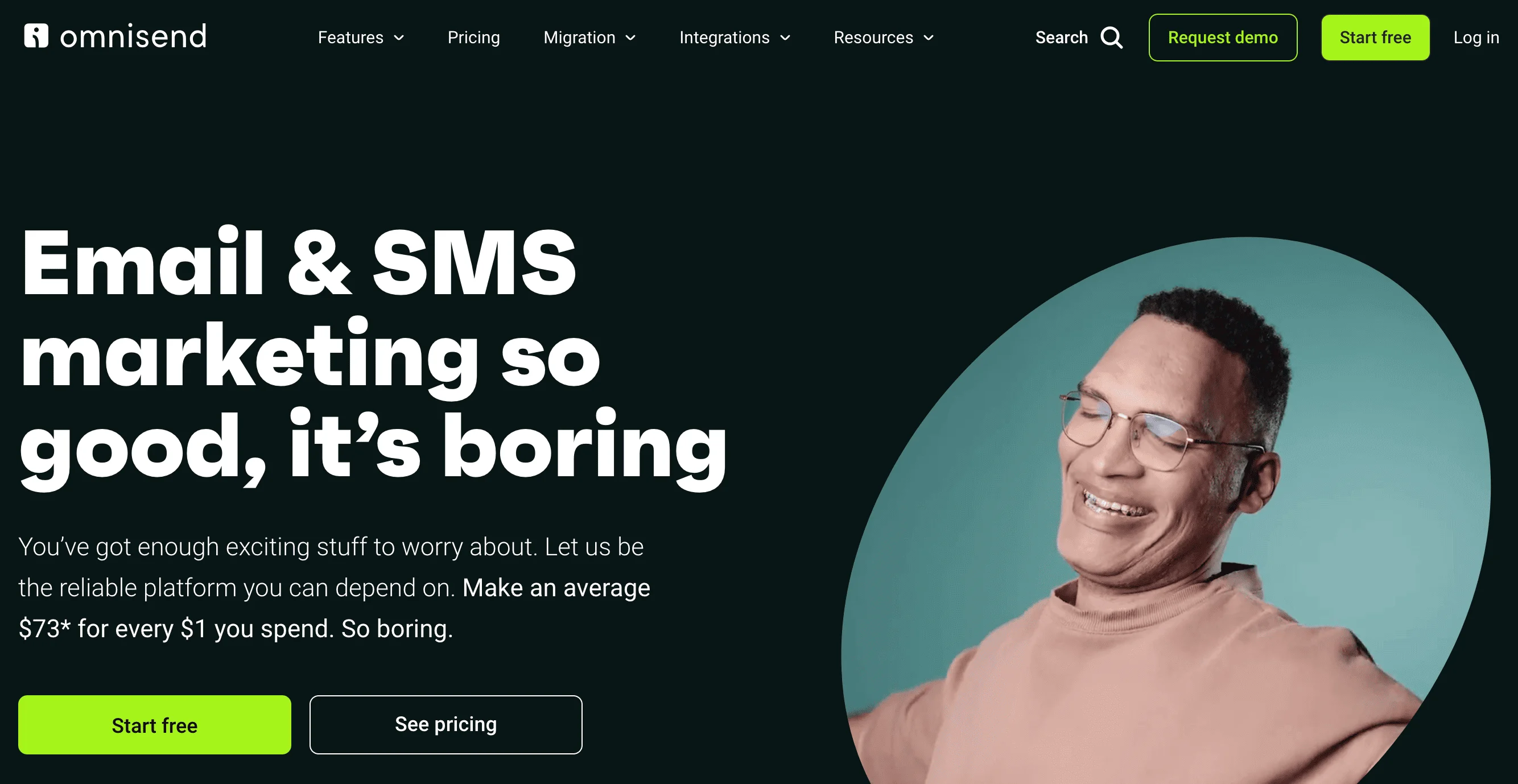
Omnisend is the best alternative to Campaign Monitor for marketers who want to prioritize multichannel marketing. With this platform, you can use a combination of email, SMS, and web push notifications for your campaigns, as well as retargeting ads on Google and Facebook. This allows you to speak to a wide audience, covering all your bases, so you can reach customers using their preferred channels.
Another perk of Omnisend is that it boasts a respectable list of integrations with both e-commerce platforms and Shopify review management features, making it a great choice for online retailers.
Pros
- A selection of templates to choose from and a drag-and-drop editor
- 130+ integrations, including e-commerce services
Cons
- Not as many design options as on other platforms
- Confusing price structure that may be off-putting to users
- Lower average deliverability, according to EmailTooltester
Pricing
- Free plan: 250 contacts, 500 emails/month, 500 web push notifications/month, 50 published reviews (Shopify).
- Standard plan: $16/month for 500 contacts, 6,000 emails/month, unlimited push notifications, 1,000 published reviews.
- Pro plan: $59/month for 2,500 contacts, unlimited emails, push notifications, and published reviews, plus advanced reporting.
Klaviyo — Best for marketing automation
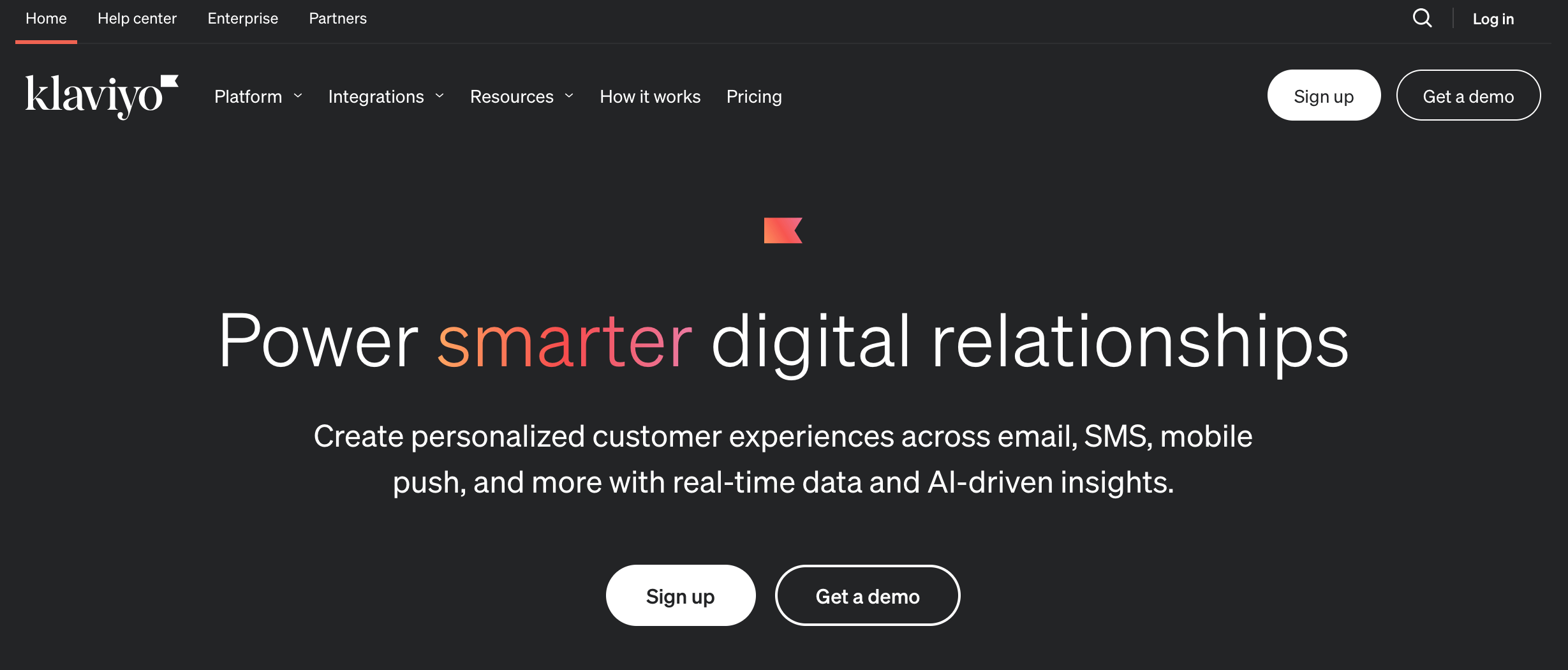
The final entry on our list of Campaign Monitor alternatives, Klaviyo, is a great option for marketers who want to know all about the behaviors of their customers. With powerful integrations and advanced AI tools, you can gather and analyze consumer data to craft curated campaigns addressing the needs of your subscribers.
Klaviyo has some affordable plans, but it’s worth noting that the price can increase quite drastically when you have more contacts. For this reason, it may not be the best option for those who put scalability above everything else.
Pros
- Massive template library
- Robust reporting tools
- Built-in forms and pop-ups
- Customer profiles and precise segmentation
Cons
- Not as affordable as some other competitors of Campaign Monitor
- Some reviews report slow customer support
Pricing
- Free plan: up to 250 active profiles, 500 emails/month, 150 free monthly SMS/MMS credits, email support for 60 days.
- Email plan: $20/month for 251–500 active profiles, 5,000 emails/month, 150 free monthly SMS/MMS credits, SMS/MMS fees, mobile push notifications.
- Email and SMS plan: $35/month for 251–500 active profiles, 5,000 emails/month, 150 free SMS/MMS credits and more with fees, mobile push notifications.
Conclusion
There are lots of different email platforms like Campaign Monitor for people looking for more scalable options. This review covered 10 such options, hopefully giving you some worthy offerings for consideration.
Selzy is a great example of one of the best email automation tools. With its great range of AI-based email marketing features, affordable prices, and better scalability, this platform is an excellent choice for small to medium-sized businesses looking to launch email campaigns. And with its intuitive interface and ease of use, you can get started in just a matter of minutes.

 New and noteworthy on our blog