



Key takeaways
- Mailjet is a cloud-based email delivery service for marketing campaigns and transactional emails.
- Reasons to consider alternatives to Mailjet include limited automation on lower-tier plans and lack of advanced features.
- Best Mailjet alternatives include Selzy, Brevo, ActiveCampaign, Mailchimp, MailerLite, Moosend, and GetResponse.
- Factors to consider when choosing an alternative include pricing, automation capabilities, ease of use, technical requirements, and scalability.
- Selzy is affordable with strong deliverability and universal features suitable for businesses of all sizes.
Mailjet is a cloud-based email delivery service tailored towards both marketing campaigns and transactional emails. However, there are reasons to look for alternatives to Mailjet.
In this blog post, we’ll talk more about Mailjet, its pros and cons, and why you might want to look for another solution. We’ll explore which Mailjet alternatives are best for your business, depending on what you want from your email delivery service, and list their most important features and pricing information.
Best Mailjet alternatives at a glance
Let’s take a quick look at each email marketing solution we picked for you:
| Platform | Free options | Best for | Top features | Starting price, per month |
| Selzy | 1,000 emails per month, up to 100 contacts | Small to medium businesses, startups, solopreneurs, and novices | 24/7 customer support, API integration, user-friendly interface, and high feature-to-cost ratio | $7.50 for 500 contacts and unlimited emails |
| Brevo | 300 emails per day, up to 100,000 contacts | Multi-channel marketing | Built-in multi-channel marketing support (WhatsApp, SMS, push), CRM and sales features | $9 for 500 contacts, 5,000 emails a month |
| ActiveCampaign | Free 14-day trial, 100 emails, up to 100 contacts | Experienced marketers looking for highly editable solutions and complex automations | Powerful automation builder with advanced features and triggers, highly editable email templates, advanced analytics | $15 for 1,000 contacts, monthly email limit of 10x contacts |
| Mailchimp | 500 emails per month, up to 500 contacts | Integrations with other platforms | Easy integration with other platforms (over 250), powerful email template editor | $13 for 500 contacts, monthly email limit of 10x contacts |
| MailerLite | 12,000 emails per month, up to 500 contacts | Beginners looking for something easy to work with | Free survey maker, easy-to-use email builder | $10 for 500 contacts, unlimited emails |
| Moosend | Free 30-day trial, unlimited emails, up to 1,000 subscribers | Simple and quick automation capabilities | User-friendly automation builder with customizable triggers | $9 for 500 contacts, unlimited emails |
| GetResponse | 2,500 emails per month, up to 500 contacts | E-commerce businesses | Autoresponders tailored for store owners, webinar support feature, landing page builder | $19 for 1,000 contacts, unlimited emails |
Not sure which tool to choose? Here’s a quick breakdown of the best Mailjet alternatives based on different needs and use cases.
Best Mailjet alternatives by use case
Choosing the right Mailjet alternative depends on your goals, budget, and technical expertise. Here’s a quick breakdown of the best tools based on common use cases.
Best budget option: Selzy/Moosend
If you’re looking for affordability without sacrificing core features:
Selzy
- Low starting price ($7.50/month)
- Automation, A/B testing, and AI tools included early
- 24/7 support on all plans
Moosend
- Competitive pricing with unlimited emails
- Strong automation features on entry plans
- Simple and fast setup
Best for: startups and small businesses with limited budgets.
Best for beginners: MailerLite
If you’re just starting with email marketing, MailerLite is one of the easiest platforms to learn.
- Clean, intuitive interface
- Drag-and-drop editor with minimal learning curve
- Generous free plan (up to 1,000 subscribers)
- Built-in landing pages and forms
Best for: freelancers, bloggers, and small businesses that need simplicity over advanced features.
Best for advanced automation: ActiveCampaign
ActiveCampaign stands out for its powerful automation and segmentation capabilities.
- 500+ automation templates and workflows
- Advanced segmentation and behavioral targeting
- CRM and sales automation included
- Deep integrations (900+ apps)
Best for: experienced marketers and growing businesses that rely heavily on automation.
Best for transactional emails: Mailtrap/SendGrid
If your main focus is sending transactional emails (password resets, order confirmations, etc.), developer-focused platforms are a better fit.
Mailtrap
- Strong deliverability and monitoring tools
- Detailed analytics and logs
- Designed for product teams
SendGrid
- Scalable infrastructure for high-volume sending
- API-first approach
- Advanced deliverability tools
Best for: SaaS companies, developers, and businesses sending high volumes of system emails.
Best for multichannel marketing: Brevo
Brevo is ideal if you want to go beyond email.
- Email, SMS, WhatsApp, and push notifications
- Built-in CRM
- Marketing automation workflows
Best for: businesses that want to manage multiple communication channels in one platform.
Best for integrations: Mailchimp
Mailchimp remains a strong choice if integrations are your priority.
- 250+ integrations with third-party tools
- Strong ecosystem (eCommerce, CRM, ads)
- Well-developed template editor
Best for: businesses already using multiple tools and needing seamless connections.
Whether you are looking to find the best email automation tools with cheaper plans, more advanced marketing automation options and triggers, better customer support, or more flexibility in your designs, there is an option for you.
Feature comparison table of the best Mailjet alternative
| Tool | Automation | A/B testing | Landing pages | CRM | Transactional emails | AI tools |
| Selzy | ✔ (all plans) | ✔ | ✔ | ❌ | ✔ (API) | ✔ (email + content AI) |
| Brevo | ✔ (Standard+) | ✔ (Standard+) | ✔ (Standard+) | ✔ | ✔ | ✔ |
| ActiveCampaign | ✔ (advanced) | ✔ | ✔ | ✔ | ⚠ (via integrations) | ✔ |
| Mailchimp | ✔ | ✔ | ✔ | ✔ | ⚠ (via add-on / Mandrill) | ✔ |
| MailerLite | ✔ (basic–advanced) | ✔ | ✔ | ❌ | ⚠ (separate product) | ✔ |
| Moosend | ✔ | ✔ | ✔ | ❌ | ❌ (add-on/custom only) | ✔ |
| GetResponse | ✔ (limited → unlimited by plan) | ✔ | ✔ | ✔ | ⚠ (enterprise-level) | ✔ |
A quick overview of Mailjet (and why you might look for alternatives)
Mailjet is a cloud-based email delivery service tailored towards both marketing campaigns and transactional emails. Its main selling points are bulk deliveries and transactional email capabilities, making it a solid option for businesses that need both in one place.
The service has a free plan that offers up to 6,000 emails a month, along with basic features such as an email editor, API support, SMTP relay, and basic analytics. Paid plans unlock additional functionality, including segmentation, AI tools, and higher sending limits.
However, there are reasons to look for alternatives to Mailjet.
Why look for Mailjet alternatives
For starters, while user-friendly, Mailjet’s service only offers automation when you upgrade to higher-tier plans. The same happens with other email marketing staples such as A/B testing, advanced analytics, dynamic content, and landing pages.
Some of these features are available for cheaper on other platforms and work just as well. As your business grows, you may find that Mailjet starts falling behind in terms of more advanced functionalities and flexibility.
Transactional emails rely heavily on APIs, so if you don’t have a developer on your team, you may struggle to make full use of them. In addition, more advanced deliverability tools and support options are only available on higher-volume plans.
The point is, Mailjet is a good, well-rounded service, but as your needs evolve, you may require a more robust and feature-rich solution.
How to choose a Mailjet alternative
Choosing the right Mailjet alternative depends on what you expect from your email marketing platform and how your business is growing. Here are the key factors to consider:
1. Pricing and included features
One of the main reasons to switch from Mailjet is how features are distributed across plans.
With some platforms, important tools like automation, A/B testing, advanced analytics and dynamic content are only available on higher-tier plans.
When comparing alternatives, look at:
- What features are included in lower-tier plans.
- How pricing scales as your contact list grows.
Some tools offer more value at a similar or lower price point.
2. Automation and functionality
As your business grows, you may need more advanced marketing tools. Some platforms focus on simple workflows and ease of use whereas others are designed for advanced automation with multiple triggers and conditions.
If automation is important for your campaigns, consider whether the platform supports the type of workflows you need and allows enough flexibility for future growth.
3. Ease of use and flexibility
Mailjet is relatively user-friendly, but other platforms may offer more intuitive interfaces, easier email builders and better template customization.
At the same time, some tools are more complex and require time to learn.
4. Technical requirements
Transactional emails and advanced features often rely on APIs. If you don’t have a developer on your team, this can become a limitation.
When choosing an alternative, consider whether you need API-based functionality and how easy it is to set up and manage without technical knowledge.
5. Scalability and long-term needs
What works for a small business may not be enough as your needs grow.
Some platforms are better suited for beginners and small teams while others are better suited for businesses that require more advanced features over time.
It’s important to choose a tool that can support your growth without forcing you to switch again later.
7 best Mailjet alternatives to consider
Selzy — Best comprehensive solution
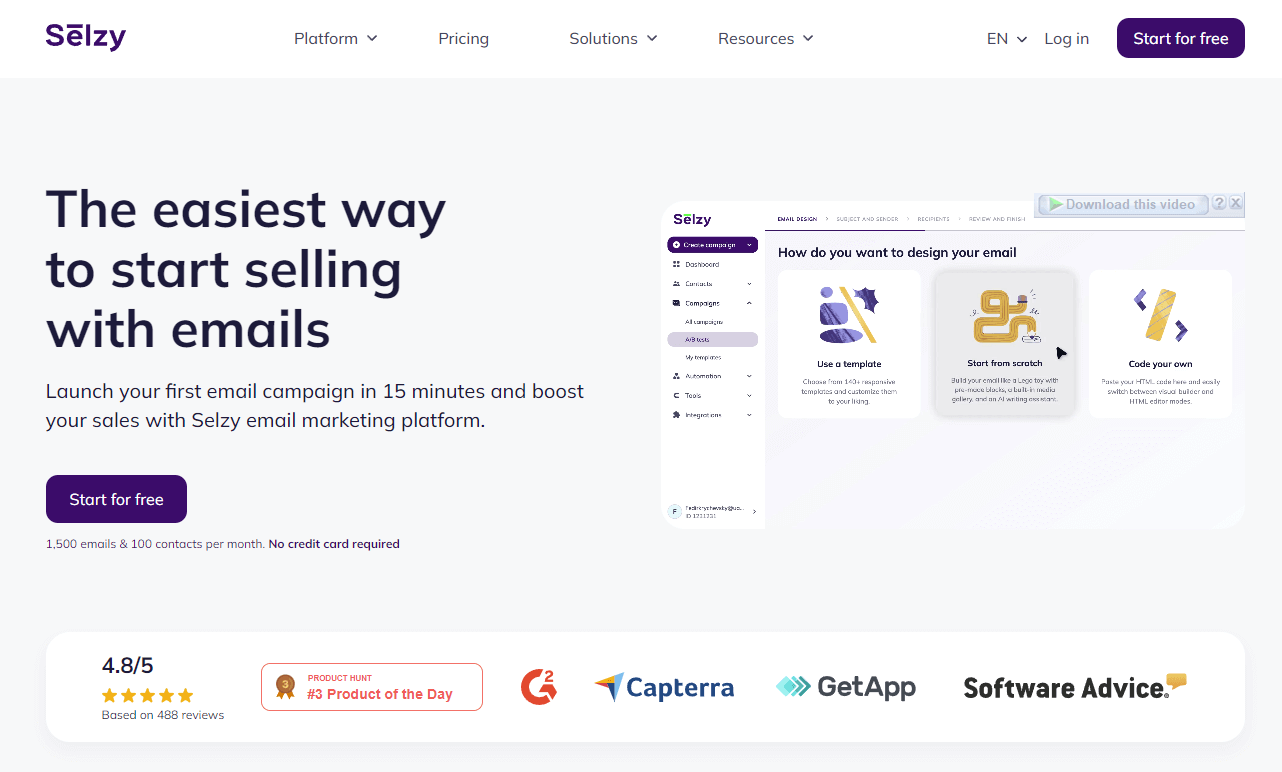
Selzy is a well-rounded option with strong deliverability and pricing: it boasts the best delivery rate on the market of approximately 99.8% for the cost of just $7.5 per month for 500 contacts and unlimited emails.
While the other options on this list have certain niches in mind or bet on certain features as a selling point, Selzy has a more universal approach. It makes the platform suitable for smaller and larger businesses alike. In the realm of email design, there is an easy-to-use email builder with an extensive template library, so you can get started as quickly as possible, and an HTML option for more advanced users.
The platform offers a wide range of features and is customizable according to users’ needs. The competitive pricing options ensure that all of these features won’t hurt you financially. Apart from the standard personalization features, A/B testing, and segmentation features, Selzy offers omnichannel automation with chatbots and an API integration for triggered and transactional messages. There’s also a beta email builder with an AI email assistant that can generate email body copy, subject lines, images, and even entire email layouts.
Pros
- One of the cheapest options on this list
- API for triggered and transactional messages
- Omnichannel automation
- Easy-to-use for beginners
- High feature-to-cost ratio and essentials unlocked for free
- 24/7 support via phone, email, and live chat on any plan
Cons
- Limited integrations with other platforms in comparison to other services (does include integration with popular CRM and CMS systems, though)
Pricing
- Free plan: 1,000 emails per month for 100 subscribers, analytics, email automation, AI features, and 24/7 support. There’s also a 14-day trial with up to 10,000 emails to 2,000 contacts.
- Lite plan: $7.50 monthly for 500 subscribers and includes unlimited emails, all the essentials from the Free plan and A/B testing, segmentation, no Selzy branding, and shareable email URLs.
- Standard plan: $15 monthly for 500 subscribers and includes unlimited emails, unlocks email quality checker tools (anti-spam tips, email size and authentication checks, deliverability tips, and subject line assistant) and lifetime access to an online email marketing course & certification course, and chatbot integration.
- Enterprise plan: custom price for 500,000+ subscribers with access to all the aforementioned features.

Brevo — Best for multichannel marketing
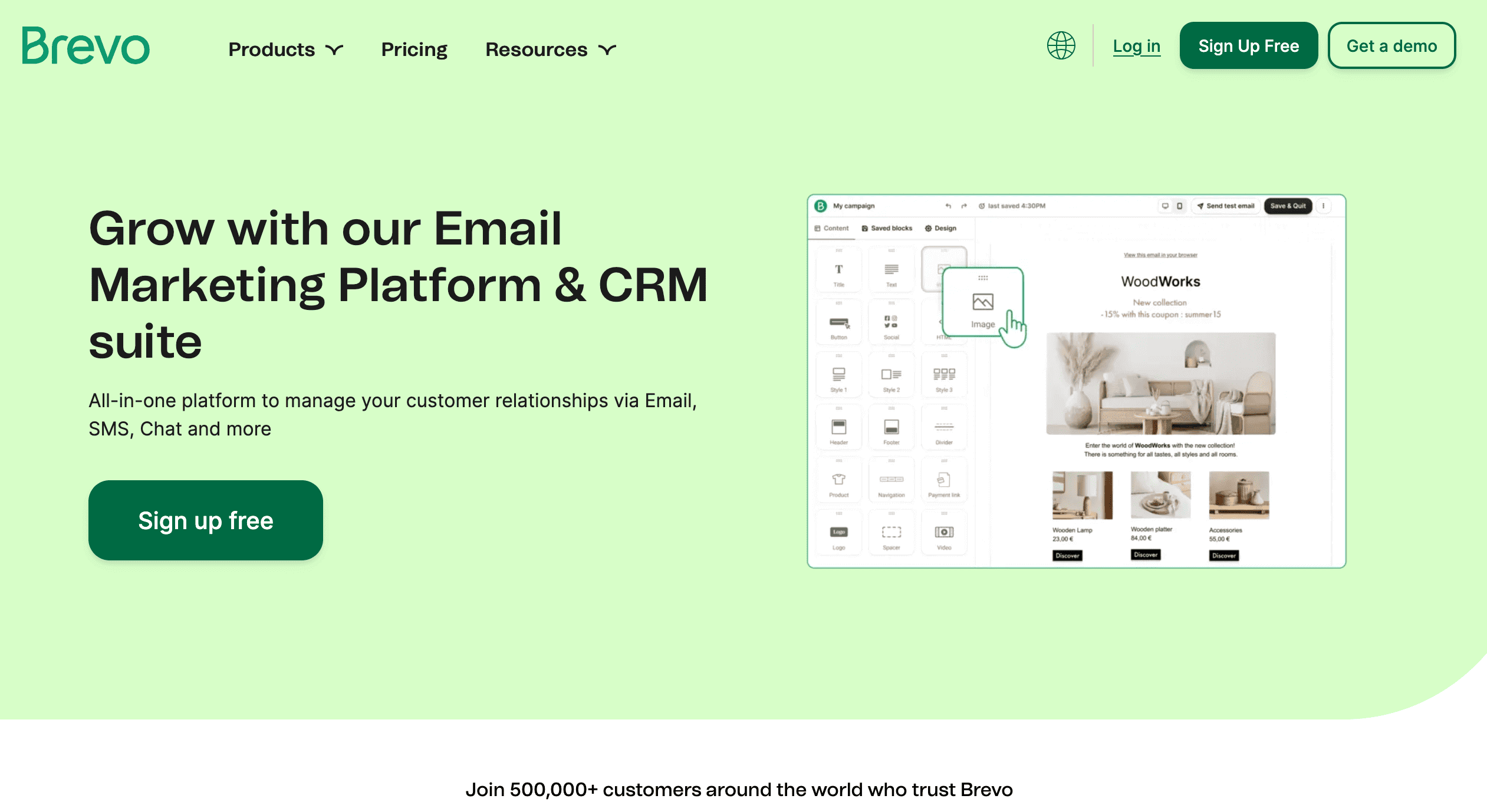
Brevo (formerly Sendinblue) is famous for its free forever plan, allowing users to send 300 emails a day. This alternative to Mailjet offers a drag-and-drop email editor with templates, transactional emails, and SMS and WhatsApp marketing support for zero cost, making it a viable choice for companies that are starting out.
Transactional emails are a strong point, with support for order confirmations, shipping notifications, password resets, and other staples of this category, reliably delivered. Brevo also offers push notifications.
The platform’s intuitive design is very user-friendly, with users finding it easy to create emails with the drag-and-drop features. However, autoresponder features are only available with paid plans, and you will need to invest some time before you fully comprehend how to get the best out of them. Overall, Brevo is a good choice for its multi-channel support, transactional emails, and user-friendliness.
Pros
- Free forever plan with 300 emails a day
- Affordable pricing options
- Powerful tools for transactional emails
- User-friendly design
- CRM and other sales features
- Support for SMS, push, and WhatsApp marketing features built into the platform
Cons
- Automation features are complicated to use
- Important functionalities are restricted to the Business plan, including automations, advanced analytics, and landing pages
Pricing
- Brevo Free: includes 300 emails/day and up to 100,000 stored contacts.
- Starter: starts at $9/month and includes 5,000 monthly emails with 500 stored contacts.
- Standard: starts at $18/month and adds marketing automation, A/B testing, advanced reporting, send-time optimization, web/event tracking, and 1 landing page.
- Enterprise: adds channels like WhatsApp and push, plus multi-user access and phone support.
ActiveCampaign — Best for experienced marketers
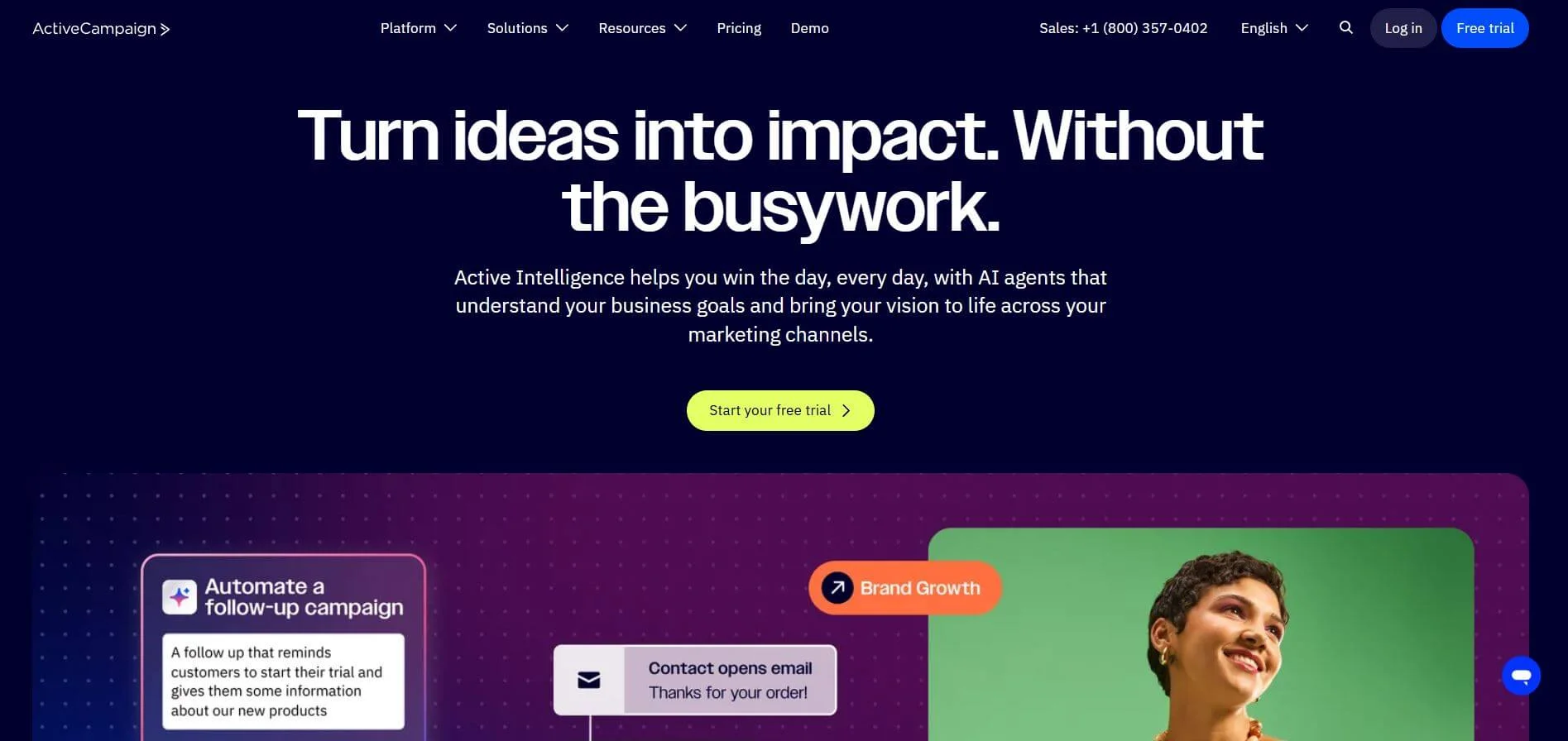
While Mailjet is better suited for beginner users and starting businesses looking to grow, ActiveCampaign is different. This software alternative might be daunting for beginners, rewarding for users who know their way around email marketing. To clarify, the sheer number of features and possibilities might make one freeze from choice paralysis, and client reviews attest that it takes a while to learn the ins and outs of the platform. The automation builder is widely praised, and well, with 500+ built-in automation recipes and 135+ triggers, it should be.
The email builder also boasts 100+ templates to choose from, and the platform offers more than 900 integrations, including built-in integration for Shopify and Salesforce. The main issues are that these features come at a higher price when compared to other software options on this list, and the platform requires you to devote more time to it. It is truly powerful, but not every business is at the point of taking full advantage of it.
Pros
- Advanced analytics and automation are some of the best on the market
- Free migration service from other platforms
- 1,000+ integrations with other apps and platforms
- Good number of templates to build emails from (with fully editable HTML and CSS codes)
Cons
- More time-consuming and has a steeper learning curve
- Pricier than other options
- Not recommended for starting businesses
- For automation, there are cheaper options if you don’t need advanced features
- Short free trial of 14 days might not be enough to learn the functionalities and make a decision
Pricing
For 1,000 contacts, billed monthly:
- Starter plan: $15/month, monthly email limit of 10x the subscriber amount, limited segmentation and automation options, email campaign A/B testing, limited landing page and analytics features.
- Plus plan: $49/month, improved segmentation and analytics, unlimited automations.
- Pro plan: at $79/month, monthly email limit of 12x the subscriber amount, three users, A/B testing for email campaigns and automations, advanced segmentation and analytics.
- Enterprise plan: $145/month, monthly email limit of 15x the subscriber amount, five users, premium segmentation and analytics, premium CRM integrations (including Salesforce and Microsoft Dynamics), all features available.
Mailchimp — Best for integrations
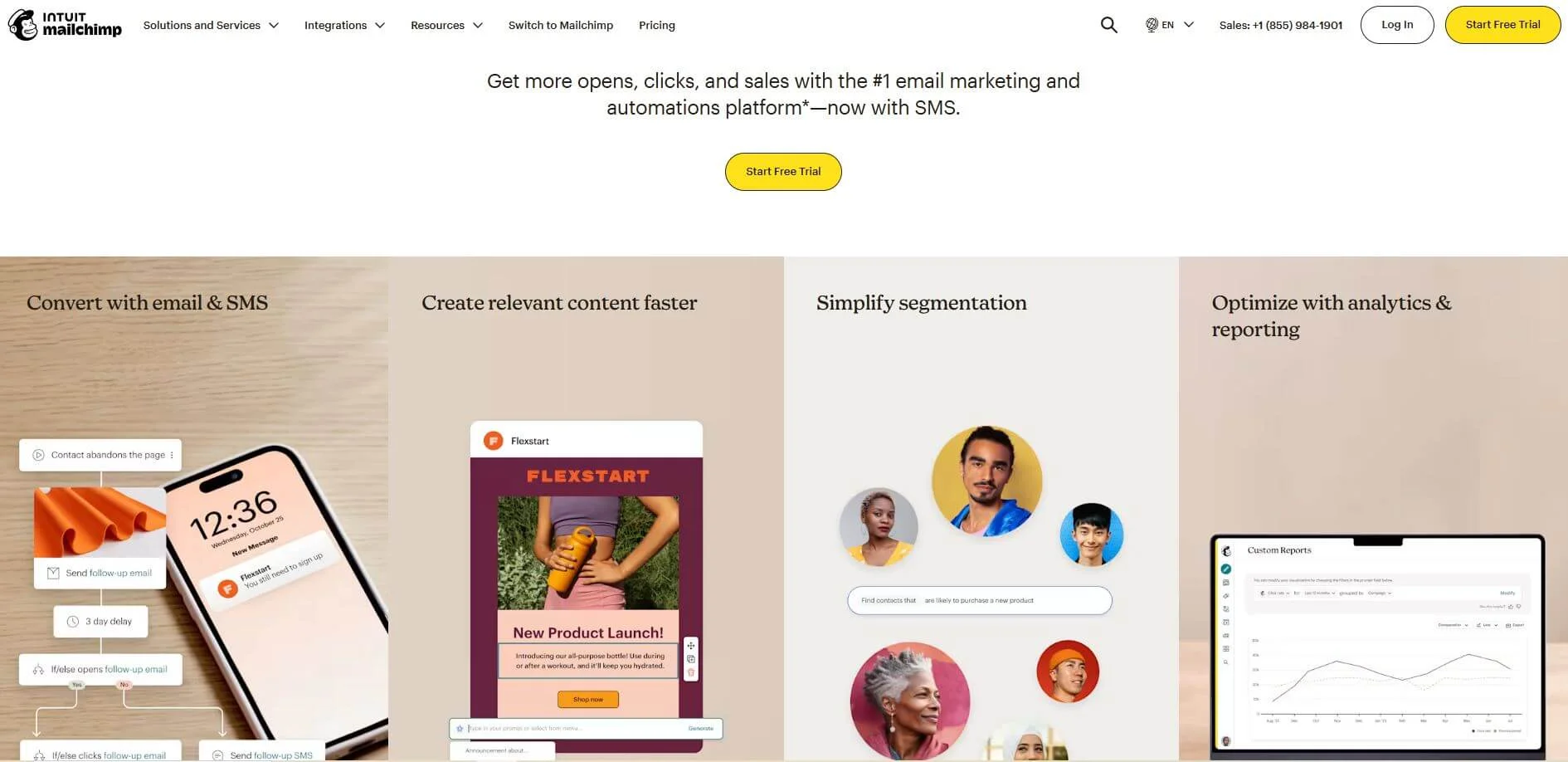
Mailchimp is one of the most popular email delivery tools out there, due to its powerful feature set and long-standing presence in the email marketing universe. Apart from email marketing, the platform offers automation builders, landing page builders, good integration options (over 250), and thorough analytics.
Mailchimp is well-rounded for small and larger businesses alike, but it is relatively complicated to work with. According to user reviews, the sheer number of features and the way they play into each other might be somewhat confusing at first, especially if you make a mistake and need to undo an action. Just like ActiveCampaign (although not as powerful in terms of automation), it is better for experienced users who are not on a tight budget.
Pros
- Over 250 integration options
- Powerful email template editor
- Comprehensive analytics and reporting
- Library of pre-built automation sequences
Cons
- One of the few email marketing services that charges for duplicate, unsubscribed, or inactive contacts from your list, so you have to pay extra attention to avoid extra costs
- User interface can be a bit confusing for new users
- Small monthly email sends require you to scale quicker towards more expensive plans
- Free plan only has 30 days of support
Pricing
For 500 contacts, billed monthly:
- Free plan: 500 emails, email support for 30 days, limited template options, limited Creative Assistant feature, and 300 integrations.
- Essentials plan: $13 a month, 5,000 emails a month, 24/7 chat and email support, 4 automated customer journeys, full access to email templates, no Mailchimp branding, email scheduling, 3 user seats.
- Standard plan: $20 a month, 6,000 emails for 500 contacts, 5 user seats, up to 200 automated customer journeys, one personalized onboarding session, custom report, and advanced segmentation.
- Premium plan: $350 a month, 150,000 email sends for 10,000 contacts, unlimited users, a dedicated onboarding specialist, and access to all features.
MailerLite — Best for beginners
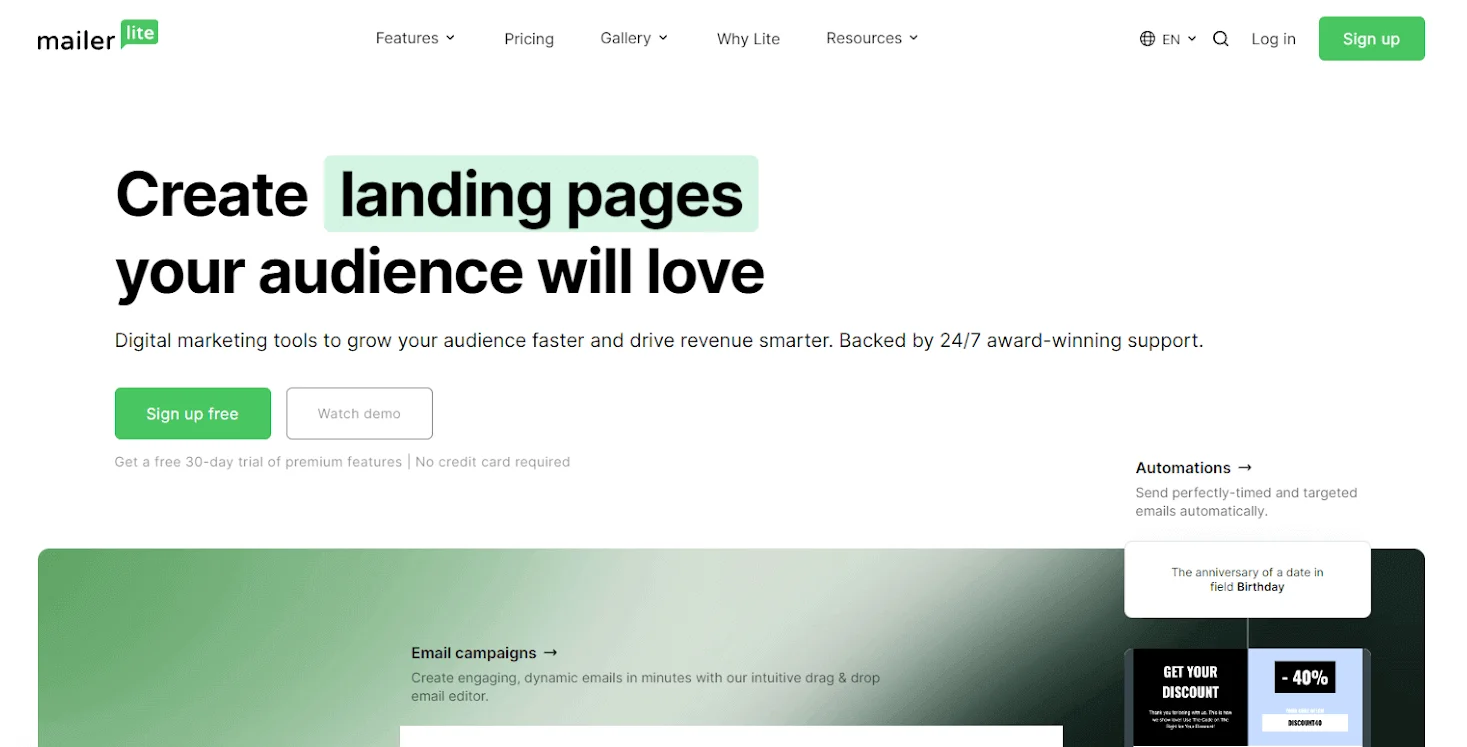
MailerLite is a good alternative to Mailjet because the pricing is comparable, and the platform is clean and simple to use. It is also suited towards small businesses, with a design tailored to make most tasks seem easy. The platform offers a good amount of options, including staples such as simple automation workflows, A/B testing, email templates, and AI-powered tools, plus integration with your own online store and a landing page builder.
Some of these options, however, are gated behind paid plans. MailerLite sells itself as one of the most affordable email delivery services, so that shouldn’t be a problem. The main drawbacks are the lack of advanced features such as built-in CRM and spam testing. It also doesn’t have a dedicated analytics tab, and their thorough email approval process might take too long for someone looking for a quick start. The approval does improve deliverability, though. All-in-all, this is a good option if you’re looking for something simple and affordable. However, bigger companies in need of something more powerful might want to look elsewhere.
Pros
- One of the most affordable options in the market
- Clean interface and very easy to use
- Survey maker available for free
- Timezone-based email scheduling
Cons
- Limited automation options
- Lack of advanced features for more experienced users
- No migration support from other platforms
- Rigorous approval process sometimes causes problems with deactivations, according to user reviews
Pricing
- Free plan: 12,000 emails a month for up to 500 contacts, 1 user, 24/7 customer support for 30 days, limited email automation builder, drag-and-drop editor, up to 10 landing pages, one website.
- Growing Business plan: $10 a month for up to 500 contacts, unlimited emails, 3 users, 24/7 customer support, unlimited templates, campaign auto-resend, A/B testing, unlimited websites and landing pages, unsubscribe page builder.
- Advanced plan: $20 a month for up to 500 contacts, unlimited emails and user seats, adds enhanced automations, smart sending tools, Facebook integration, and AI-writing assistant.
- Enterprise: custom price, for businesses with over 100,000 subscribers, offers account audits, dedicated IP and deliverability consultation, plus a dedicated success manager, onboarding consultation, and training.
Moosend — Best for simple automation
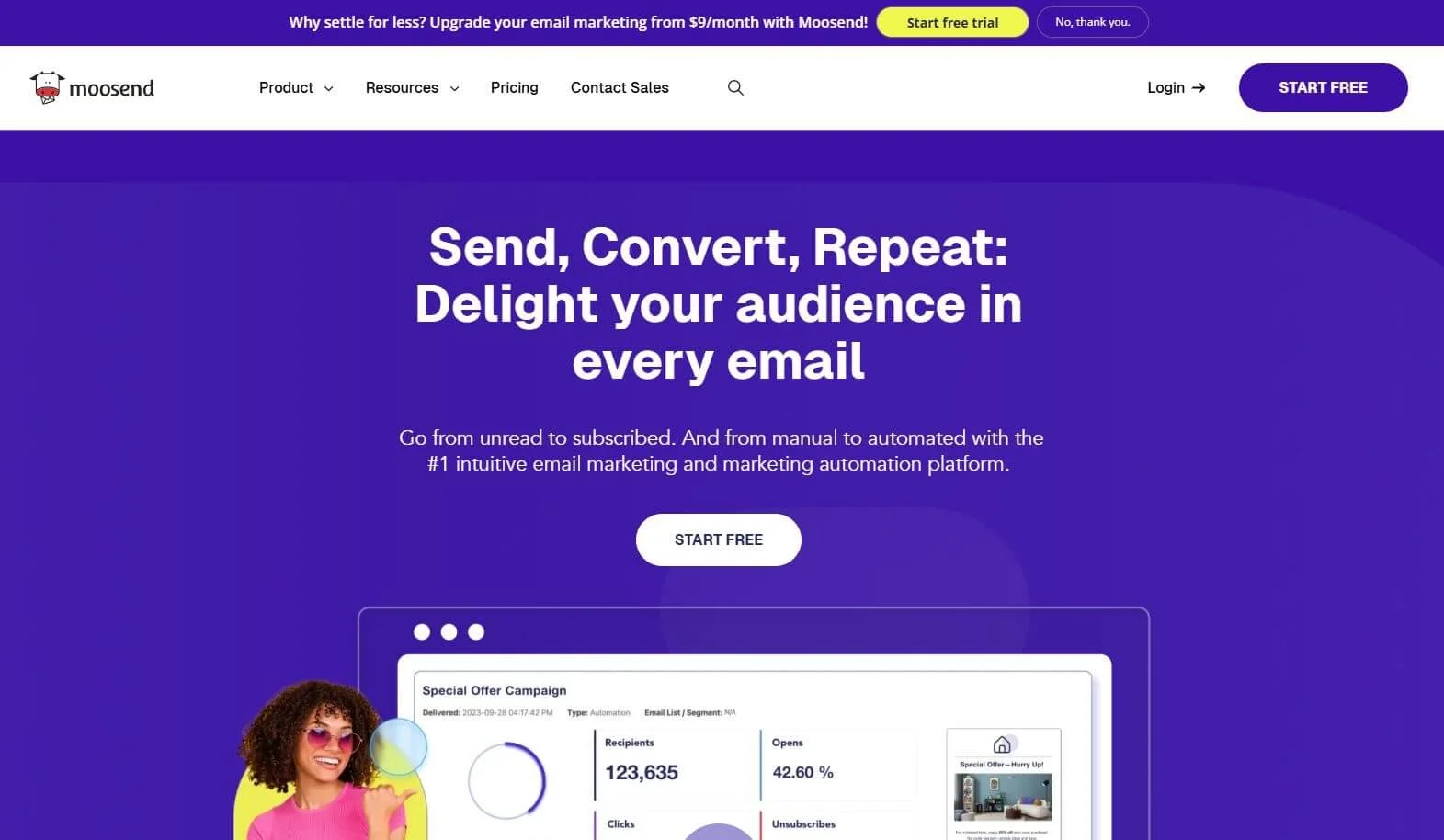
Moosend also stands among the more affordable options in this list, making it a nice alternative to Mailjet in that respect. The biggest advantage here is that its automation capabilities are among the best out there, but are also available with their first plan (Pro), so you don’t have to spend extra dollars on a more expensive plan to make the best out of it. Moosend’s reporting and analytics are very comprehensive, and in case you have a website, it also tracks clients’ actions and allows you to set automation triggers based on their behavior.
On the other hand, there is no free plan (only a 30-day free trial), and features such as CRM integration are missing.
Pros
- Great marketing automation tools
- Unlimited emails on all plans
- A good number of core features available during the free trial period
Cons
- No CRM integration
- No free plan
- Transactional emails and other important features are unavailable on the Pro plan
Pricing
- Pro plan: $9 billed monthly, unlimited emails for up to 500 subscribers, allowing up to 5 team members. Core features include: marketing automation workflows, website tracking, all reporting and analytics features except for custom reports, AI-engined recommendations, basic templates, newsletter builder, and custom-coded templates.
- Moosend+: custom pricing, includes all Pro plan features plus transactional emails as an add-on, dedicated IPs, hosted files, custom reports, and additional team members (also as an add-on).
- Enterprise: custom pricing, includes all features, 10+ team members, deliverability and strategy optimization, account manager, and priority support.
GetResponse — Best for e-commerce
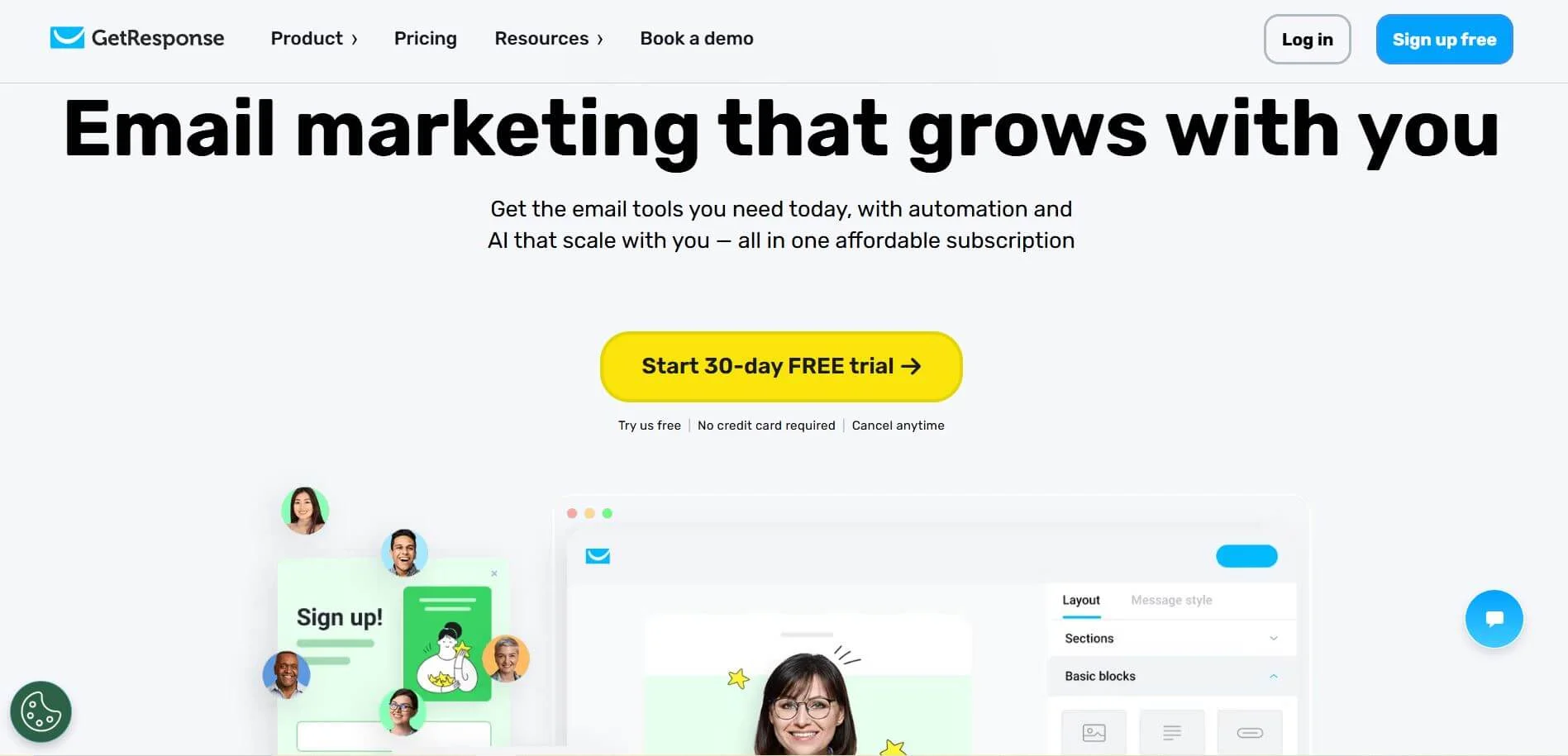
GetResponse is an all-in-one marketing tool bustling with features, ranging from e-commerce tools to online course builders. The platform offers good automation features, built-in CRM, and landing page builders. It is also considered to be a good choice for sales funnels, as it features multichannel marketing support. User reviews also praise its autoresponder capabilities and analytics tools.
The platform has a free forever plan that grants you access to premium features for the first 30 days, so you can test them before committing to a paid plan. The free plan also includes a drag-and-drop email editor and basic analytics, among other limited features. The downside is that the most powerful functionalities (unlimited automations, email scheduling, and so on) are only available on the more expensive Marketer plan.
Pros
- If you’re an online store owner, the platform offers a wide array of tools that can help drive sales (including Shopify integration, abandoned carts automations, and more)
- Comprehensive automation options
- Easy-to-use builders for newsletters, websites, and landing pages
Cons
- Only 1 custom automation workflow available with the first paid plan, marketing automations are only unlocked with the Marketer plan
- E-commerce tools are not available on the cheapest paid plan
- Pricing is steep in comparison to other choices from this list
Pricing
- Free plan: 2,500 emails a month and up to 500 subscribers, 1 landing page, signup and contact forms, basic analytics.
For 1,000 subscribers:
- Starter plan: $19 a month, billed monthly. Unlimited monthly sends, unlimited autoresponders, one custom automation workflow, AI-powered tools, email and landing page templates, signup forms and popups, 24/7 chat support.
- Marketer: $59 a month, billed monthly. Includes all features from the Starter plan, plus unlimited marketing automation, advanced segmentation, sales funnels, promo codes, email delivery scheduling, abandoned cart recovery automations, unlimited web push notifications, and contact scoring.
- Creator: $69 a month, billed monthly. Includes all features from previous plans and adds course-building tools, webinars, quizzes, certificates, a website builder, and premium newsletters (paid newsletter subscriptions).
Final thoughts
Caught up in day-to-day business operations, it’s easy to succumb to stagnation and avoid making changes that might affect your business, even the positive ones. There’s a fear of the unknown, and well, sometimes things are working, and we get into a comfort zone.
The question you should ask yourself is: Is it truly working, and even if it is, is there room for improvement? Think of where you want to take your business and how you are going to get there.
While Mailjet is a viable option, not only is it always a good idea to compare what is being offered and for what price, but it is also important to think where you are headed. Once you do that, you can take a look at all the options from this list and decide which better suits the needs of your business. We hope the information available here helps you make the best possible choice.

 New and noteworthy on our blog
