


Key takeaways
- GetResponse lacks some features needed for affordable scaling, like A/B testing and automation, with its free plan missing key functionalities.
- The article explores 10 alternatives to GetResponse for different business growth stages.
- Selzy offers a 99% delivery rate, AI email builder, chatbot builder, and 24/7 support starting at $5.25/month.
- Moosend provides advanced automation features for small to medium-sized businesses at $7/month.
- Brevo, formerly Sendinblue, offers multi-channel marketing tools starting at $8.08/month.
Building a successful email marketing campaign and scaling it up gets a whole lot easier when you use the right tool. While GetResponse is a robust solution offering many useful options marketers can use, it may lack some features businesses need to scale affordably, particularly for startups. For example, its free plan doesn’t include A/B testing, predesigned templates, HTML editor, automation, and reporting functionality, while its entry-level plan costs $15.6/month and includes basic automation capabilities, indicating the tool’s inability to meet every business’s needs and preferences.
This article explores the 10 best GetResponse alternatives designed to support businesses at different growth stages. Let’s find out which GetResponse alternative best suits your needs.
Overview of top alternatives to GetResponse
| Platform | Free options | Best for | Top Features | Starting price (billed annually) |
| Selzy | Free plan – for up to 100 contacts, 1,000 emails/month. New users can also start a 14-day trial with 2,000 contacts and 10,000 emails. | Small and medium-sized companies, startups, large enterprises, and e-commerce brands. | 99% delivery rate, email builder with AI features, chatbot builder, and 24/7 support on any plan (free or paid). | $5.25/month for 500 contacts, and unlimited emailing. |
| Moosend | Free trial – includes 1,000 subscribers and 30 days of unlimited emailing. | Marketers, small to medium-sized businesses. | Image manipulation, countdown timers, conditional content, and custom events. | $7/month for 500 subscribers, and unlimited emails. |
| Brevo | Free plan – includes 300 emails a day. | Small-to-medium sized businesses, SaaS companies. | Heatmap reporting, brand library. | $8.08/month for 500 contacts and 5,000 email messages. |
| MailerLite | Free plan – includes 1,000 subscribers and 12,000 emails a month. | Small and medium-sized businesses, marketers, and online retailers. | Pre-built automation workflows, and dynamic text features. | $9/month includes unlimited emailing for 500 subscribers. |
| EmailOctopus | Free trial – includes 2,500 subscribers and 10,000 monthly emails. | Marketers, and small businesses. | Visual builder, and Google Analytics integration. | $9/month for 500 subscribers and 10,000 emails. |
| AWeber | Free trial: 14 days, access to all the features of the plan you select. | Non-profits, startups, small companies. | Email split testing, AMP emails, video, Facebook pixel tracking. | $12.50/month for 500 subscribers with a sending limit of 10x their list. |
| Omnisend | Free plan – includes 250 contacts, 500 emails/month. | Small to medium-sized companies, ecommerce. | Ready-to-use automated workflows, dynamic text features. | $11.2/month for 500 contacts and 6,000 emails. |
| Constant Contact | Free trial – includes 100 emails for 30 days. | Small companies and nonprofits. | BrandKit, engagement heatmap, social ads manager. | $12/month for 500 subscribers with a sending limit of 10x your list size. |
| ActiveCampaign | Free trial – includes 100 contacts with 100 emails for 14 days. | Medium-sized businesses, online retailers. | 900+ automation recipes, lead scoring, and site tracking. | $15/month for 1,000 subscribers with a sending limit of 10x contact list. |
| Kit previously ConvertKit) | Free plan – includes 10,000 subscribers and only 1 email automation. | Creators, authors, marketers. | Subscriber tagging, sending email broadcasts, content snippets. | $33/month for 1,000 subscribers and unlimited emailing. |
What is GetResponse?
GetResponse is an all-in-one marketing tool tailored for e-commerce. It comes with a comprehensive toolkit for marketers planning to build mailing lists, automate, view, or track campaign performance, engage and nurture customers across multiple marketing channels at every stage of their journey.
GetResponse pricing, advantages and disadvantages
Free plan
No free plan, but users can sign up for a 30-day free trial.
Paid plan
- Free: 500 contacts, 2,500 emails/month, 1 landing page.
- Starter: $19/month — 1,000 contacts, unlimited emails, autoresponders, signup forms, landing pages.
- Marketer: $59/month — advanced automation and segmentation.
- Creator: $69/month — ecommerce tools, abandoned cart recovery, web push notifications.
Enterprise: Custom pricing.
*Pricing information was retrieved from GetResponse in early 2026.
GetResponse advantages
- All paid plans come with free onboarding and migration support.
- Great auto-responder options.
- Ease of use.
GetResponse disadvantages
- Businesses with large mailing lists may find the service costly as the lowest-priced plan will cost $442/month for 100,000 contacts.
- Features such as email automation are only offered on premium plans. Building automation workflows requires the Marketing Automation plan which costs $48.4/mo for 1,000 contacts.
- Phone support is only available to GetResponse Max users.
Selzy – Best for high-deliverability rate, free plan, and multi-channel customer support
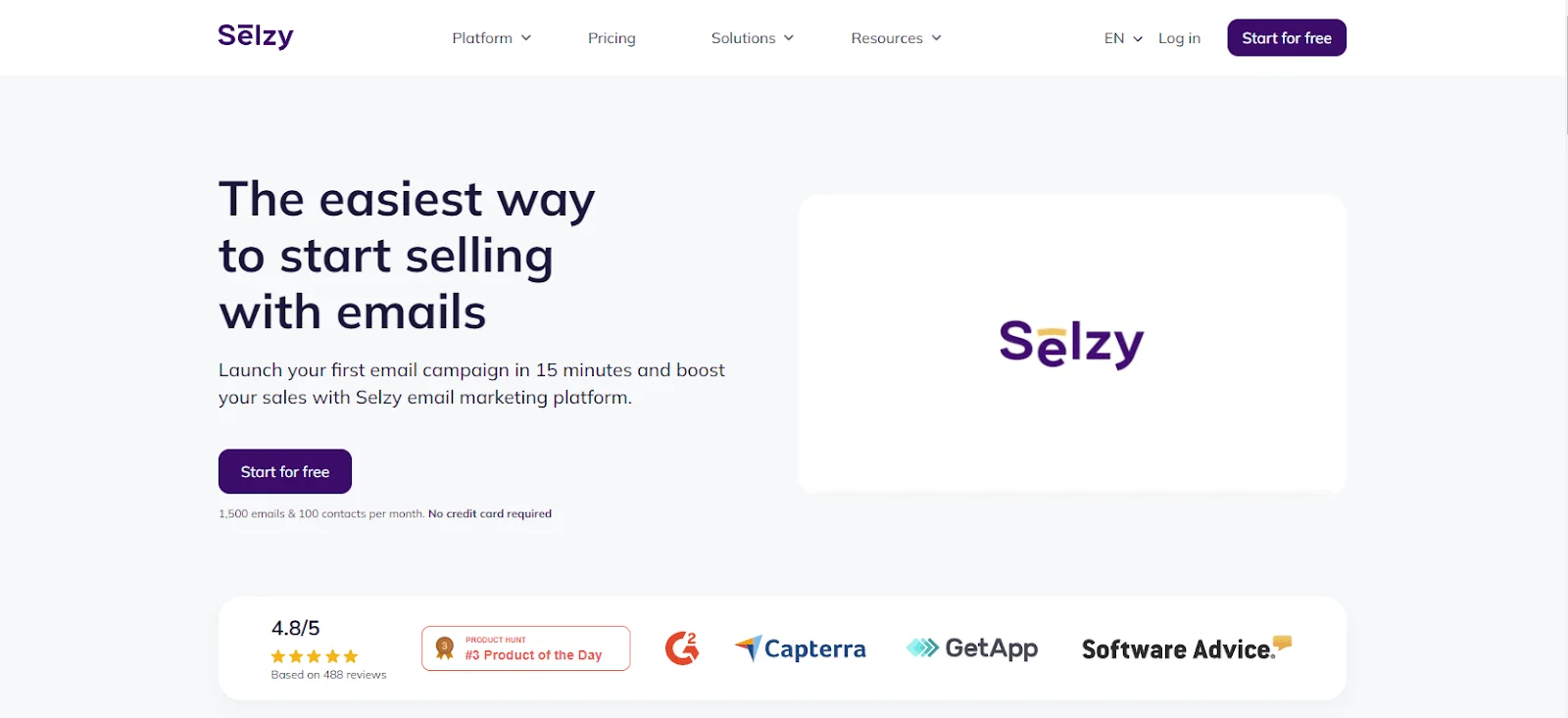
Selzy ranks #1 with a 99% delivery rate among the most reliable email marketing tools. A strong GetResponse alternative for businesses prioritizing deliverability, affordability, and responsive customer support. It comes with a user-friendly interface that’s easy to navigate.
Selzy is especially well-suited to startups, small businesses, and budget-conscious teams that want advanced email marketing features without enterprise-level pricing. It’s a particularly strong option for businesses prioritizing deliverability, ease of use, and responsive support over highly complex automation systems.
There’s an intuitive drag-and-drop email builder, featuring pre-made blocks, an AI-writing assistant and a template builder not just for a copy but for whole AI-generated emails with layout, text, and visuals. Users also get responsive templates, a subject line assistant to help them write headlines and more.
Advanced customization features, including twelve automated customer journey scripts, allow users to further personalize. Segmenting audiences based on demographics and behaviors is also possible. Once the campaign has been set up and running, users can test subject lines, content, and images.
Selzy also has anti-spam, email size, quality, and authentication checks for maximum deliverability.
Need help? Selzy offers 24/7 customer support via chat, email, and phone even on the Free plan.

Selzy pricing/cost
Free plan
1,000 emails per month for 100 contacts with most of the essentials. New users can also start a 14-day trial with 2,000 contacts and 10,000 emails.
Paid plans
- Lite Plan: $5.25/month for 500 contacts and endless emails.
- Standard Plan: $7/month for 500 contacts, unlimited emails, email size, authentication check, anti-spam tips, subject line assistant, email deliverability tips, and Telegram chatbots.
- Enterprise: Custom pricing for full-service email marketing that includes everything from the Standard Plan + email technical support + custom templates + segmentation strategy + full analytics setup + training & consulting.
*Pricing information was retrieved from Selzy in early 2026.
Pros
- The free plan includes 1,500 monthly emails, basic features, and customer support through chat, email, and phone.
- Much more affordable for startups and SMEs, with plans starting at $5.25 for 500 contacts and unlimited emails.
- Transparent pricing with no hidden fees or surprise costs.
- Value for money with a high feature-to-cost ratio.
- Discounted annual plans.
Cons
Limited integration capabilities despite its compatibility with popular platforms like Google Sheets, WordPress, HubSpot, Shopify, and Facebook.
Moosend – Best for multi-step marketing automation
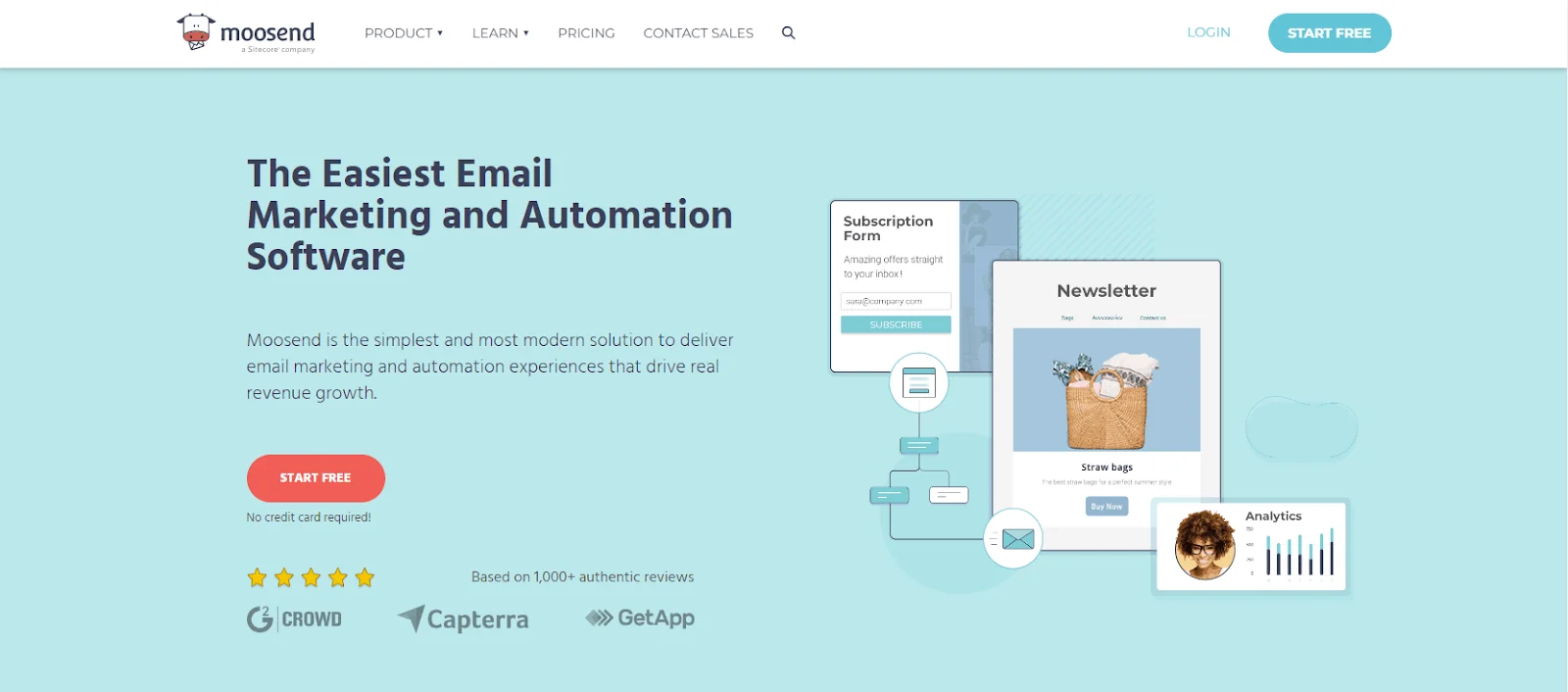
Moosend secured 2nd place here for key factors, like affordability, multi-level marketing automation templates, and extensive reporting. Designed specifically to serve small- and medium-sized businesses, this all-in-one solution provides everything required to run an effective email marketing campaign at just $7 a month.
Moosend is a strong choice for small businesses that want more advanced automation without paying premium prices. However, teams looking for a large template library or deep third-party integrations may find some limitations as they scale.
Creating emails is easy in the drag-and-drop editor or there’s an option of picking from 75 pre-designed templates. A landing page and subscription form builders are available as well.
Users can choose from 5 campaign types and go through a campaign creation wizard that assists them each step of the way. Additionally, they can segment contacts using flexible workflows based on numerous factors and 32 automation triggers.
In A/B testing, users get to test 3 key elements – sender name, subject line, and email content.
Overall, Moosend is a strong option for small businesses that want advanced automation features without enterprise-level pricing.
Pros
- Unlimited emails on all plans.
- Real-time analytics & reporting.
- AI-powered hyper-personalization.
Cons
- No free plan.
- Basic email and form template library.
- Fewer segmentation options.
- Pro plan doesn’t include transactional emails.
Pricing
Free plan
No free plan, but users can sign up for a 30-day trial.
Paid plans
- Pro – $7/month for unlimited emails and 500 contacts + automation workflows, subscription forms, and SMTP server.
- Moosend+ – custom pricing for all pro plan features + transactional emails, dedicated IPs, custom reports, SSO & SAML, and hosted files.
- Enterprise – custom pricing for all the advanced features in one plan + account manager, additional team members, priority support, and more.
* Pricing information retrieved from Moosend in early 2026.
Brevo – Best for multi-channel marketing
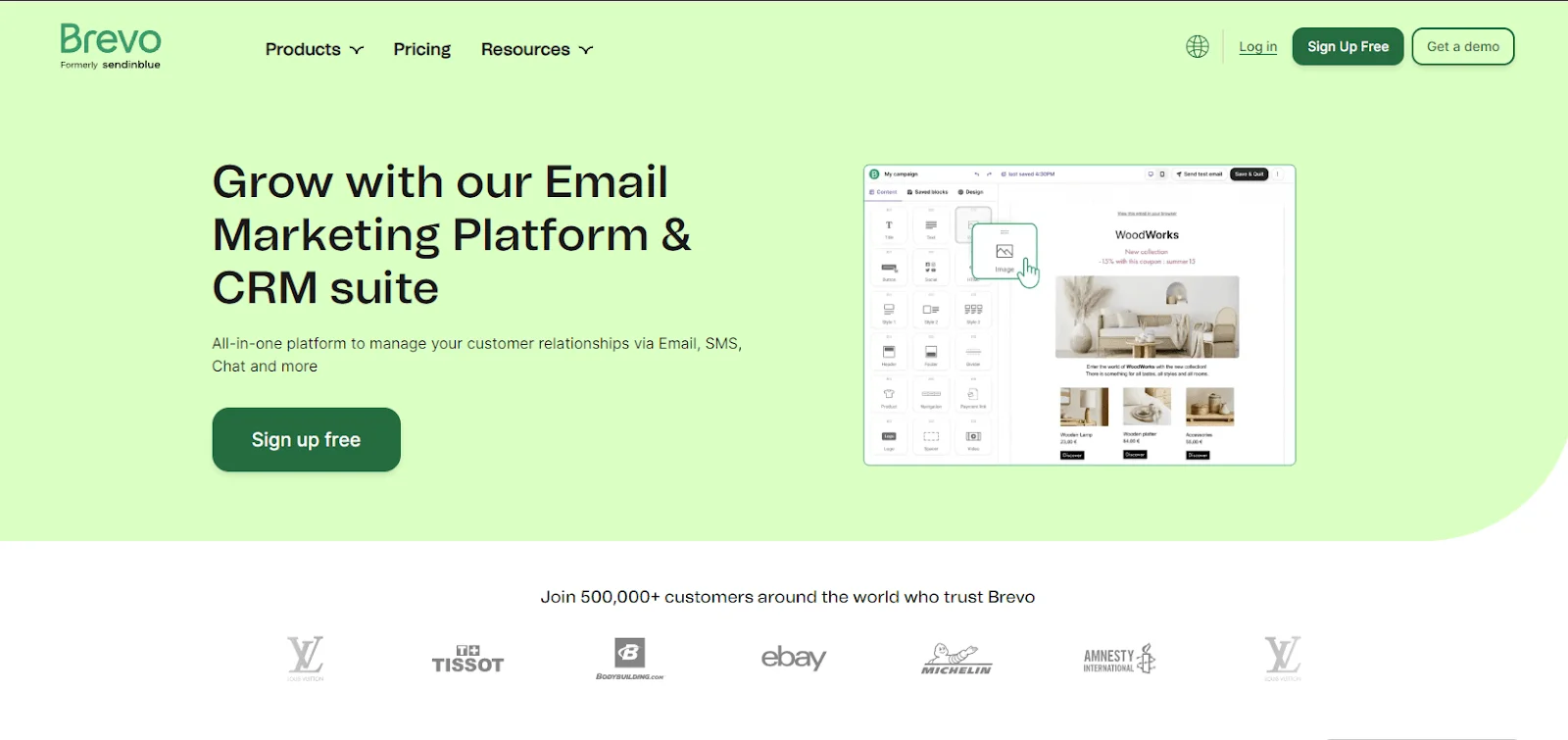
Brevo (formerly Sendinblue) comes in third on our list of top three GetResponse alternatives for its free plan, and comprehensive feature set – which includes shared inbox, page tracking, SMS campaign tools, and Facebook Ads capabilities apart from its email marketing features.
Brevo works especially well for SMBs looking to combine email, SMS, and CRM tools in one platform.
Brevo works especially well for businesses running multichannel campaigns because it combines email, SMS, CRM, and sales tools in one platform. It’s less ideal for teams that need highly advanced reporting or sophisticated design customization on lower-tier plans.
Users can choose from mobile-friendly email templates optimized for dark mode for quick start-ups, with advanced segmentation options. Then there are A/B testing and performance reporting features with real-time statistics. One notable feature of Brevo is “shared inbox” – exceptionally helpful for large teams running omnichannel campaigns. Brevo’s email builder also features AI subject lines and text generators.
Pros
- Free forever plan with 300 emails a day.
- Cost-effective paid plans starting at $8.08 a month for 5,000 emails and 500 contacts.
- Multi-channel campaign options.
Cons
- Pretty basic reporting and analytics in low-tier plans.
- The starter plan will cost an additional fee to remove the Brevo branding.
- Less suitable for businesses with larger teams – as users need a business plan for more than one user per account.
Pricing
Free plan
Free forever plan – 300 emails/day to a contact list of 100,000 people.
Paid plans
- Lite: $8.08/month for 500 contacts and 5,000 emails a month.
- Business: $16.17/month for 500 contacts, 5,000 emails a month, A/B testing, advanced statistics, phone support and landing page builder.
- Enterprise: custom price for unlimited contacts, advanced integrations, and more.
* Pricing information retrieved from Brevo in early 2026.
MailerLite – Best for efficient workflows
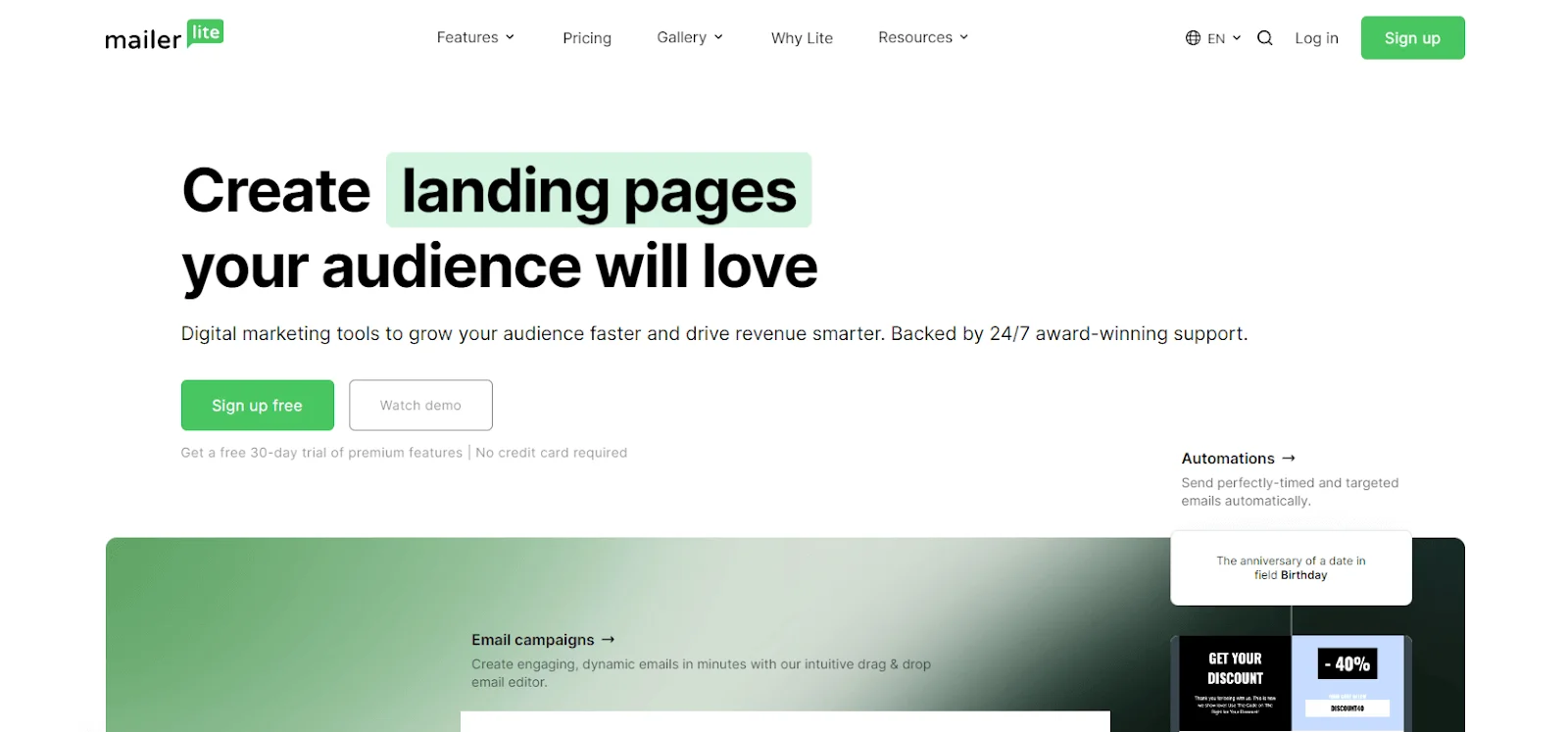
MailerLite is another affordable GetResponse alternative with impressive email marketing and automation capabilities for small businesses and marketers.
This tool stands out for its intuitive, user-friendly interface which helps users design attractive emails and effectively turn marketing efforts into meaningful results. MailerLite is particularly appealing for beginners and smaller businesses that value simplicity and clean design over advanced enterprise-level functionality. More experienced marketers may eventually outgrow its automation and reporting capabilities.
Users can build workflows, add pop-ups, and manage and segment subscribers.
MailerLite, however, falls short of some of the more advanced email marketing automation features, but what it does offer is sufficient to grow and strengthen customer relationships.
Email verifier is among MailerLite’s notable features.
Overall, MailerLite is best suited to beginners and smaller businesses that value simplicity over advanced automation.
Pros
- Simplicity and minimalism.
- Free plan with survey maker.
- Customer support 24/7 via email and live chat.
- Ability to save blocks.
- Timezone-based campaign scheduling.
Cons
- Free plan users receive limited customer support (for 30 days).
- May not be enough for experienced marketers.
- Campaign creation requires domain authentication.
Pricing
Free plan
Free plan for 1,000 subscribers and 12,000 monthly emails.
Paid plans
- Growing business: $9/month for 500 subscribers + unlimited monthly emails, 3 user seats, and 24/7 email support.
- Advanced: $18/month for 500 subscribers + unlimited monthly emails, unlimited user seats, and 24/7 live chat, and email support.
* Pricing information retrieved from MailerLite in early 2026.
EmailOctopus – Best for intuitive visual builder
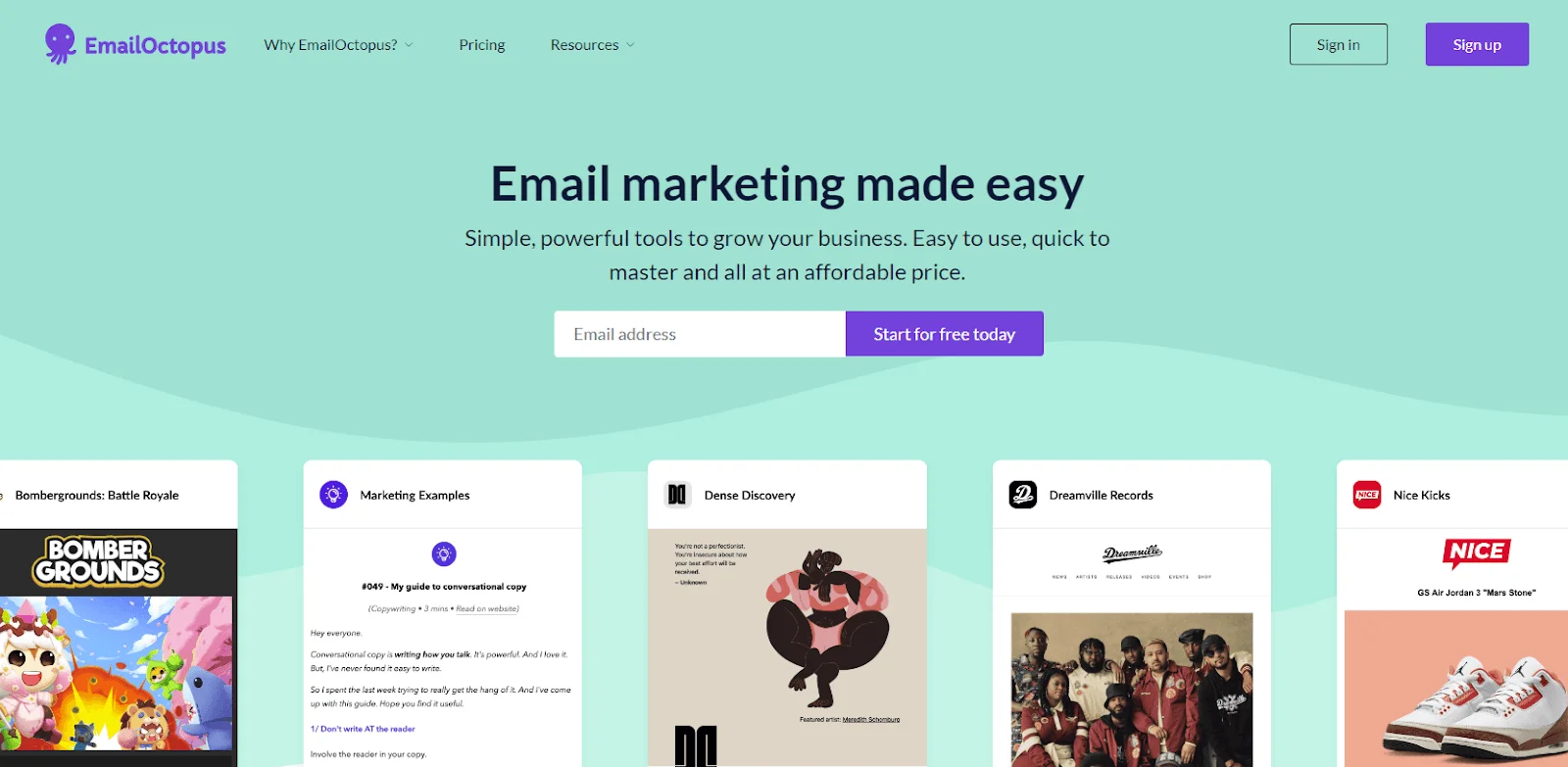
EmailOctopus earned a place on this list for its generous free plan. Designed for marketers and small businesses, this email marketing tool strikes the right balance between affordability and advanced features like automation and segmentation.
EmailOctopus is best suited to beginners, bloggers, and small businesses looking for low-cost email marketing with minimal complexity. It may not be the strongest fit for larger teams that need sophisticated automation or extensive built-in templates.
It comes with a lifetime free plan (for up to 2,500 subscribers and 10,000 monthly emails) and affordable pricing – starting at $9/month for 500 subscribers and 10,000 emails.
There’s a drag-and-drop email editor with templates to help users create stunning campaigns. Users can integrate this tool with Zapier to better connect with other marketing tools.
Overall, EmailOctopus is best for simple newsletters and basic automation rather than highly customized campaigns.
Pros
- Generous free plan.
- Affordable paid plans.
- Simple list management options.
Cons
- Might be too basic for experienced marketers.
- No A/B testing option.
- No pre-built content blocks.
- Fewer email and landing page templates.
Pricing
Free plan
2,500 subscribers and 10,000 emails per month, access for 1 user.
Paid plans
Pro: from $9/month for 500 subscribers and 10,000 emails.
* Pricing information retrieved from EmailOctopus in early 2026.
AWeber – Best for sales tracking and marketing automation
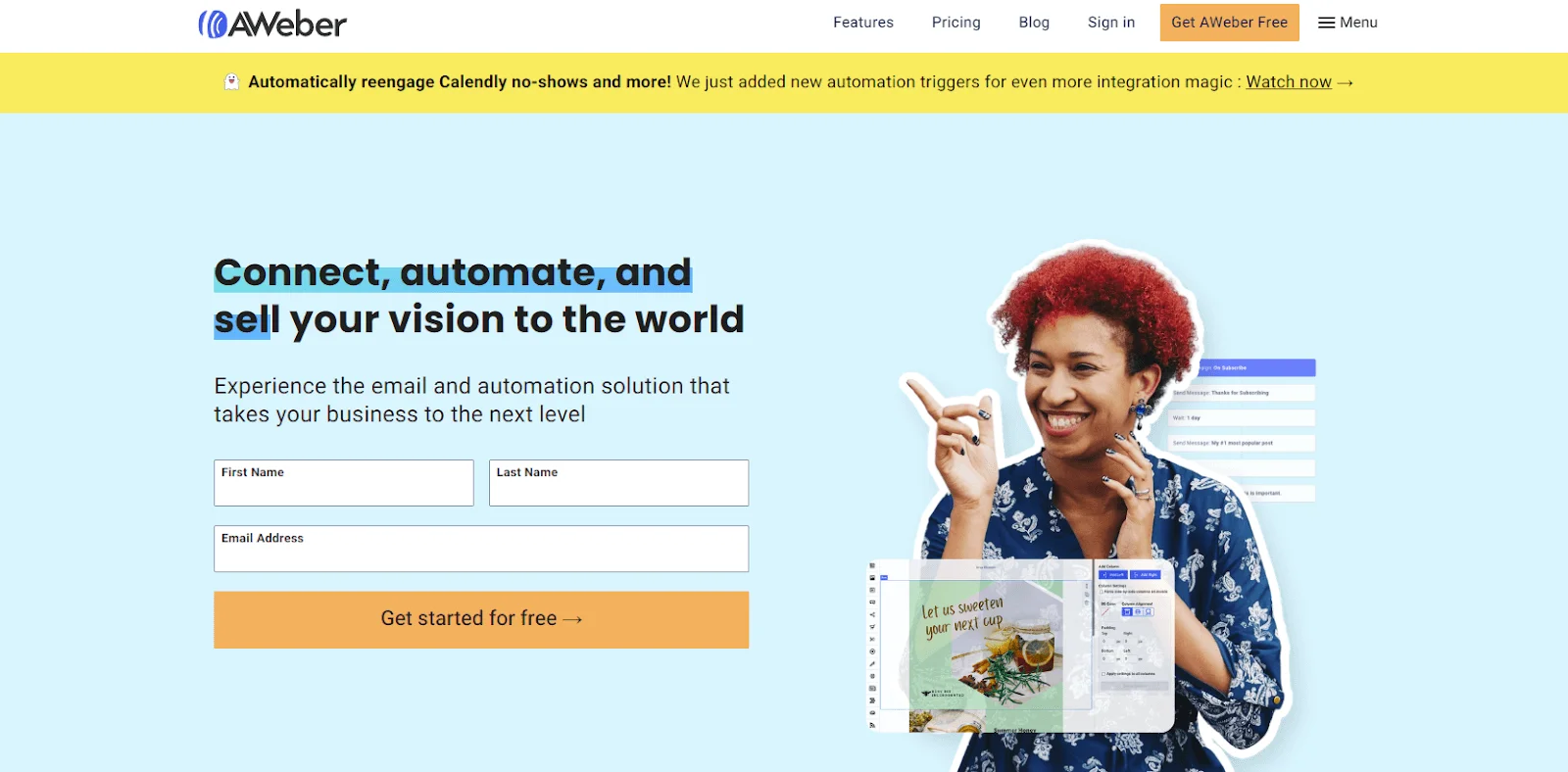
Next on our list is AWeber – a simple yet powerful email marketing tool with advanced automation, list management, and segmentation features.
Designed for startups and content creators, this tool stands out for its built-in e-commerce features in all of its paid plans. AWeber is a solid option for creators and smaller businesses that want straightforward email automation and ecommerce functionality without a steep learning curve. Businesses with larger lists or more advanced analytics needs may find it less competitive long term.
AWeber is also praised for its drag-and-drop email builder powered by Canva, AI smart designer and writing assistant, and other features like AMP emails, hosted message archives, form popups and stock imagery.
To maximize productivity and save hours, users can utilize email marketing automation, autoresponder, and responsive emails with segmentation based on recent purchases and opens.
Now, to find the right time to send emails and what content drives clicks/sales, they can turn to AWeber’s A/B testing, and detailed analytics tab.
Overall, AWeber is a solid option for beginners with basic needs and no high deliverability rate requirements.
Pros
- Built-in landing page builder.
- 700+ integrations.
- Easy-to-use no-code automations.
- Web push notifications.
Cons
- Can get pricey with growing contact lists.
- Quite basic email templates.
- Users can get charged even for unsubscribed contacts on their accounts.
- Insufficient analytics tools to track performance.
Pricing
Free plan
No free plan. Free trial: 14 days, access to all the features of the plan you select.
Paid plans
- Lite: $12.50/month for 500 subscribers, and 10x subscribers max, monthly email sends.
- Plus: $20/month for 500 subscribers; and 12x subscribers max, monthly email sends.
- Unlimited: $899/month for unlimited subscribers; and 15x subscribers max, monthly email sends.
Note that emails cannot be sent to each subscriber more than 15 times per month.
*Pricing information retrieved from AWeber in early 2026.
Omnisend – Best for pre-built automation workflows
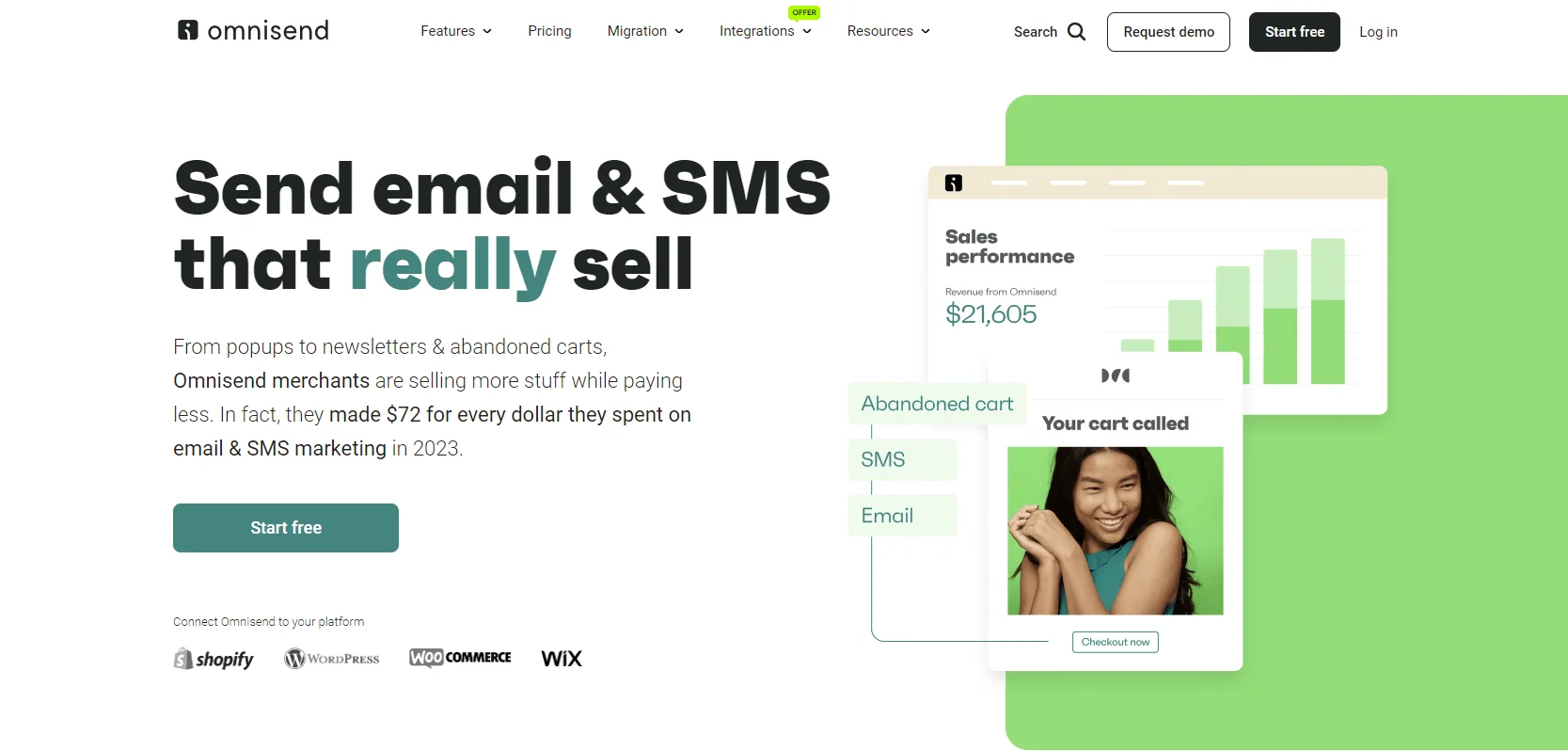
Omnisend is another feature-rich email marketing automation platform. This tool is built to help e-commerce businesses grow and connect with their customers with features like email, SMS, web push notifications, and automation. Omnisend is one of the stronger options for Shopify and e-commerce-focused brands thanks to its ready-made automation workflows and multichannel marketing tools. However, non-e-commerce businesses may find some of its features less relevant to their needs.
It integrates with 130+ e-commerce platforms, including some major ones like Shopify, WooCommerce, and BigCommerce. Omnisend goes beyond that and supports e-commerce businesses with tools like pre-built e-commerce workflows, dynamic content, personalized product recommendations, abandoned cart reminders, and auto-generated discount codes. Omnisend holds over 350 prebuilt templates to increase customer loyalty and revenue.
It’s even possible to track campaign and email performance in real-time, which isn’t very advanced and doesn’t reveal where your subscribers are based.
Overall, Omnisend is one of the stronger choices for ecommerce brands thanks to its ready-made automation workflows and multichannel tools.
Pros
- Free plan with 500 web push notifications per month and 50 published reviews (Shopify).
- Affordable paid plans.
- User-friendly tools with predesigned workflows.
Cons
- Omnisend branding on the free plan emails.
- No integration with Google Analytics and CRM software.
Pricing
Free plan
Free plan for 250 contacts and 500 monthly emails.
Paid Plans
- Standard: $11.20/month for 500 contacts and 6,000 emails.
- Pro: $41.30/month for 2,500 contacts and unlimited emails.
*Pricing information retrieved from Omnisend in early 2026.
Constant Contact – Best for event-management
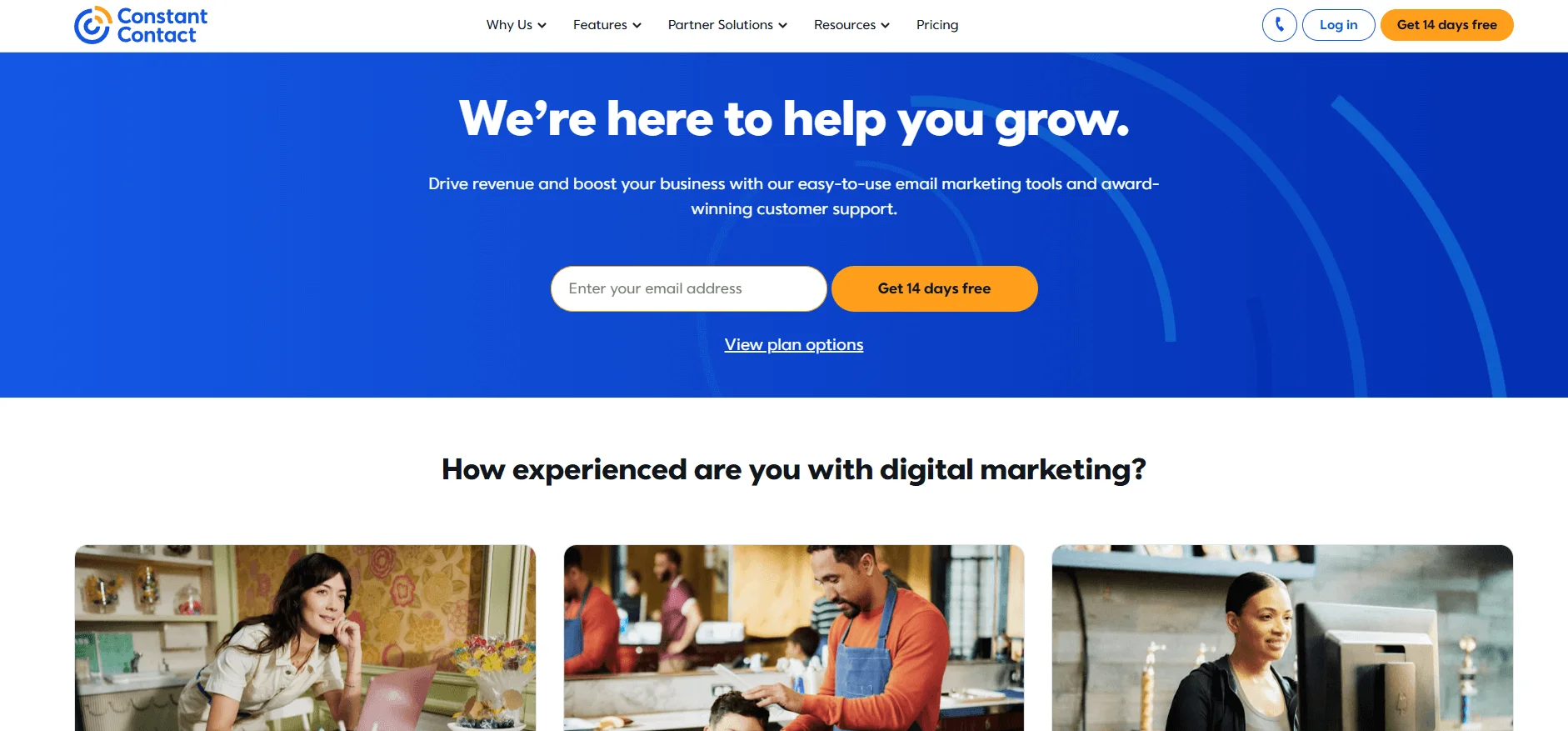
Constant Contact is an omnichannel marketing solution that helps marketers create effective email campaigns using AI and perform their sales through online events with the help of the Event Management Tool. Its built-in event management and payment tools make Constant Contact particularly useful for event-focused businesses and nonprofits.
Constant Contact works best for small businesses, nonprofits, and event-focused organizations that value ease of use over advanced automation. Businesses looking for sophisticated workflows or highly customizable segmentation may prefer more automation-focused platforms.
Users can access features like polls & surveys, AI content recommendations, 300+ integrations, reach & engagement reporting, web signup forms, and much more in the Lite plan for $12 per month.
Users also get to manage their social media scheduling within the same platform.
Pros
- Over 5,000 Integrations.
- Social media scheduling options for marketers.
- Niche features for event organizers.
- AI generator.
Cons
- Might be too expensive for what it offers.
- Less automation options compared to other providers with no multi-channel automation feature.
- No free plan.
- No segmentation option on lower tiers.
Pricing
Free plan
No free plan but you can sign up for a 30-day free trial period limited to 100 emails.
Paid plans
- Lite: $12/month for 500 contacts, 5,000 emails (10x the number of contacts), basic reporting features, 1 automation template, and 1 user.
- Standard: $35/month for 500 contacts, 6,000 emails (12x the number of contacts), advanced reporting features, 3 automation templates, and 3 users.
- Premium: $80/month for 500 contacts, 12,000 emails (24x the number of contacts), advanced reporting features, unlimited automation templates, and unlimited users.
*Pricing information retrieved from Constant Contact in early 2026.
ActiveCampaign – Best for advanced automation builder
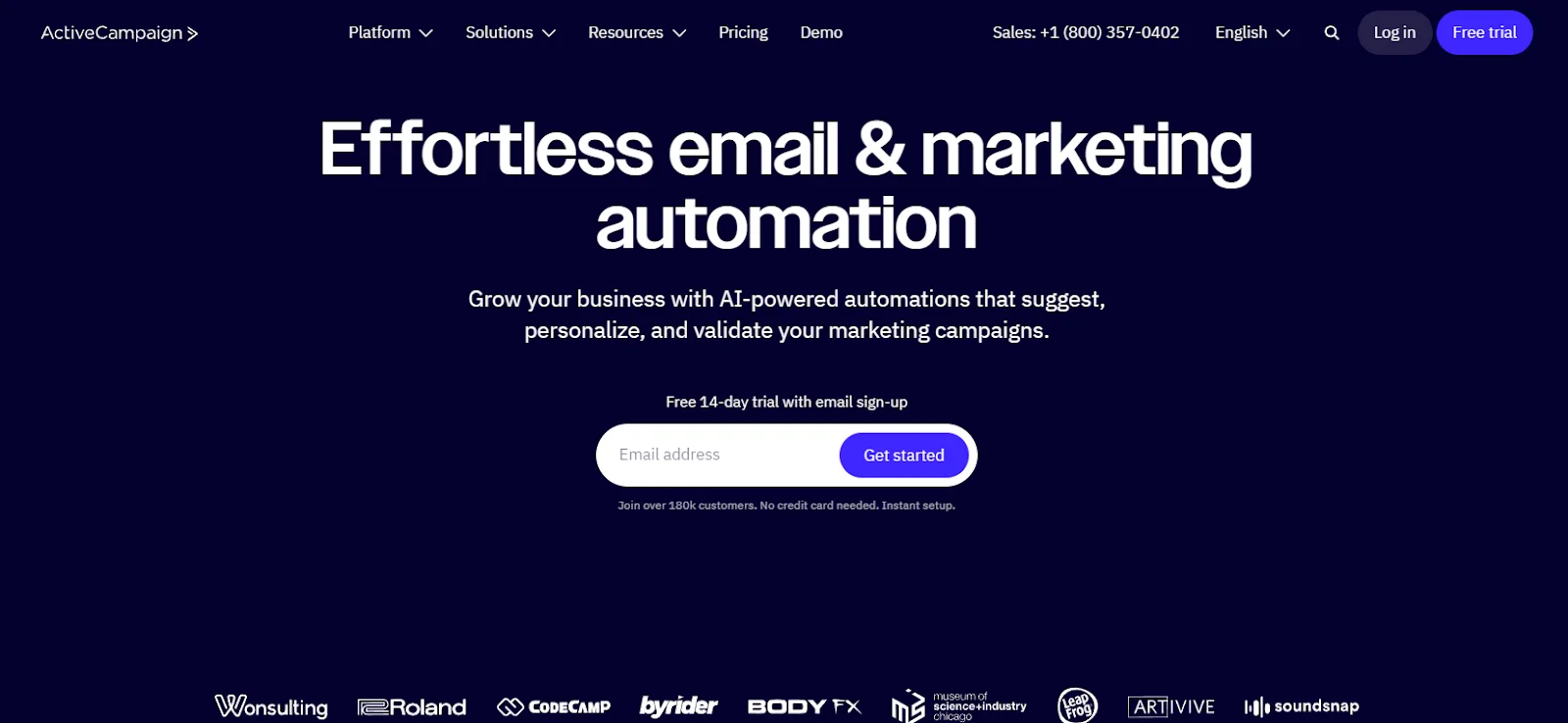
ActiveCampaign is a comprehensive marketing tool with enough features to satisfy even the most savvy marketers. The plethora of features, however, poses challenges for beginners to learn and utilize to the fullest.
ActiveCampaign is best suited to experienced marketers and growing businesses that rely heavily on automation and customer journey personalization. Smaller teams with simpler email marketing needs may find the platform unnecessarily complex and expensive.
Tool offers free migration services for those coming from other platforms and struggling to migrate.
Once ready, start creating emails using a simple builder and code templates using HTML or CSS, or choose among the 125 pre-designed template options.
Other than that, the platform offers marketing automation tools and comprehensive reporting with data on click-maps, geo-tracking, and page visits while tracking purchases – a feature only available on the higher plans for Shopify, WooCommerce, BigCommerce, etc.
Overall, ActiveCampaign is best suited to experienced marketers and businesses with advanced automation needs.
Pros
- Machine learning for better marketing results.
- Wide range (900+) of integrations.
- Free migration service.
Cons
- Intensive learning curve for beginners.
- Relatively short free trial.
- Expensive for small businesses with modest needs.
- No phone support.
Pricing
Free plan
No free plan, but users can sign up for a 14-day free trial with 100 contacts and email sends.
Paid plans
- Starter: $15/month for 1,000 contacts and email sends of 10x contact limit.
- Plus: $49/month for 1,000 contacts and email sends of 10x contact limit.
- Pro: $79/month for 1,000 contacts and email sends of 12x contact limit.
- Enterprise: $145/month for 1,000 contacts and email sends of 15x contact limit.
*Pricing information retrieved from ActiveCampaign, in early 2026.
Kit (formerly ConvertKit) – Best for creator-focused commerce tools
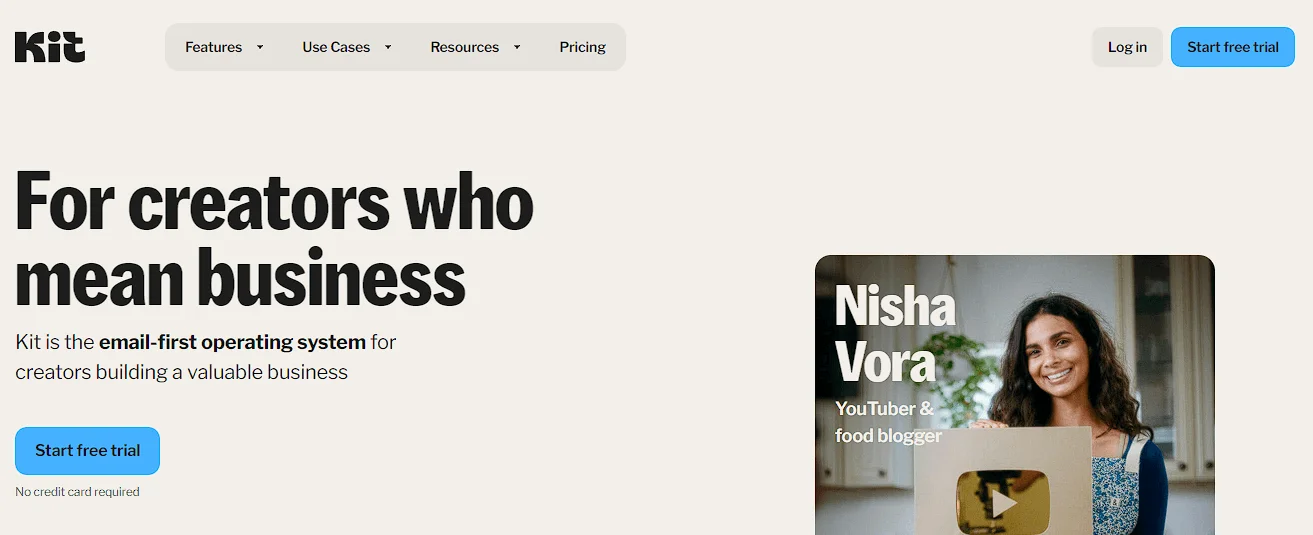
Kit (formerly ConvertKit) is an ideal marketing tool built to meet the needs of creative professionals like content creators, artists, and bloggers, looking to monetize their passion. Kit is particularly effective for creators, bloggers, and newsletter-driven businesses focused on audience monetization and subscriber relationships. Traditional e-commerce brands and businesses needing advanced CRM-style automation may find it more limited.
With Kit, users can offer subscriptions, automate marketing campaigns, and promote fellow bloggers and freelancers through the platform’s Creator Network. Additionally, Kit provides flexible user-subscription management via tagging.
What’s even better, users get unlimited email sequences and visual automations for as low as $9/month but unfortunately, the prices escalate once you surpass 1,000 subscribers.
Pros
- Separate sign-up forms for each event.
- Supports paid newsletters.
- Best used for creator newsletter subscriptions.
Cons
- Basic automation options for free plan users.
- Basic analytics with no data on bounce rates or heatmaps.
- The free plan comes with Kit branding.
Pricing
Free plan (Newsletter)
Free for 1,000 subscribers, but limited to 1 basic visual automation,1 email sequence, and 1 user.
Paid plans
- Creator: $33/month for 1,000 subscribers + unlimited visual automations, unlimited email sequences, and 2 users.
- Creator Pro: $66/month for 1,000 subscribers + unlimited visual automations, unlimited email sequences, and unlimited users.
*Pricing information retrieved from Kit in early 2026
**Kit offers a 14-day trial for its paid plans as well.
Conclusion
You aren’t limited to GetResponse and with careful consideration, you are sure to find the best plan and features for your business’ email marketing strategy.
Whether you’re looking for an affordable alternative as a startup or one with advanced automation features for your large enterprise, the options outlined in this article are worth considering. Your decision, however, depends entirely on your marketing goals, budget, and needs. Ideally, you should weigh the options and decide on the one with the most promising features in the long run.

Frequently Asked Questions (FAQs)
Is there any free alternative to GetResponse?
MailerLite and Brevo are free alternatives to GetResponse, but with pretty limited features and contact limits, compared to Selzy’s free plan bursting with advanced features and 24/7 customer support sufficient for non-profits and startups wishing to remain free.
Which GetResponse alternative is most reliable and affordable?
Selzy with a 99% delivery rate and plans starting at $5.25 is one of the most reliable and affordable alternatives to GetResponse. 24/7 customer support with multiple channels (chat, email, phone) is also included in this plan.
 New and noteworthy on our blog