



Key takeaways
- Email marketing is crucial for businesses to connect with their audiences, with ConvertKit being popular for creators and small businesses.
- ConvertKit offers a free plan for up to 10,000 subscribers with basic features but may become costly as lists grow.
- Many users outgrow ConvertKit due to pricing scalability, limited design flexibility, and the need for advanced features.
- Alternatives to ConvertKit include Selzy, Mailchimp, Brevo, MailerLite, Moosend, GetResponse, ActiveCampaign, and AWeber.
One of the best ways for businesses to connect with their audiences is through email marketing. It makes personalized communication easier, fosters customer relationships, and drives conversions. While ConvertKit works well for creators and small businesses, it may not be the best option for everyone.
Costs can become prohibitive as lists grow, especially if they have a large number of subscribers, and others need advanced features that could be helpful to their marketing efforts.
In this article, we look at the best alternatives to ConvertKit, comparing their pros and cons, prices, and unique features to help you choose the right one. Read on to find out which ConvertKit alternative will work best for you.
What is ConvertKit?
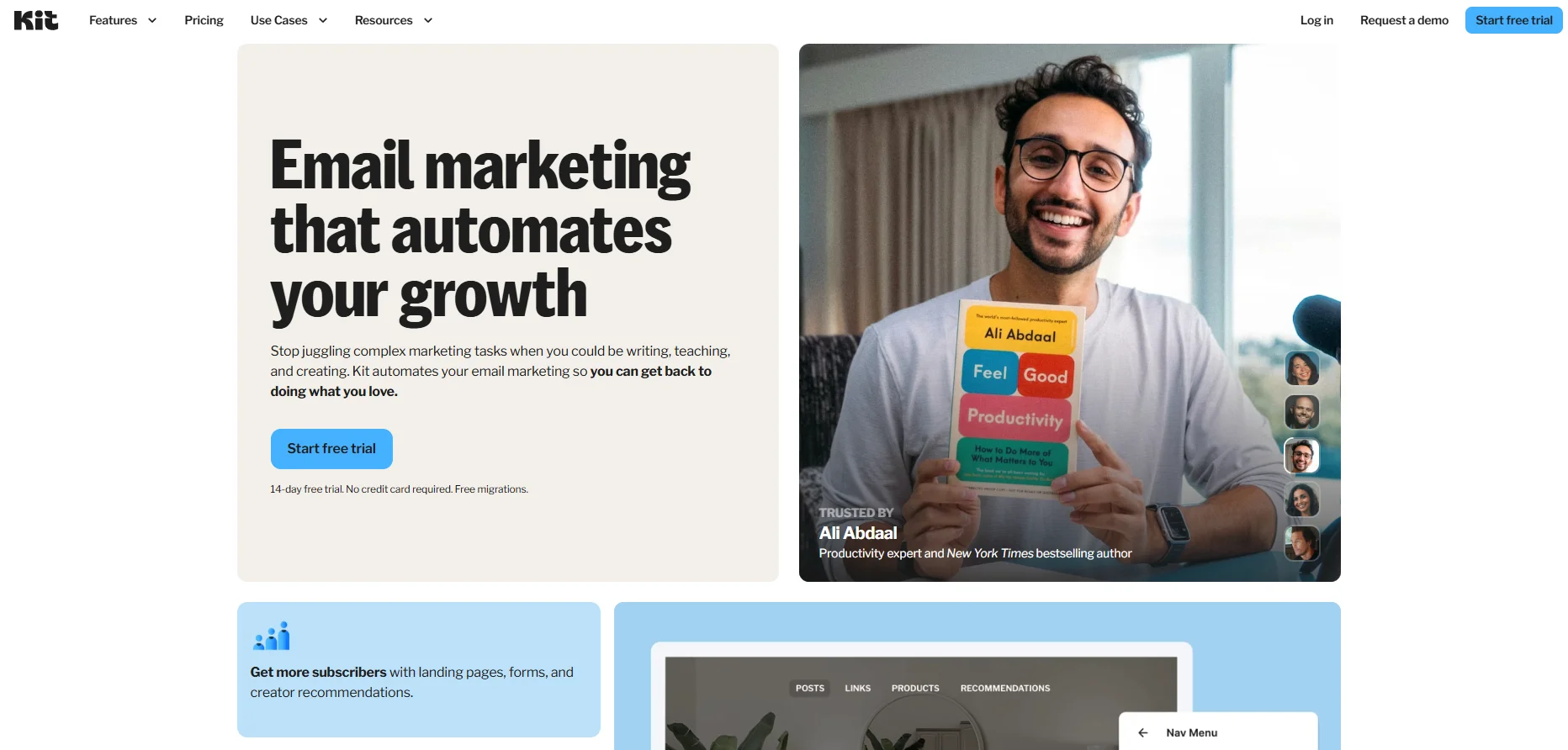
ConvertKit is an email marketing platform built for creators, bloggers, and marketers. It’s known for having an easy-to-use interface and helping creators grow their audiences, manage email lists, and set up automatic marketing campaigns.
ConvertKit pricing, advantages & disadvantages
ConvertKit offers a free plan for up to 10,000 subscribers with basic features and limited automation. Paid plans start at $33/month for 1,000 subscribers, with more advanced features like automation and reporting available in higher tiers. .
ConvertKit advantages
- Easy to use: Clean interface designed for creators
- Strong automation basics: Good for email sequences and simple workflows
- Built-in monetization: Sell digital products, subscriptions, and newsletters
Why users look for ConvertKit alternatives
While ConvertKit works well for creators, many users outgrow it as their needs expand:
- Pricing scales quickly: Costs increase with your subscriber count, even if you don’t email frequently — making it expensive for larger lists.
- Limited design flexibility: The editor is focused on simple, text-based emails, which can be restrictive for brands that need more visual control.
- Advanced features require upgrades: Key functionality like deeper automation and reporting is only available on higher-tier plans.
- Not ideal for all business types: ConvertKit is optimized for creators. E-commerce brands, SaaS companies, and growing businesses often need broader marketing tools.
- Fewer built-in features compared to competitors: Many alternatives include CRM, SMS marketing, landing pages, or transactional emails in one platform.
Top alternatives to ConvertKit
Below is a quick comparison of the best ConvertKit alternatives based on pricing, features, and ideal use cases.
| Platform | Free options | Best for | Unique features | Starting price (billed annually) |
| Selzy | Free plan – add up to 100 contacts and send 1,000 emails/mo. | Small and medium-sized businesses, startups | Fast and easy email campaign setups, easy-to-use builder, analytic tools for tracking progress | $5.25 / month for up to 500 contacts and unlimited emails |
| Mailchimp | Free plan – add up to 250 contacts and send 500 emails/mo or 250 a day | E-commerce, small to medium-sized businesses | Email marketing automation, landing page builder, CRM integration | $13/month for 500 contacts with a monthly sending limit of 10X your contact list |
| Brevo | Free plan – send 300 emails a day | Small-to-medium sized businesses, SaaS companies | Email automation, customizable CRM functionalities | $8.08/month for 5,000 emails per month |
| MailerLite | Up to 1,000 contacts, 12,000 emails/month | Creators, small businesses | Advanced segmentation, easy drag-and-drop | $9/month, 1,000 contacts |
| Moosend | Free trial – add up to 1,000 subscribers and send unlimited emails for 30 days | Marketers, small to medium-sized businesses | Custom reporting, automation workflows, AI-powered recommendations | $7/month for up to 500 subscribers |
| GetResponse | 30-day free trial – access to all premium features. | E-commerce, small businesses | AI Email generator, visual workflow builder, List management, and Multichannel management. | $15.6/month for up to 1,ooo contacts, and unlimited newsletters. |
| ActiveCampaign | Free trial – add up to 100 contacts and send 100 emails for 14 days. Limited to 1 user | Medium-sized businesses, e-commerce | Dynamic content, CRM integrations, machine learning capabilities | $15/month for up to 1,000 contacts and a monthly sending limit of 10X your contact list. |
| AWeber | Free plan – add up to 500 subscribers and send 3,000 emails/mo. | Non-profits, small businesses, and entrepreneurs | Automation, split testing, web push notifications | $12.50/month for unlimited subscribers with a monthly sending limit of 10X your subscribers’ list. |
Selzy — Best for small businesses looking for an affordable all-in-one email tool
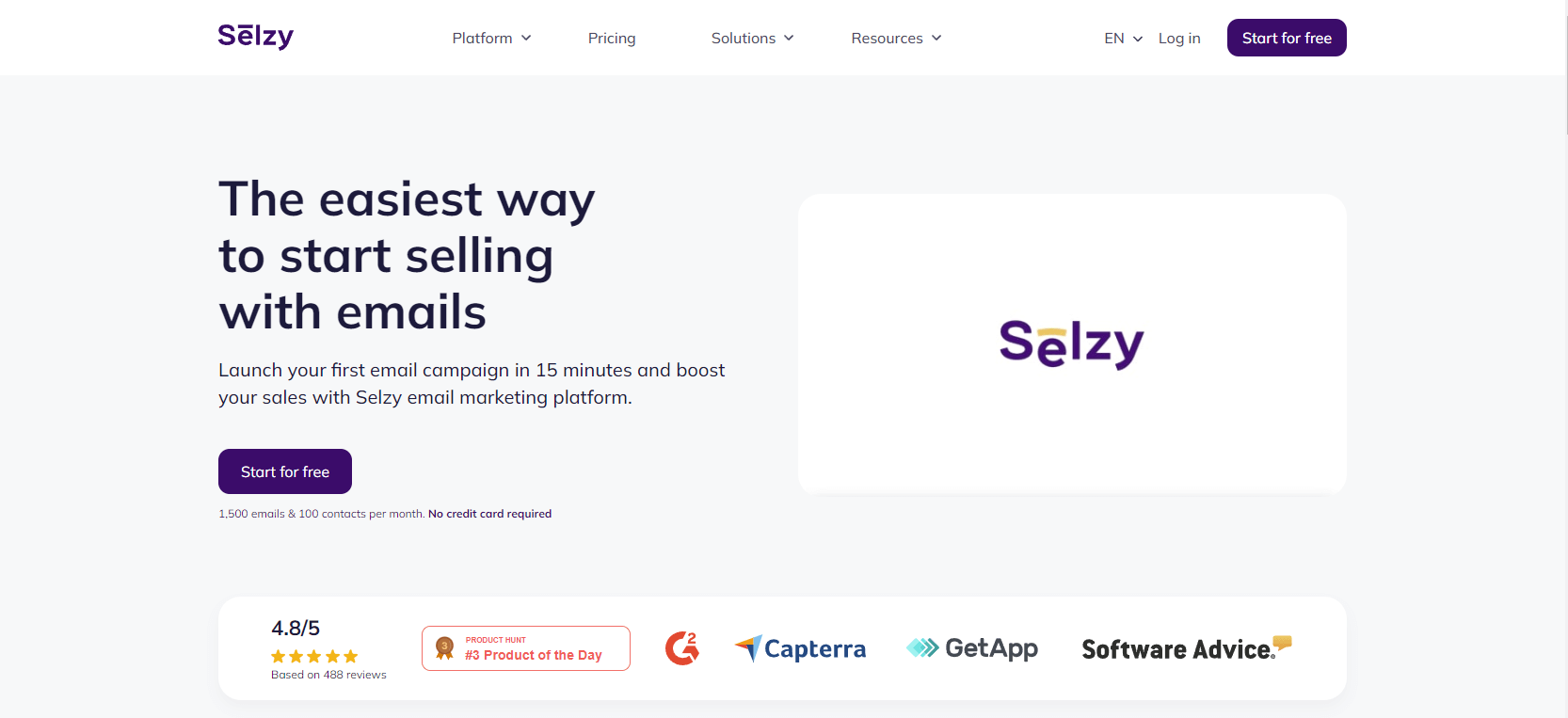
Selzy is more than just an email marketing platform; it is a full ecosystem that provides businesses and creators with the tools they need to achieve real engagement and results.
Selzy offers a strong balance of affordability and features compared to ConvertKit. A cost-effective solution for businesses that don’t want to skimp on important advanced features like a drag-and-drop email builder, customizable templates, and in-depth analytics to track campaign performance.
Not just that, Selzy is innovating with the AI email assistant feature to help users create personalized, highly targeted email campaigns, resulting in more meaningful and effective interactions between brands and customers.
Selzy is an emerging business in the email marketing space that offers a cheap but feature-rich ConvertKit alternative. It’s a good fit for businesses and creators looking for a more affordable alternative without giving up important features.
Pros
- Affordable pricing: Selzy is a more affordable alternative to ConvertKit and other platforms, with better pricing for the features you are getting.
- Easy-to-use: A more intuitive email builder for everyone to start sending marketing emails.
- Great customer support: 24/7 customer support via chat, email, and phone, always responding to your needs.
- AI Writing Assistant: Helps generate email copy and subject lines directly in the editor; availability depends on plan features.
- Segmentation tools: Organize contacts and target audiences based on behavior, attributes, and engagement.
- Chatbot builder: Create Telegram chatbots for customer communication and automation.
- Managed email marketing services: A step forward to email software, Selzy offers a service to manage your email marketing and help you get the most out of it.
- Top email delivery: Promising 99% email delivery rate for their clients.
- Landing page builder: Create standalone pages for lead generation and campaigns without additional tools.
- SMS marketing: Send promotional and transactional SMS campaigns alongside email campaigns.
Cons
- Limited integrations: Fewer integrations are available than other tools in this list.
- Not a CRM: It does not offer a complete CRM solution as some of its competitors.
Choose Selzy if
You want an affordable, easy-to-use platform with essential features like automation, landing pages, and SMS in one place.
Selzy pricing/cost
Free plan
1,000 emails per month for 100 contacts with all essential features. Selzy also offers a 14-day free trial with 10,000 emails to 2,000 contacts (card verification required).
Paid plans (billed annually)
Selzy offers paid plans based on the number of contacts, with unlimited emails included in each.
- Lite plan: $5.25/month for up to 500 contacts with unlimited emails.
- Standard plan: $10.5/month for up to 500 contacts, unlimited emails + email size and authentication check + anti-spam tips, subject line assistant + email deliverability tips + Telegram chatbots.
- Full service: Custom pricing for full-service email marketing that includes everything from standard plan + email technical support + contacts import + custom templates + segmentation strategy + full analytics setup + training & consulting.
*Pricing information was retrieved from Selzy in early 2026.

Mailchimp — Best for businesses needing an all-in-one marketing platform
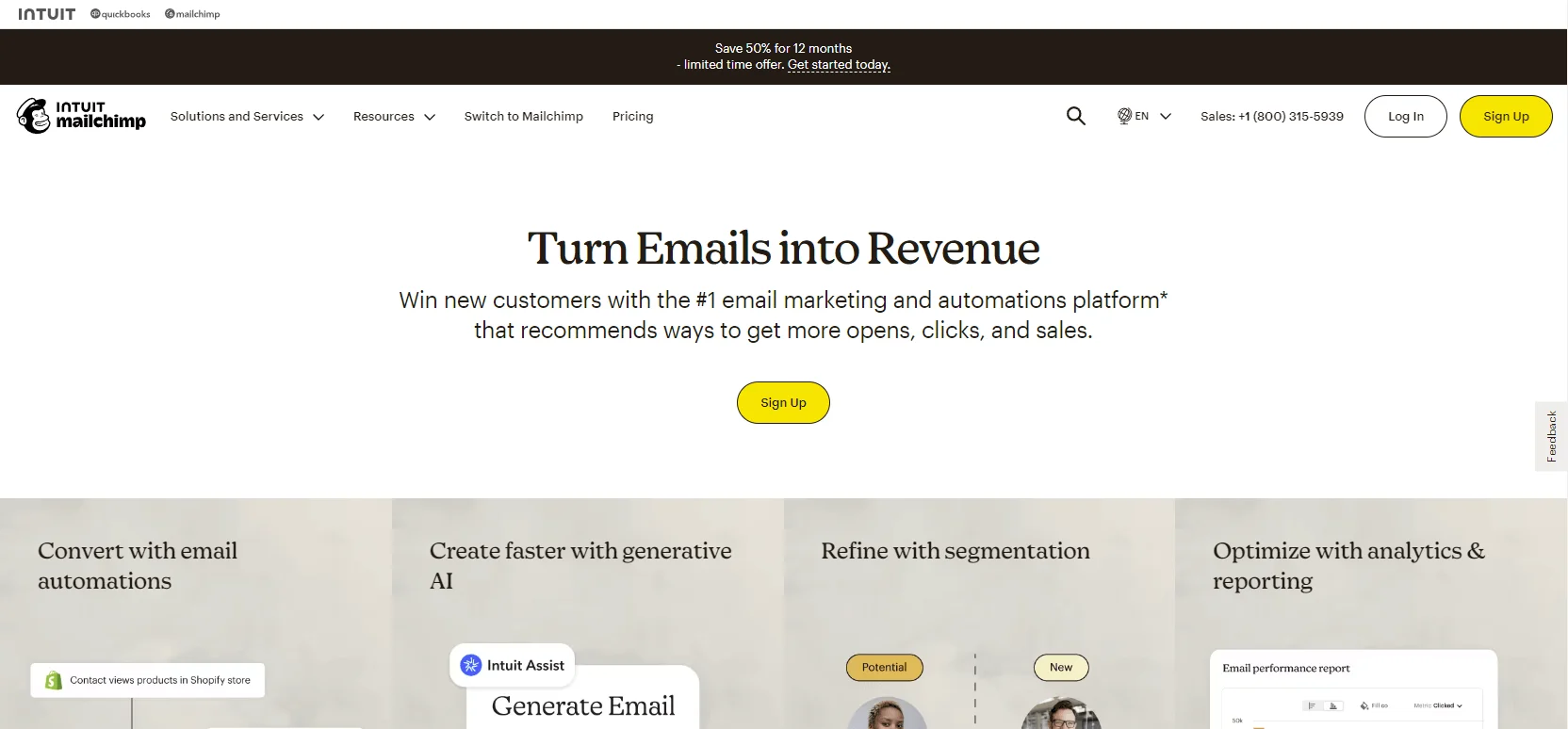
Mailchimp is arguably one of the most popular and widely used email marketing tools built to help users manage their email lists, design captivating campaigns, schedule emails, and monitor campaign results, all in one place.
With features like email creation, marketing automation, lead generation, and reporting, this tool is a no-brainer for small to medium-sized businesses. Those with a growing subscriber base and tight budgets may have a hard time affording it.
Large businesses, however, with a rapidly growing subscriber base, may find it challenging to manage costs.
Pros
- Multichannel marketing: Supports multiple channels within one software such as social media ads and landing page creation.
- Advanced reporting: Offers detailed insights into your campaign’s performance.
- Integrations: With over 250 integration options, Mailchimp integrates with major platforms, including Google Analytics and Calendly.
Cons
- Limited free plan: Allows only up to 500 subscribers in their free tier.
- Pricey: The paid plans add up fast for small businesses, with the essentials and standard plans starting at $13 and $20 for 500 contacts, rising to $110 and $135 for 10K subscribers.
- Learning curve: It requires time to learn how to use it because of its complex UI and many features.
- Confusing form builder: The form builder can be pretty confusing for beginners to navigate as options are stacked beneath the signup form URL option.
Choose Mailchimp if
You need an all-in-one marketing platform with strong integrations, multichannel campaigns, and advanced reporting.
Mailchimp pricing
Free plan
Free plan for up to 500 contacts and 1,000 monthly emails or 500 a day.
Paid plans
- Essentials: $13/mo for 500 contacts + monthly email sends (10x contacts) + limited reporting & analytics + up to 4 journey points + 3 users + 2 roles.
- Standard: $20/mo for 500 contacts + monthly email sends (12x contacts) + reporting & analytics + up to 200 journey points + 5 users + 4 roles + custom coded templates + dynamic content + 24/7 email & chat support.
- Premium: $350/mo for 10,000 contacts + monthly email sends (15x contacts) + reporting & analytics + up to 200 journey points + unlimited users + 5 roles + custom coded templates + dynamic content + phone & priority support.
*Pricing information was retrieved from Mailchimp in early 2026.
Brevo — Best for cost-conscious teams that send emails frequently
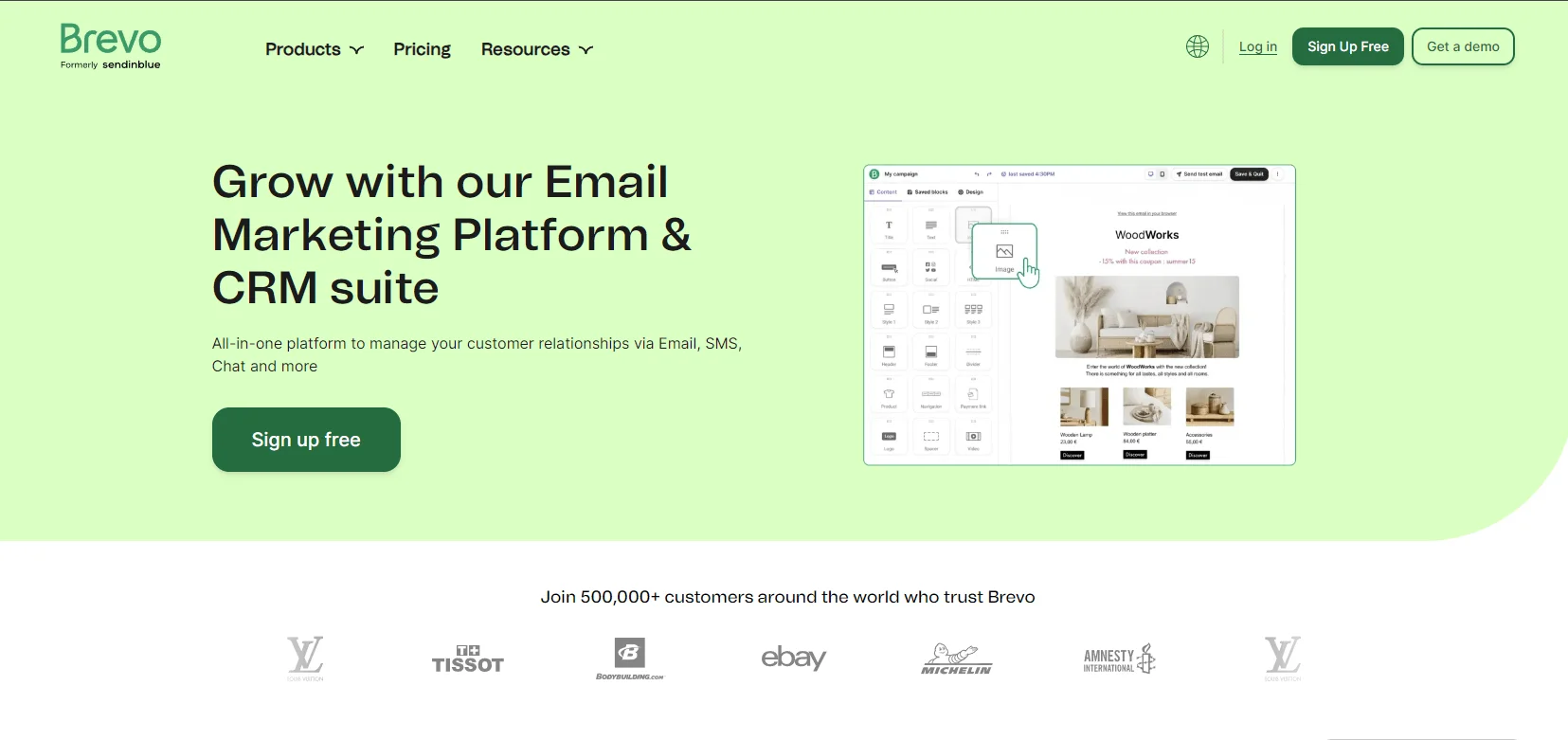
Brevo (formerly known as SendinBlue) offers an all-in-one platform with email marketing and built-in CRM, making it a strong contender for small businesses. Its capabilities include SMS marketing, transactional emails, and a simple drag-and-drop email editor. The platform is perfect for companies seeking to manage client interactions in tandem with email campaigns. Its advanced CRM tools, however, can be more than what small companies really need, and consumers who want a simpler experience may find the UI confusing.
Pros
- Free plan: Brevo comes with a free forever plan with 300 emails a day.
- Affordable plans: Better for smaller businesses with a tighter budget.
- Easy to use: A simple, user-friendly interface that’s easy to navigate and get things done.
- CRM features: Manage email campaigns alongside customer relationships directly within the platform.
- SMS marketing: Includes integrated SMS marketing features.
Cons
- Limited customization: Fewer options for templates and campaigns.
- Fewer templates: A limited selection of pre-designed templates is available.
Choose Brevo if
You have a large contact list and want to keep costs predictable with send-based pricing and built-in CRM features.
Brevo pricing/cost
Free plan
Unlimited contacts and a limit of 300 emails per day.
Paid plans (billed annually)
The Brevo marketing platform has four pricing plans.
- Starter: $8.08/month for 5,000 emails with no daily sending limit.
- Business: $16.17/month for every feature from the Lite plan + multi-user access.
- Enterprise: Users can customize this plan to their preferences, with enterprise-grade security included.
*Pricing information was retrieved from Brevo in early 2026.
MailerLite — Best for beginners and creators who want simplicity
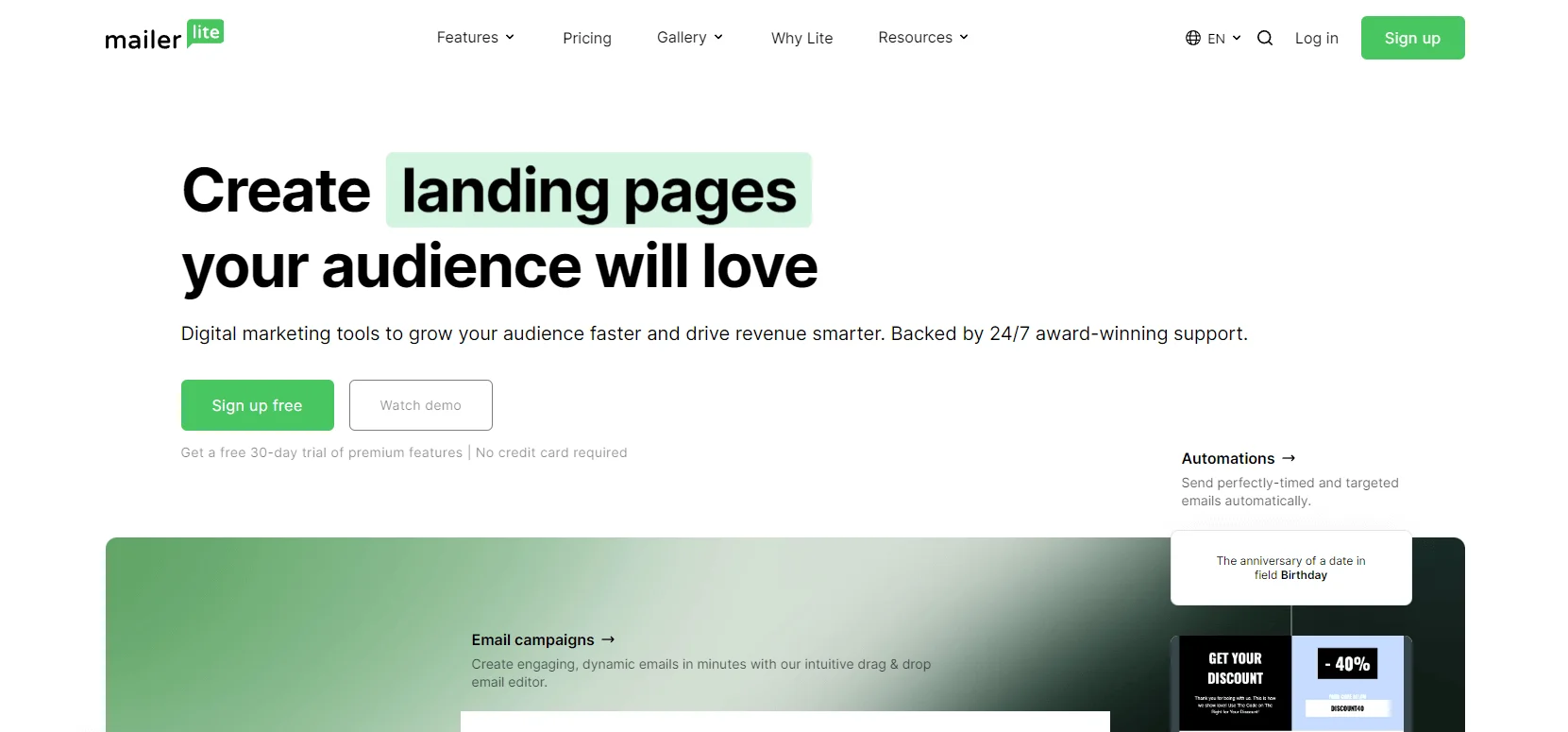
The simplicity and ease of use of MailerLite define its strength.
MailerLite is great for beginners, solopreneurs, and bloggers who want to send professionally designed emails without dealing with complicated tools. With its simple layout, competitive pricing plans, and access to a free email marketing course, it serves as an excellent entry-level option. However, it may fall short of the advanced automation tools that more experienced users or growing businesses might need.
Pros
- Easy-to-use interface: The user-friendly design makes it easy for anyone to navigate and use the platform.
- Free email courses: Offers educational resources (courses, guides, etc.) to help users get the most out of the platform.
- Affordable pricing: Competitive pricing plans for budget-conscious users.
Cons
- Limited templates: Fewer ready-made templates are available in its library, which means users will need to create more emails from scratch.
- Limited automation features: Offers only simple automation compared to similar platforms in this article.
Choose MailerLite if
You’re a beginner or creator who wants a simple, budget-friendly tool with good design and basic automation.
MailerLite pricing/cost
MailerLite offers four pricing options with different features in each level to meet your budget and feature needs.
Free plan
Up to 1,000 subscribers with 12,000 emails per month.
Paid plans (billed annually)
- Growing Business: $9/month for up to 500 subscribers with unlimited monthly emails plus 3 users.
- Advanced: $18/month for up to 500 subscribers with unlimited monthly emails, unlimited users plus Facebook Integration, and custom HTML editor.
- Enterprise: This paid plan is ideal for businesses with large databases with over 100K subscribers, unlimited monthly emails with a dedicated IP, and deliverability consultation.
*Pricing information was retrieved from MailerLite in early 2026.
Moosend – Best for ecommerce brands needing automation at a lower cost
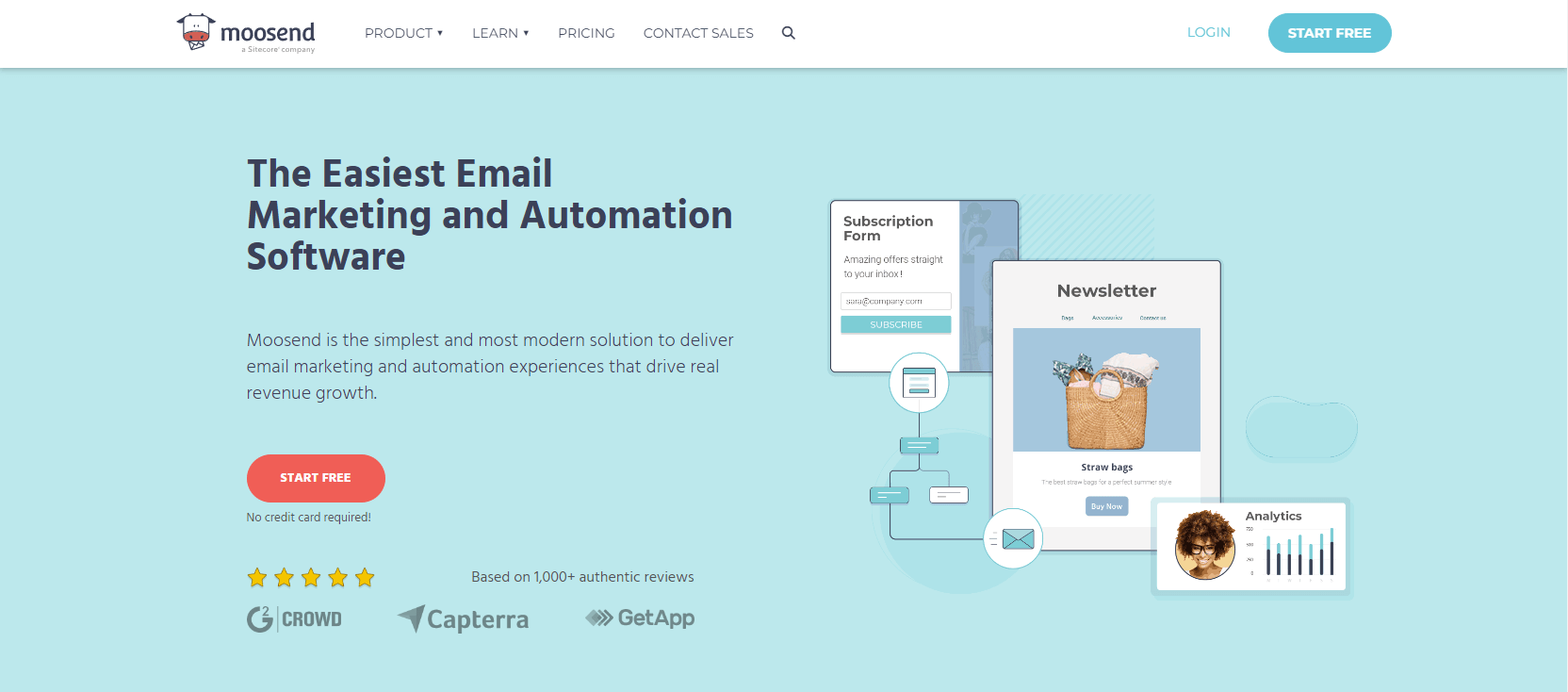
Moosend offers a strong but reasonably priced solution for companies engaged in e-commerce. Online retailers aiming to maximize customer involvement can get the most out of it with its intuitive drag-and-drop editor, scalable automation capabilities, and strong segmentation features.
Moosend is best for e-commerce businesses, whereas businesses not in the retail industry may find it too complex for their needs.
Pros
- Advanced automation: Offers sophisticated automation workflows for targeted campaigns.
- Drag-and-drop editor: Easy-to-use editor for quick and intuitive email design.
- Customizable reporting: Provides tailored reports to analyze campaign performance.
Cons
- No free plan: Only a free trial for only 30 days.
- No transactional emails: Moosend pro plan doesn’t include transactional emails.
- Fewer templates: Offers a limited selection of pre-designed templates.
Choose Moosend if
You run an e-commerce business and need affordable automation workflows and segmentation for customer targeting.
Moosend pricing/cost
Free trial
Unlimited emails to up to 1,000 subscribers for 1 month.
Paid plans (billed annually)
- Pro Plan: $7/month for up to 500 contacts with unlimited emails, automation workflows, and SMTP server.
- Moosend+ Plan: Get a custom price for features like transactional emails, dedicated IPs, and custom reports.
- Enterprise Plan: Get a custom price with all features from the previous plan + priority support, and account manager.
*Pricing information was retrieved from Moosend in early 2026.
GetResponse – Best for advanced automation and funnel-based marketing
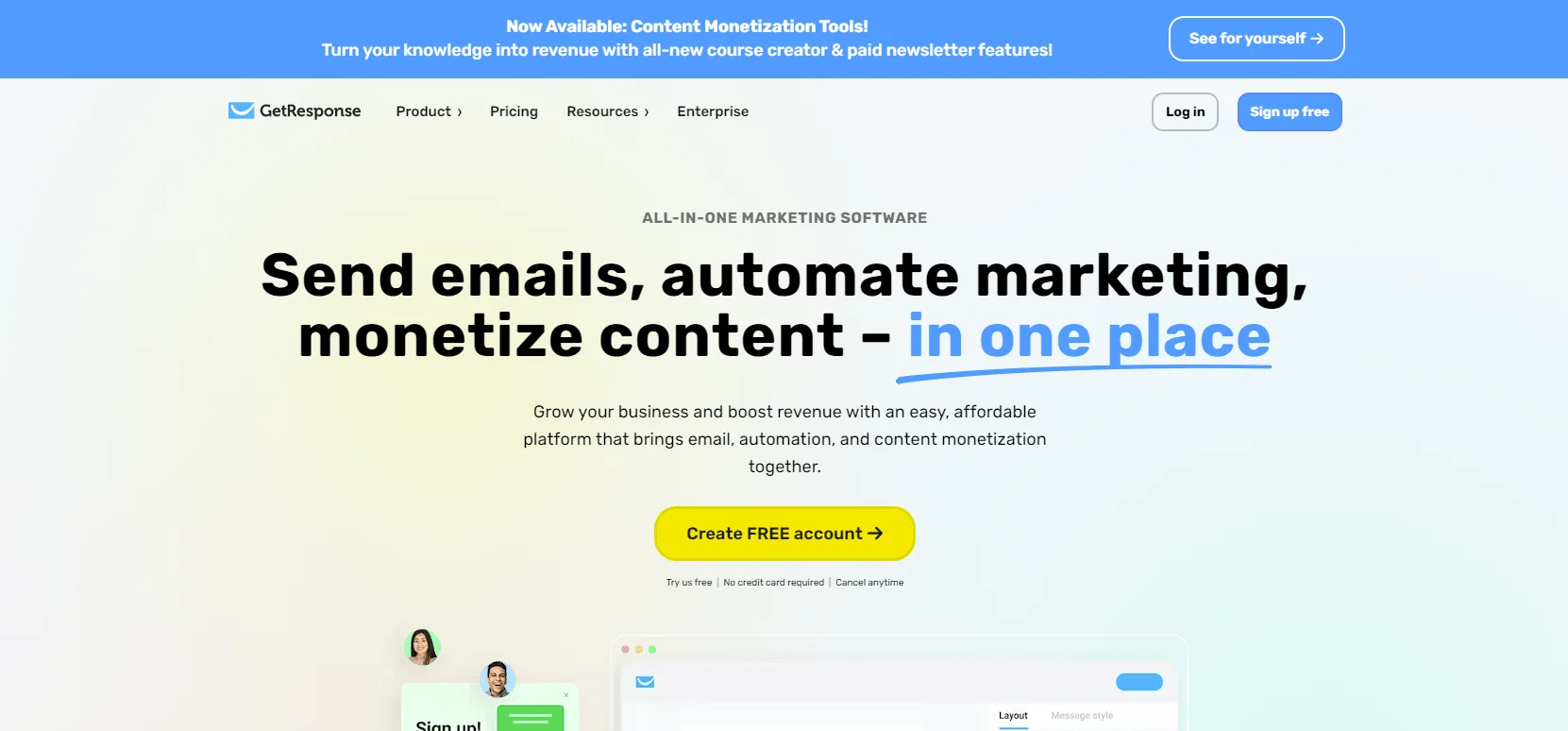
Renowned for its strong automation features, GetResponse is a great tool for businesses aiming to build intricate marketing channels.
GetResponse includes tools like multi-channel marketing, conversion funnel builder, and webinar hosting. Although these capabilities are appealing, GetResponse is quite expensive and complicated for small businesses and entrepreneurs that do not require a comprehensive toolkit.
Pros
- Conversion funnel builder: Automates the customer journey and helps push clients down the conversion path with advanced automation.
- Record or stream live webinars: GetResponse offers live and recorded webinar options.
- Integration with online stores: GetResponse integrates easily with online stores to track purchases and automate follow-ups.
Cons
- Steeper learning curve: Requires more time and effort to learn how to use the software.
- Pricing increases quickly: Costs rise sharply as usage grows which may not be suitable for bigger email lists.
Choose GetResponse if
You want advanced marketing automation with tools like conversion funnels, webinars, and multichannel campaigns.
GetResponse pricing/cost
Free plan
No free plan, but users can sign up for a 30-day free trial.
Paid plans (billed annually)
- Email Marketing Plan: Starting at $15.6 per month for 1,000 contacts with unlimited newsletters.
- Marketing Automation Plan: Starting at $48.4 per month with advanced automation workflows, event-based automation, and web push notifications.
- ECommerce Marketing Plan: At $97.6 per month, this plan supports e-commerce businesses with features like transactional emails and abandoned cart recovery.
*The pricing information was retrieved from GetResponse in early 2026.
ActiveCampaign – Best for teams that need CRM and deep automation
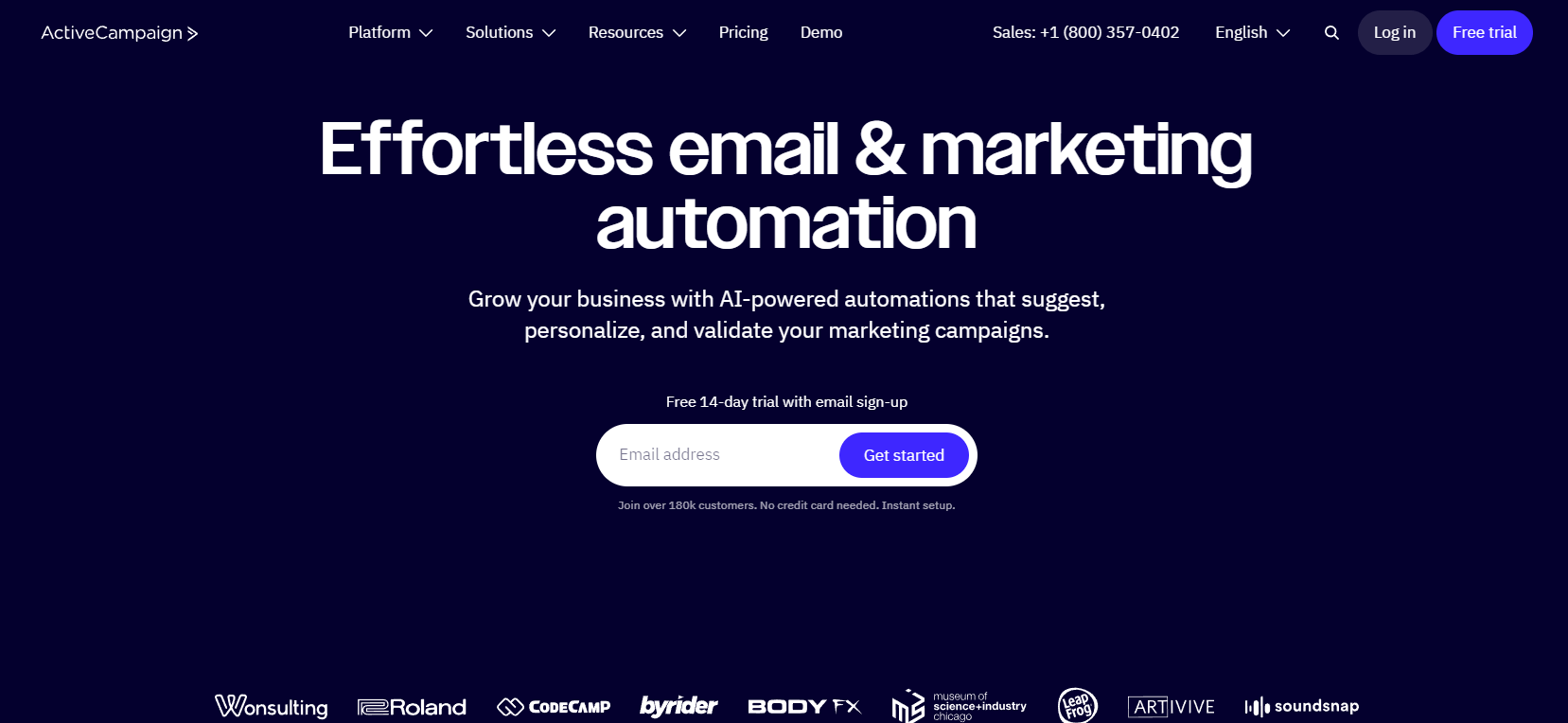
ActiveCampaign is designed for businesses looking for comprehensive marketing capabilities and advanced tools. It excels with features like lead scoring, multi-channel marketing, and powerful automation workflows. This makes it more suitable for businesses with complex marketing strategies.
However, for smaller teams or solopreneurs, the steep learning curve and higher costs may be a drawback.
Pros
- Advanced automation: Highly personalized customer journeys for complex marketing funnels.
- Multi-channel marketing: Supports a variety of channels like SMS marketing, social media engagement, and site messaging.
- Email segmentation: Allows businesses to target specific customers for improved effectiveness of the campaigns.
Cons
- No free plan: Doesn’t have a free option to start with.
- Complexity: User interface may be difficult for beginners to navigate.
Choose ActiveCampaign if
You need powerful automation and CRM capabilities for managing complex customer journeys and sales pipelines.
ActiveCampaign pricing/cost
Free plan
14-day trial with 100 contacts and email sends.
Paid plans (billed annually)
- Starter Plan: $15 per month for 1,000 contacts and email sends of 10x the contact limit.
- Plus Plan: $49 per month for 1,000 contacts and email sends of 10x the contact limit.
- Pro Plan: $79 per month for 1,000 contacts and email sends of 12x the contact limit.
- Enterprise Plan: $145 per month for 1,000 contacts and email sends of 15x the contact limit.
*Pricing information was retrieved from ActiveCampaign in early 2026.
AWeber – Best for small businesses that prioritize ease of use and support
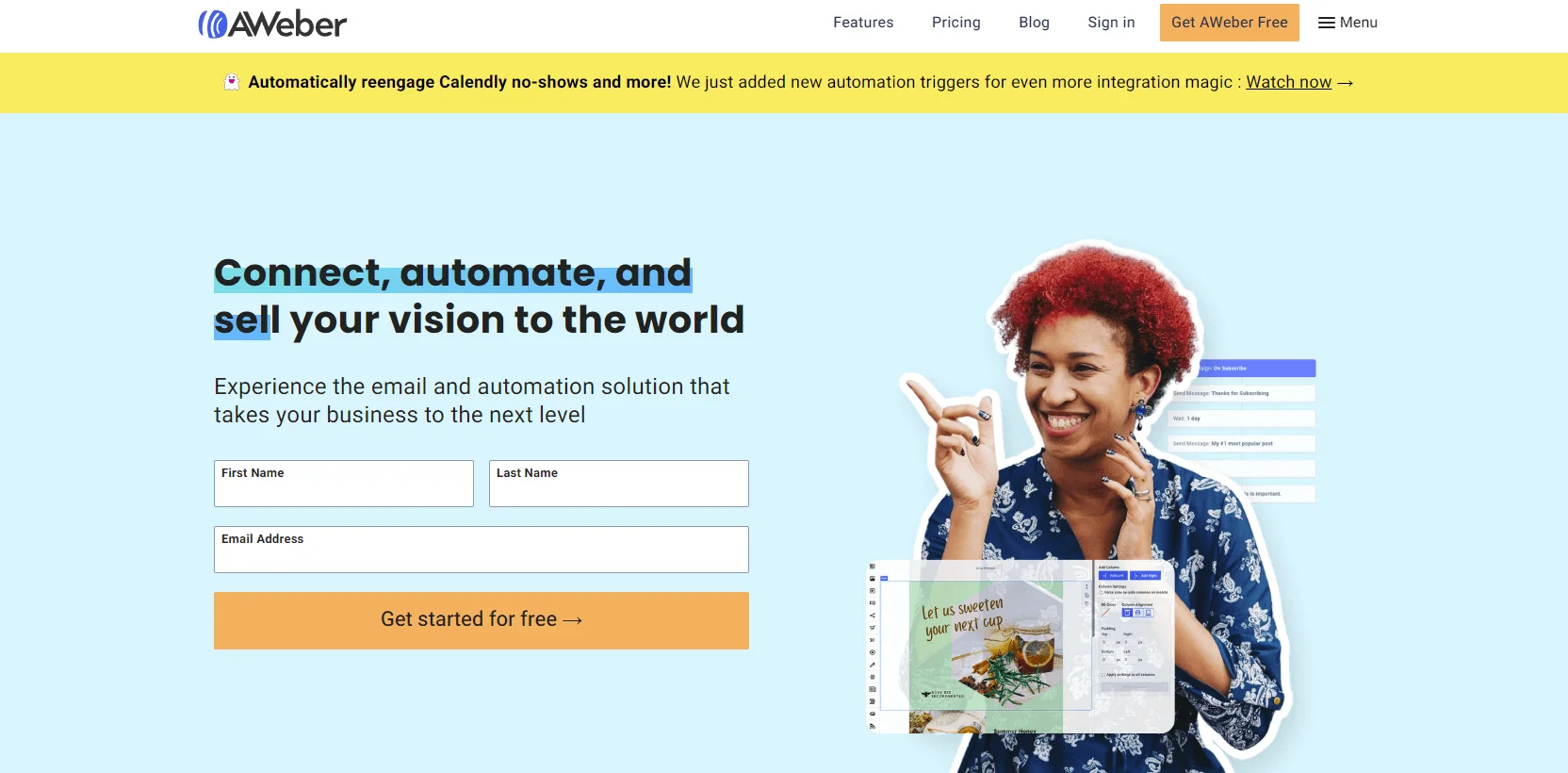
AWeber is a well-known platform, particularly among freelancers and small businesses, that provides basic yet powerful email marketing tools.
It has a large template library, simple list management, and strong client service. However, some sets of features are more basic than those of other platforms. So, companies looking for more advanced marketing tools may find their automation features insufficient.
Pros
- Free plan: An entirely free plan is available for up to 500 subscribers.
- Advanced analytics: Get in-depth insights into your campaign performance.
- Push notifications: Send web push notifications to engage your audience.
Cons
- No free migration option: Users on the lite plan cannot take advantage of the free migration service.
- Unfair pricing: Users are charged even for unsubscribed contacts on their accounts.
- Fewer advanced features: Aweber falls short of advanced features like marketing automation and spam/design testing.
Choose AWeber if
You’re a small business or freelancer looking for a simple, reliable email marketing tool with solid support.
AWeber pricing/cost
Free plan
Free for up to 500 subscribers and 3,000 monthly email sends.
Paid plans (billed annually)
- AWeber Lite: $12.50 per month for up to 500 subscribers, with email sends of 10x subscribers max.
- AWeber Plus: $20 per month for up to 500 subscribers; with email sends of 12x subscribers max.
- Done For You: $20 per month for up to 500 subscribers + $79 setup fee.
NOTE: The maximum number of emails that can be sent to each subscriber is 15x per month.
*Pricing information retrieved from AWeber, in early 2026.
Our conclusion
Quick recommendations:
- Best overall value: Selzy
- Best for beginners: MailerLite
- Best for automation: ActiveCampaign
- Best for budget scaling: Brevo
Are you fed up with ConvertKit’s hidden charges and customer support? No worries! You can look into alternatives that offer more features and better customer service to their clients.
Many alternatives have transparent prices, good customer service, and similar or better features so you won’t have to pay extra for things you need for your everyday work.
Selzy is a better email marketing tool at a better price that stands out for its ease of use, making it a great choice for businesses to create and manage email campaigns. You can start sending marketing emails for $5.25 per month and there are no hidden fees, ensuring transparency in pricing.
By using Selzy as your email marketing tool, you can focus on activities that matter more for your business like growing your audience. Experience less technical problems, better support, and everything you need under one roof at a better price!

Frequently Asked Questions (FAQs)
Which other alternatives are better than ConvertKit?
For businesses with varying needs, Selzy, Mailchimp, and Brevo are some of the best alternatives to ConvertKit.
What are the reasons to switch from ConvertKit?
You must switch if you want more design freedom, access to more advanced automation tools, or better pricing for vast subscriber lists.
Which email marketing tool has the best free plan?
Selzy comes with an attractive free plan with plenty of premium features that can be tried out for free. This makes it an ideal email marketing tool for small businesses struggling or just starting with email marketing.
 New and noteworthy on our blog