


Key takeaways
- Drip is an email marketing platform focusing on e-commerce, sales funnels, and B2C sales.
- Drip is effective for e-commerce but may not be cost-effective for non-e-commerce businesses.
- Alternatives to Drip in 2026 include Selzy, Klaviyo, ActiveCampaign, MailChimp, Kit, Omnisend, Campaign Monitor, and MailerLite.
- Selzy is an affordable all-rounder with AI-powered features and a user-friendly interface.
- Klaviyo is good for e-commerce brands with customization needs.
- ActiveCampaign offers a powerful automation builder for experienced marketers.
Drip is an email marketing platform that focuses on e-commerce, automating sales funnels, and empowering business-to-consumer sales. It’s an effective tool in that regard. However, if your focus is not e-commerce or your business has grown recently, there are more cost-effective solutions out there for you.
In this article, we will talk more about Drip, its pros and cons, and discuss the best alternatives to Drip in 2026, with pricing, top features, and how each one of them might suit your company’s needs better.
Best Drip alternatives at a glance
- Selzy — best all-around tool.
- Klaviyo — good for e-commerce brands looking for customization.
- ActiveCampaign — powerful automation builder.
- MailChimp — good mix of integrations and functionalities.
- Kit — good for independent creators.
- Omnisend — good for e-commerce stores.
- Campaign Monitor — good for beginners and less experienced marketers.
- MailerLite — good for small businesses on a budget.
Let’s take a quick look at each email marketing solution we picked for you:
| Platform | Free options | Best for | Top features | Starting price, billed monthly |
| Selzy | 1,000 emails per month, up to 100 contacts | Small to medium businesses, startups, solopreneurs | 24/7 customer support, API integration with CRM services, form builders, etc., user-friendly interface, omnichannel capabilities, and high feature-to-cost ratio | $7.50 for 500 contacts and unlimited emails |
| Klaviyo | 500 emails per month, 150 mobile message credits | E-commerce businesses that are looking for a customized package | Deep e-commerce integrations, customer review management, and direct product feeds in the emails | $20 for 251 to 500 active profiles and all email marketing features |
| ActiveCampaign | Free 14-day trial, 100 emails per month, up to 1,000 contacts | Experienced marketers looking for highly editable solutions and complex automations | Powerful automation builder with advanced features and triggers, highly editable email templates, advanced analytics | $19/month for 1,000 contacts, monthly email limit of 10x contacts |
| Mailchimp | 500 emails per month, up to 250 contacts | Small businesses looking for easy integrations | Over 300 built-in integrations, extensive templates, and AI features | $13 for 500 contacts and 5,000 emails |
| Kit | Up to 10,000 subscribers | Independent creators looking to monetize their content | Creator network, monetized newsletters, easy contact list management | $39 for up to 1,000 subscribers |
| Omnisend | 500 emails per month, 250 contacts | Online store owners | Shopify optimization, deep online store features, and omnichannel capabilities | $16 for 500 contacts and 6,000 emails |
| Campaign Monitor | 500 emails per month, 500 contacts | Beginners looking for something simple to learn | Clean user interface, simplified email creation and automation building | $12 for customizable contact count and 2,500 emails |
| MailerLite | 12,000 emails per month, 500 contacts | Small businesses without complex marketing needs | Simplicity, webpage builder, common email marketing features, and affordability | $10 for 500 contacts and unlimited emails |
Our list has something for everyone. Selzy is a great, easy-to-use, affordable all-rounder option, for instance. It is highly customizable, offering AI-powered features, a drag-and-drop campaign builder, and numerous other benefits, including chatbots, straightforward A/B testing, and data that’s easy to view and interpret.
The other options on this list all have their strong suits as well. For example, ActiveCampaign is great for advanced automation and data enthusiasts, Mailchimp offers a great deal of integrations, Omnisend is a powerful competitor in the e-commerce field, and the list goes on.
Below, we’re reviewing the top 8 Drip alternatives, what they are good for, their features, and pricing options.
A quick overview of Drip
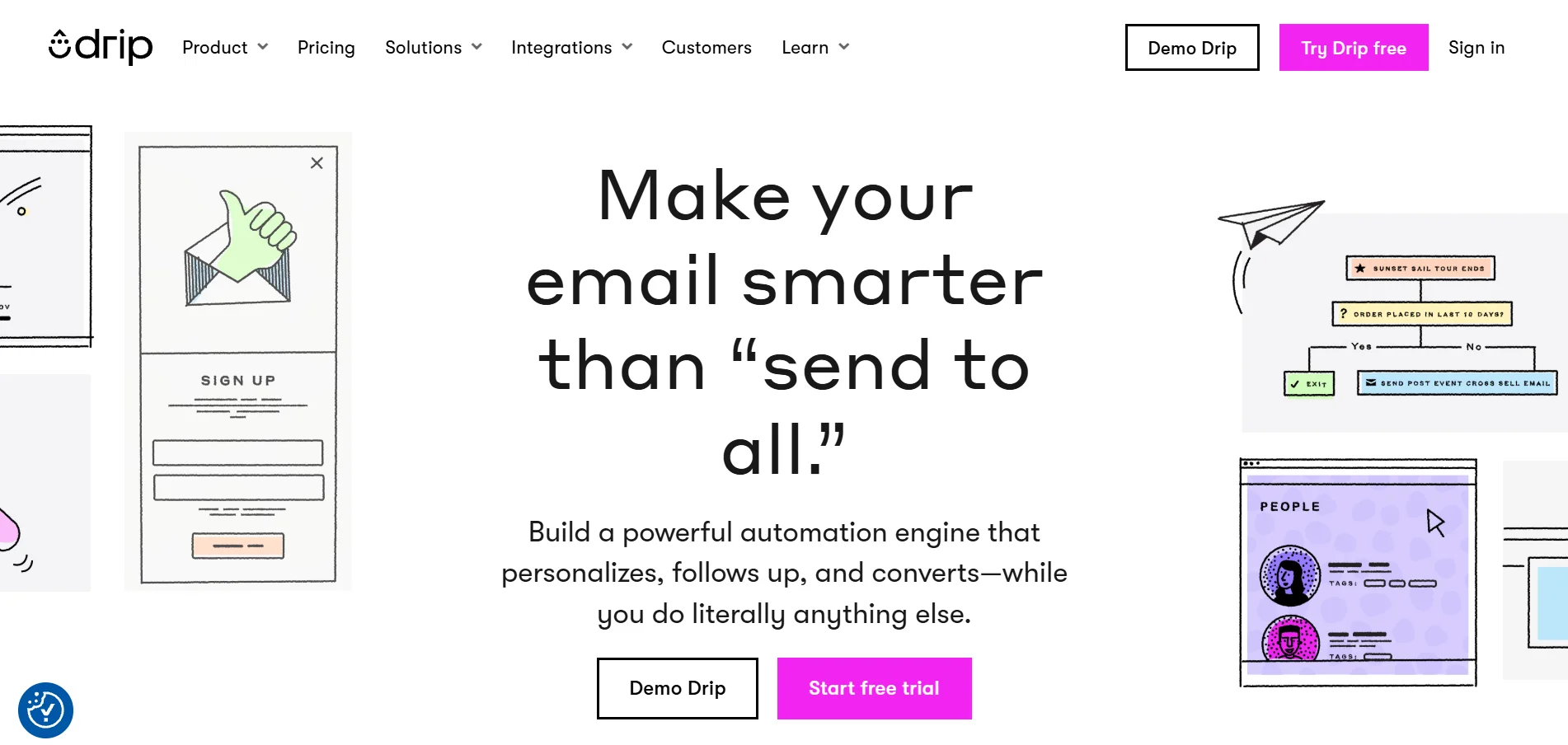
Drip is an email marketing software that leans heavily into e-commerce and online stores. Although it doesn’t require an online store and can work as a regular email marketing automation platform, “empowering independent e-commerce businesses” is literally central to the company’s mission and the focus of the platform. Using Drip without an e-commerce store is like driving a sports car stuck in first gear.
Drip was founded in 2012 and was sold to Leadpages in 2016. The platform has user ratings of 4.4 out of 5 stars in both Capterra and G2.
Main features
E-commerce is the main focus of Drip, and most of its features are tailored towards setting up sales funnels, interactions with customers, and empowering online stores. Its email template builder offers seamless integration to online shops, allowing you to add product recommendations and connect to your store’s catalog. Many of the templates were also designed for common e-commerce scenarios, such as cart abandonment and post-purchase emails, among others.
Drip itself offers over 50 built-in integrations, and the platform claims that some of them are able to increase that number to over a thousand (Zapier and Integrately, for example). There is built-in integration with e-commerce staples like Shopify, BigCommerce, and WooCommerce.
One of the platform’s best features is its contact management, which includes a detailed profile for each contact that encompasses purchasing history, behavior, and engagement patterns.
Unlike platforms such as Mailchimp, it doesn’t count emails that are in multiple lists as more than one contact.
The dynamic segmentation feature, which updates customer profiles in real-time depending on what they do, is also a nice addition.
The automation builder is quite comprehensive in its capabilities, allowing you to set triggers based on if/when conditions, customer behavior, and more. The more intricate the flow, the harder it gets for non-advanced users, though.
Pros and cons
Pros
- Powerful e-commerce features (dynamic segmentation, customer management, online store integration with email templates)
- Intricate, behavior-based automation system
- Seamless integration with Shopify, WooCommerce, and BigCommerce
- Built-in revenue tracking for email campaigns
Cons
- No landing page builder (only through LeadPages, which is an additional cost)
- No phone support
- Price scaling gets prohibitive as your contact list grows
- Steep learning curve for more powerful automation workflows
Pricing
Drip offers a 14-day free trial with most features enabled: automated workflows based on customer activity, email templates with a visual builder, and over 90 integrations with other platforms. However, you cannot send unlimited emails as with the paid plans. While most other email marketing options in this article have tiered plans, Drip relies on price scaling according to the number of contacts. After certain thresholds, you get access to extra features.
You start at $39 billed monthly for up to 2,500 contacts, unlimited emails, dynamic segmentation, onsite campaigns, up to 50 workflows, unlimited sub-accounts, open API access, and customer support via email only. The next feature unlock comes at $99 monthly – now you get customer support via chat as well, plus the ability to have up to 6,000 contacts and everything else that was included before.
At $249 monthly, the platform offers free migration from other services, plus up to 17,500 contacts and personalized onboarding. Once you reach a very high number of contacts (31,000-32,500), there is a limit of 390,000 email sends per month, and the price goes up to $489 monthly.
Why look for Drip alternatives
Drip’s main mission is “empowering the e-commerce rebellion”, or in other words, giving smaller businesses the tools to compete in a world where giant marketplaces dominate the scene. It sure does that while your business is growing, but part of the empowerment means that companies will thrive and grow, and that’s a big issue – the pricing model kind of sets you back for being successful. You actually have to deal with a send limit as your contact list grows (and you pay more), while other tools do the opposite.
The email builder is quite limited when compared to the other options in this list, and while the automations are powerful, only advanced users can make the most out of it. In case you need more content-driven email marketing campaigns such as newsletters, Drip’s focus on e-commerce means it can’t quite compete with other platforms in this area.
Lastly, perhaps the two biggest reasons are Drip’s customer support and the lack of more powerful features to come along with the rising prices. The platform itself doesn’t add meaningful functionality as prices increase; you mainly pay more for additional contacts. Even so, there’s only chat support after that. Support is not 24/7 as well, meaning that sometimes all you can do is wait.
8 best Drip alternatives for you
We reviewed the best 8 Drip alternatives to help you make the best decision for your business. We encourage you to read each one of them carefully, but here is the full list as well:
1. Selzy — Best all-around tool
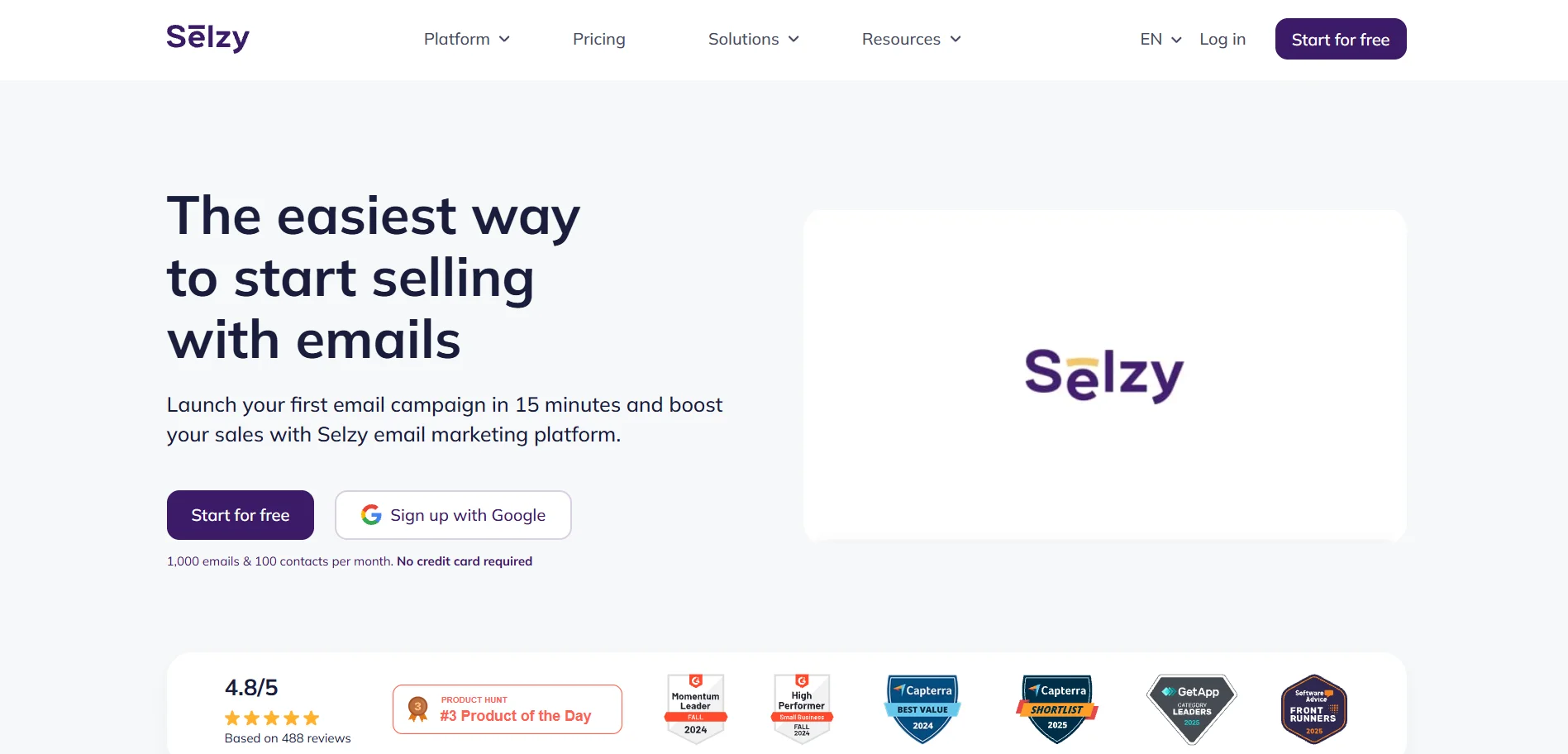
Selzy is one of the most cost-effective Drip alternatives if you want powerful features without enterprise-level pricing.
The platform combines a powerful drag-and-drop email builder with AI-powered tools, omnichannel automation (including chatbots), A/B testing, and clear, actionable analytics. While at it, it manages to stay simple and straightforward.
Selzy integrates with popular e-commerce platforms like Shopify, Squarespace, Ecwid, and NuvemShop, making it a practical alternative to Drip for store owners who want automation without e-commerce-only limitations.
Compared to Drip, Selzy is easier to learn, more flexible for non-ecommerce and much more affordable as your contact list grows, without limiting key features behind expensive tiers.
Pros and cons
Pros
- Clean, intuitive interface for beginners
- Very easy to use
- Omnichannel automation
- 24/7 customer support via phone, email, and live chat on any plan
- Chatbot builder
- Selzy API allows you to create integrations
- Affordability
Cons
- A more limited number of integrations in comparison to other platforms
Pricing
Free plan: 1,000 emails for 100 contacts, including AI-powered email creation features, email automation, analytics, and 24/7 customer support.
Lite: $7.50/month, unlimited emails for 500 contacts, includes all features from the Free plan, plus A/B testing, segmentation, no Selzy branding, and shareable email URLs.
Standard: $15/month, unlimited emails for 500 contacts, includes all the features from previous plans, plus email quality checker functionalities (anti-spam tips, subject line assistant, email authentication), an online email marketing course and certification with lifetime access, and Telegram chatbot integration.
Enterprise plan: custom price for 500,000 subscribers or more, with access to all the aforementioned features.

2. Klaviyo — Good for e-commerce brands looking for customization
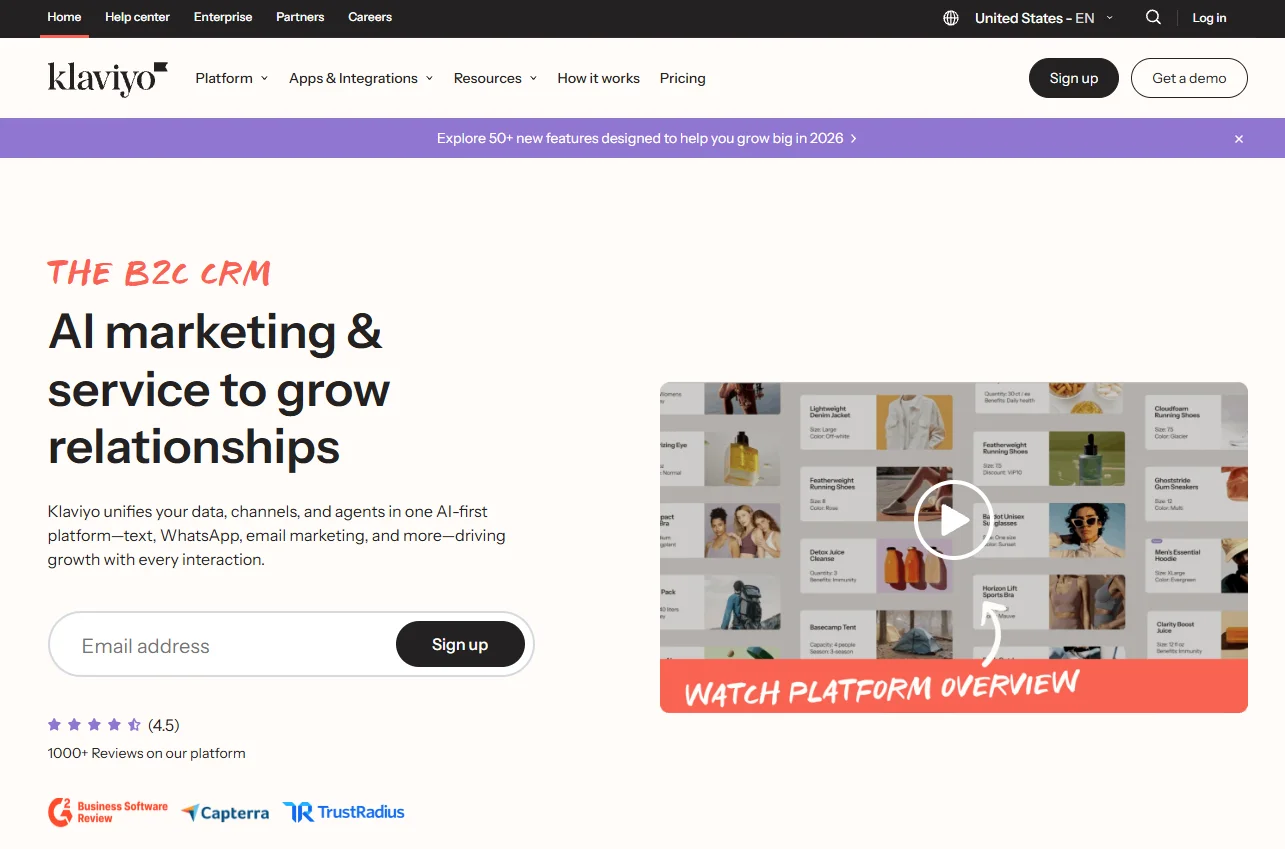
Klaviyo is an email and SMS marketing platform focused on online stores, aiming to compete with Drip in this market niche.
Among its best features are the email builder, which comes with over 350 pre-designed templates, and its e-commerce-focused automation templates. The platform integrates with Shopify, WooCommerce, BigCommerce, and Magento, and also offers A/B testing, segmentation, personalization, and good analytics.
It doubles down on the B2C end of things, so it is quite similar to Drip in its qualities and shortcomings. If you don’t have an online store, you should look elsewhere. Klaviyo can get very expensive, although the free plan offers a good list of features to get you started.
Pros and cons
Pros
- Easy email creation
- Good integration with other platforms (over 350 apps)
- Deep features for e-commerce (direct product feeds into emails, customer review management, and more)
- Good list of features on the free plan
Cons
- Pricing works on a pay-per-feature basis, and things can get very expensive for small businesses
- Users complain about poor customer support and a lack of flexibility in the email builder
Pricing
Free plan: Up to 500 emails per month, 150 monthly mobile message credits, basic templates for the email builder, limited AI-features, marketing and data analytics, customer hub and helpdesk functionalities, email support for the first 60 days.
Feature-based plan builder: $20/month for 251-500 active profiles, with all email marketing features unlocked. You can unlock other features by paying for them and building customized plans. SMS messaging costs an extra $15/month for 1,200 credits.
The platform lets you hire extra services such as reviews, marketing analytics, an AI customer agent, a customer hub, a helpdesk, and standard support. The price depends on the number of profiles or other relevant factors for each category.
Klaviyo also offers its Advanced Data Platform for $500/month (100,000 profiles), which allows you to unify all customer data across all touchpoints, with predictive analytics based on real-time data.
3. ActiveCampaign — Powerful automation builder
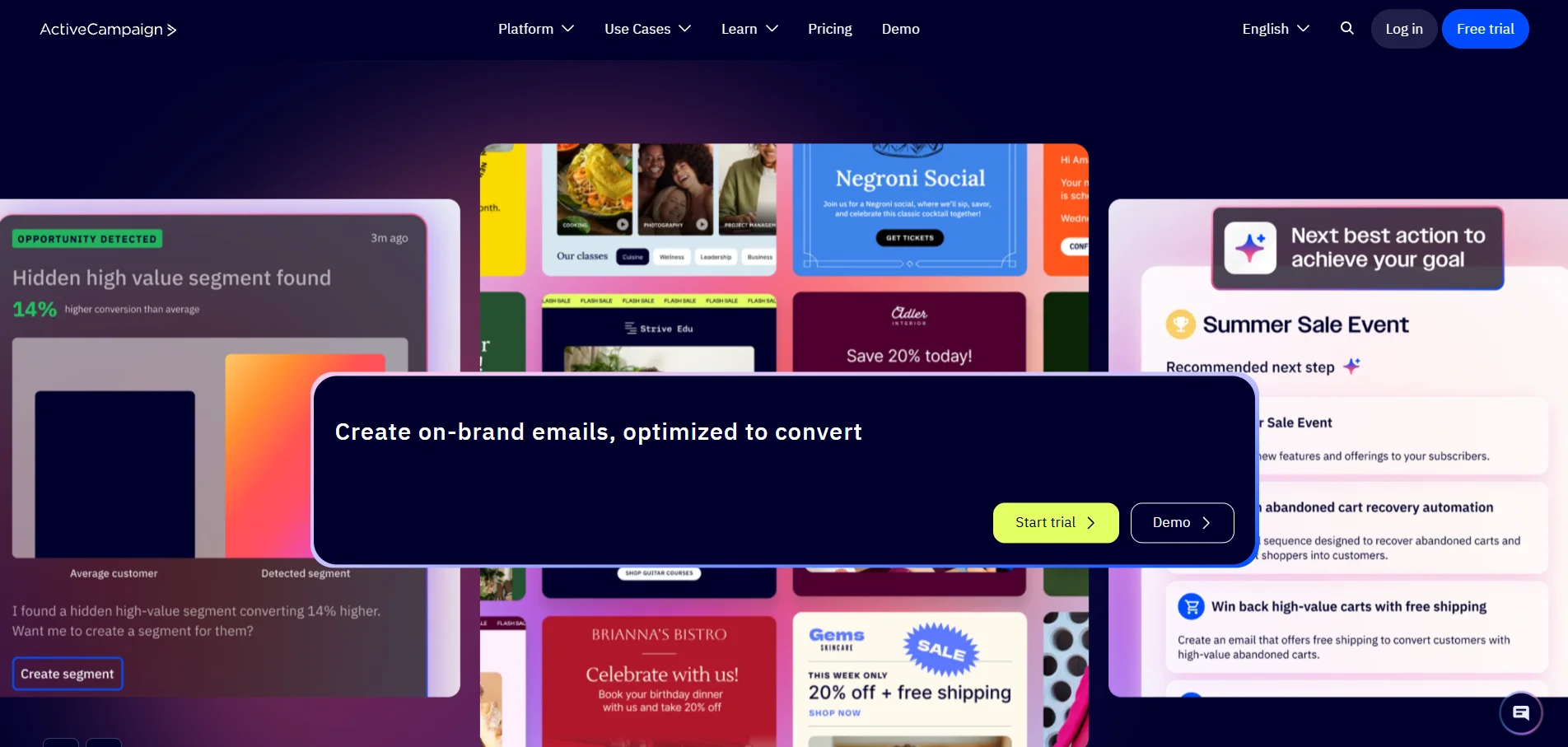
ActiveCampaign is an all-around email marketing tool that specializes in automation workflows.
It rewards advanced users who take the time to learn the ins and outs of its autoresponder features – there are more than 500 built-in automation recipes and 135+ triggers, so the combinations are nearly limitless.
You will also find the common things you expect from an email marketing platform: an email builder with templates, powerful analytics, and CRM integration as an add-on. ActiveCampaign also provides integrations with Shopify and Salesforce. The main issues are pricing and the steep learning curve.
Pros and cons
Pros
- One of the most intricate and comprehensive automation builders
- Over 1,000 integrations with other platforms, including Shopify and Salesforce
- Over 120 email templates to build from (with support for HTML and CSS coding)
Cons
- Not recommended for businesses that are just starting out
- Advanced features take time to learn
- Short free-trial period for how complicated some features are
- It might be able to do more than what you actually need, for a higher-than-average price
Pricing
14-day free trial: up to 100 email sends and 1,000 contacts, plus testing of most features, including core email marketing, automation, AI-powered tools, CRM pipelines, and landing pages.
For 1,000 contacts, billed monthly:
- Starter: $19/month, monthly email limit of 10x the subscriber amount, limited segmentation and automation options, email campaign A/B testing, and limited landing page and analytics features.
- Plus: $59/month, improved segmentation and analytics, unlimited automations.
- Pro: at $89/month, monthly email limit of 12x the subscriber amount, three users, A/B testing for email campaigns and automations, advanced segmentation, and analytics.
- Enterprise: $159/month, monthly email limit of 15x the subscriber amount, five users, premium segmentation and analytics, premium CRM integrations (including Salesforce and Microsoft Dynamics), all features available.
Although each plan has its own user limit, you can purchase more user spots as an add-on. Other features, such as WhatsApp functionalities, SMS, enhanced CRM and transactional emails are also purchasable as extras.
4. Mailchimp — Good for integrations and functionalities
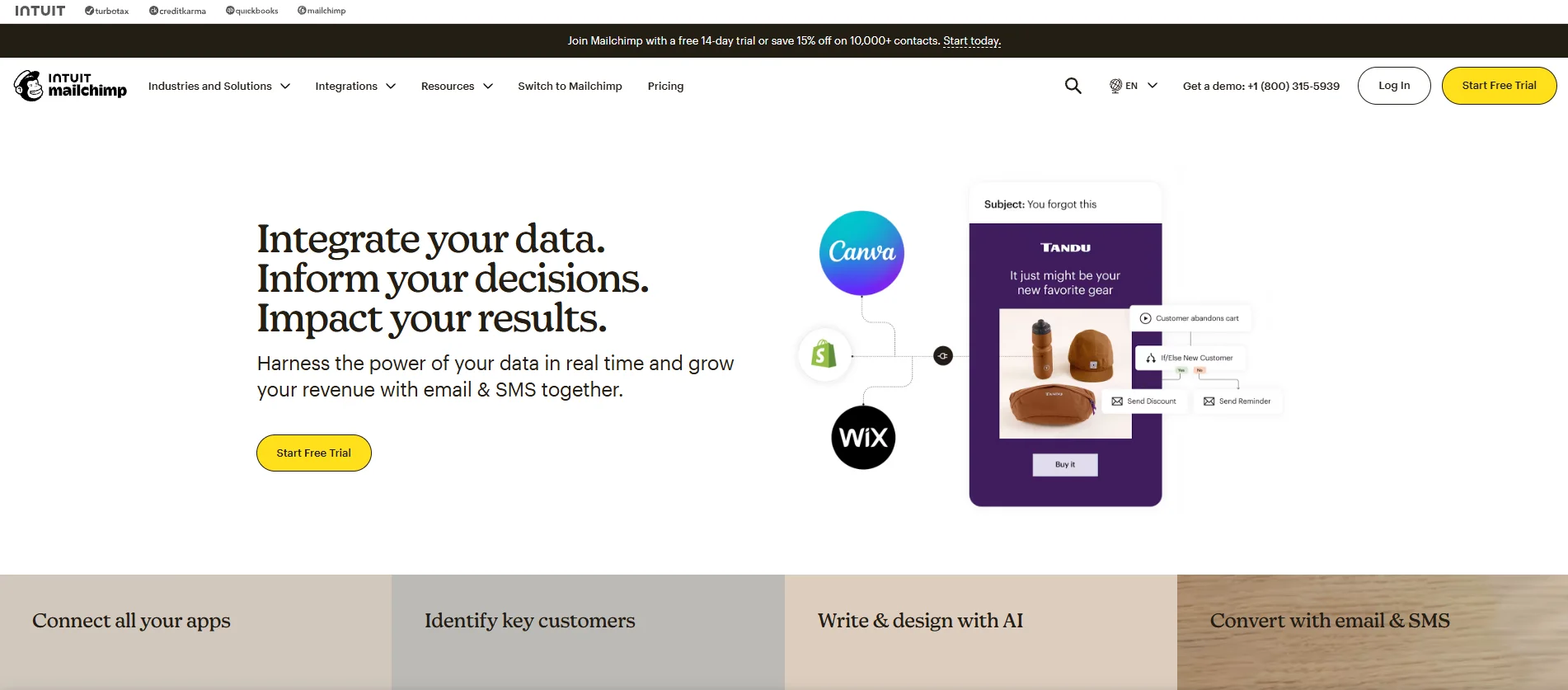
Mailchimp is the oldest email marketing service on the market, having been around since 2001.
It’s still one of the most popular, and one of its main advantages used to be its simplicity. Those times are long gone – the platform is easy to use when you have fewer contacts to deal with, but it gets increasingly difficult to set once the contact base grows.
The tool shines due to its sheer number of functionalities, although they sometimes do feel stacked on top of each other. Whether you want a ChatGPT-powered email creator, good analytics, social media scheduling, landing page builders, or all the essential features you need in an email marketing solution, there’s something to be found there.
Coupled with over 300 built-in integrations (which can be enhanced to many more when coupled with Zapier), Mailchimp is a good all-around solution, albeit not too budget-friendly.
Pros and cons
Pros
- Over 300 built-in integrations
- The AI-powered email creator is easy to use
- Comprehensive list of features
Cons
- No built-in monetization tools (it relies on integrations to do so)
- Clunky contact list management
- It charges for unsubscribed and inactive contacts on your lists
- Prices scale fast
Pricing
Free plan: 500 email sends for 250 contacts, with limited built-in templates, email customer support for 30 days, 1 user seat, 1 audience, and access to all 300+ integrations.
Essentials: $13/month, 500 contacts and 5,000 email sends (10x contacts), all features from the free plan plus an SMS add-on, 4 automation flow-steps, 3 user seats, 3 audiences, 2 roles, 24/7 email and chat customer support, and limited email marketing and segmentation features.
Standard: $20/month, 500 contacts and 6,000 email sends (12x contacts), up to 200 automation flows, SMS and MMS add-on, 5 user seats, 5 audiences, 4 roles, 1 personalized onboarding session, plus access to all AI, email marketing, and segmentation features.
Premium: $297.50/month (rises to $350/month after a year), up to 10,000 contacts and 150,000 email sends, built-in migration from other platforms, unlimited users, unlimited audiences, 5 roles, 4 personalized onboarding sessions, phone and priority customer support, plus access to all features.
5. Kit — Good for independent creators
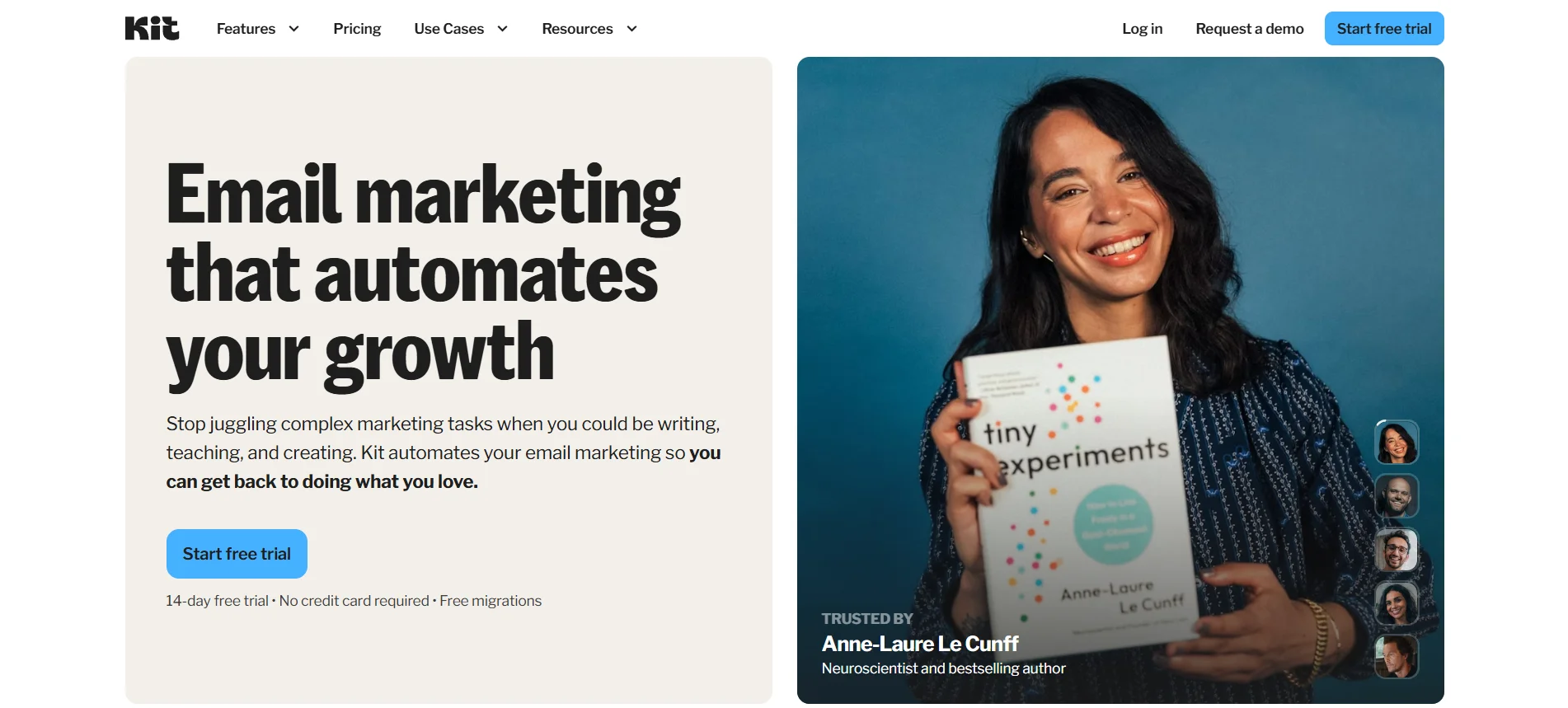
Kit is an email marketing tool focused on creators. Most of its functionalities are specifically tailored to help you distribute content and monetize it. You can sell digital products and paid newsletter subscriptions, all through the platform’s integrated commerce features.
Kit also provides simple-to-use automation options and single list management, making it a streamlined alternative to Drip.
Kit is better suited for independent creators looking to monetize their content, being a good middle-of-the-pack option between good email marketing features and some online store functionalities. The e-commerce features are limited in comparison to Drip or Klaviyo, though – the email builder is focused on creators, and you can’t create e-commerce automation workflows as easily.
Pros and cons
Pros
- Easy to sell products through your digital newsletters
- Simpler, streamlined contact list management
- Creator network allows you to exchange recommendations with other creators and grow your list
- Generous free plan
Cons
- Limited number of templates on the email builder
- Limited analytics options until you get to the Pro plan
- E-commerce features are inferior in comparison to competitors
Pricing
Free plan (Newsletter): Up to 10,000 subscribers, 1 visual automation, 1 email sequence, 1 user, access to unlimited landing pages, opt-in forms and email broadcasts, paid newsletters and subscriptions, API access, audience tagging and segmentation, sell digital products, and customer support via email.
Creator: $39/month, up to 1,000 subscribers, unlimited visual automations, unlimited email sequences. 2 users, everything from the previous plan plus free & paid recommendations, removal of Kit branding, RSS campaigns, smart recommendations, polls, and 24/7 email and chat support.
Pro: $79/month, up to 1,000 subscribers, unlimited visual automations, email sequences and users, everything in the Creator plan plus advanced A/B testing, Facebook custom audiences, insights dashboard, deliverability report, subscriber engagement scoring, newsletter referral system, and 24/7 priority support via email and chat.
6. Omnisend — Good for e-commerce stores
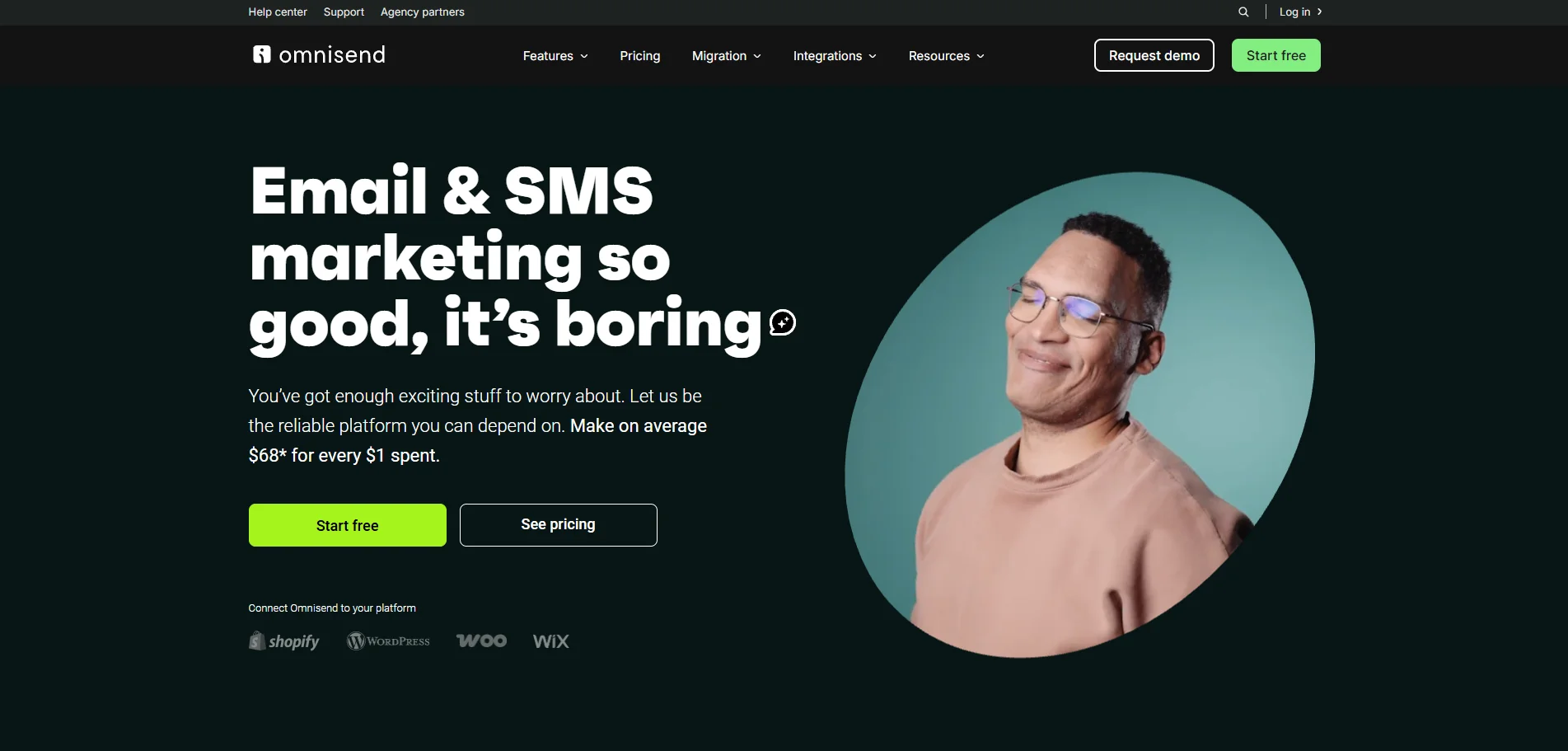
Omnisend is an all-in-one e-commerce marketing platform – one that highly focuses on businesses with an online shop.
There are numerous functionalities made for this specific niche, including pre-built e-commerce workflows, product review integration, sales tracking, omnichannel capabilities, and more.
The platform also has Shopify-optimized features, such as discount codes, product recommendations, and a review collection. The main issue is that you won’t be able to make full use of Omnisend unless you connect an online store to it, as the platform itself states.
In comparison to other e-commerce platforms, this one goes all-in on the online shop aspect, while Drip and Klaviyo still work as email marketing services. If you’re not a store owner, look elsewhere.
Pros and cons
Pros
- Omnichannel features are manageable from a single interface
- Deep Shopify integration and extra features
- E-commerce essentials are built into the email creator
- Sales tracking
Cons
- You need an online store to have access to automations and other important features
- Limited integrations (over 160) in comparison to other services
Pricing
Free plan: 500 emails/month, up to 250 contacts, 500 web push notifications/month, $1 in free SMS to try.
Standard: $16/month, 6,000 email sends for up to 500 contacts, $1 in free SMS to try, unlimited web push notifications, 24/7 priority customer support.
Pro: $59/month, unlimited emails for up to 2,500 contacts, global SMS messaging, unlimited web push notifications, advanced reporting, personalized content, and a monthly bonus of $59 in global SMS credits.
Custom: All features from the Pro plan, for a personalized number of contacts, access to an account expert, and a free migration service. Price is available upon request.
All plans also include: A/B testing and automation splits, over 250 email templates, pre-built workflows and segments, landing pages, popups and sign-up forms, over 160 integrations, plus sales and performance reports (functionalities depend on having an online store connected to the platform).
7. Campaign Monitor — Good for beginners and less experienced marketers
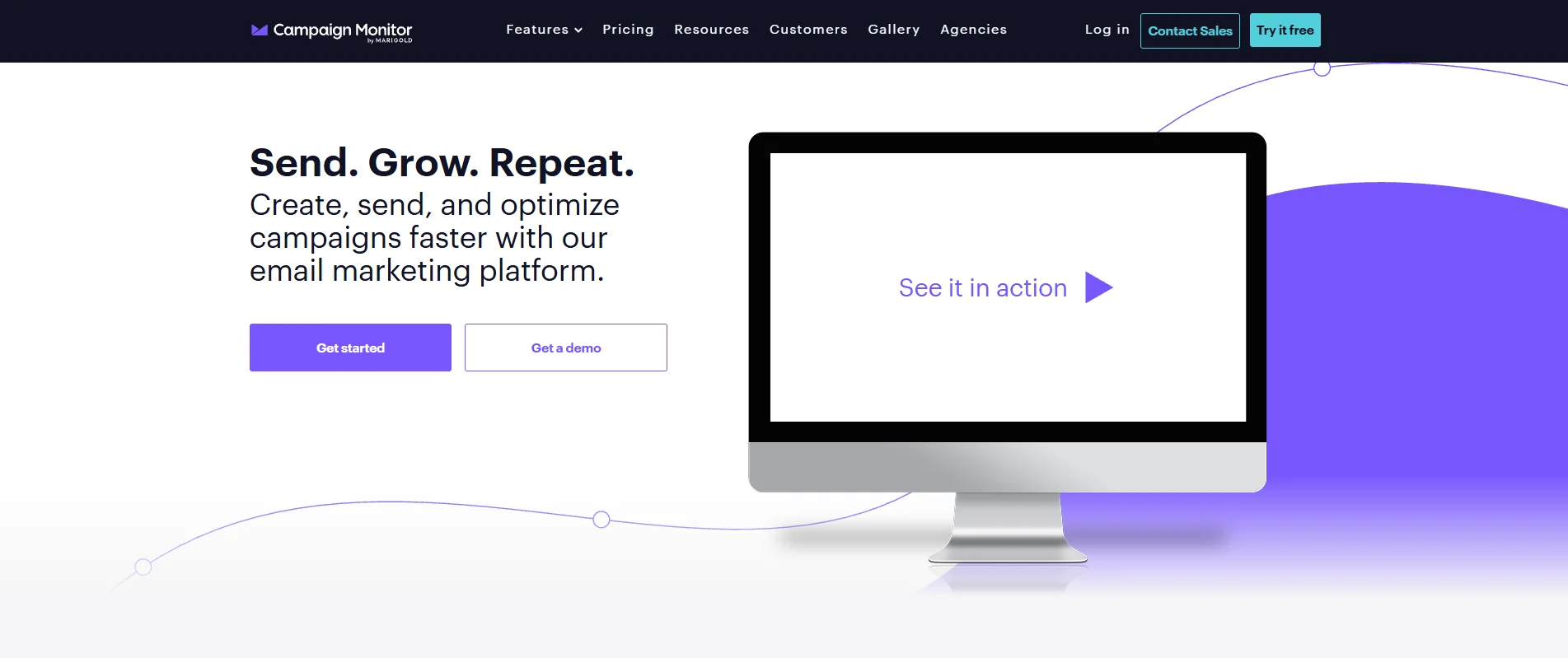
Campaign Monitor is an email marketing software that takes pride in being simple and intuitive.
Its minimalistic user interface definitely helps, and it’s very easy to create emails or less complex automation workflows using it. The software provides signup forms, landing page builders, autoresponder, and marketing automation functionalities, all within a dashboard that makes everything easy to find.
On the other hand, it is a more expensive option in terms of a feature-to-cost ratio, and the split testing is very limited: you can only test two versions of the same email. Moreover, there’s no 24/7 customer support in any plan.
Pros and cons
Pros
- Clean design and intuitive user interface
- Easy-to-build automation workflows
- Drag-and-drop email builder
Cons
- The feature-to-cost ratio is expensive
- Phone support is available only on the Premium plan; there is no 24/7 support
- Users complain about limited split testing features (no multiversion testing, only A or B versions)
Pricing
30-day free trial: 500 emails, 500 contacts, access to most core email marketing features and some limited advanced features: subject line recommendations, custom fields, campaign assistant, and RSS feed trigger. Customer support via email only.
Lite: $12/month, up to 2,500 emails per month, customizable contact count. Includes everything from the free plan plus custom-coded templates, unlimited signup forms, AI-writer, automated emails access, pre-built customer journeys, and transactional emails.
Essentials: $29/month, unlimited email sends, customizable contact count. Includes all core features, unlimited automated emails, inbox preview, and priority support (email only).
Premier: $159/month, unlimited email sends, customizable contact count. Includes everything from the Essentials plan, plus advanced pre-built engagement segments, advanced link tracking, template management for teams, send time optimization, email section locking, and priority level support over phone and email.
Enterprise: Custom pricing, includes everything from the Premium plan and adds enterprise-level features such as extra layers of security and multi-brand/multi-team account management, among others.
8. MailerLite — Good for small businesses on a budget
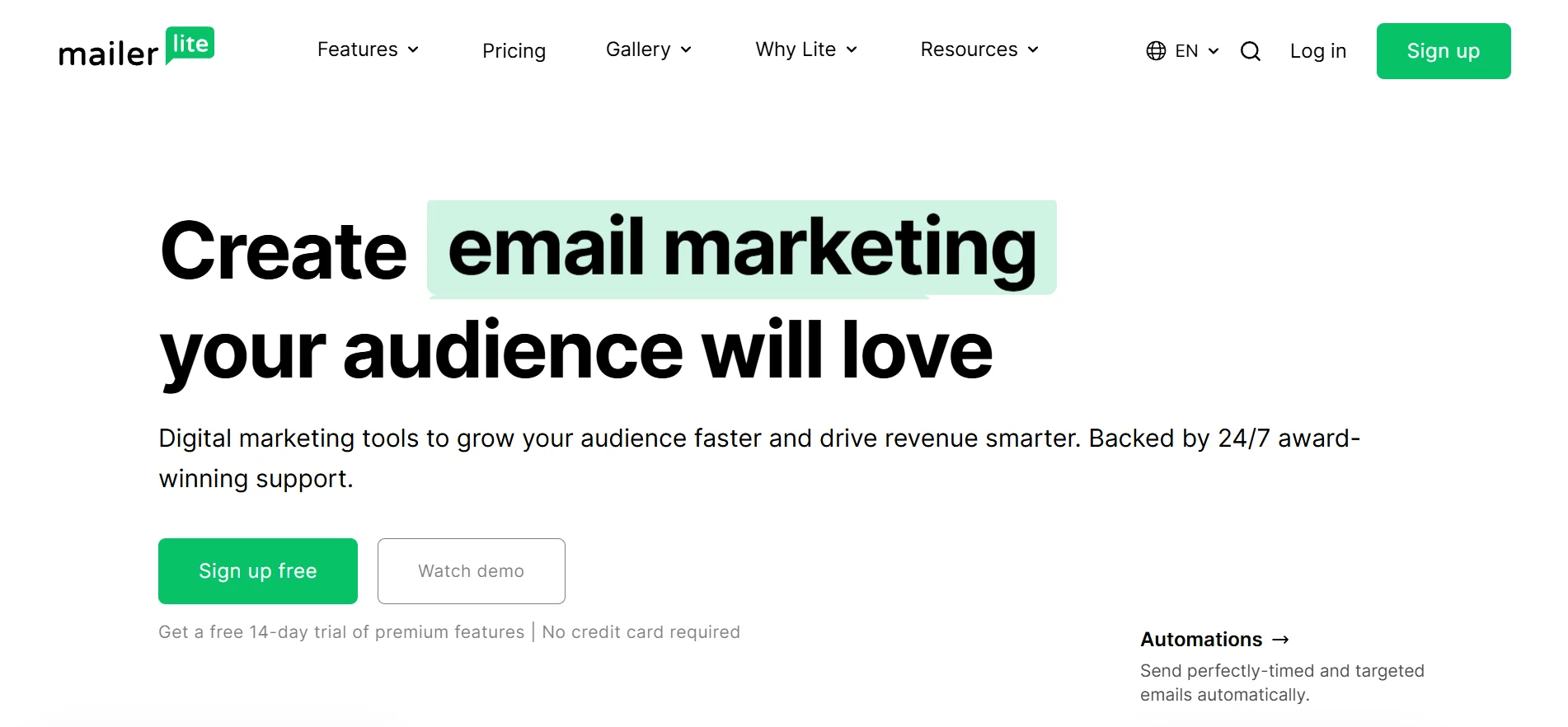
MailerLite has two main selling points: affordability and simplicity.
The platform offers a nice range of options: simple automation workflows, A/B testing, email templates, a landing page builder, and online store integration. Among its better options are the webpage builder, plus the ability to access everything you need from the same dashboard.
This one is better suited for small businesses with simpler marketing needs, as it is lacking in advanced features like spam testing, CRM functionalities, and automation reporting. Users complain about not having more advanced automation and segmentation options as well.
Pros and cons
Pros
- Easy to use
- One of the most affordable options in the market
- All-in-one user dashboard
- A great number of allowed emails in the free plan
Cons
- Limited automation features
- Limited data reporting when compared to other alternatives
- User approval process takes longer than usual
Pricing
Free plan: 12,000 emails per month for up to 500 contacts, 1 user seat, 24/7 email and chat support for 14 days, plus key email marketing features (drag and drop editor, automation builder, 10 landing pages, comparative reporting, signup forms, pop-ups, and websites.
Growing business: $10/month, unlimited emails for up to 500 contacts, 3 user seats, 24/7 email support, all features from the free plan plus unlimited templates, campaign auto-resend, unlimited websites & blogs, unlimited landing pages, and more.
Advanced: $20/month, unlimited emails for up to 500 contacts, unlimited user seats, 24/7 live chat and email support, all features from previous plans plus smart sending, Facebook integration, enhanced automations, and an AI-writing assistant, among others.
Final thoughts
It is quite easy to get caught up in your own business routine and go through the motions. Sometimes, the fear of change, or the trouble that comes when changing platforms, can prevent you from making the best decision for your business, whether short-term or further down the road. Keeping track of your performance indicators and constantly analyzing your return on investment is part of your job, and you could be missing out on an opportunity to improve revenue or reduce costs. Maybe both.
Take the time to understand where your business is, where it is headed, what your targets are, and ask yourself: Is this tool the best one going forward? Only you can come up with an accurate answer. In case it is, great. Otherwise, take a good look at our list of alternatives, as there is definitely something that can help your company here. We hope the information provided in this guide can assist you in doing the best for your business.
 New and noteworthy on our blog
