



Key takeaways
- The choice of bulk email service impacts inbox placement rates and campaign success.
- Selzy, Mailtrap, Maileroo, Sender, Omnisend, Brevo, and Mailjet are the top 7 bulk email services in 2026.
- Each service varies in features, pricing, and ease of setup.
- Selzy offers a 99.4% delivery rate, AI tools, and segmentation criteria.
- Mailtrap provides separate sending streams for bulk and transactional emails, detailed analytics, and contact management.
- Maileroo combines bulk and transactional email sending with SPF, DKIM, and DMARC authentication.
Sending emails to hundreds or thousands of people at once sounds simple. But when those emails don’t reach the inbox, your message and your budget quickly go to waste.
Selzy, Mailtrap, Maileroo, Sender, Omnisend, Brevo, and Mailjet are the 7 best bulk email services in 2026. We evaluated each on deliverability infrastructure, pricing structure, sending stream architecture, and ease of setup.
The bulk email service you choose has a direct impact on whether your campaigns land in front of your audience or disappear into spam folders. With so many options, choosing the right one isn’t always straightforward.
The 7 best bulk email services compared
A bulk email service sends large volumes of email – campaigns, newsletters, product announcements – to subscriber lists. The provider you use determines inbox placement rates, cost per send, and whether a campaign generating spam complaints can delay your transactional messages.
| Service | Free plan | Starting price | Best for |
| Selzy | 1,000 emails/month | From $7.5/month | SMBs needing an easy builder + domain authentication |
| Mailtrap | 4,000 emails/month | From $15/month | High-volume senders focused on deliverability |
| Maileroo | 3,000 emails/month | From $10/month | Startups sending bulk + transactional from one platform |
| Sender | 15,000 emails/month | From $7/month | Small businesses on a tight budget |
| Omnisend | 500 emails/month, 250 contacts | From $16/month | Ecommerce brands running email + SMS |
| Brevo | 300 emails/day | From $9/month | Businesses wanting multi-channel campaigns |
| Mailjet | 6,000 emails/month | From $9/month | SMBs wanting built-in email validation + API |
Choose based on your situation:
- Deliverability analytics broken down by mailbox provider – Mailtrap.
- Easy builder + affordable pricing from $7.5/month – Selzy.
- Bulk and transactional on one affordable platform – Maileroo.
- 15,000 free emails/month with 24/7 support included – Sender.
- Pre-built ecommerce automations + Shopify integration – Omnisend.
- Email, SMS, and WhatsApp from one platform – Brevo.
- Built-in email list validation without a separate tool – Mailjet.
1. Selzy
G2: 4.7
Capterra: 4.8
Free plan: 1,000 emails/month, 100 contacts
Paid plans: from $7.5/month
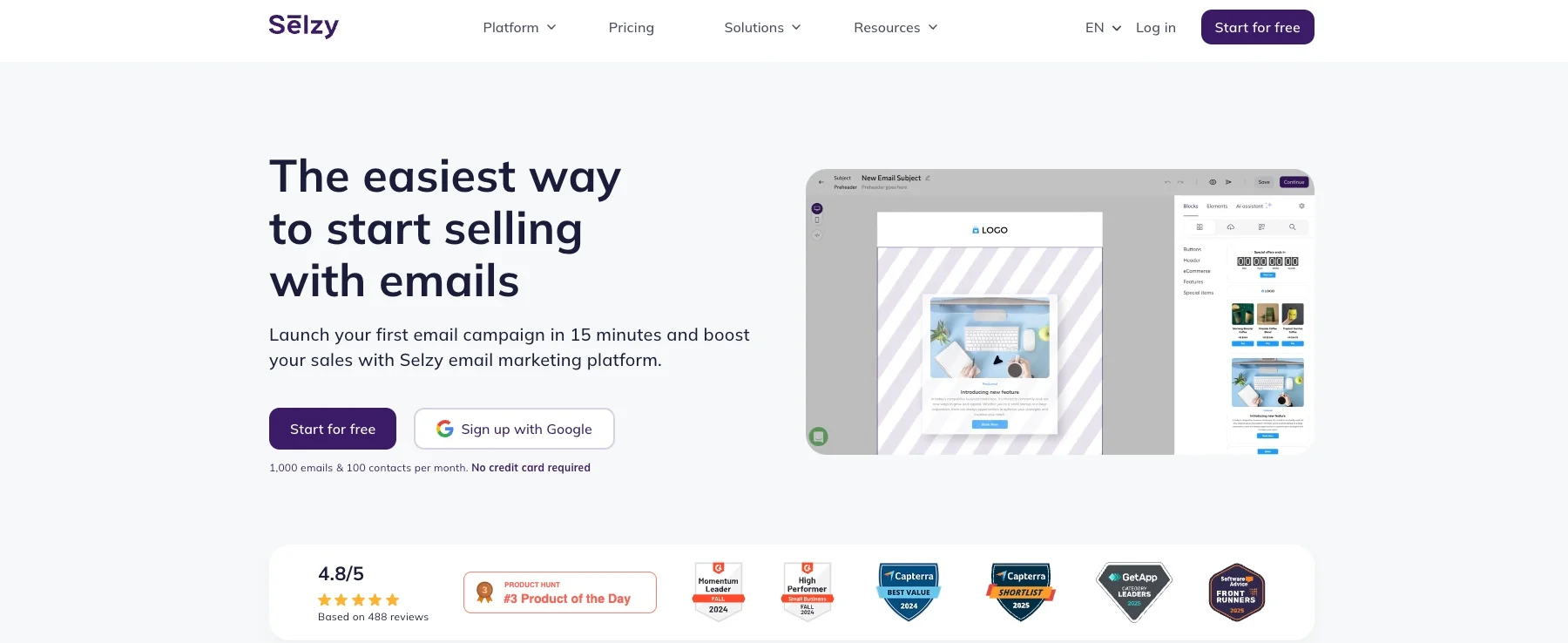
Selzy is an email marketing platform for small and midsize businesses that want affordable bulk email without a steep learning curve.
What makes it good for bulk email?
Selzy reports a 99.4% delivery rate. Domain authentication setup is direct, which keeps emails out of spam folders from the start.
The drag-and-drop editor includes 140+ templates and access to 300+ GIFs from GIPHY and 800,000+ stock images from Unsplash, Pexels, and Pixabay. No HTML knowledge required.
Segmentation covers 70+ criteria – demographics, location, purchase history, and past behavior. The Standard plan adds an Email Quality Checker that rates each email before you send and flags spam risk factors and message size issues.
Selzy also includes AI tools for generating copy, checking content effectiveness, and translating campaigns.
Pricing
| Plan | Monthly cost | Contacts | Emails |
| Free | $0 | 100 | 1,000 |
| Lite | $7.5 | 500 | Unlimited |
| Standard | $15 | 500 | Unlimited |
| Enterprise | Custom | Custom | Unlimited |
Pros
- 99.4% delivery rate
- 70+ segmentation criteria
- AI tools for content generation and translation
- 24/7 customer support
Cons
- Fewer native integrations than some competitors, though WordPress and Shopify are covered
2. Mailtrap
G2: 4.8
Capterra: 4.8
Free plan: 4,000 emails/month, 100 contacts
Paid plans: from $15/month
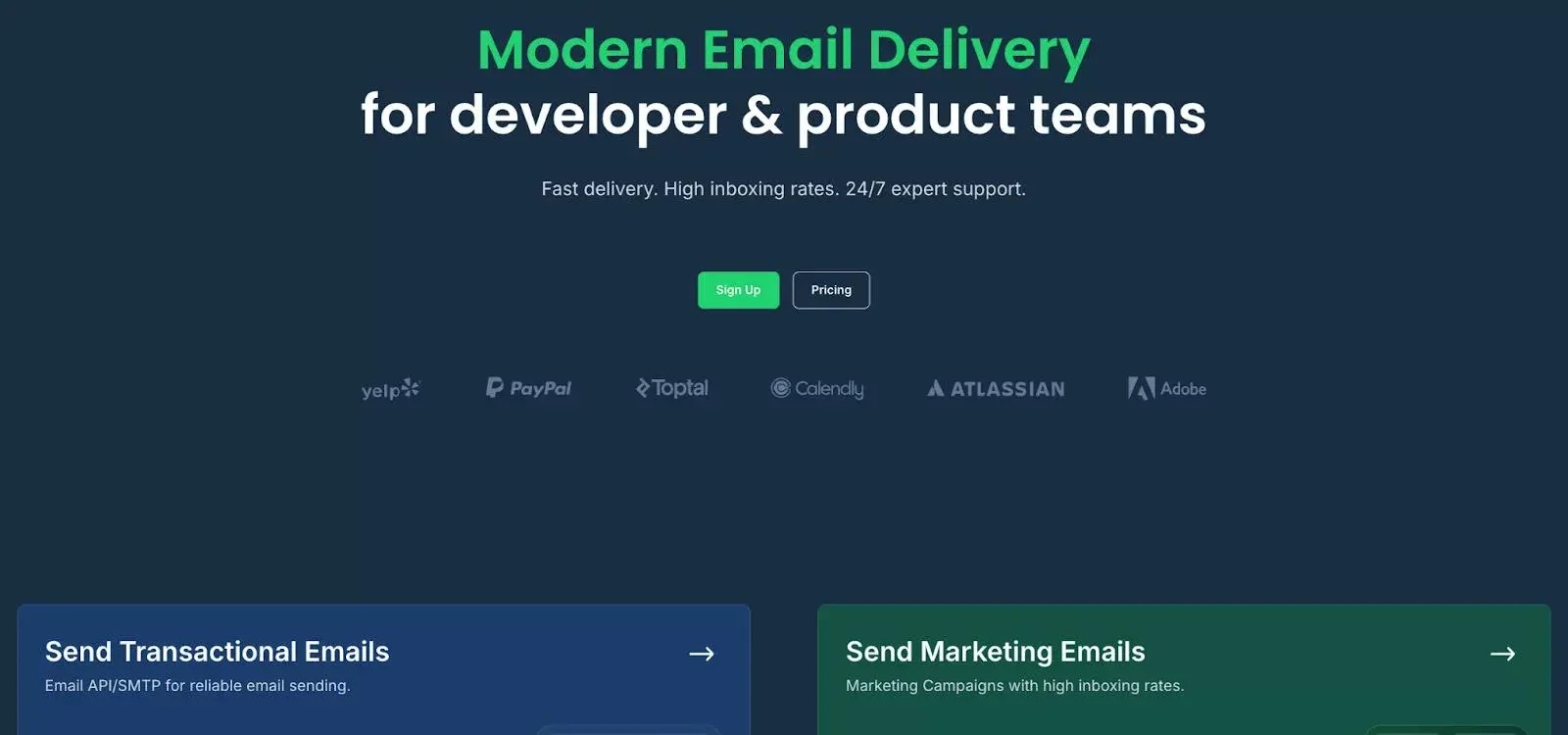
Mailtrap is an email delivery platform for product companies and development teams that send large volumes of email. It handles both transactional and bulk sending from one platform, with a focus on deliverability and analytics.
What makes it good for bulk email?
Mailtrap has a dedicated bulk stream, separate from transactional sending. That separation matters: a bulk campaign generating spam complaints won’t affect the delivery of password resets or account notifications.
Analytics cover opens, clicks, bounces, and spam complaints, broken down by mailbox provider, domain, and sending stream. Email logs are retained for up to 30 days on the Enterprise plan, with shorter windows on lower tiers, giving teams enough history to diagnose deliverability problems before they compound.
For marketers, Mailtrap includes a drag-and-drop email builder, contact management with CSV uploads, and audience segmentation. For developers, it provides a REST API and SMTP service with SDKs for Node.js, Ruby, PHP, Python, Java, and Elixir, plus ready-made code snippets.
Pricing
| Plan | Monthly cost | Emails | Contacts |
| Free | $0 | 4,000 | 100 |
| Basic | From $15 | 10,000+ | Up to 5,000 |
| Business | From $85 | 100,000+ | Up to 100,000 |
| Enterprise | From $750 | 1,500,000+ | Up to 1,500,000 |
Pros
- Separate sending streams for bulk and transactional email
- Per-provider deliverability analytics
- Dedicated IP with automatic warmup on Business plan and above
- ISO 27001 and SOC 2 certified, GDPR compliant
- 24/7 support on Business and Enterprise plans
Cons
- Free and Basic plans have email support Monday-Friday only; 24/7 support requires Business plan or above
- Native integrations are still growing; many connections go through Zapier or Make
3. Maileroo
G2: 4.8
Capterra: 5.0
Free plan: 3000 emails/month
Paid plans: from $10/month (25,000 emails)
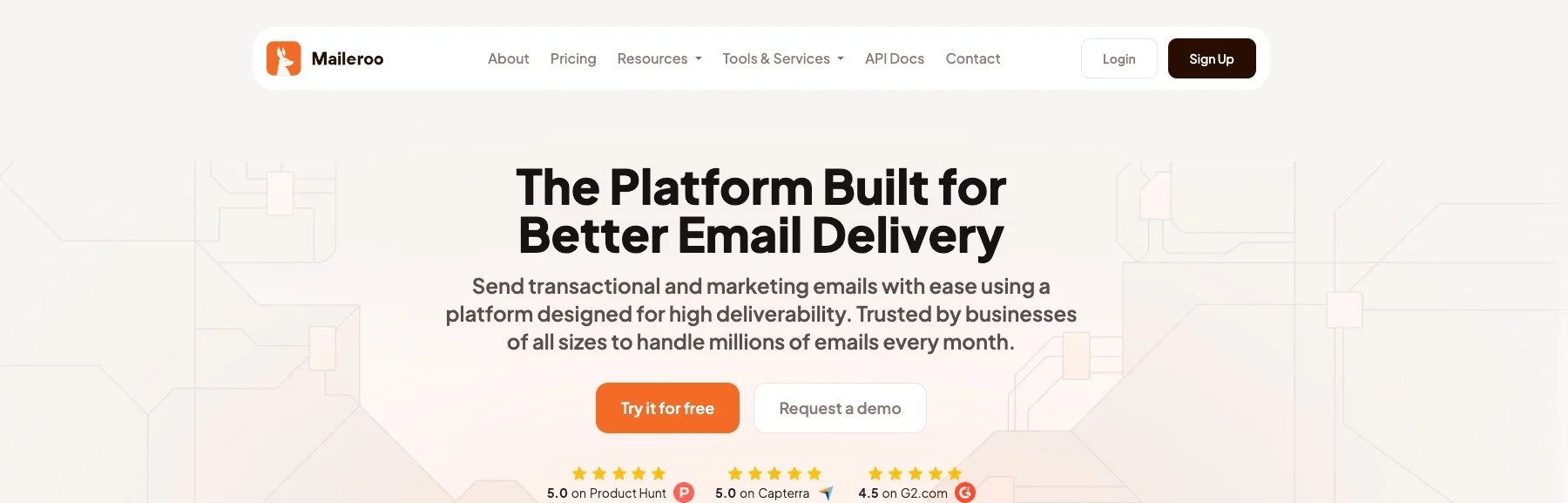
Maileroo combines bulk campaigns with transactional sending through a single SMTP relay and API. It targets startups and small-to-mid teams that want both in one place without enterprise-level complexity.
What makes it good for bulk email?
Maileroo covers SPF, DKIM, and DMARC authentication and tracks opens, clicks, bounces, and unsubscribes. Templates, list management, segmentation, and analytics share the same dashboard as transactional sending. Dedicated IPs are included on higher tiers (250,000+ emails/month) at no extra cost.
Pricing is volume-based and scales without feature gating. The trade-off is that granular role-based permissions, complex multi-account structures, and highly customized setups are outside what Maileroo handles well – for those requirements, SendGrid or Amazon SES is a better fit.
Pricing
| Plan | Monthly cost | Emails | Notes |
| Free | $0 | 3,000 | Core sending features |
| Starter | From $10 | 25,000 | Scales to higher volumes |
| Higher tiers | Custom | 250,000+ | Dedicated IP included |
Pros
- Bulk and transactional email from one platform
- Volume-based pricing without feature gating
- SPF, DKIM, and DMARC out of the box
- Opens, clicks, bounces, and unsubscribes tracked
- Dedicated IP included on 250K+ plans at no extra cost
Cons
- Limited enterprise features (role-based permissions, complex account structures)
- Smaller integration ecosystem than established providers
4. Sender
G2: 4.7
Capterra: 4.7
Free plan: 15,000 emails/month, 2,500 subscribers
Paid plans: from $7/month
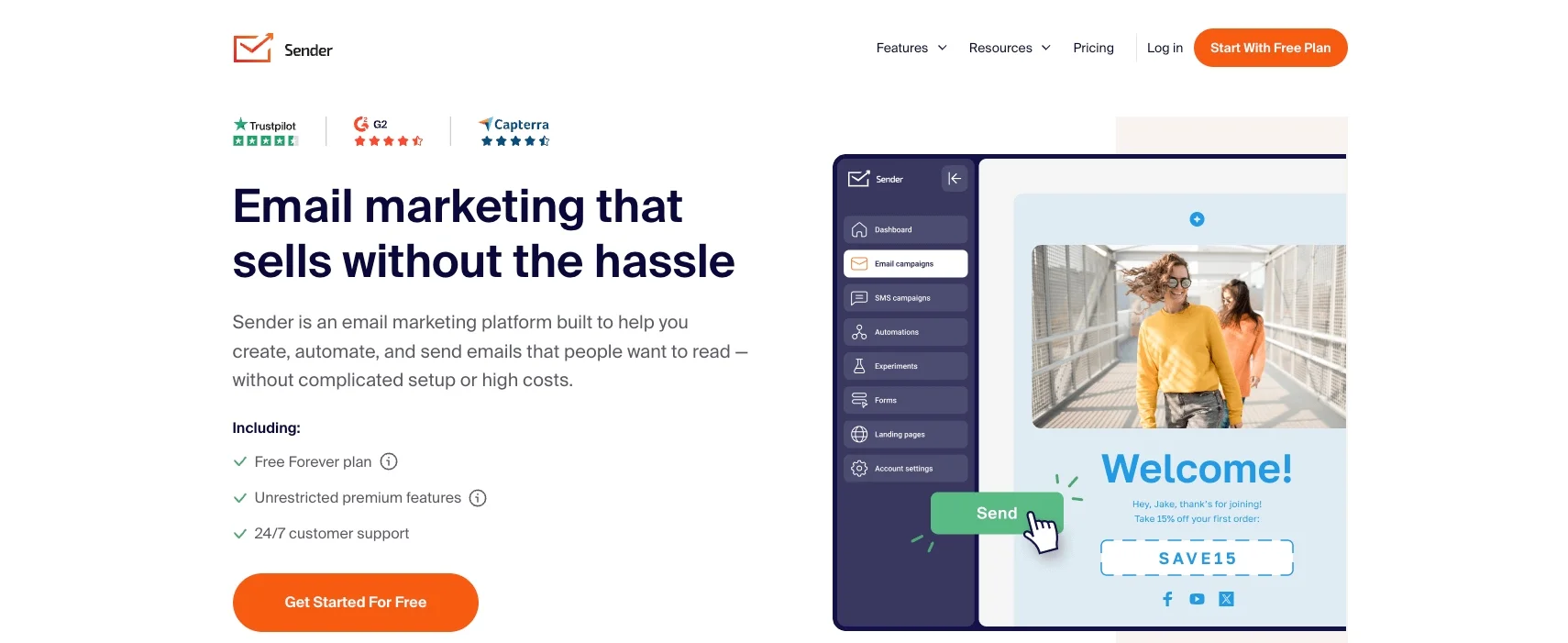
Sender is an email and SMS marketing platform designed for small teams. The free plan covers 15,000 emails per month to 2,500 subscribers, with automation workflows, segmentation, analytics, and 24/7 support – most platforms restrict support to paid users.
What makes it good for bulk email?
The drag-and-drop editor produces responsive templates. Setting up a campaign follows a short path: pick a template, customize it, select your audience, and send. Automation uses trigger-action logic that’s approachable for teams without email operations experience.
Paid plans add SMS campaigns alongside email.
Pricing
| Plan | Monthly cost | Subscribers | Emails |
| Free Forever | $0 | 2,500 | 15,000 |
| Standard | $7 | 1,000 | 12,000 |
| Professional | $14 | 1,000 | 24,000 |
| Enterprise | Custom | Custom | Unlimited |
Pros
- 15,000 free emails/month to 2,500 subscribers
- 24/7 support on the free plan
- Automation workflows and segmentation included from the start
- SMS campaigns on paid plans
Cons
- Sender branding on free plan emails
- SMS and A/B testing require a paid subscription
5. Omnisend
G2: 4.6
Capterra: 4.8
Free plan: 500 emails/month, 250 contacts
Paid plans: from $16/month
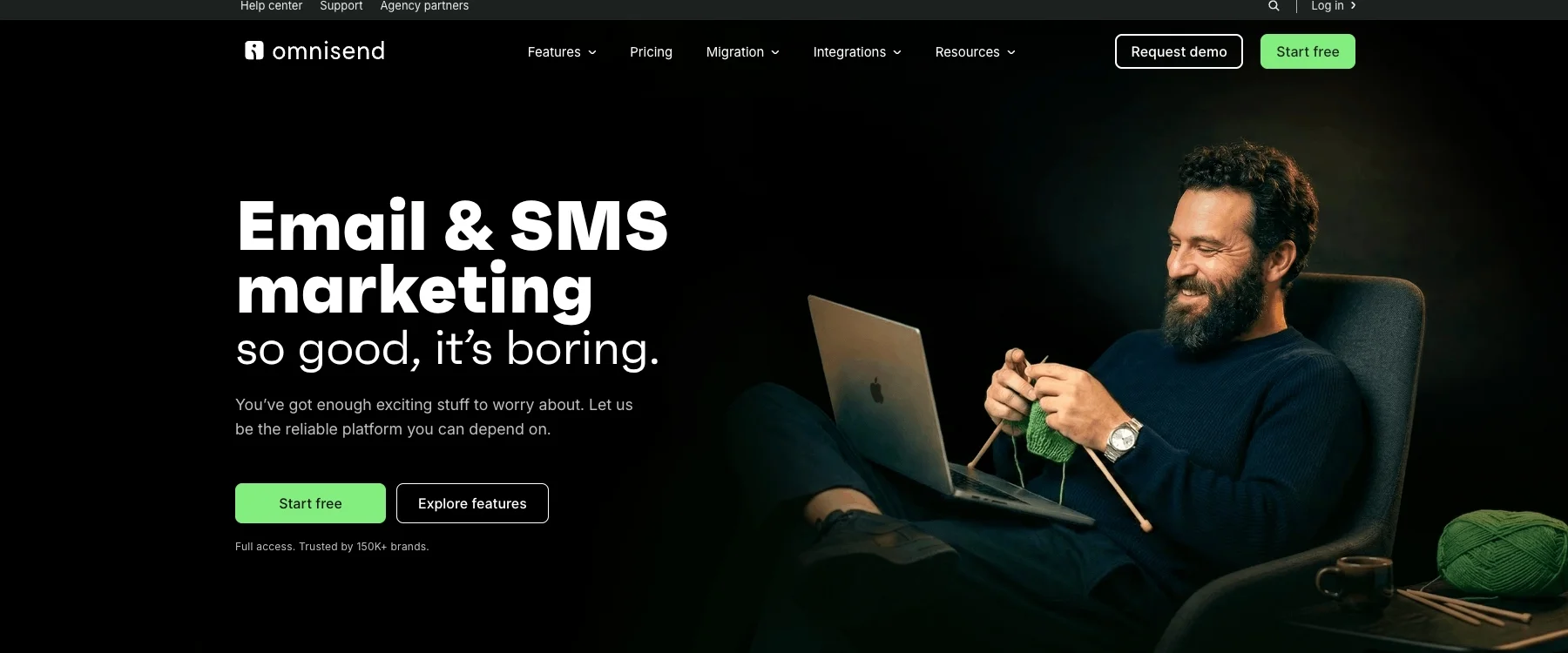
Omnisend is an email and SMS marketing platform built for ecommerce brands. Native integrations with Shopify, WooCommerce, BigCommerce, and Wix make it a natural fit for online stores.
What makes it good for bulk email?
Pre-built automation workflows cover cart abandonment, welcome series, post-purchase sequences, and re-engagement. You connect them to your store data, customize the messaging, and they run. No building from scratch.
Segmentation uses shopping behavior, purchase history, and lifecycle stage. The AI Segment Builder creates segments from plain-language prompts and is available on every plan. Pro users get a Personalized Product Recommender that inserts items based on each contact’s browsing and purchase history.
Beyond email, Omnisend supports SMS, web push notifications, and connects with Google Customer Match and Facebook Custom Audiences. All features are available on the free plan; the only limits are send volume and contact count.
Pricing
| Plan | Monthly cost | Contacts | Emails |
| Free | $0 | 250 | 500 |
| Standard | From $16 | 500+ | 6,000+ (12x list size) |
| Pro | From $59 | 2,500+ | Unlimited |
| Custom | Custom | 150,000+ | Unlimited |
Omnisend periodically offers introductory discounts (e.g. 30% off for the first three months). Check the pricing page for current promotions. Pricing scales with contact count.
The Pro plan includes SMS credits equal to the subscription cost; SMS is also available as an add-on at approximately $0.015 per message for US recipients.
Pros
- 24/7 live chat and email support on every plan, including Free
- All features available from the free plan
- Native integrations with Shopify, WooCommerce, BigCommerce, and Wix
- Pre-built automation flows for ecommerce
- Email, SMS, and web push notifications
- Free migration handled by Omnisend’s team
Cons
- Built for ecommerce – less suited to B2B, SaaS, or service businesses
- Pricing scales by contact count, which rises as your list grows
- Free plan emails carry mandatory “Powered by Omnisend” branding
- Standard plan caps sends at 12x list size, which affects high-frequency senders
6. Brevo
G2: 4.5
Capterra: 4.6
Free plan: 300 emails/day
Paid plans: from $9/month
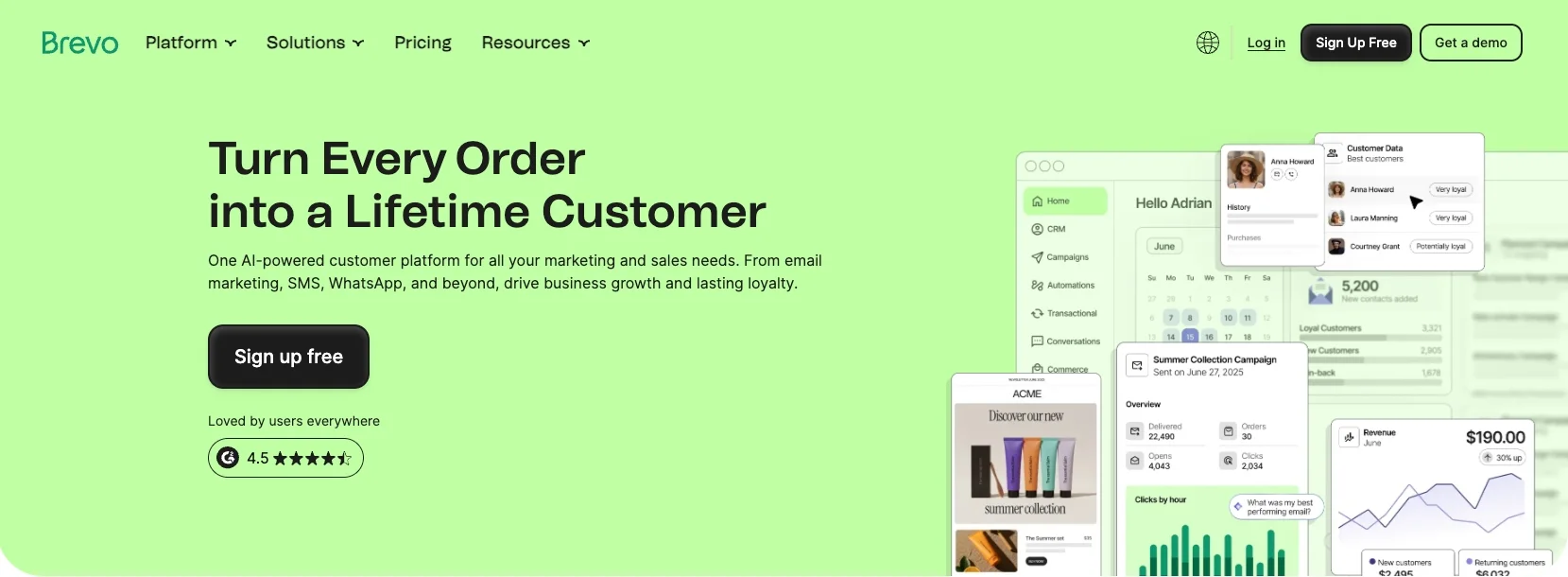
Brevo (formerly Sendinblue) is a multi-channel marketing platform covering email, SMS, WhatsApp, push notifications, and a built-in CRM.
What makes it good for bulk email?
The automation builder works on a visual canvas – you map workflows using triggers, conditions, and actions. Welcome sequences, re-engagement flows, and cart reminders are all configurable without code.
The “Send at best time” feature analyzes each contact’s engagement history and delivers the email when they’re most likely to open it, rather than at a fixed time you set manually.
Brevo includes 40+ newsletter templates and an AI assistant for generating or refining email content.
Pricing
| Plan | Monthly cost | Emails |
| Free | $0 | 300/day |
| Starter | $9 | From 5,000/month |
| Standard | $18 | From 5,000/month |
| Enterprise | Custom | Custom |
Note: Brevo’s contact storage limits vary by tier and are not capped on most paid plans. Verify current limits on Brevo’s pricing page before committing.
Pros
- Email, SMS, WhatsApp, and push notifications in one platform
- Visual automation builder
- Free CRM included
- A/B testing on Standard plan
Cons
- Multiple users only available on higher-tier plans
- Removing Brevo branding costs $9 extra per month on the Starter plan
- Phone and live chat support limited to Standard and Enterprise
7. Mailjet
G2: 4.0
Capterra: 4.2
Free plan: 6,000 emails/month, 200 emails/day
Paid plans: from $9/month
Mailjet is a cloud-based platform for small and medium-sized businesses that combines a visual email builder with a solid email API.
What makes it good for bulk email?
The real-time email validation API embeds directly into sign-up forms, stopping invalid addresses before they enter your list. Bulk list validation from the dashboard is also available – useful before a large send.
A/B testing covers up to 10 email versions at once, tracking opens, clicks, and engagement across variations in subject line, sender name, and content. This feature requires the Premium plan.
The automation builder uses draggable action blocks. It covers follow-ups, drip campaigns, and trigger-based sends, but won’t handle complex multi-step workflows.
Multi-user real-time collaboration is built in, which is useful for small marketing teams working on campaigns at the same time.
Pricing
| Plan | Monthly cost | Emails | Notes |
| Free | $0 | 6,000 | 200 emails/day cap, Mailjet branding |
| Starter | $9 | 8,000 | Up to 2,000 contacts, no daily cap |
| Essential | $17 | 15,000+ | Unlimited contacts, no daily cap |
| Premium | $27 | 15,000+ | Adds A/B testing, automation, multi-user access |
Note: The free plan contact limit should be verified on Mailjet’s live pricing page before publishing, as limits have changed across plan updates.
Pros
- Built-in email validation, no separate tool needed
- A/B testing across up to 10 versions (Premium plan)
- Unlimited contacts on Essential and Premium plans
- Real-time multi-user collaboration
- 6,000 free emails/month
Cons
- No separate sending stream for transactional and marketing emails
- A/B testing and automation locked to Premium plan
- Lower G2 rating compared to others on this list
Wrapping up: How to choose a bulk email service
Four factors determine whether a provider fits your needs.
Deliverability. Inbox placement depends on whether your provider enforces SPF, DKIM, and DMARC and protects your IP reputation. If you send both marketing and transactional emails, separate streams keep a campaign complaint spike from affecting critical messages. Mailtrap handles this natively; Mailjet does not.
Ease of use. A drag-and-drop builder and clear documentation matter when your team doesn’t have dedicated email developers. Selzy, Brevo, and Sender have the lowest barrier to entry.
Pricing model. Some services charge by emails sent, others by contact count. Omnisend’s contact-based pricing rises quickly as your list grows. Mailtrap and Mailjet charge by email volume. Check overage rates before committing to any plan.
Separate sending streams. This is the one technical detail that affects everyone who sends both campaigns and transactional emails. A campaign that generates complaints should not delay password resets or order confirmations. Mailtrap enforces stream separation natively; most others require workarounds or don’t offer it at all.
The right choice by situation:
- Choose Selzy for an accessible builder, strong authentication features, and a low entry price.
- Choose Mailtrap when per-provider deliverability analytics and separate sending streams are the priority.
- Choose Maileroo for bulk and transactional email on a single affordable platform without enterprise complexity.
- Choose Sender to keep costs low – the free plan includes 15,000 emails/month with 24/7 support.
- Choose Omnisend for ecommerce: Shopify integration and pre-built automation flows cover the most common store scenarios.
- Choose Brevo when email, SMS, and WhatsApp campaigns need to run from one platform.
- Choose Mailjet for built-in email validation and multi-user collaboration without needing additional tools.
Every provider on this list offers a free plan. Running a real campaign through one or two before committing gives you actual inbox placement data under your sending conditions – which is more reliable than any feature comparison.
 New and noteworthy on our blog