



Key takeaways
- Minimalism is a growing trend in various fields like fashion, design, and lifestyle, focusing on simplicity and clarity.
- Minimalist email design is effective in capturing subscribers' attention and boosting engagement.
- Minimalism in emails helps to highlight important messages and is crucial for mobile device users.
- Creating a minimal email design involves visual hierarchy, smart use of negative space, appropriate fonts, and avoiding too many colors.
- Simple email design improves user experience, and effective visuals control reader focus.
Minimalism has become an overwhelming trend embracing various spheres: fashion, design, architecture, and even lifestyle. Its main idea is in the simplicity, accuracy, and clarity of expression. For marketers, minimal email design allows them to use the subscribers’ attention span most effectively, as they focus only on the key messages. Emails with clean and uncluttered designs also boost customers’ engagement rather than messy and fussy ones.
In this article, we will share minimalist email examples and provide tips on crafting aesthetic and effective emails.
Quick answer
Minimalist email design uses a clear hierarchy, short copy, generous white space, restrained colors, readable typography, and one obvious call to action. The goal is not to make an email empty, but to remove anything that competes with the main message. A good minimalist email should still be responsive, accessible, on-brand, and easy to scan on mobile.
What is a minimalist email design?
We live in the era of high-speed digitization and are caught up in the sheer volume of information we encounter every day. According to a study in Nature Communications by the Technical University of Denmark, our collective attention span is indeed narrowing, and this effect occurs across different domains – social media, books, movies, web searches, emails, etc. Therefore, a simple copy with a minimalist and responsive design is the most effective way to deliver a message, and this approach cannot be more relevant for your email marketing.
It may sound paradoxical, but if you want to stand out from the crowd of brightly colored and mostly cluttered email templates, you need to work out a classy minimalist layout with clean fonts, calm colors and simple copy or customize a ready-made one.
Why use minimalism in emails
The practices of minimalism are based on eliminating unnecessary clutter to highlight what is really important. So, the less a person’s attention is distracted by different content elements in an email template, the clearer the main message of the newsletter will be. Isn’t that our goal as marketers?
Many subscribers read email on mobile, so a minimalist layout should be easy to navigate, easy to read, and responsive on small screens. Use a single-column structure when possible, keep the type readable, make buttons easy to tap, support the subject line with useful preview text, and test the template before sending. Nobody wants to wait for a heavy or overcomplicated email to load.
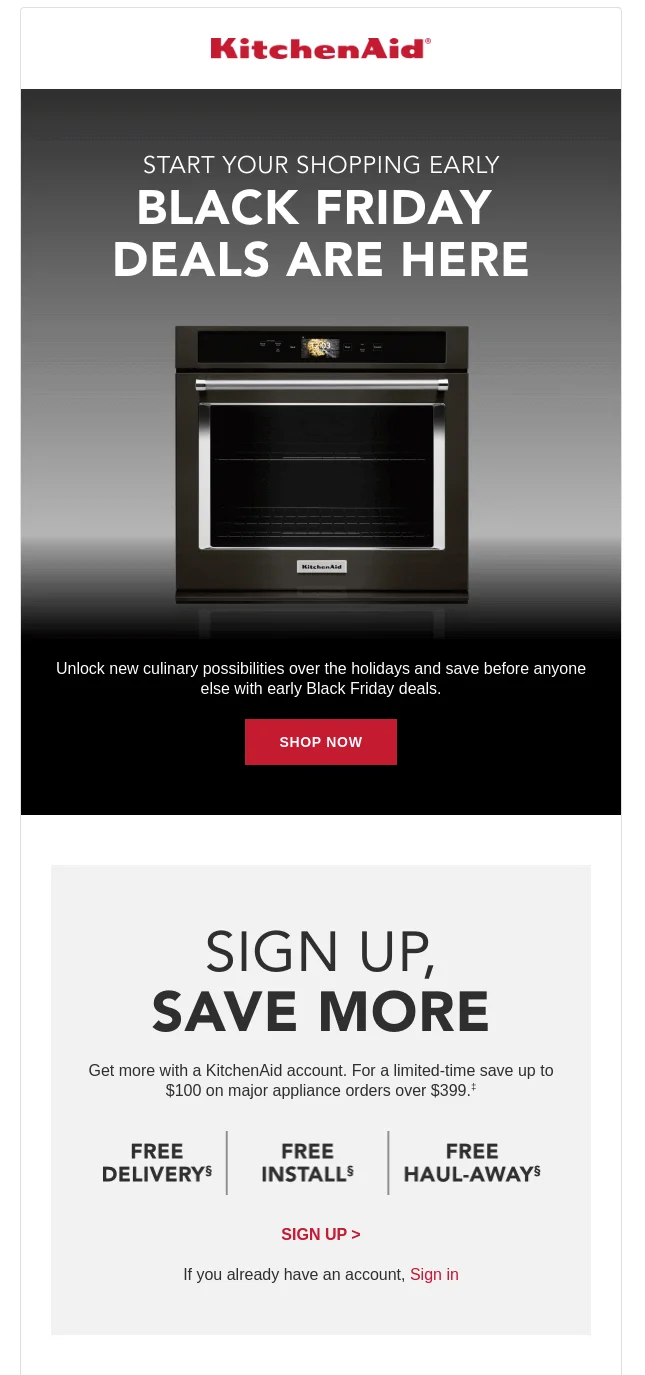
You can decide which parts deserve more readers’ attention and play with space, fonts and colors. It is easy to achieve with a minimalist email template.
How it differs from traditional templates
Generally speaking, all the marketing practices are aimed at increasing sales and brand awareness for business. Quite often this idea is performed in an aggressive manner. As for email marketing, you might have seen the emails advertising various products or services on a colorful layout with many pictures, different fonts, exclamations and lots of text. Or sometimes there is so much information that you cannot get to the point of the email. Because of that people are reluctant to subscribe to newsletters. Well, there are different email design styles, which we have discussed and explained why it matters. Look at the example below:
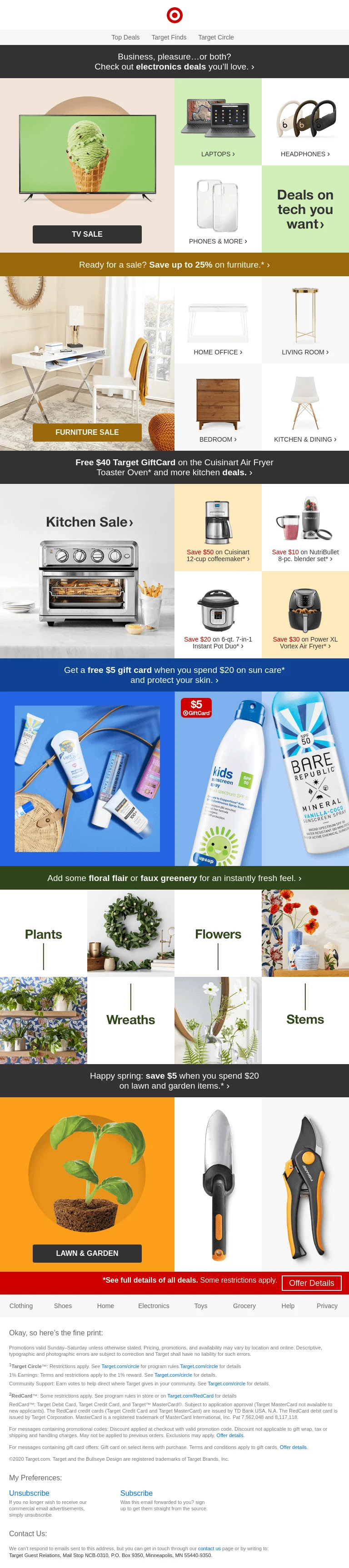
At first sight, it is difficult to single out the message. We see too many different items: furniture, kitchen electronics, beauty products, plants… And now check out the next example below.
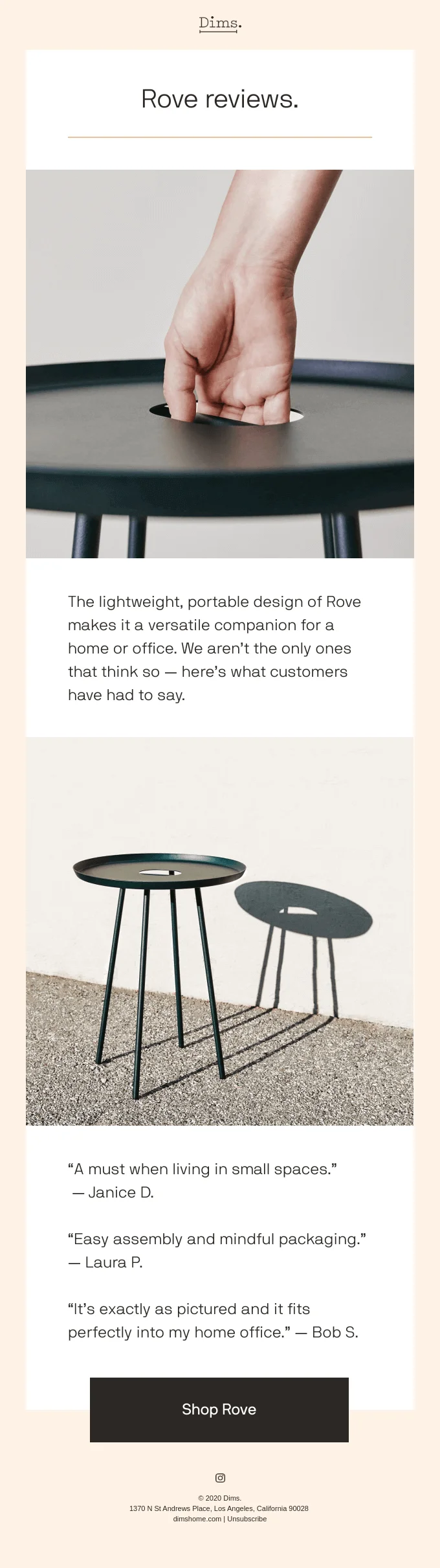
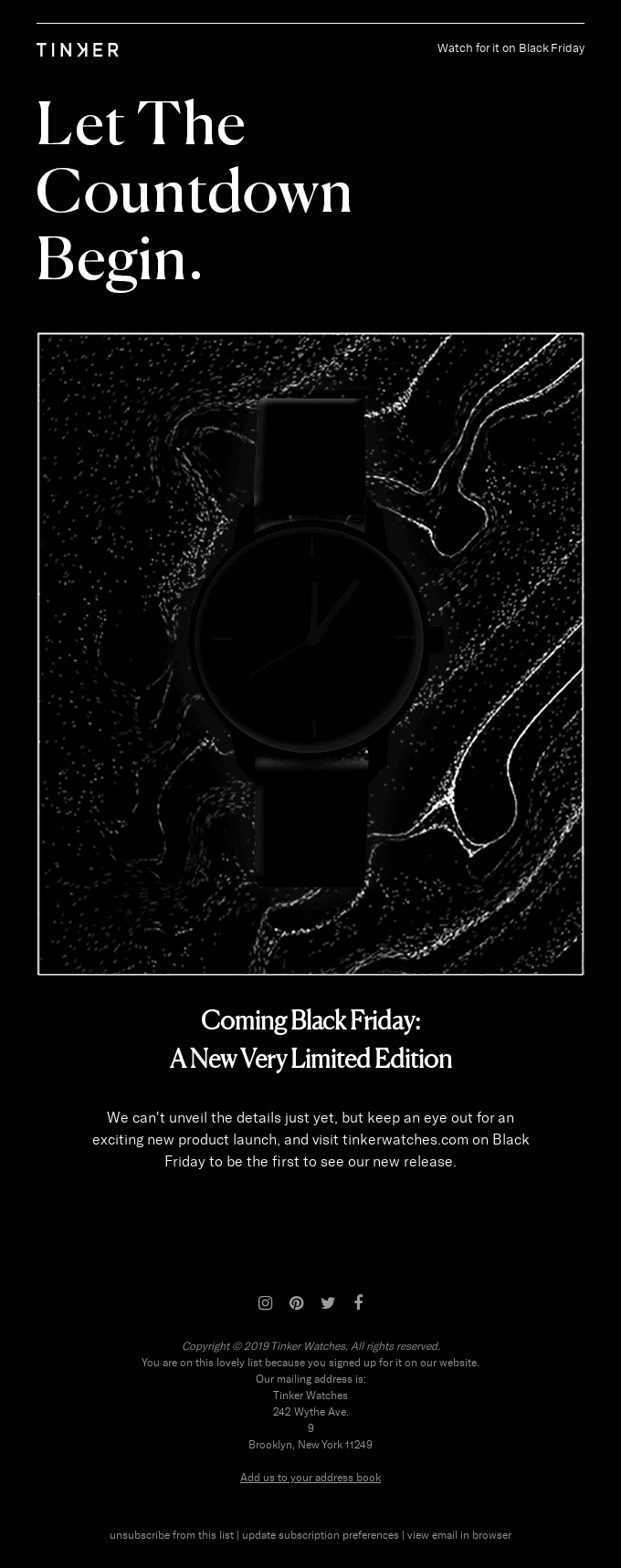
Quite a different one, right? We get attracted by stylish photos, elegant language and calm colors used in the template. This is an example of a minimalist email template.
How to create a minimal email design
Create a visual hierarchy
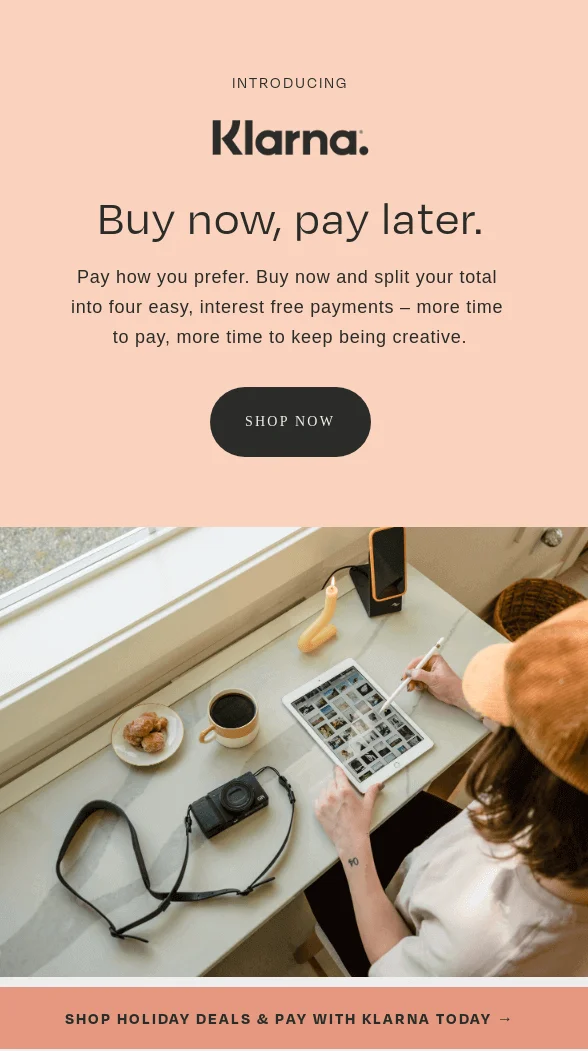
Some elements of a marketing email template deserve more consumers’ attention than others. It is very important that your audience pays attention to the meaningful parts, so you should take into account the correct visual hierarchy. There are only a few seconds as we scroll down the pages, and such elements as the size of letters or blocks of texts, colors, repetitions, and white spaces help to convey your message.
To make your email stand out even more, consider incorporating eye-catching backgrounds from Freepik, a website that provides high-quality and visually appealing backgrounds that can help to make your email even more attention-grabbing. This will help to enhance the overall visual appeal of your email, making it more likely to be noticed by your audience and drive conversions.
Use the negative space smart
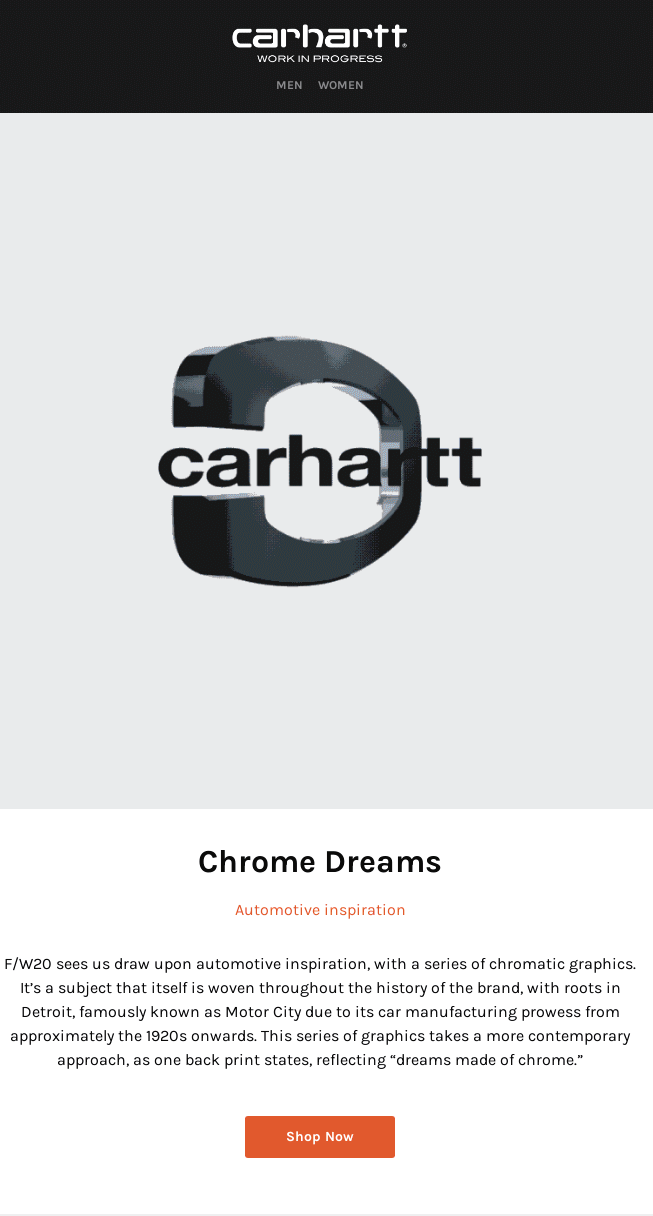
Negative, or white space, is a key feature of minimalist design. First of all, it eradicates the sense of clutter, makes it easier to perceive the content and focuses customers’ attention. By the way, the practices of inserting whitespace don’t literally mean white – you can customize the layout in any background color.
Use appropriate fonts
Mixing fonts, varying in styles and size, can be very tricky. Minimalist email design advocates clean typography: it makes a template look tidy and aesthetic. Choose the fonts that correspond to your brand identity and stick to them in your campaigns – more tips in our email fonts guide. Besides, always make sure that the chosen fonts are rendered correctly on various devices.
Check accessibility
Minimalist design can still fail if the message is hard to read. Check contrast between text and background, do not communicate meaning with color alone, add alt text for meaningful images, keep body copy large enough to read on mobile, and make the CTA understandable without relying only on its visual style. Treat accessibility as part of the design, not as a final polish step.
Avoid using too many colors
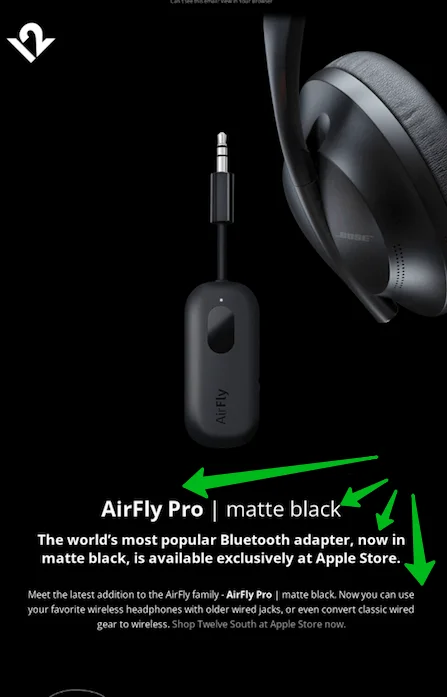
Bright colors do not necessarily lead you to the anticipated result – a user’s attention may simply be confused and disorientated. Monochromatic colors are the best solution for any kind of email marketing purposes. But minimalism does not exclude using bright colors as it is: when used thoughtfully to draw attention to particular content details, and it corresponds to the brand style, then it is absolutely okay and it positively affects the conversion. Take into account the topic: if you are launching, for example, an Easter email campaign, the colors should be predominantly light.
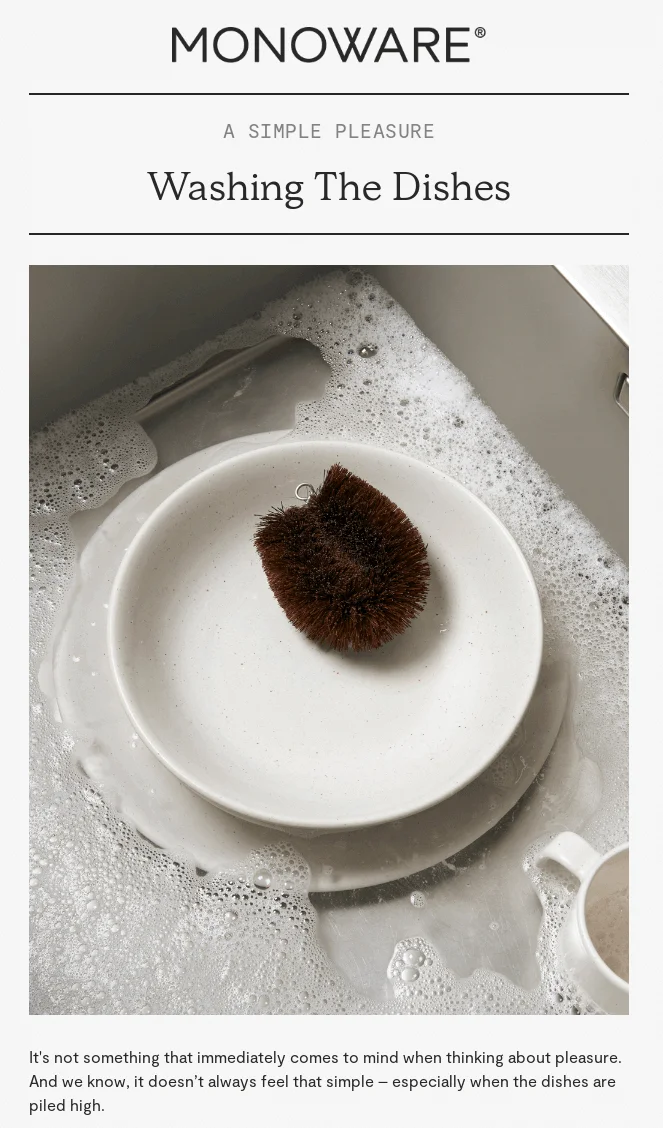
Feel the difference:
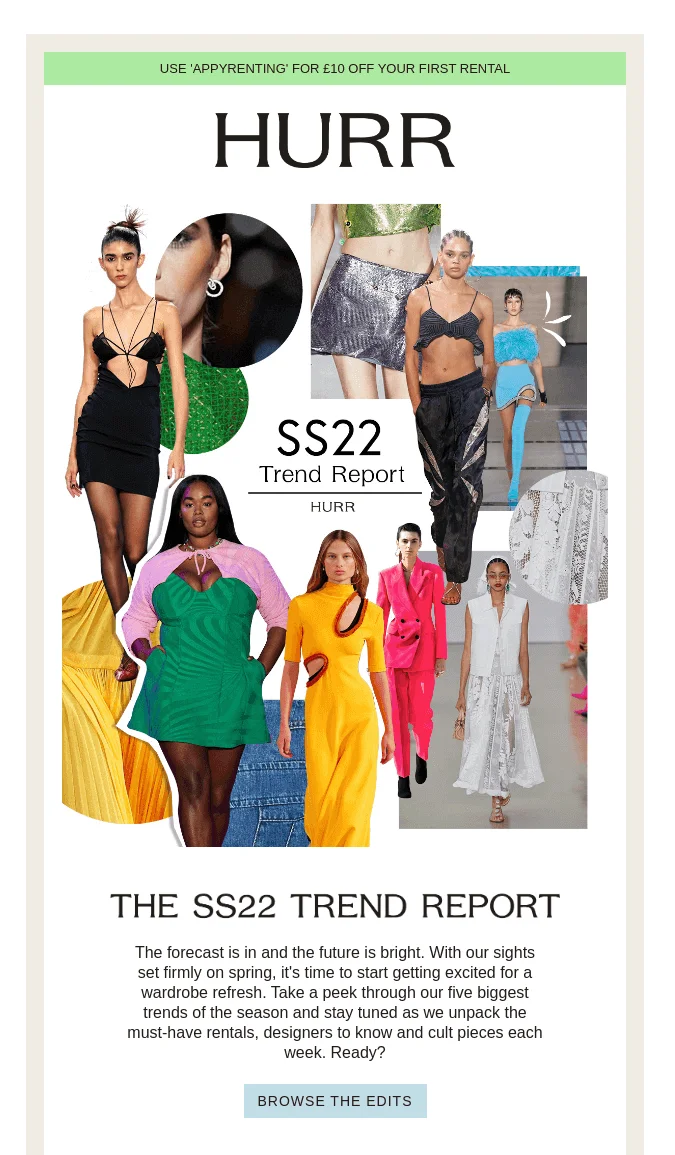
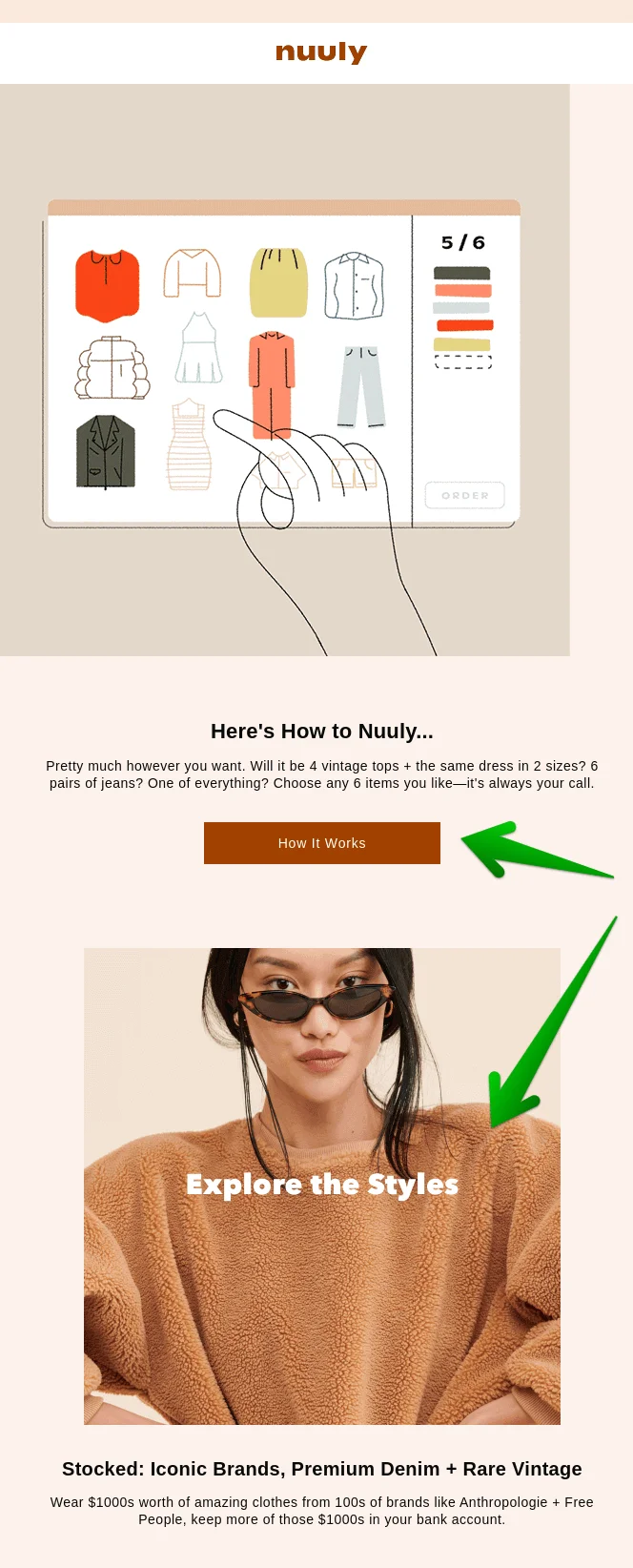
Although this example can hardly be called a minimalistic email, bright fashion photos are at least compensated by simple fonts and backgrounds.
Keep it simple
Simple email design eases readers’ experience. They should not figure out where the link or button is, the key message should be clear, while the email template itself should be easily scannable. As for the copy, remember that you can provide exhaustive information on your website, while the email should simply inform and attract, so do not overload it with minor details.
Leverage the visuals
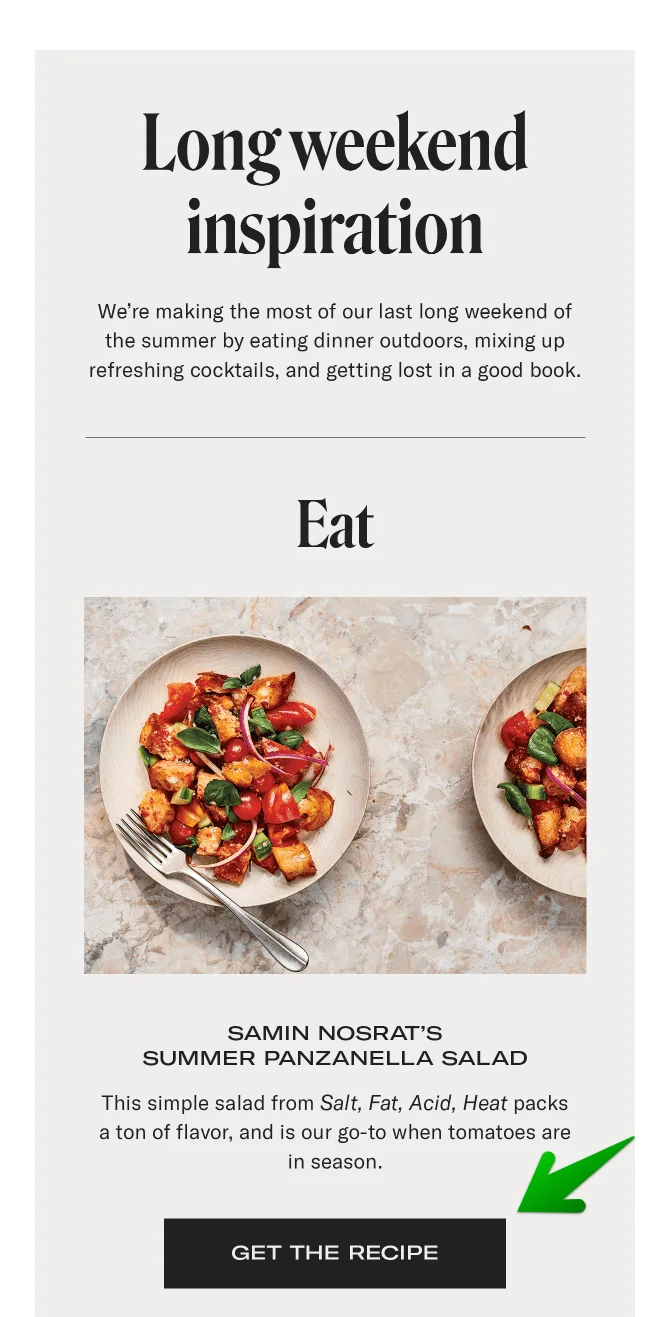
Great design with effective visuals is your undoubted competitive advantage. By leveraging the visuals, you can control the focus of the reader’s attention. Thus, you may highlight the product image, so that other visuals should not divert the subscribers’ eyes. This principle is the essence of the minimalist design.
Do not include too many CTA buttons
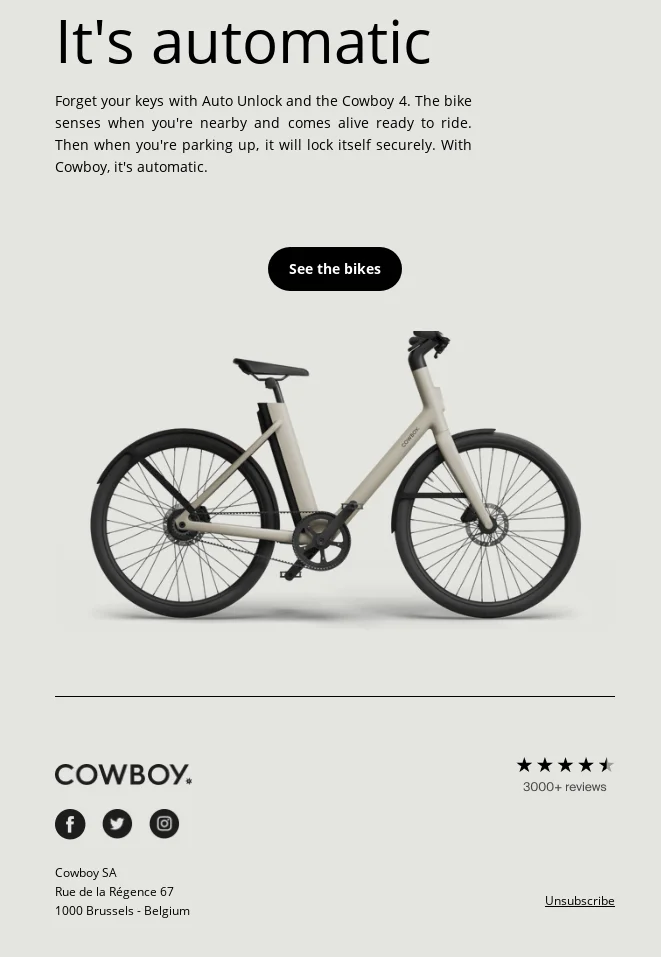
You need to make it clear: why do you want to add this or another button to your email template? CTA (call-to-action) buttons should both meet the needs of the consumers and improve your marketing performance. If you add too many CTAs, the users get lost and don’t click at all.
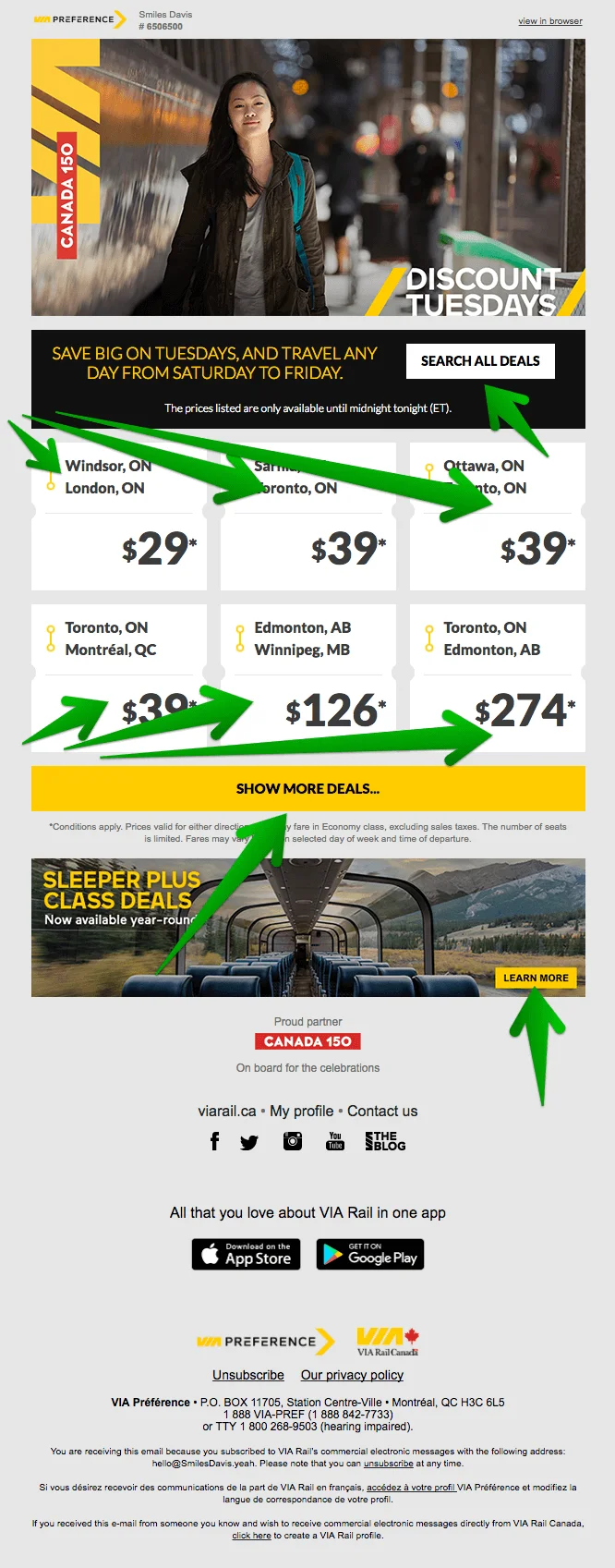
The same frustrating experience takes place when there is no button, although it should be there. Try to walk in your users’ shoes and make a choice about where to put the CTAs for a comfortable user experience.
Keep your design responsive
It is very important for business results to use a responsive design that renders on any device and screen. Otherwise, all the struggles that designers, copywriters, SEO experts and marketers have endured while creating a campaign and a beautiful minimalist template are in vain. You may use ready-made, editable, responsive templates from email services that have been tested on different devices and customize them with your stylish content. Besides, the majority of ready-made minimalist templates are crafted for mobile devices first, while desktop versions adjust to them. Also test how the email behaves when images are blocked or dark mode changes colors. Check logo visibility, background and text contrast, button visibility, and whether the email still makes sense without a hero image.
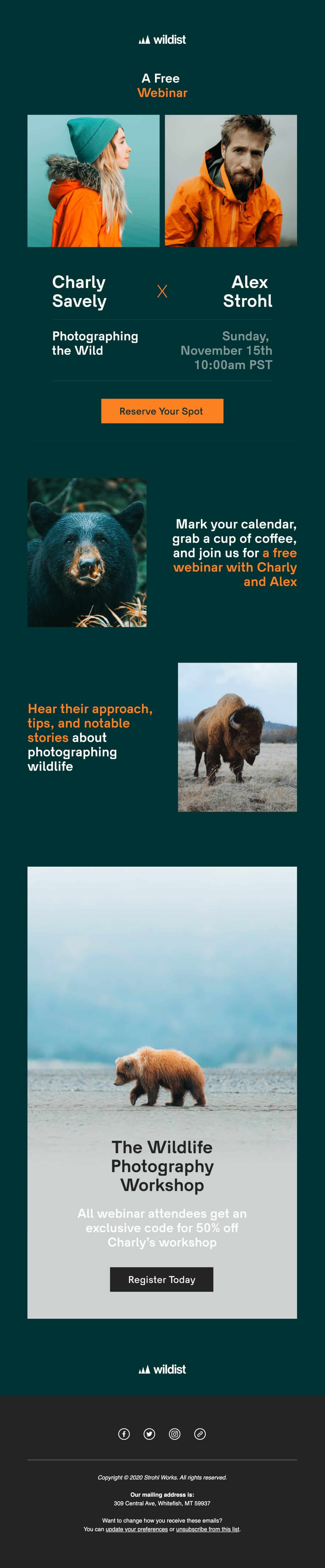
An example of minimalistic email on mobile. Its desktop version looks the same, just wider, check it out. Source: Email Love
Keep your text as short as possible
We should respect our subscribers’ time and get straight to the point. It doesn’t mean that you should deliberately write short emails, but you should write as short as possible, eliminating wordiness. In other words, the text must be as long as it needs to convey your message. Though, it can be quite challenging to write a short copy, than a longread!
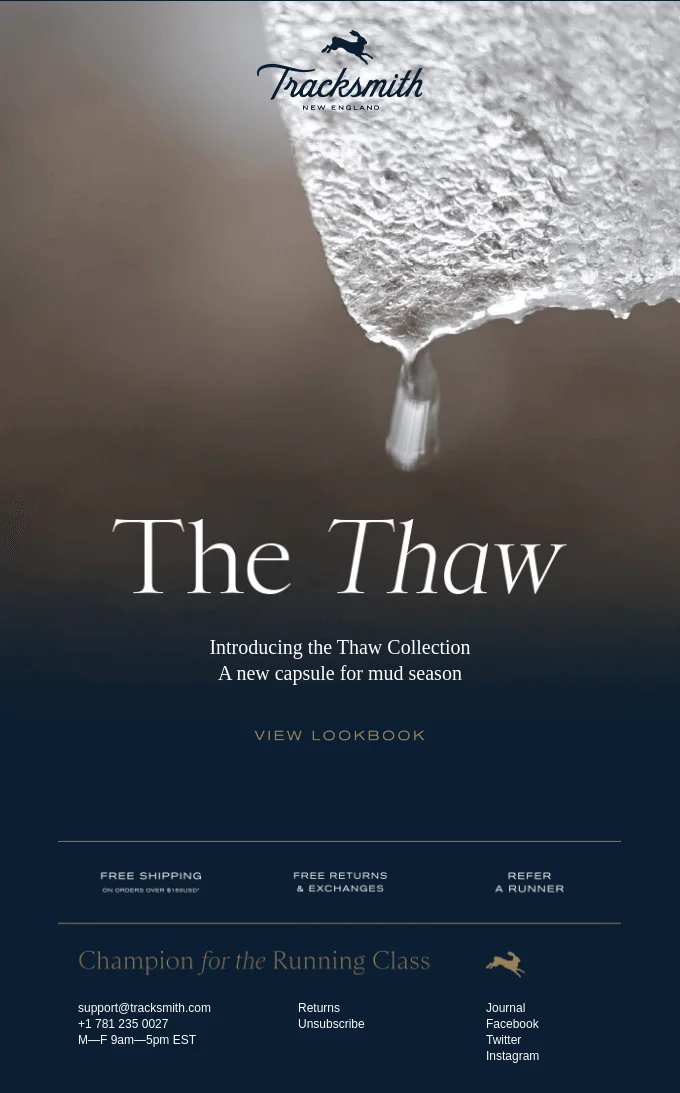
This email announces the new collection and is aimed at redirecting to the website for further purchases. That is why the copy here is minimal.
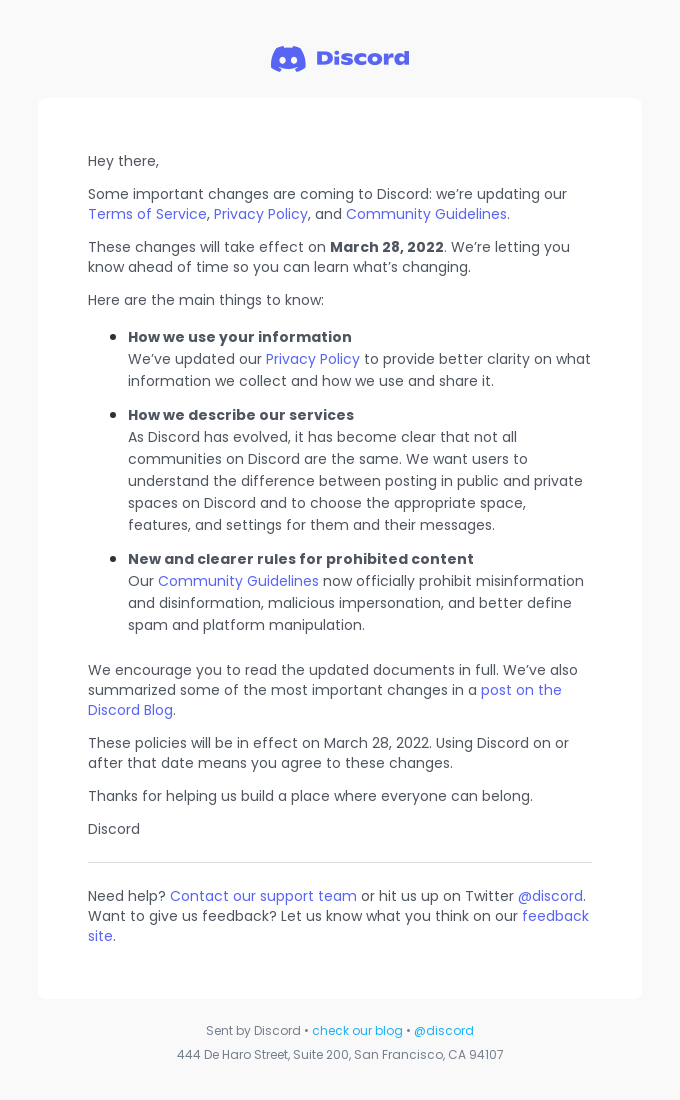
Some service emails cannot be short just because of its subject, like policy changes, agreements updates and others.
Minimalist email pre-send checklist
Before sending a minimalist email, check that the main message is visible within the first screen, the CTA is obvious, the body copy is short enough to scan, the layout works on mobile, images have alt text, color contrast is readable, dark mode does not hide key elements, and every visual element supports the goal of the campaign.

FAQ
What is minimalist email design?
Minimalist email design uses simplicity, clarity, and clean structure to communicate the main message without unnecessary clutter. It relies on simple copy, clean fonts, calm colors, and a responsive layout so readers can quickly focus on what matters most.
Why does minimalist email design work well?
It works because it reduces distractions and helps the main message stand out. With attention spans narrowing and many people reading email on mobile devices, a simple and easy-to-read template is more effective than a busy one.
How many colors should a minimalist email use?
The article recommends calm colors rather than bright, cluttered palettes. A minimalist email should use color sparingly to support clarity and highlight key content, not compete with it.
What fonts work best in a minimalist email?
Clean fonts work best because they support the simple and uncluttered style of minimalist design. The goal is readability, so fonts should feel clear and easy to scan rather than decorative or distracting.
Can minimalist emails include images?
Yes, but images should be used selectively. The idea is to keep the layout uncluttered so each visual element has a clear purpose and does not overwhelm the message.
How should you test a minimalist email before sending it?
Check that the template is easy to navigate, easy to read, and responsive, especially on mobile devices. Make sure the layout loads quickly and that the key message remains clear without extra distractions.
Conclusion
Minimalism as a trend in design and marketing showed up as a response to a noisy, kitschy and aggressive advertising culture. Simple structures, clean typography, white space, and deliberate color scheme turn out to be more and more attractive in graphic design and visual art itself.
You can easily enhance your marketing performance by customizing your email templates to minimalistic standards. Follow these tips:
- Do not overload the email with too many different fonts, and bold types – clean typography looks aesthetic and up-to-date.
- Use the white space smart: it allows to focus consumers’ attention and eradicates the sense of clutter.
- Work with visuals effectively: color schemes, images, their hierarchy should be well coordinated.
- Keep the email template simple, responsive and user-friendly.
All newsletter examples are credited to Really Good Emails.
 New and noteworthy on our blog
