HubSpot vs Mailtrap
Trying to choose between HubSpot vs Mailtrap as your email marketing software? Here's when to choose each tool – and the pros and cons to know about.

HubSpot
- 3.4/5 on TrustPilot
- 4.5/5 on Capterra
- 4.4/5 on G2
A CRM platform that offers email marketing, content management, marketing automation, and customer service capabilities.
Pricing
Marketing tools only start at $18 a month for 1,000 marketing contacts
Key features
- Email automation, reporting, etc.
- Landing pages and forms
- Marketing automation
- Website builder and hosting
- CRM platform
- B2B commerce tools
- Customer service software
- Sales and operations software
- Integrations with various services
Support
24/7 support via email and chat on paid plans, phone support on professional and Enterprise plans. Community support only on the Free plan.

Mailtrap
- 4.8/5 on Capterra
- 4.8/5 on G2
- 3.8/5 on Trustpilot
A high-deliverability email platform for digital products to send emails at scale. It offers transactional and bulk emails, SMTP, APIs, and official SDKs.
Pricing
Starts at $15 a month for 10,000 emails and up to 50,000 contacts
Key features
- High inboxing rates
- Fast email delivery
- Industry best analytics
- Safe and fast scaling
- 24/7 expert support
- Major SDKs
- Email Templates API
- Flexible API
- 18 integrations with various services
Support
Email support available on all plans for 20 hours on weekdays. 24/7 live chat and priority support available on higher plans.
HubSpot was founded by Brian Halligan and Dharmesh Shah in 2006. Headquarters in Cambridge, Massachusetts.
Founded in 2011 by Railsware Product Studio, Mailtrap is a bootstrapped product owned by Railsware with company headquarters in Kyiv, Krakow, and Los Angeles.
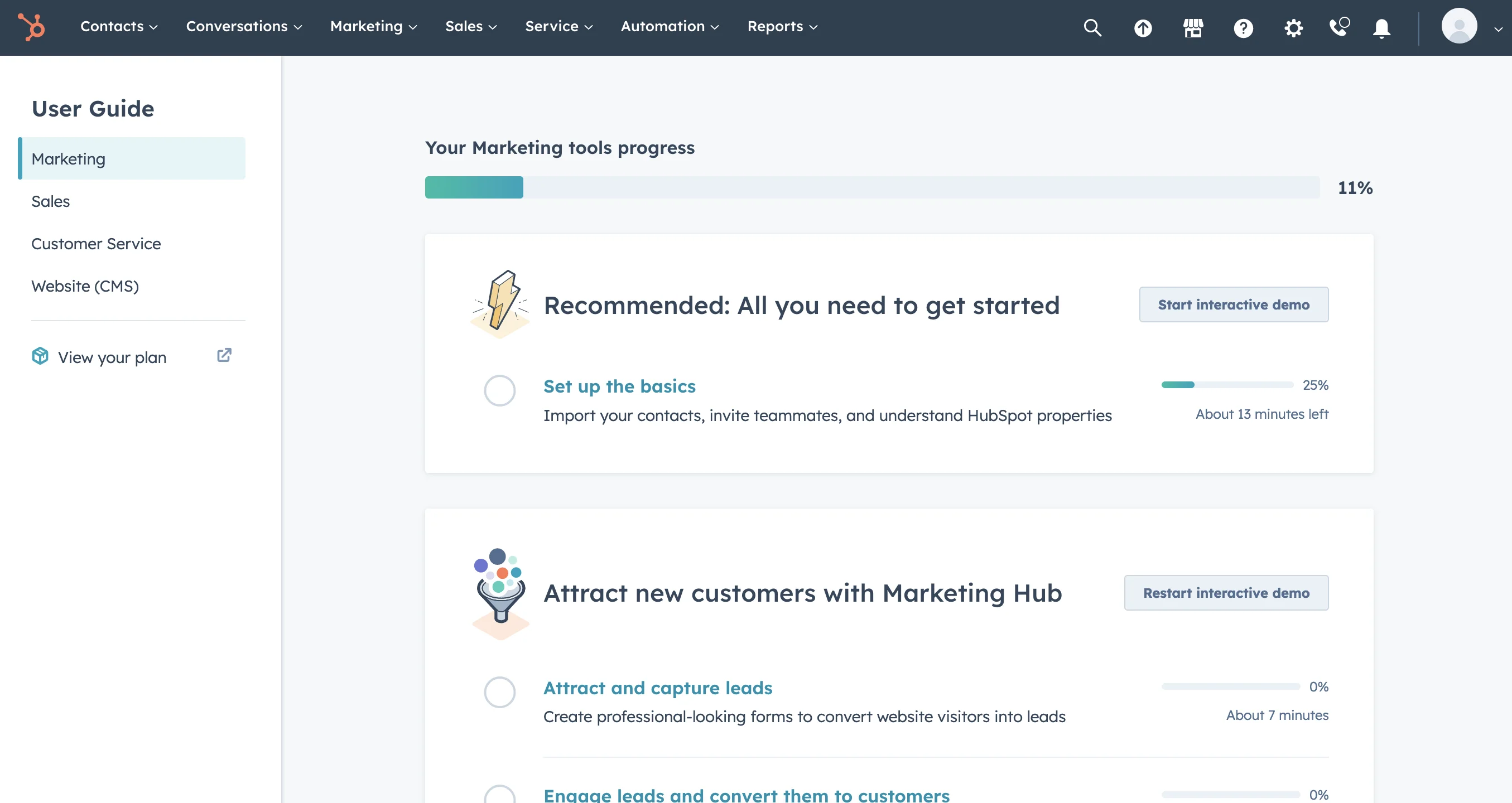
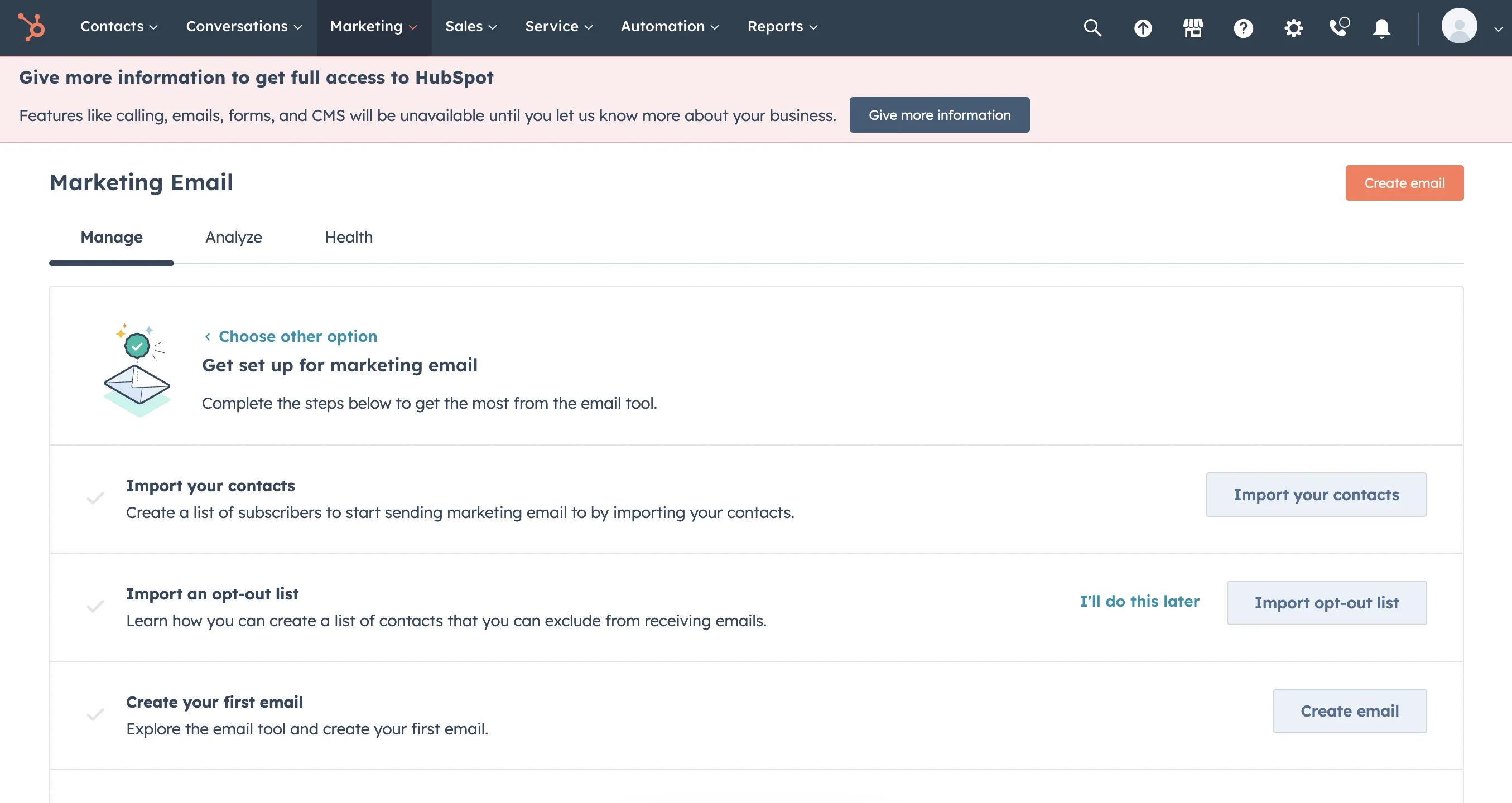
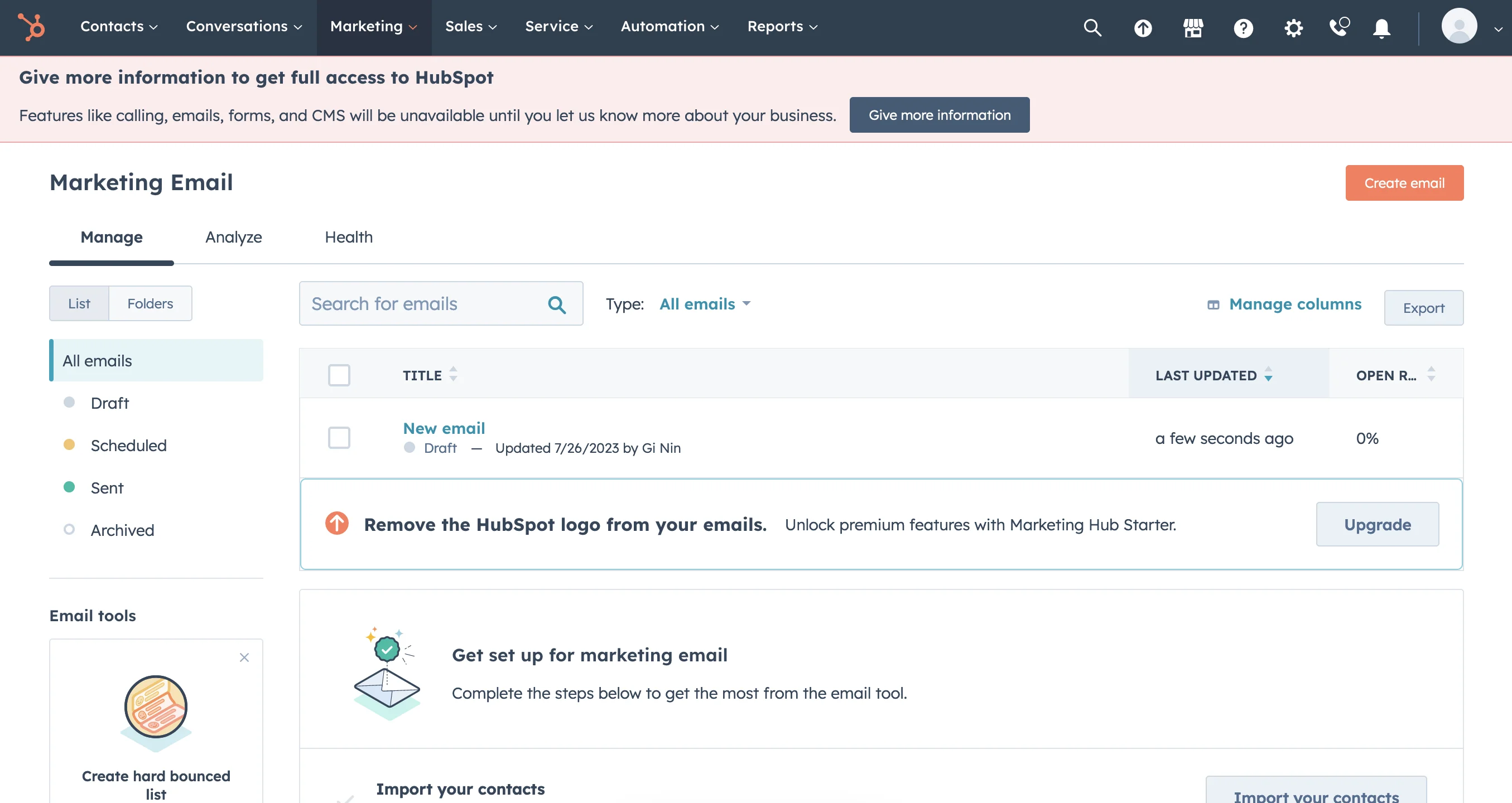
The software may seem complex and even overwhelming. However, newcomers get service demos and tutorials for a smooth start. Overall, the interface is user-friendly and approachable.
The service is geared for developer and product teams. Although not easy for the general public, its interface makes it easy for professionals to adopt the tool.
Medium to big e-commerce companies that want an integrated software package with marketing, CRM, customer service, and website hosting all in one.
SMEs and enterprises who require detailed, well-laid-out analytics, high deliverability, as well as transactional and marketing emails within a highly scalable and stable solution.
A free plan for 2,000 email sends per month. Available email templates and features are limited. No customer support, only the access to HubSpot Community.
Yes, 3,500 emails per month with 150 emails/day throughput, one domain and one user seat.
Billed monthly:
- Starter: $20 for up to 1,000 marketing contacts
- Professional: $890 for up to 2,000 marketing contacts (the starting price is $3,890 with a mandatory paid onboarding)
- Enterprise: $3,600 for up to 10,000 marketing contacts (the starting price is $6,000 with a mandatory paid onboarding)
Other pricing features:
- Users are only billed for their “marketing” contacts (actively in use) and can have many more inactive contacts
- Even if a user cancels the subscriptions, they will be billed for the rest of their commitment period duration
Mailtrap offers four pricing plans, billed monthly, and based on the number of emails and contacts, features, data retention and additional services.
Basic starts from $15 per month for 10,000 emails and up to 50,000 contacts.
- No daily email throughput limit
- 5 domains
- 5 days of email log and body retention
- Click rate tracking
- 3 user seats
- 2FA
Business starts at $85 per month for 100,000 emails and up to 750,000 contacts.
- Everything you get in Basic +
- 3,000 domains
- 15-day email log retention
- 7-day email body retention
- Max email size up to 30MB
- Dedicated IP
- Auto warm-up
- HTTPS link branding
- 1,000 user seats
- 2FA & SSO
- 24/7 customer support (email & live chat)
- Priority support
- Deliverability expert assistance
- Migration assistance
Enterprise starts at $750 per month from 1,5M emails and up to 2.5M contacts.
- Everything you get in Business +
- 30-day email log retention
- 15-day email body retention
- Activity logs
Mailtrap for big senders
- Custom pricing
- Deliverability manager
- Onboarding assistance
- Unlimited user seats
- Service demo for new users
- Technical support is available on paid plans only
- Access to the HubSpot Community on the Free plan
- Chat and email support on all paid plans
- Phone support only on Professional and Enterprise plans
- Mandatory paid assisted onboarding on Professional and Enterprise plans
- Advanced and Premier additional onboarding options
- Customer training
- Various courses with certifications
- HubSpot user groups
Email support available to all plans, Knowledge Base, well-documented APIs and SDKs, YouTube tutorials, documentation available on all plans.
Live chat and priority support available on higher plans (Business, Enterprise, and Mailtrap for big senders). This also includes migration and deliverability expert assistance and live chat and priority support – available 24/7.
On lower-tier plans, email support is available 20-hours per day, Monday to Friday.
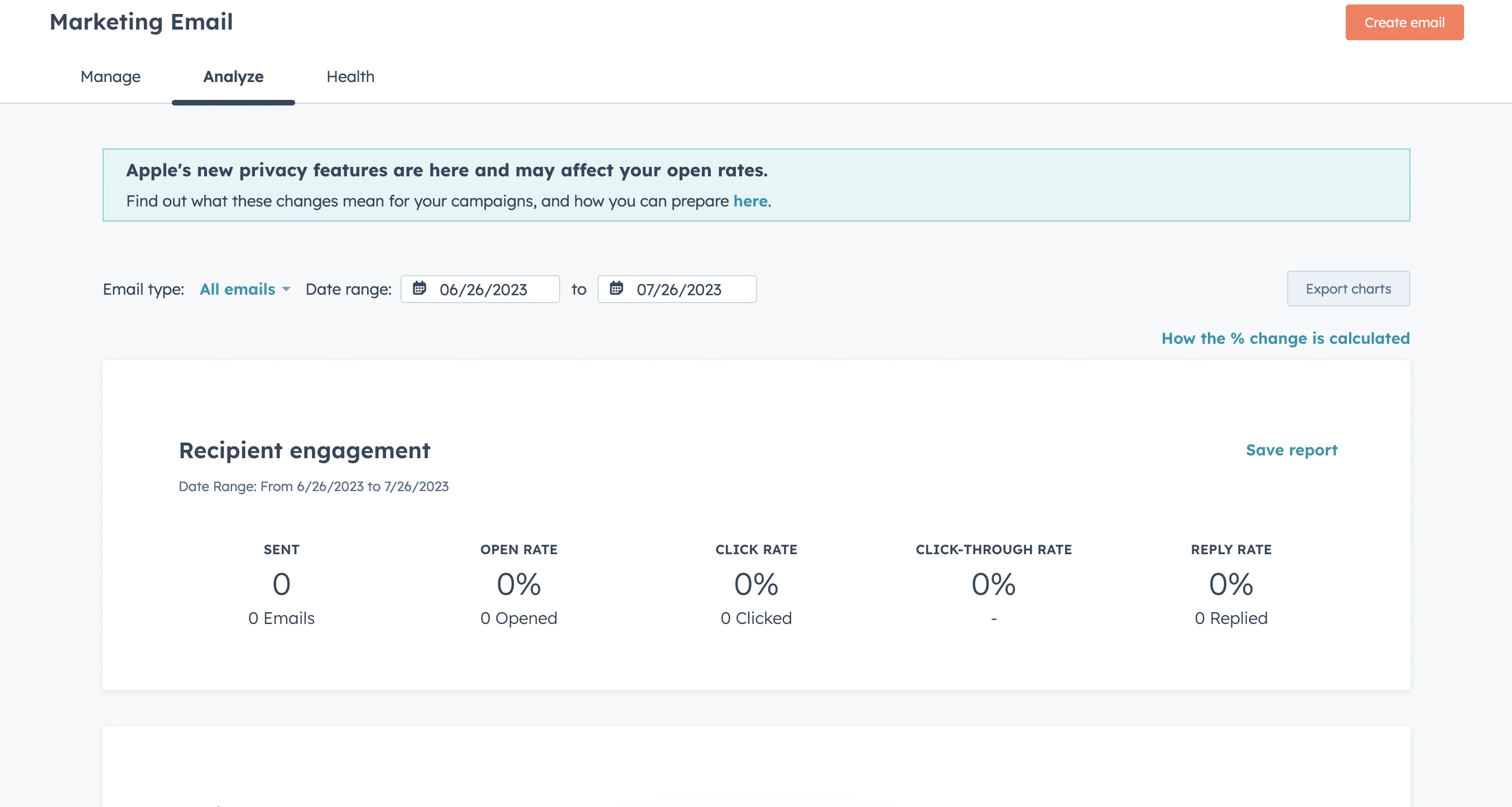
- Email automation
- Dynamic list segmentation based on various criteria
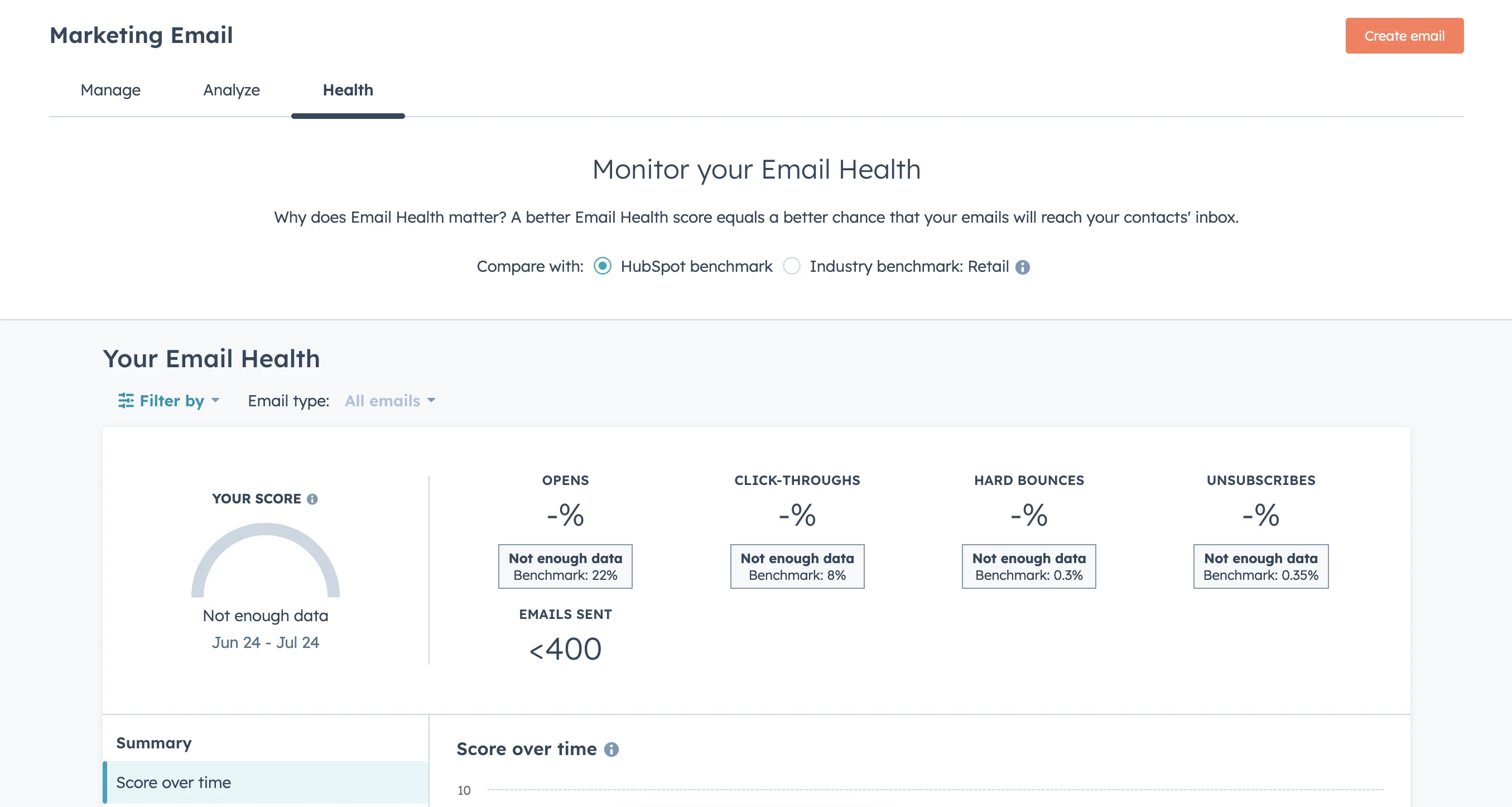
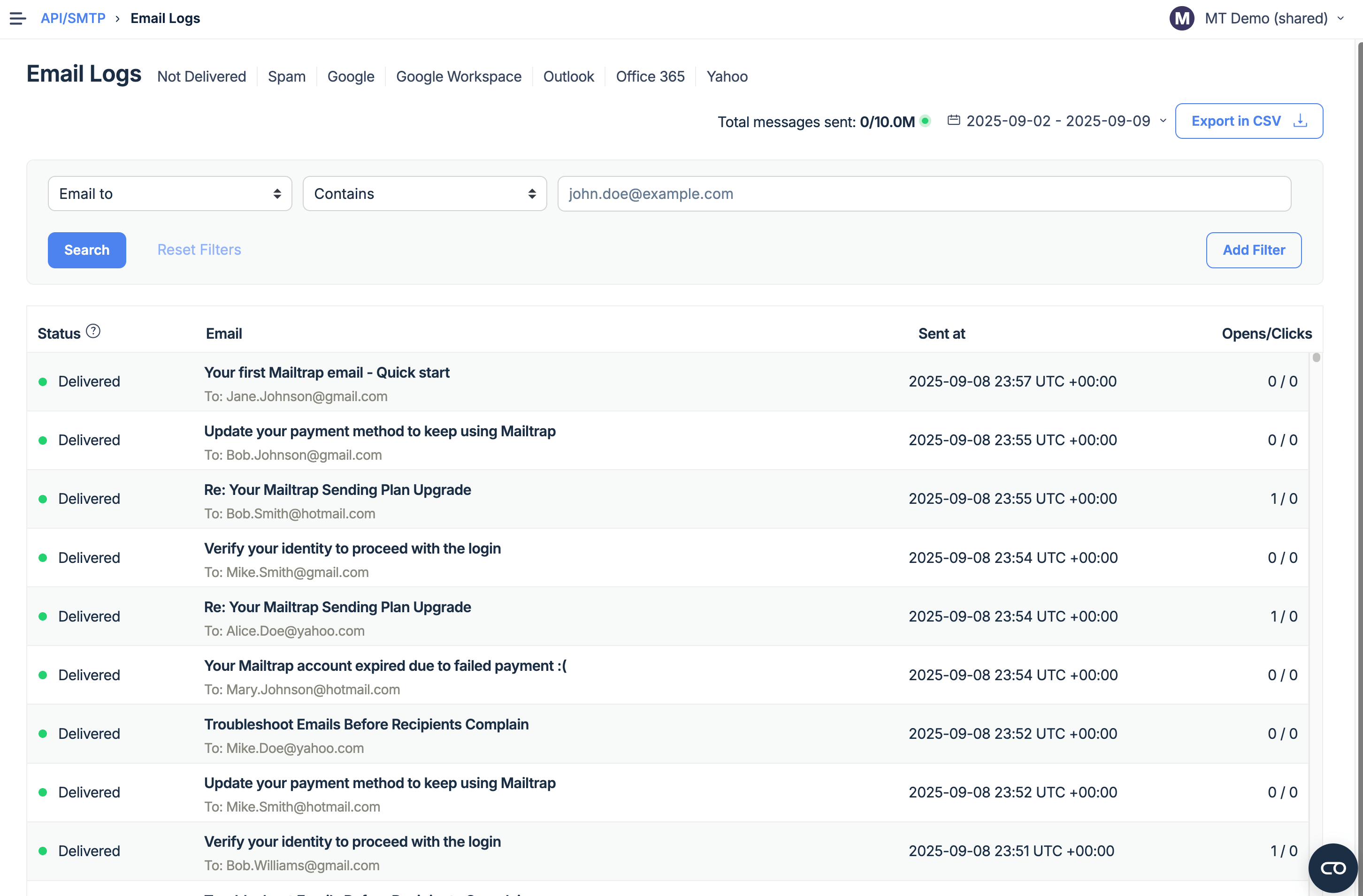
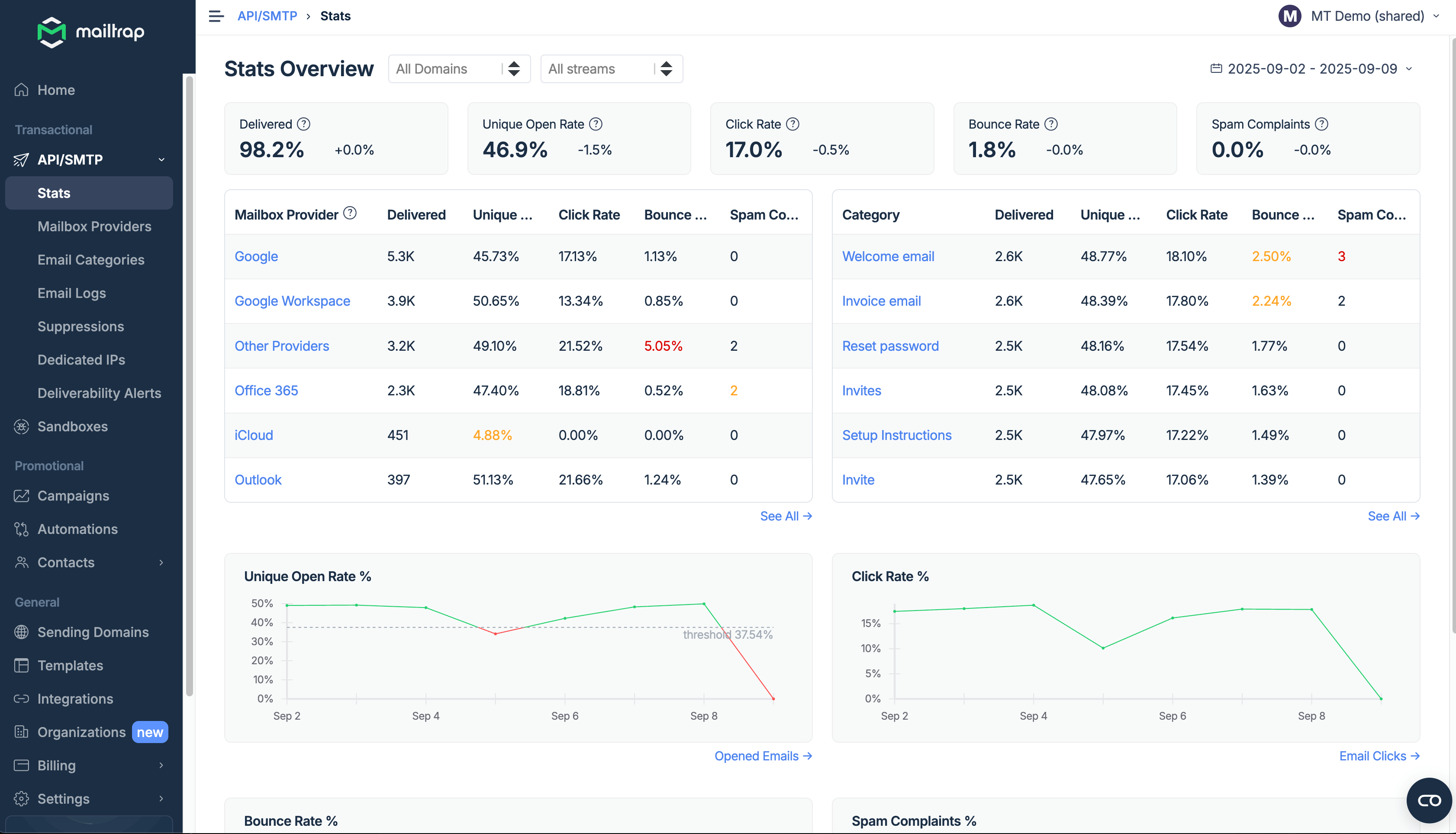
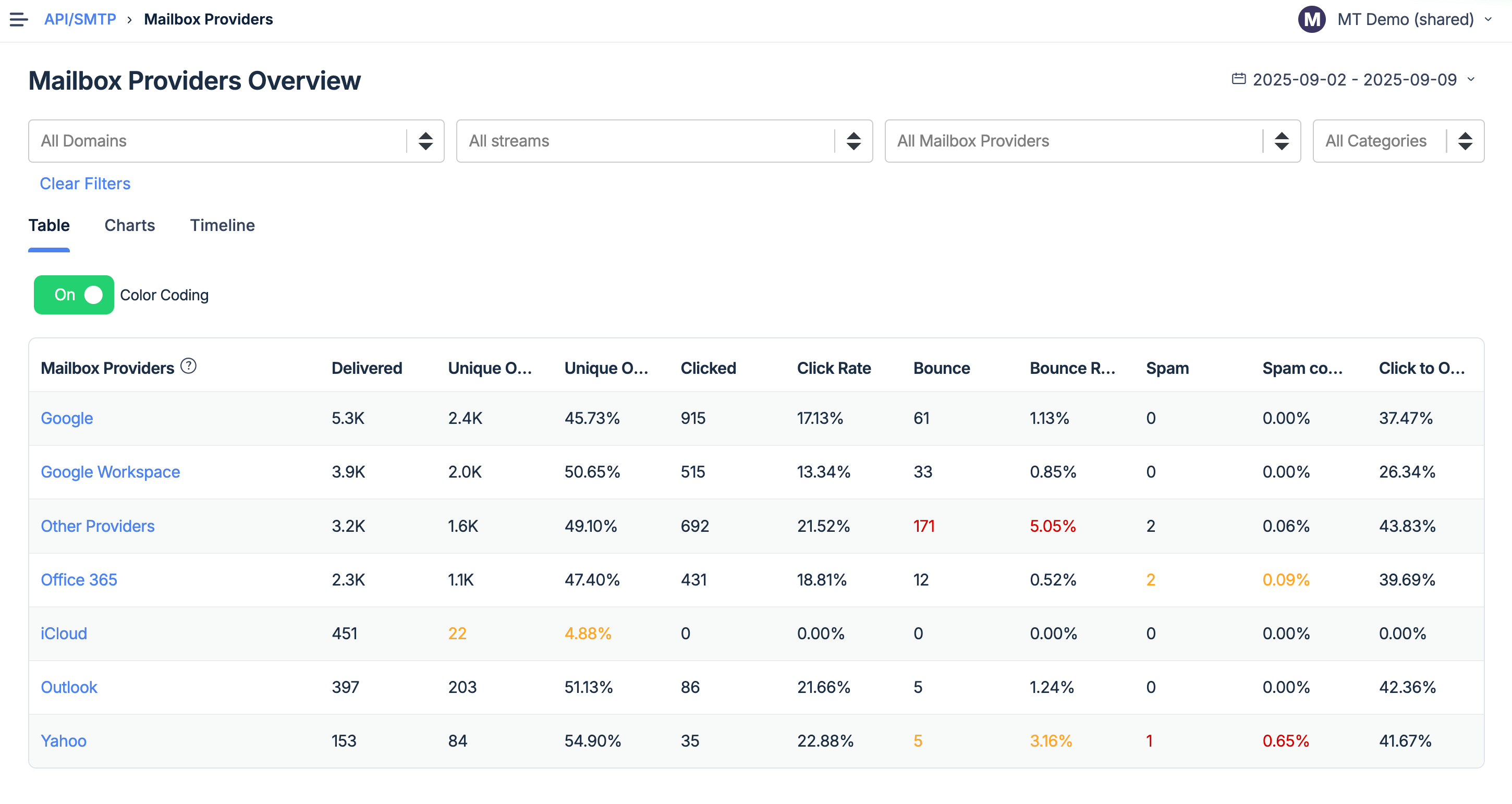
- Email reputation reporting and tracking
- Custom reporting dashboards
- Integrations with popular services
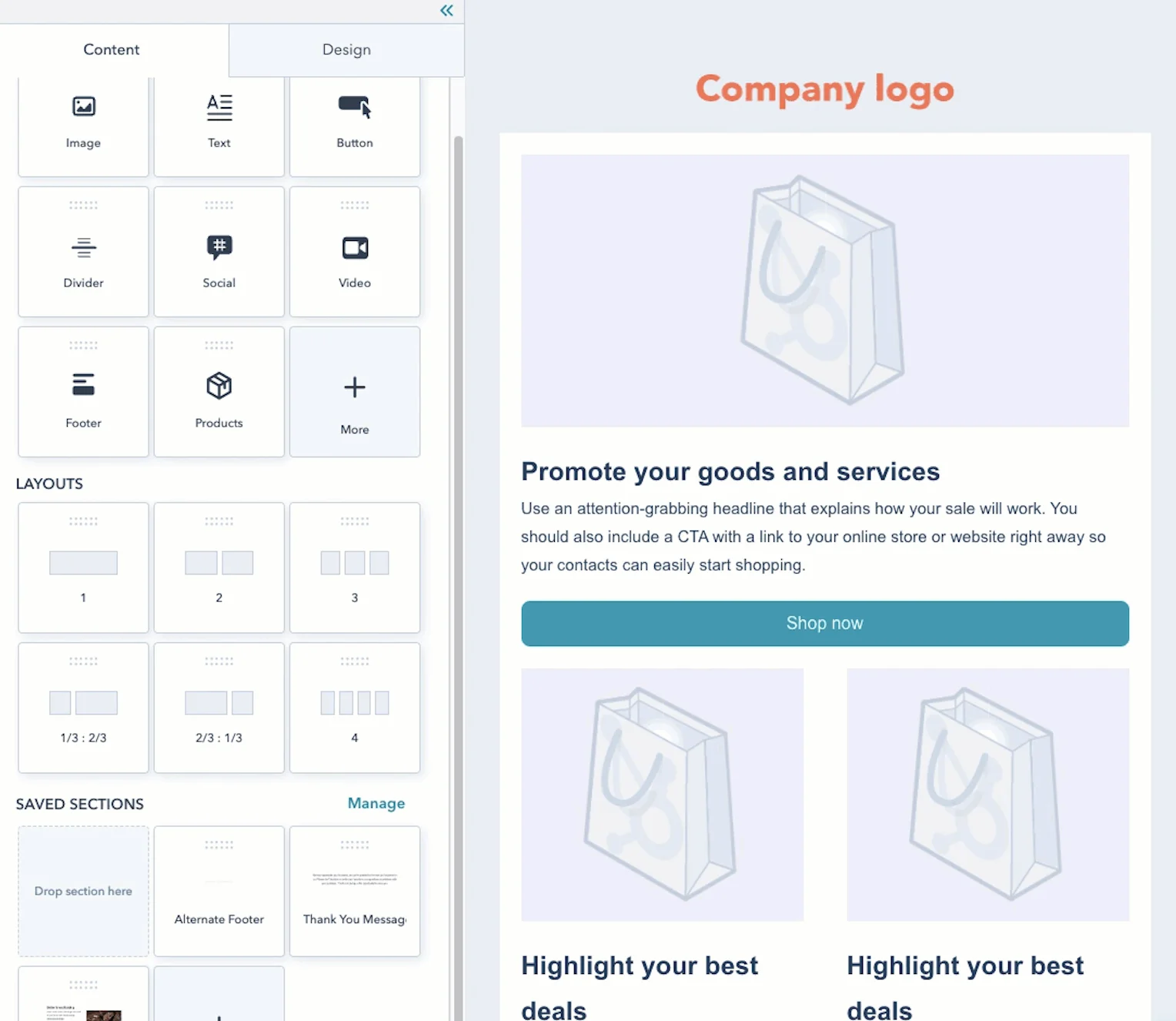
- Drag-and-drop email builder and pre-made templates
- Landing pages
- Live chat with website visitors
- A CRM app for iOS and Android
- Separate sending streams for bulk and transactional emails
- SMTP & API (+SDKs for major programming languages)
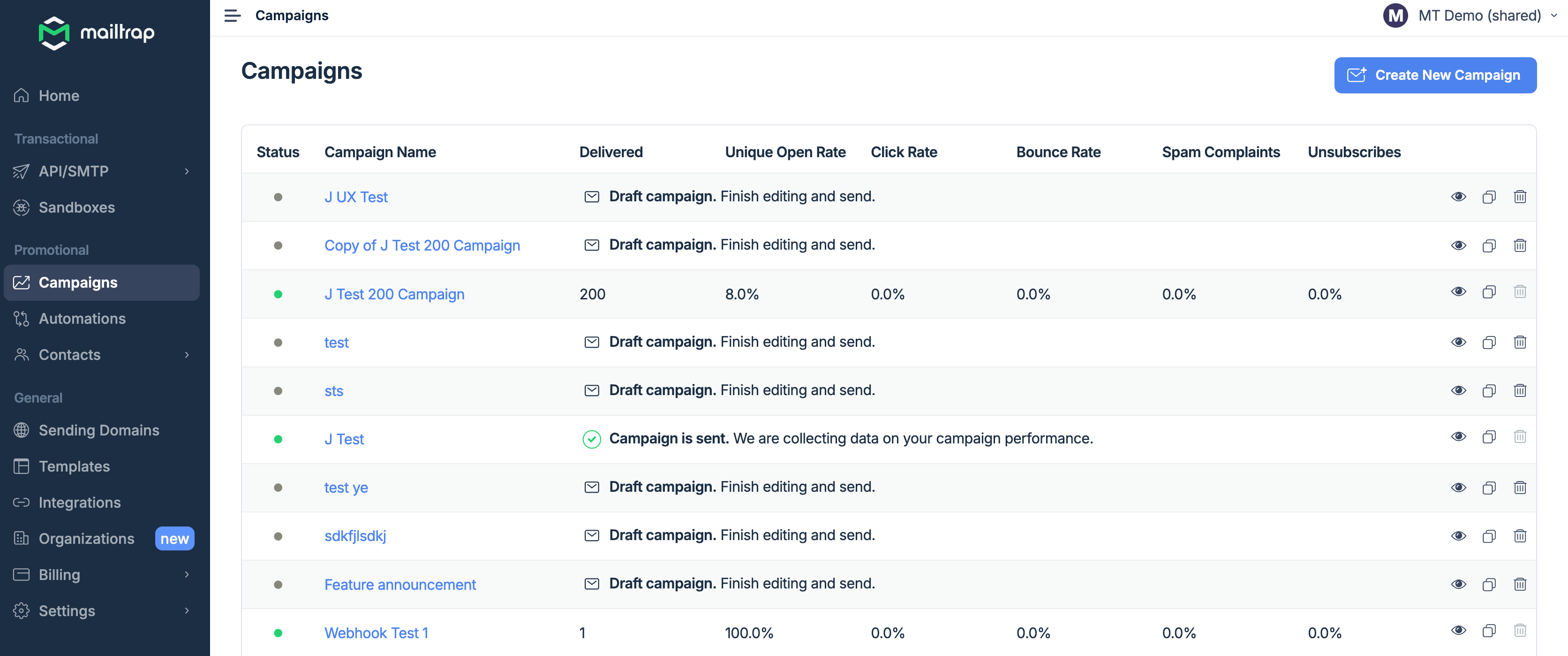
- Email campaigns with scheduling, segmentation and automation
- Industry best analytics
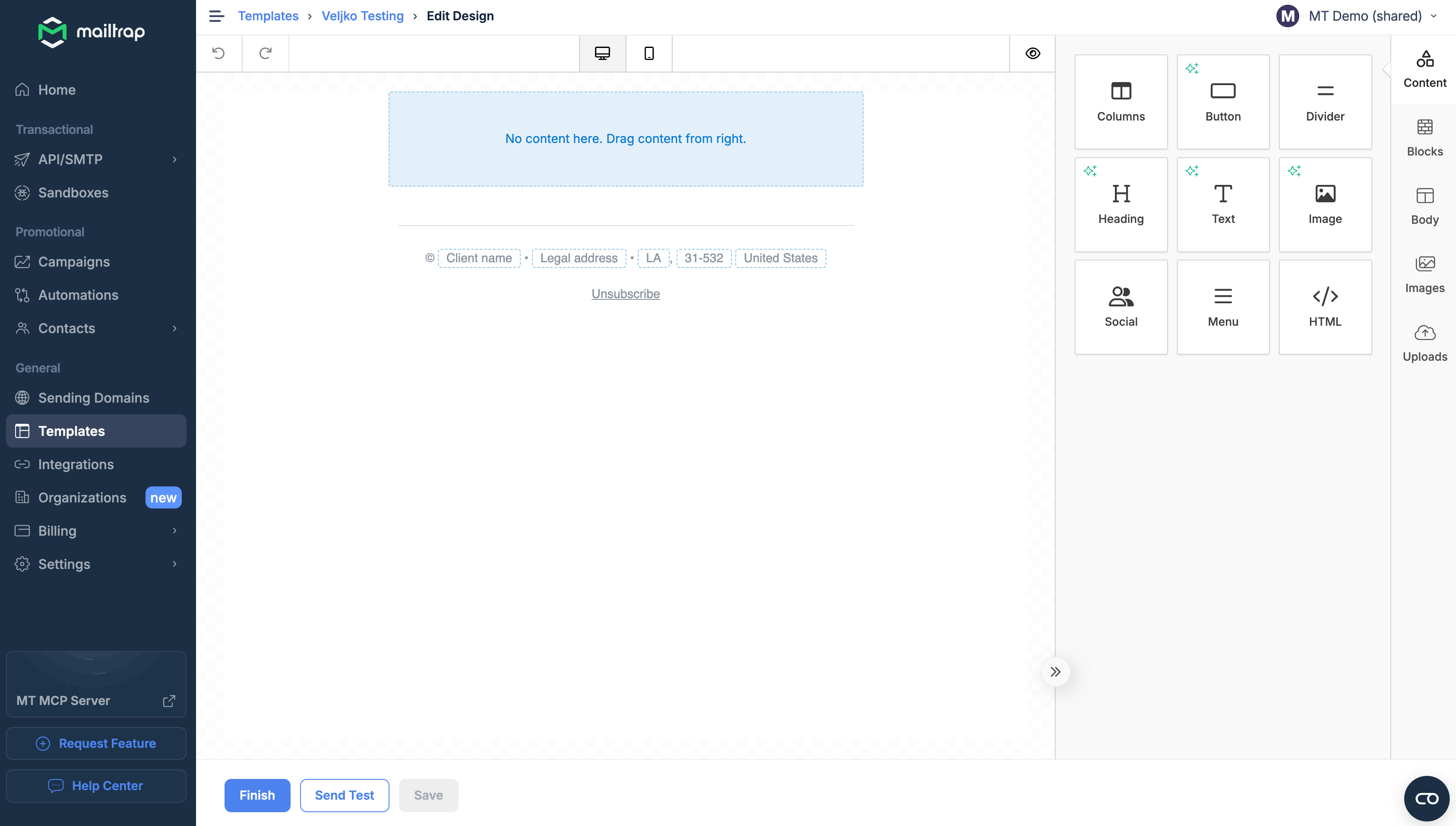
- Drag-and-drop email builder with AI assistance and fee image library
- Email template code editor
- Email templates and the template API
- Fast delivery and high inboxing rates.
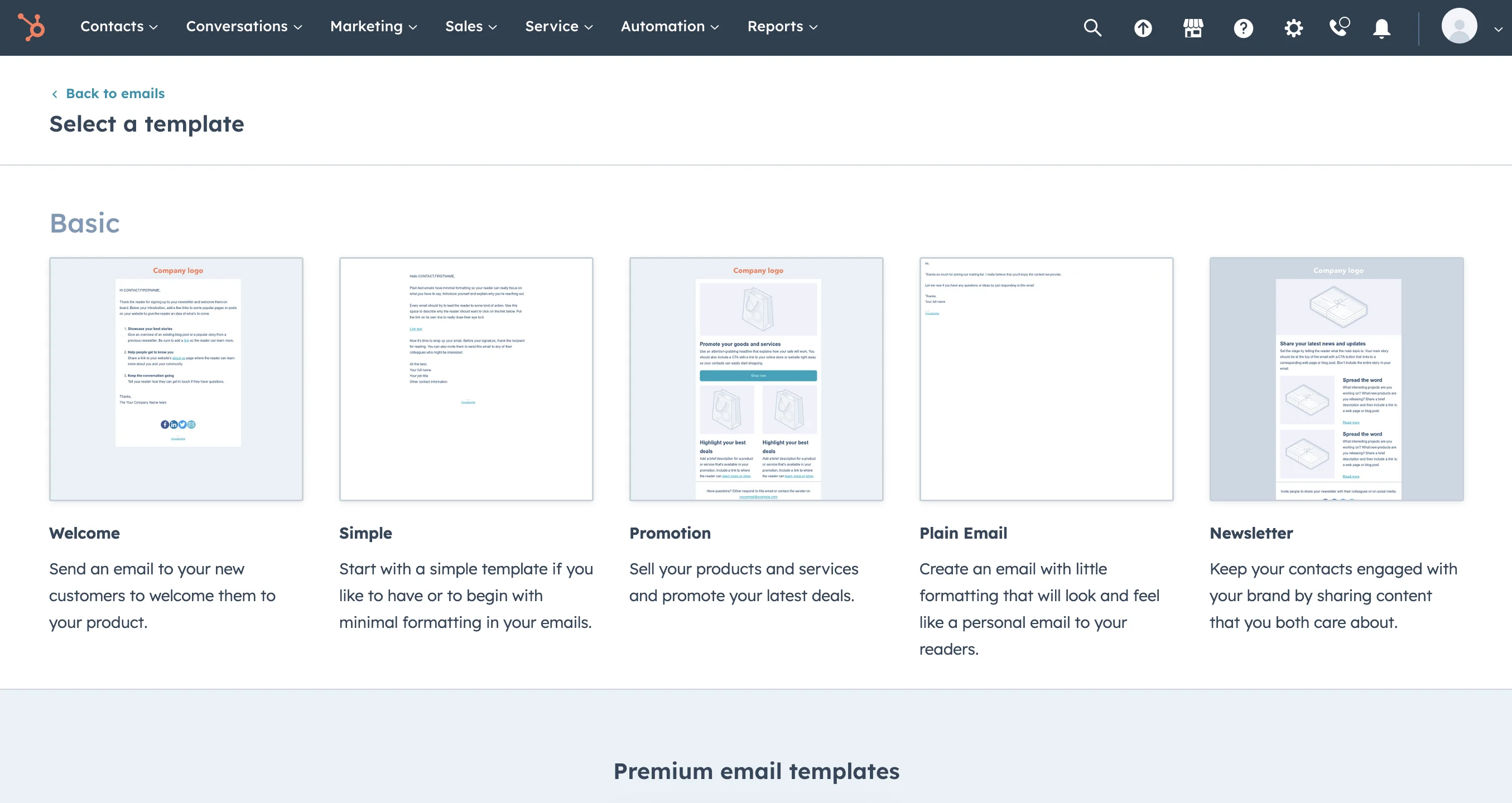
15+ email templates
Only 5 email templates on the free plan
Templates for:
- Welcome messages
- Sales
- Newsletter
- Event invitations
- Announcements
- Ebook emails
- Two simple out-of-the-box templates with the option to import your own.
- Templates API that allows you to programmatically send emails from your app or service.
1,495 integrations including WordPress, Zapier, Canva, Facebook, Salesforce, Shopify, Stripe, and more.
18+ integrations including VS Code, Cursor, Replit, Gemini, Heroku, Zapier, Make, and more.
- Website
- A mobile app for iOS and Android to manage the CRM
- Chrome extension for Gmail or G Suite
- Office 365 add-in and desktop add-in for Office 365
- No installable solution.
✅Available only on the web.
❌No installable solution.
 English
 Chinese (traditional)
 Danish
 Dutch
Dutch
 Finnish
 French
 German
 Italian
 Polish
 Portuguese (Brazil)
 Spanish
 Swedish
English
 Portuguese
Spanish
French
Italian
German
Polish
Portuguese
Spanish
French
Italian
German
Polish
 Ukrainian
 Japanese
Many pre-built automations (called workflows) triggered by:
- Contacts
- Companies
- Deals
- Tickets (for support purposes)
- Quotes
- Conversations
- Feedback submissions
Setting triggers, actions, and rules available in Alpha at the time of writing.
- An all-in-one solution for e-commerce businesses: email marketing, CRM, CMS, and more
- 1,482 integrations
- Thorough onboarding and courses
- A strong global community
- Ability to store many contacts for free
✅ High inboxing rates
✅ Fast email delivery
✅ Industry best analytics
✅ Safe and fast scaling
✅ 24/7 expert support
- Steep prices
- Complicated feature system may cause additional spendings
- Overwhelming amount of functions
- Support isn’t accessible enough
- Email templates aren’t sophisticated
❌Automations in Alpha stage
❌Requires intermediate coding skills
<...>
Anything above Starter gets very expensive and requires you to pay a high onboarding fee. In the case of the HubSpot Marketing Professional plan, this is $3,000 on top of the $890/month.
Surprisingly, HubSpot’s templates aren’t quite what you’d expect from such a popular, modern tool. I’d like to see some more design options for email and landing pages.
Pros: HubSpot is a good solution for organizations at their early steps. It provides all the necessary tools for website management and marketing activities. The contacts' management is good too.
Cons: It doesn't go in-depth on anything. For everything that HubSpot does there is a platform that does it better. But we would need many different tools so we stay with all in one but shallow approach (for now). It is also very expensive for what it is.
Easy to use and get started quickly. Mailtrap has saved us time and made handling emails smoother. It's been a good addition to our tools.
What do you dislike about Mailtrap?
The search function in the email logs could be better. Sometimes, finding specific wordscan be a bit tricky.
The service presents all key metrics in an easily comprehensible manner, thus providing a snapshot of our infrastructure status at any given moment. It has played a significant role in enriching our understanding of our infrastructure operations.
What do you dislike about Mailtrap?
A slight disappointment was that higher-tier plans, including the business plan, did not offer a free trial period.
*This information is current as of 10/14/2025. While we regularly update our articles, it`s possible that this article may not contain some of the latest information.