GetResponse vs Mailtrap
Trying to choose between GetResponse vs Mailtrap as your email marketing software? Here's when to choose each tool – and the pros and cons to know about.

GetResponse
- 4.2/5 on GetApp
- 4.2/5 on Capterra
- 3.5/5 on TrustPilot
GetResponse is a marketing platform with 30+ features to grow your business including emails.
Pricing
Dynamic, depends on the features and list volume, starts from $13.3/month billed every two years. Monthly, annual, and biannual plans are available.
Key features
- Email marketing tools
- Autoresponders
- Marketing automation
- Website builder
- Landing pages
- Forms and popups
Support
24/7 email and live chat support in several languages

Mailtrap
- 4.8/5 on Capterra
- 4.8/5 on G2
- 3.8/5 on Trustpilot
A high-deliverability email platform for digital products to send emails at scale. It offers transactional and bulk emails, SMTP, APIs, and official SDKs.
Pricing
Starts at $15 a month for 10,000 emails and up to 50,000 contacts
Key features
- High inboxing rates
- Fast email delivery
- Industry best analytics
- Safe and fast scaling
- 24/7 expert support
- Major SDKs
- Email Templates API
- Flexible API
- 18 integrations with various services
Support
Email support available on all plans for 20 hours on weekdays. 24/7 live chat and priority support available on higher plans.
GetResponse was founded in 1998 in Gdansk, Poland, and it focuses on newsletters and marketing automation.
Founded in 2011 by Railsware Product Studio, Mailtrap is a bootstrapped product owned by Railsware with company headquarters in Kyiv, Krakow, and Los Angeles.
Beginner-friendly
The service is geared for developer and product teams. Although not easy for the general public, its interface makes it easy for professionals to adopt the tool.
E-commerce businesses, solopreneurs
SMEs and enterprises who require detailed, well-laid-out analytics, high deliverability, as well as transactional and marketing emails within a highly scalable and stable solution.
Free plan includes:
- 2,500 emails/month
- Contact list limit of 500 contacts
- Landing pages
- Sign-up forms
- Website builder with a 5GB bandwidth
- Connect a domain
There’s also a 30-day free trial for all paid plans.
Yes, 3,500 emails per month with 150 emails/day throughput, one domain and one user seat.
GetResponse includes 4 pricing tiers, depending on the features, contact list, and extra services.
Email Marketing: starts from $13.3/month for 1,000 contacts billed biannually and includes
- Newsletters
- AI email generator
- Autoresponders
- AI campaign generator
- Website and landing pages
- Signup forms and popups
- Email and live chat support
Marketing Automation: starts from $41.3/month for 1,000 contacts billed biannually, includes Email Marketing features and
- Marketing automation
- Event-based workflows
- Webinars
- Advanced segmentation
- Contact scoring
- Sales funnels
Ecommerce Marketing: starts from $83.3/month for 1,000 contacts billed biannually, includes Marketing Automation features and
- Ecommerce integrations
- Quick transactional emails
- Abandoned cart recovery
- Promo codes
- Product recommendations
- Web push notifications
GetResponse MAX: starts from $999/month billed biannually for contact lists larger than 100,000, includes E-commerce Marketing features and
- Dedicated, priority support + phone and Slack support
- Dedicated infrastructure
- Personalized onboarding
- SMS marketing
- AI recommendations
- Transactional emails
- FTP contact imports
Mailtrap offers four pricing plans, billed monthly, and based on the number of emails and contacts, features, data retention and additional services.
Basic starts from $15 per month for 10,000 emails and up to 50,000 contacts.
- No daily email throughput limit
- 5 domains
- 5 days of email log and body retention
- Click rate tracking
- 3 user seats
- 2FA
Business starts at $85 per month for 100,000 emails and up to 750,000 contacts.
- Everything you get in Basic +
- 3,000 domains
- 15-day email log retention
- 7-day email body retention
- Max email size up to 30MB
- Dedicated IP
- Auto warm-up
- HTTPS link branding
- 1,000 user seats
- 2FA & SSO
- 24/7 customer support (email & live chat)
- Priority support
- Deliverability expert assistance
- Migration assistance
Enterprise starts at $750 per month from 1,5M emails and up to 2.5M contacts.
- Everything you get in Business +
- 30-day email log retention
- 15-day email body retention
- Activity logs
Mailtrap for big senders
- Custom pricing
- Deliverability manager
- Onboarding assistance
- Unlimited user seats
All paid users and users on a free trial have access to 24/7 support:
- Email — in English, German, Spanish, Portuguese, French, Russian, Polish, and Italian.
- Live chat — in Polish or English.
GetResponse MAX users have access to dedicated priority support via the same channels, and also phone and Slack support. Free plan users have no access to support.
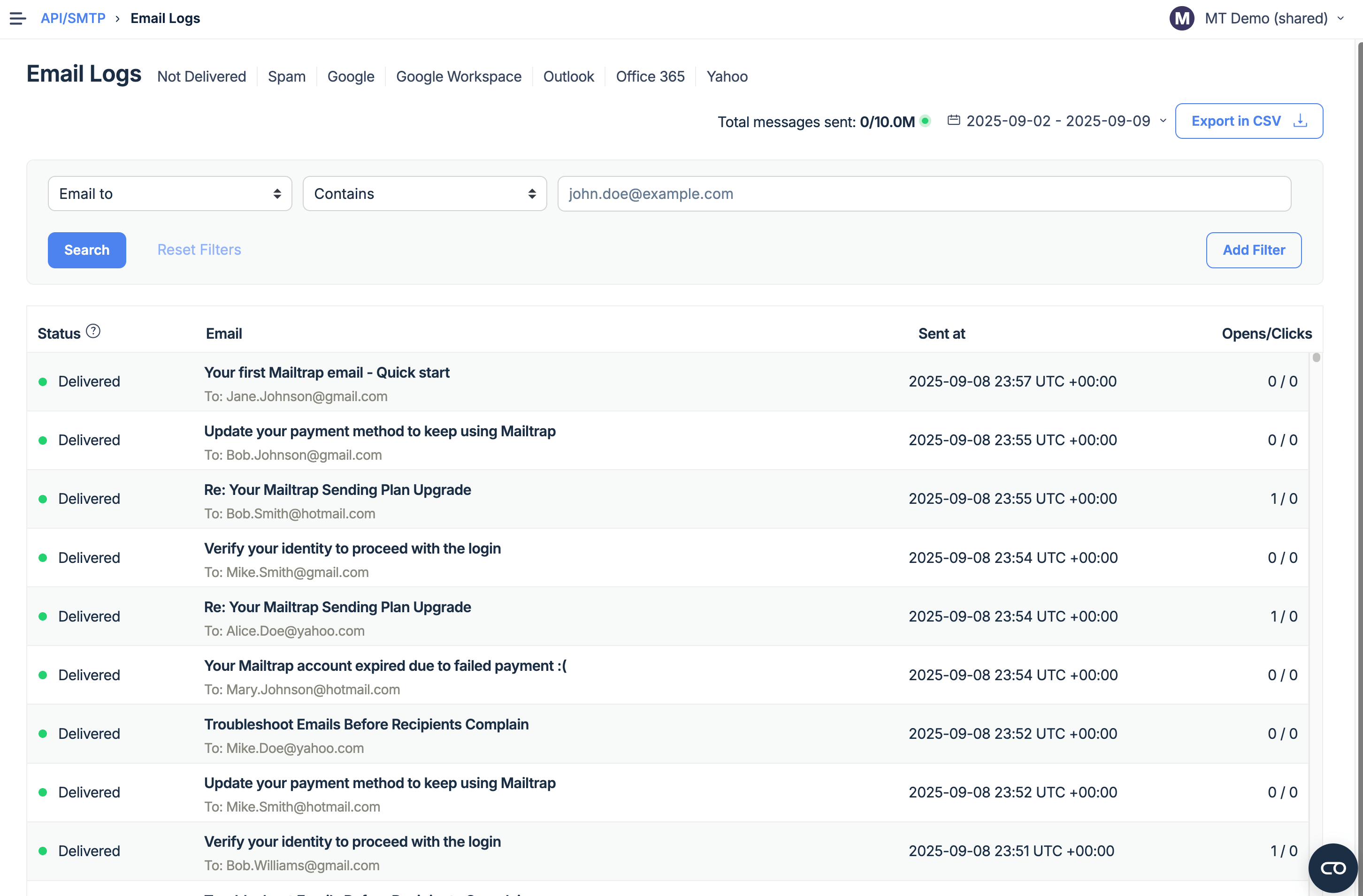
Email support available to all plans, Knowledge Base, well-documented APIs and SDKs, YouTube tutorials, documentation available on all plans.
Live chat and priority support available on higher plans (Business, Enterprise, and Mailtrap for big senders). This also includes migration and deliverability expert assistance and live chat and priority support – available 24/7.
On lower-tier plans, email support is available 20-hours per day, Monday to Friday.
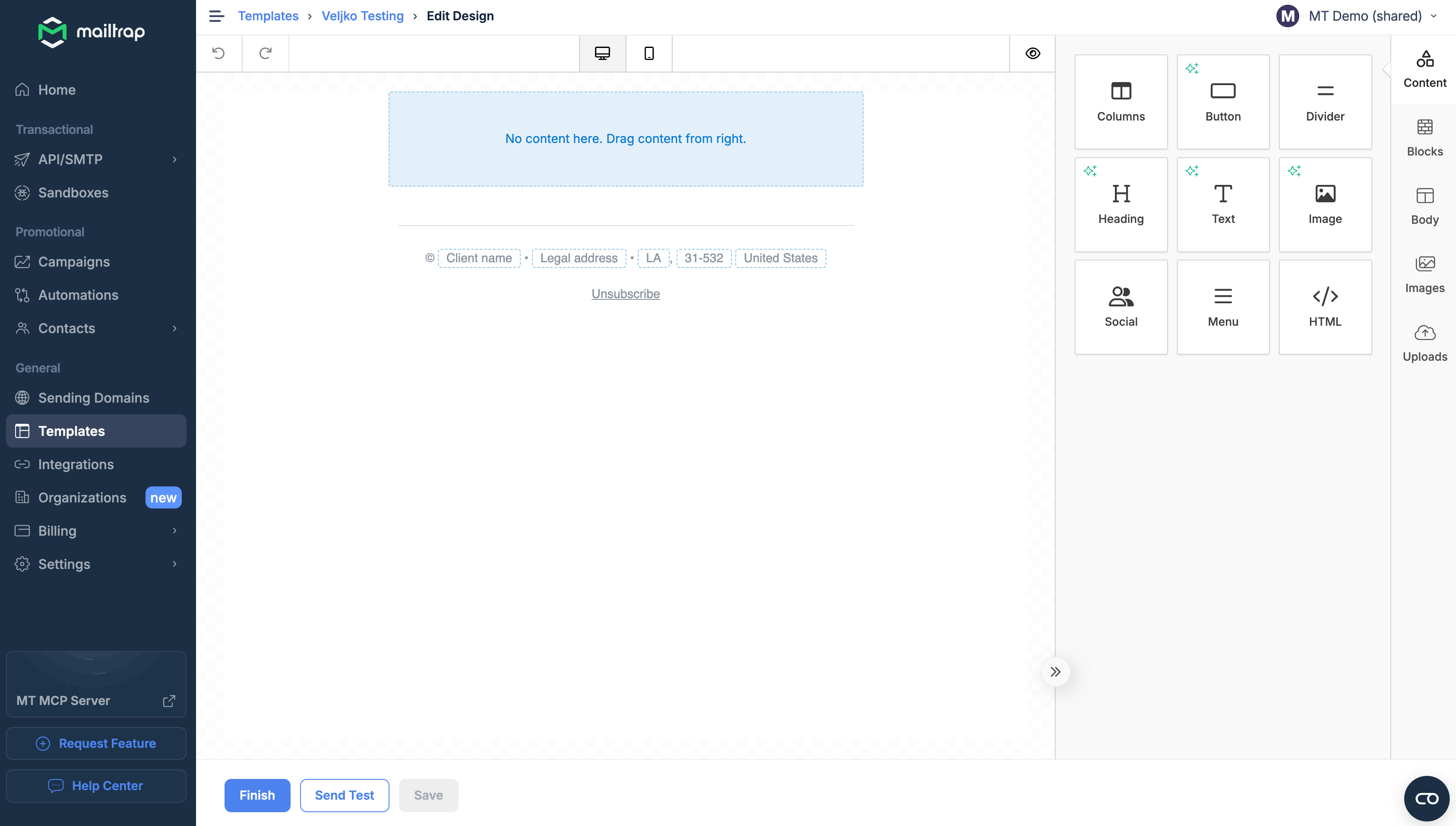
- Email builder with templates
- AI email generator
- AI campaign generator
- Send time optimization
- Autoresponders
- Automation workflow builder with pre-built templates
- Web events and advanced triggers
- Pop-ups and forms
- Other channels: SMS, web push notifications, live chat management
- Segmentation
- List management
- Lead magnet and conversion funnels
- E-commerce features: transactional emails, promo codes, recommendations, abandoned cart emails
- Website builder with AI wizard
- Paid ads: Google, Meta, goal-focused
- Webinars
- Reports and analytics
- A/B testing
- Separate sending streams for bulk and transactional emails
- SMTP & API (+SDKs for major programming languages)
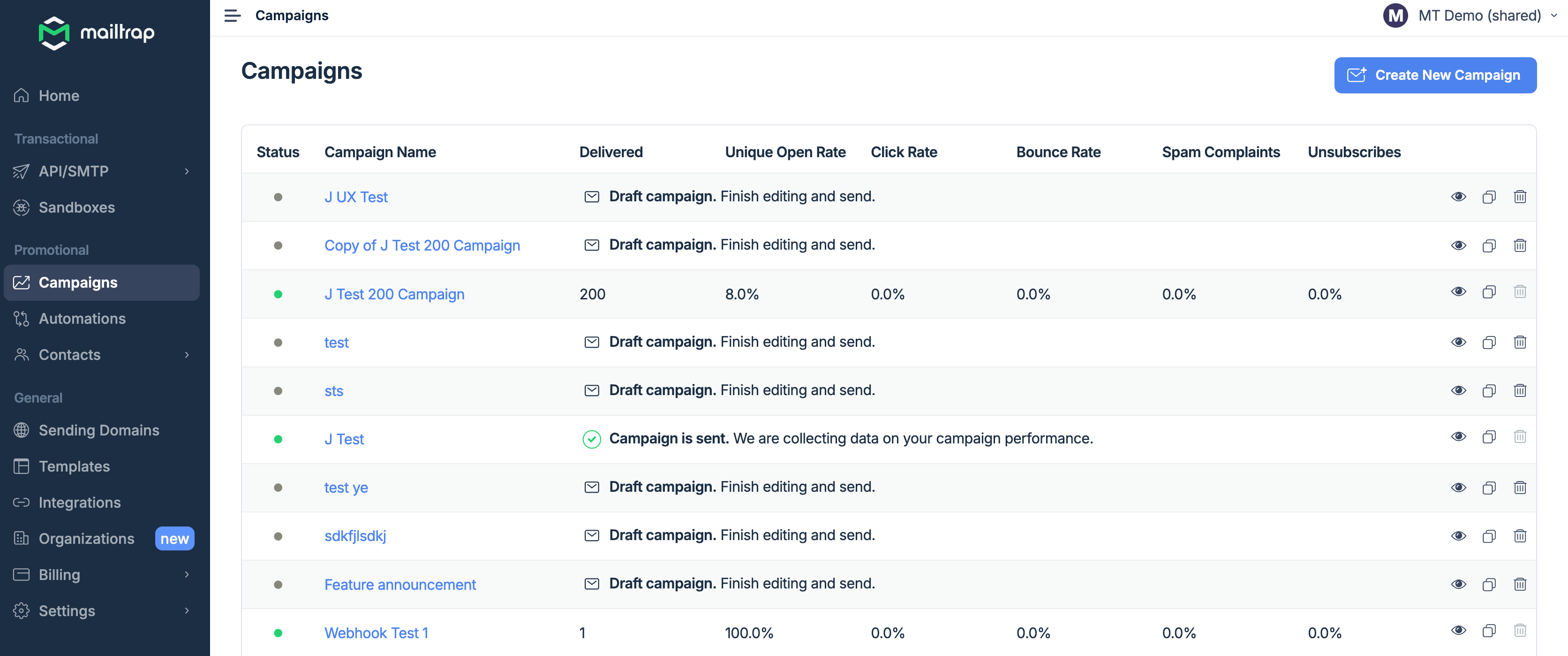
- Email campaigns with scheduling, segmentation and automation
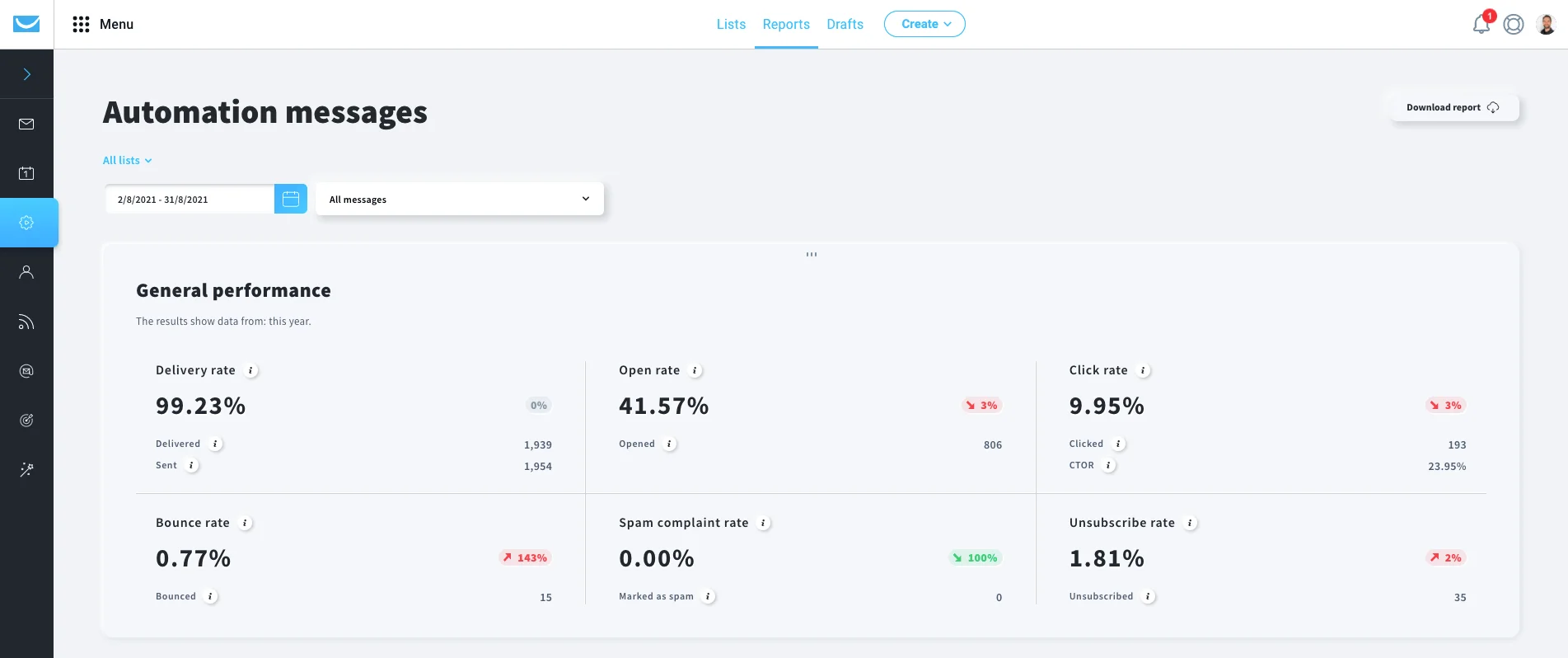
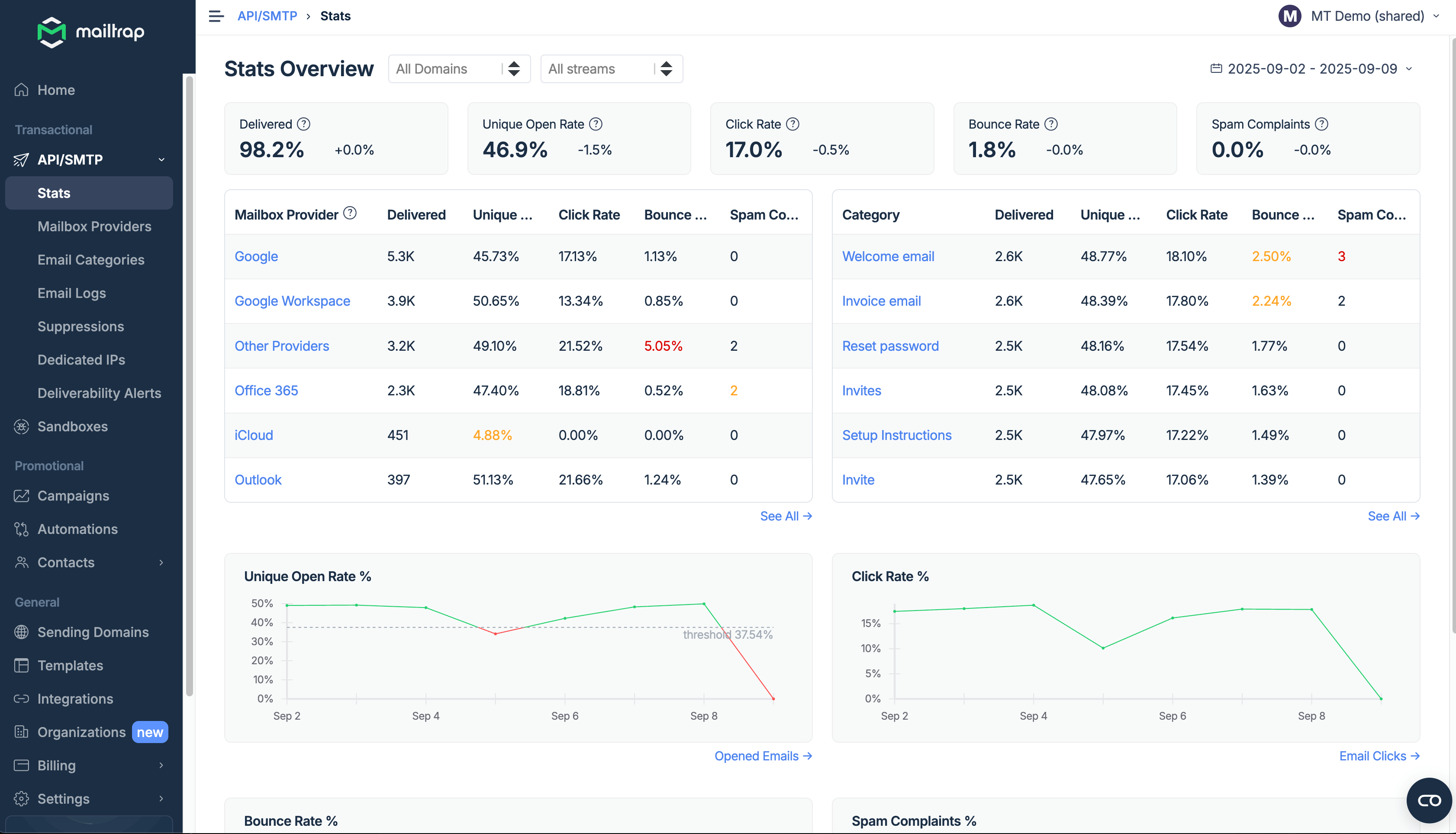
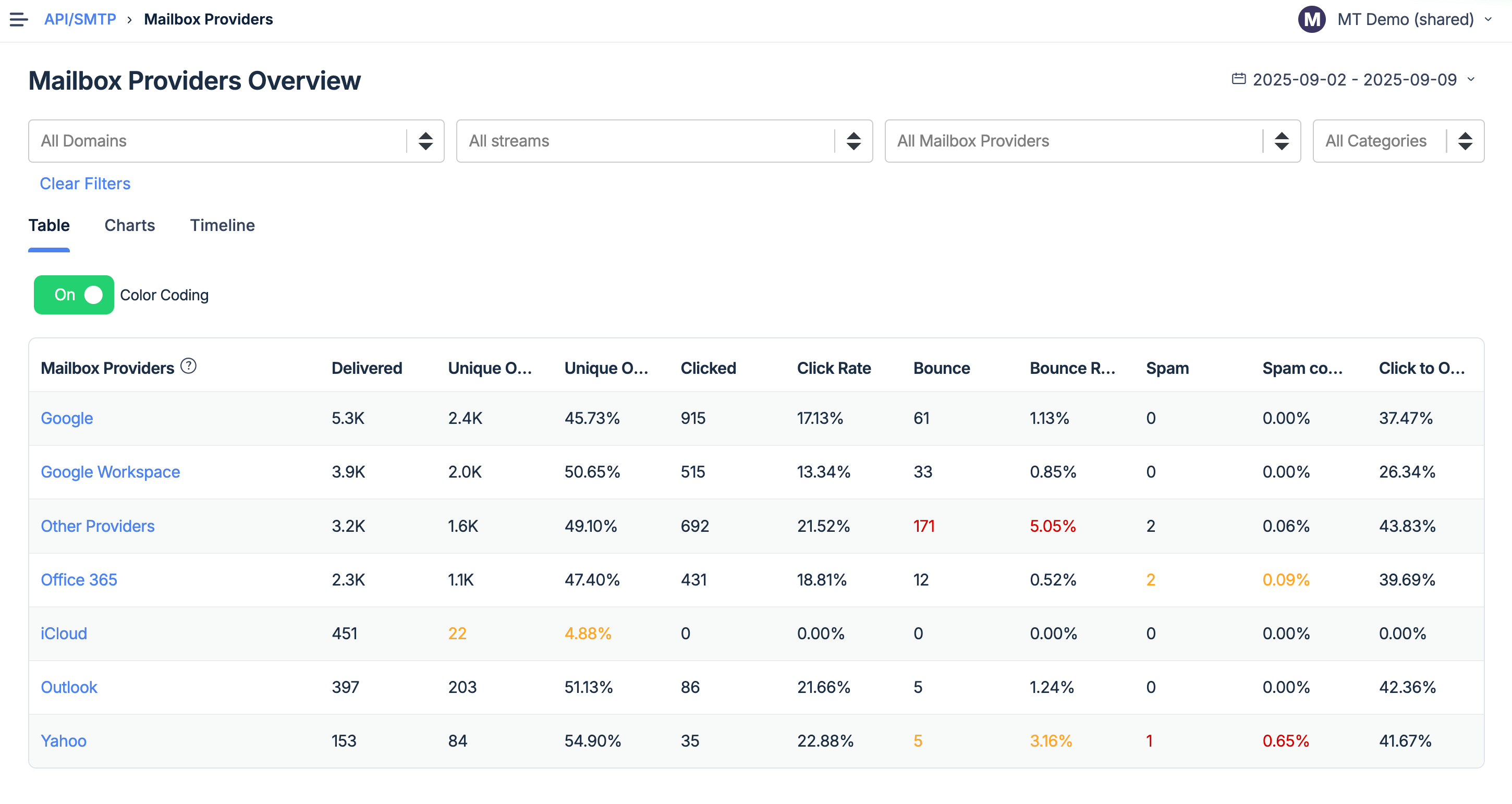
- Industry best analytics
- Drag-and-drop email builder with AI assistance and fee image library
- Email template code editor
- Email templates and the template API
- Fast delivery and high inboxing rates.
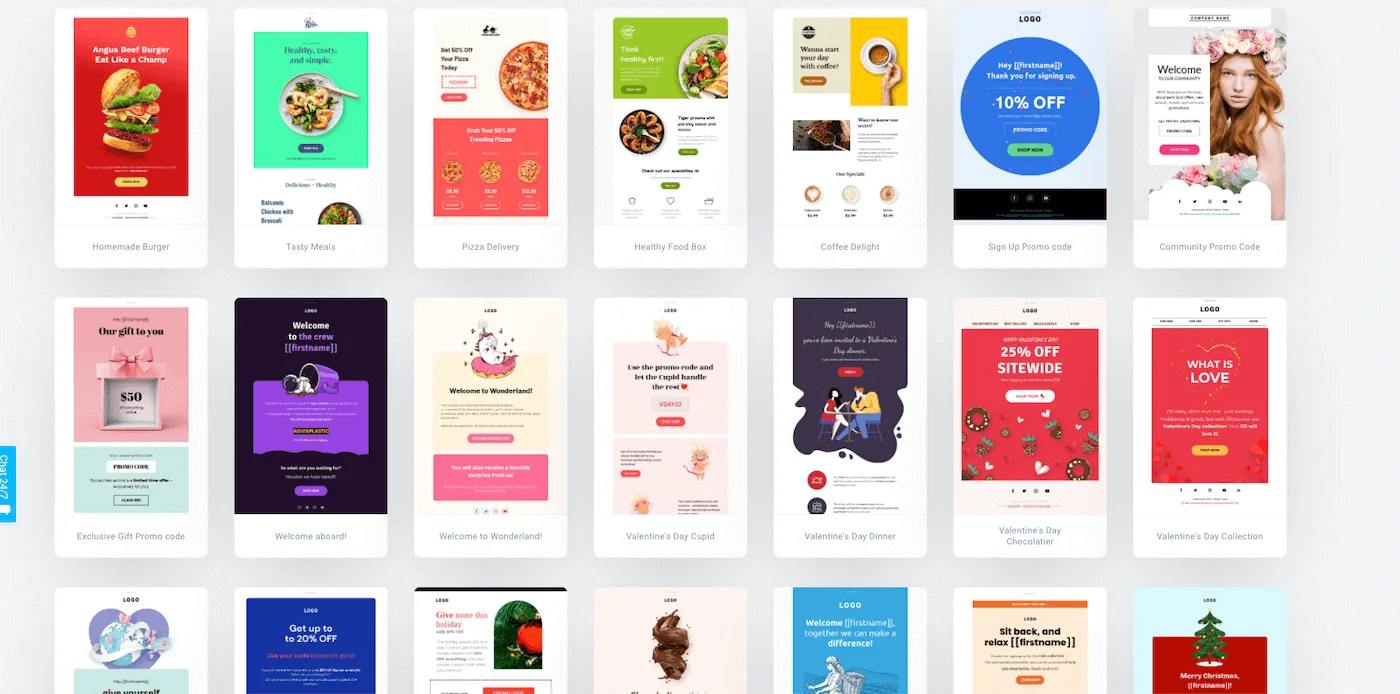
150+ free email templates categorized by purpose and industry:
- Business
- Education
- Events
- Holidays
- Sales
GetResponse offers templates for transactional and triggered emails (like cart abandonment), company newsletters, different types of promotional emails, and more.
- Two simple out-of-the-box templates with the option to import your own.
- Templates API that allows you to programmatically send emails from your app or service.
291 integrations with e-commerce tools like Shopify, landing page builders like Instapage and Leadpages, website builders like Squarespace, and more.
18+ integrations including VS Code, Cursor, Replit, Gemini, Heroku, Zapier, Make, and more.
Web app, fully functional mobile apps for iOS and Android, including separate mobile apps for webinars and live chat management
✅Available only on the web.
❌No installable solution.
 English
 Polish
 German
 Spanish
 Portuguese
 Italian
 French
 Russian
 Vietnamese
 Indonesian
 Dutch
Dutch
English
Portuguese
Spanish
French
Italian
German
Polish
 Ukrainian
 Japanese
GetResponse offers a visual automation workflow builder with behavioral conditions and pre-made templates for welcome messages, retargeting, win-back campaigns, and more. You can also build your own sequence from scratch.
Setting triggers, actions, and rules available in Alpha at the time of writing.
- Good updated email builder
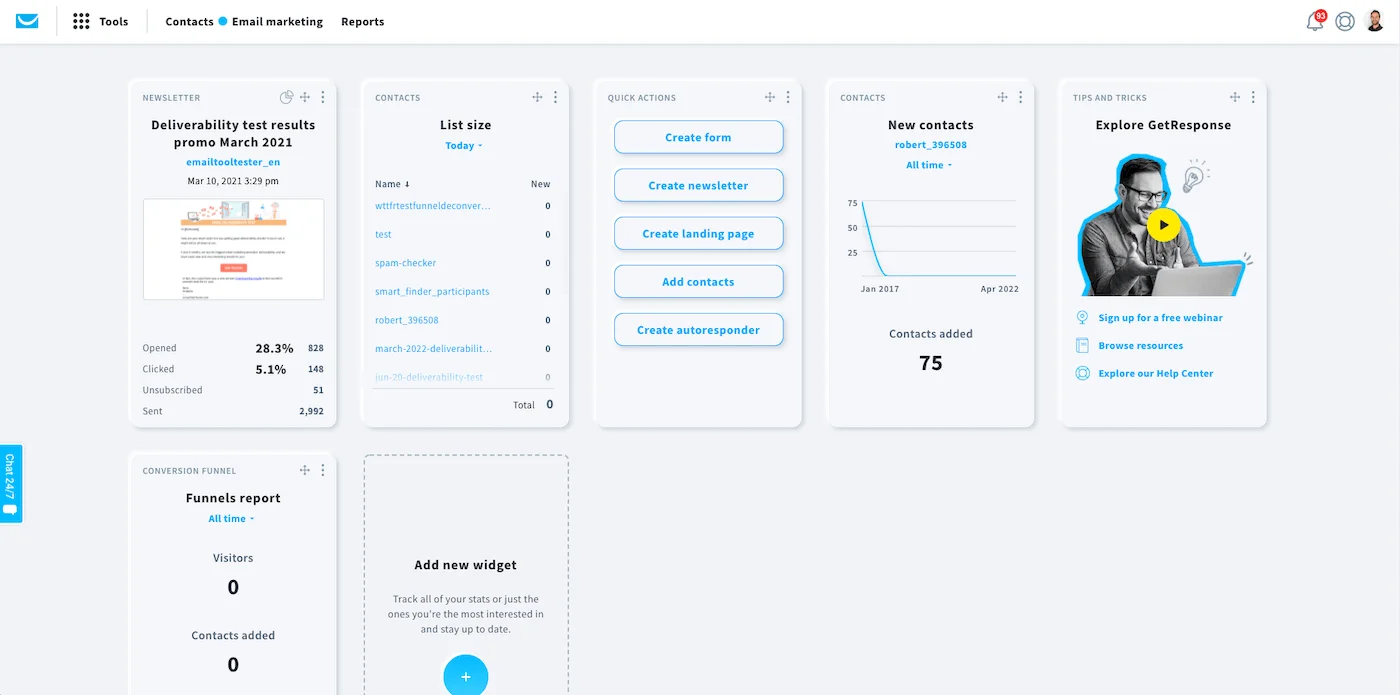
- Customizable dashboard
- Very easy to use
- A lot of marketing channels available at one place
✅ High inboxing rates
✅ Fast email delivery
✅ Industry best analytics
✅ Safe and fast scaling
✅ 24/7 expert support
- Trouble accessing customer support
- Can be slow and buggy, some reviewers report an outdated UI
- Can get expensive and many cool features are only available on high tiers
- Limited website and landing page builder
❌Automations in Alpha stage
❌Requires intermediate coding skills
Easy to use and get started quickly. Mailtrap has saved us time and made handling emails smoother. It's been a good addition to our tools.
What do you dislike about Mailtrap?
The search function in the email logs could be better. Sometimes, finding specific wordscan be a bit tricky.
The service presents all key metrics in an easily comprehensible manner, thus providing a snapshot of our infrastructure status at any given moment. It has played a significant role in enriching our understanding of our infrastructure operations.
What do you dislike about Mailtrap?
A slight disappointment was that higher-tier plans, including the business plan, did not offer a free trial period.
*This information is current as of 10/14/2025. While we regularly update our articles, it`s possible that this article may not contain some of the latest information.