
Email Size Calculator by Selzy
Check Your Message Weight In Seconds With Selzy Email Size Calculator.
Why risk writing an email you can’t send? Selzy’s free email size calculator helps you check message size and attachments to stay under email platform weight limits.
How do you check email size?
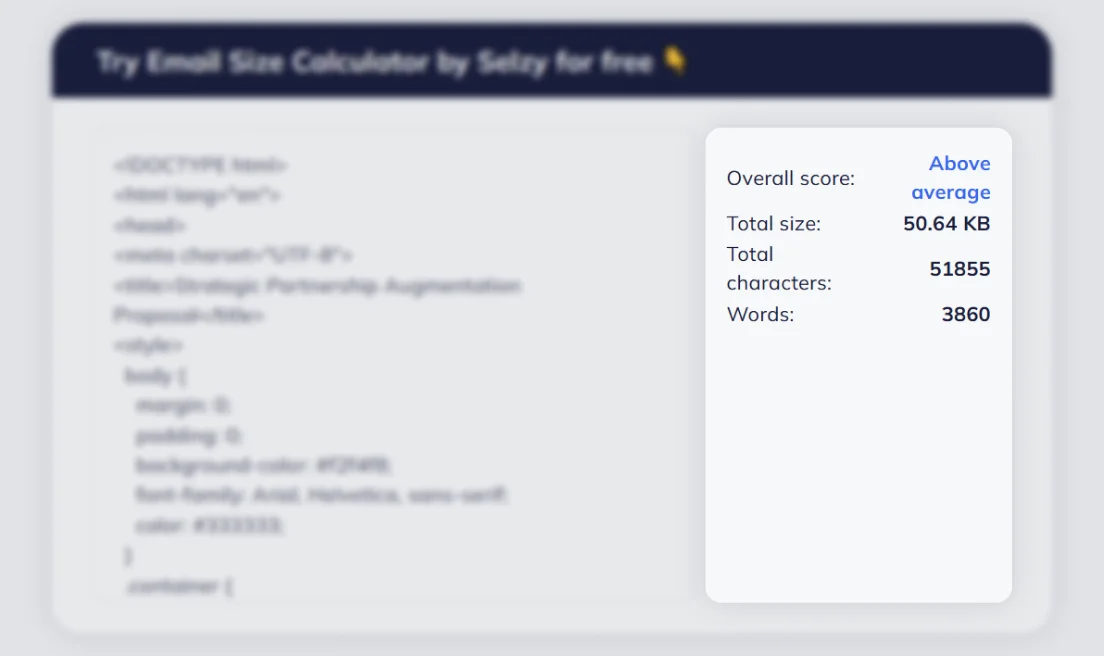
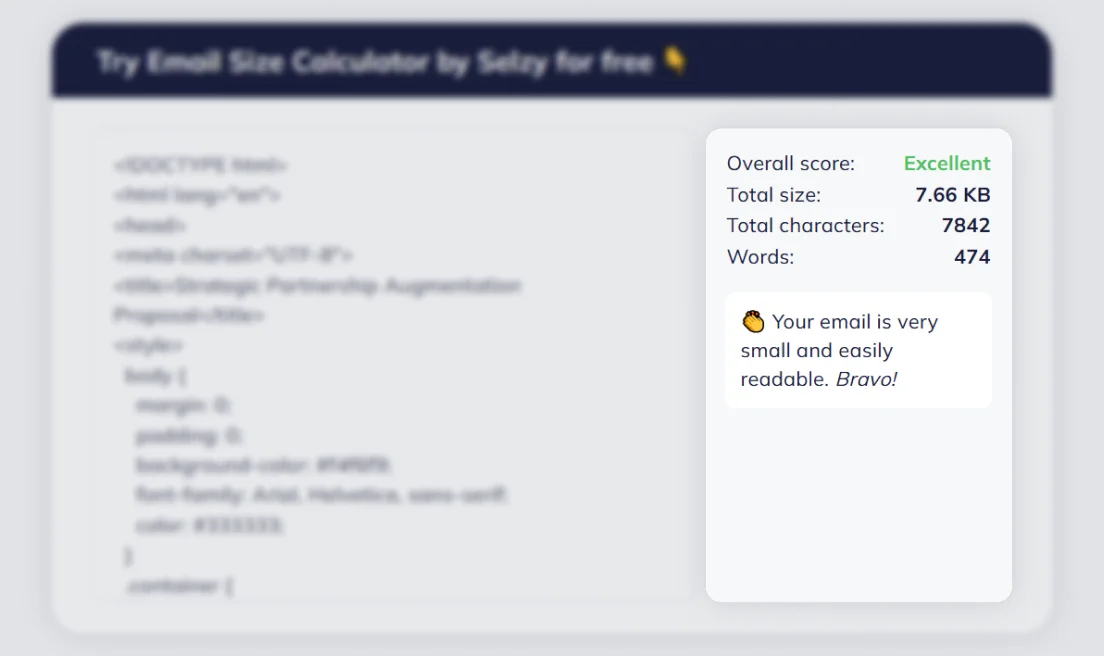
Paste your content and images directly into the tool
We’ll instantly show your email size
Make any necessary changes
Recheck and voila!
Why use our free email size checker?
Avoid size limits
Many email platforms enforce strict size limits, and discovering your message is too large after writing wastes time. Use our free tester to confirm KB totals before sending.
Preview before designing
Check images and text together with one calculator. A free email estimation resource tells you how content, formatting, and images affect email size. Fix your message before design work begins.
Skip last-minute fixes
Who wants to write content over and over? Our free email size tester lets you paste your message and see KB totals fast, helping you send cleaner messages without surprises.
Get a clear plan
Designed for everyday use, this calculator measures text, images, and message structure in one place. It is a simple tool for writers and marketers planning email content.
Who should use an email size checker tool?

-
Marketers
Marketers send frequent emails to get important information out to their audiences. These messages often include links and formatted text. A free email size estimator helps check the size of your email early, leveraging just one estimating tool to avoid platform limits.
-
Content Creators
Content creators rely on visual and styled text. An email size estimator resource makes it super easy to see how images and context affect the size of the email before sending messages.
-
Business Owners
Business owners need emails that send without issues or delays. A free calculator tool helps check the size of your email, review text and formatting, and keep every message within limits.
-
Authors
Readers love to hear from authors about what’s coming next. But many authors have a lot to say. Using an estimating tool shows the size of your email so that you can adjust your message and keep messages within the size limits of your email delivery platform.
FAQ
-
What is Selzy’s Free Email Size Calculator?
Selzy’s free email size checker is a simple size checker that shows the size of your email before you hit send. All you have to do is paste the content from your email message into the resource to check the total weight (size) of the text and formatting so that your email stays within platform size limits.
-
How is email size calculated?
Selzy looks at the size of your email, measured in bytes, kilobytes (kb), or megabytes (mb). Our measurement includes text and formatting using our proprietary size estimator.
-
Why is email size important?
Email size is important because many email platforms reject, clip, or delay messages if the total size is beyond platform limits. Keeping your message within limits the first time around will save you so much time.
-
How can I make my emails smaller?
Check your images first. You may need to compress them. You may also need to shorten text, remove unnecessary formatting, and limit attachments.